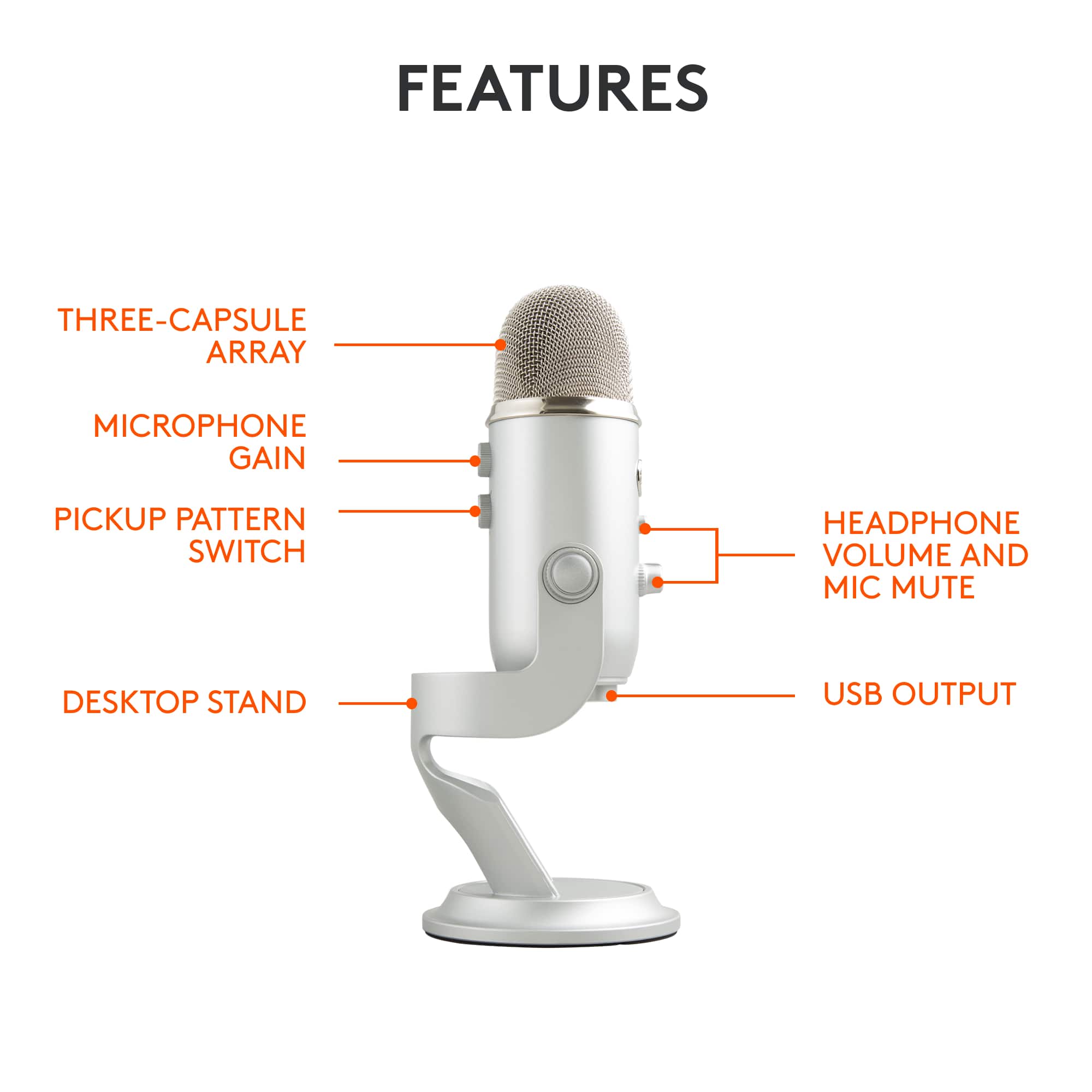
A:AnswerComes with a standard USB-A cable to connect to your computer, and I believe it is a Mini USB-A into the base of the Mic. If you need something other than a USB-A to plug into your computer with, there are plenty of adapter cables available.
A:AnswerHello, as a power source only, you can use this method with the Yeti. The Yeti will require drivers and software to properly function for recording.
A:AnswerYou SHOULD be able to use this with one of Apple's Lightning/USB adapters (MD821AM/A, MK0W2AM/A, or MD820AM/A) or possibly your iThingie's included cable and a USB-A to microUSB adapter. Blue does make a couple mics specifically for iOS devices, so their tech support should be able to answer this with more authority.
A:AnswerI was told at the store that all the colors are the same microphone. & as long as the “new color” is the same price then they will exchange it no problem. Otherwise, you’d just have to pay the difference.
A:AnswerIt is not noise canceling. It will pick up a lot of noise so adjusting your settings on the mic will help. For the sake of text to speech it’s a great choice.