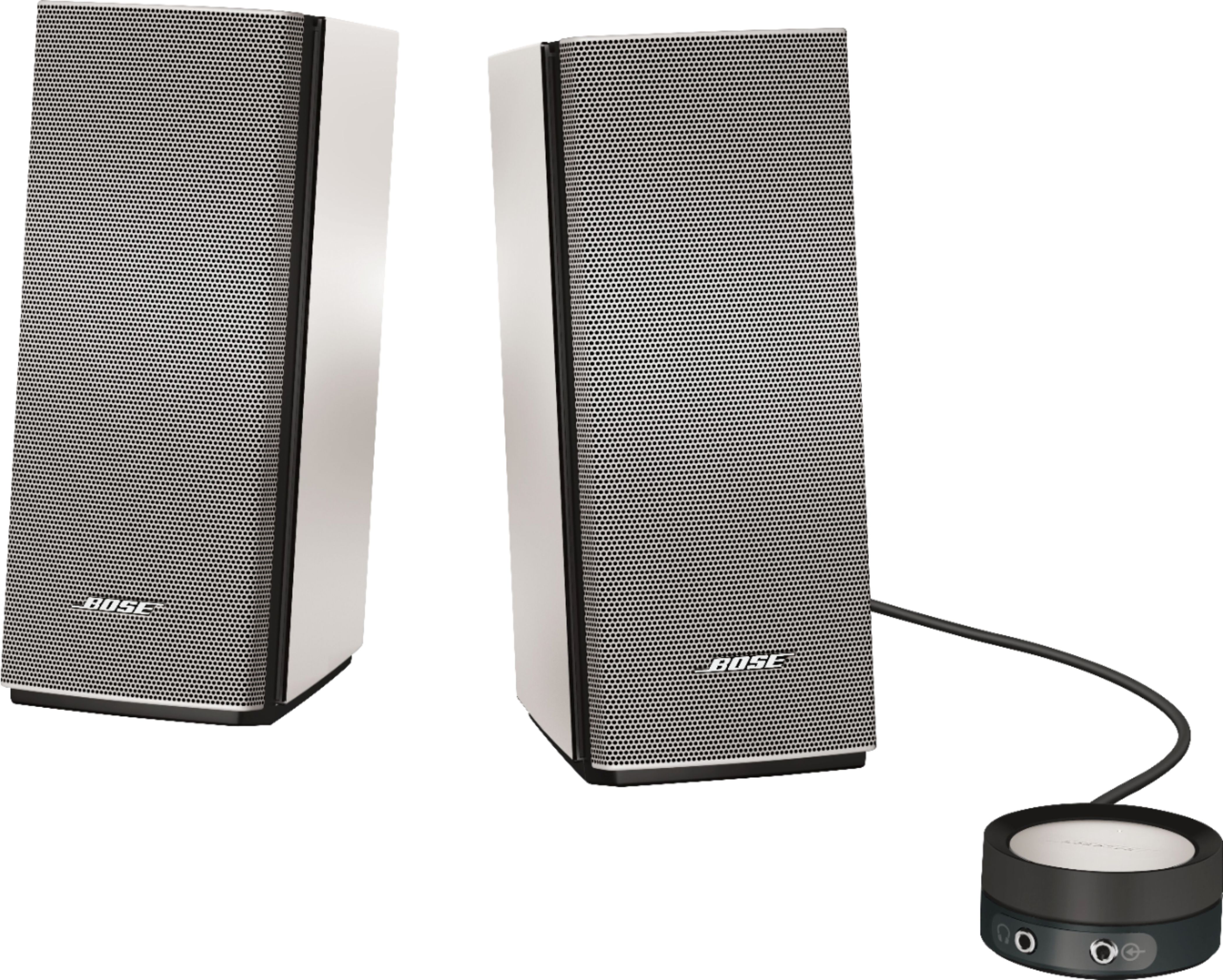
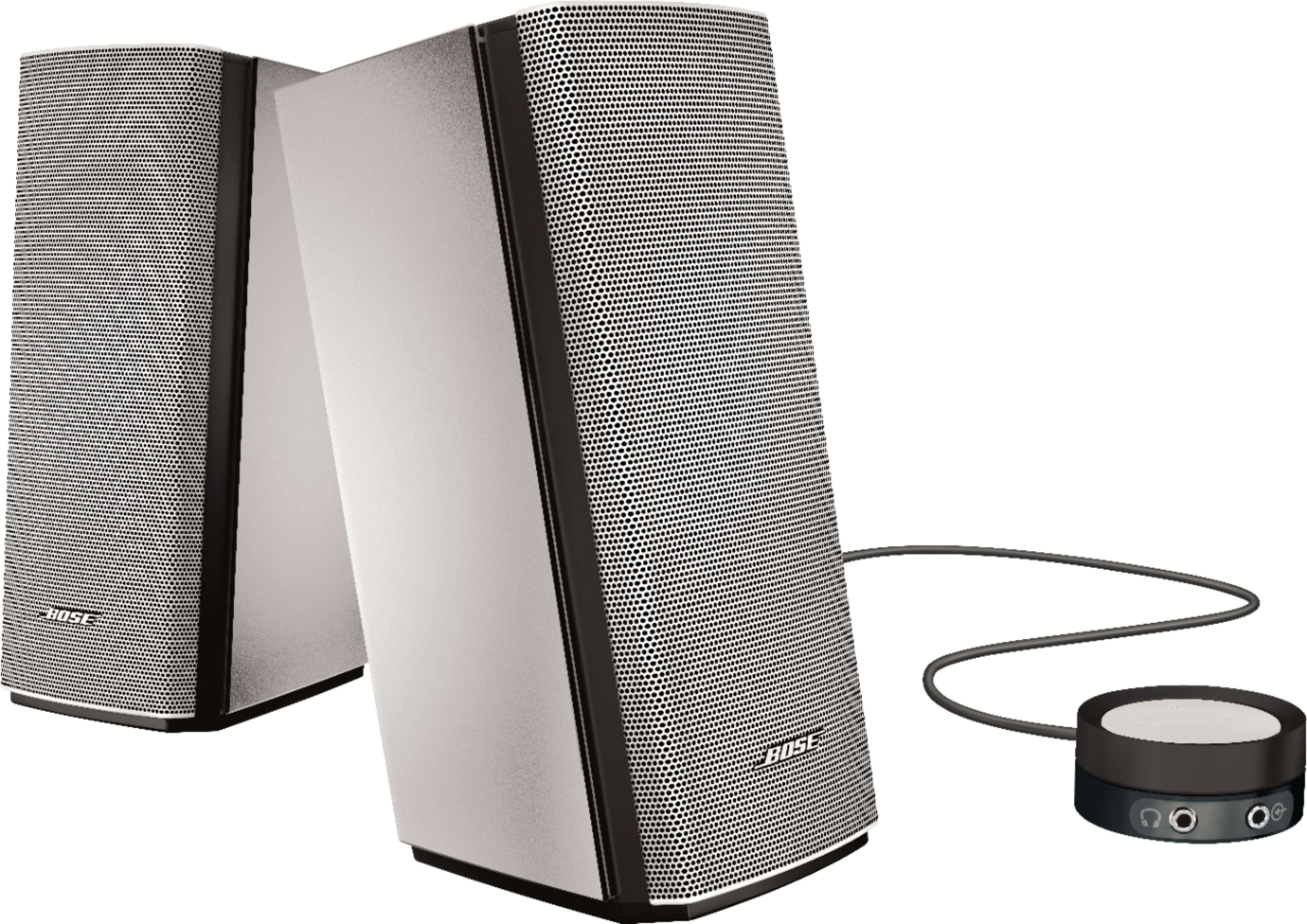
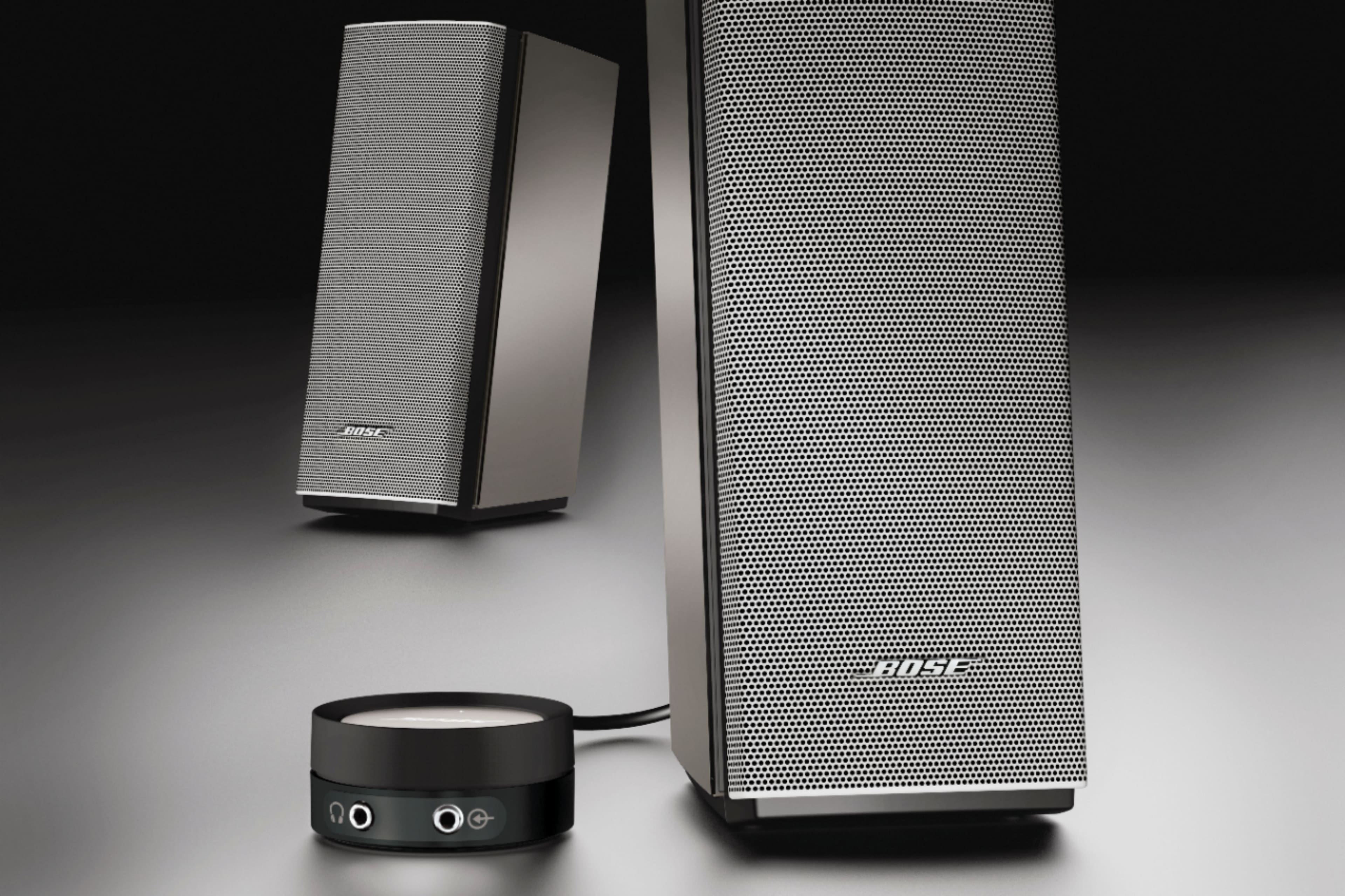
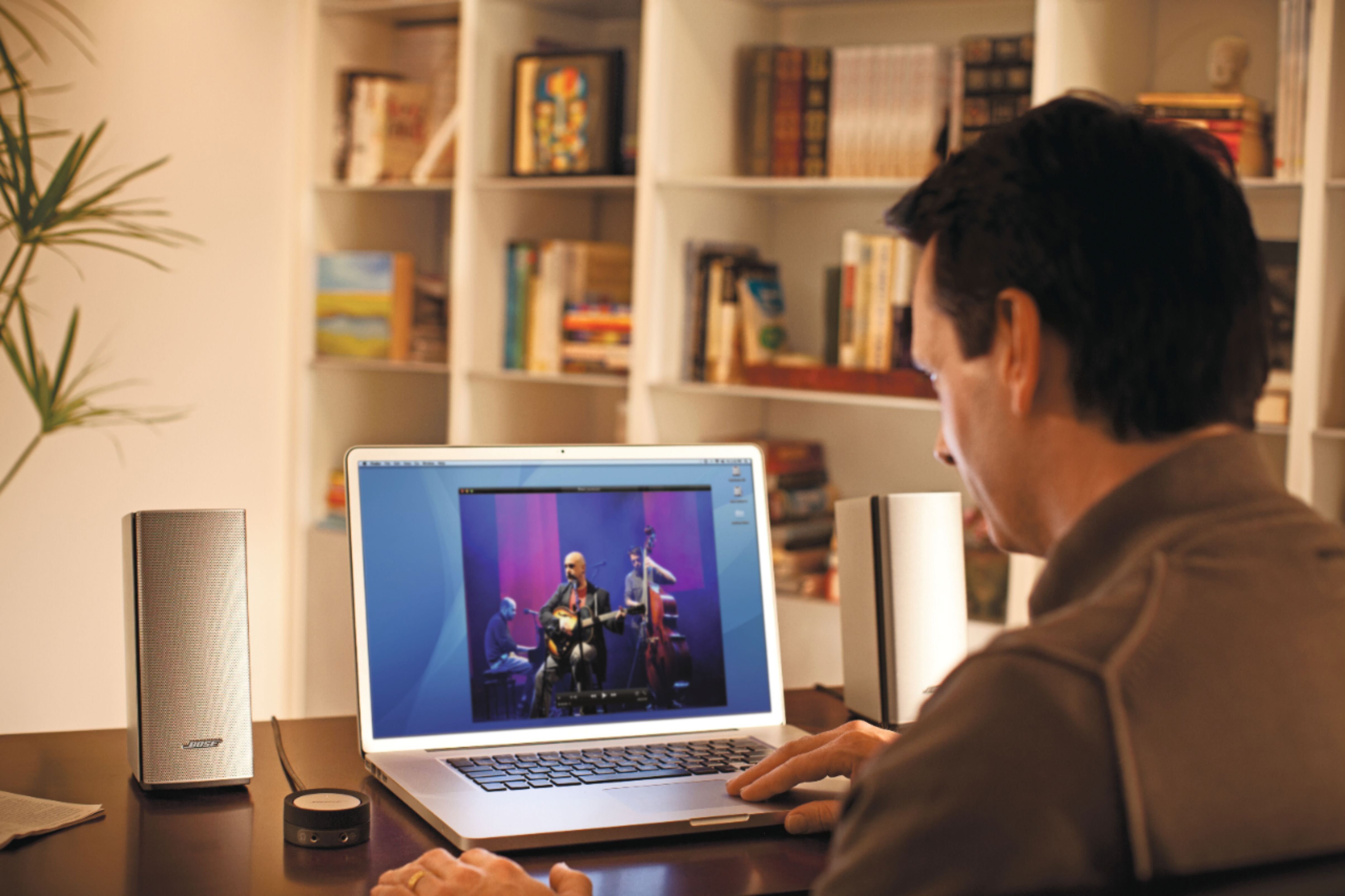
A:AnswerThis system is wired. Both left and right speakers can be positioned and placed independently, however, but are required to be physically connected together.
A:AnswerThere's no built in place to plug in a powered sub-woofer, so you'd have to bake up a solution on your own, not hard if you have any electronics training.
But there's always the question, "How much bass do you need?" I've never found a published value for the frequency response range on these speaks. However, out of curiosity I ran several speaker response test from YouTube to test my own Bose Companion 20s. (Full disclosure, I wear hearing aids so my perception is a bit skewed.) I was pleased the speakers kicked in at around 44 Hz and climbed steadily to above my hearing range at about 15,000 Hz.
Past all that I've been quite pleased with these speaks. The clarity is very good, HiFi quality good. These replaced the top of the Logitech line speakers with a subwoofer, I was fearful the Bose wouldn't match the performance of the Logitech which was quite good, with deep bass. I have not been disappointed with the Bose and they lose less that 10 Hz on the low end, but more than make up for that in the clarity and separation.
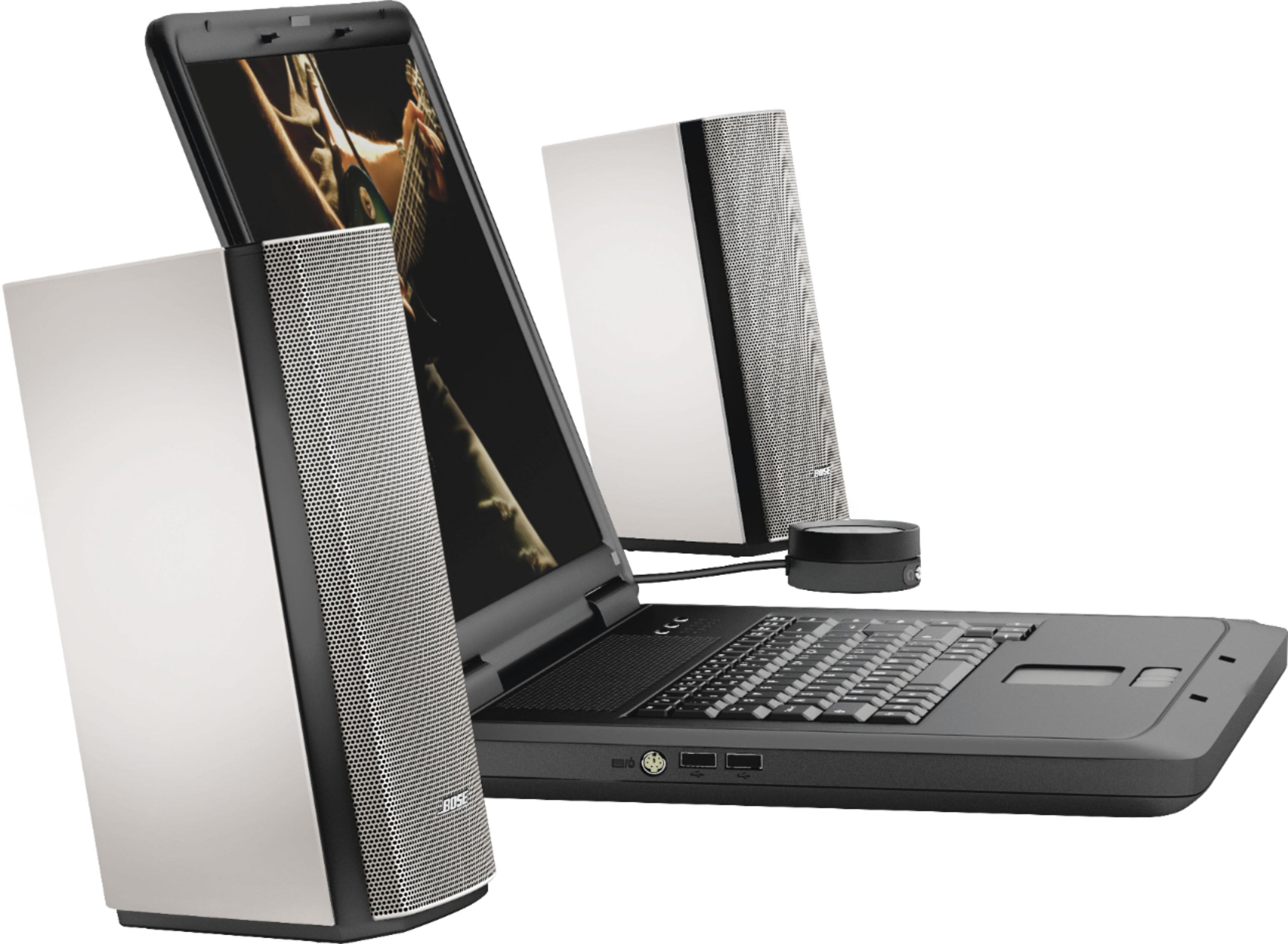
A:AnswerYes, If your LG monitor has a headphone jack then the Bose 20 Companion will produce wonderful all around audio quality. Make sure that your monitor's audio out is set to whatever option that utilizes the headphone jack. Finally if the PS5 game supports audio configuration set that configuration to Stereo or Headphones if available.
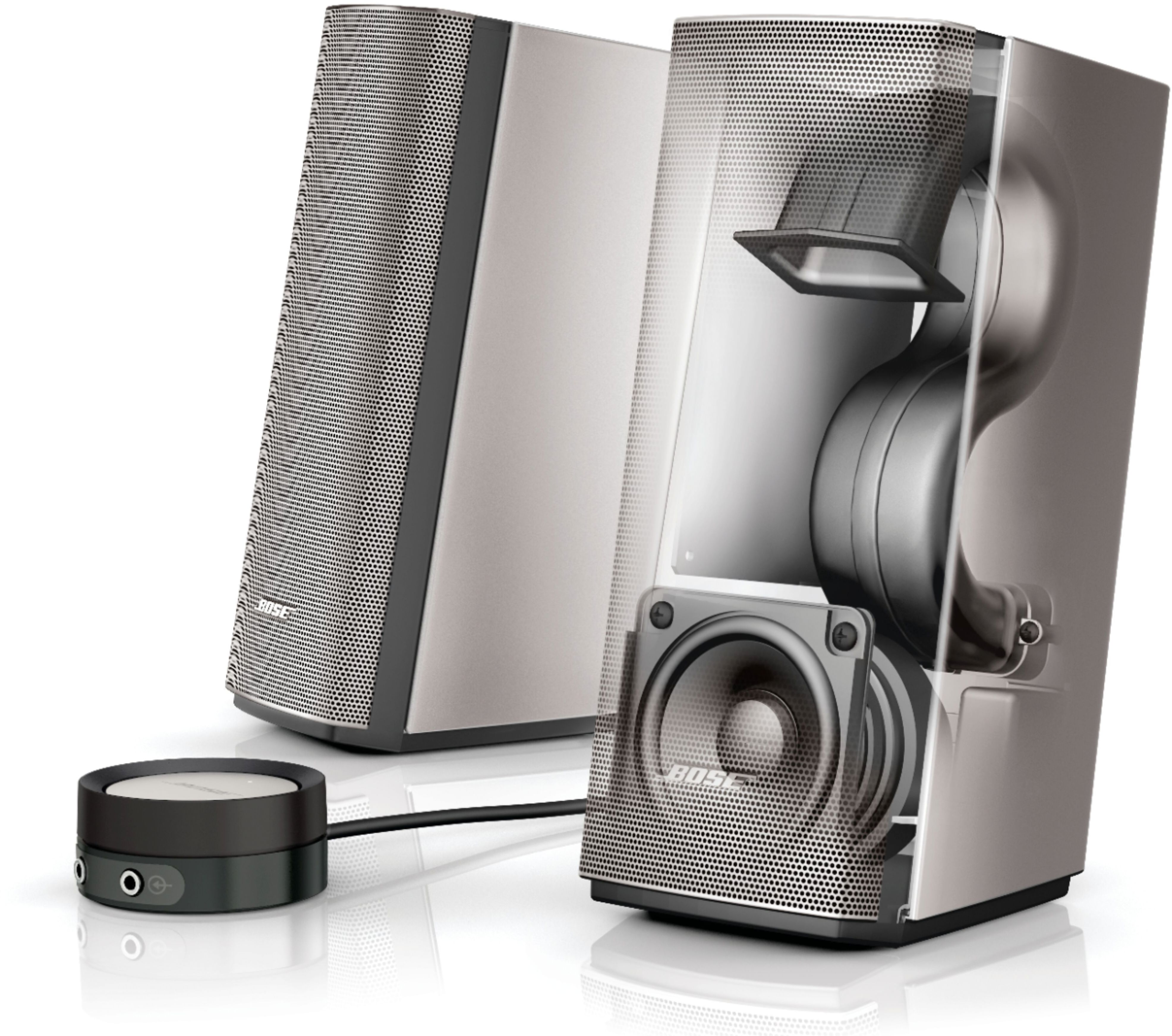
A:AnswerI had a speaker system with subwoofer and upgraded to the Bose Companion 2 Series III. I missed the bass that the Companion 2 did not provide. The sound was great, but lacking a lot of bass. I returned them and got the Companion 20. Playing music on the Companion 20 sounds so much better. There is a lot of bass too out of the tuned ports on the back. From the highs to the lows, these speakers are amazing. I do not get the very low sub bass, but I don't miss it either. I now don't have a subwoofer sitting under my desk. The metal front grill and remote wired volume control is nice to have sitting in front of my monitor too. This wired remote also leaves a headphone jack and extra input where I can easily get to them if needed.
Sorry, this doesn't answer your voltage and amperage of the speaker system but in the old says, I know that to double the volume of a stereo system, you had to up the watts by 10x. These are just computer speakers, but they get loud without distortion and sound great.
A:AnswerI don't see why not. Just put some self adhesive felt under the side you want them to lie on. They have rubber legs underneath and were not designed to lie on their side. I don't see why it would hurt them.
A:AnswerThey don't rate the power. Supposedly the power levels are misleading in terms of describing the quality of sound. If you are concerned about the amount of electricity they use it is minuscule. They connect using a plug in voltage adapter and use very little electricity.
A:AnswerThese are made for a computer using a 3.5mm audio input cable. These are not wireless. Also, the cable between the two speakers is about 4 feet. You may not be able to get the speakers to sit on each side of a large TV. You are better off getting a sounder for your TV. It would probably use HDMI ARC as the input.
A:AnswerThis is the desktop I would recommend for hi-fidelity sound. Even though they don't have a subwoofer, the tuned bass port on the back provide excellent response. I've always been a fan of Bose and was a bit disappointed with the Companion 2 set. I returned them to get this Companion 20 and am not sorry. The build and sound quality are excellent. I like my music loud.