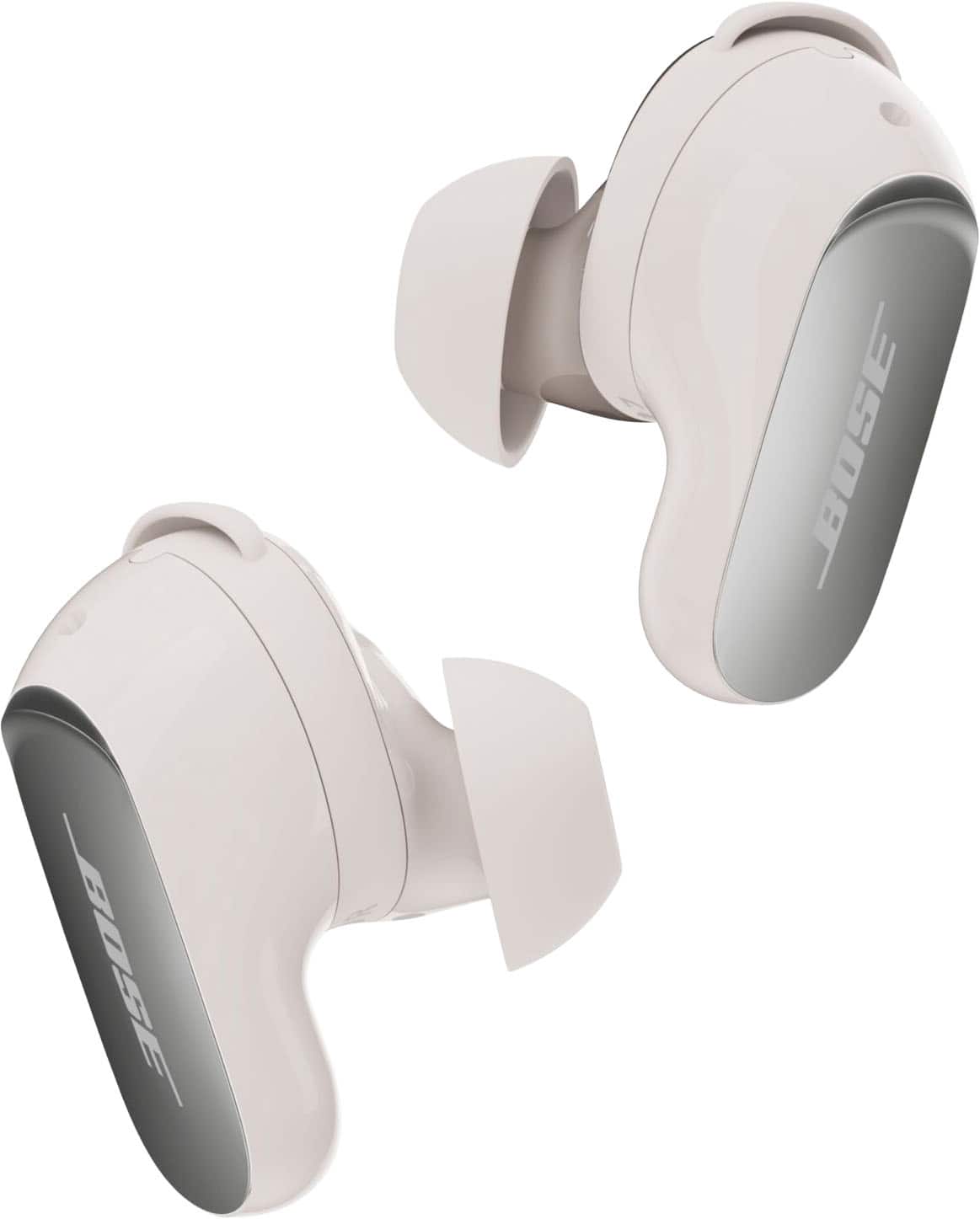
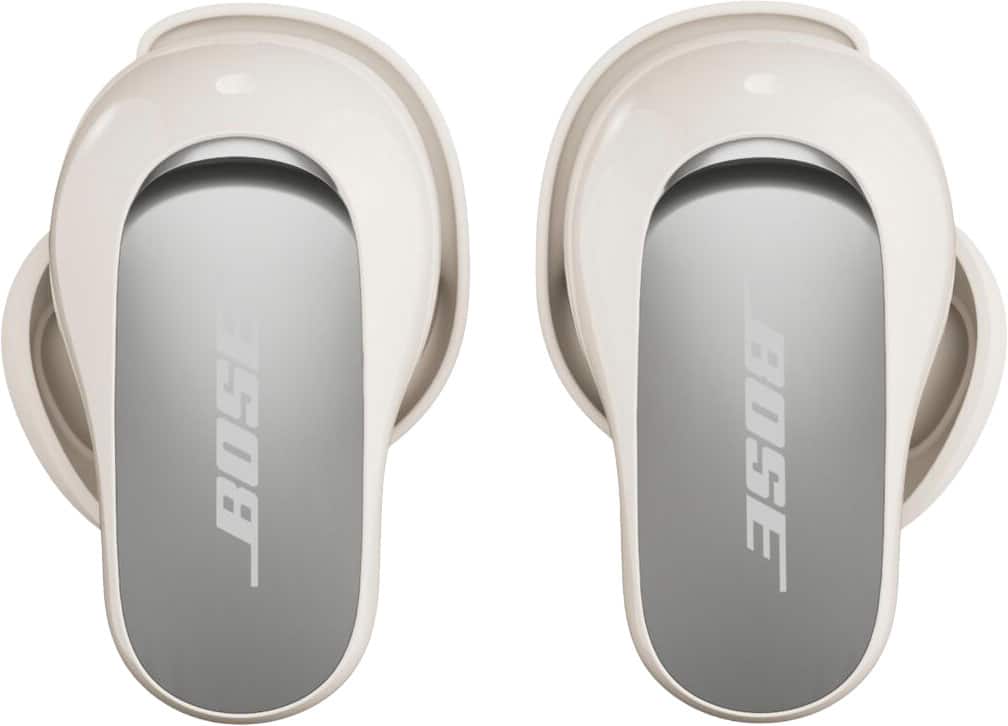
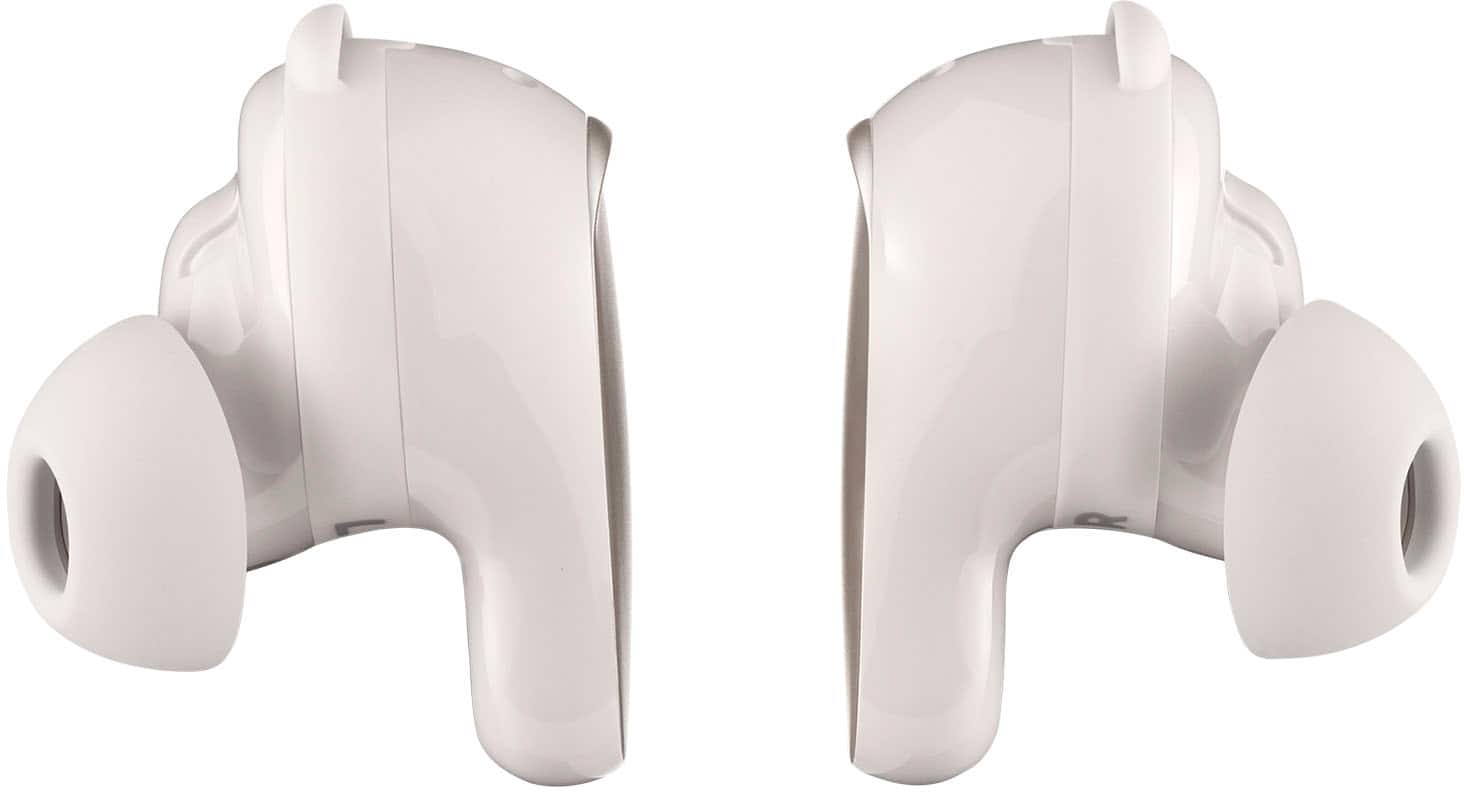
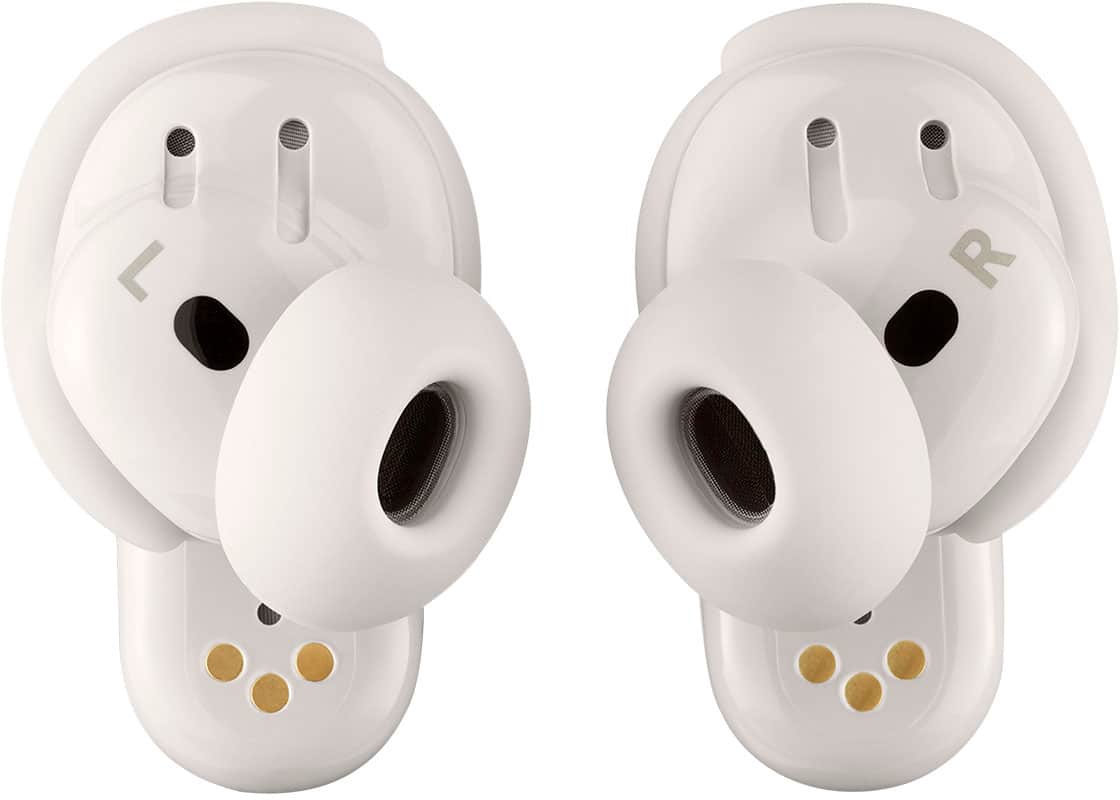
A:AnswerWhile I don’t need hearing aids yet my hearing is going to the point I have to be tested yearly. I have been using the quiet comfort ultra 1st gen and now the 2nd gen to help hear better in noisy situation in Aware Mode while at work and in noisy situations. They help me a lot hear every word around me and block out other noises at the same time. I know they are not hearing aids but they help greatly for those going deaf without having hearing aids and greatly cheaper.
A:AnswerYes, the Bose QuietComfort Ultra (2nd Gen) headphones can be used on airplanes to watch movies provided by the airline. You can connect them using the included 2.5mm-to-3.5mm audio cable, which is the most reliable option for in-flight entertainment systems. Some airlines also support Bluetooth pairing, but it’s best to check with the airline beforehand.
A:AnswerHello! Absolutely! Each earbud has four built-in microphones, so you’re free to use either one on its own for calls. The mics are designed to pick up your voice clearly while reducing background noise, giving you flexibility and great call quality even when using just one earbud.
We’re glad you’re exploring all the great features of your QuietComfort Ultra Earbuds (2nd Gen) if you need help with setup or tips for clearer calls, we’re always here to support you, here's the link to contact our customer support team: https://bose.life/contactus
Thank you for considering Bose!
A:AnswerHi there, thank you for your inquiry. Yes, the Bose QuietComfort Ultra Earbuds (2nd Gen) allow you to use either the left or right earbud independently for listening to audio or making phone calls. The controls on the active earbud will remain the same as when using both, and any shortcuts you've set will still function.
For optimal noise cancellation performance, it's recommended to use both earbuds together.
To learn more about the product features, feel free to browse this link: http://bose.life/42KQLKs
Jelyn - Bose Customer Support
A:AnswerThe QuietComfort Ultra Earbuds (2nd Gen) is our best in-ear noise cancellation and the comfortable fit of our best earbuds, but they are not designed or certified as hearing protection for shooting ranges. Gunshots produce extremely loud impulse noises, and for proper hearing protection at a shooting range, it is recommended to use hearing protection specifically rated and designed for shooting or industrial noise environments.
A:AnswerAround 5 hours in my experience. For a gaming session my phone lasts around 4 1/2 hours - 5 hours, the earbuds typically have 20% percent at that point.
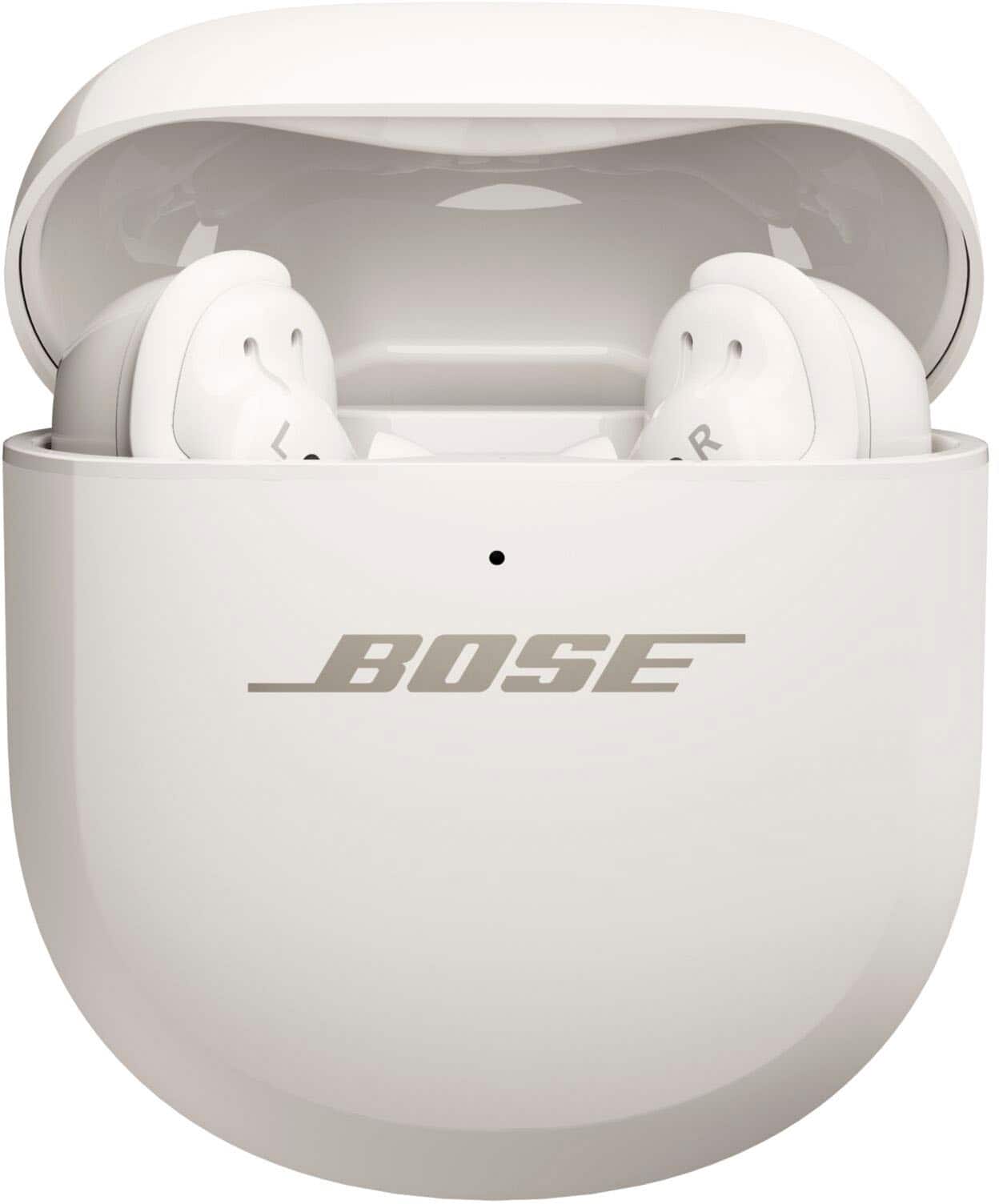
A:AnswerThe charging case supports Qi wireless charging out of the box.
So you can:
-Place the charging case on a Qi-compatible flat wireless charging pad.
-It will begin charging wirelessly when properly placed on the pad.
A:AnswerHi there! You can visit this link: https://bose.life/4oI85cN to download the owner's guide for your Bose QuietComfort Ultra Earbuds (2nd Gen). Hope this helps!
A:AnswerYes, the Bose QuietComfort Ultra Earbuds (2nd Gen) work perfectly with the iPhone 17. They connect seamlessly via Bluetooth, just like with other iOS and android devices, and you can also use the Bose app for setup, updates, and customization.
A:AnswerYes, the Bose QuietComfort Ultra Earbuds (2nd Gen) case supports wireless charging. You can conveniently use compatible third-party wireless charger to charge the case.
A:AnswerYes, the Bose QuietComfort Ultra Earbuds (2nd Gen) case supports wireless charging. You can use a compatible third-party wireless charger to charge the case.
A:AnswerYes these earbuds are fantastic. Even if you're listening to music, once a call comes in, the music will stop playing and you can tap once gently on one earbud to answer the call. The sound is crystal clear and the noise reduction feature is outstanding!