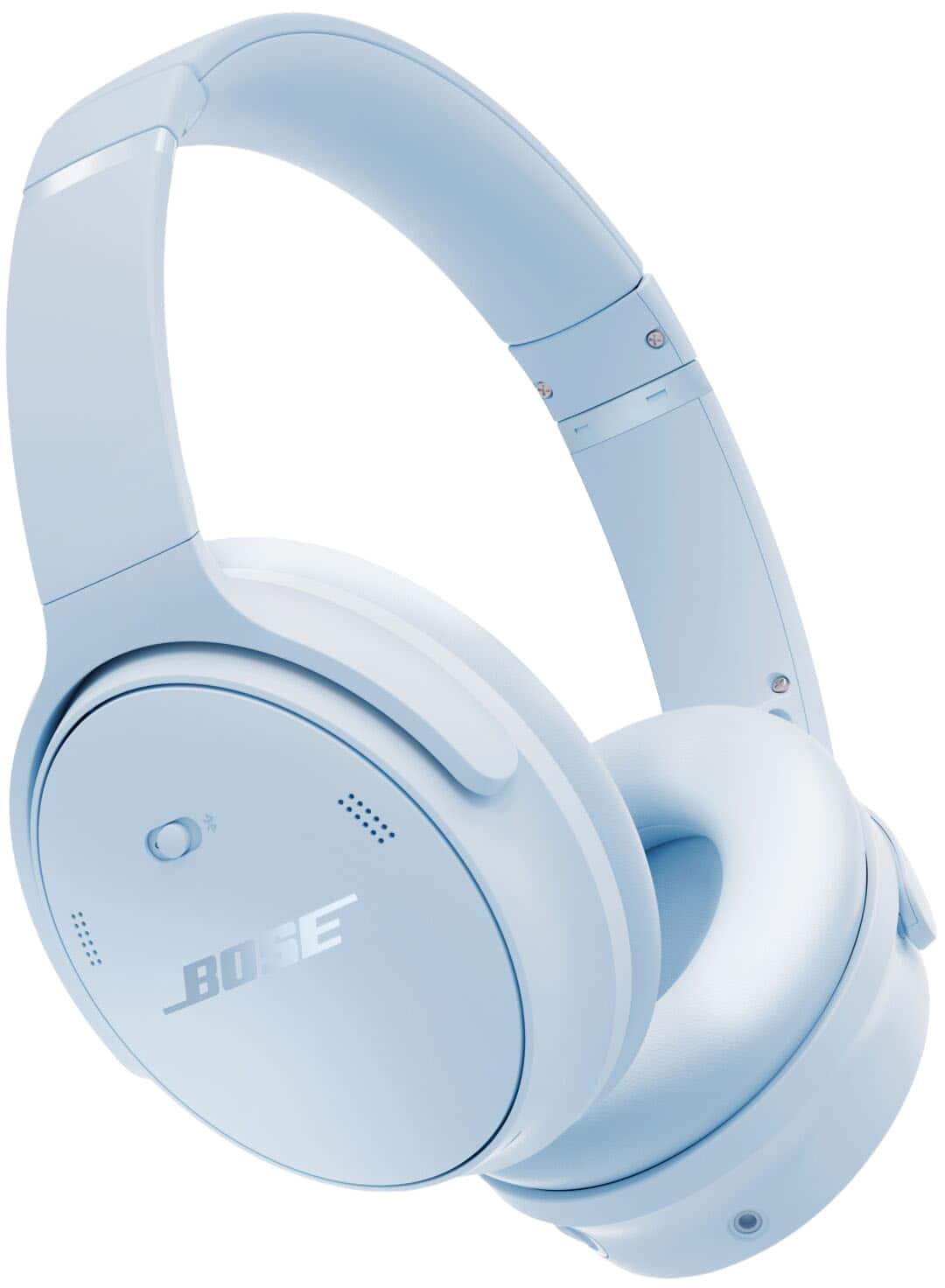
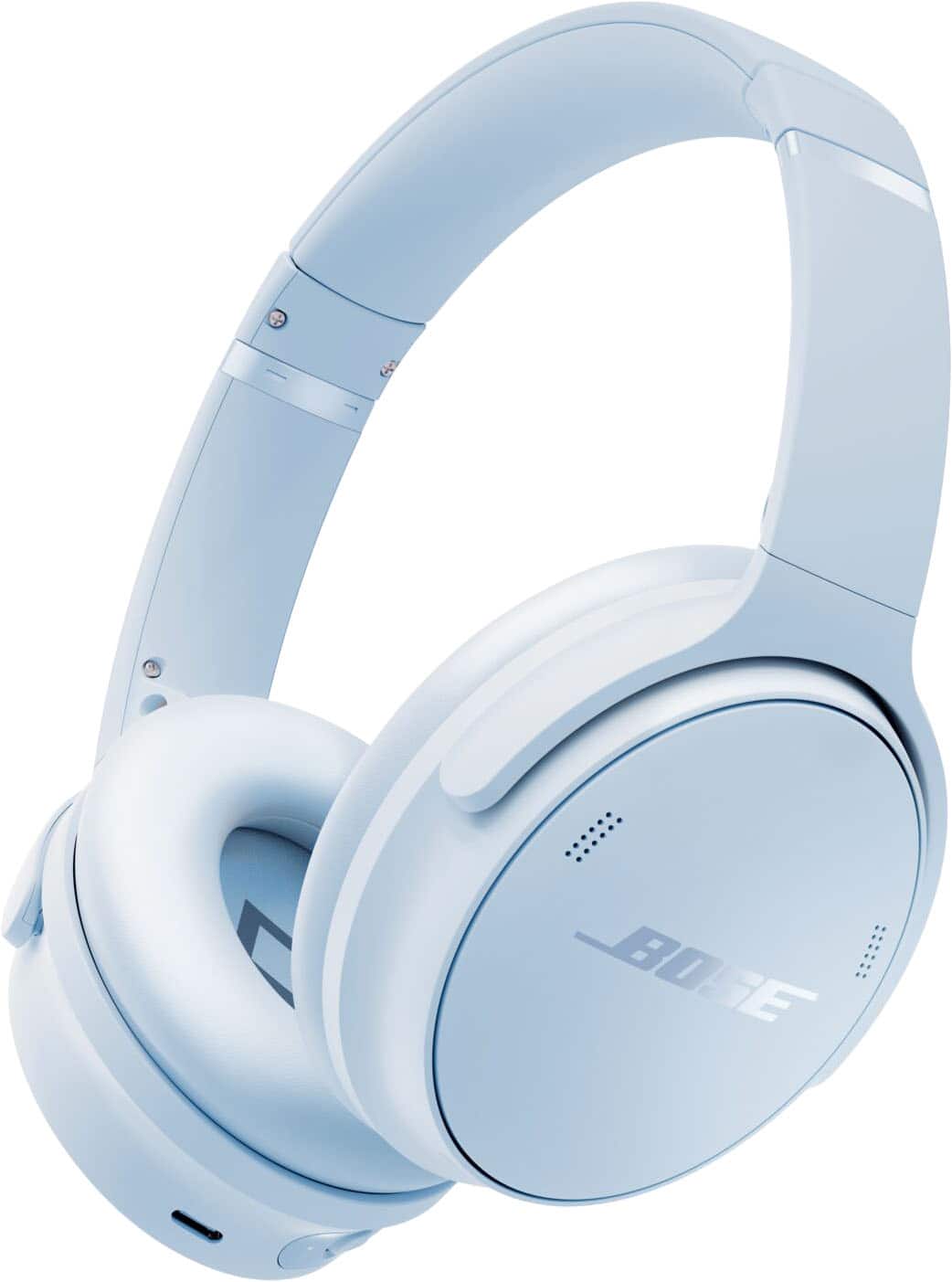
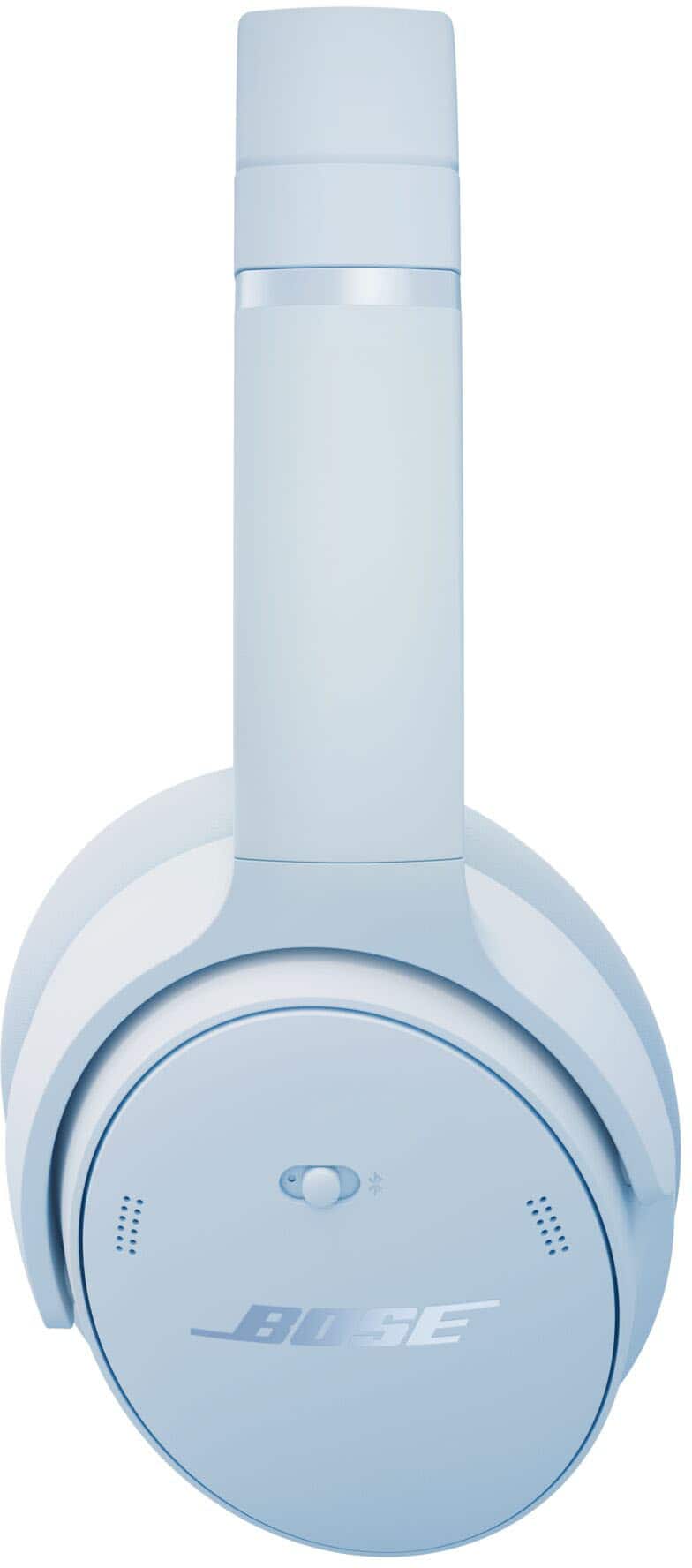
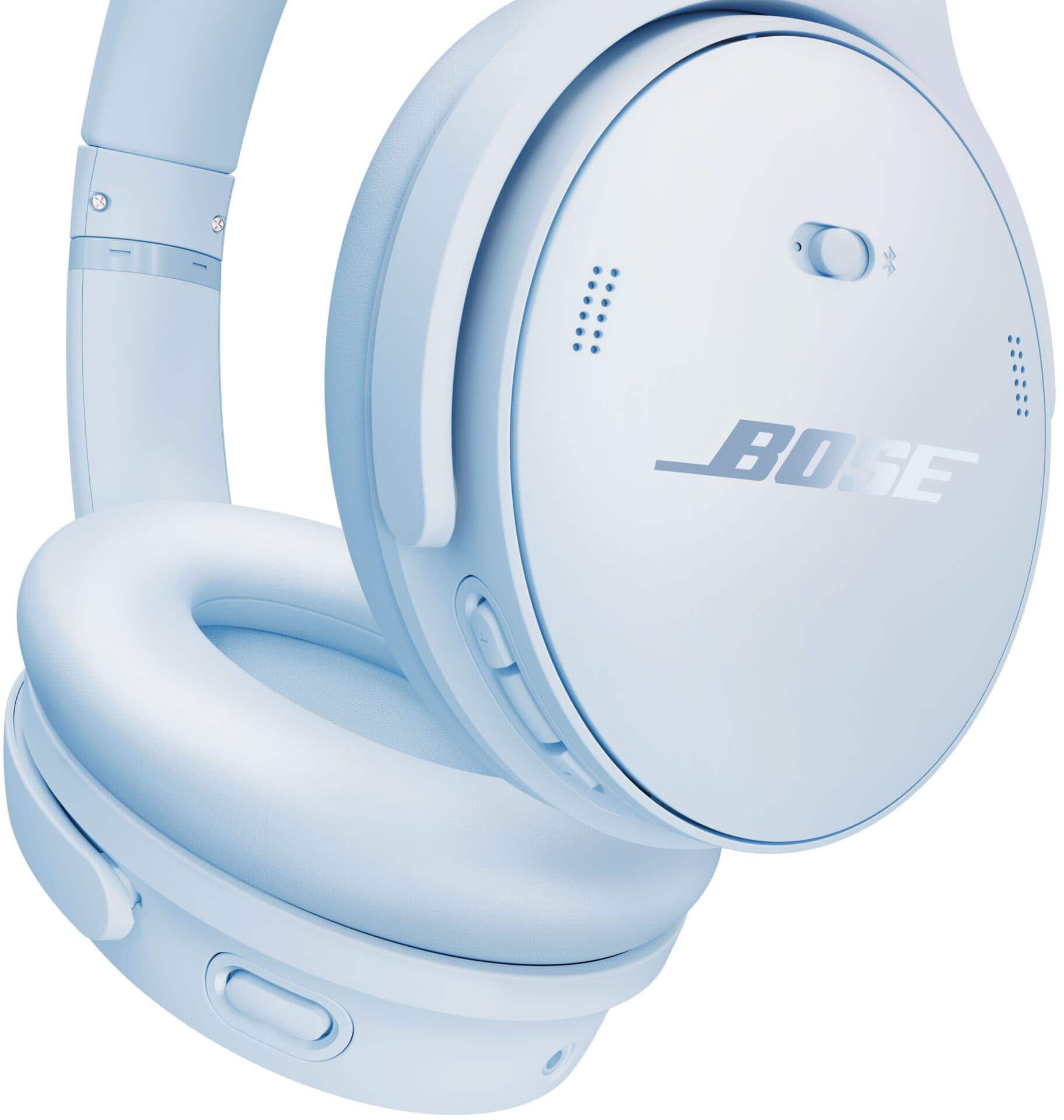
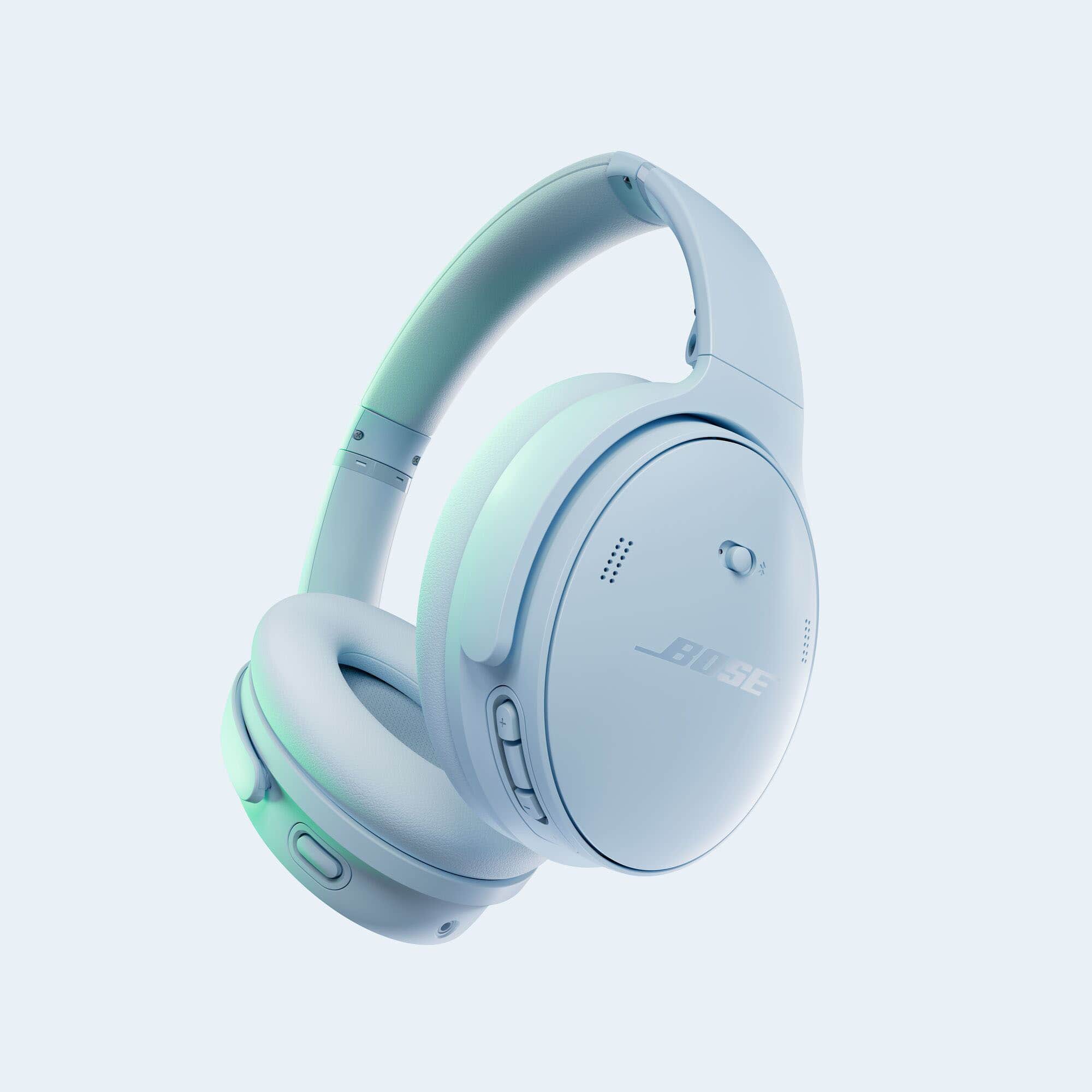
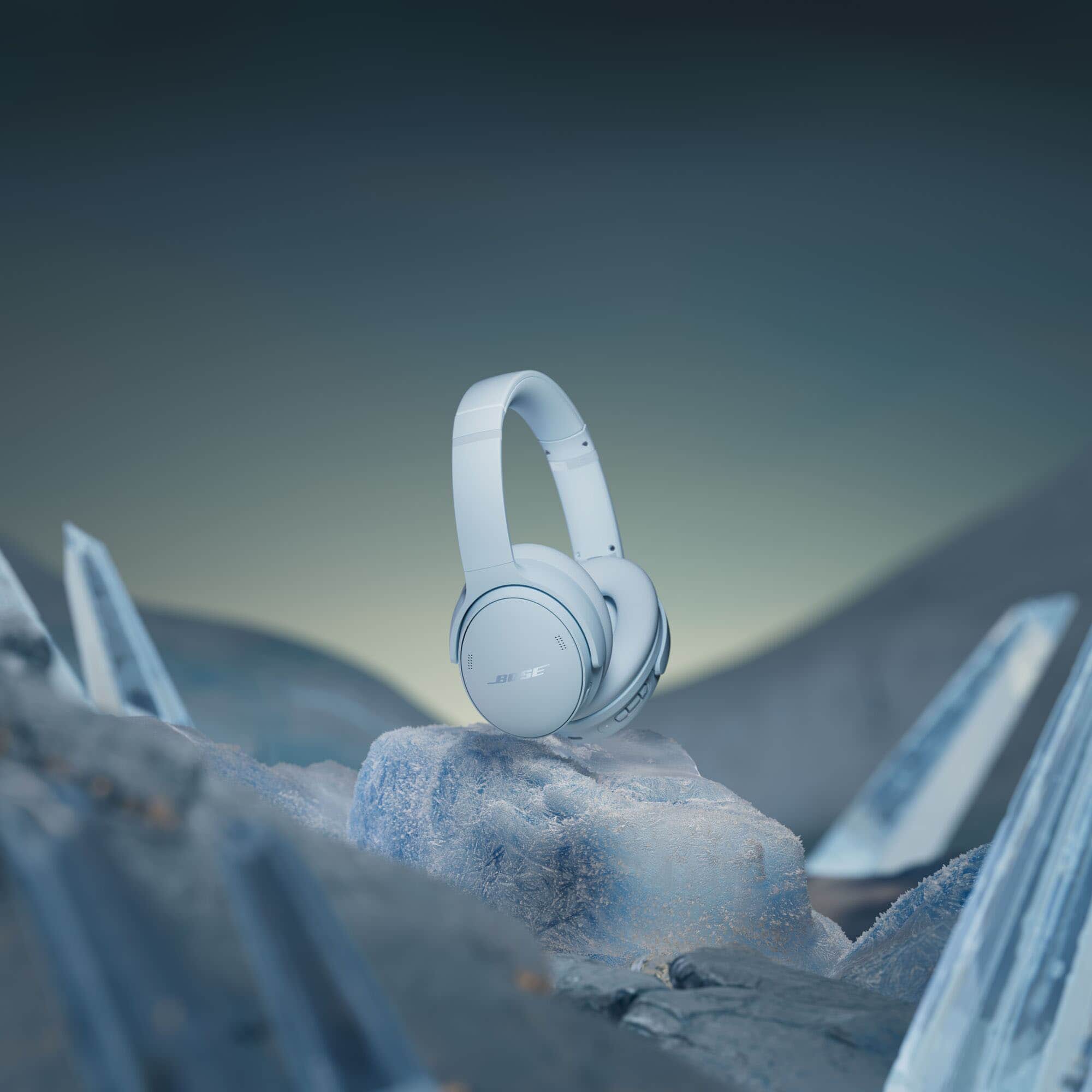
A:AnswerHi. The QuietComfort Ultra Headphones offer our most premium design and our most advanced technologies, for the best Bose listening experience in a headphone. With QuietComfort Ultra Headphones, you will enjoy our best headphone noise cancellation, audio quality personalized with CustomTune, and voice pickup, among other premium features.
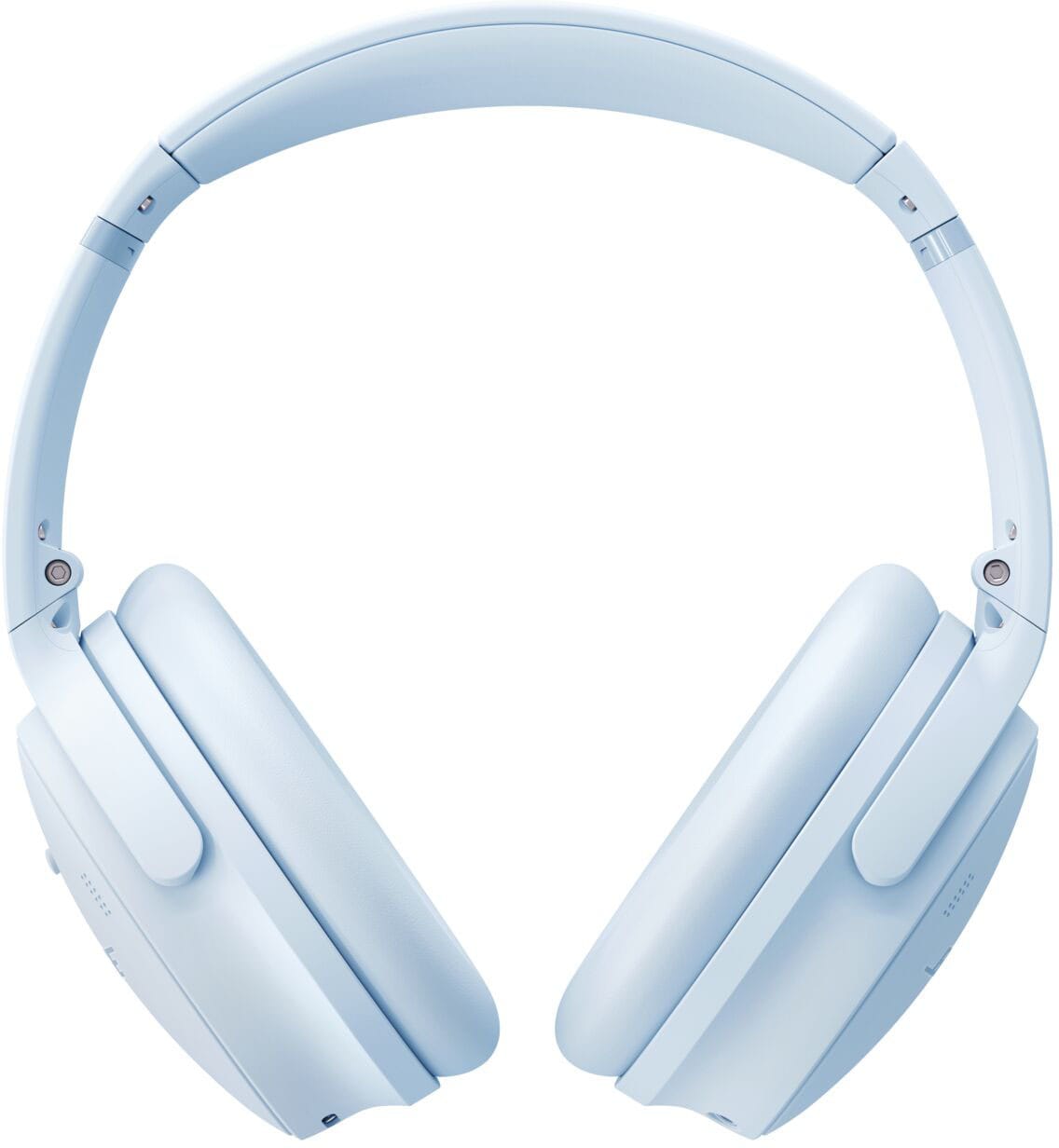
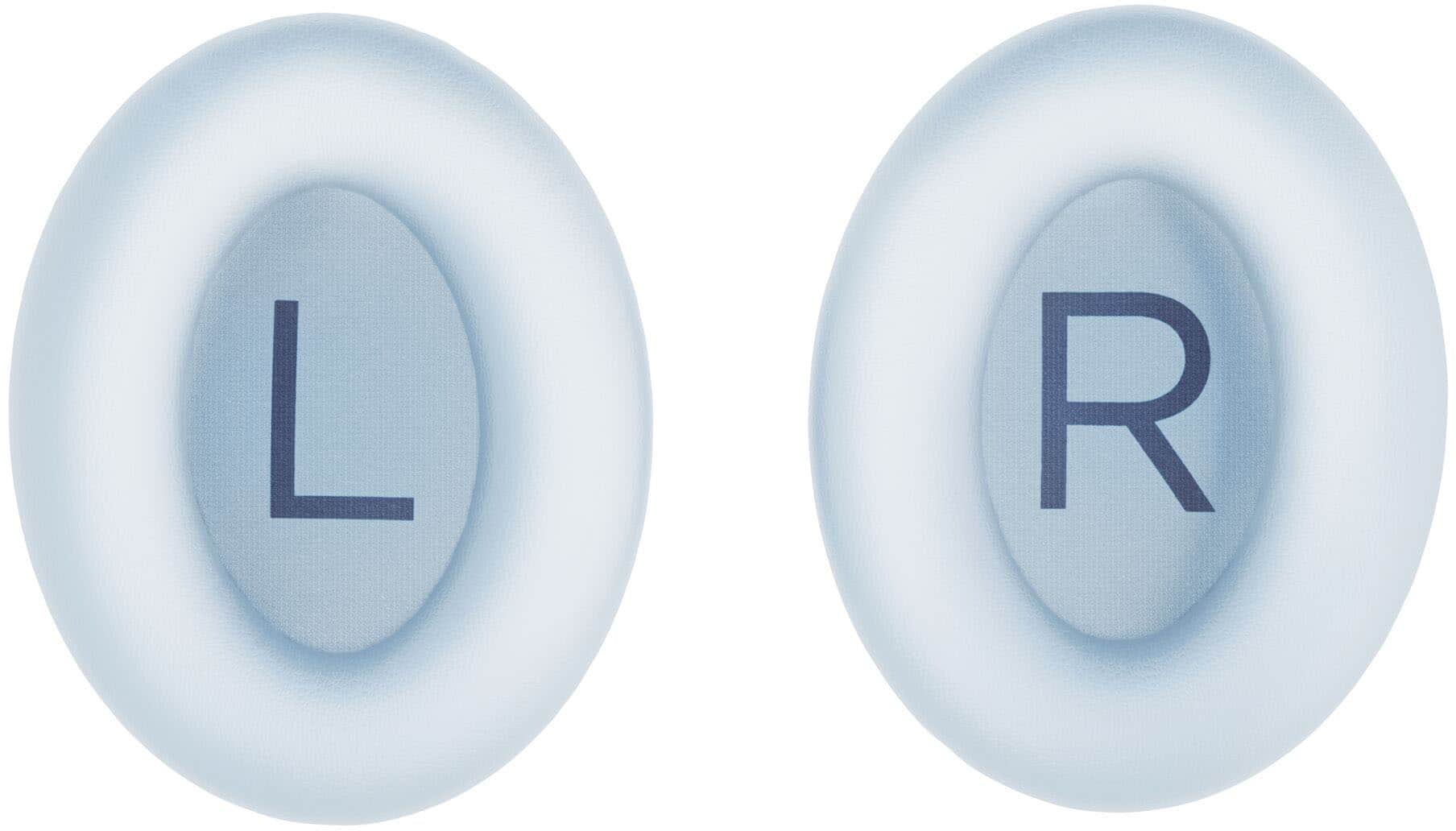
A:AnswerAlthough Bose does not provide public information on the materials used to make the headband, the headband is designed to ensure comfortable wear and use of your headphones. Please note that the headband is not sold as a replaceable part - the ear cushions, however, are.
A:AnswerThe impedance of Bose QuietComfort headphones varies by model, with the QC 35 (Series I) and QC 35 II having an impedance of 32 Ohms when wired, the QC 45 also being 32 Ohms wired, but the QC 20 having an impedance of 6 Ohms.
A:AnswerYes it is! I have a Samsung and it works perfectly. There is the bose app in Play Store that could be used to amplify your headphones the way you want it.
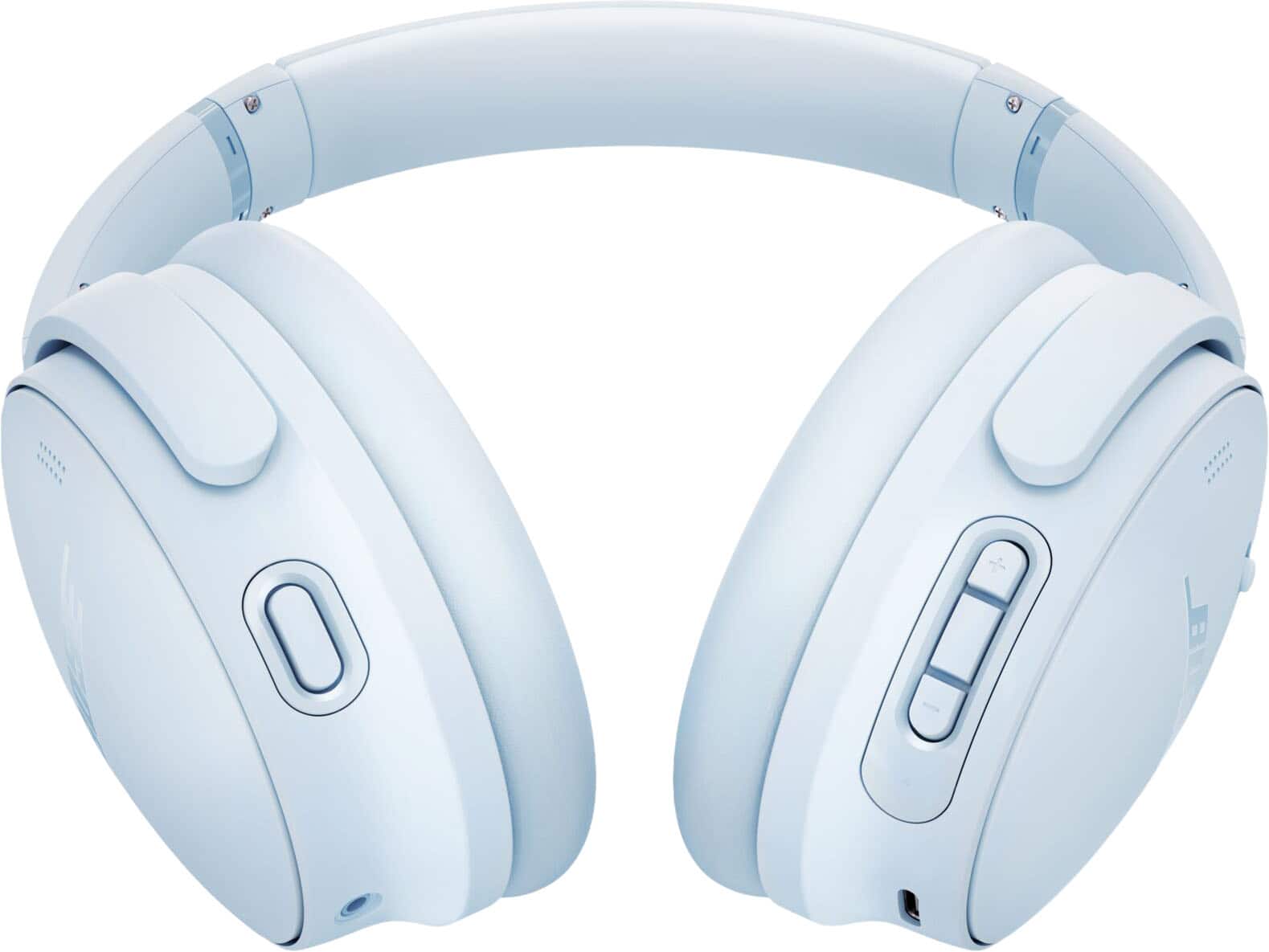
A:AnswerWhen the provided AUX cable is connected the headphones Bluetooth will turn off. Though the headphones can still be turned on for noise-cancelling.
A:AnswerThe Bose warranty will depend on your country of residence. In the US, the warranty is 1 year from the date of purchase (please retain your proof of purchase).
A:AnswerI purchased them specifically for the gym, been using them for 6 months now and have no complaints. In fairness i am using them on my man-sized head though!