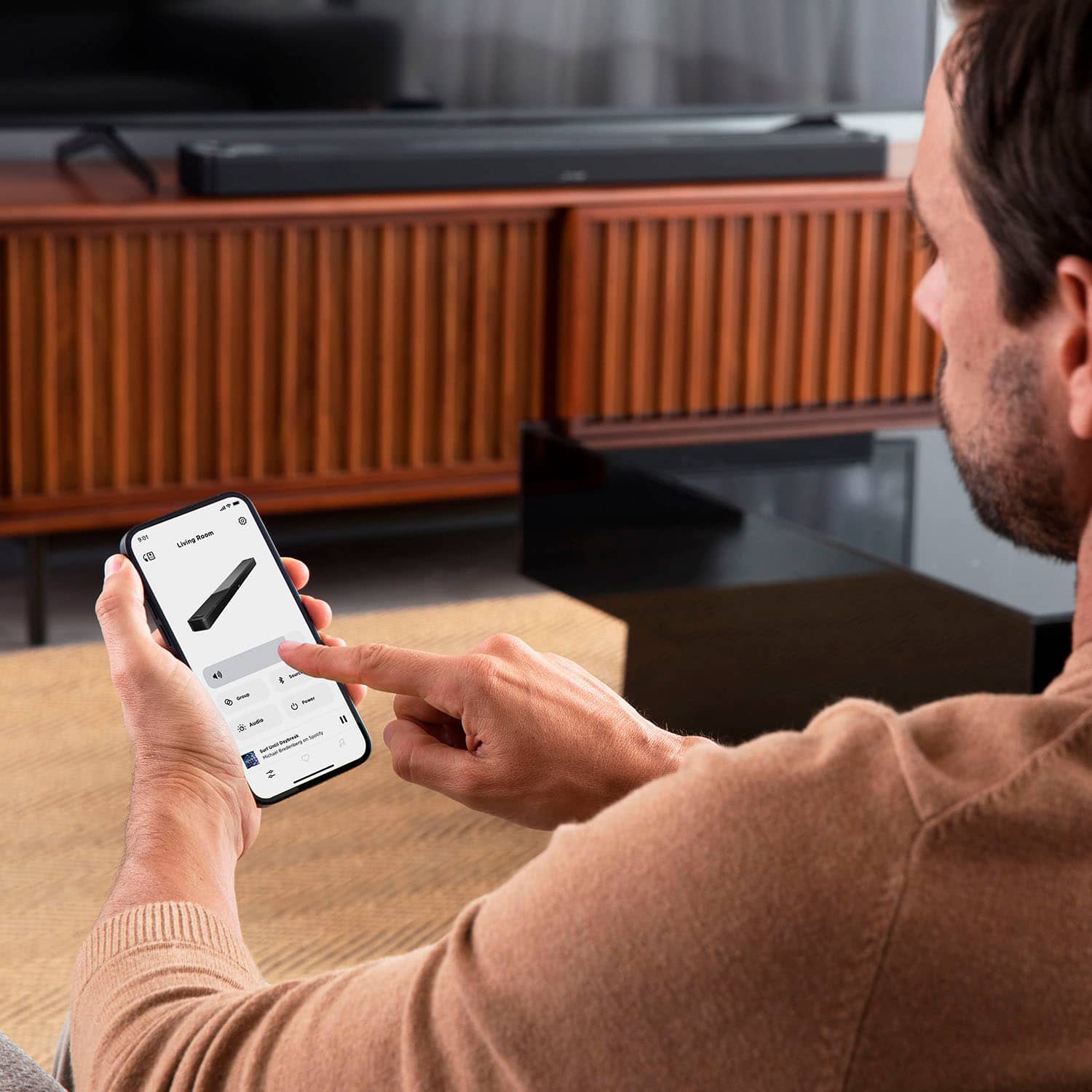
A:AnswerDialogue mode is available on your system to make voices more distinct and understandable. This is useful, for example, when watching a movie or shows that have a quieter spoken content. This can be controlled via the Bose Music app.
A:AnswerYes - the Smart Soundbar 900 features Dialogue mode. In the Bose app, tap the Audio button. Then tap Dialogue Mode, and use the toggle switch to turn the mode on or off.
A:AnswerYes. It sounds hollow without one. Not even close to satisfying without a bass module. You would do better with large bookshelf speakers with a HDMI ARC input if you don't have the cash for a subwoofer.
A:AnswerI have the same problem. My Soundbar and Bass module worked fine together. As soon a I added additional Bose Home 500 Speakers the volume goes crazy and the more you have to play with it on your phone app the worst it gets. I found that turning it off and restarting everything tames it down for a while but if you let it play music for a while the volumes start to randomly adjust themselves and you have no control. Bose support thought it was my Wi-Fi but I have great Wi-Fi in my house. I think it is a compatibility glitch. I can run my entire Soundtouch Group and have no problems with it at all so i know it's not my Wi-Fi.
A:AnswerI know this is older, but did anyone find an answer to this? I have the Bose Soundbar 700 and this just started a few days ago to me even though this has worked for the few years I have had the soundbar. I have enabled and reenabled skills, factory reset the soundbar, spoke with both Amazon and Bose and neither can resolved the issue. Alexa will play the news, tell me the weather, set timers, etc. This only occurs when asking to play music.