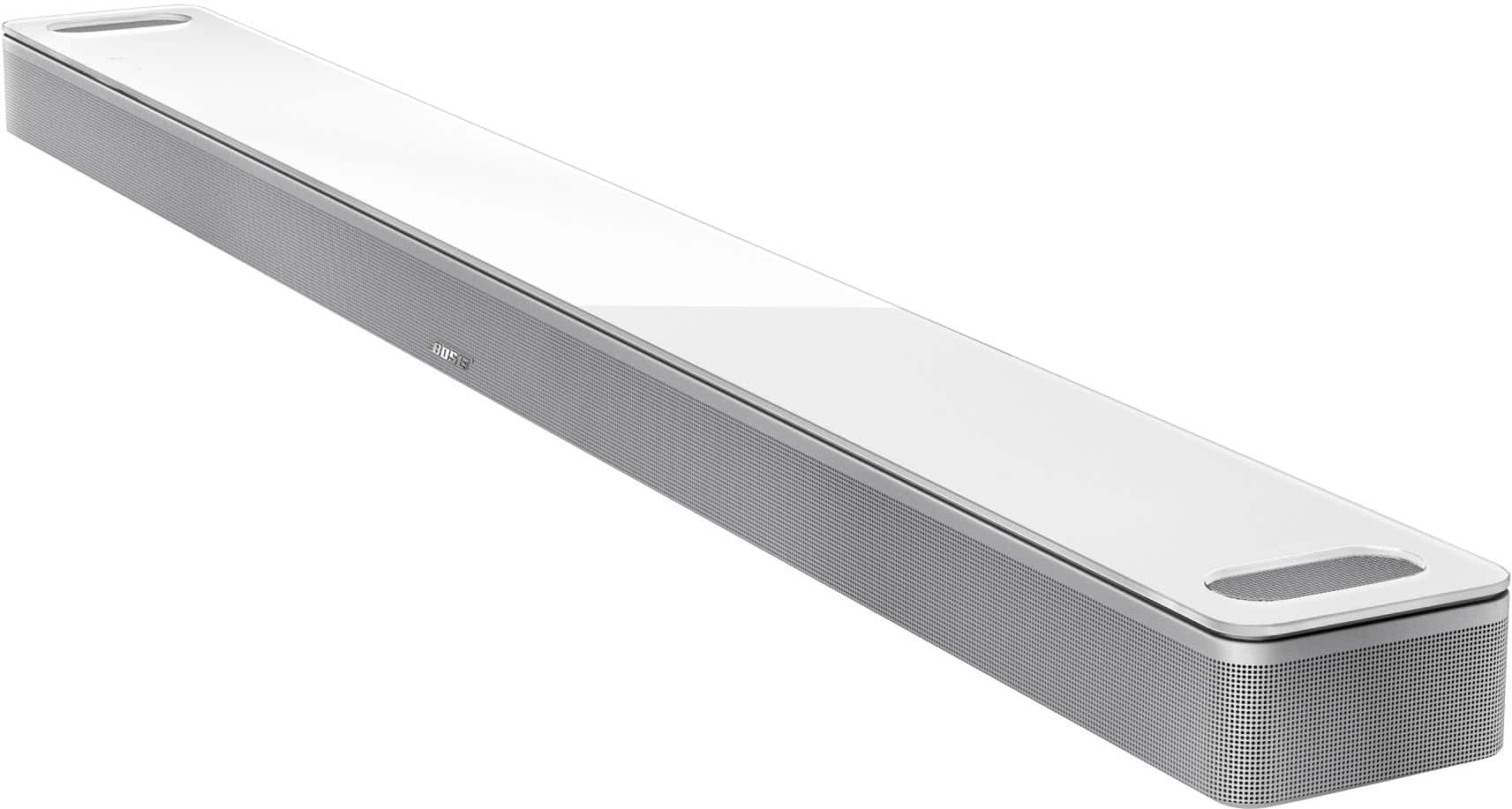
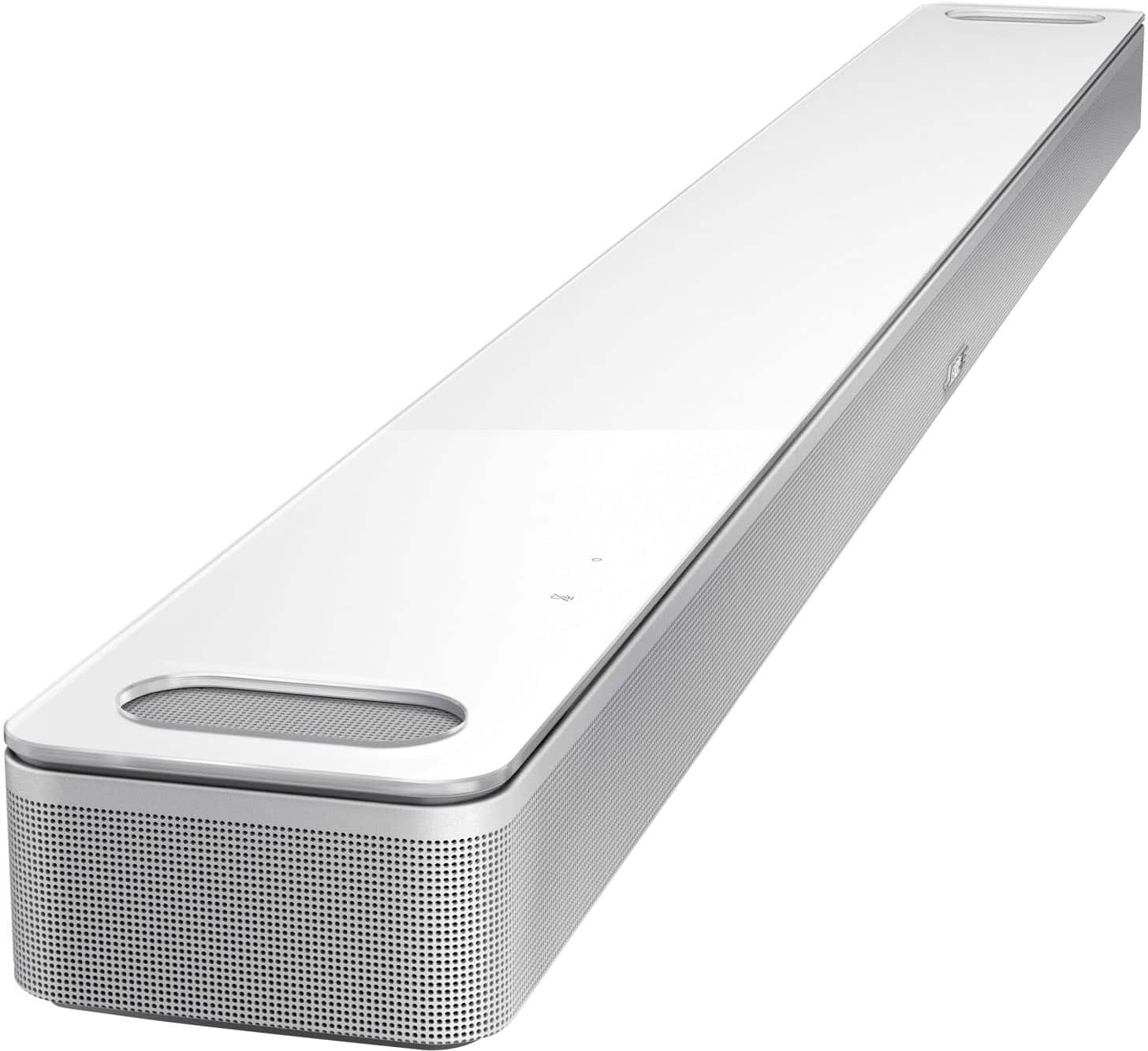
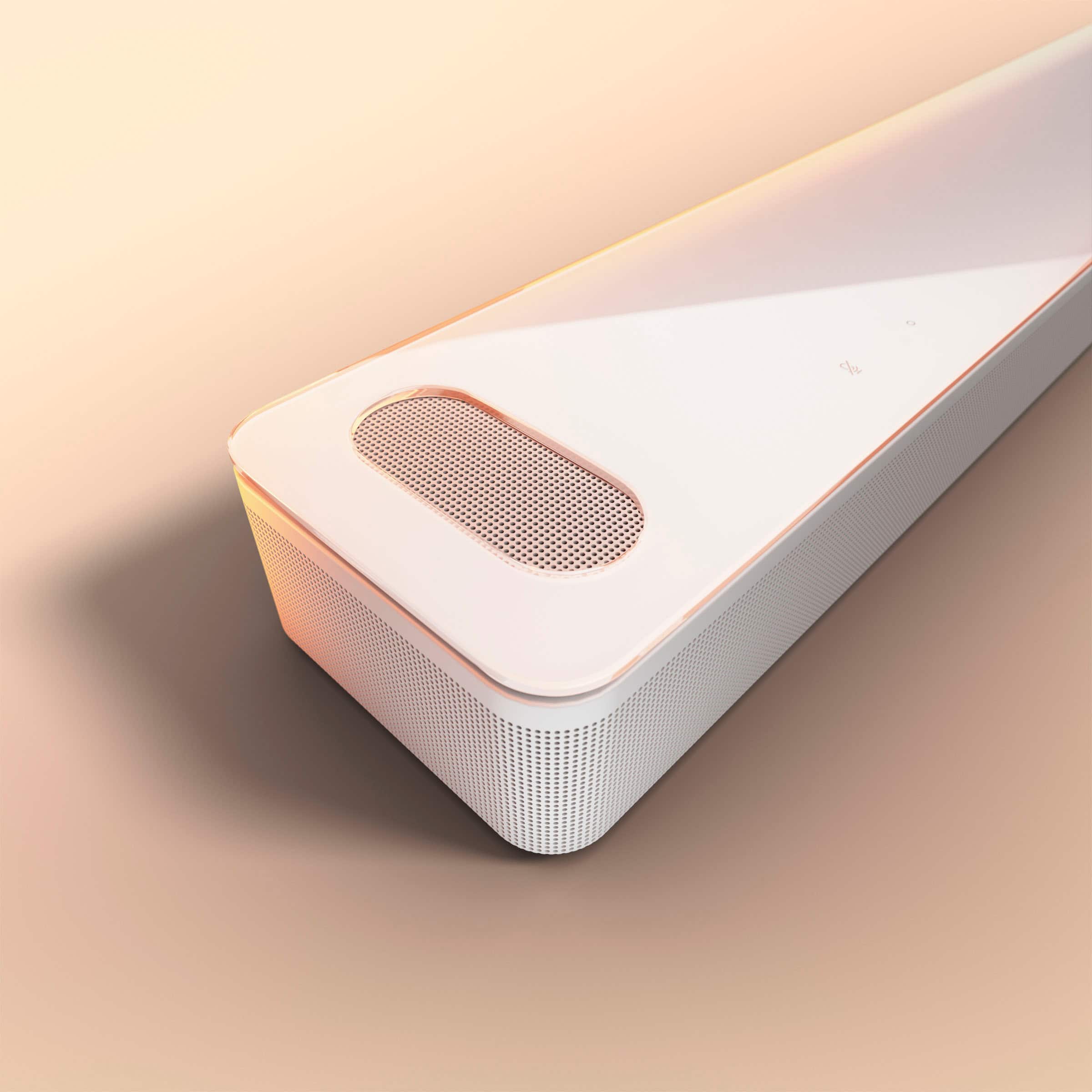
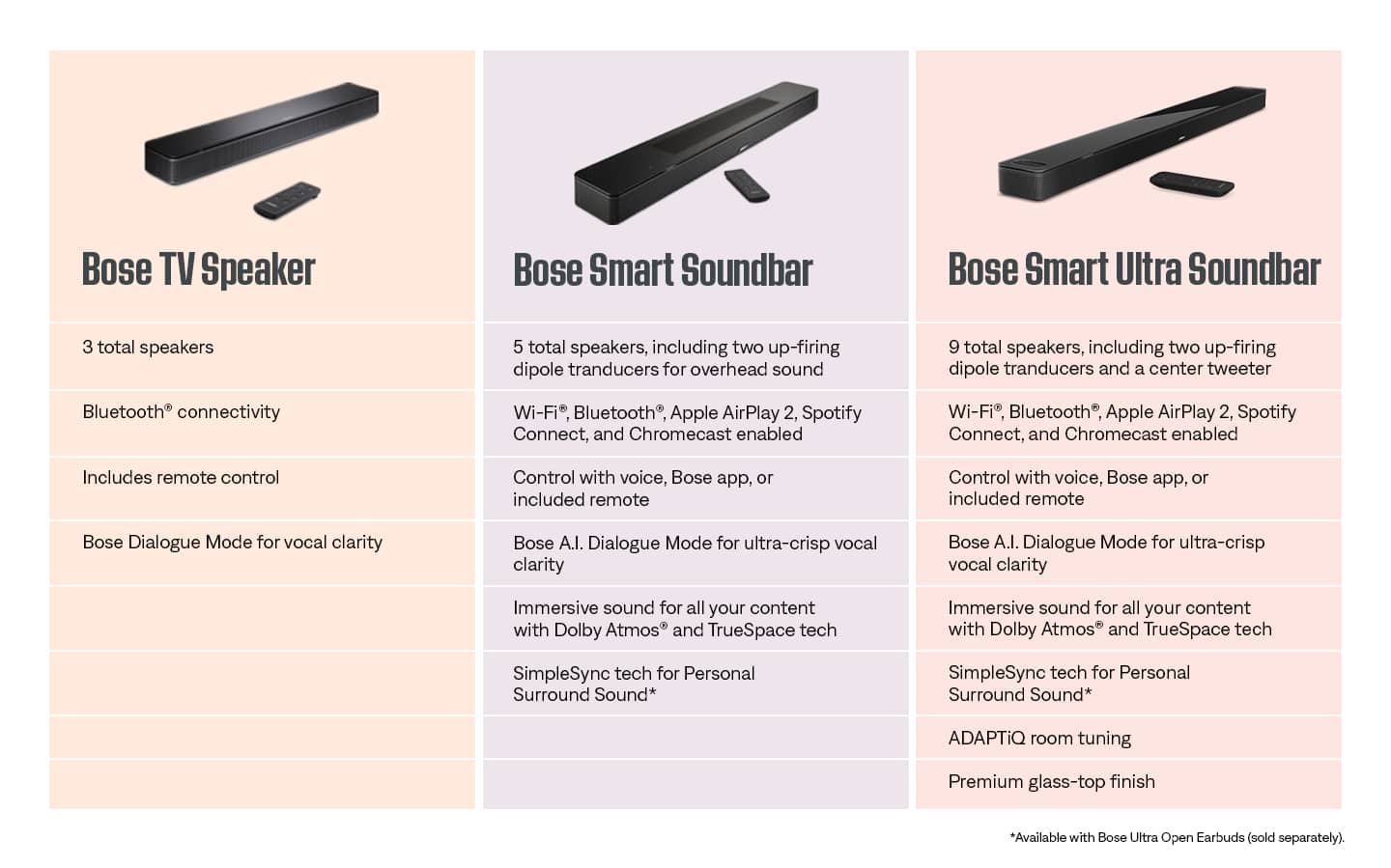
A:AnswerI think the only difference is in the Dialogue Mode, from what I read from Bose.
The Dialogue Mode is software that helps voice dialogue to stand out amid other sounds. You can turn it on or off.
The newer 900 Ultra soundbar adds some AI technology that purportedly fine tunes the balance and clarity of the voice dialogue and surround sounds.
I have the 900 (not Ultra) and it already does a good job with voice clarity. Even with Dialogue Mode turned off the voices are crisp and clear. That clarity enhancement on the Ultra is its only advantage
A:AnswerFor optimal listening experiences, the Bose Smart Ultra Soundbar should be connected to your TV system directly via an optial or HDMI connection. To support full use of Dolby Atmos, we recommend HDMI via the TV's eARC port, as this is the only port and connection method that supports full Dolby Atmos (Lossless) with Dolby TrueHD or Dolby MAT. Optical connections will only provide 5.1 surround sound via Dolby Digital. HDMI via non-eARC ports will provide Dolby Atmos (Lossy) through Dolby Digital Plus. Your corresponding TV sources (Apple TV, cable box, etc) may then be connected to your TV, which may output audio via HDMI to your Bose soundbar.
If an HDMI or HDMI eARC connection is not possible, do not fear. The Ultra Soundbar features TrueSpace™ technology, a propietary Bose audio processing technology, which analyzes non-Atmos audio signals (such as stereo or 5.1) and upmixes them to create an immersive experience with a sense of height. For a TV without an eARC (Enhanced Audio Return Channel) HDMI connection, an HDMI ARC or optical connection can be used, and with TrueSpace processing, listeners will still experience the benefits of the up-firing speakers. Once the soundbar is set up, we recommend running ADAPTiQ so the soundbar can optimize its sound for the listening environment. The volume level of the height channel speakers can be adjusted in the Bose Music App in case the desired sound level in relation to the front-firing speakers needs to be increased or decreased.
A:AnswerHi Tom, thanks for reaching out! Yes, the Smart Ultra Soundbar does have a subwoofer output. Please note that it’s compatible only with the Bose Bass Module 500 and Bose Bass Module 700.
A:AnswerBose designs its products to deliver a premium audio experience through a combination of proprietary technologies, acoustic design, and digital signal processing, rather than focusing solely on raw wattage numbers. For this reason, we don't typically publish the total RMS wattage for our soundbars as a primary performance specification.
Instead of focusing on wattage, Bose prioritizes features that deliver exceptional sound quality and immersion. While some retailers list wattage figures, these are not official Bose specifications and can be misleading. For the best sense of performance, we recommend experiencing the soundbar in person or visiting the official Bose website for more details. bose.com
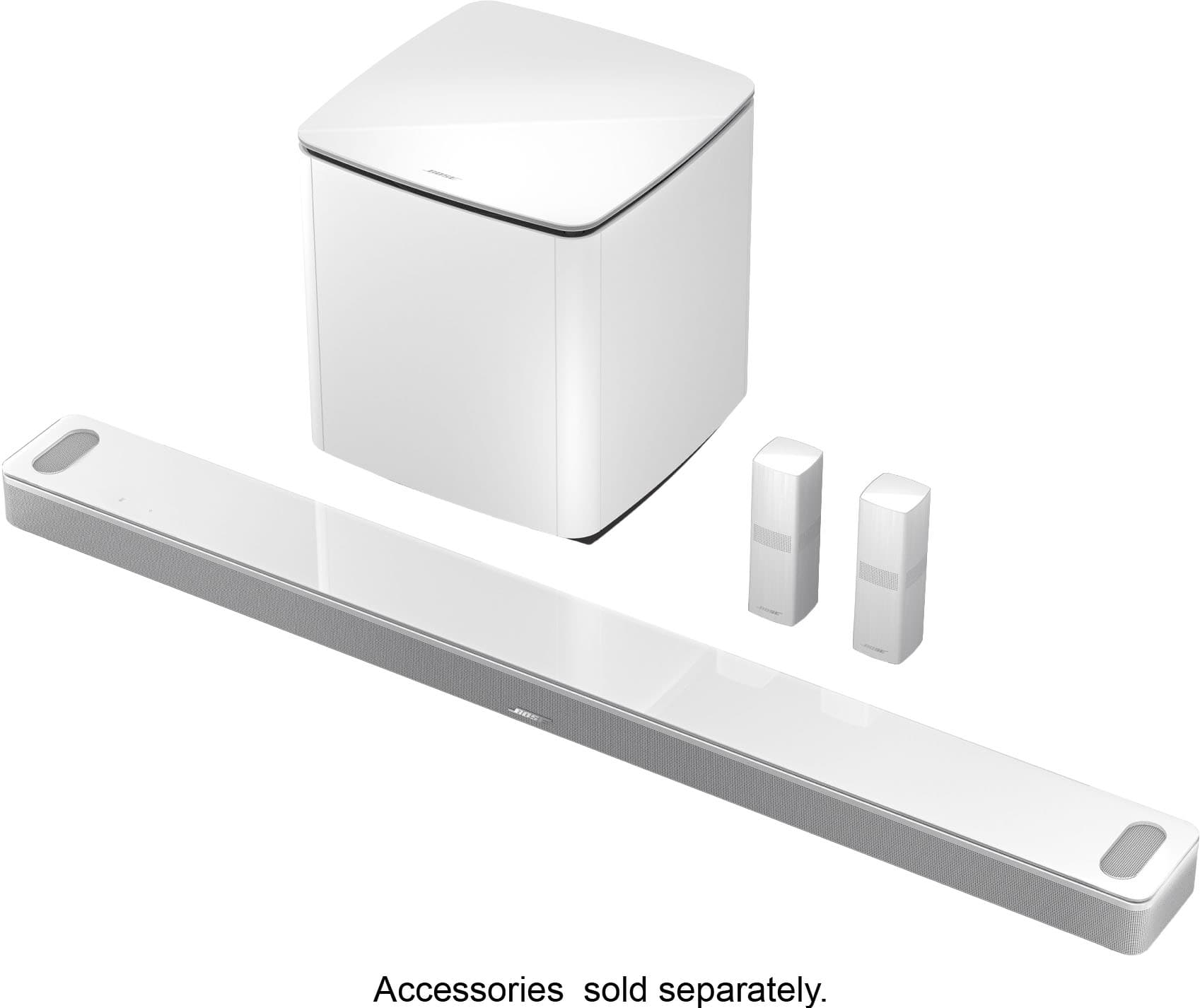
A:AnswerYes. The Smart Ultra Soundbar can connect one or two bass modules. To connect two, both bass modules must be of the same model, and both must be connected wirelessly.
A:AnswerPerfect fit. I also have CC a 55" TV and the Bose 900 is almost as wide, but not quite (3.5" shorter on both sides. So it gives a wide soundscape that matches the TV.
A:AnswerThe Bass Module is designed to connect to one Soundbar only, so it’s not possible to link two Smart Ultra Soundbars to a single bass module. However, one Soundbar can connect to up to two Bass Modules, allowing you to enhance the low-frequency performance for a more immersive experience.
A:AnswerYes, you can add satellite (surround) speakers to the Bose Smart Soundbar 900, but only certain Bose models are compatible. You can add Bose Surround Speakers (or Surround 700) as satellites to the Bose Smart Soundbar 900, along with optional Bass Modules 500 or 700. This gives you a full home‑theater setup with immersive surround sound.
A:AnswerYou don’t need a separate tuner for the Bose Smart Ultra Soundbar, as it connects directly to your TV and works once it’s plugged in. The recommended setup is through the HDMI ARC or eARC port, which allows the TV to send audio straight to the soundbar and supports advanced formats like Dolby Atmos.
A:AnswerHi there, the Bose TV Speaker is a compact, entry-level 2.0 channel speaker designed mainly to improve dialogue clarity and provide simple, balanced sound. A Bose Soundbar is larger, more advanced, and offers richer, room-filling audio with features like Wi-Fi streaming, voice assistants, and expandable setups with subwoofers or rear speakers.
A:AnswerHello! Thank you for your interest in our Bose Smart Ultra Soundbar. Yes, Dolby Atmos will work with your Smart TV using ARC when connected to the soundbar. Even without eARC, ARC supports Dolby Digital Plus, allowing you to enjoy the immersive, multi-dimensional sound that Dolby Atmos delivers.
The Bose Smart Ultra Soundbar is designed with Dolby Atmos and Bose TrueSpace technology, creating a spacious soundstage that feels like audio is coming from every direction, even overhead. With its sleek design, voice control, and wireless connectivity, it’s the perfect upgrade for a truly cinematic experience at home.
We’re grateful you chose Bose.
A:AnswerHello! Thank you for your interest in Bose Smart Soundbars. The Bose Smart Soundbar 900 and Bose Smart Soundbar 700 can be grouped together using the Bose App for multi-room audio. This allows you to play the same music on both soundbars at the same time.
A:AnswerHello! Thanks for asking it's great that you're considering an upgrade!
The Bose Smart Ultra Soundbar and Soundbar 900 offer a noticeable step up from the Cinemate system. You’ll get clearer dialogue, immersive Dolby Atmos sound, and smart features like built-in voice assistants. While the Cinemate was a solid performer in its time, the newer models are designed to deliver a more dynamic and customizable experience. If you're looking for richer sound and modern convenience, the upgrade is definitely worth considering.
Thank you for considering Bose! We're here if you need help choosing the right setup for your space here's the link for our customer support team: https://bose.life/contactus