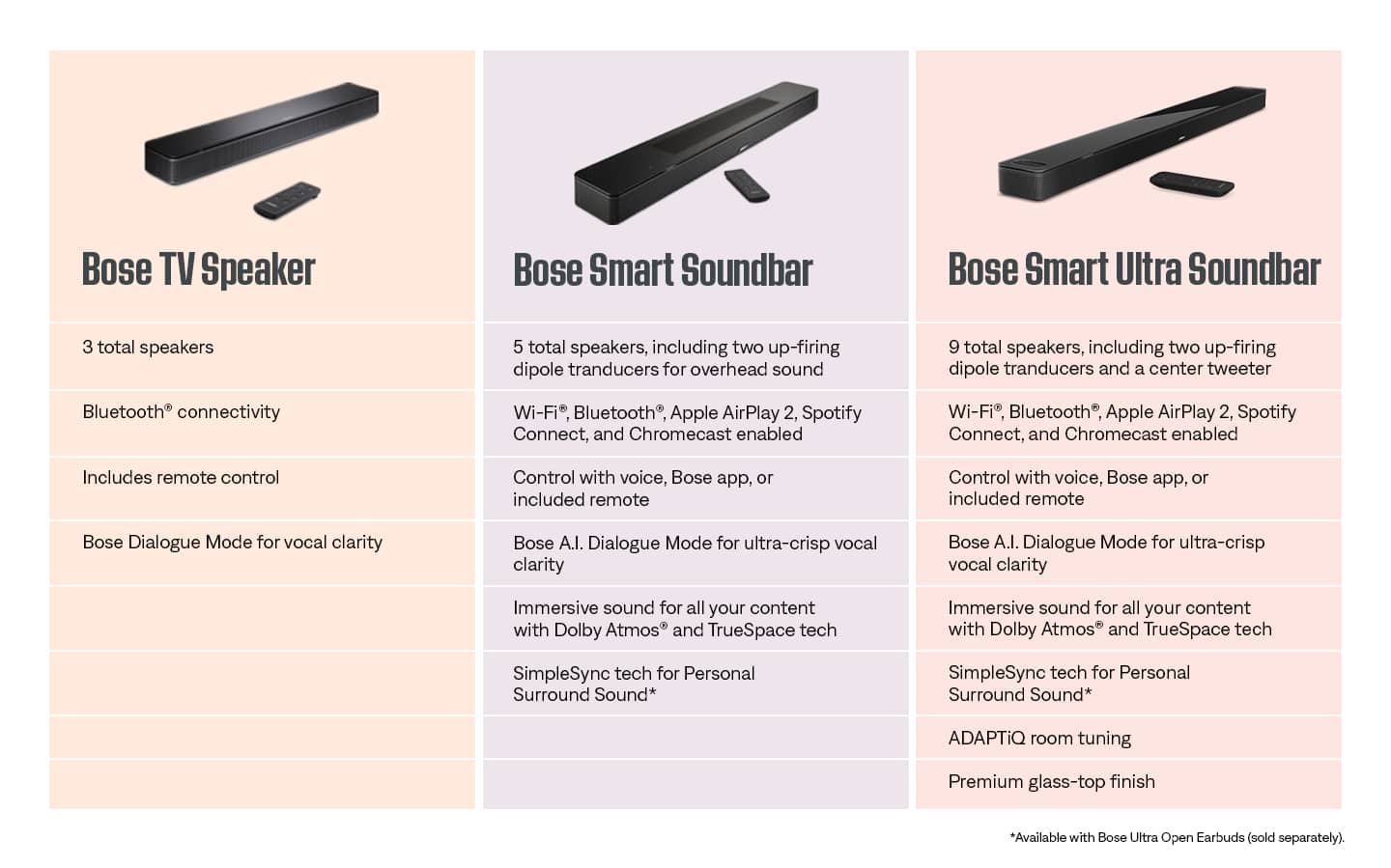
A:AnswerHi Matthew. Yes, you can connect it other Bose Smart speakers using Simplesync. When connecting with SimpleSync, these products will play in sync with sound from your Bose smart speaker or soundbar. If connecting to a Bose smart soundbar, there may be a slight audio delay while watching video with these products.
A:AnswerThis Soundbar does not feature the SimpleSync option to connect to Bose Bluetooth headphones.
We'd recommend looking at the Smart Soundbar 300, and Smart Soundbar 900 that have SimpleSync built in to connect with Bose Bluetooth Headphones.
A:AnswerThis is normal for many sound bars. Its either use the tv sound/speakers or the soundbar usually or this will occur, especially the higher u raise the volumes on tv and speaker. Hooking it up via hdmi instead of optical cable MAY fix this common issue but i cant guarantee it as i have always used the optical cable and kept my tv volume at around 10 or 15 at most primarily using the soundbar for my main source of sound.
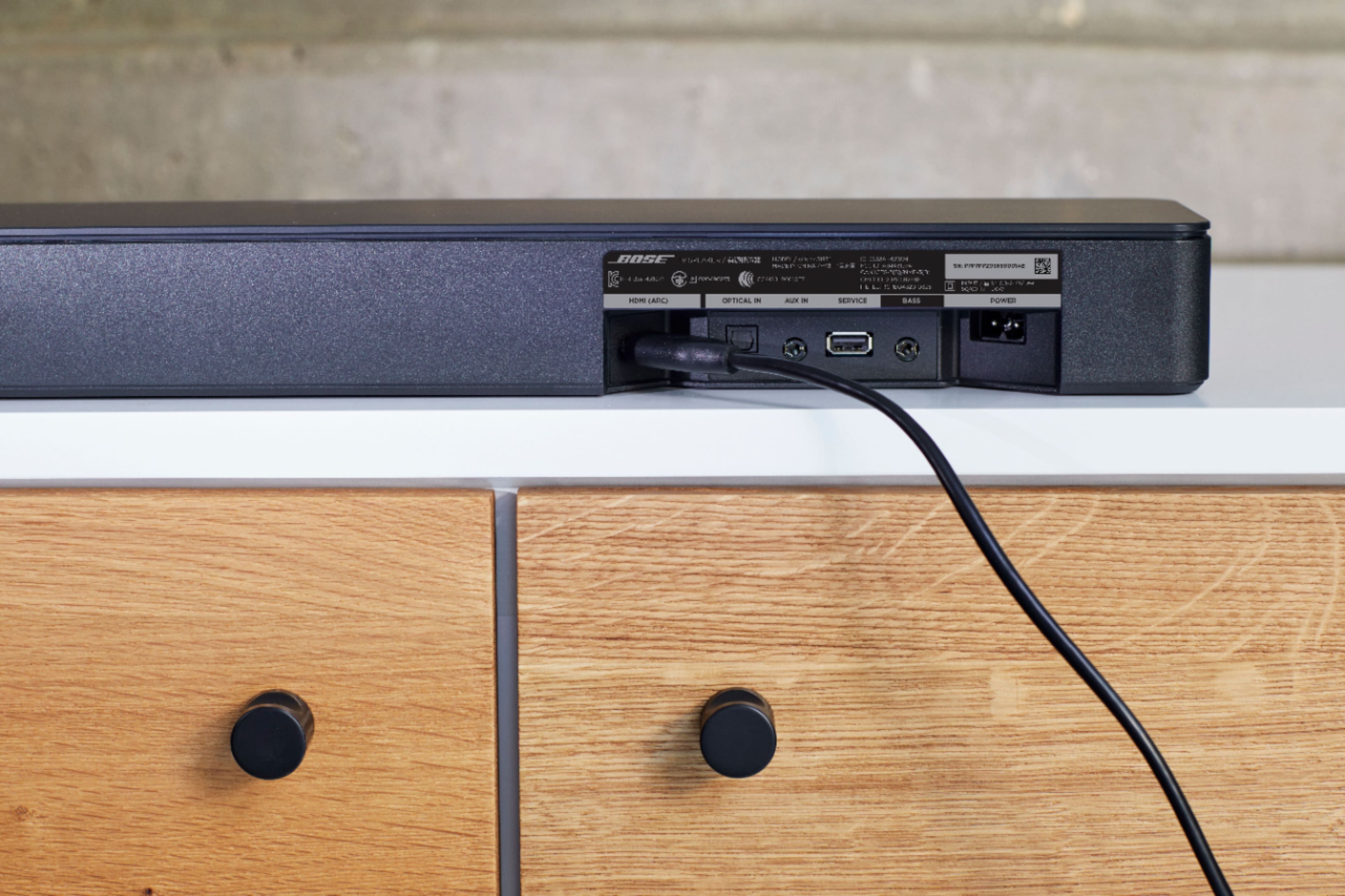
A:AnswerHi. Bluetooth interference can cause your Bluetooth connection to disconnect. This can be the result of an obstruction that’s preventing a reliable connection between your two paired devices. It is best to use HDMI ARC or Optical cable for connection.
A:AnswerHi! You can turn on Auto-wake. It lets you turn on your product without a remote control. For example, your Bose product can power on automatically when you turn on your TV or cable box. Here is the link, https://bose.life/3L7tfNr. If you need further help, please contact our team here, https://bose.life/3xhhrmj.
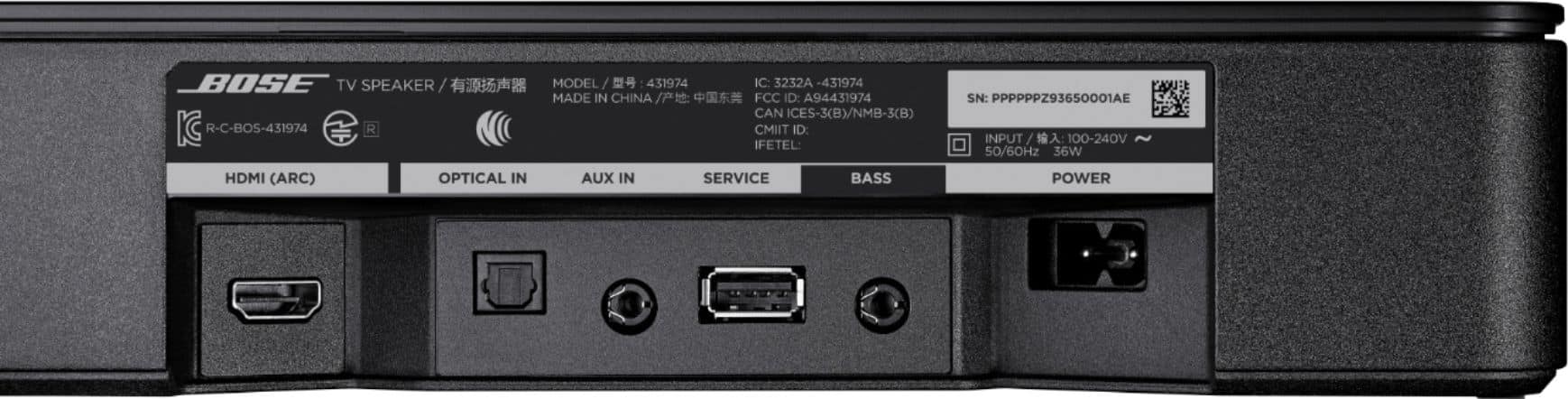
A:AnswerThe Soundbar can be connected by HDMI ARC or Optical to the TV. Once connected you'd need to make sure that the sound settings are set for the Soundbar and you'll get audio.
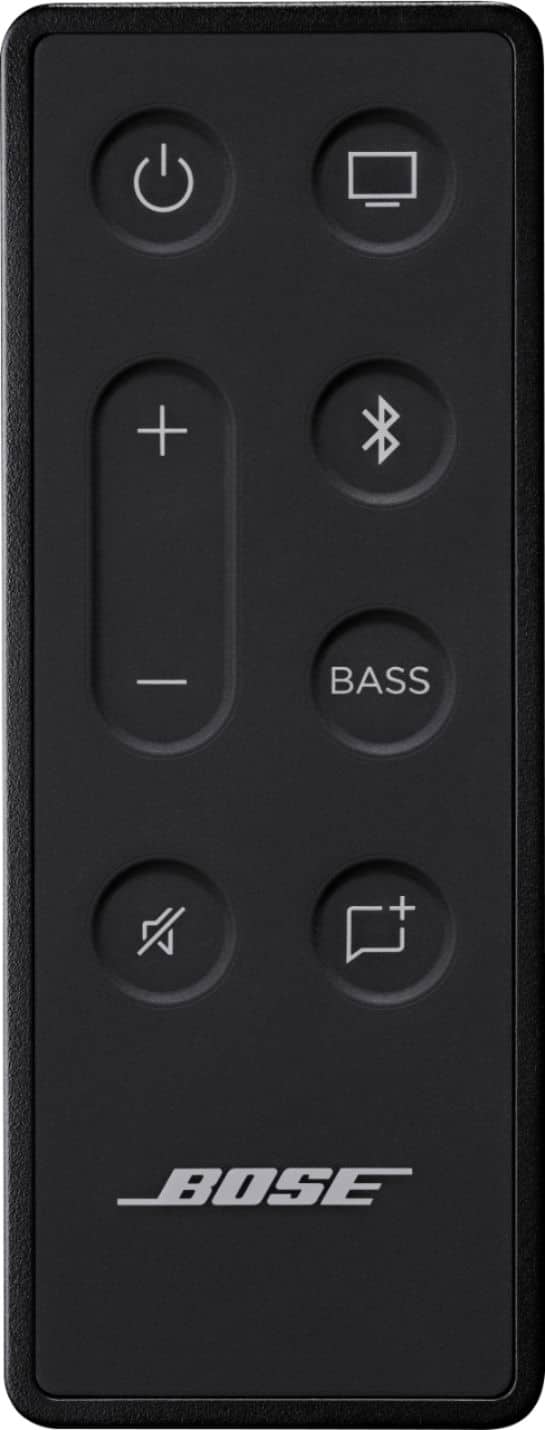
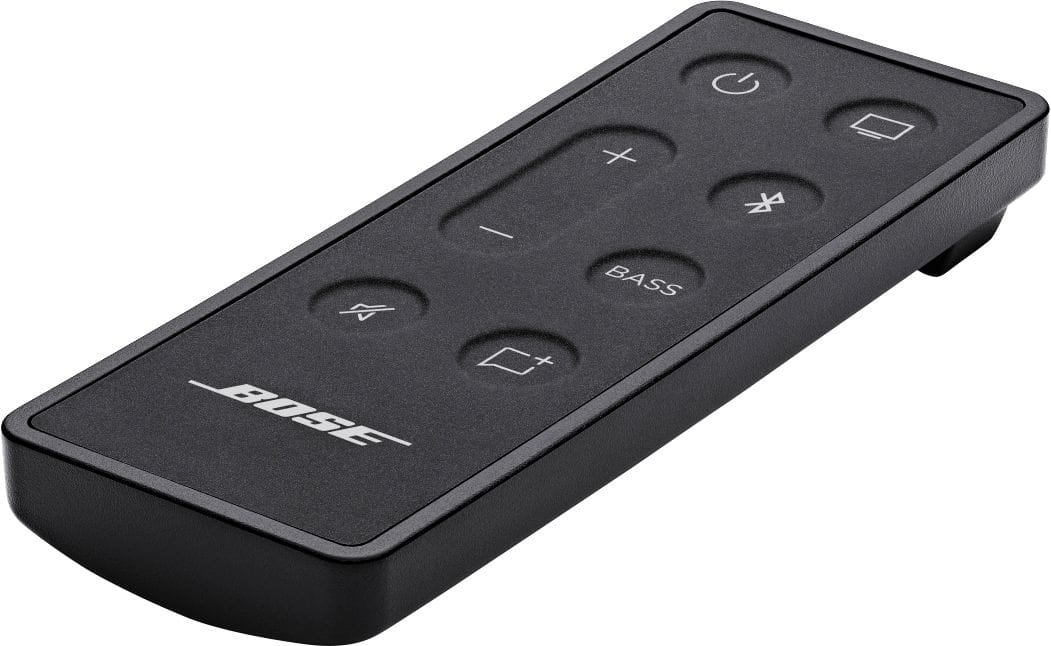
A:AnswerIt is adjusted by the Bass button on the remote, please refer to the short guide here https://bose.life/3dgzDFg on how to adjust the tone settings.