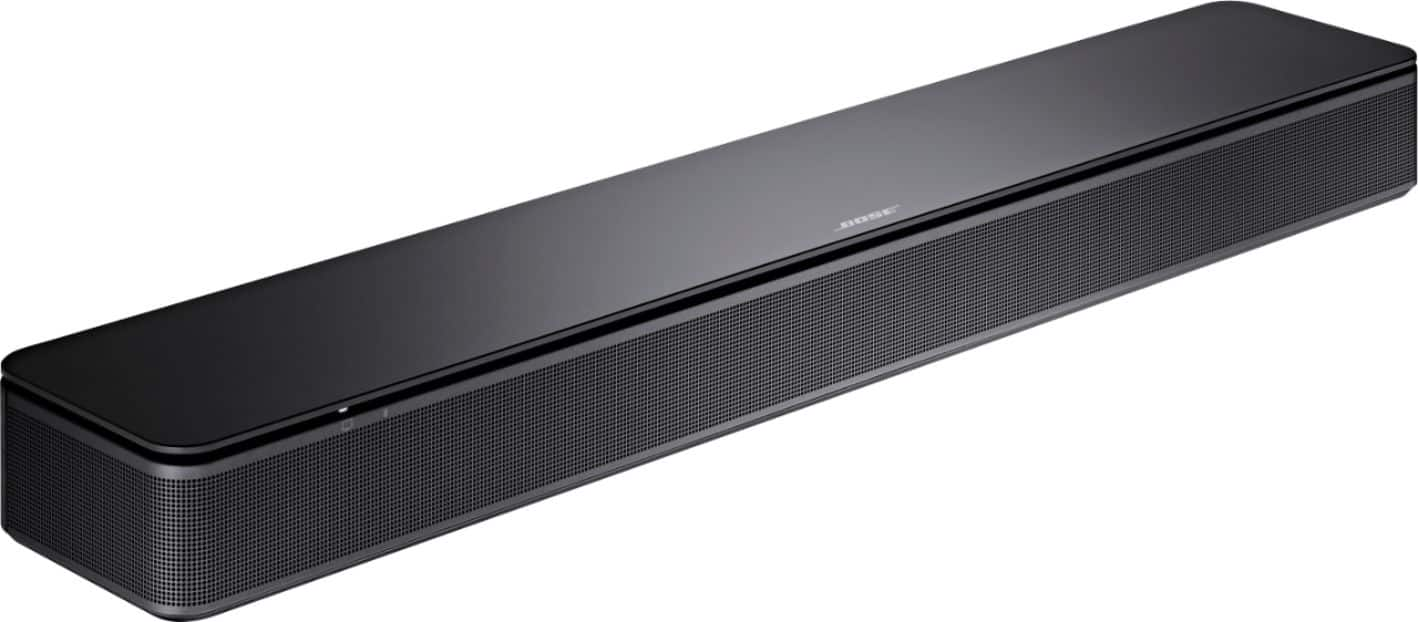
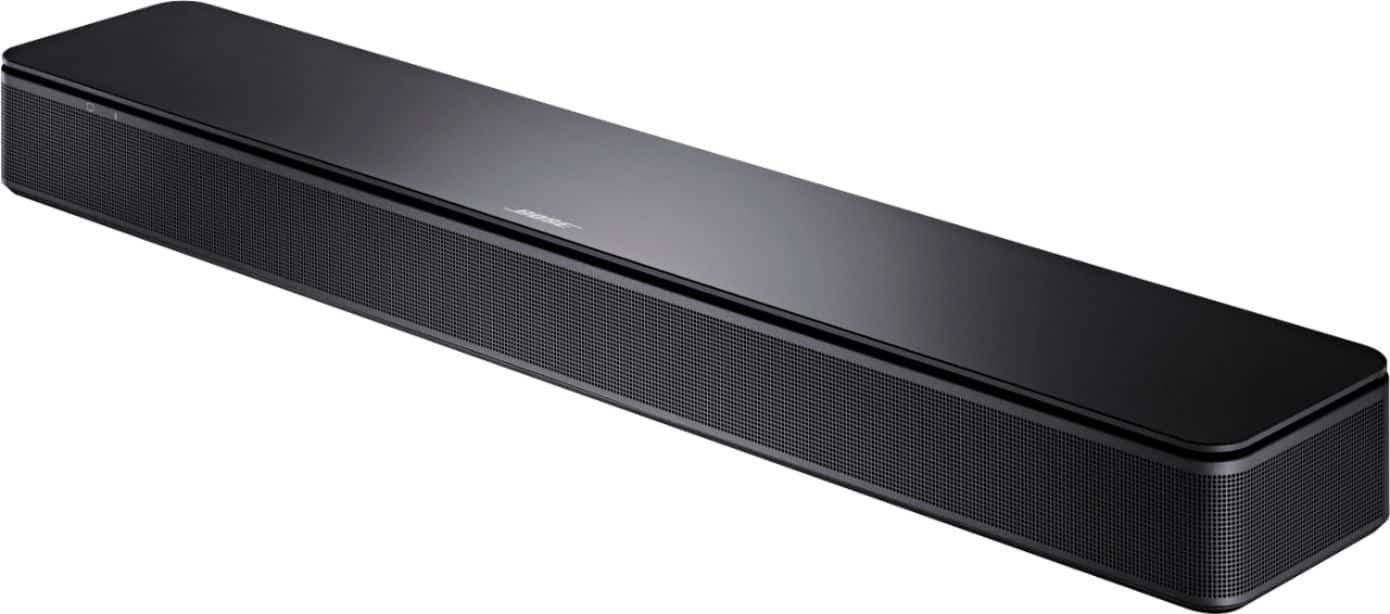
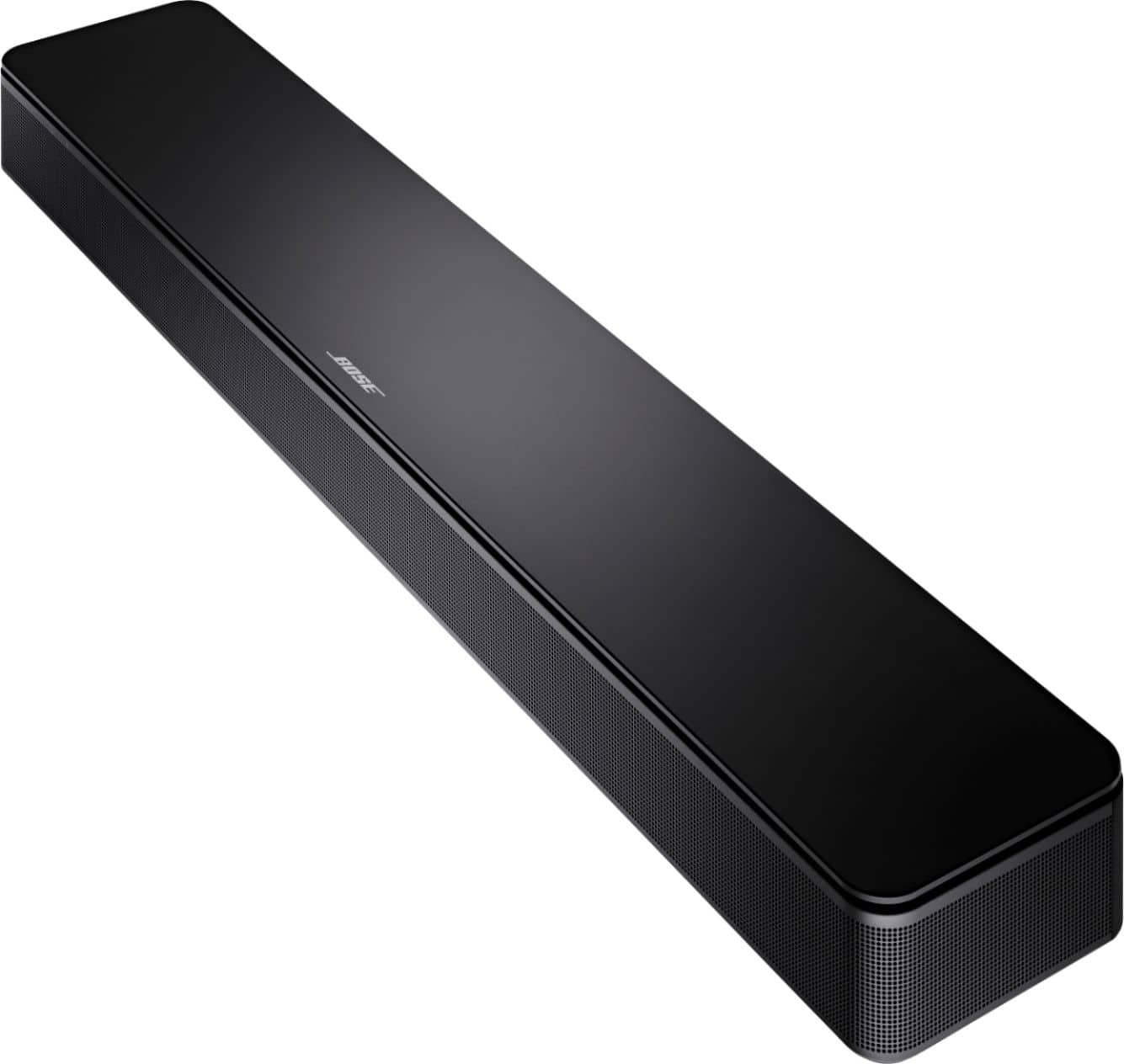
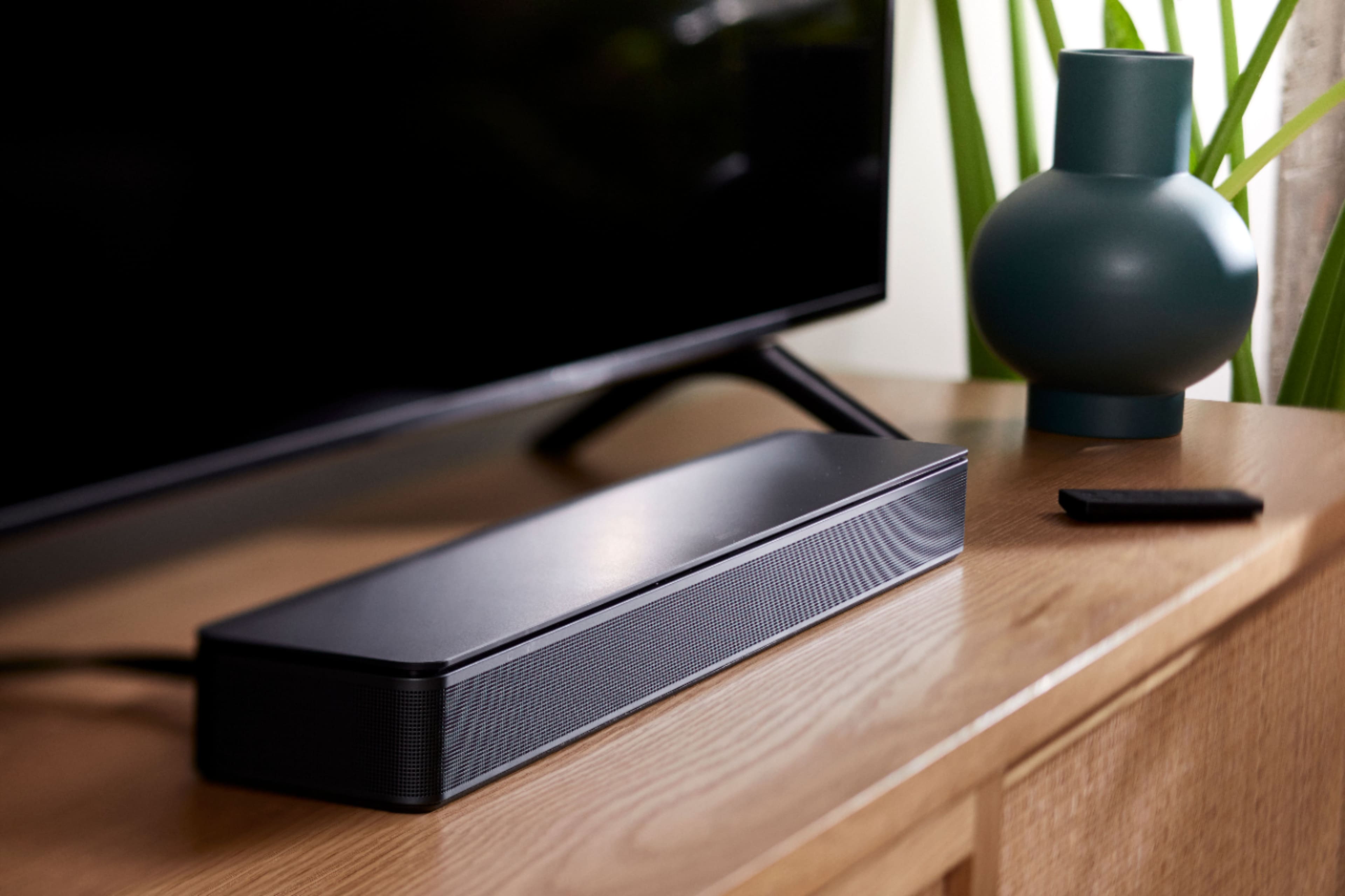
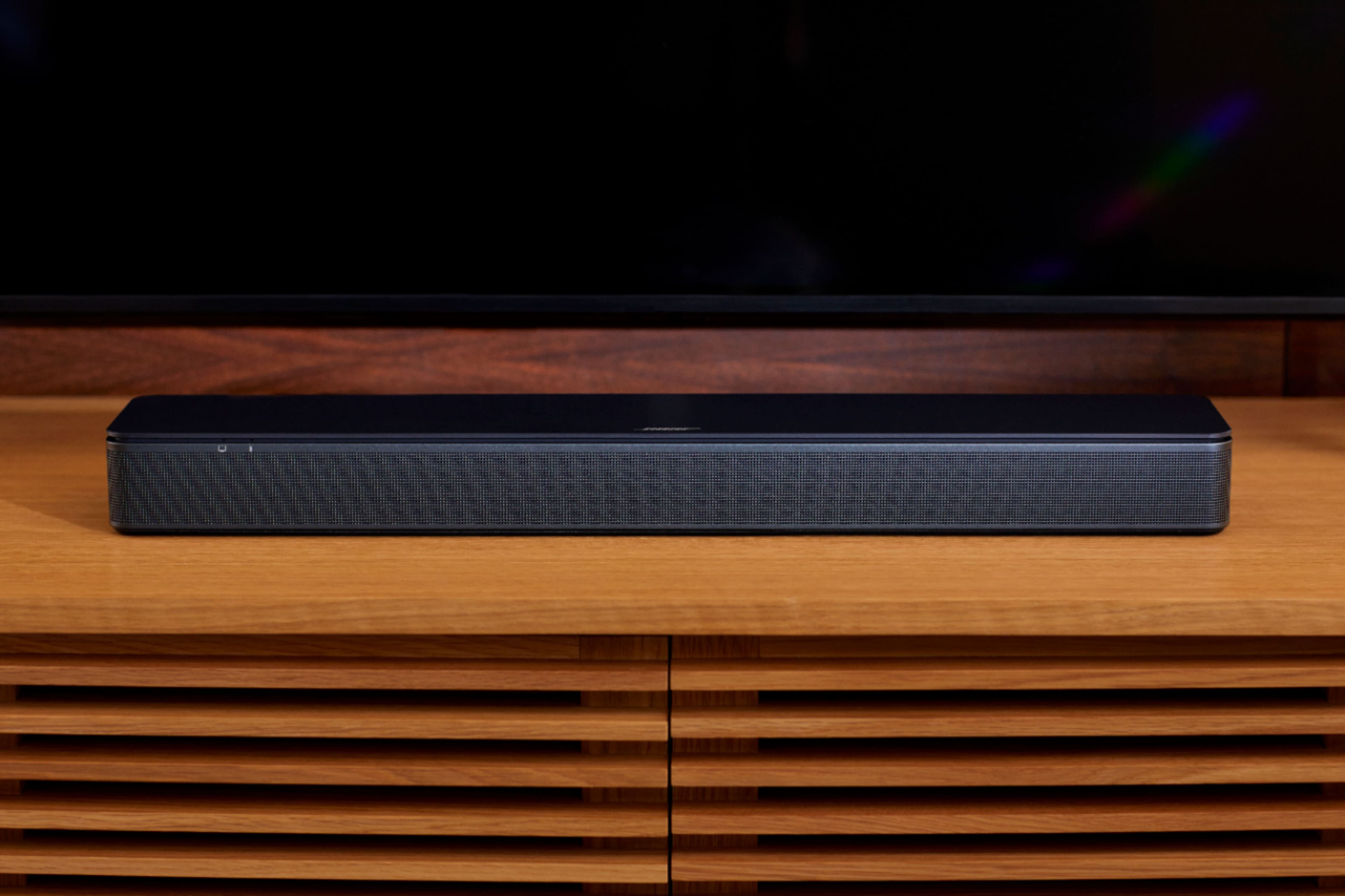
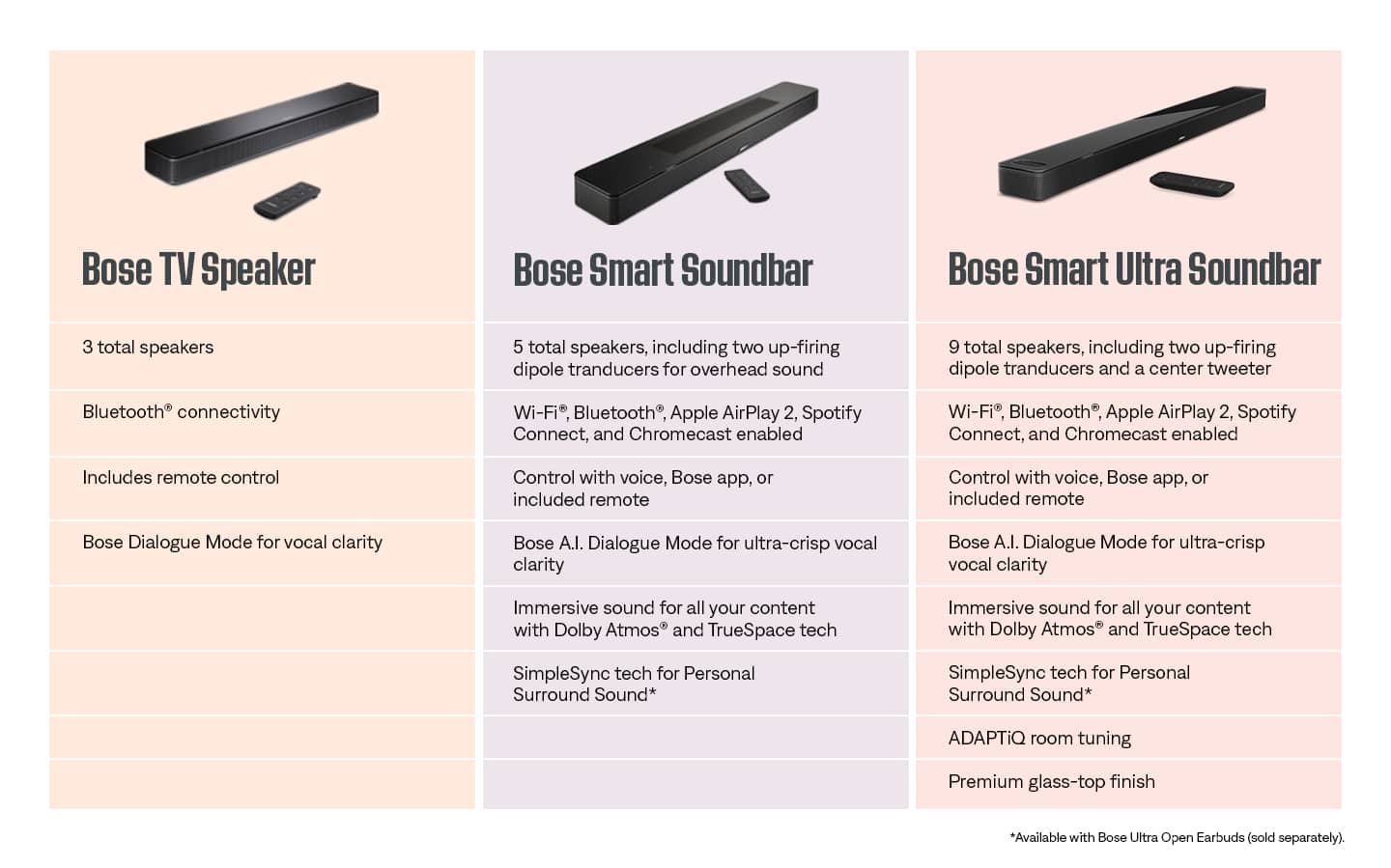
A:AnswerThe Bose TV Speaker is not compatible with the Bose Surround Speakers. It can, however, be used with the Bass Module 500 or Bass Module 700 to enhance bass audio further.
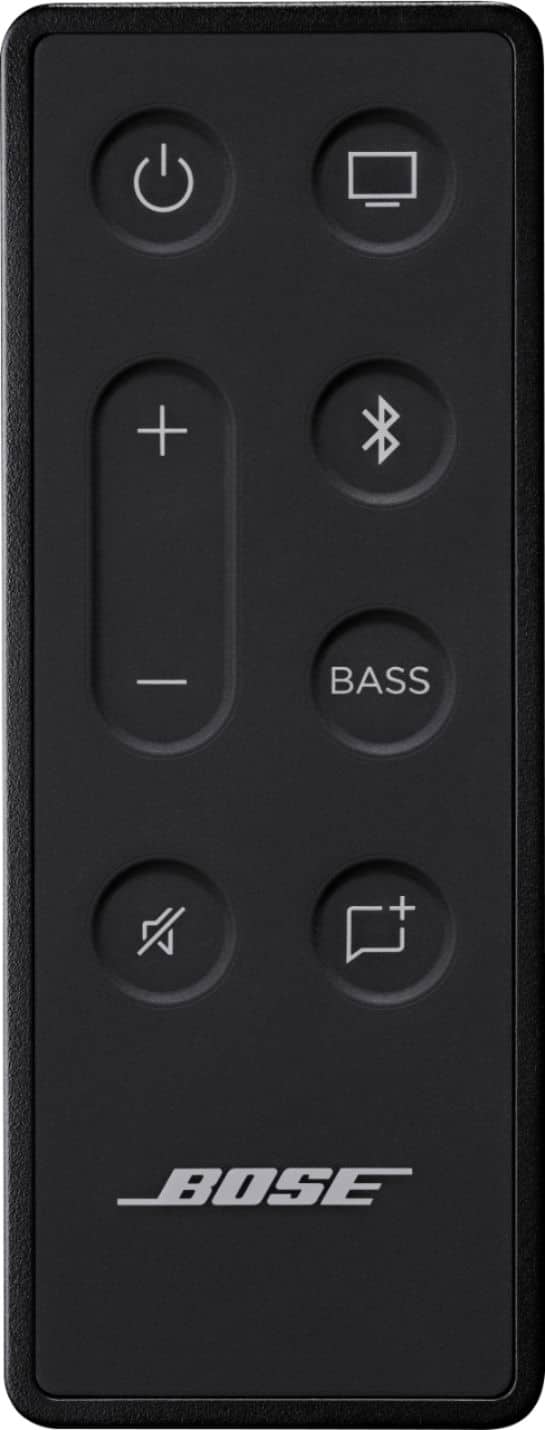
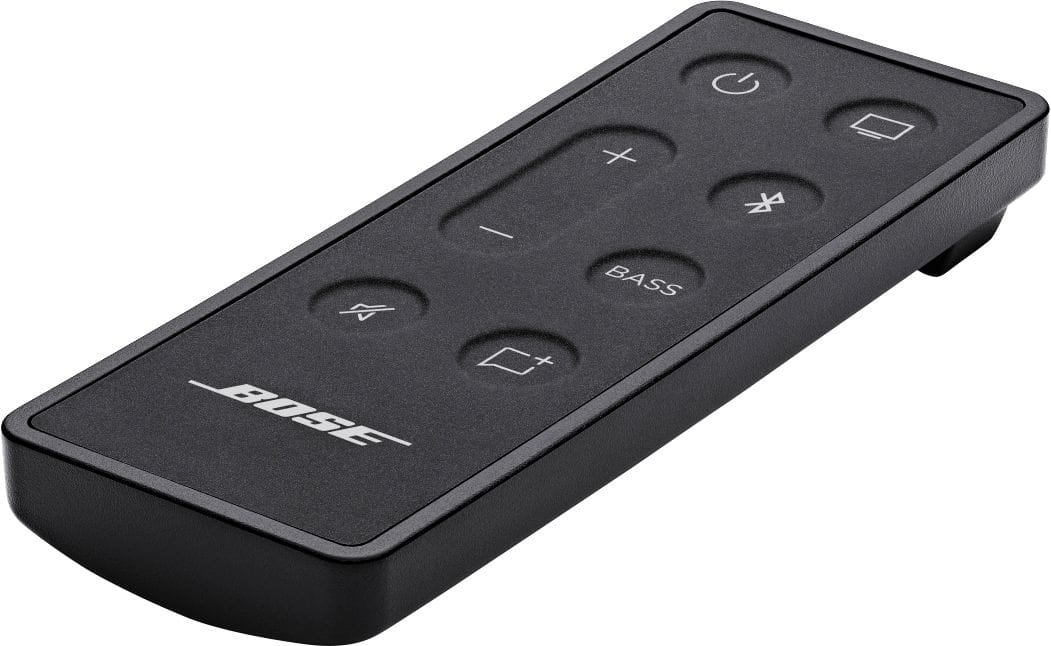
A:AnswerSimply press the BASS button on the remote, then use the Vol buttons to increase or decrease. A light on the front of the speaker gives a visual representation of the bass level.
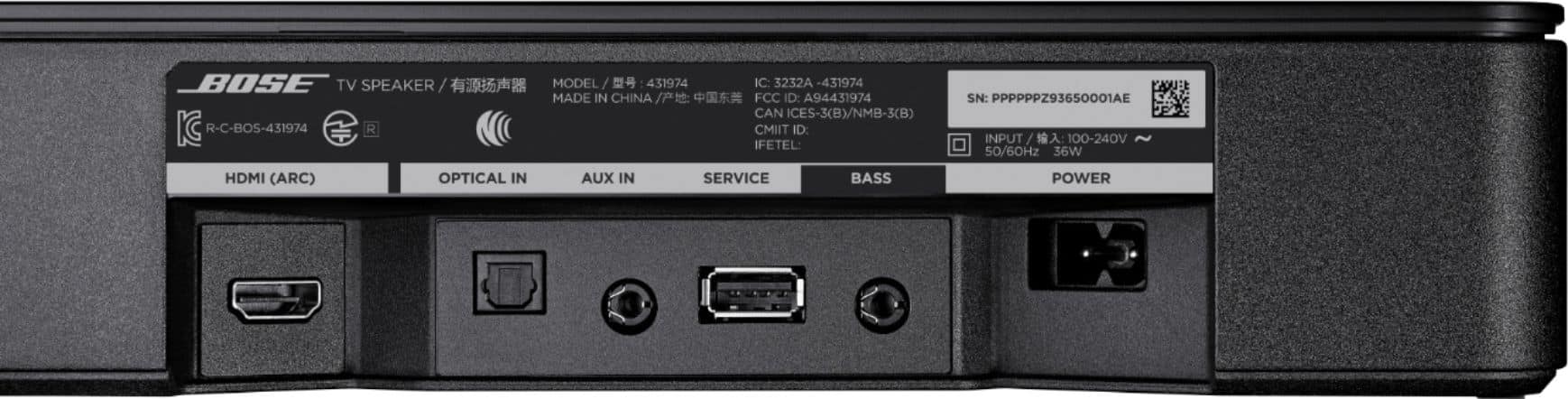
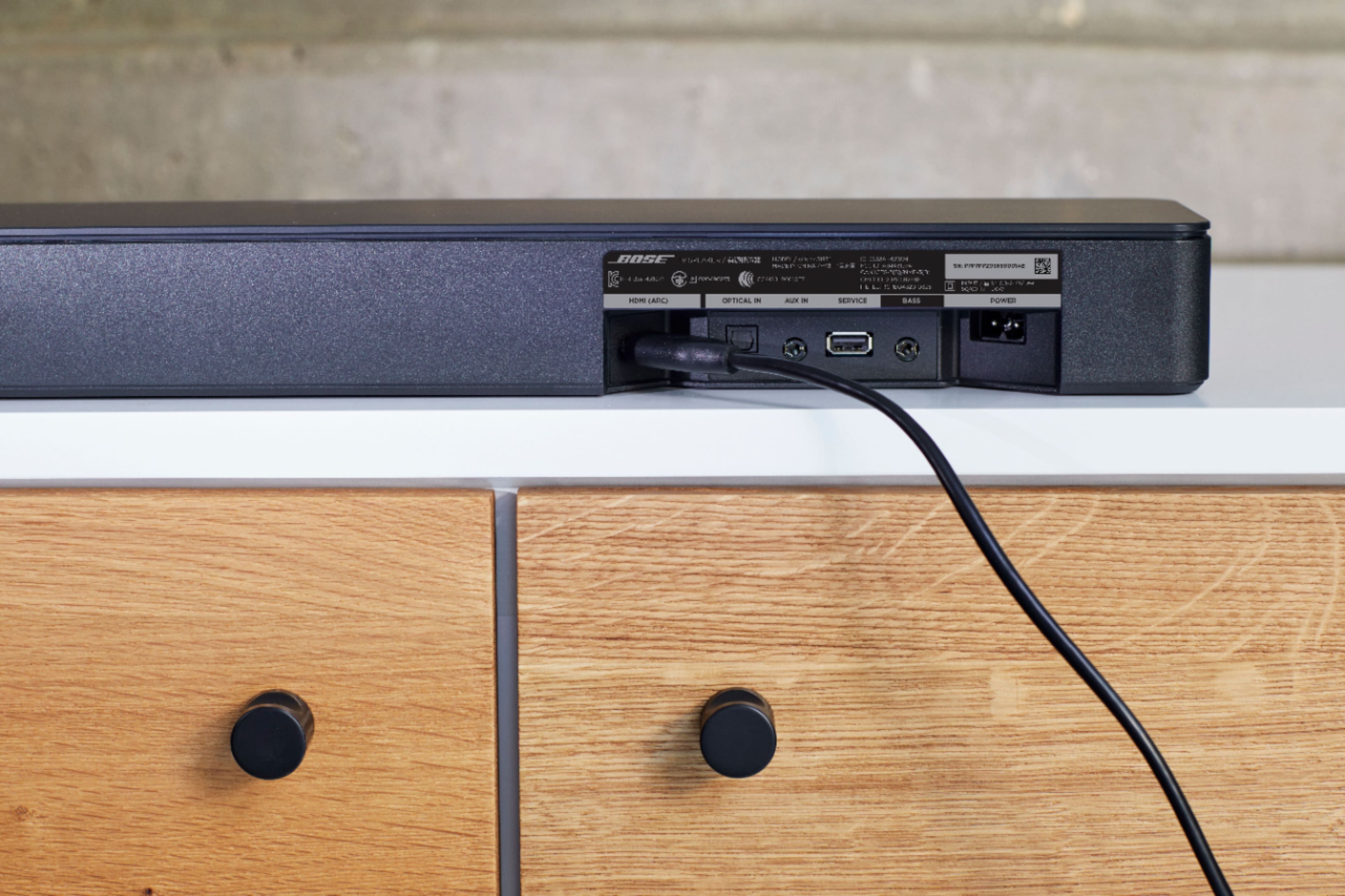
A:AnswerYes -- If your TV has HDMI ARC connectivity, an optical audio output or you can connect from an older TV by using an analogue patchcord from the TV's headphone out to the Bose "AUX" analogue input (you need 1/8" jacks on each end of that cord).
A:AnswerIf you’re using the sound bar to hook up to your TV, you can add a Bose subwoofer. The salesperson at Best Buy will show you the subwoofers you can add.
A:AnswerNo, you will connect to your TV via the provided optical cable or HDMI cable (sold separately). Bluetooth connectivity is made available if you wish to stream audio through your speaker.