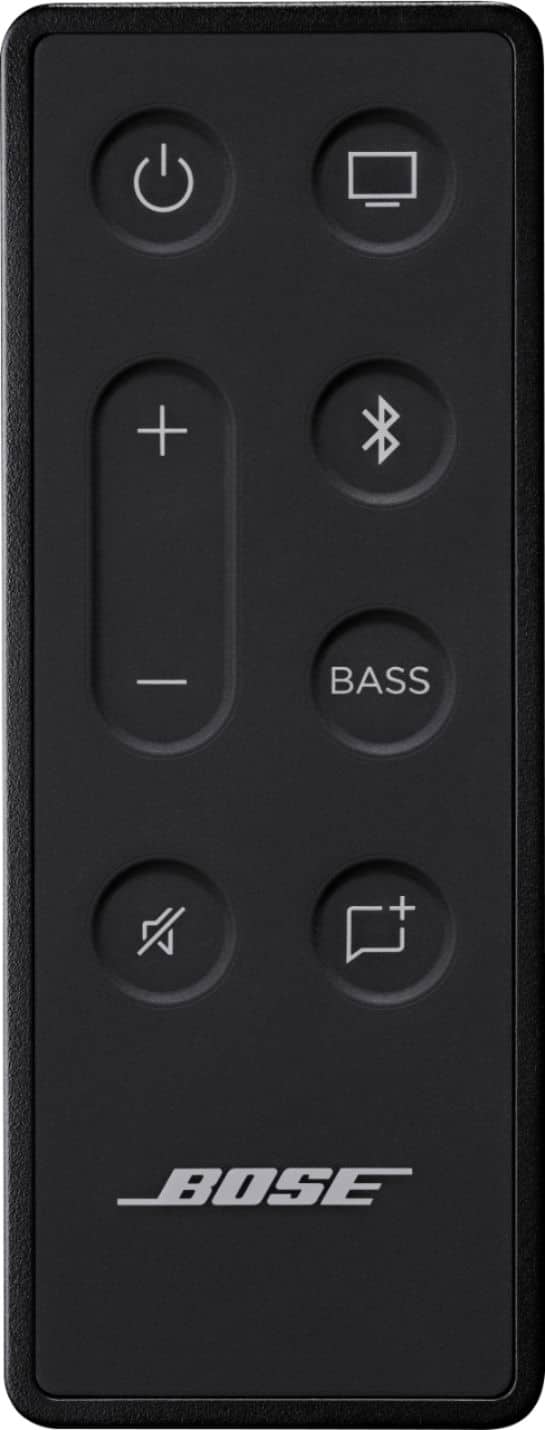
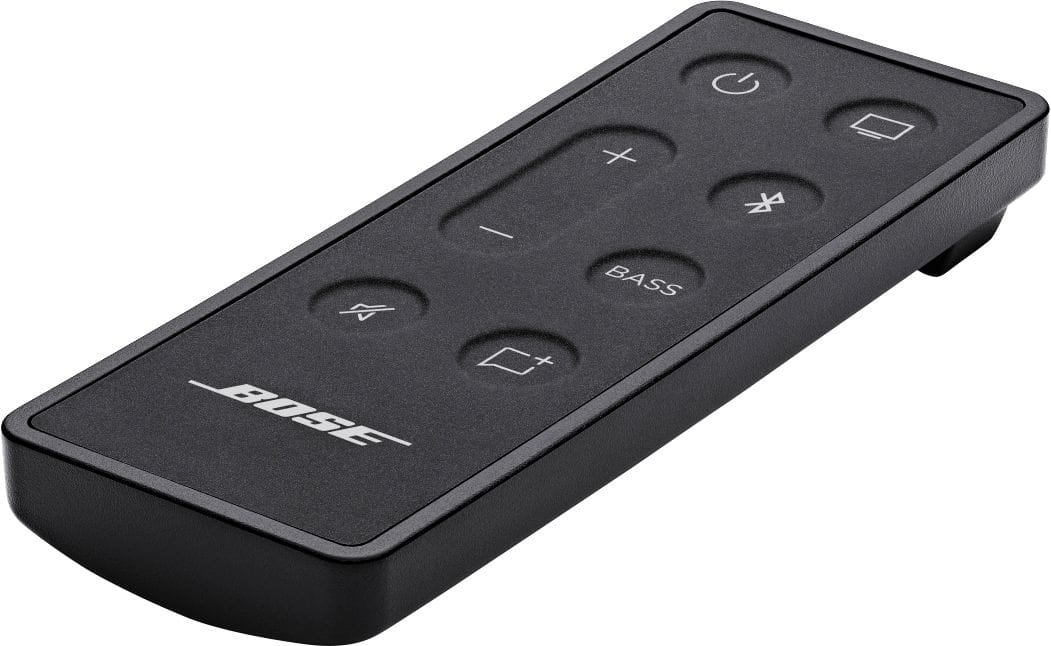
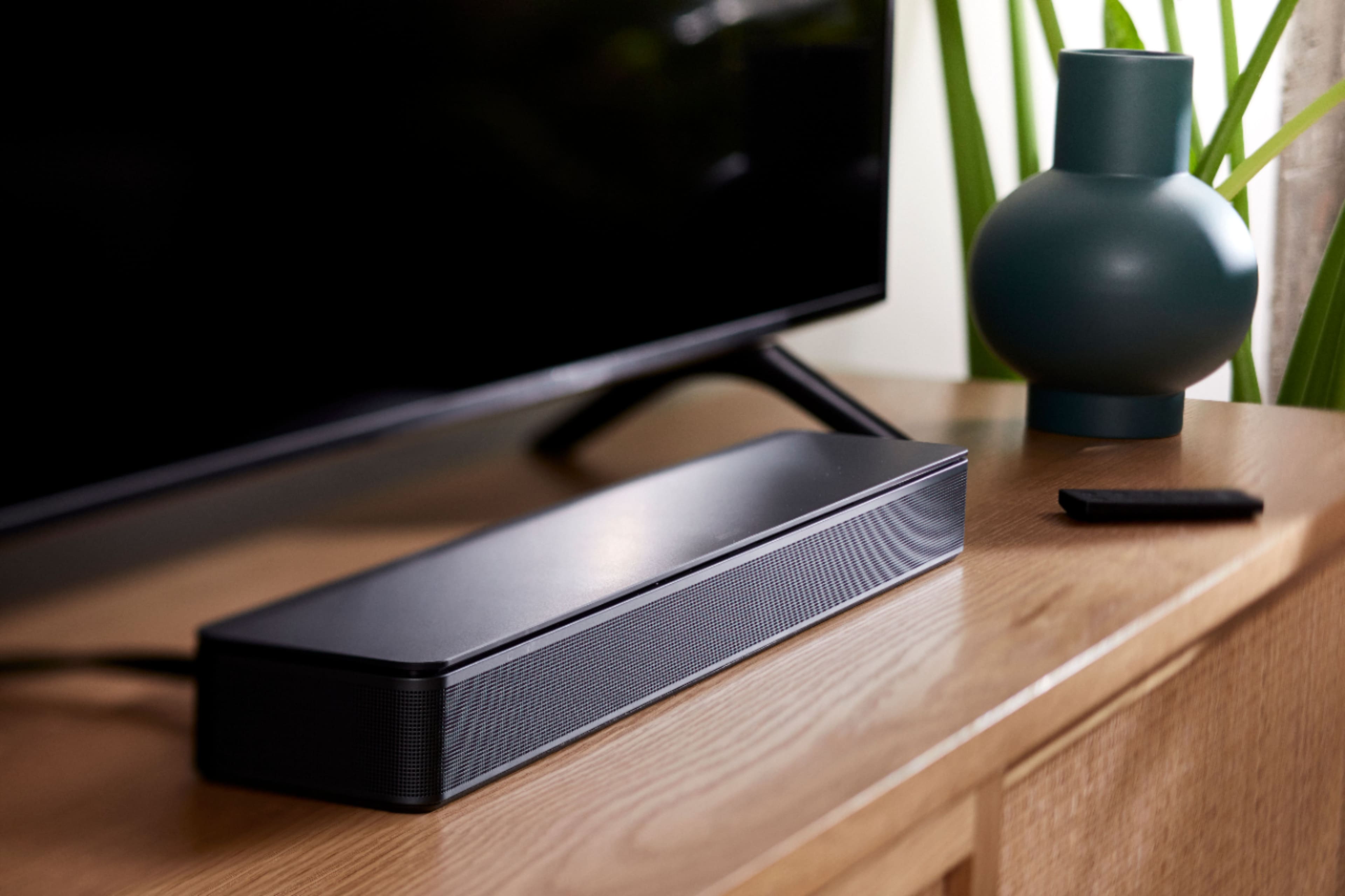
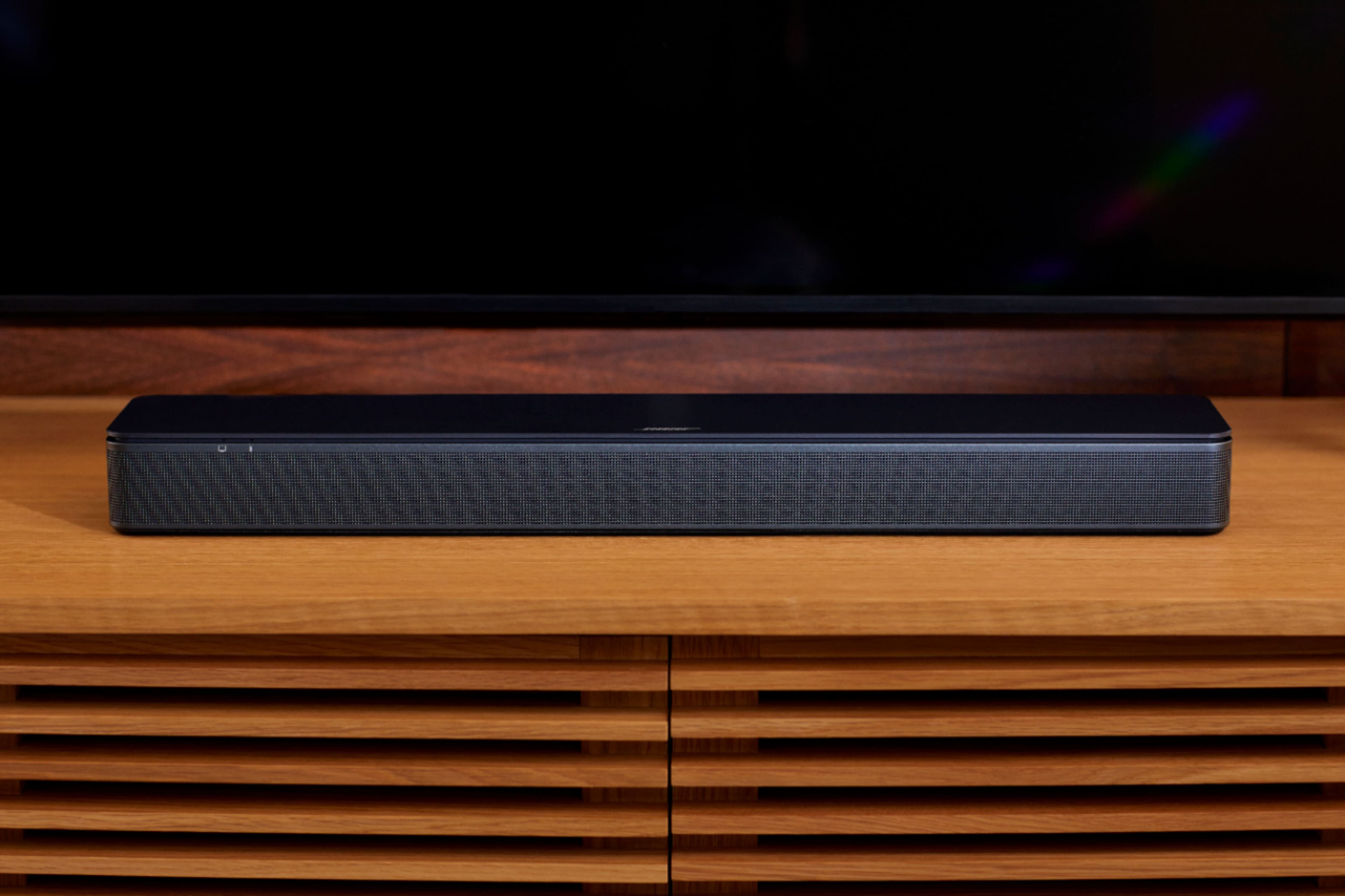
A:AnswerHi! You can turn on Auto-wake. It lets you turn on your product without a remote control. For example, your Bose product can power on automatically when you turn on your TV or cable box. Here is the link, https://bose.life/3L7tfNr. If you need further help, please contact our team here, https://bose.life/3xhhrmj.
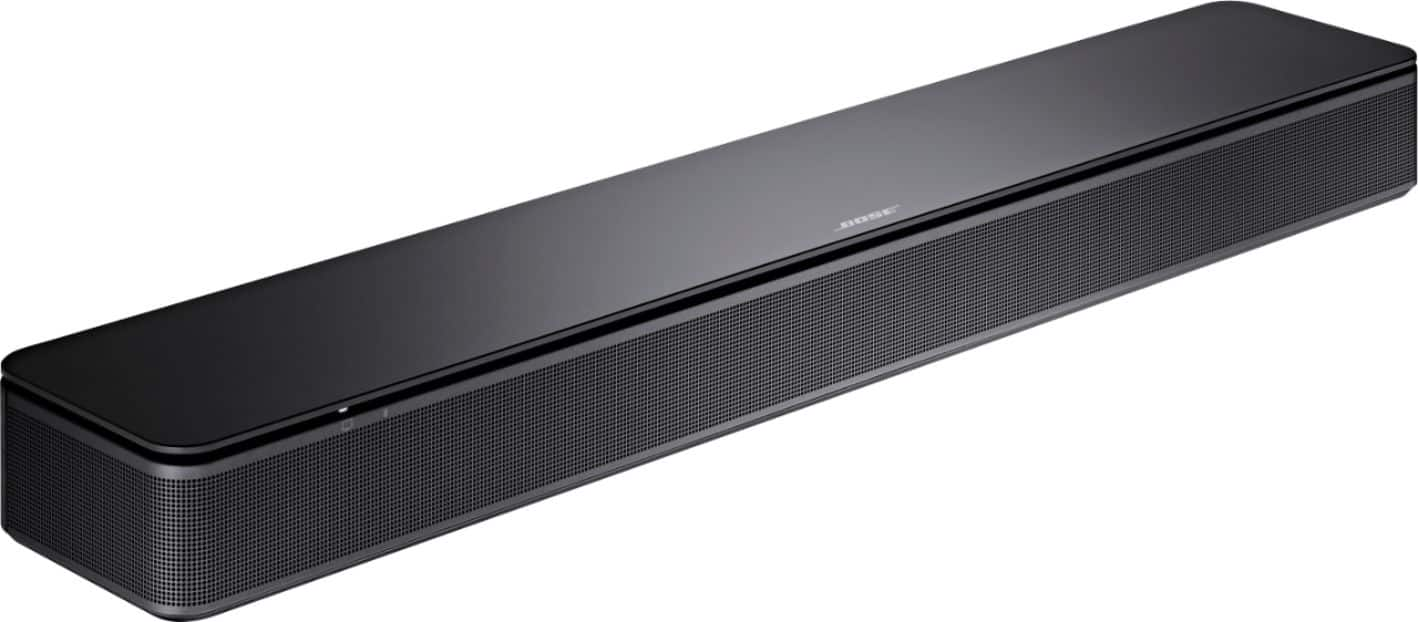
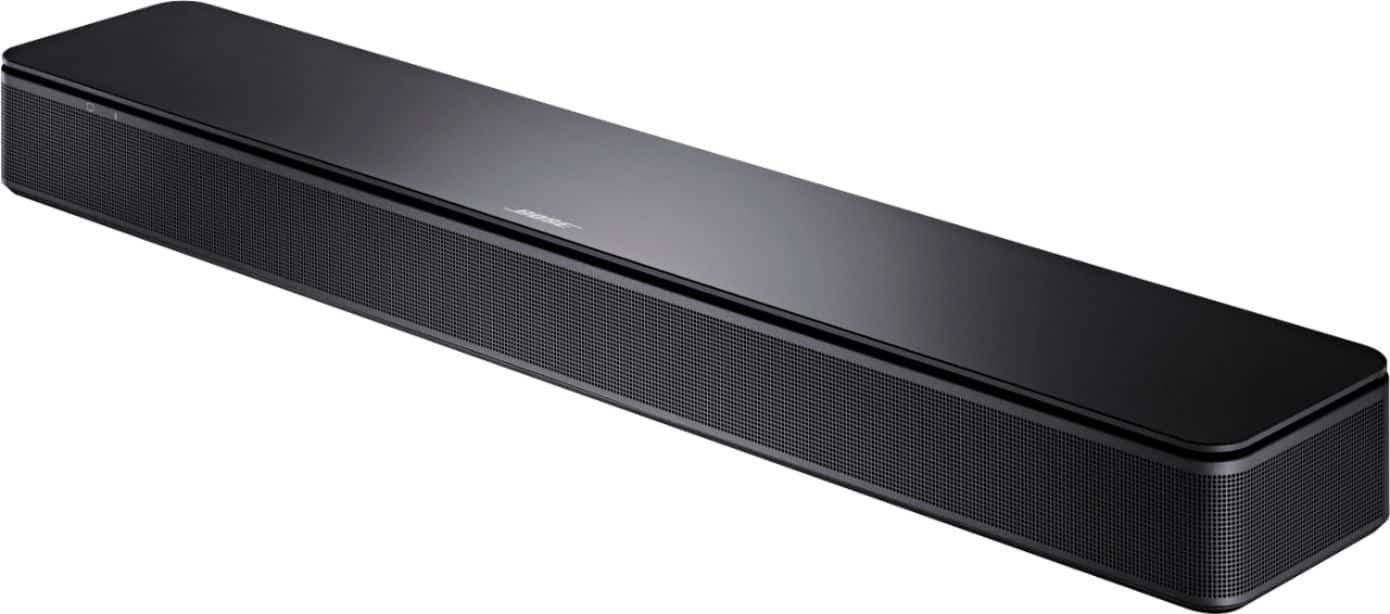
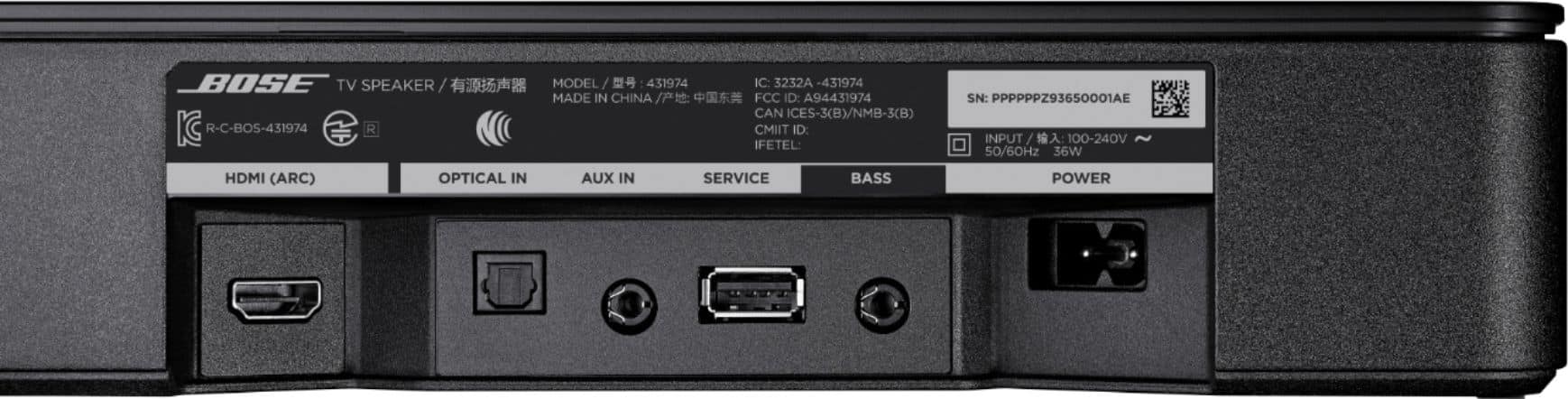
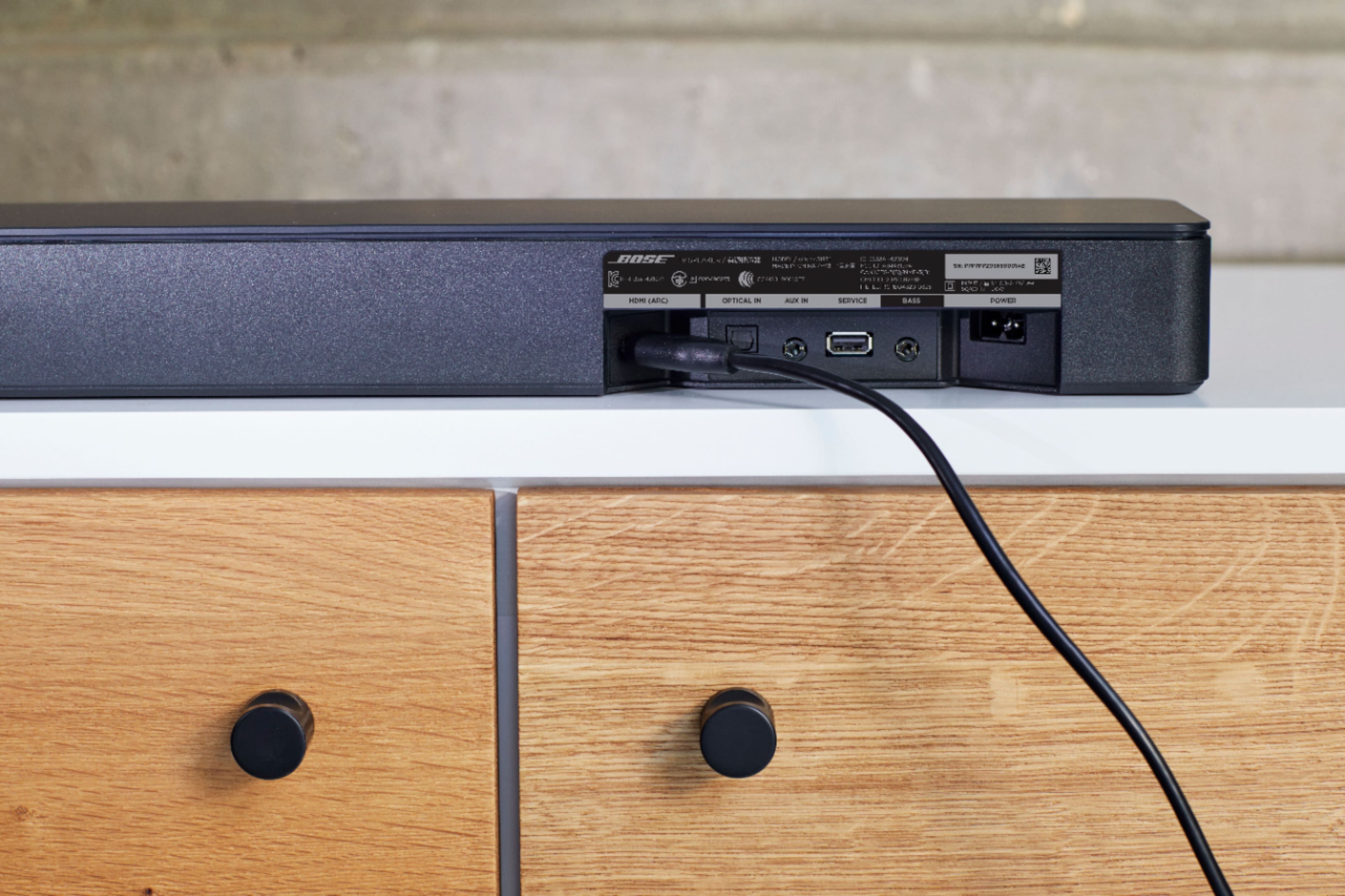
A:AnswerThe Soundbar can be connected by HDMI ARC or Optical to the TV. Once connected you'd need to make sure that the sound settings are set for the Soundbar and you'll get audio.
A:AnswerIt is adjusted by the Bass button on the remote, please refer to the short guide here https://bose.life/3dgzDFg on how to adjust the tone settings.
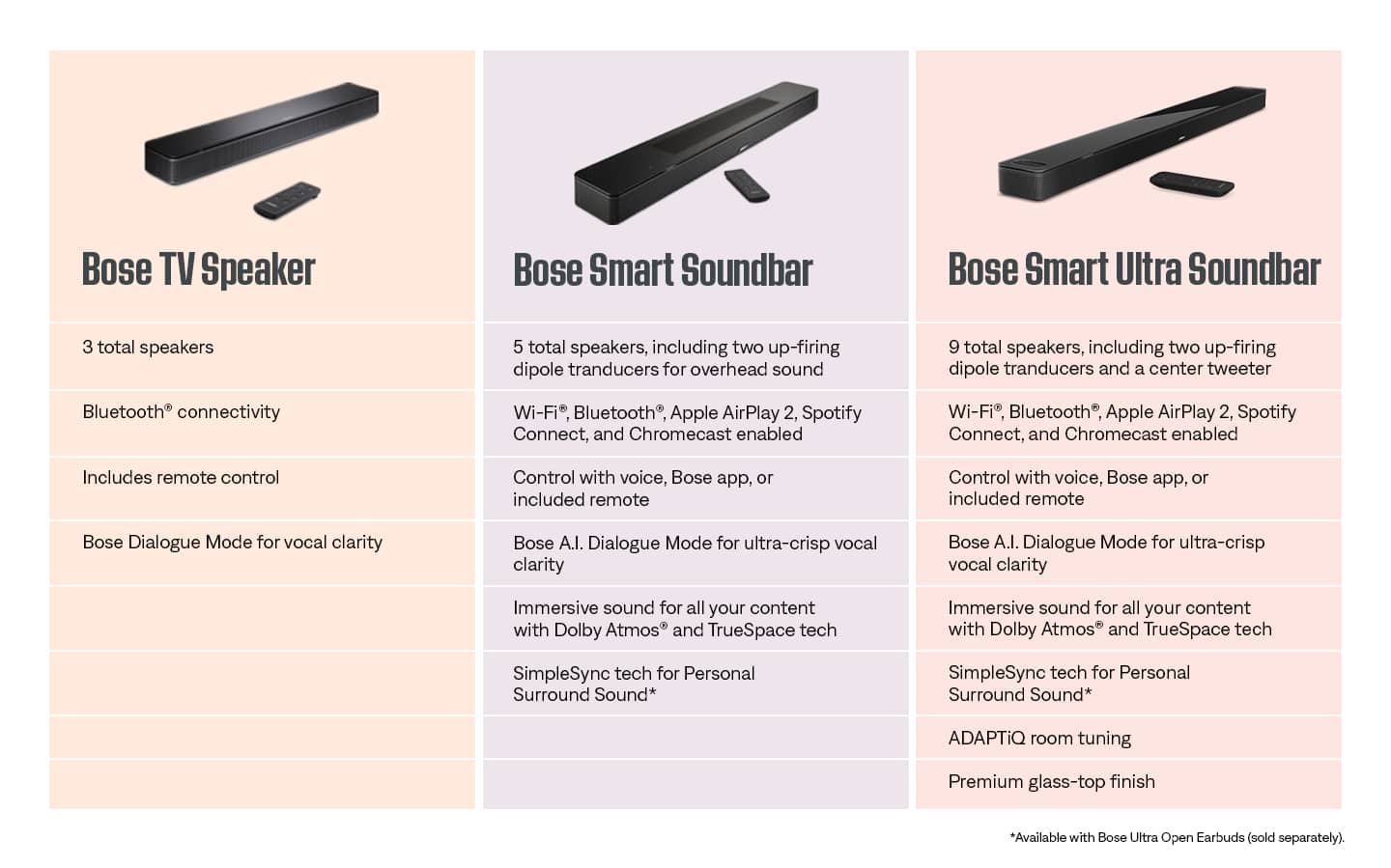
A:AnswerThis is dependant on your Soundbar Model. Our Simple Sync feature will allow you to pair selected Smart Home products to Selected Bluetooth Speakers within the Bose Music app. Follow this link to ensure this is available to you: https://www.bose.com/en_us/support/articles/HC2616/productCodes/bose_smart_soundbar_300/article.html