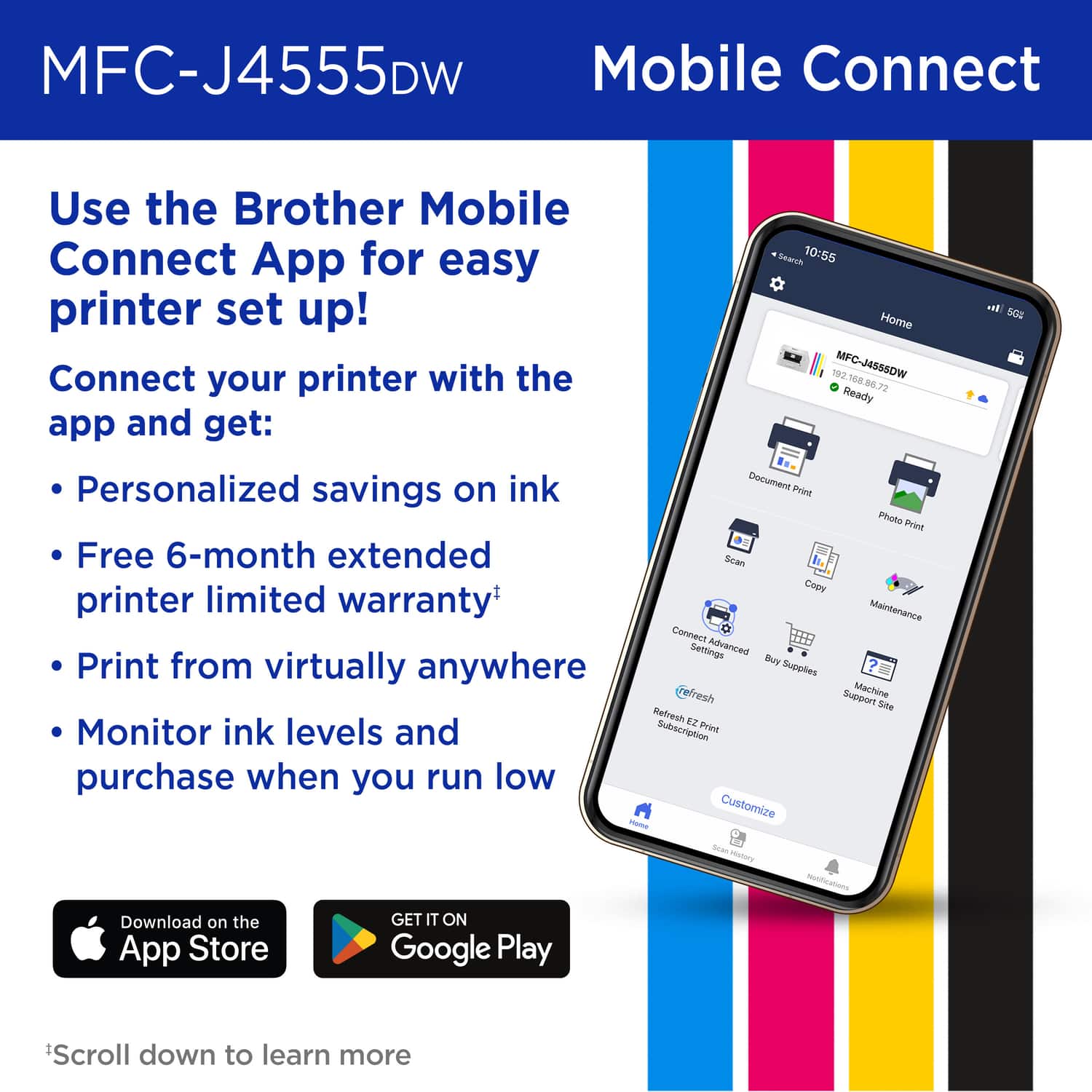
A:AnswerYes, it is easy to set up the Brother MFC-J4555DW for wireless printing from your phone using the Brother Mobile Connect app. We can help with that. I have included a link to the FAQ answer that should assist you. Please follow all the steps listed in the following link:
Answer Link: https://help.brother-usa.com/AgentWeb/api/contextmanager/v.32510240001/workspaceContext/workspace/processedPrint/Answer/189039
Answer Link: https://help.brother-usa.com/AgentWeb/api/contextmanager/v.32510240001/workspaceContext/workspace/processedPrint/Answer/173849
Answer Link: https://help.brother-usa.com/AgentWeb/api/contextmanager/v.32510240001/workspaceContext/workspace/processedPrint/Answer/183936
Answer Link: https://help.brother-usa.com/AgentWeb/api/contextmanager/v.32510240001/workspaceContext/workspace/processedPrint/Answer/186468
If you still have difficulties, please contact Brother Customer Service at:
https://www.brother-usa.com/support/MFCJ4555DW
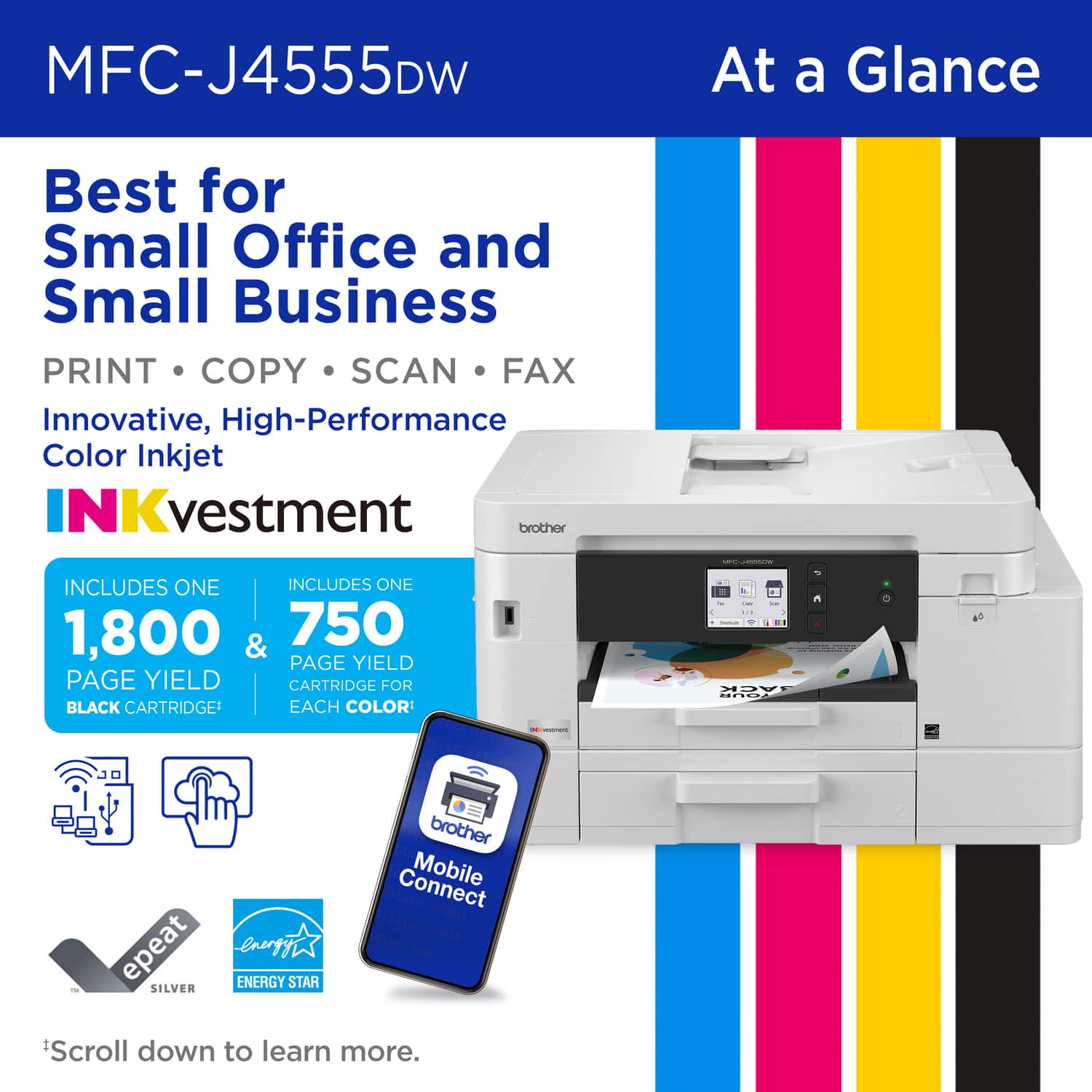
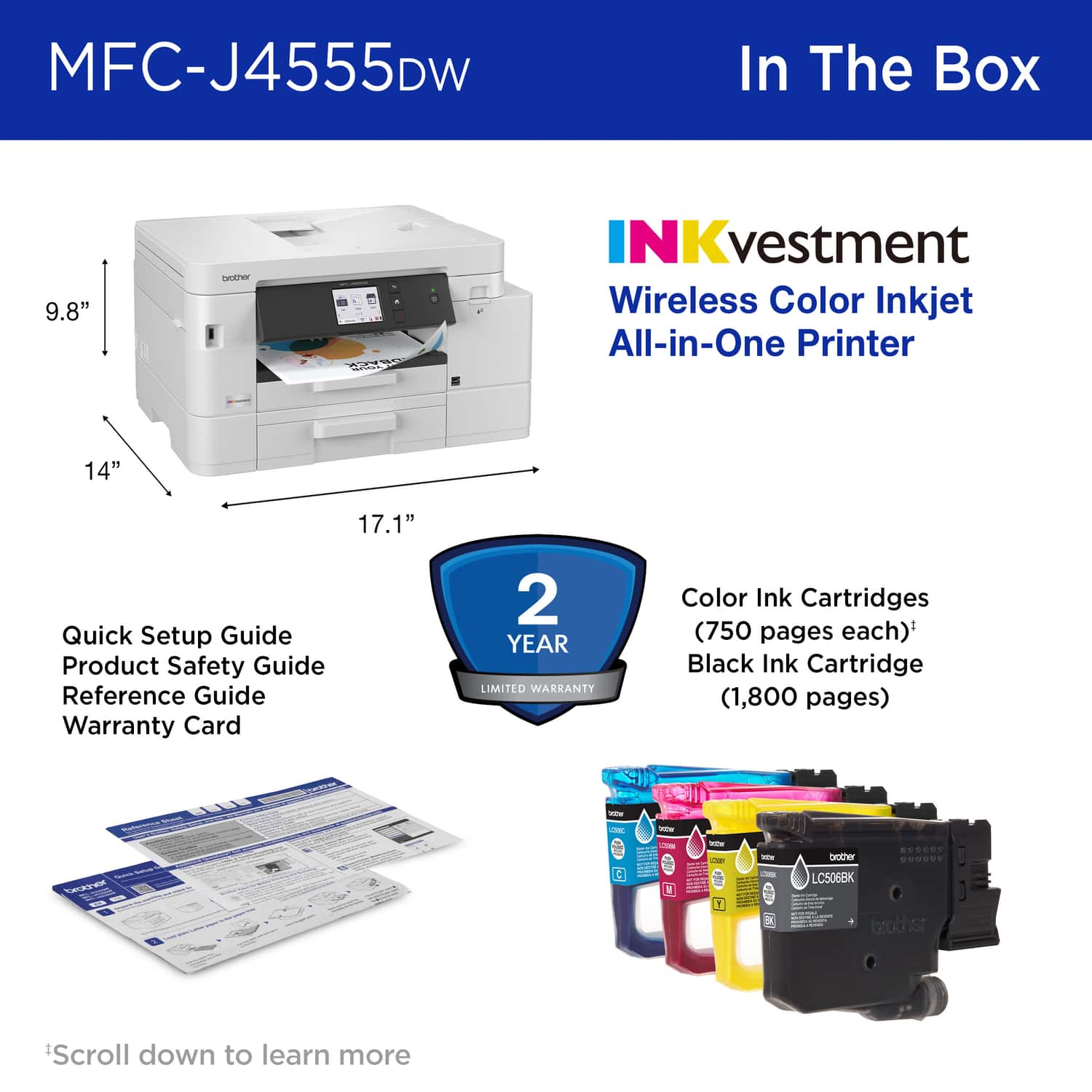
A:AnswerYes, the Brother MFC-J4555DW comes with starter ink cartridges: one black (approx. 1,800 pages) and three color cartridges (cyan, magenta, and yellow, each with an approx. 750-page yield).
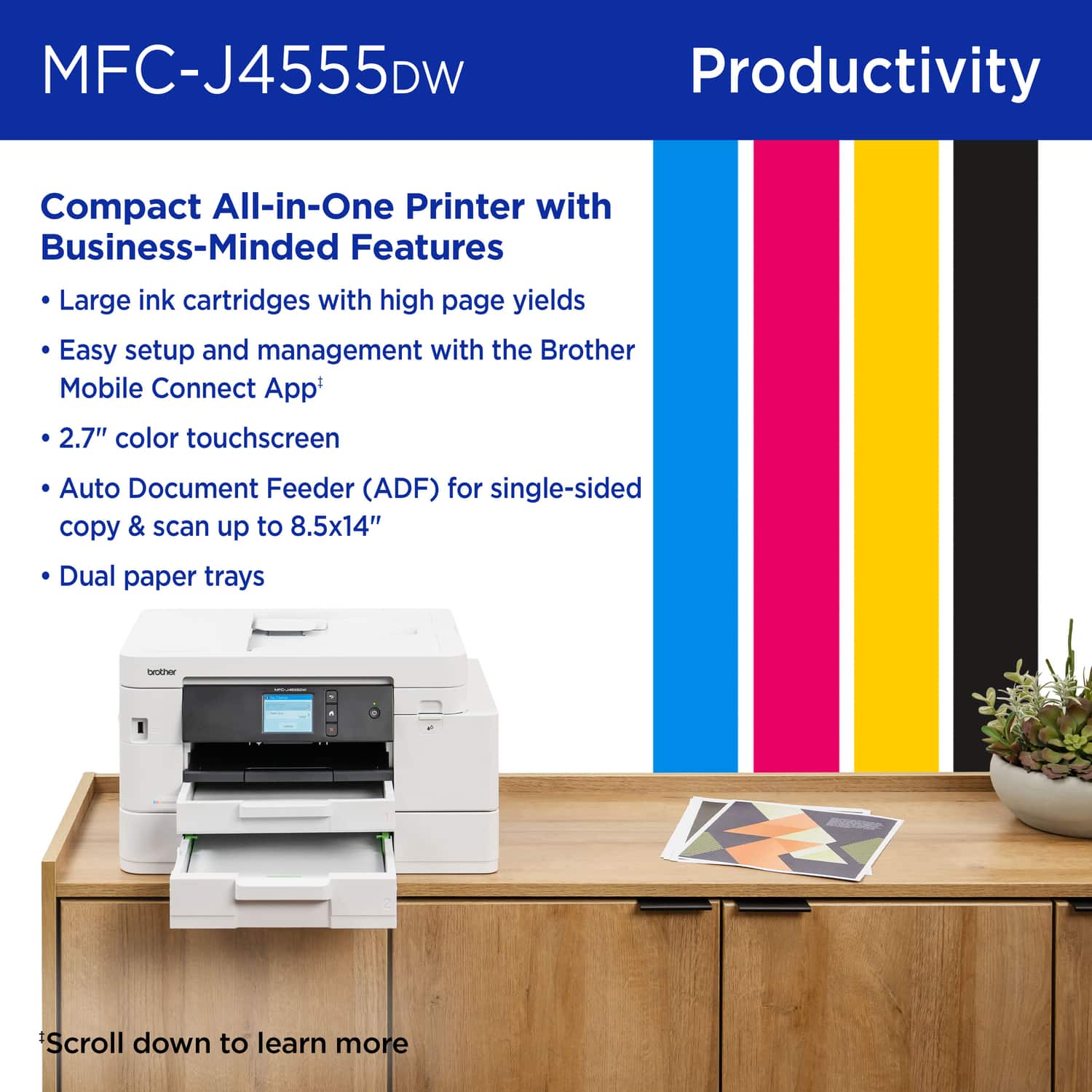
A:AnswerYes, the Brother MFCJ4555DW is compatible with legal sizes paper. Below is a link with all the compatible paper sizes for the Brother MFCJ4555DW.
Answer Link: https://support.brother.com/g/b/faqend.aspx?c=us&lang=en&prod=mfcj4555dw_us_as&faqid=faq00000080_069