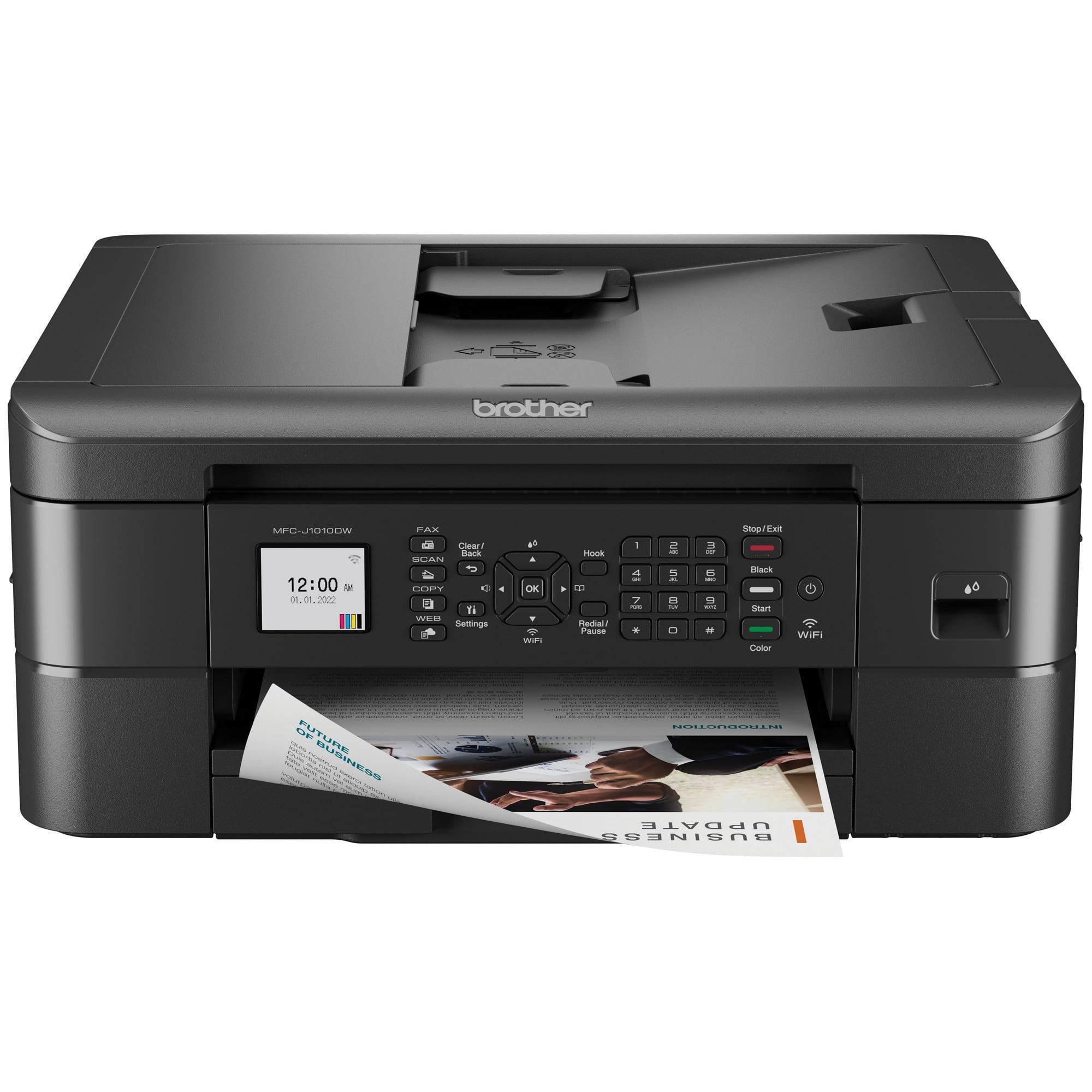
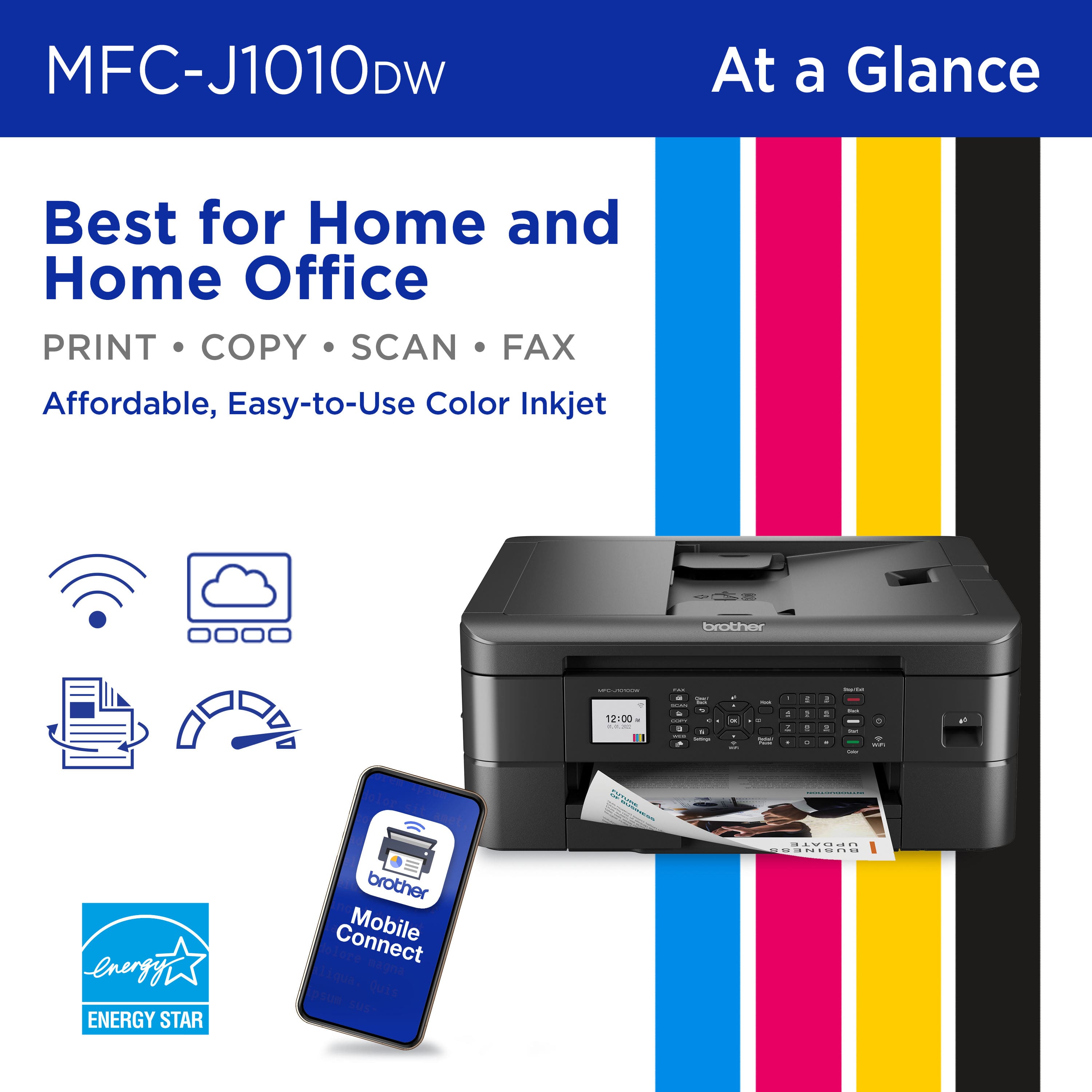
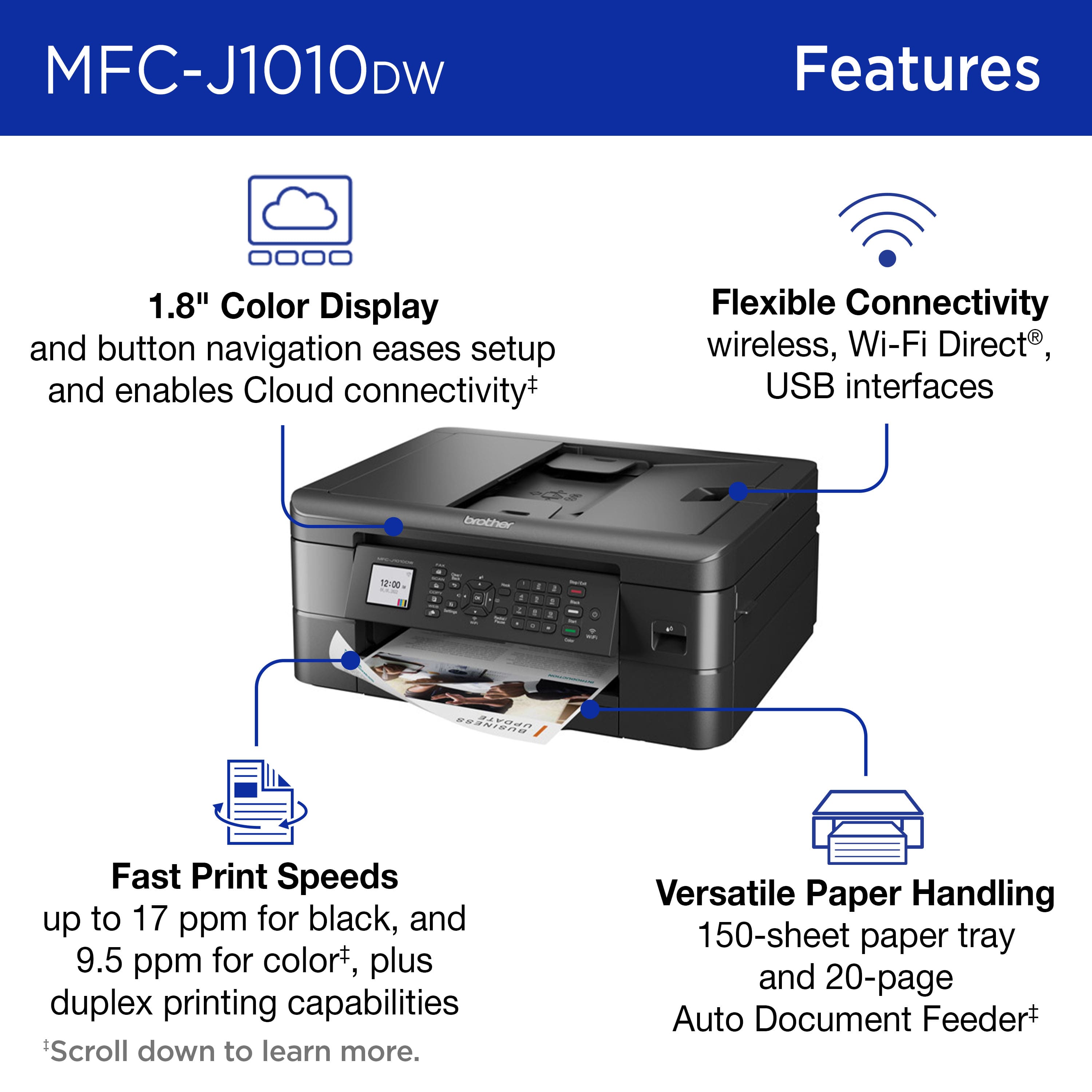
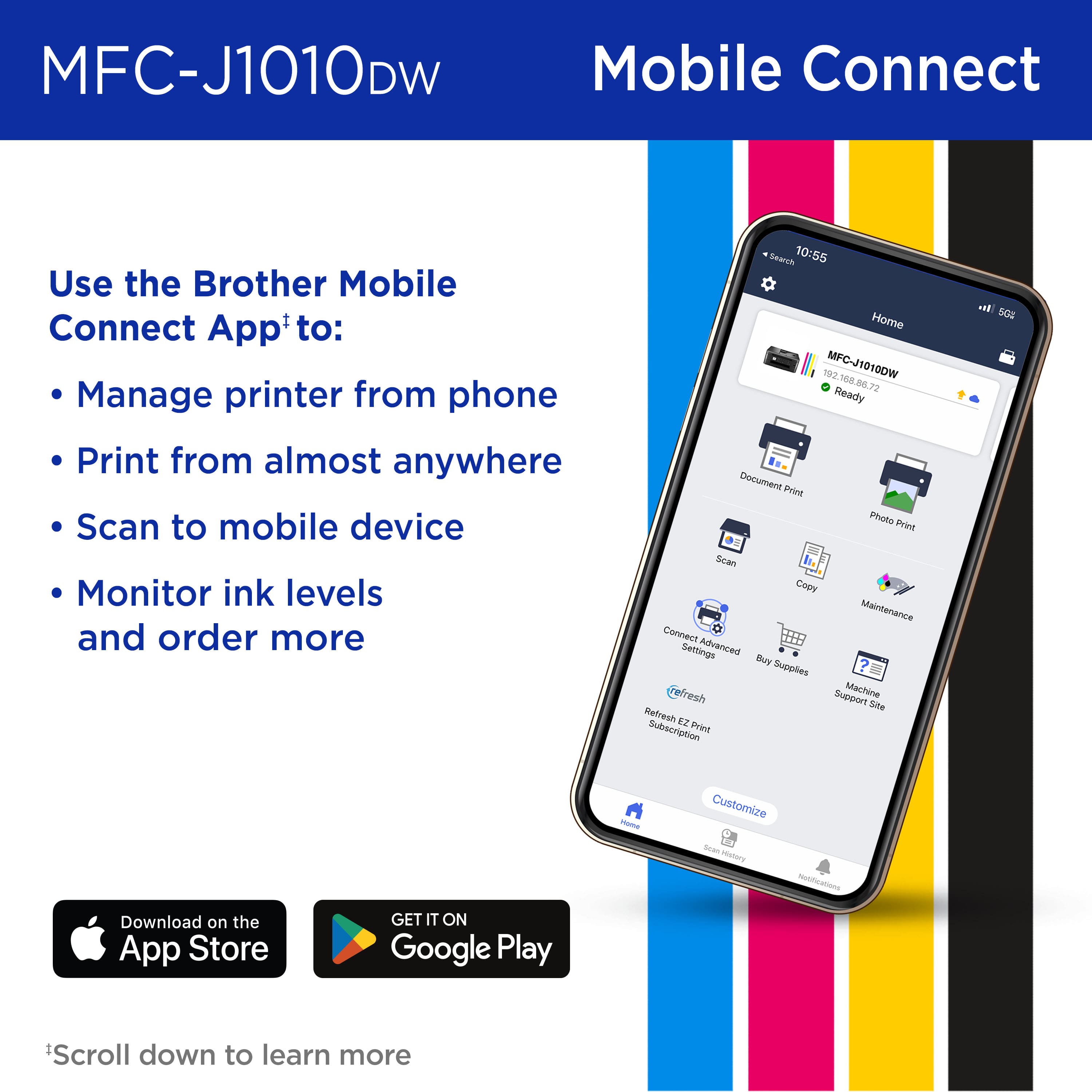
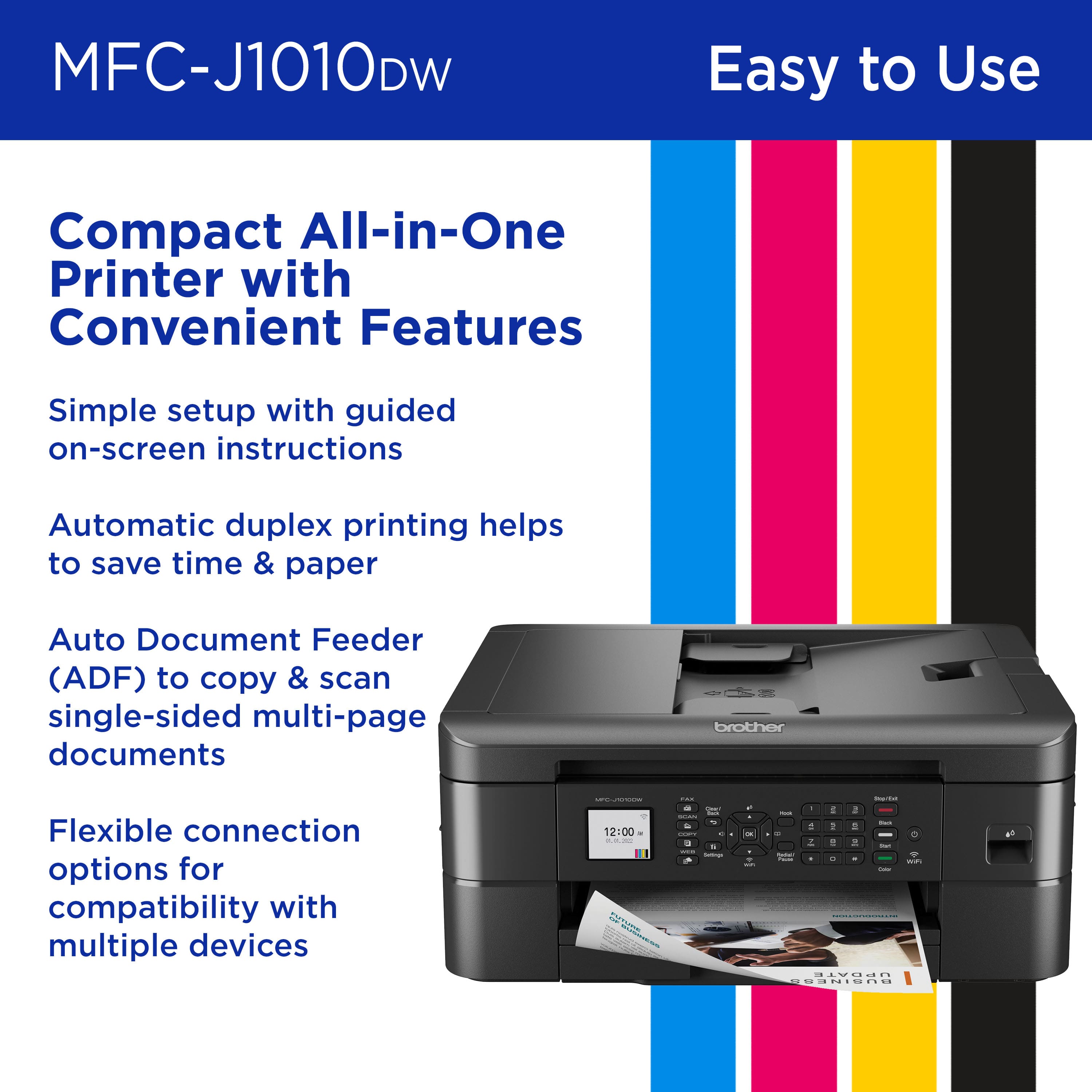
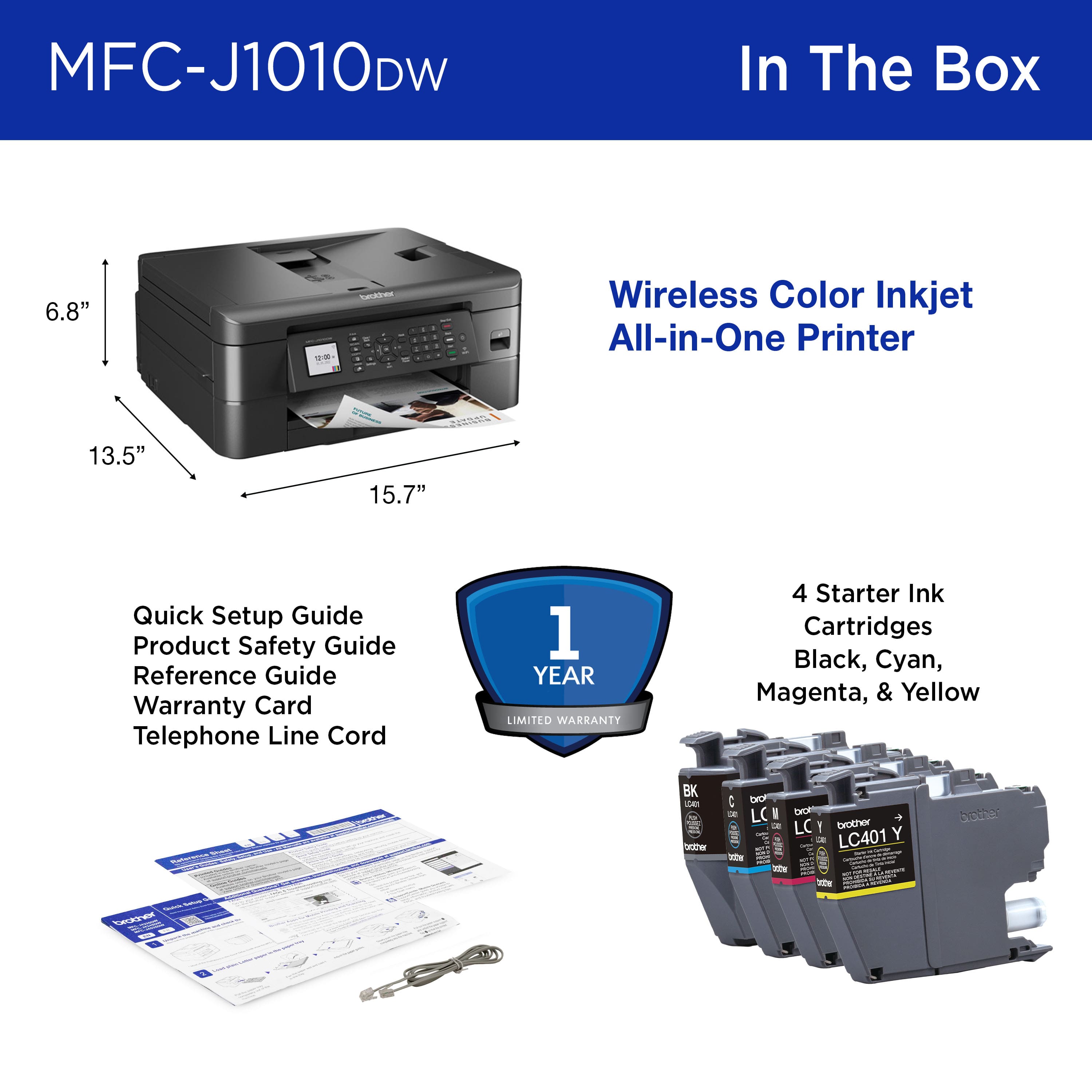
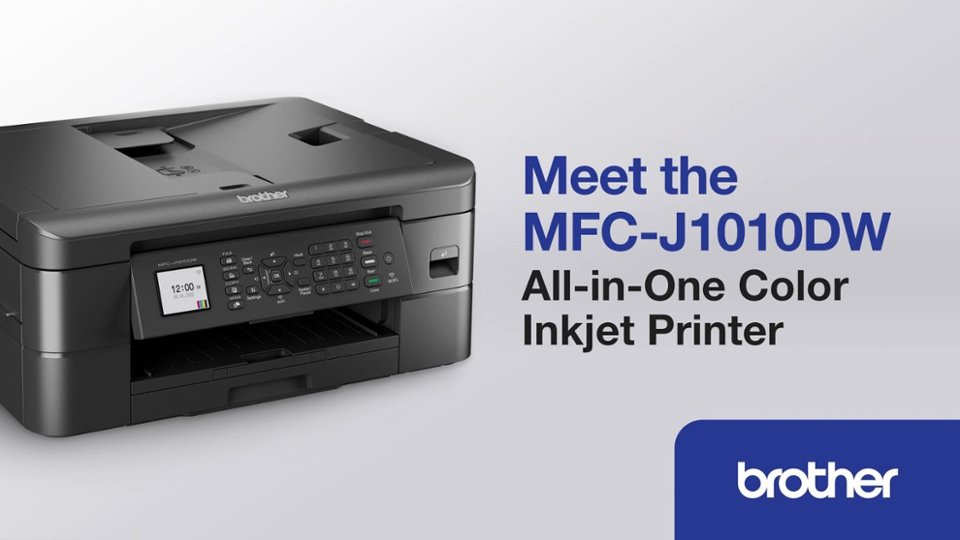
A:AnswerIf you're looking to print using a wired connection, instructions say that you must purchase the proper interface cables. It uses a "USB 2.0 (type a/b)". However, it also has wireless pronting options via computer or smartphone as well.
A:AnswerThe Brother MFCJ1010DW can scan a document into Microsoft Word as a Text file using the Brother iPrint and Scan application included with the machine.
A:AnswerYes. According to what I have read, this printer is compatible with chromeos so you can print on it from a chromebook. You just have to make sure that the printer and chromebook are on the same wifi network and at the same either 2.4 or 5gz.