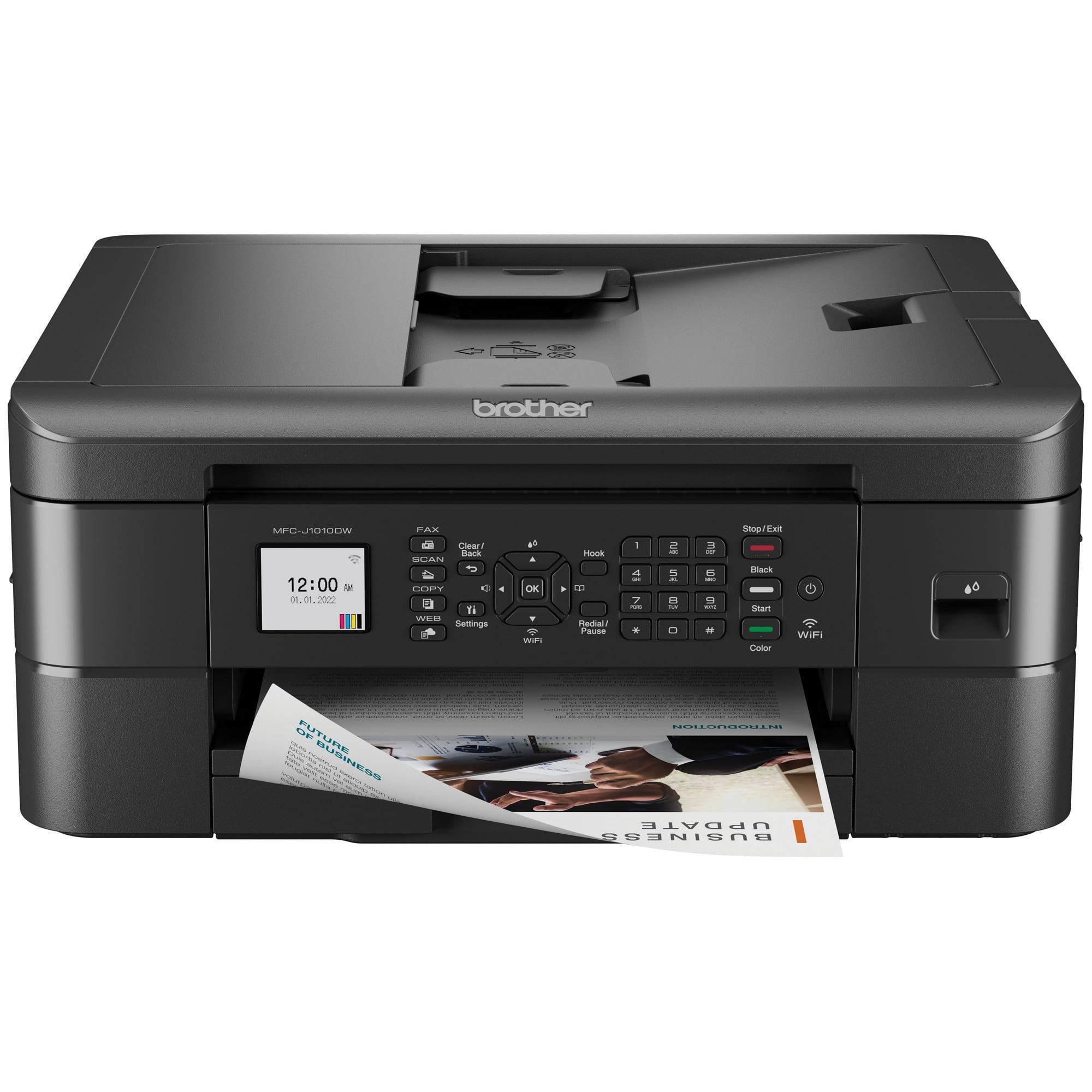
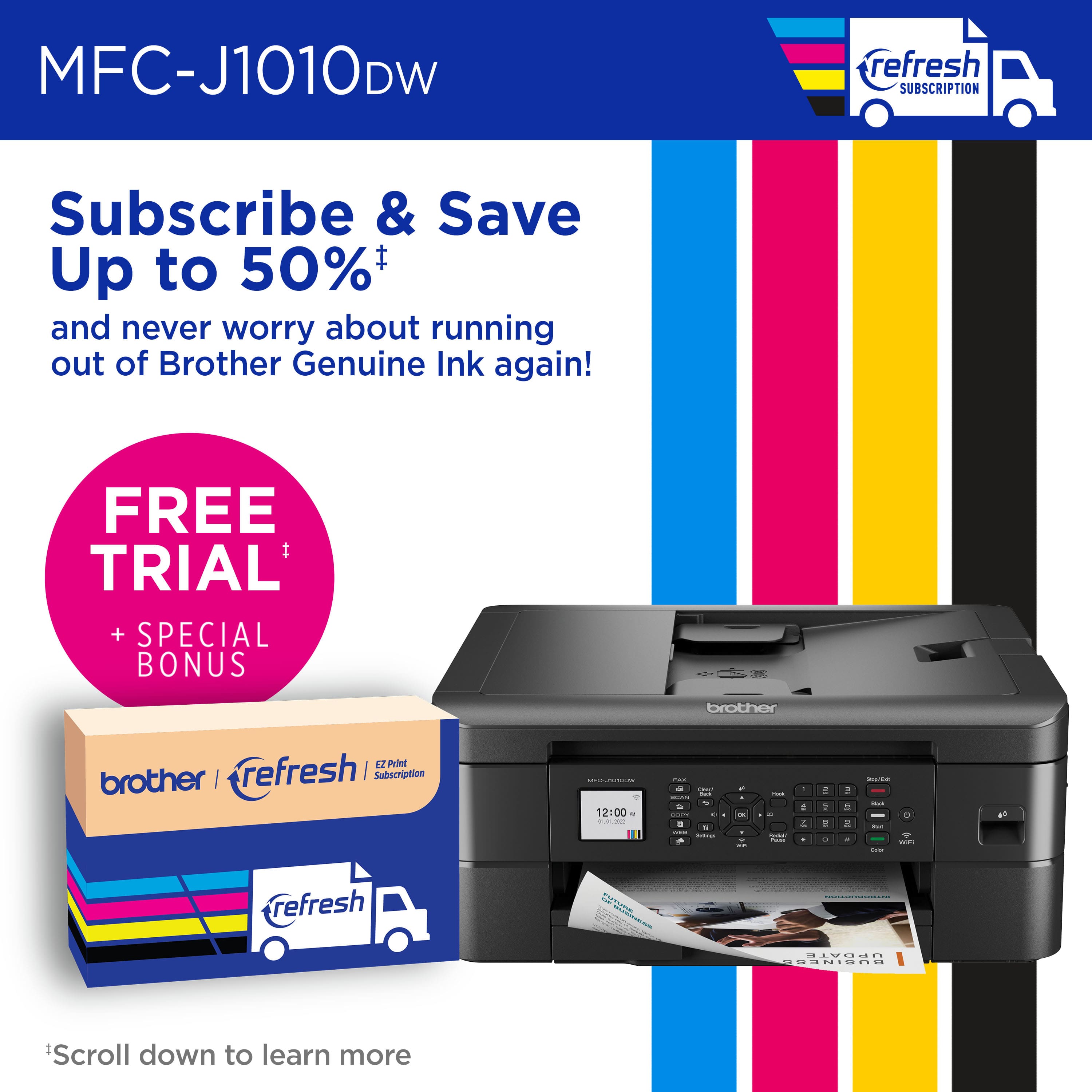
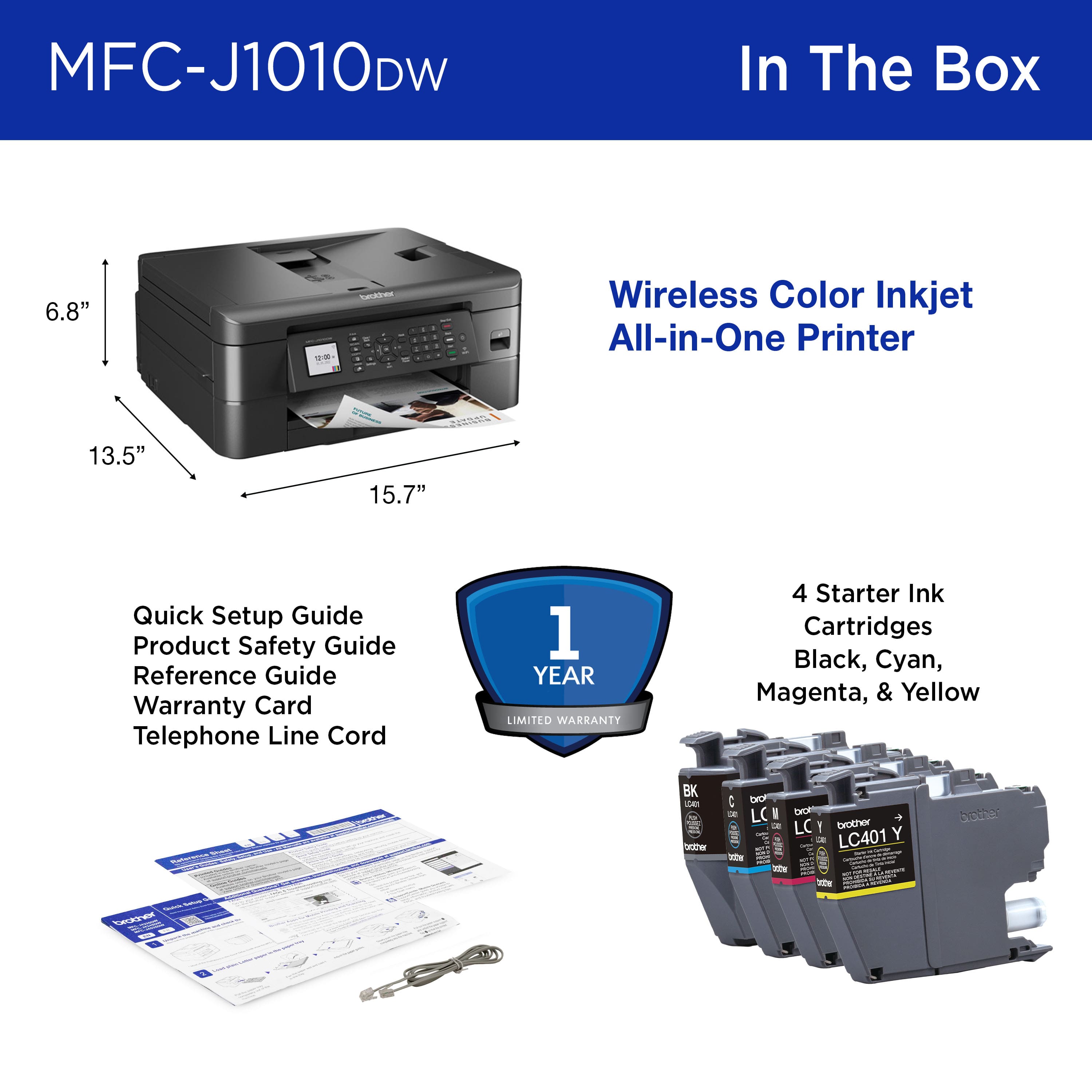
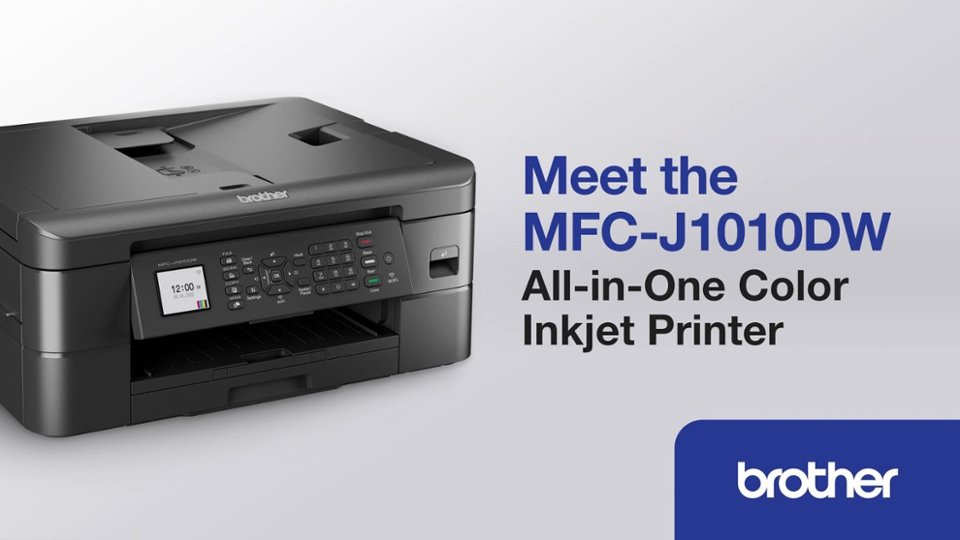
A:AnswerThe Brother MFCJ1010DW is not recommended for sublimation as this model does not support sublimation ink. Brother does not manufacturer printers that support sublimation ink.
A:AnswerTo connect to your Brother MFCJ1010DW wirelessly you would need to be connected to the same network as the printer. If both of your Brother printers are connected to the same network, both model will appear listed in the printer options to be able to print from.
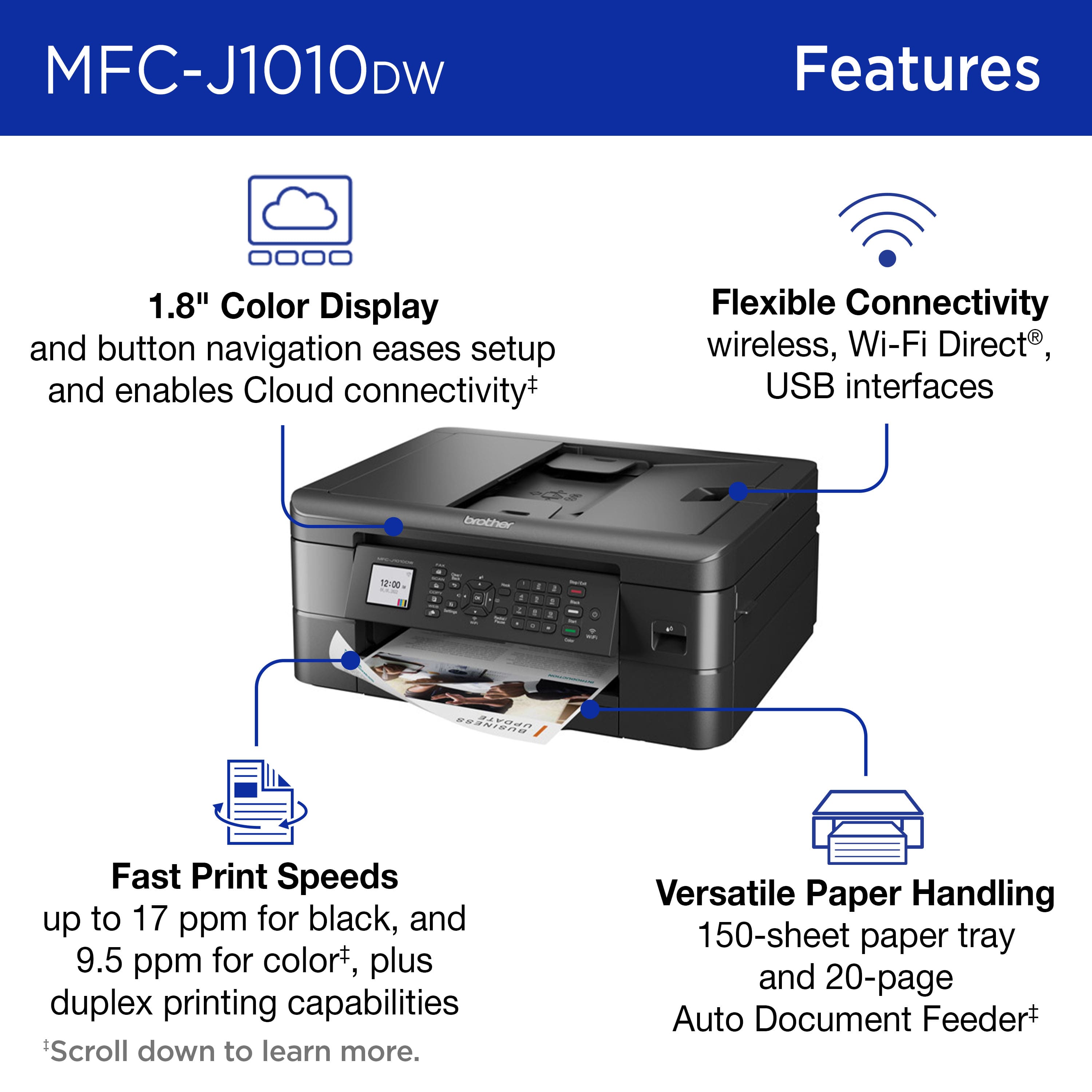
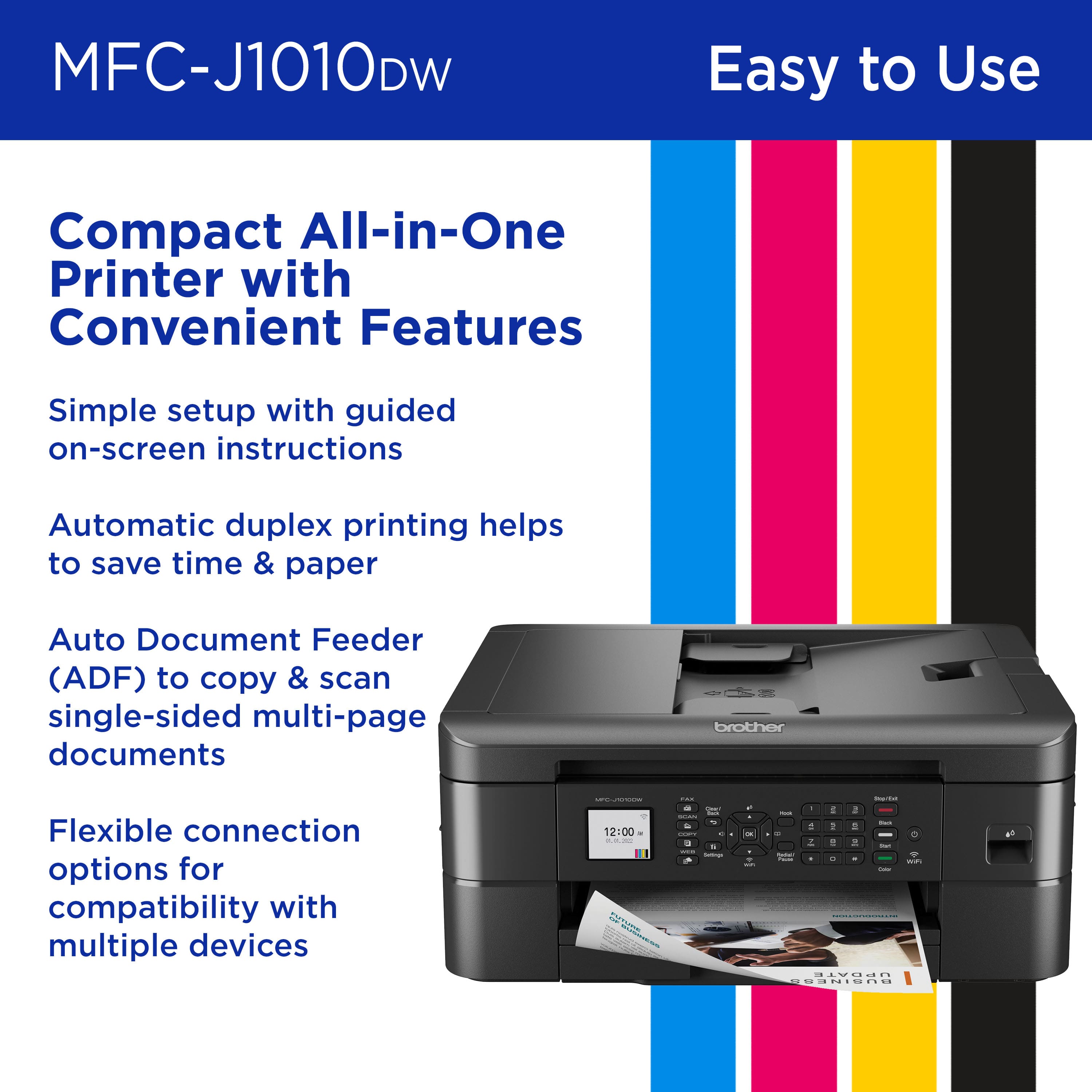
A:AnswerSending faxes with the Brother MFCJ1010DW is relatively easy. You just need to load the document into the feeder or place it on the scanner glass, press the Fax button, dial the number, then press the start button.
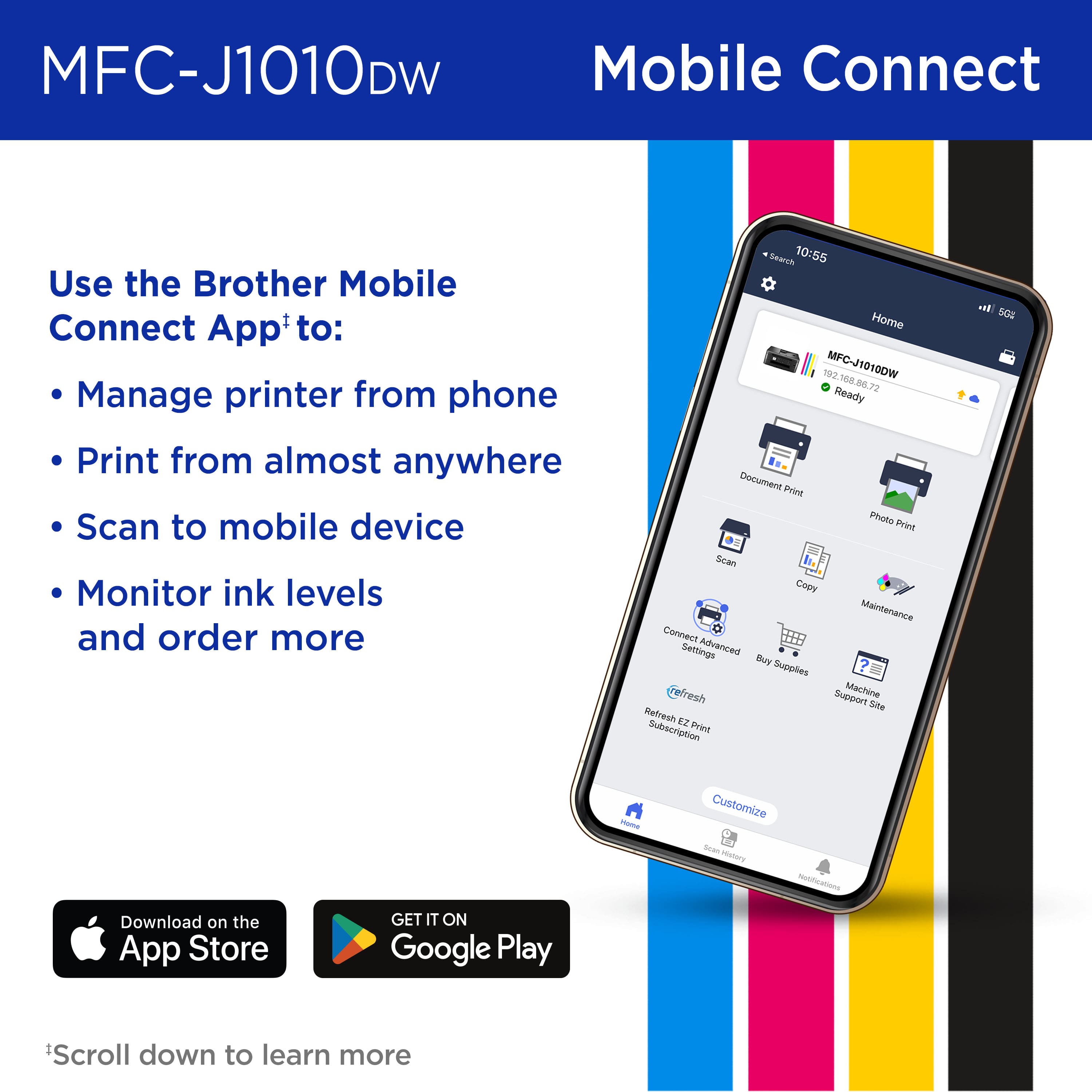
A:AnswerWe don’t have one for ours, just plug in the power cord and set up your device with the printer. Once set up it automatically connects to your phone or whatever device you have. Just follow the set up instructions. I hope this helps!
A:AnswerTo Brother: Why would this Brother not be compatible? I just purchased this printer, so that I could use the Cricut Print then Cut feature of my Cricut Maker 3. If your response is correct, then I am very disappointed on the compatibility. I thought all printers that can print are compatible with the Print then cut feature as long as it can print the size of paper needed...which this printer seems to use the size.