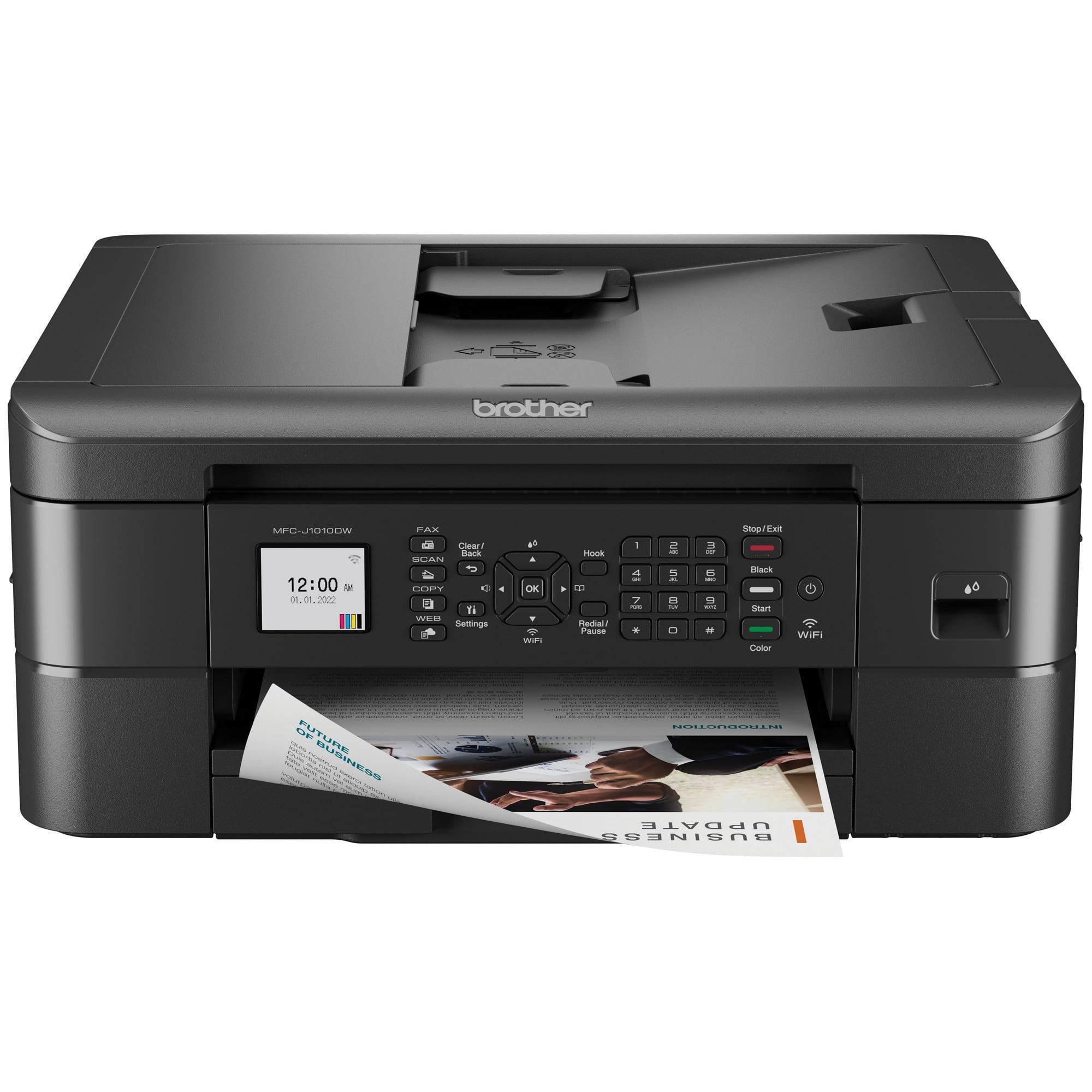
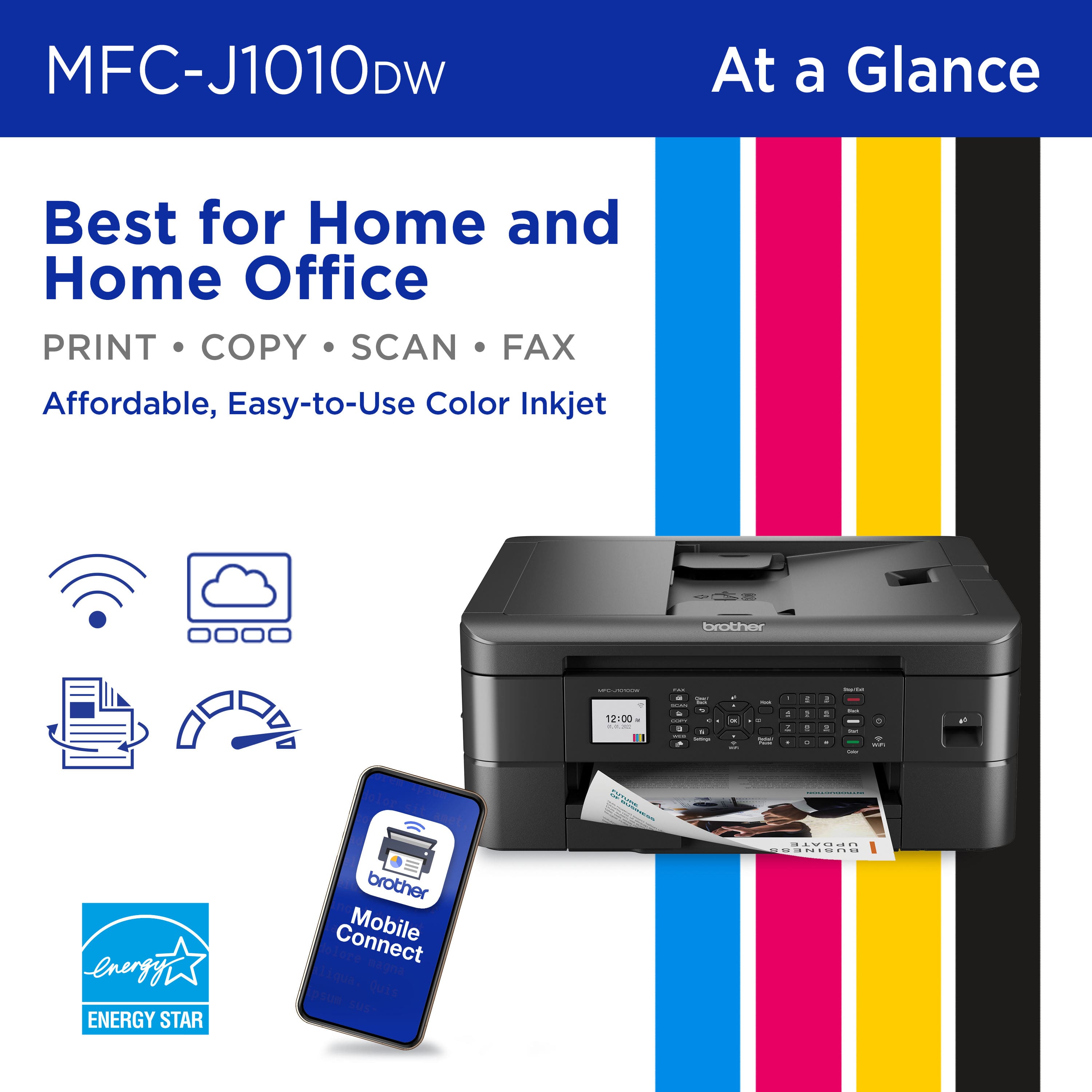
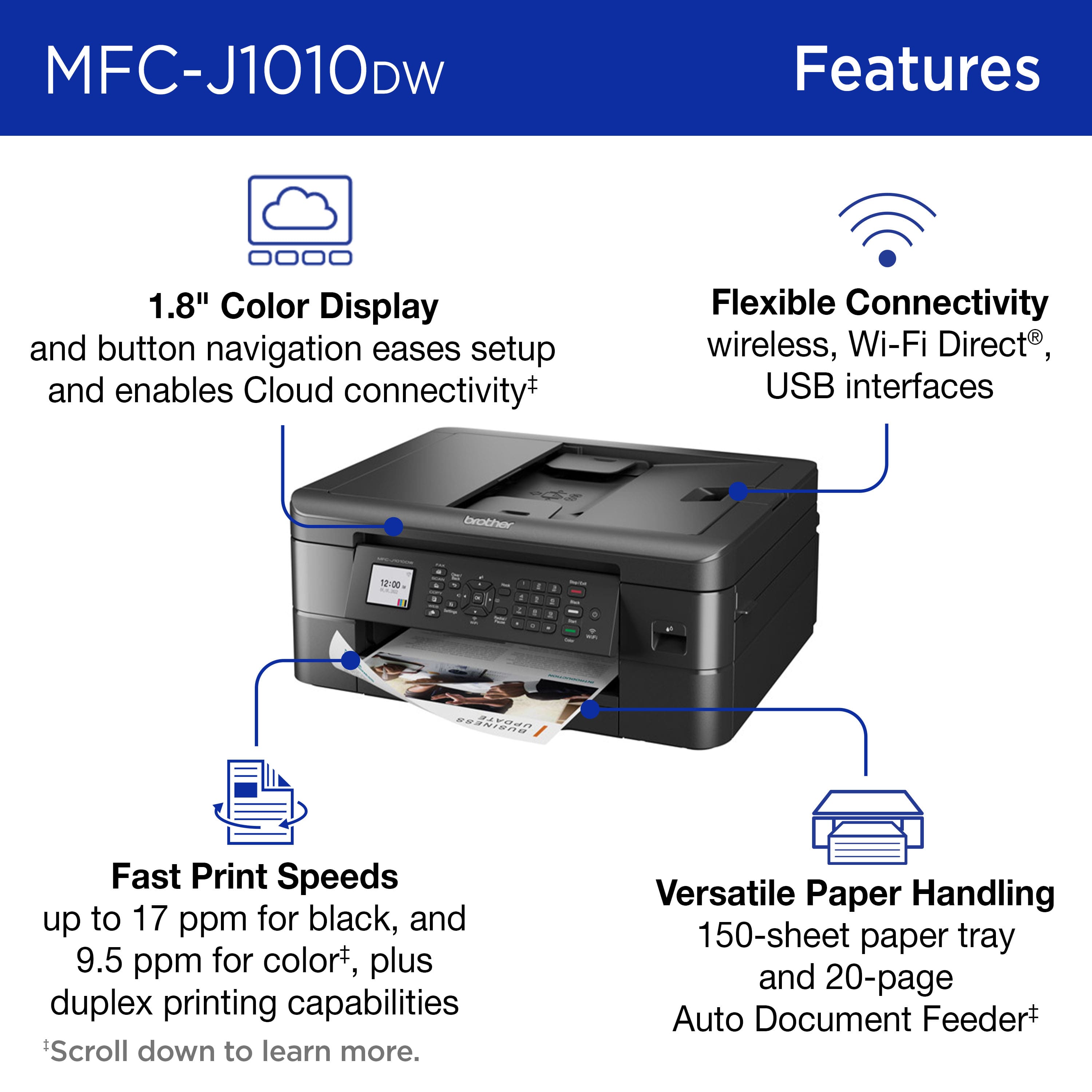
A:AnswerNo, the Brother MFC-J1010DW cannot hold plain paper and photo paper at the same time. Fore more information regarding the recommended paper and the number of sheets the
MFC-J1010DW can support at the same time, please view the following link: https://help.brother-usa.com/app/answers/detail/a_id/175445
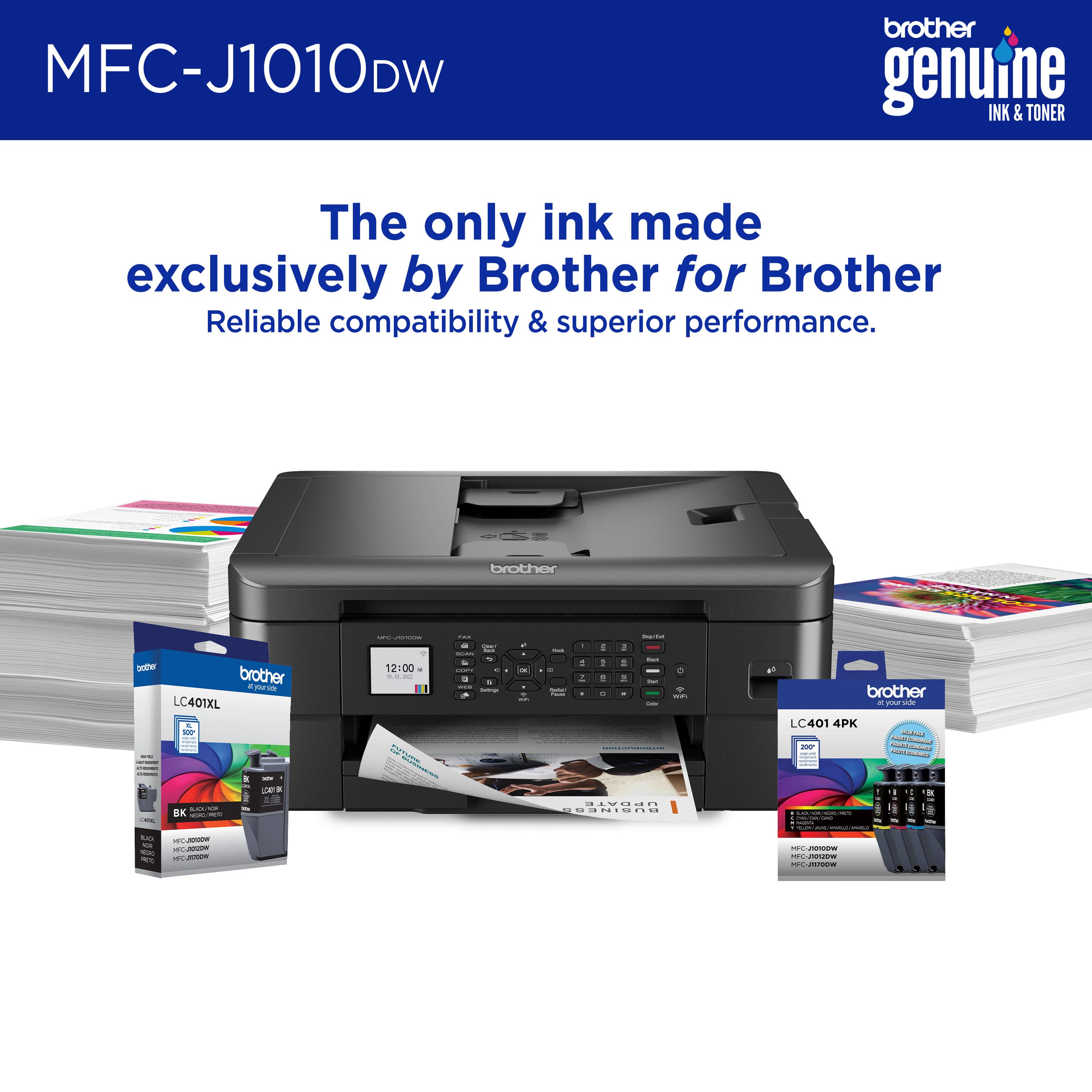
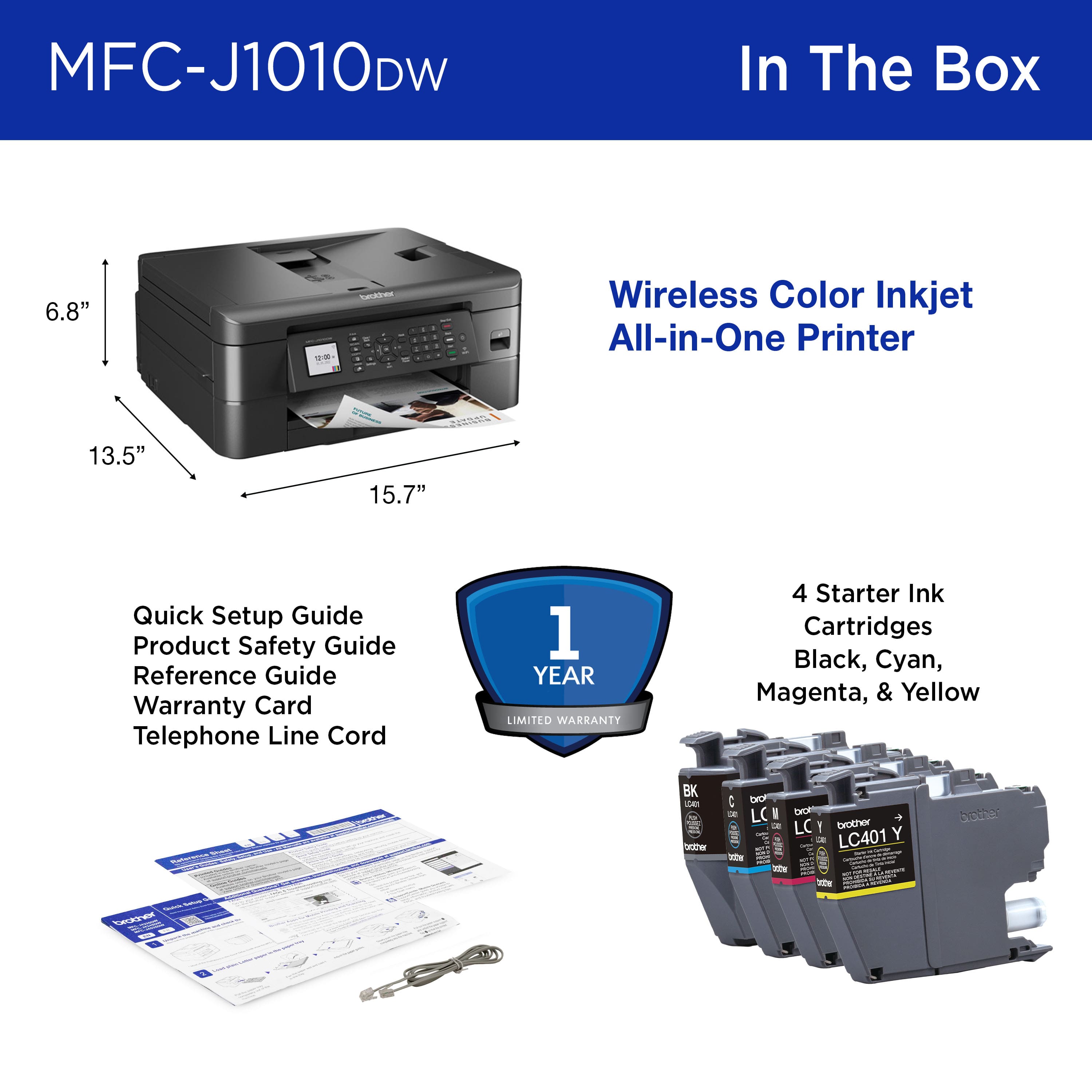
A:AnswerYes, the Brother MFC-J1010DW includes ink cartridges, it includes the following items in the box: one Brother MFC-J1010DW, one Black, one Cyan, one Magenta and one Yellow Starter Ink Cartridges, a Quick Setup Guide, a Product Safety Guide, a Reference Guide, a Warranty Card and a Telephone Line Cord.
A:AnswerThe Brother MFCJ1010DW enlarge the scanned documents if this is what you are referring to with "zoom mode". The machine is unable to zoom in on a specific part of the page and just scan that specific spot.
A:AnswerIt comes with a starter supply of ink . I have found it is best to buy extra when printer is purchased. If you do a lot of printing, the starter supply won't last long And I always buy the largest that is on the shelf.
A:AnswerBrother does not recommend using the MFCJ1010DW machine to print labels, as they are outside of the machine's stated paper specifications. This machine does not support 8.5 x 11.7 label sheets.
A:AnswerThe Brother MFCJ1010DW does support direct wired connection to a computer. The machine has a Standard-B USB port. You must use type A/B USB cable. We recommend the cable be 6 feet or less.