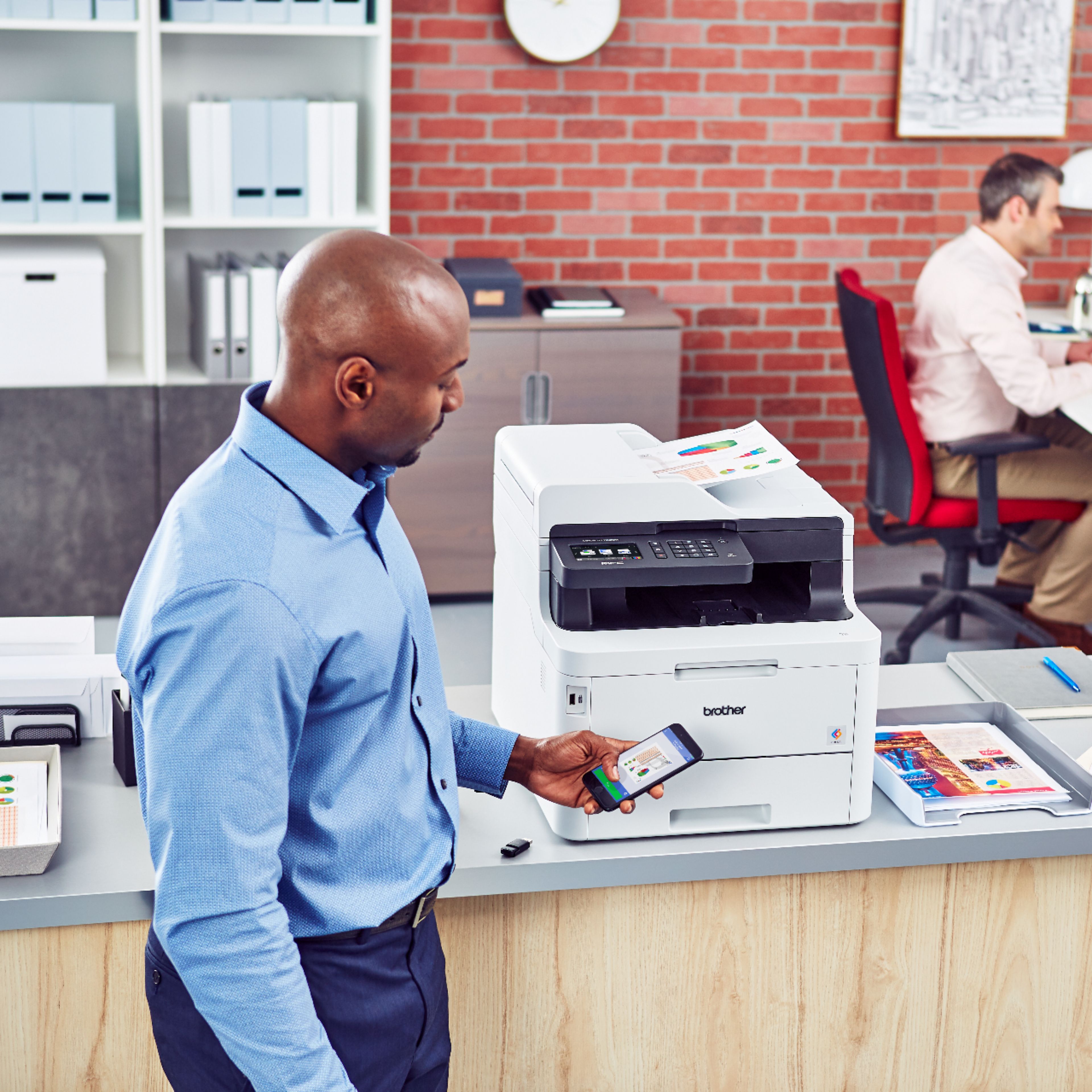
A:AnswerYes the Brother MFCL3770CDW is compatible with Macintosh macOS 13 Ventura. We recommend using AirPrint. If your machine does not support AirPrint, download Brother iPrint&Scan from the App Store. Below is an answer link that will help you on this inquiry.
Answer Link: Macintosh macOS 13 Ventura - Support
A:AnswerThe Brother MFCL3770CDW can scan documents that are over 50 pages into a single file. Once you finish scanning the first 50 pages, select the "Add Pages" option and the machine will add those pages into the same file.
A:AnswerThe recommended storage temperature for the Brother MFCL3770CDW is around 32°F to 104°F if the degree the machine is being stored in is 27°F, then the printer should be fine.
A:AnswerThe Brother MFCL3770CDW can duplex scan documents into a USB flash drive using the feeder. The machine can print the following file types from a USB stick: PDF, JPEG, TIFF, XPS, and PRN.
A:AnswerBrother makes the fastest, reasonably priced scanners, in my experience. They start scanning pretty quickly, tgen operate like a vacuum ckeaner clearing out the document feeder. It also scans both sides of the page at the same time.
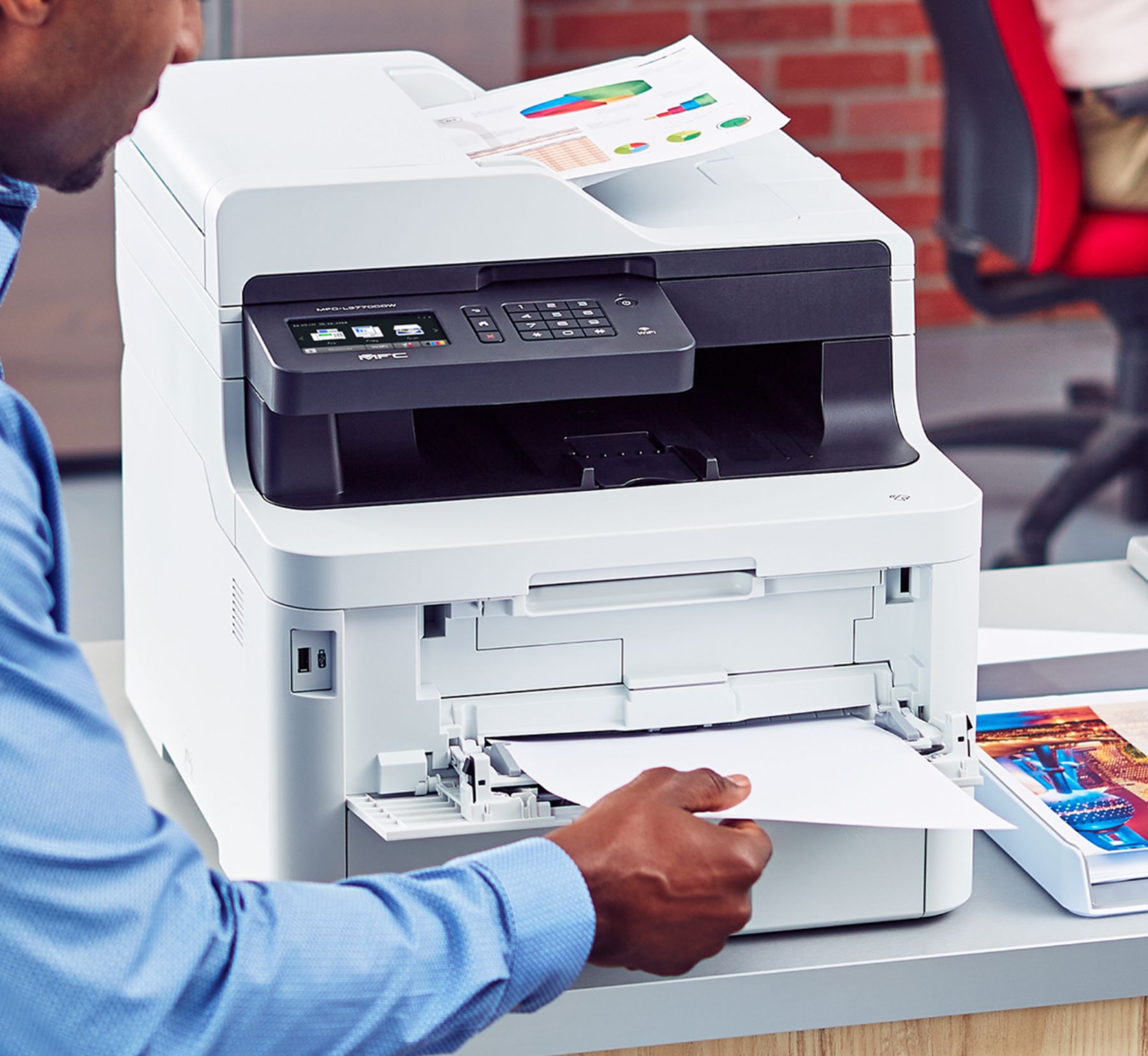
A:AnswerPrinting labels from the main tray with the Brother MFCL3770CDW could cause a paper jam. We recommend to print labels using the manual feed slot on the machine.
A:AnswerWe understand you're experiencing paper curl issue with your Brother MFCL3770CDW machine. We'd like to help. Below is a FAQ that may help you with this issue:
https://help.brother-usa.com/app/answers/detail/a_id/162106
If you continue to have issues, our Brother Customer Support Team is available to assist you direct: www.brother-usa.com/brother-support
A:AnswerBrother strongly recommends that customers use only Brother Genuine cartridges for optimal results. Using non-Brother supplies may affect the hardware performance, print quality and machine reliability. The Brother limited warranty may not apply to any problem that is caused by the use of third-party supplies.
A:AnswerYes, but I believe this is more a function of the software you're using. I have this printer, and with Windows 11, under the print->more settings options, I can select 16 pages to 1 page.
A:AnswerThe model I bought from Best Buy is brand new, in box for the $430 price. I think the higher price is just what some other sellers expect you to pay. Always match the model numbers to be sure you are comparing the exact same items.