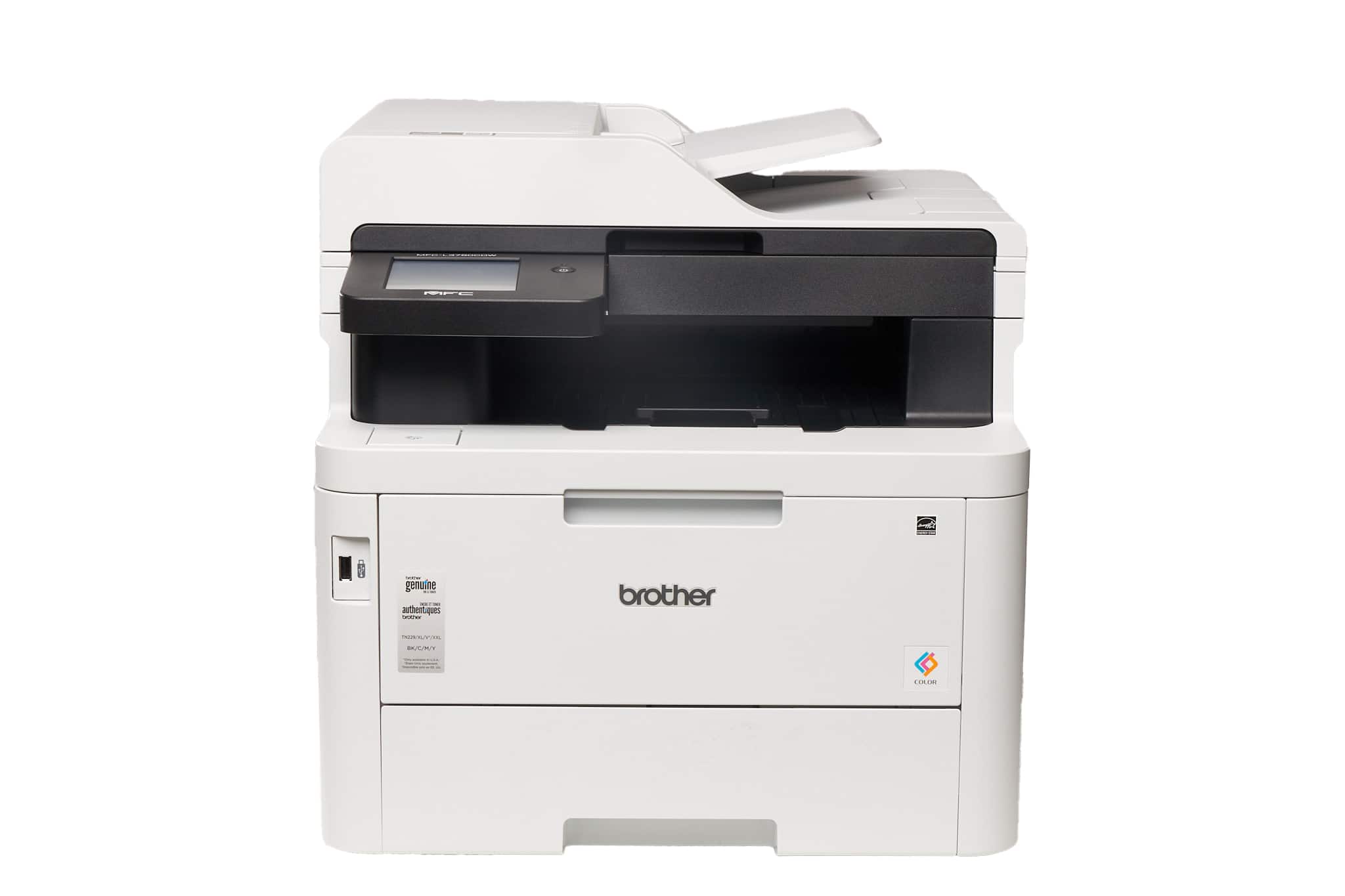
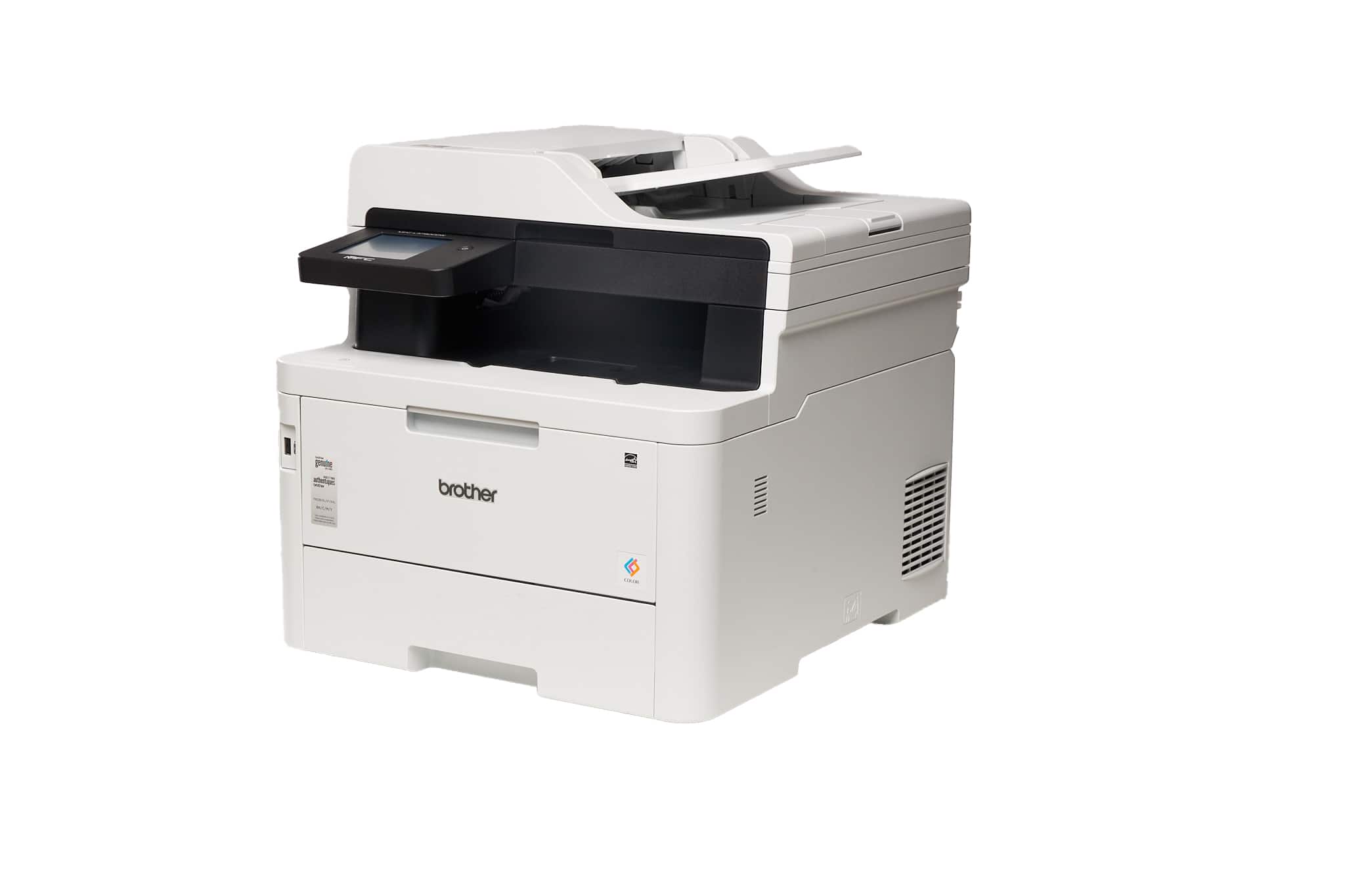
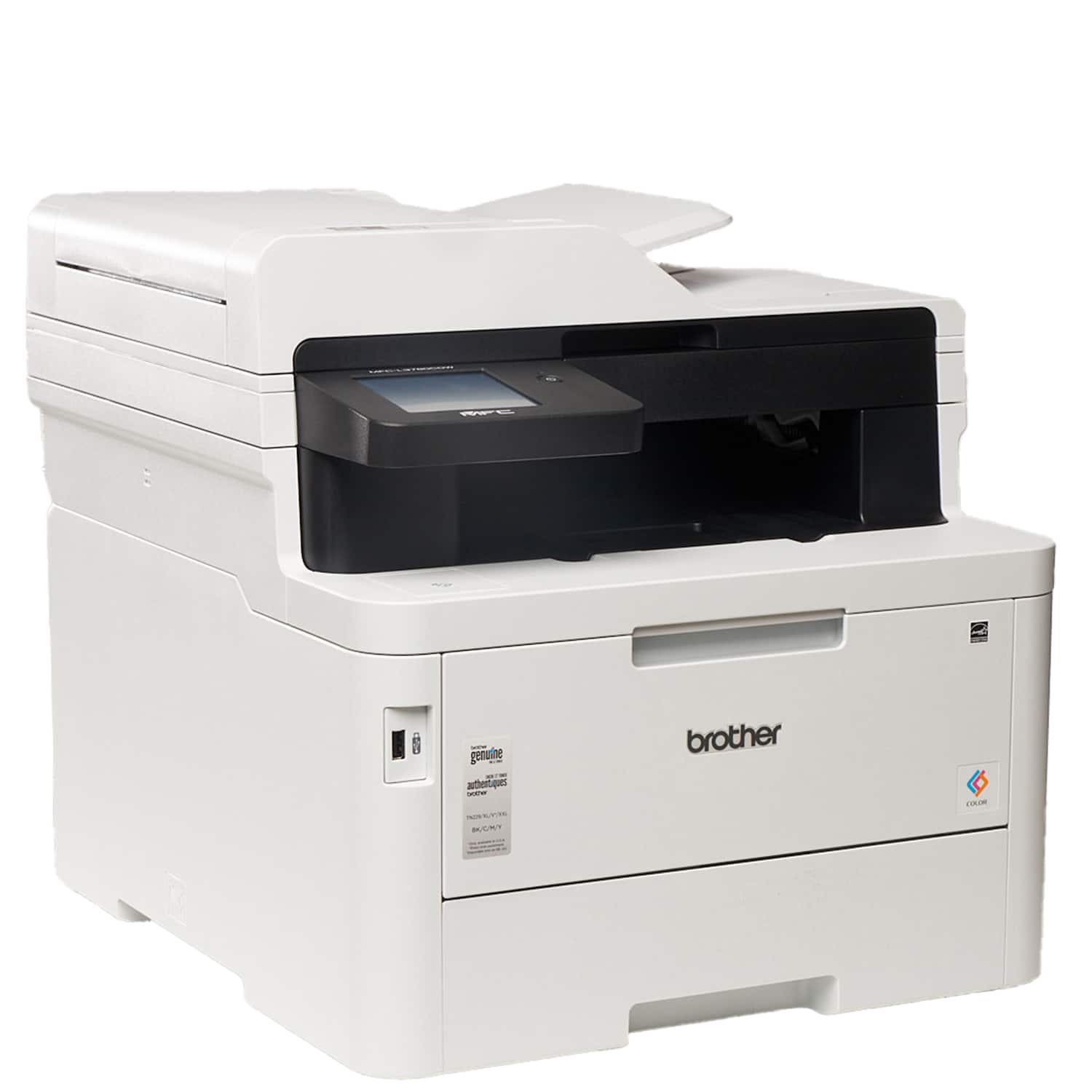
A:AnswerNo, the Brother MFCL3780CDW is not able to print on card stock. Below is a link to the Brother specifications.
Answer Link: https://support.brother.com/g/s/id/htmldoc/mfc/cv_dcpl3520cdw/use/html/GUID-F119590A-C4FB-4CB7-A6D1-FC0E8724BF3F_1.html?c=us&lang=en&prod=mfcl3780cdw_us_as
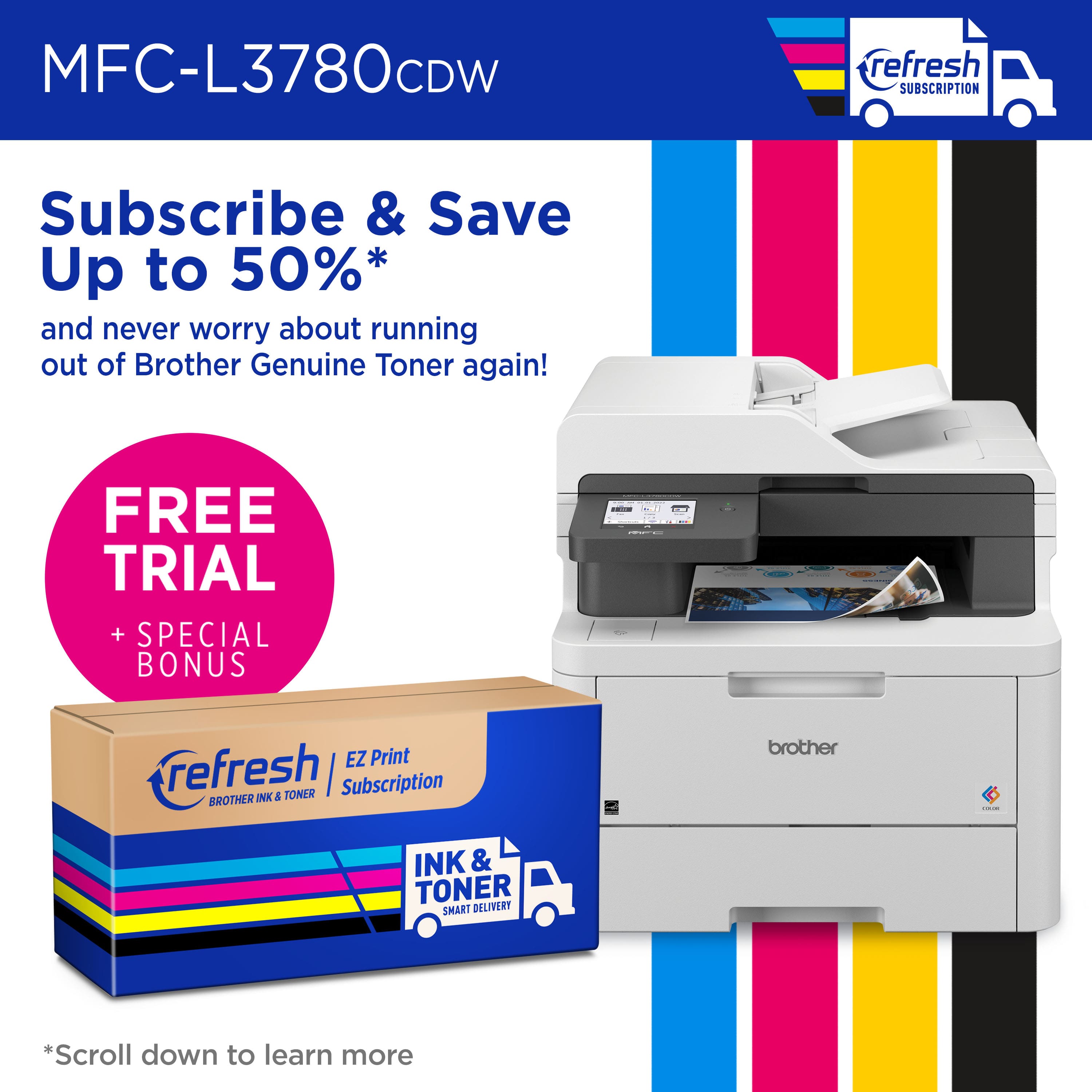
A:AnswerUpon cancellation of the Brother print subscription program, subscription cartridges will be deactivated as they are no longer enrolled into the print subscription program.
A:AnswerThis statement is related to the Brother Refresh EZ Print Subscription program and not with the warranty. The machine will still have 1 year of warranty even if not enrolled into the program.
A:AnswerYou can print a document single sided by unchecking the 2-sided option in the print menu. If you experience any issues, please contact the Brother USA support team at: https://www.brother-usa.com/support
A:Answer, the Brother MFCL3780CDW is able to fax a double sided paper in one scan. The Brother MFCL3780CDW has 2-sided Print Receiving and Automatic 2-sided Sending for fax. The Automatic 2-sided Sending is from the Automatic Document Feeder (ADF). Below is a link with the Brother MFCL3780CDW fax specifications.
Answer Link: https://support.brother.com/g/s/id/htmldoc/mfc/cv_dcpl3520cdw/use/html/GUID-F119590A-C4FB-4CB7-A6D1-FC0E8724BF3F_1.html?c=us&lang=en&prod=mfcl3780cdw_us_as#unique_816
A:AnswerIt does, but with a cludgy workaround. You have to use a different paper tray and open the back of the printer to flip a couple of levers, a royal pain if the printer is up against a wall. It's no lightweight to move either.
A:AnswerYes, the Brother MFCL3780CDW is able to duplex print legal sizes paper. Below is a link with the Brother MFCL3780CDW specifications.
Answer Link: https://support.brother.com/g/s/id/htmldoc/mfc/cv_dcpl3520cdw/use/html/GUID-F119590A-C4FB-4CB7-A6D1-FC0E8724BF3F_1.html?c=us&lang=en&prod=mfcl3780cdw_us_as
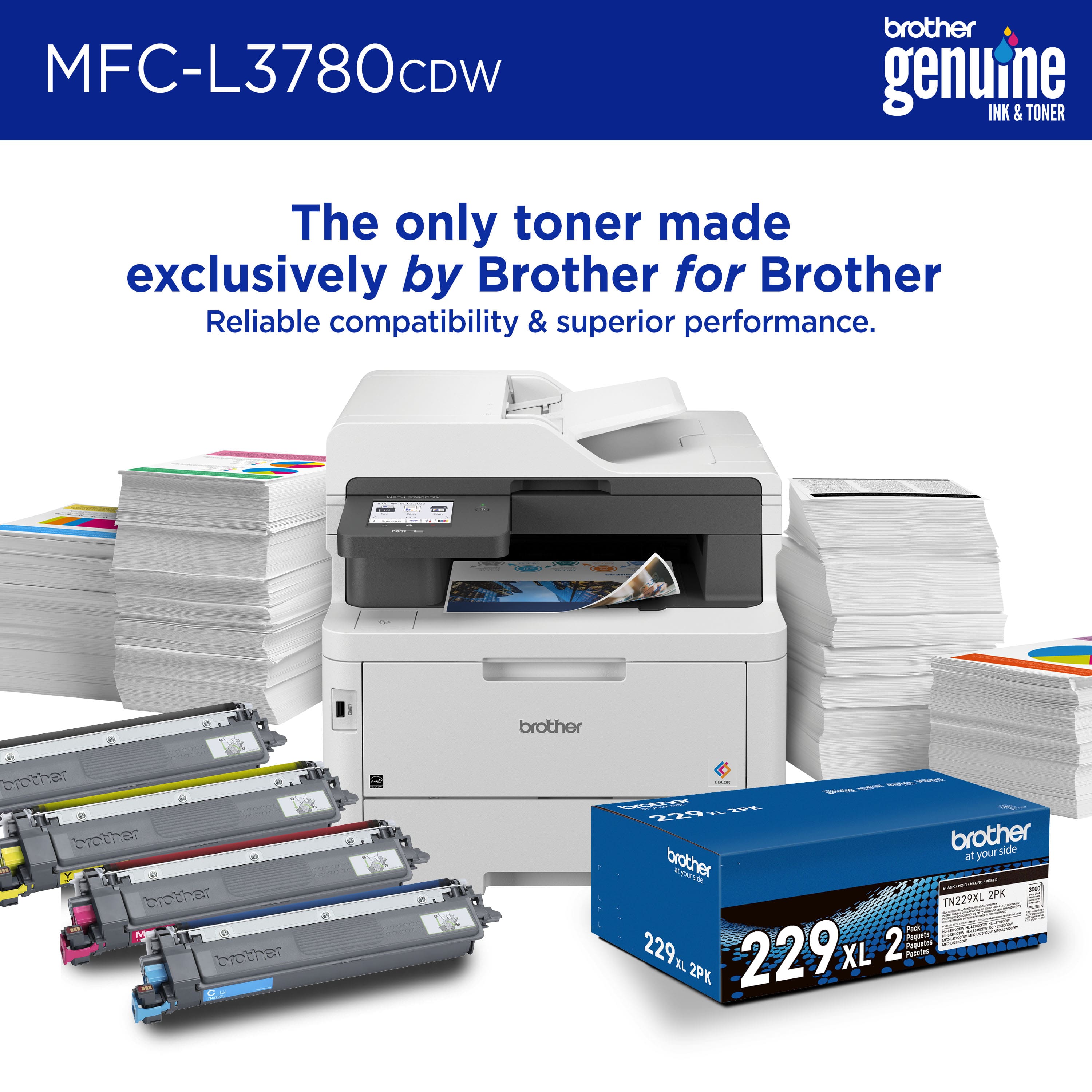
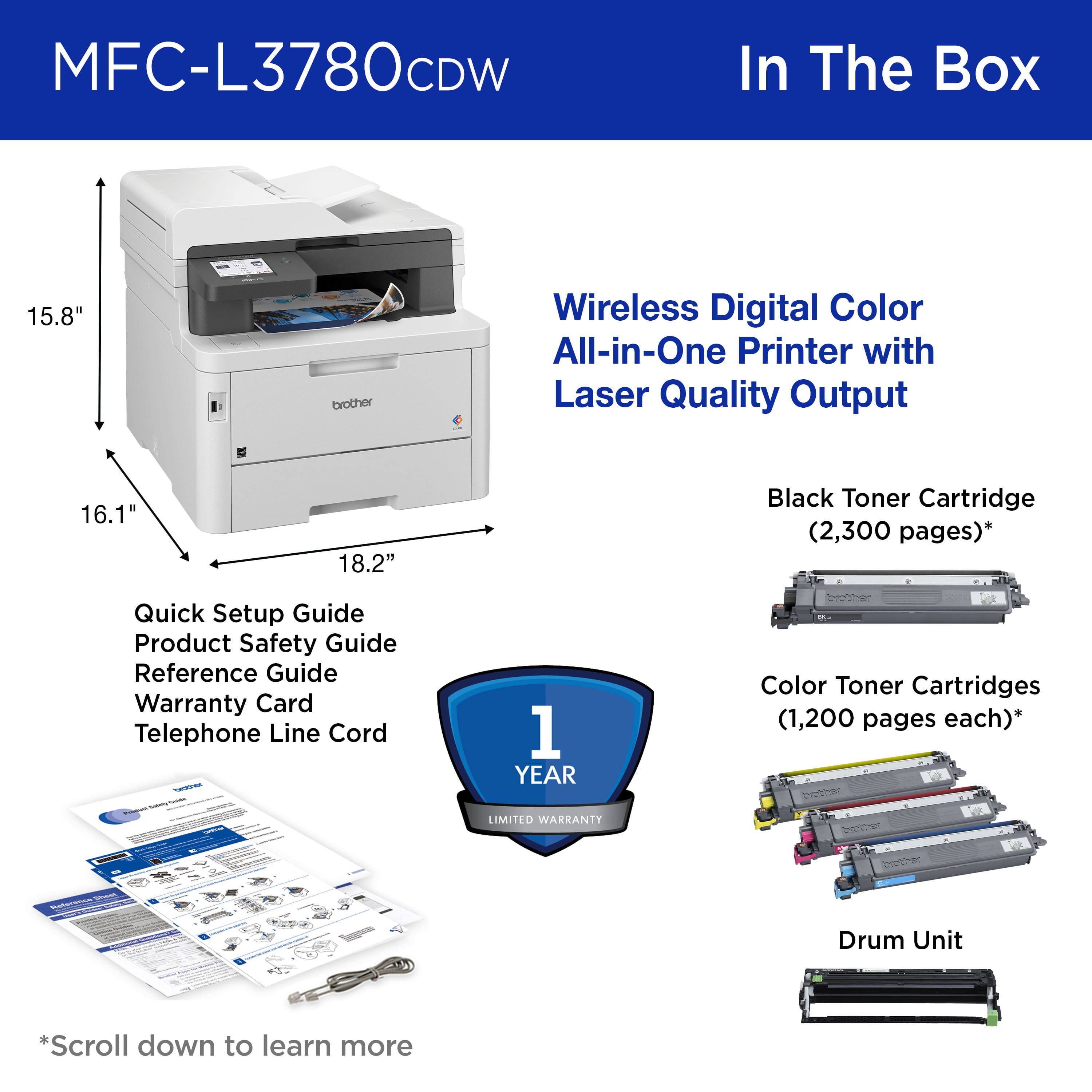
A:AnswerNo, the Brother MFCL3780CDW does not come with paper. The Brother MFCL3780CDW comes with Starter Black Toner Cartridge (2,300 pages‡), Starter Cyan, Magenta, Yellow Toner Cartridges (1,200 pages‡), DR229CL Drum Unit (20,000 pages‡), WT229CL Waste Toner Box (50,000 pages‡), BU229CL Belt Unit (50,000 pages‡), AC Power Cord, Telephone Line Cord, Product Safety Guide, Reference Guide, Warranty Card, Quick Setup Guide.
A:AnswerWe recommend using genuine toner cartridges. Each Brother laser printer is designed to work at a pre-set temperature that is matched exactly to each of our individual toner formulations. Each Brother component is designed to work with other Brother components to ensure quality and reliability. Although not all non-genuine supplies may cause quality issues, it is possible that some may adversely affect print quality or cause the machine to malfunction. Brother cannot guarantee the quality of a non-genuine toner cartridge and its components.
A:AnswerYes, the Brother MFCL3780CDW is able to print on Glossy Paper from the Multi-Purpose Tray (MP tray). Paper Weight from 16 to 43 lb (60 to 163 g/m²).
Below is a link to the Brother MFCL3780CDW specification.
Answer Link: https://support.brother.com/g/s/id/htmldoc/mfc/cv_dcpl3520cdw/use/html/GUID-F119590A-C4FB-4CB7-A6D1-FC0E8724BF3F_1.html?c=us&lang=en&prod=mfcl3780cdw_us_as
A:AnswerYes, you can print labels with the Brother MFCL3780CDW from the Multi-Purpose Tray (MP tray). Below is a link with the Recommended paper for the Brother MFCL3780CDW.
Answer Link: https://help.brother-usa.com/AgentWeb/api/contextmanager/v.32311020002/workspaceContext/workspace/processedPrint/Answer/155932
A:AnswerYes the Brother MFCL3780CDW does support printing envelopes. We understand you're experiencing wrinkled printing issues with your Brother MFCL3780CDW machine. We'd like to help. Please contact our Customer Service department and we will work with you to resolve these issues. Brother Customer Support Team is available to assist you direct: www.brother-usa.com/brother-support