A:AnswerWhat is an integrated Fax?
Integrated simply means that it is built into the machine and not a standalone fax.
* How It Sends a Fax
* You create a document (like a PDF or Word file).
* The system converts it into a fax format.
* It sends it over the phone line or through a fax server to the recipient’s fax number.
* How It Receives a Fax
* Incoming faxes go to a fax server.
* The server converts them into a digital file (usually PDF).
* You get the incoming fax via the phone line.
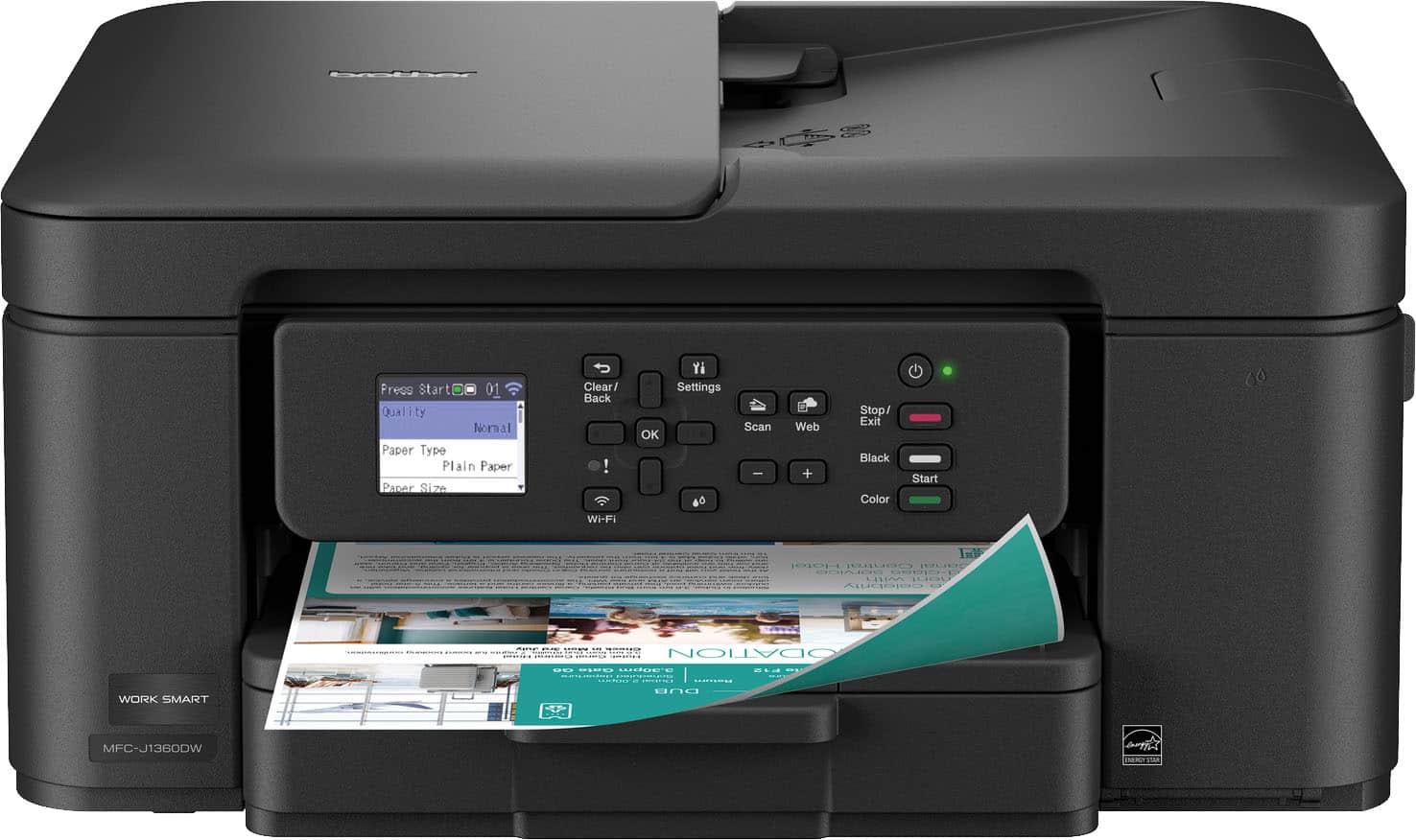
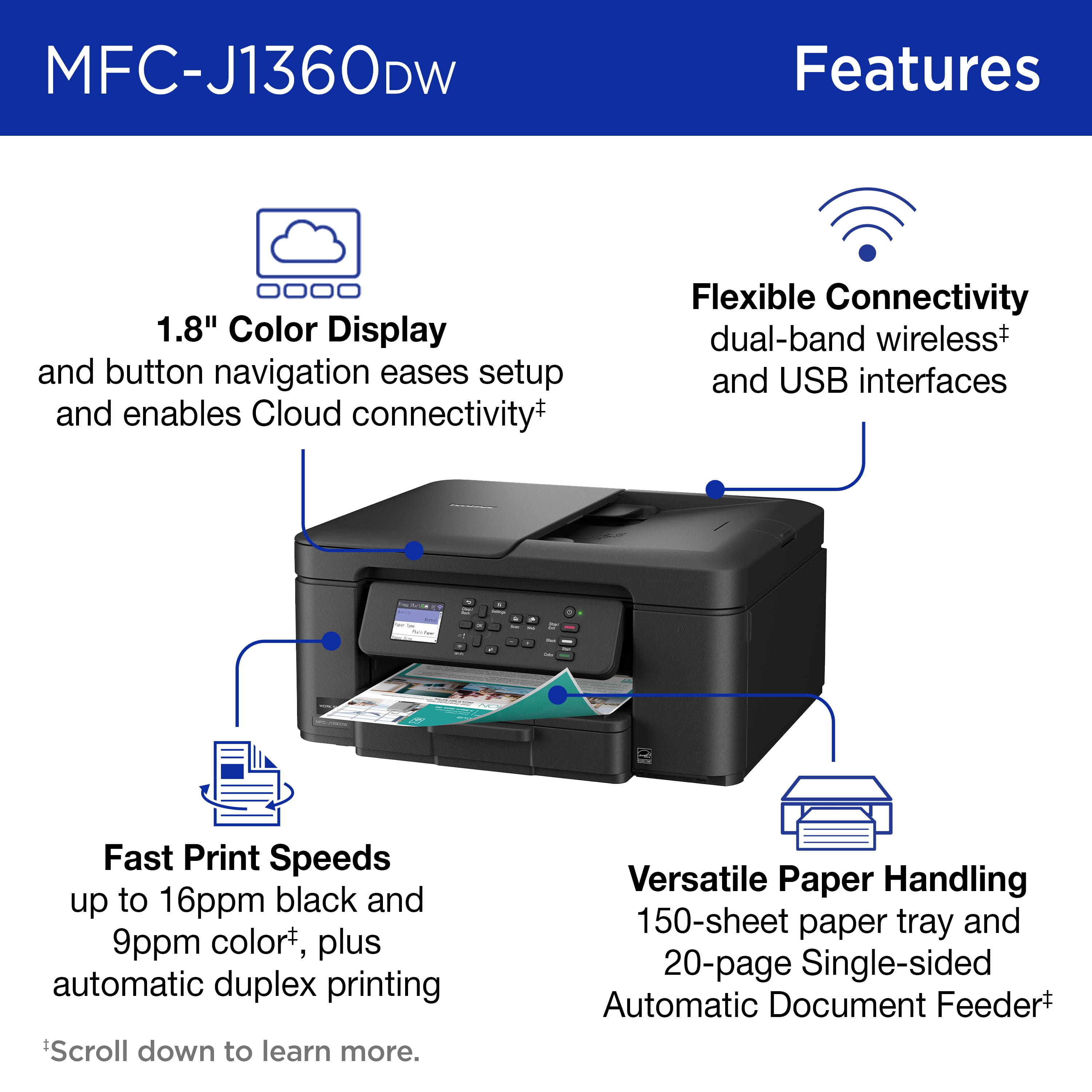
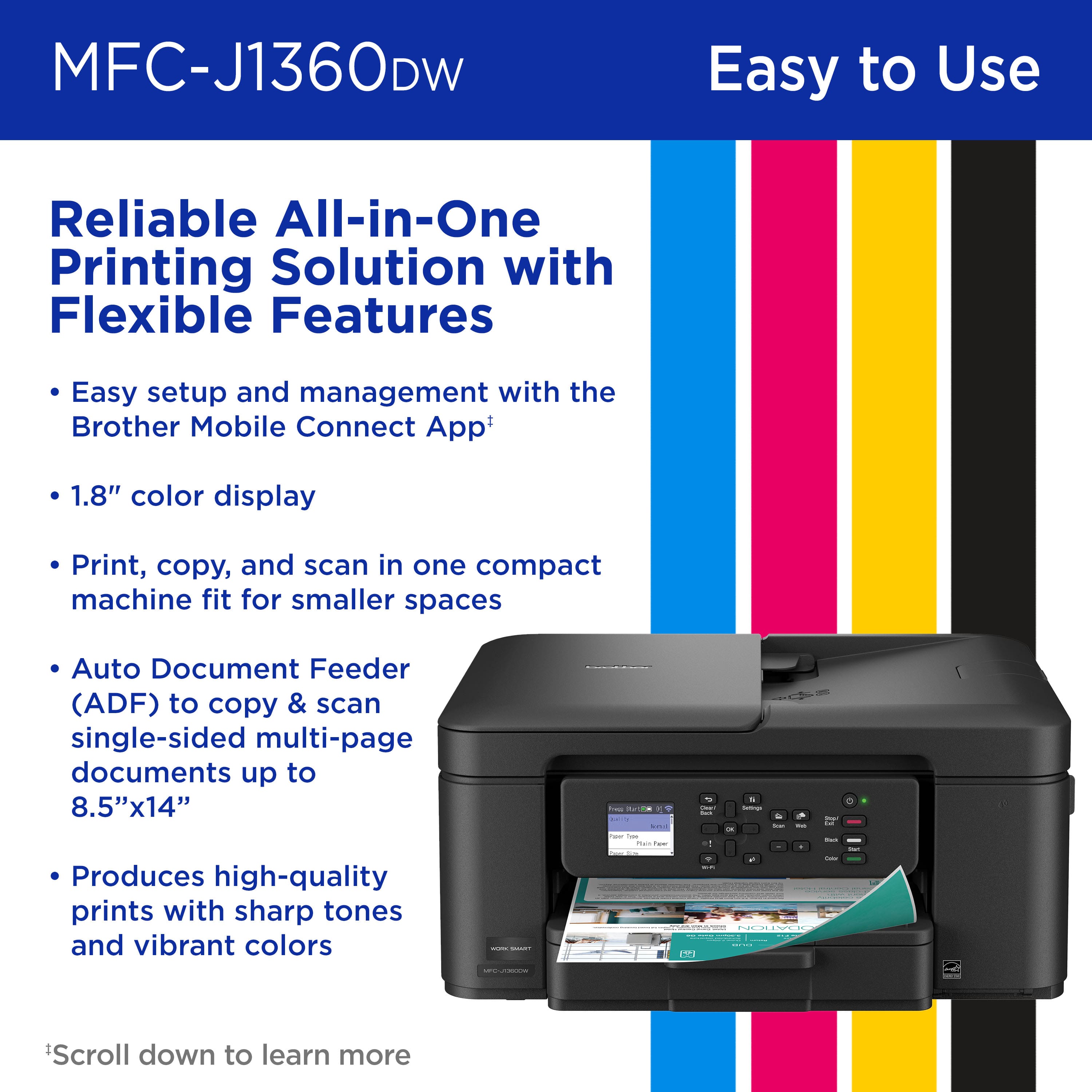
Unfortunately, the MFCJ1360DW does not have a built-in or integrated fax. It Prints, Copies, and Scans.
A:AnswerYou should have no problem as long as you have a program that will let you print an envelope. It is a function of the software not the printer.
A:AnswerNo, the Brother MFCJ1360DW is not compatible with card stock. Below is an answer link with the recommended paper for the Brother MFCJ1360DW.
Answer Link: https://support.brother.com/g/b/faqend.aspx?c=us&lang=en&prod=mfcj1360dw_us&faqid=faq00000080_067
Answer Link: https://support.brother.com/g/s/id/htmldoc/mfc/cv_dcpj1360dw/use/html/GUID-CCFA3C3A-9C74-4C3D-837C-D5E828003E42_1.html?c=us&lang=en&prod=mfcj1360dw_us&broug=in&KEY=recommended%20paper
A:AnswerPlease visit our web site to see a list of models that works with a Google Chrome OSM along with what Driver is needed.
https://help.brother-usa.com/AgentWeb/api/contextmanager/v.32602210005/workspaceContext/workspace/processedPrint/Answer/171523
Use this link to see how to add the required driver.
https://help.brother-usa.com/AgentWeb/api/contextmanager/v.32602210005/workspaceContext/workspace/processedPrint/Answer/171532
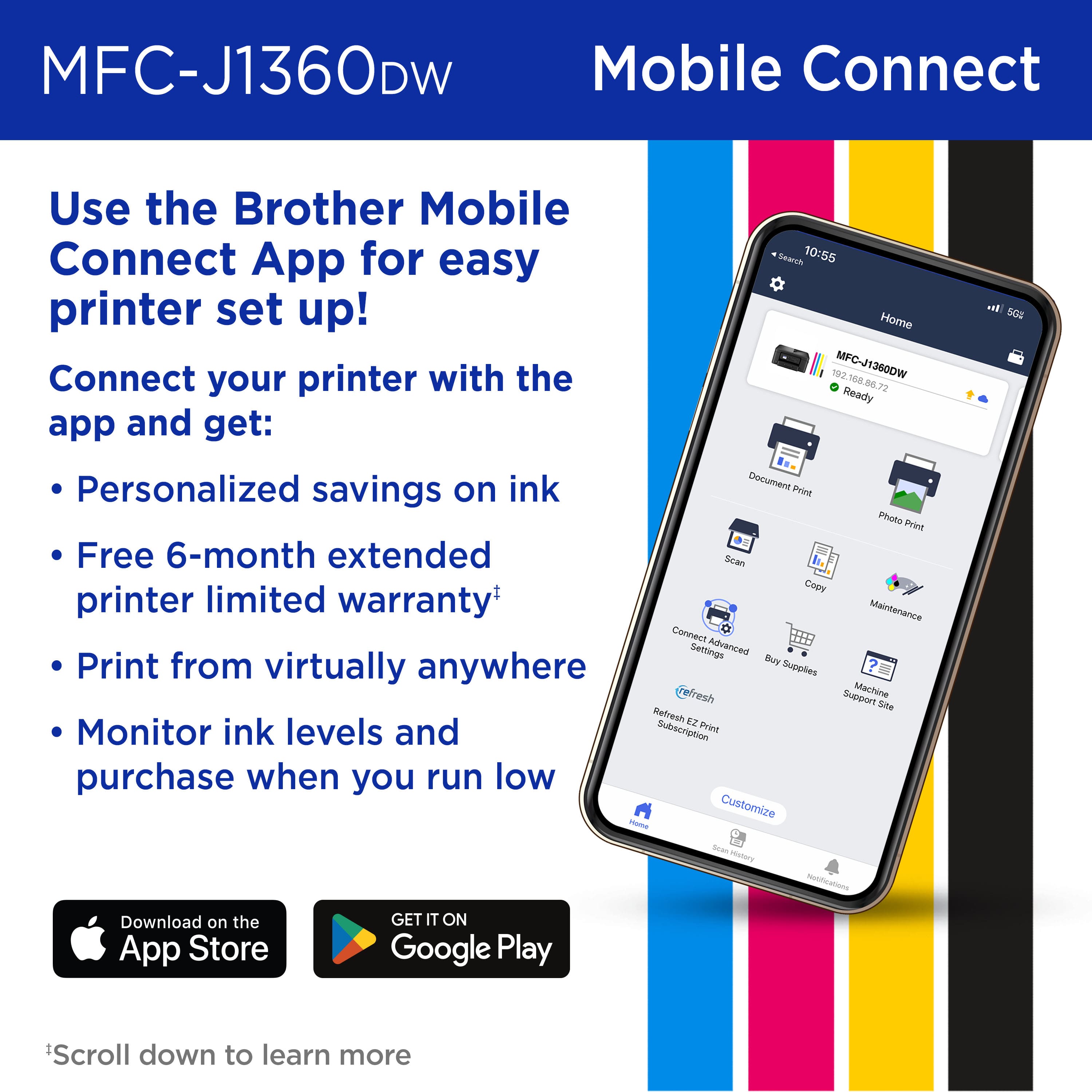
A:AnswerYou can scan directly from the Brother MFC-J1360DW using the printer’s control panel or the Brother Mobile Connect app on your computer or mobile device.
For assistance, please contact Brother Customer Service at:
https://www.brother-usa.com/contact-us