A:Answerit does do duplex printing (double sided) without any user intervention (provided that's what you've told it to do in the print dialog box that comes up in the app. you're printing from.)
A:AnswerI was unable to print from Google Cloud Print. I had to "make document available offline" or download the document from Google Cloud to my tablet or phone in order to print. Note, my printer is setup on local WiFi and can be seen by all my laptops and Android devices.
I believe that a thorough search of the Canon manual (over 700 pages) may give you the steps necessary to print from a Cloud. You'll need all IP address info, etc. to set it up. I have not resolved.
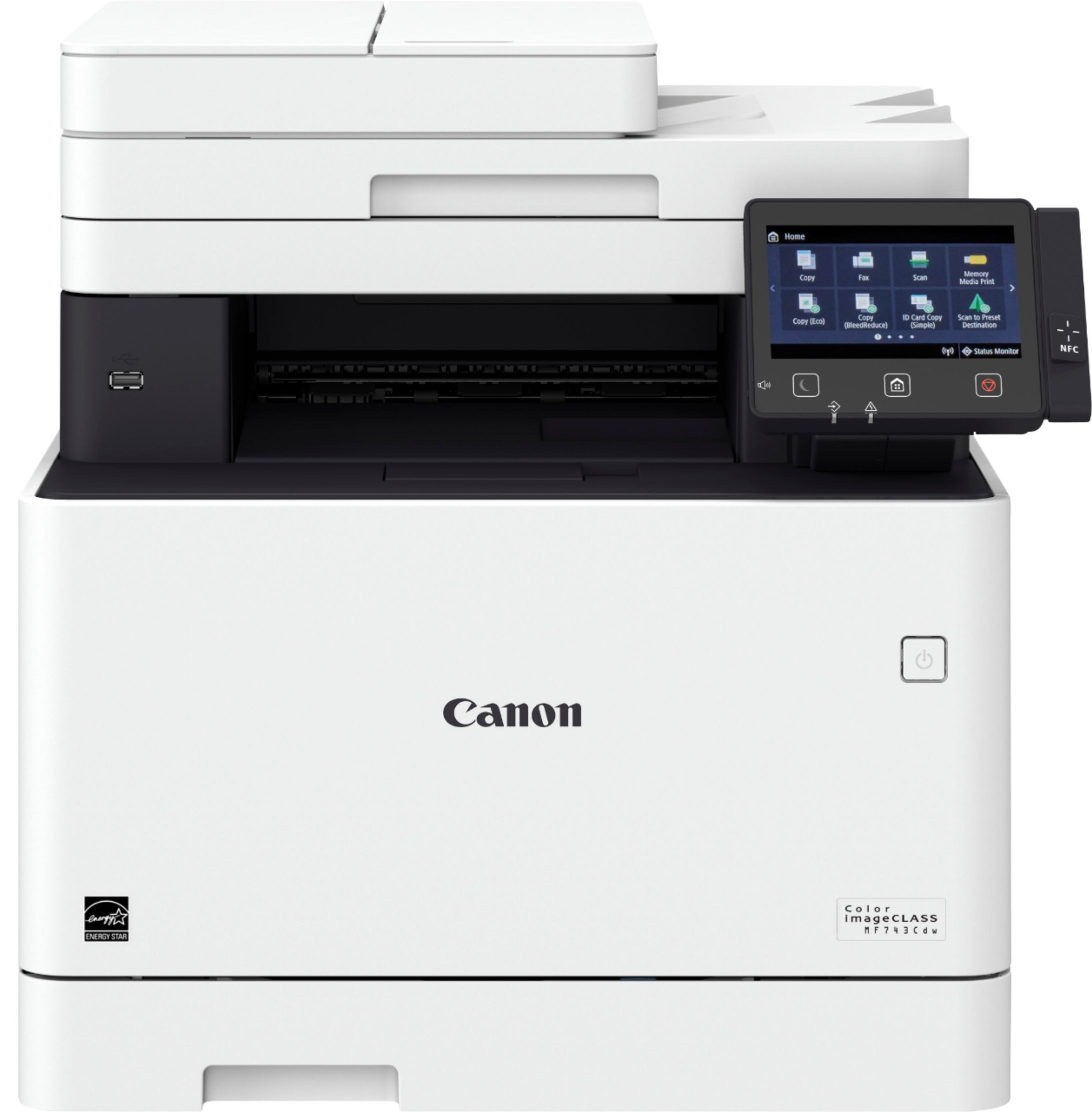
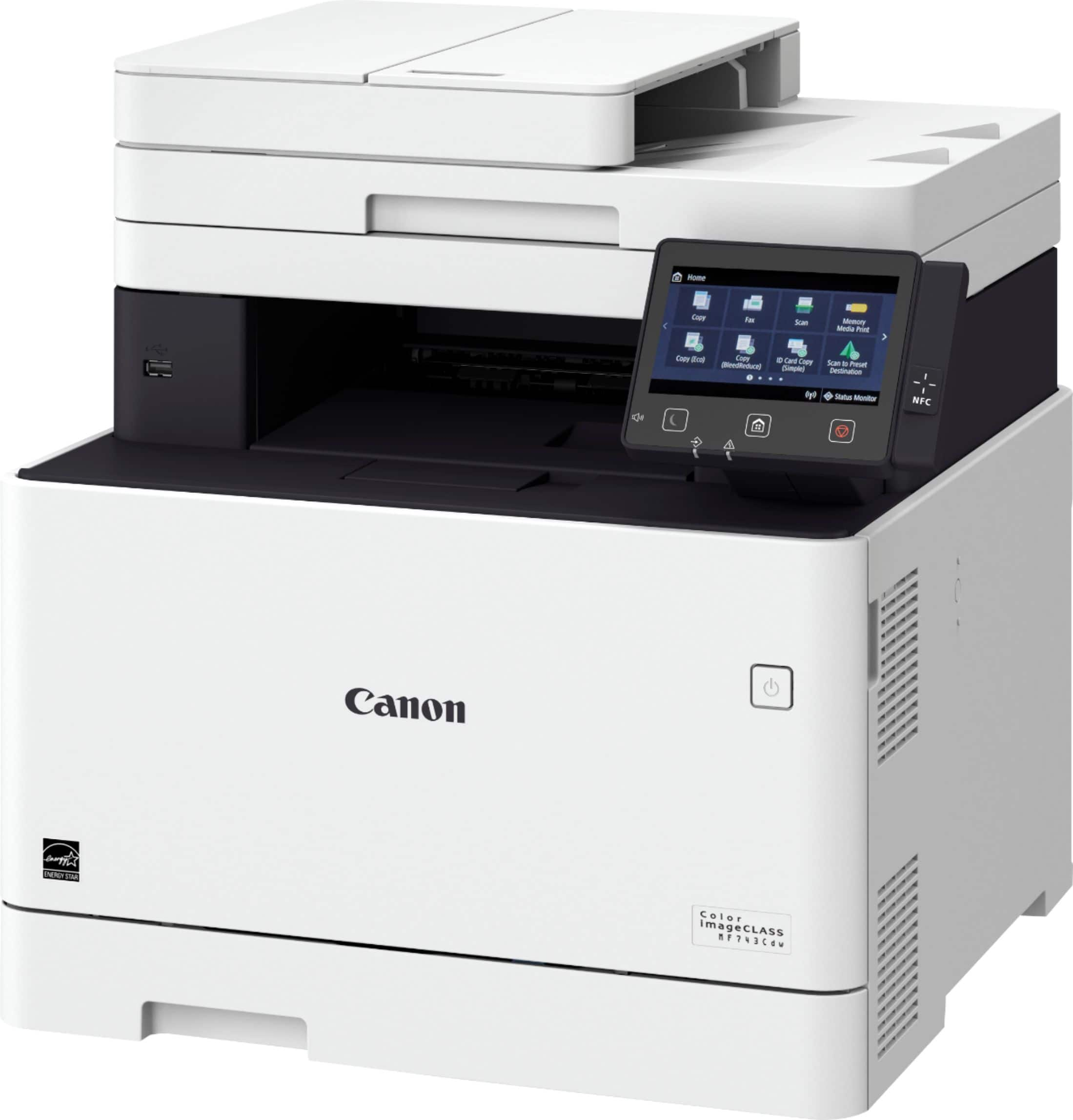
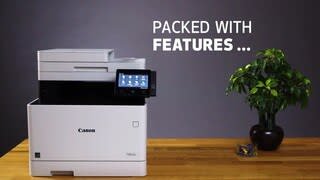
A:AnswerThe product dimension are 18in height and 17in wide. This will not work for your space. I’m not sure what printer will fit your requirements and it also depends on what specifications you’re looking for in a printer. Once you have determined what type of printer you need, look under the specification link for the product and it should give you the height, width and weight Info.
Hope this helps a little.
A:AnswerThis info is straight from the Best Buy website from which you submitted the question .....
Height: 18.1 inches
Width: 17.2 inches
Weight: 64 pounds