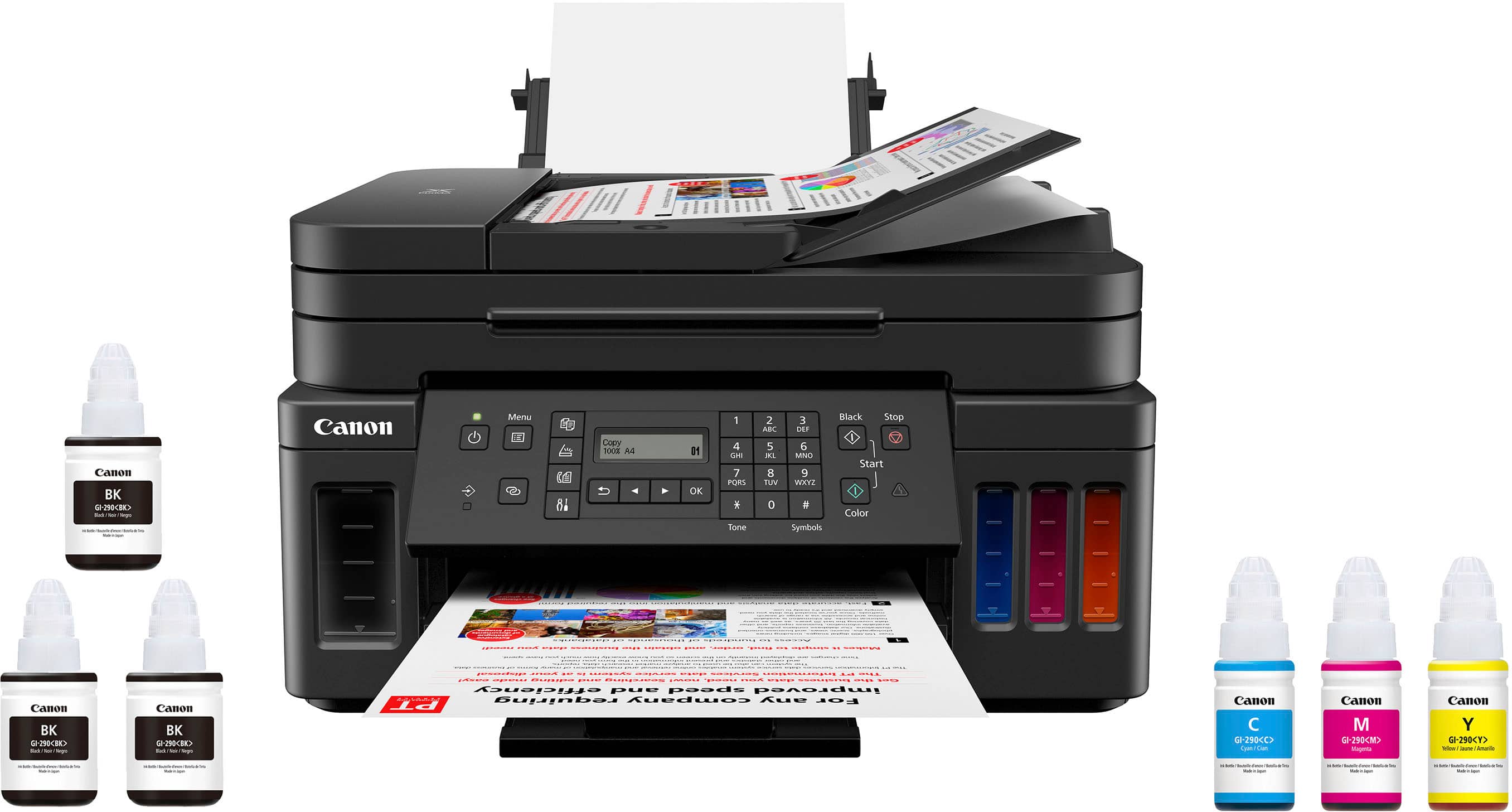
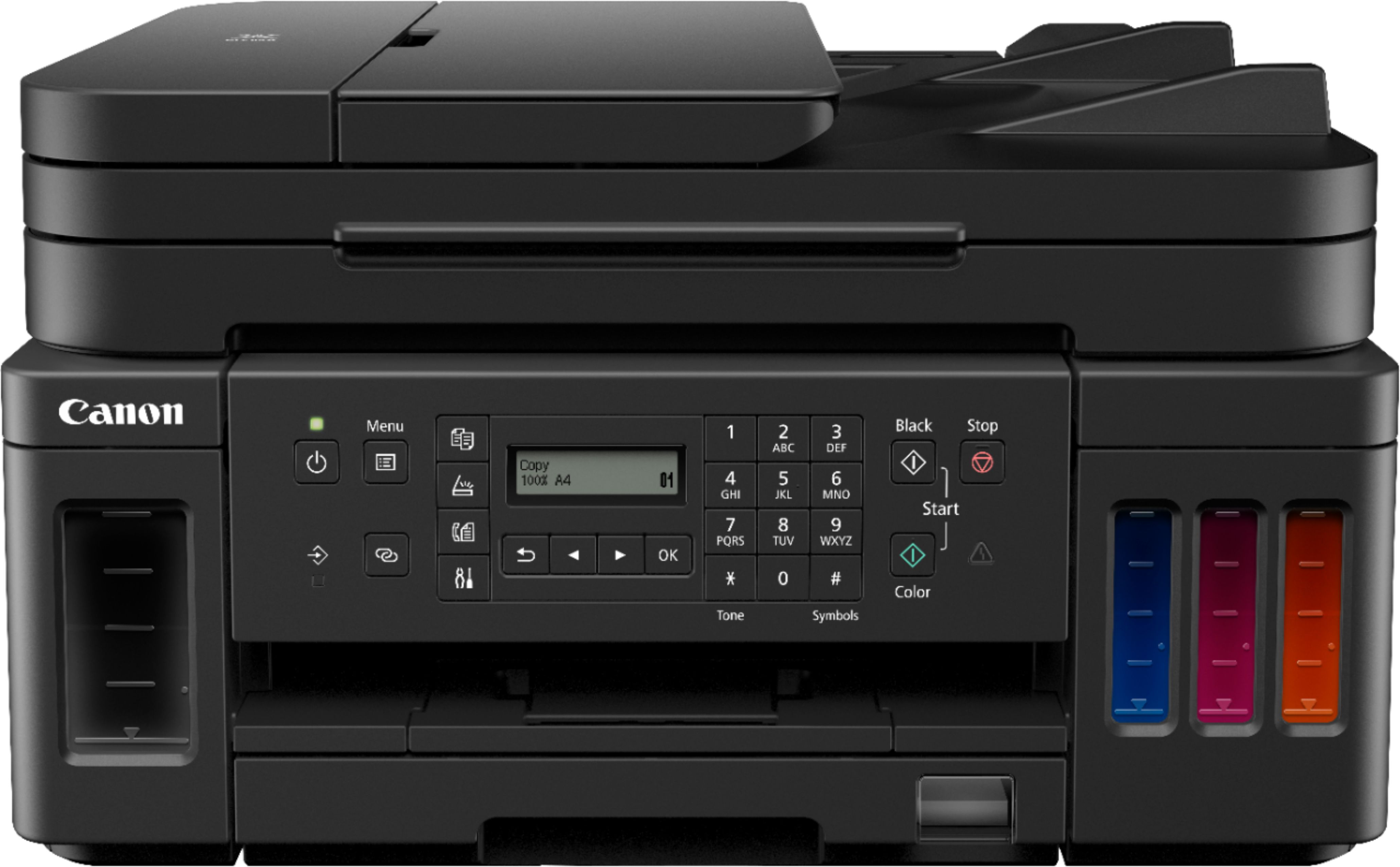
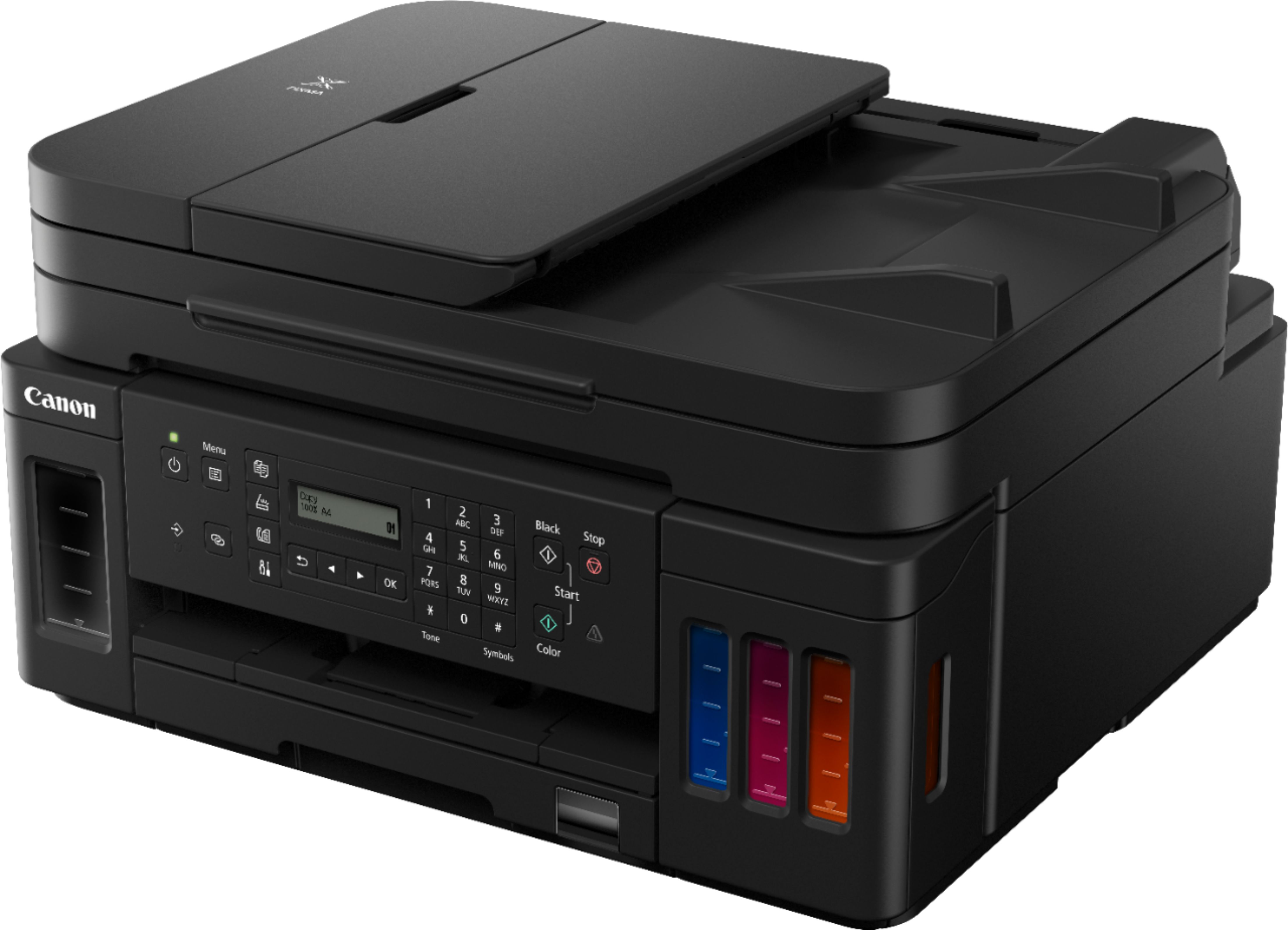
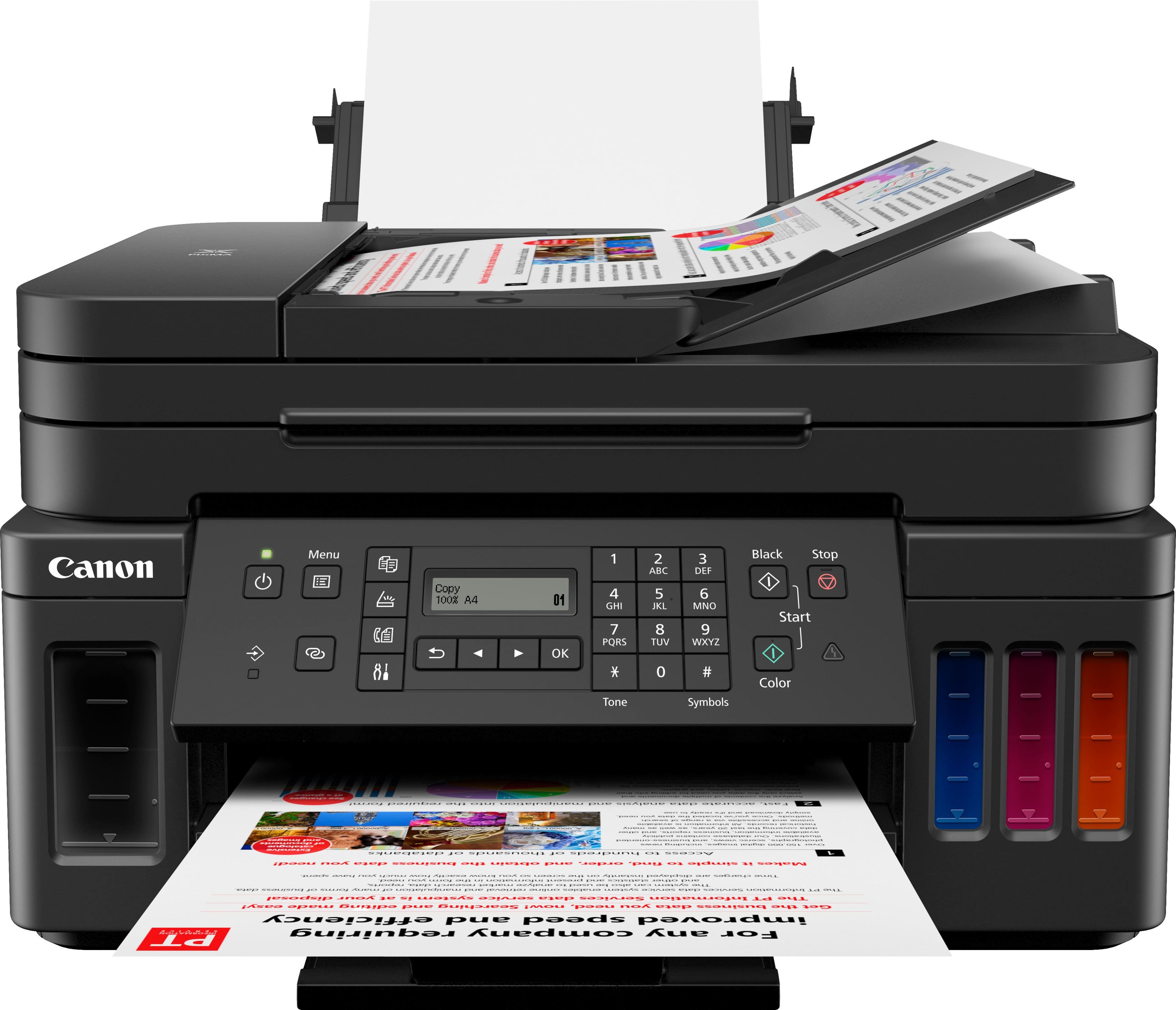
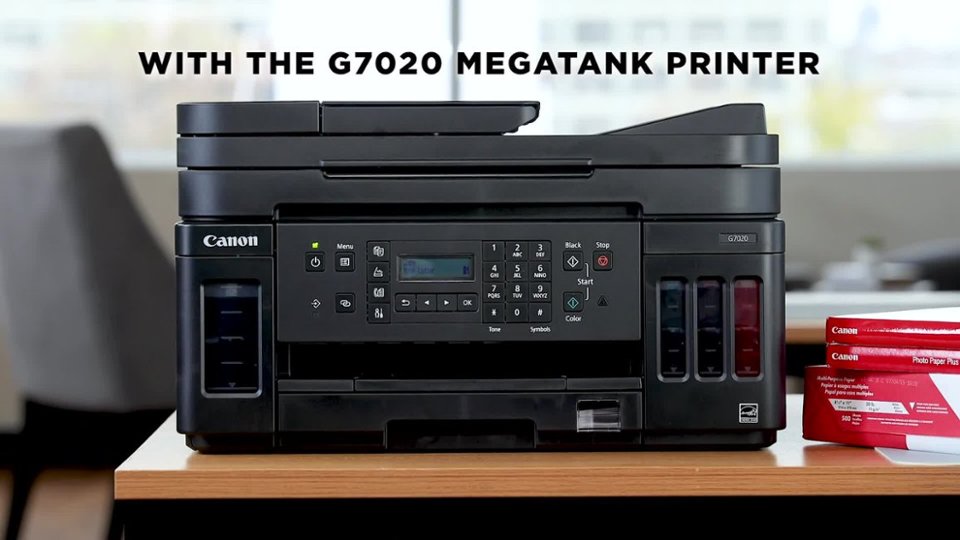
A:AnswerI have had my Canon g7020 for months; it worked well with an old Windows 10 laptop and with my Macbook Pro laptop. HOWEVER, since hooking up my new Macbook Air, I cannot get the full featured PRINT menu. When I try to print, there is no option to print in color. I'm not sure why that is, but SOMETHING IS WRONG. It still works fine on the other computers.
A:Answerhttps://support.usa.canon.com/kb/index?page=content&id=ART175658
You have to physically plug a phone line in to receive/send fax's. Then use the above link to setup the fax.
A:AnswerI did not see XP drivers for this printer. XP is unsupported and for even the most basic use should be replaced with a currently supported operating system. As a professional computer person, all XP devices were replaced more than 10 years ago at my client locations with Windows 7 and all Windows 7 devices were replace a couple of years back with Windows 10. Printers need the correct software drivers to work with operating systems and although it is possible this device might print, the trial and error time it would take to try to get it to work would cost more than the price of the printer.
A:Answerhttps://support.usa.canon.com/kb/index?page=content&id=ART175569
Yes. The G7020 accepts 17-28 lb. paper and up to 53 lb. specialty paper.
Use the link above
A:AnswerYes, this does print double sided. I just got it a couple of months ago and love this printer. Have printed pages and pages and the tanks are still almost full. It prints double sided pretty fast.
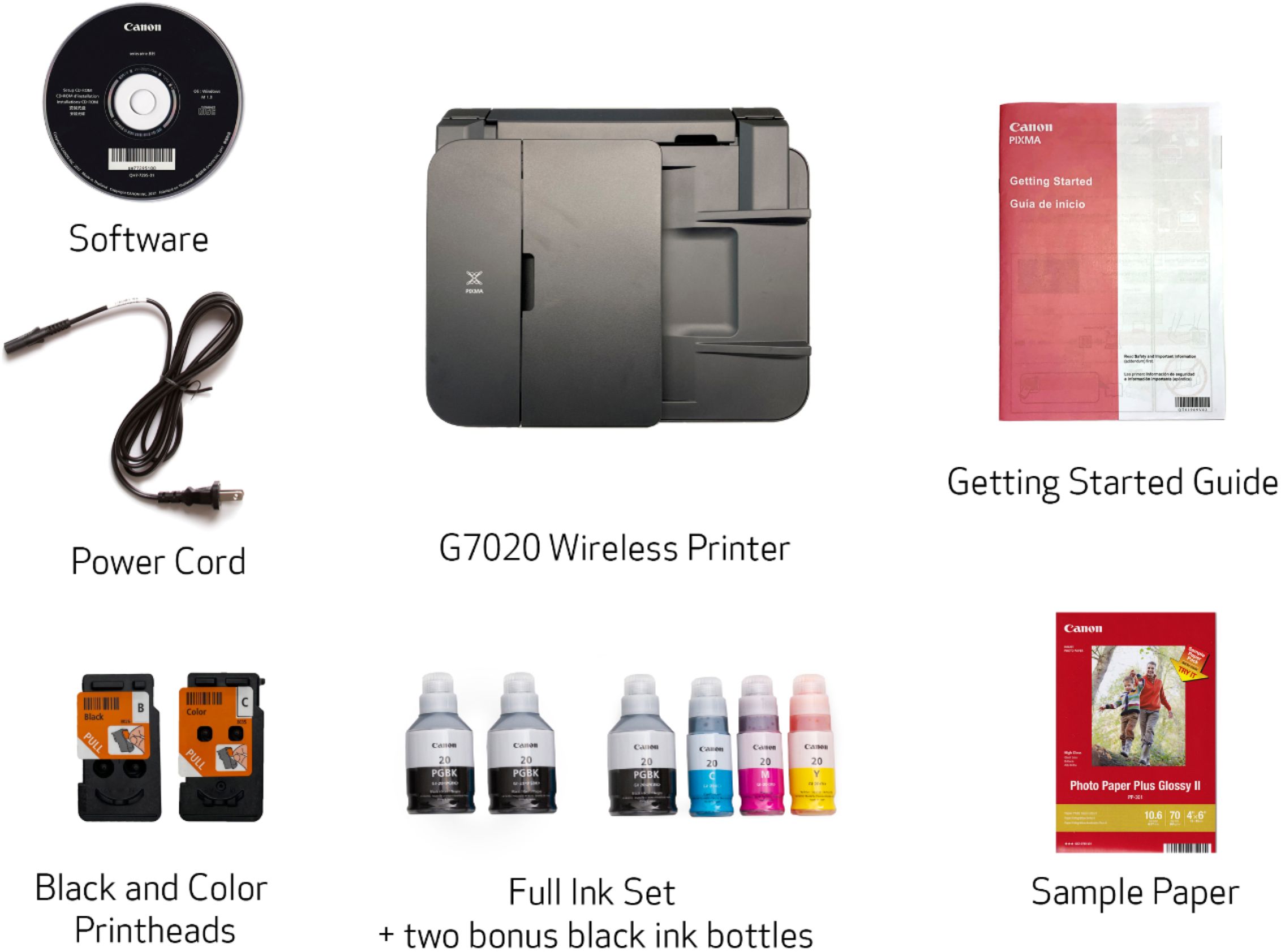
A:AnswerWe have two apple laptops, a MacBook Pro (2019) and a MacBook Air (2019), neither of which has a cd scan. The directions show how to set it up accessing the Canon website, which worked perfect!
A:AnswerCan't answer this question, but I ordered it for delivery after it showed up as out of stock at the nearest store, and it showed up the next day.
A:AnswerThe ethernet port on the Pixma G7020 is located just below the USB port on the right rear . If necessary, remove the shipping plug, slot B in the rear view diagram.