A:AnswerI haven't tried to scan to an email address. I just scan the document and save it to my desktop or my documents folder. Then I email the document as an attachment.
The printer scans the document as a PDF. It scans the document as you place each page on the glass.
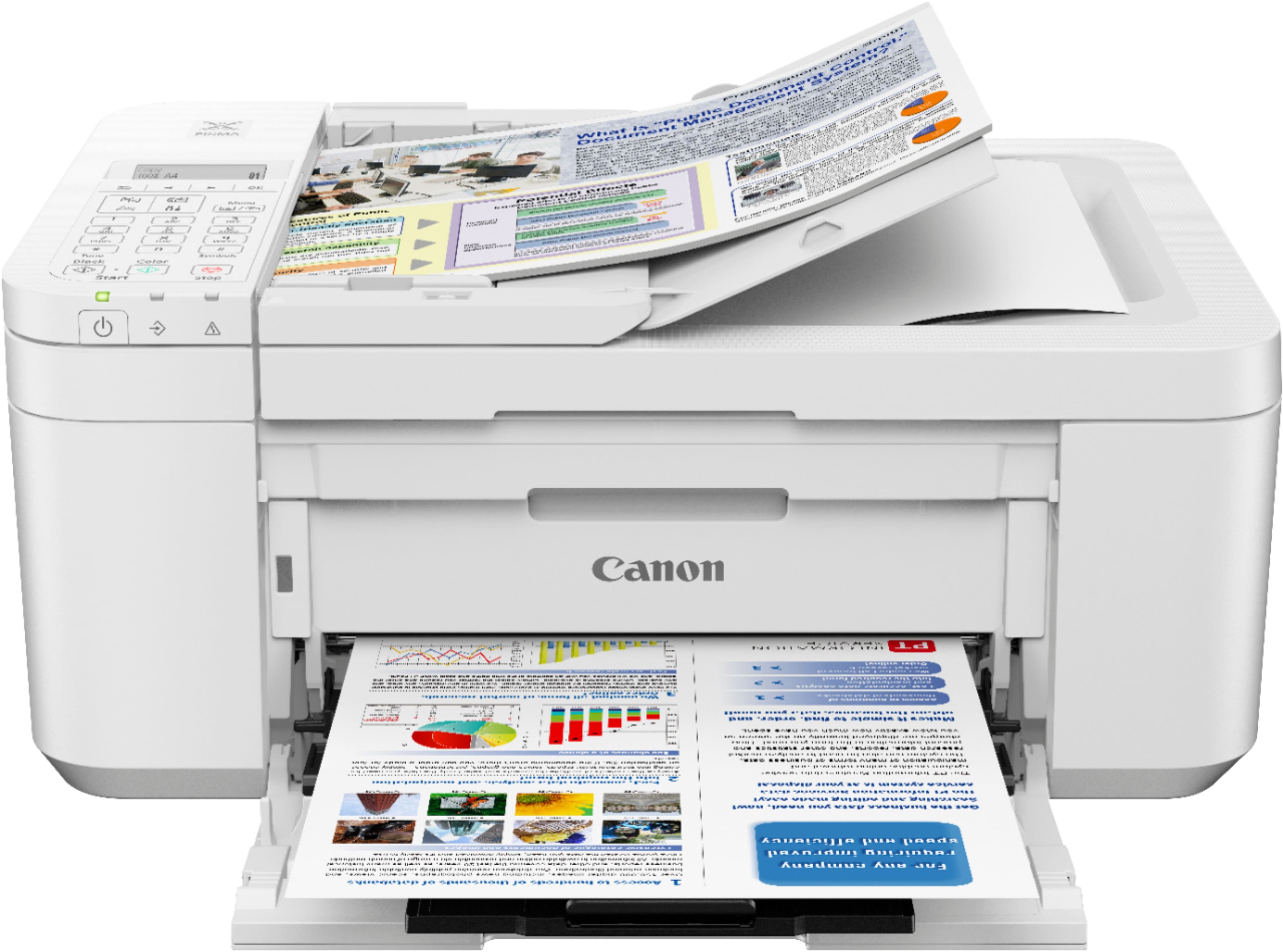
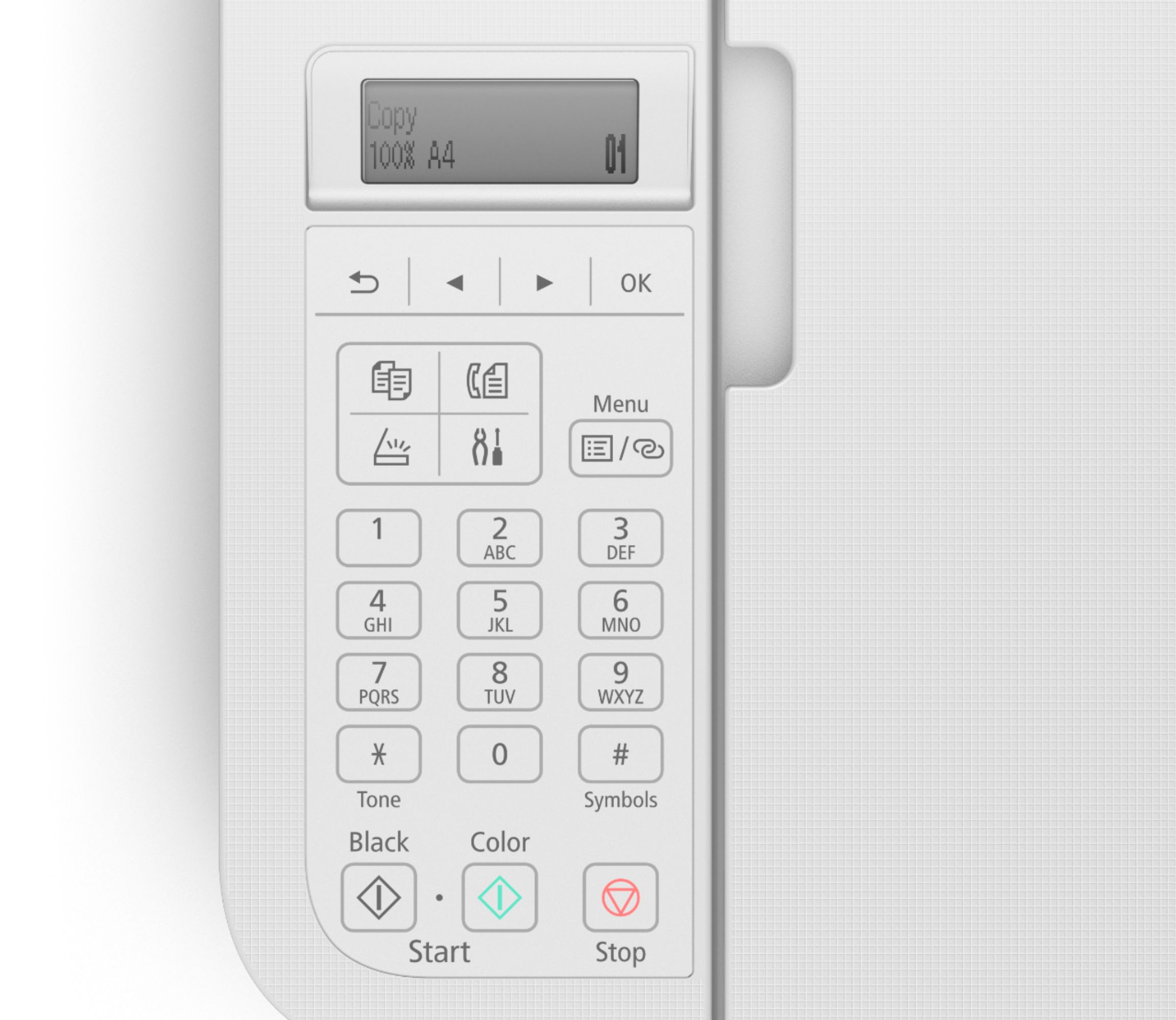
A:AnswerThe printer instruction manual gives the option of connecting with a computer or smartphone. You can also use the printer standalone or as a fax. I have a desktop computer but I believe that it will also work with a laptop.