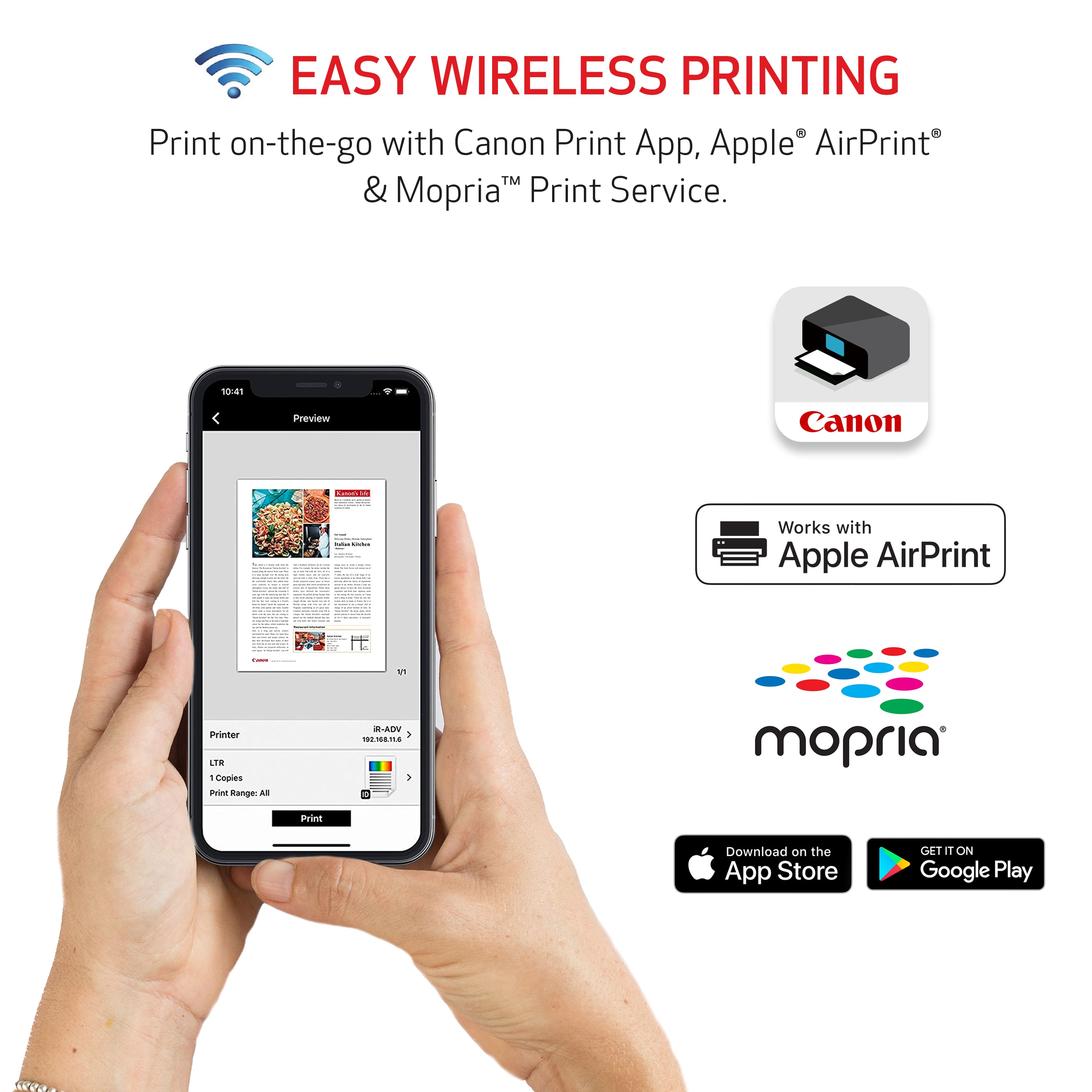
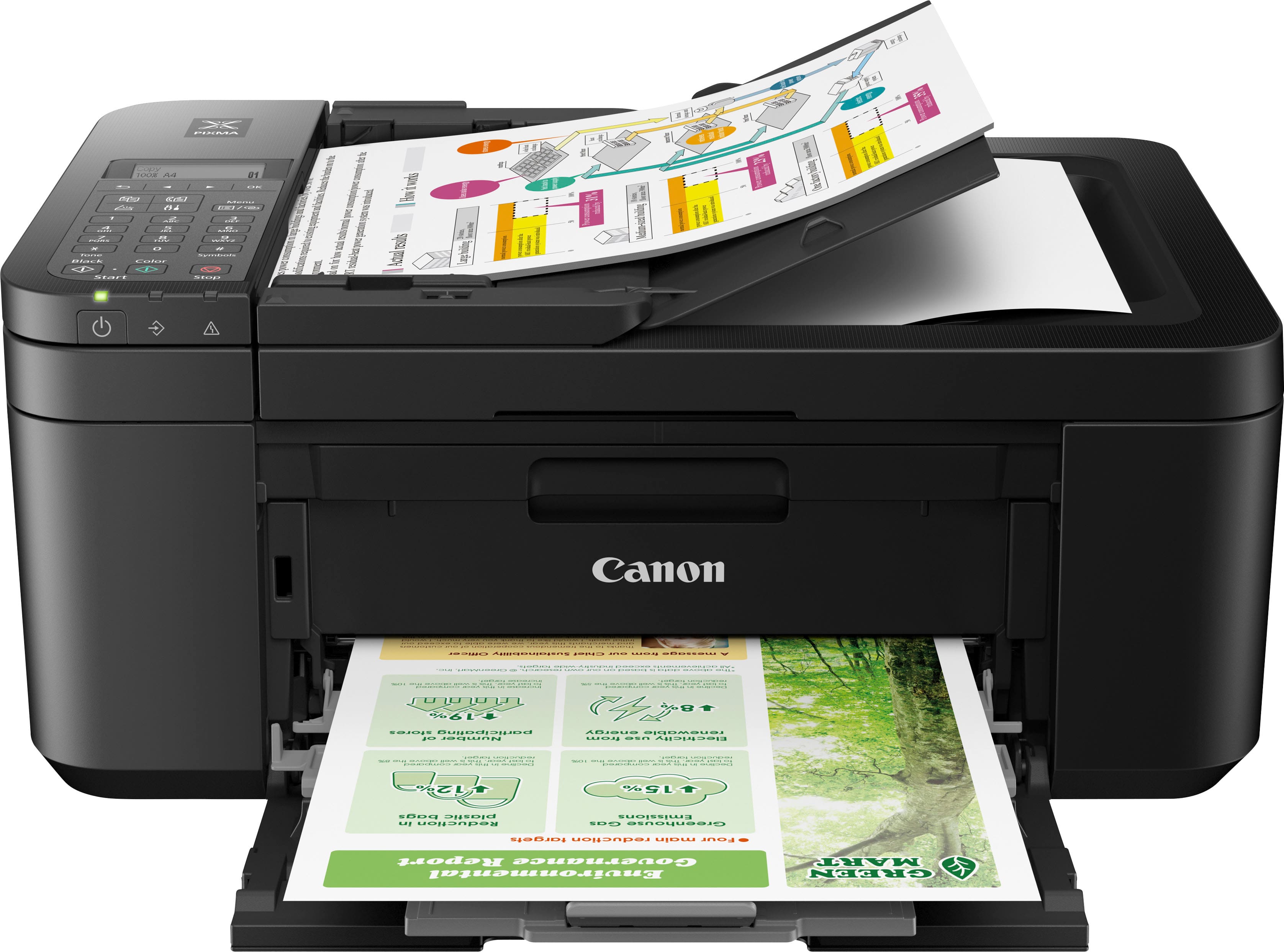
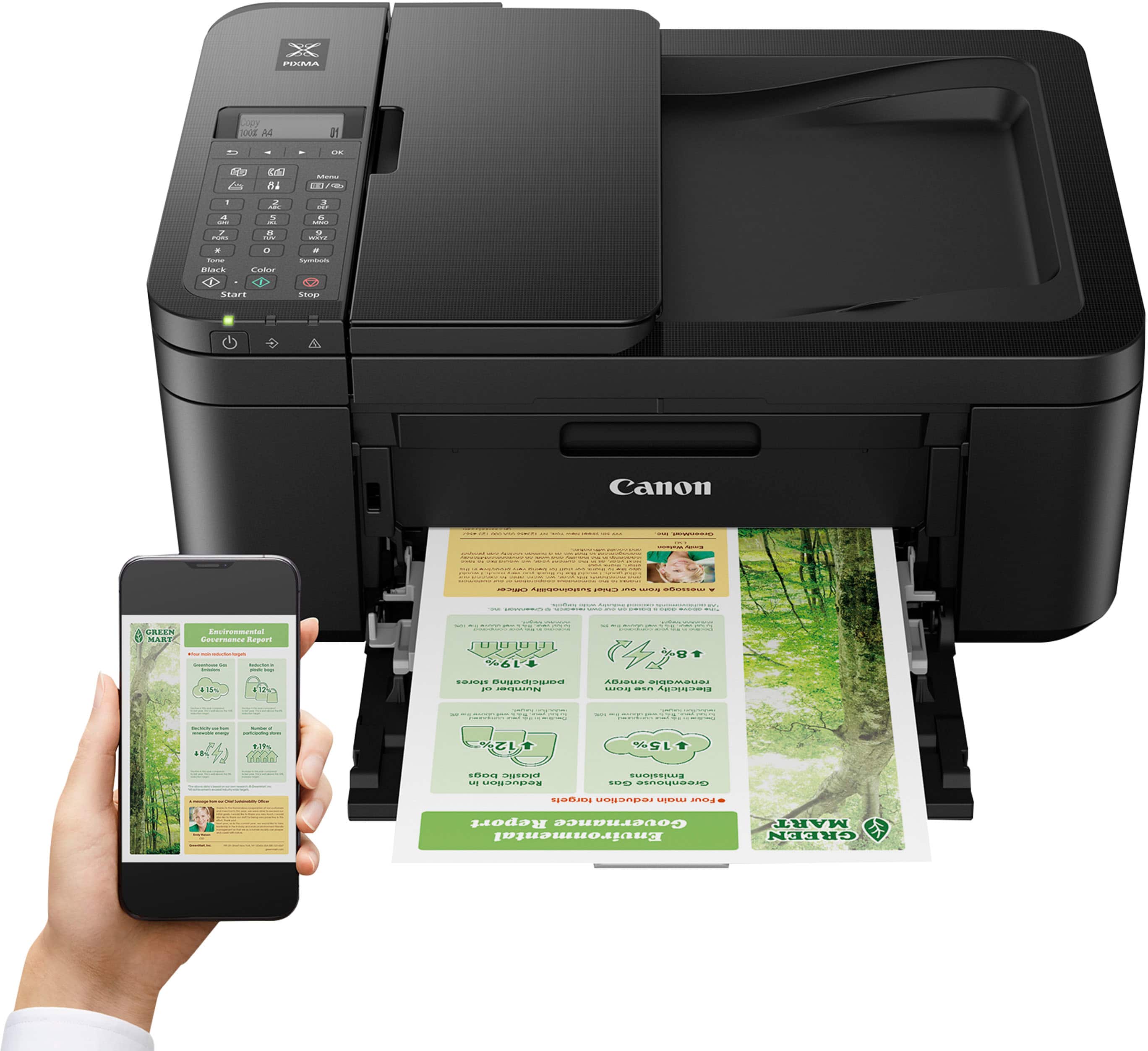
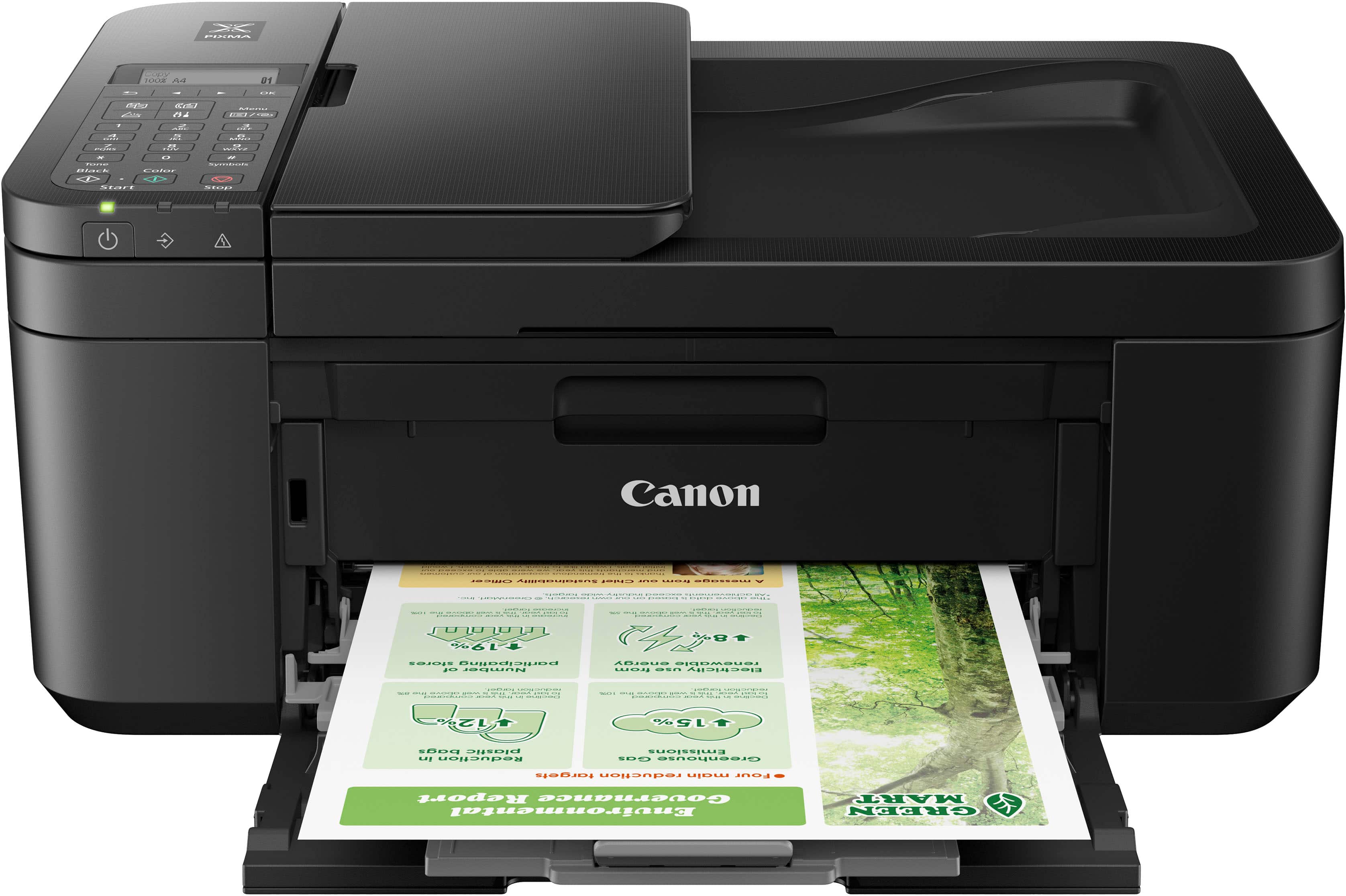
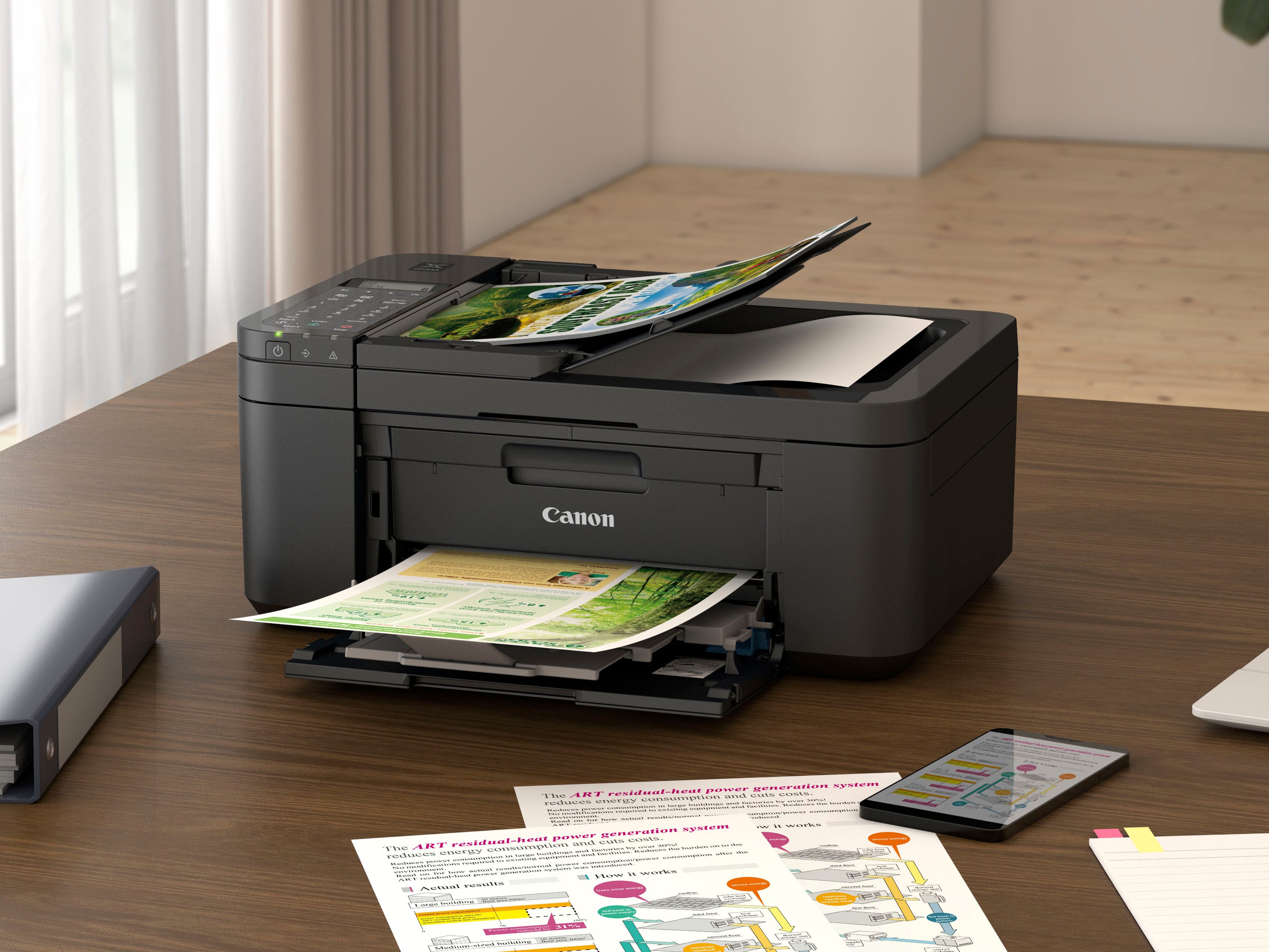
A:Answerit's cordless/wifi i don't know about high sierra, i think there's a phone jack cord that comes with it, it's suppose to bo wireless though, other than the power plug which is included
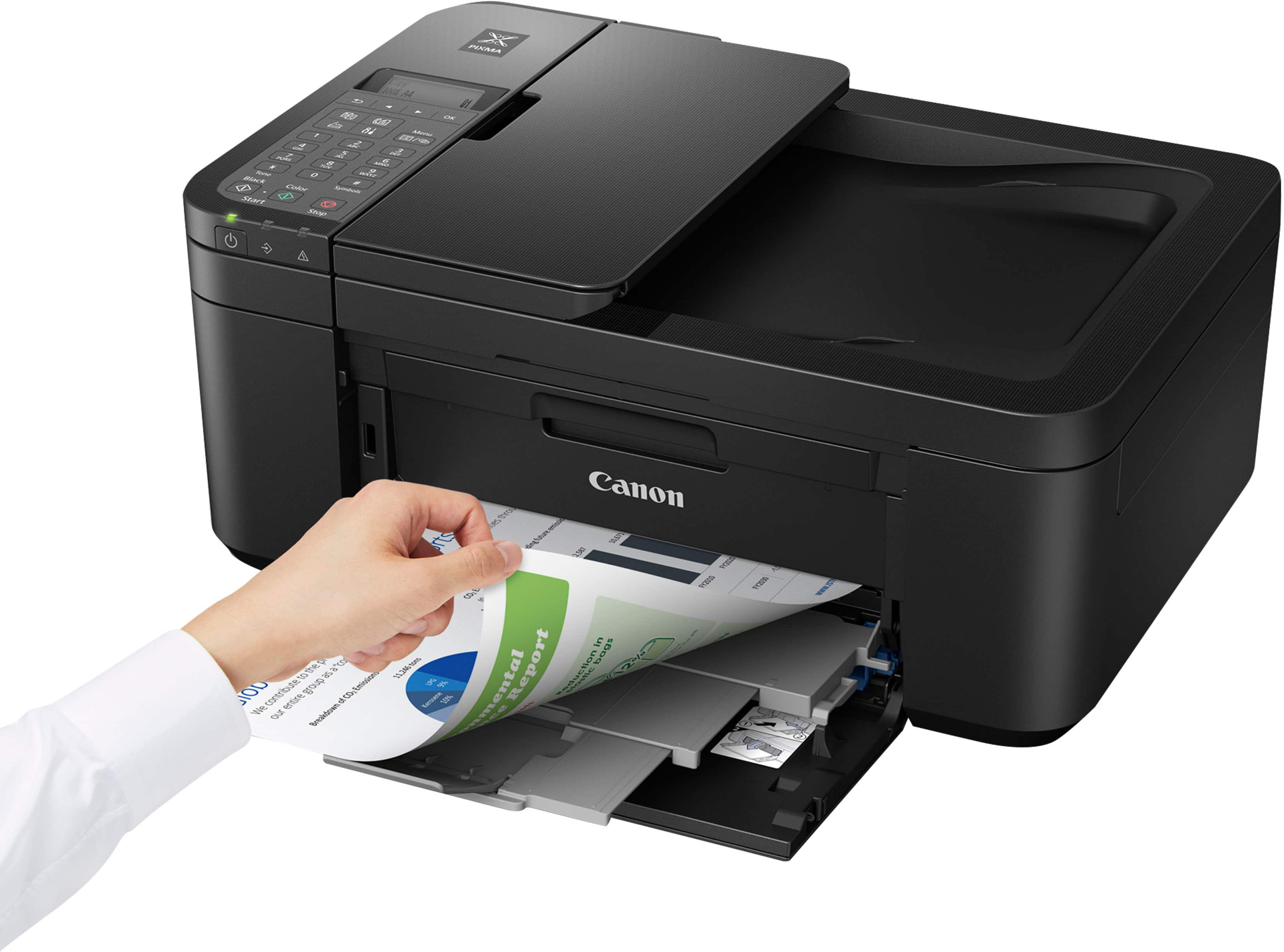
A:AnswerYou open the front. The place where ink goes slides over. Just place the cartridge in the correct tray for color or black, and snap the tray holder up into place.
A:AnswerThey do not make an inkjet printer that prints in black only, however you can select whether to print monochrome (black and white) or color in your print settings. If you are looking to print monochrome only, you might consider a laserjet printer.