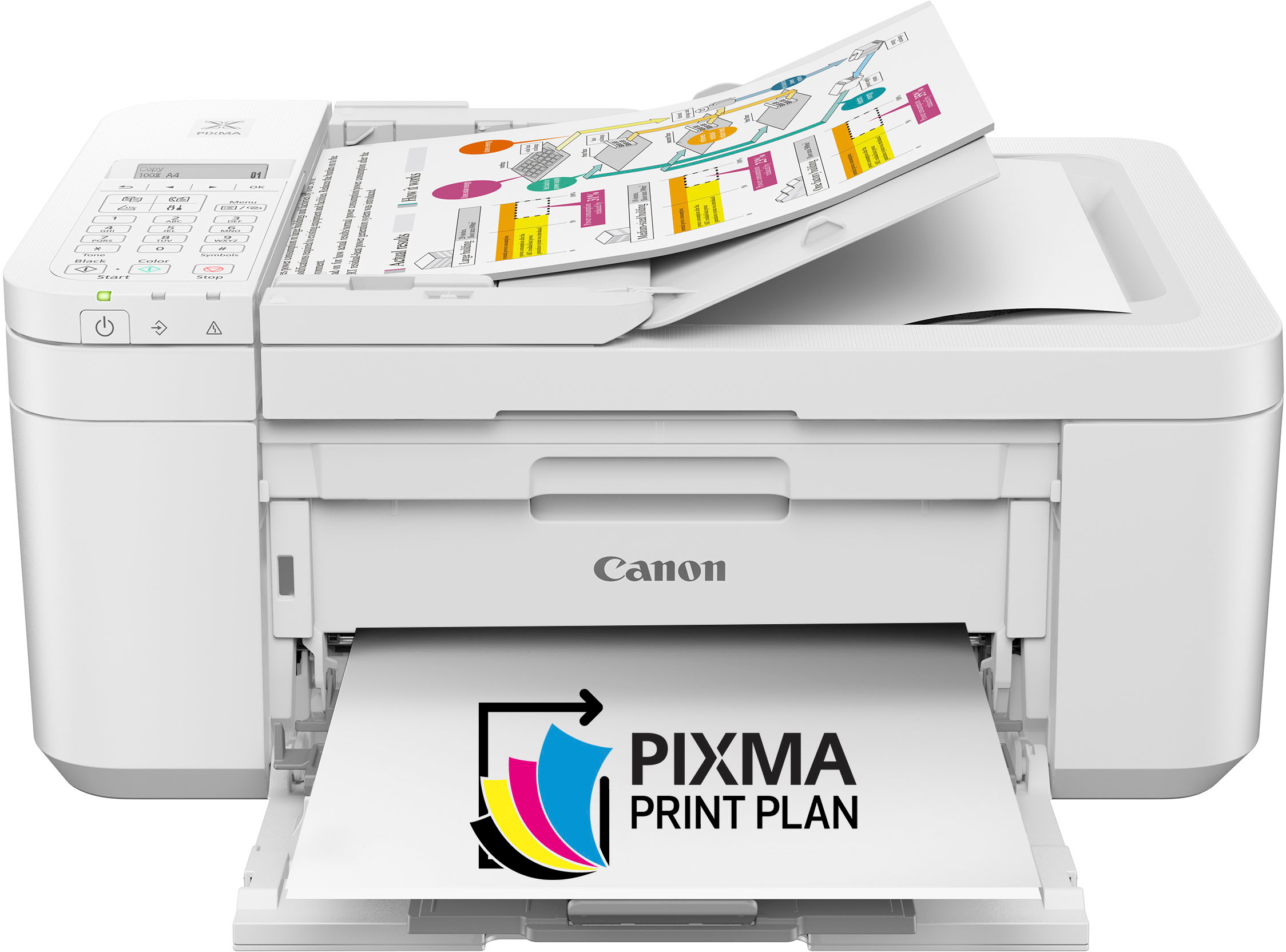
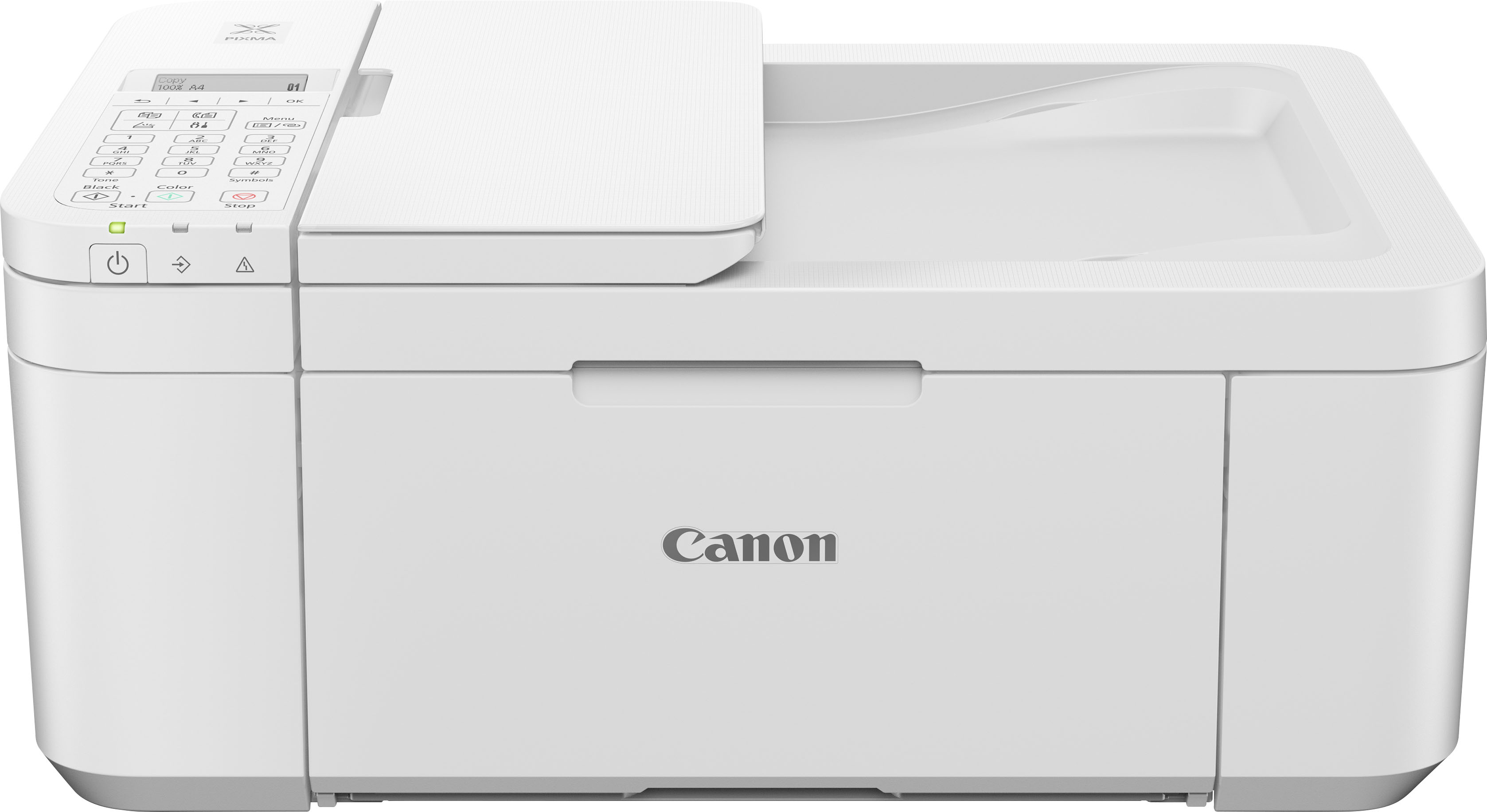
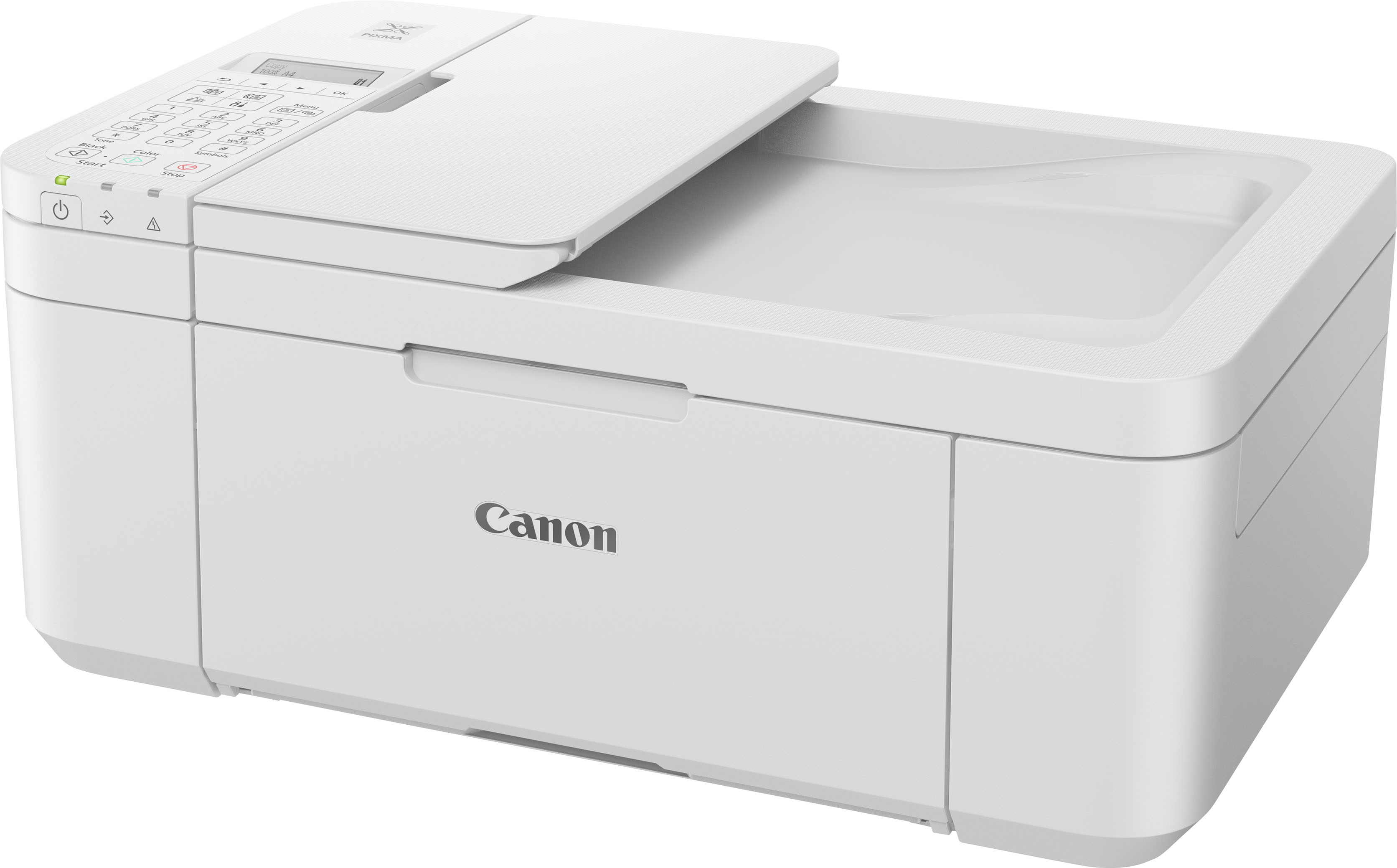
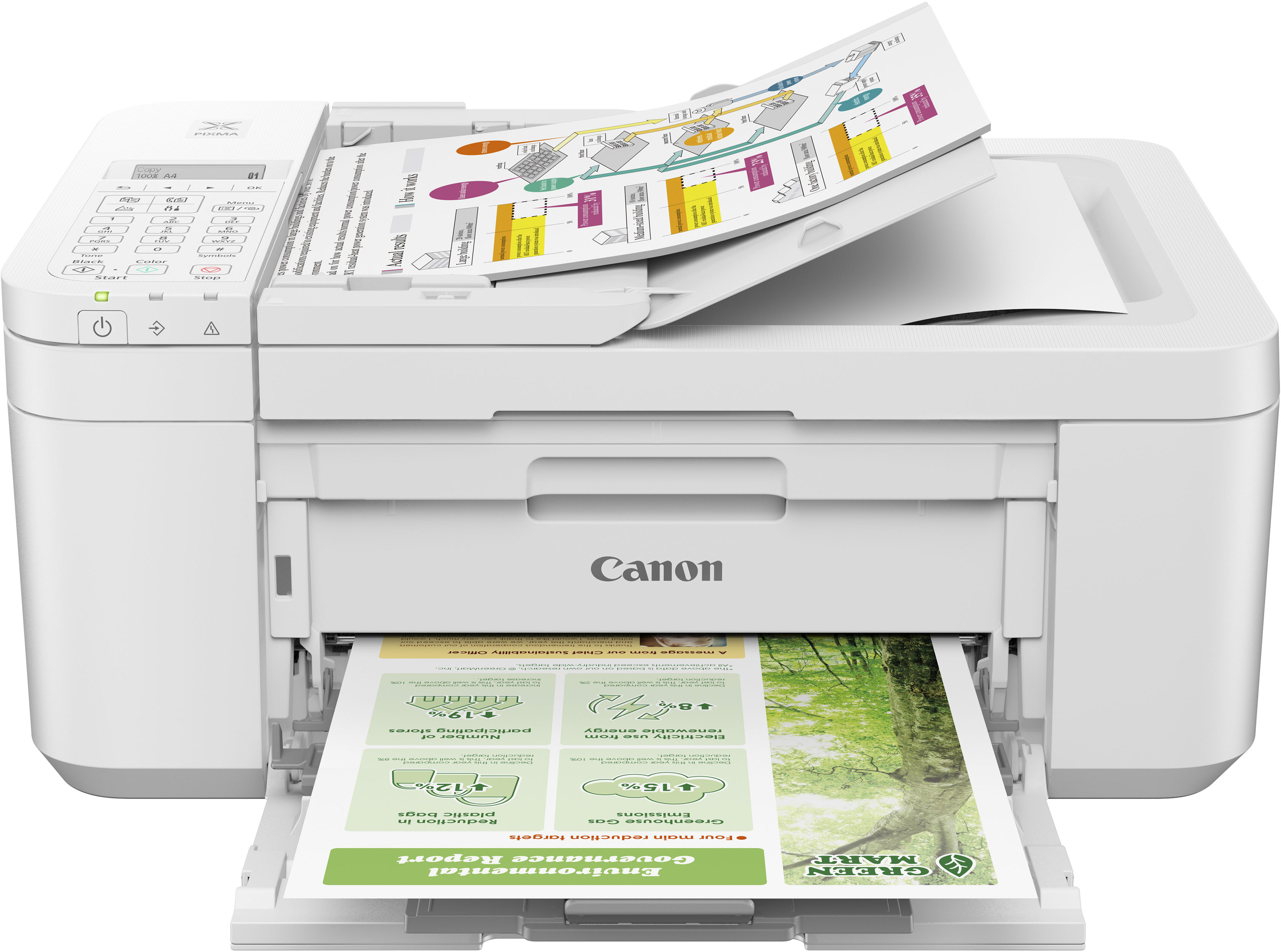
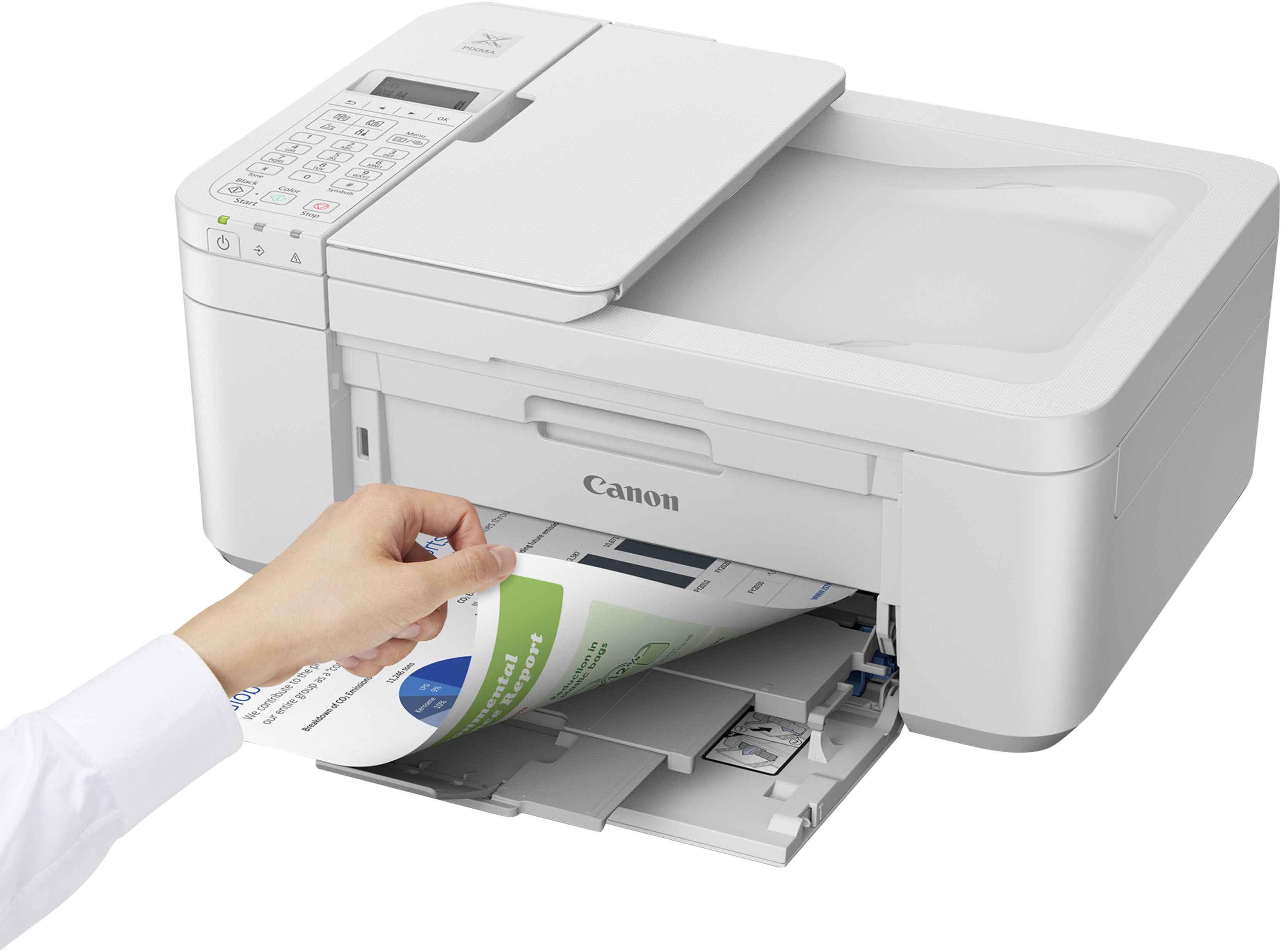
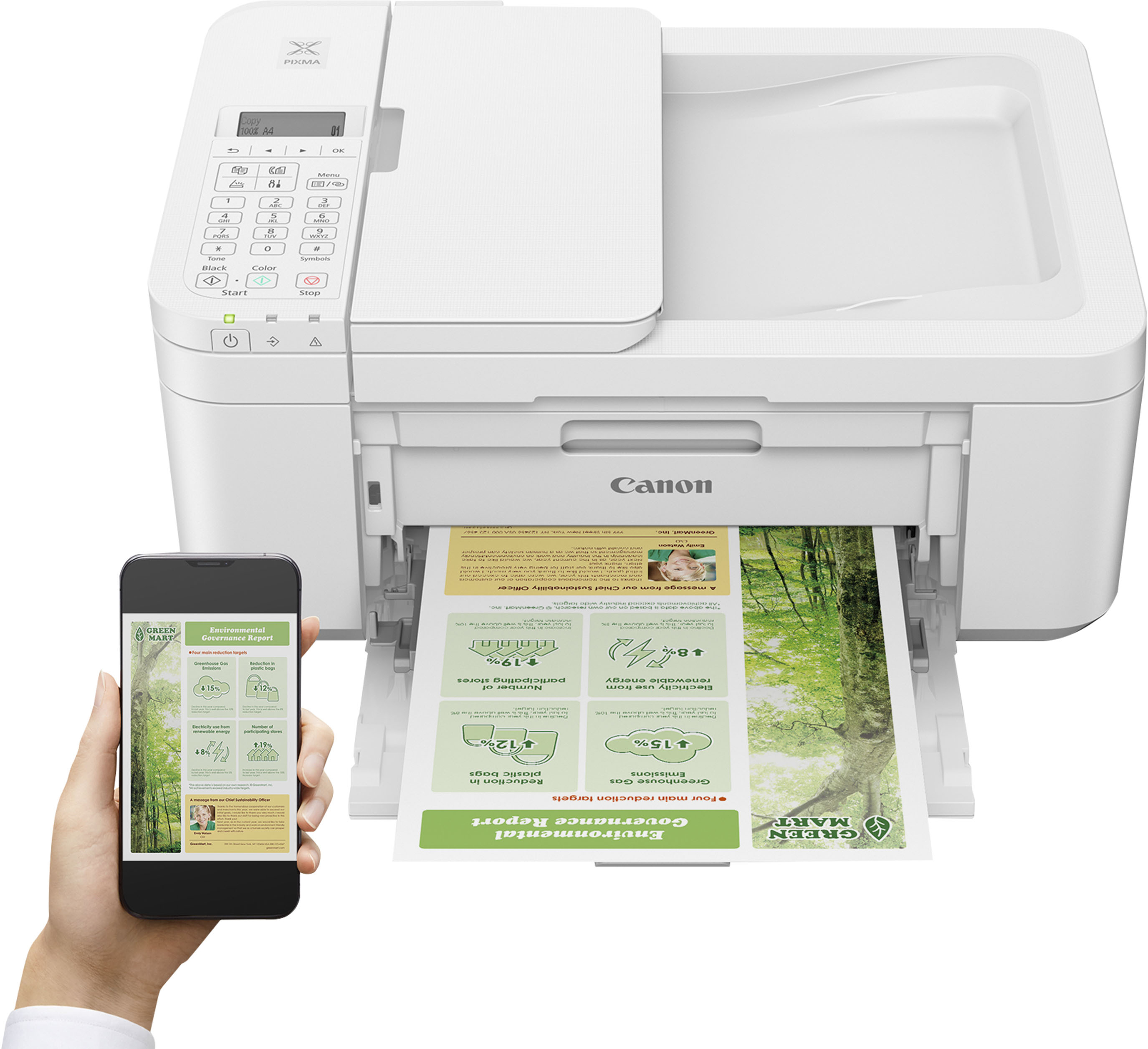
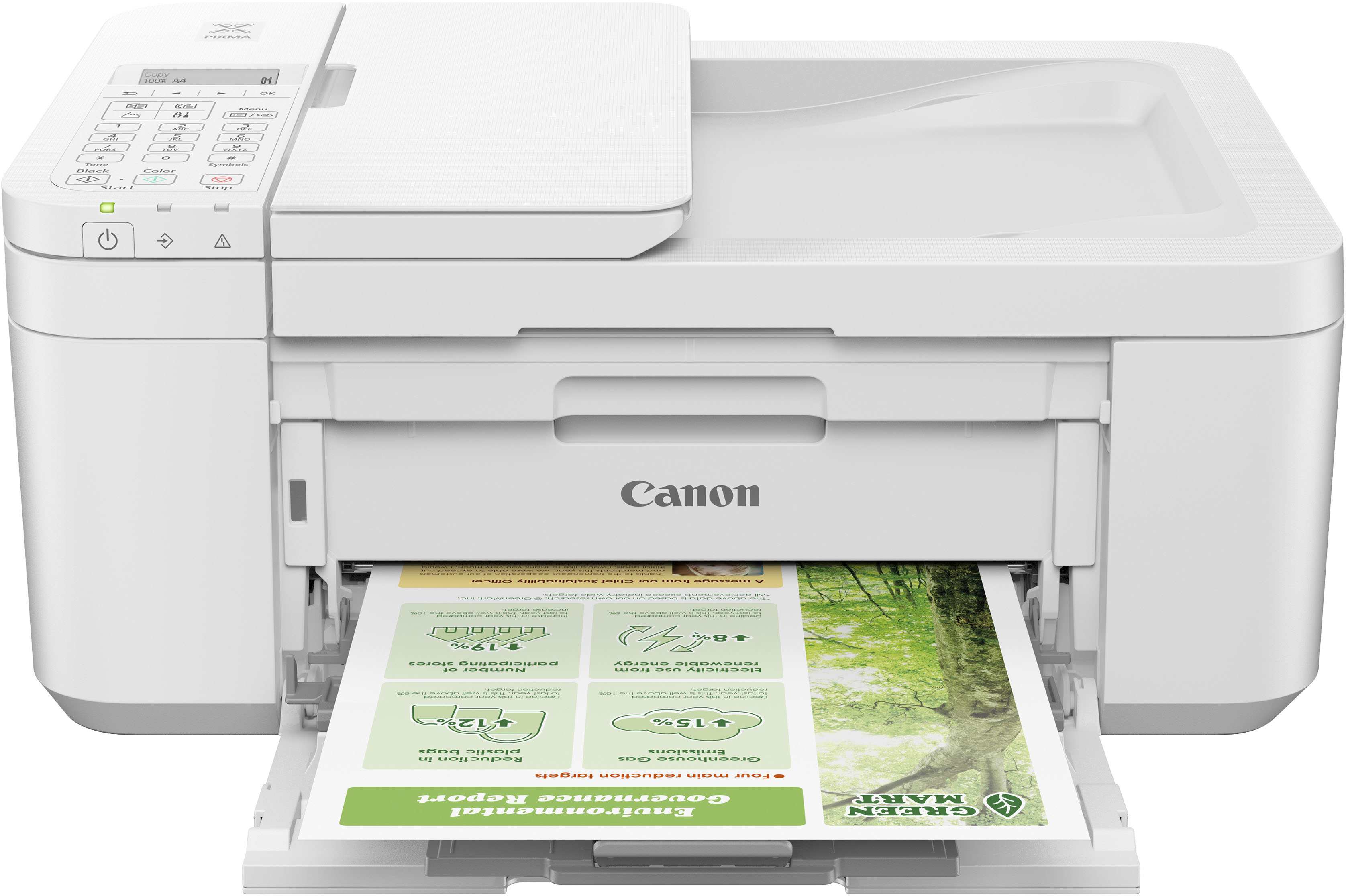
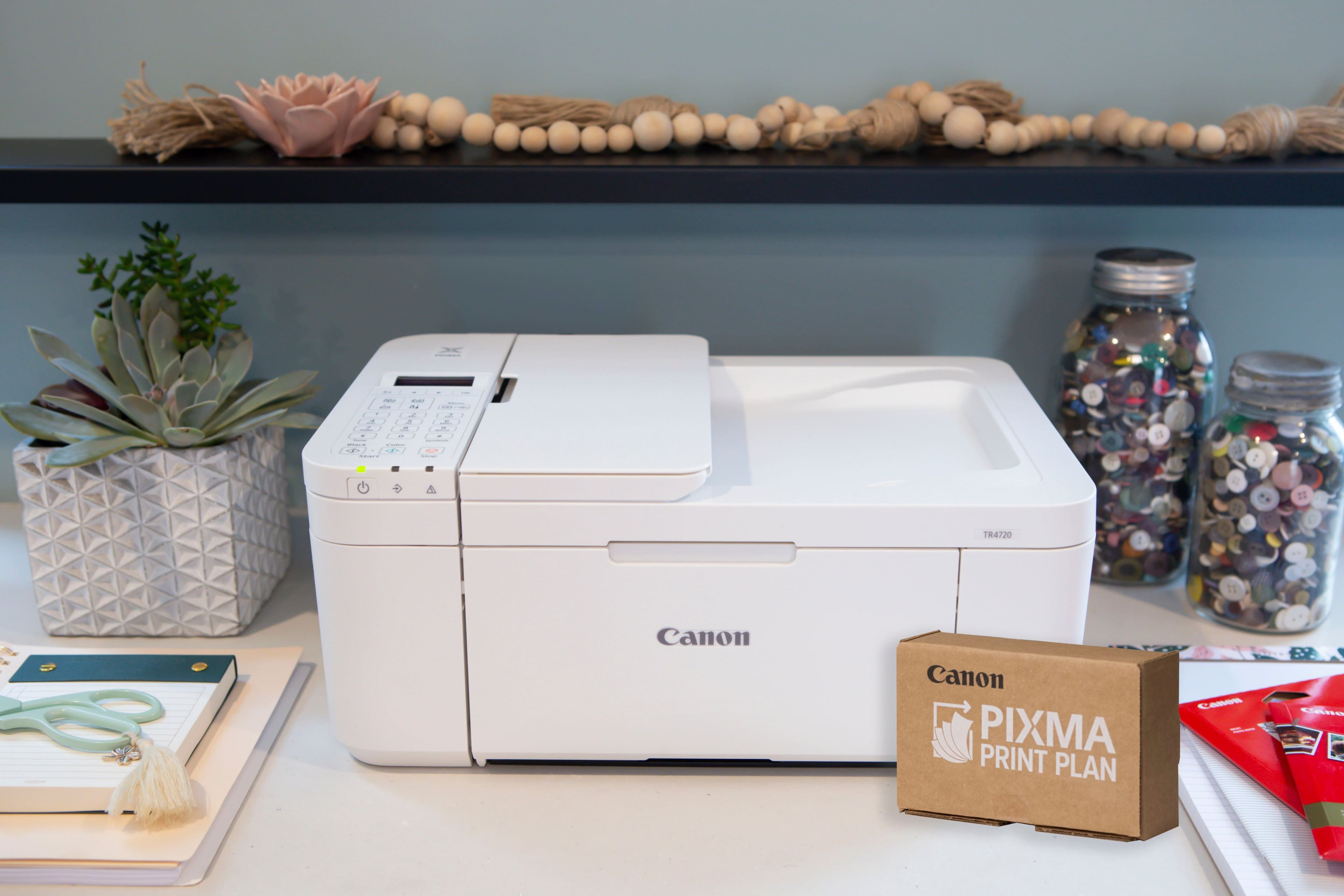
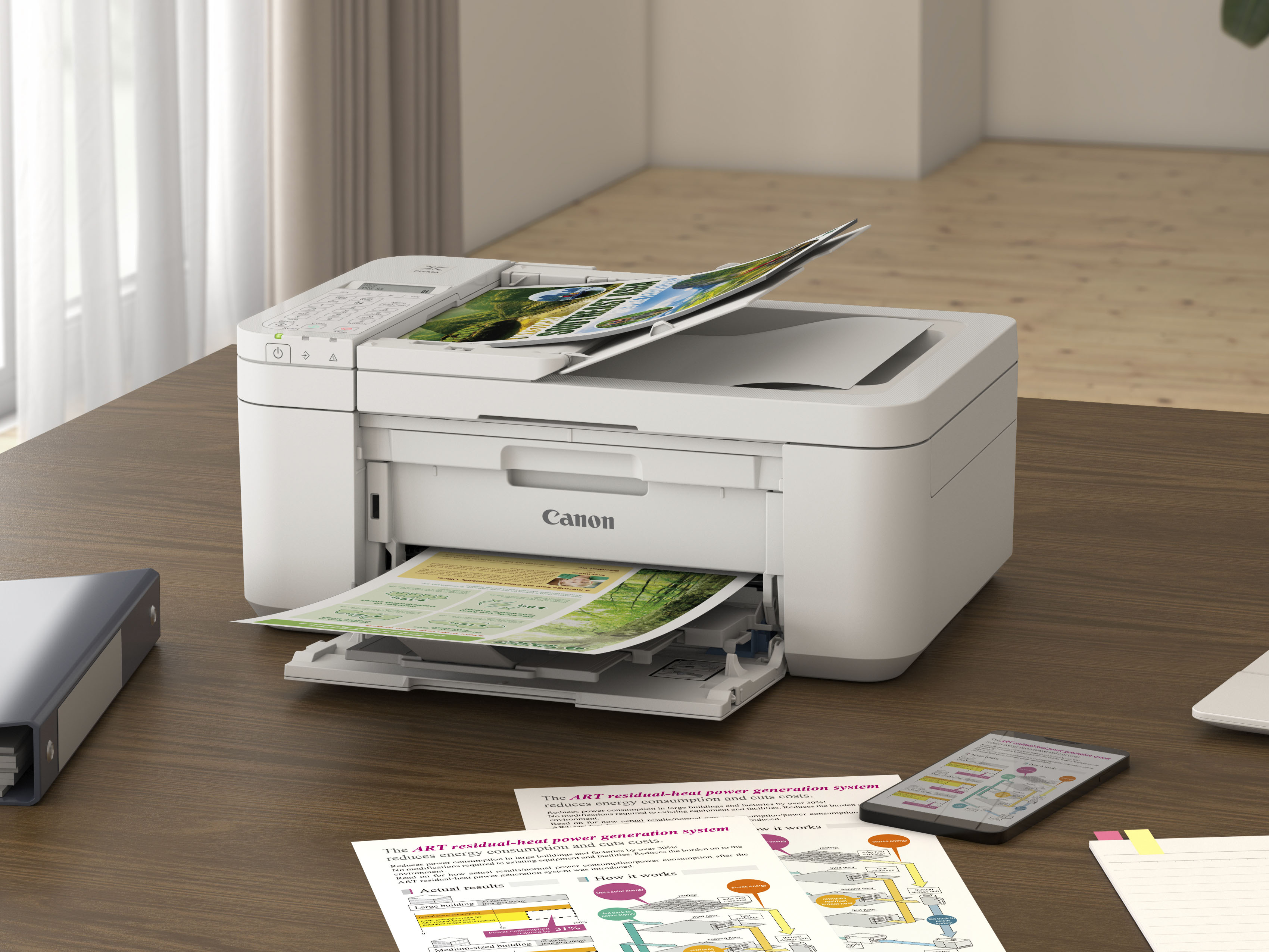
A:AnswerRoughly 17" long, 11 1/2" wide, 7 1/2" tall. The paper holding tray has to stay pulled out and it's at the front of the printer--it isn't fully inside like others I've had. You can fold it up but if you do you'll also be trying to fold up whatever paper you had in, and it sticks out about 5 3/4" from the bottom part of the printer (that whole front panel that has "Canon" written on it the picture is what folds down to become part of the paper holding tray).