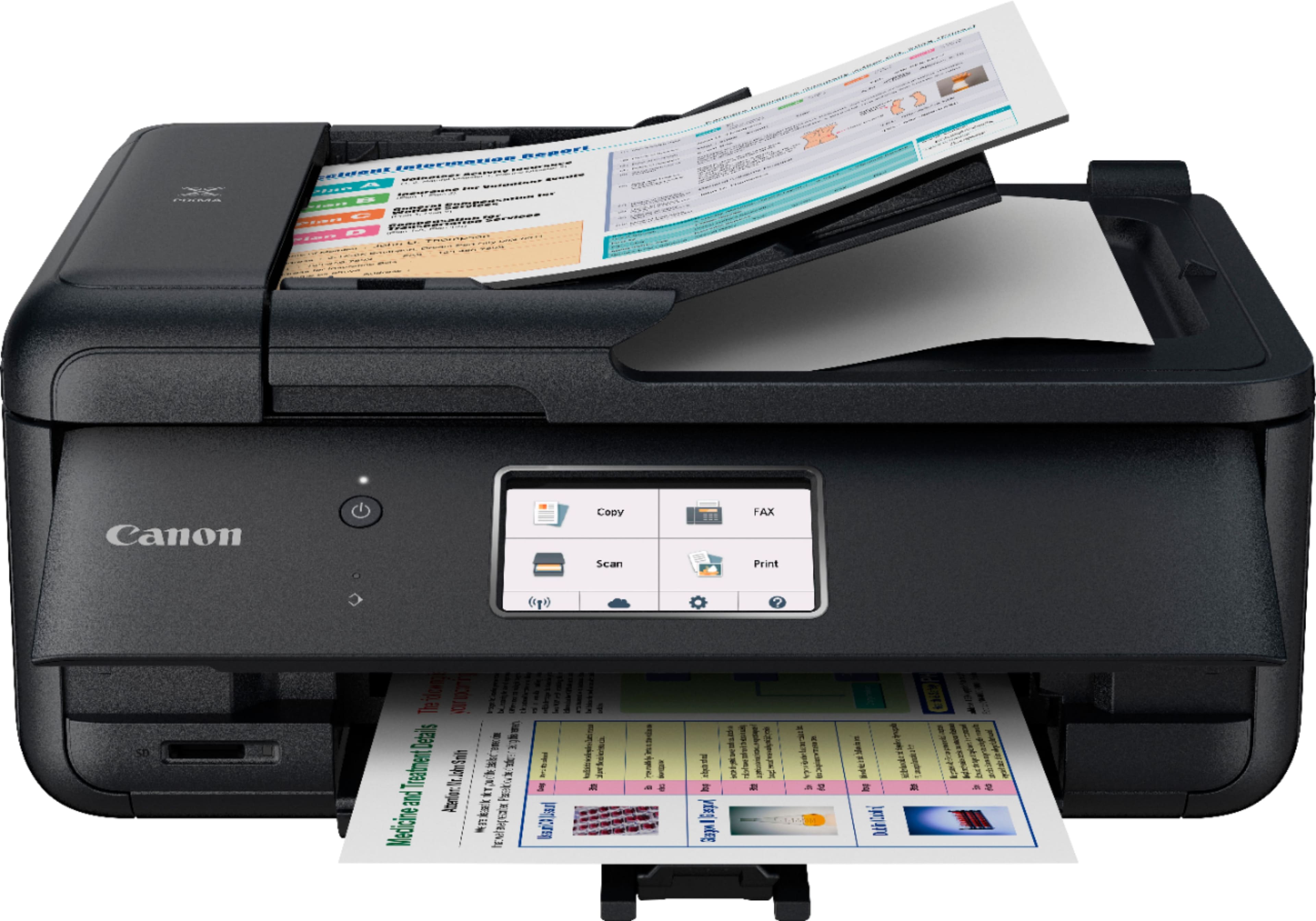
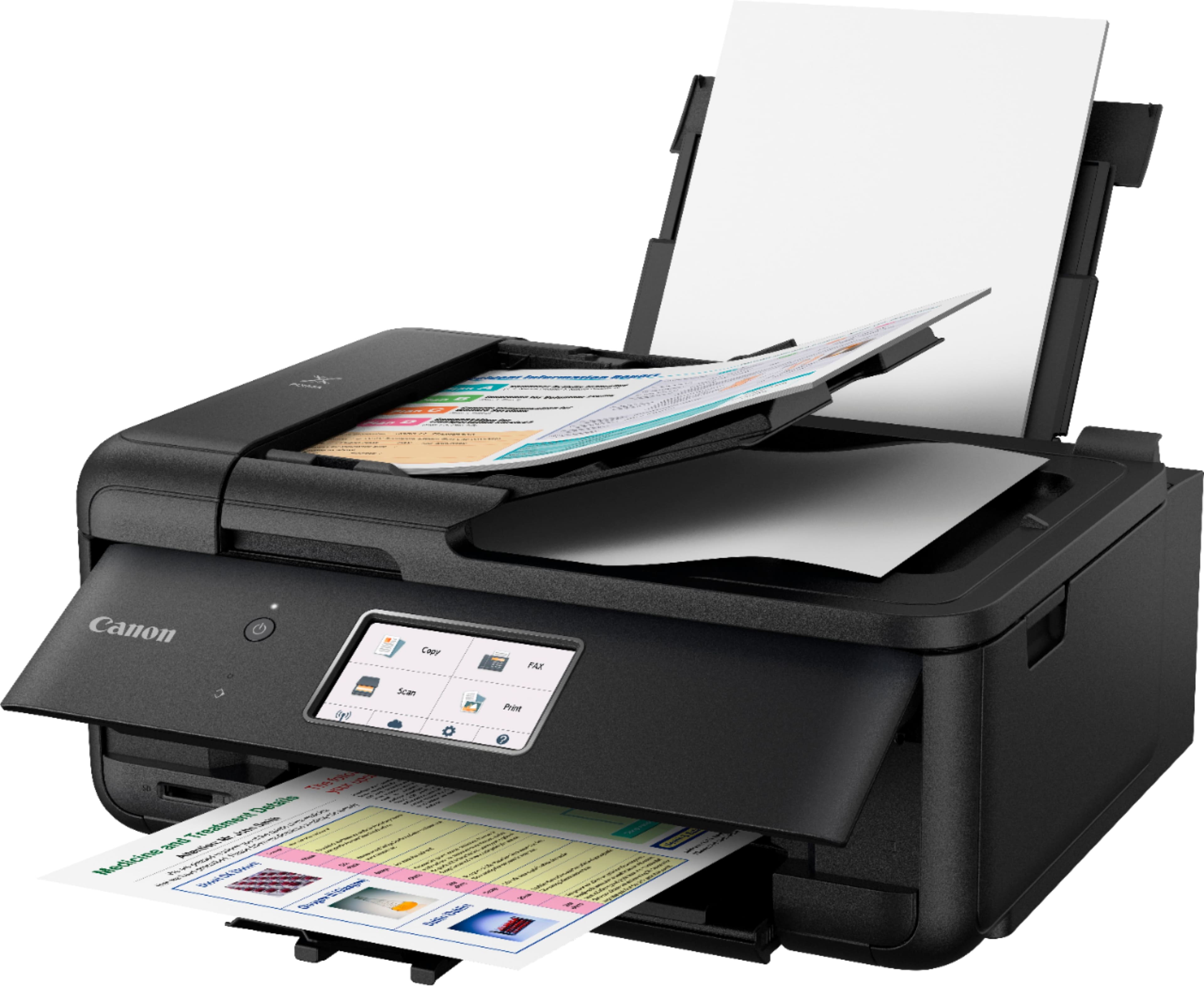
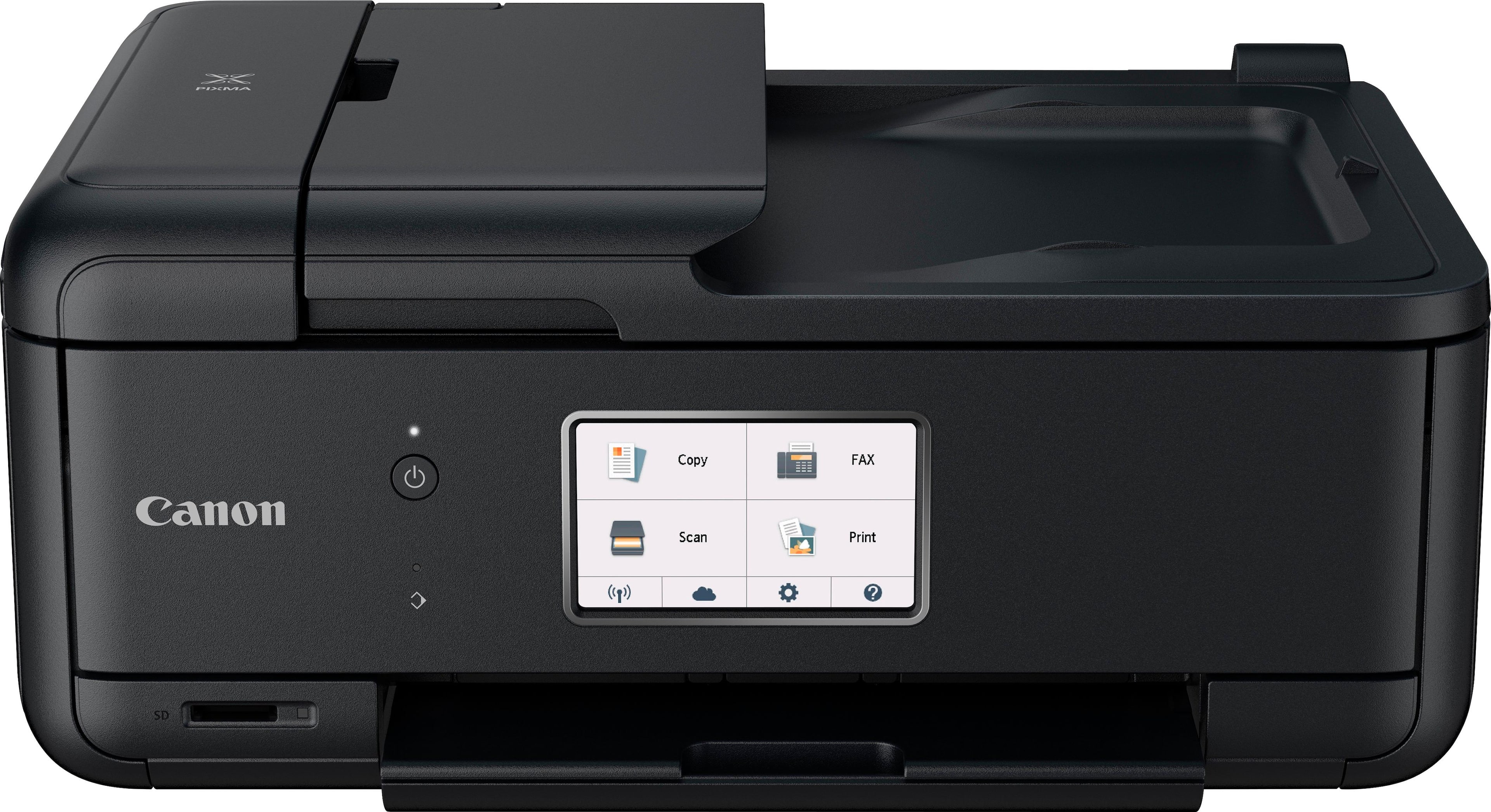
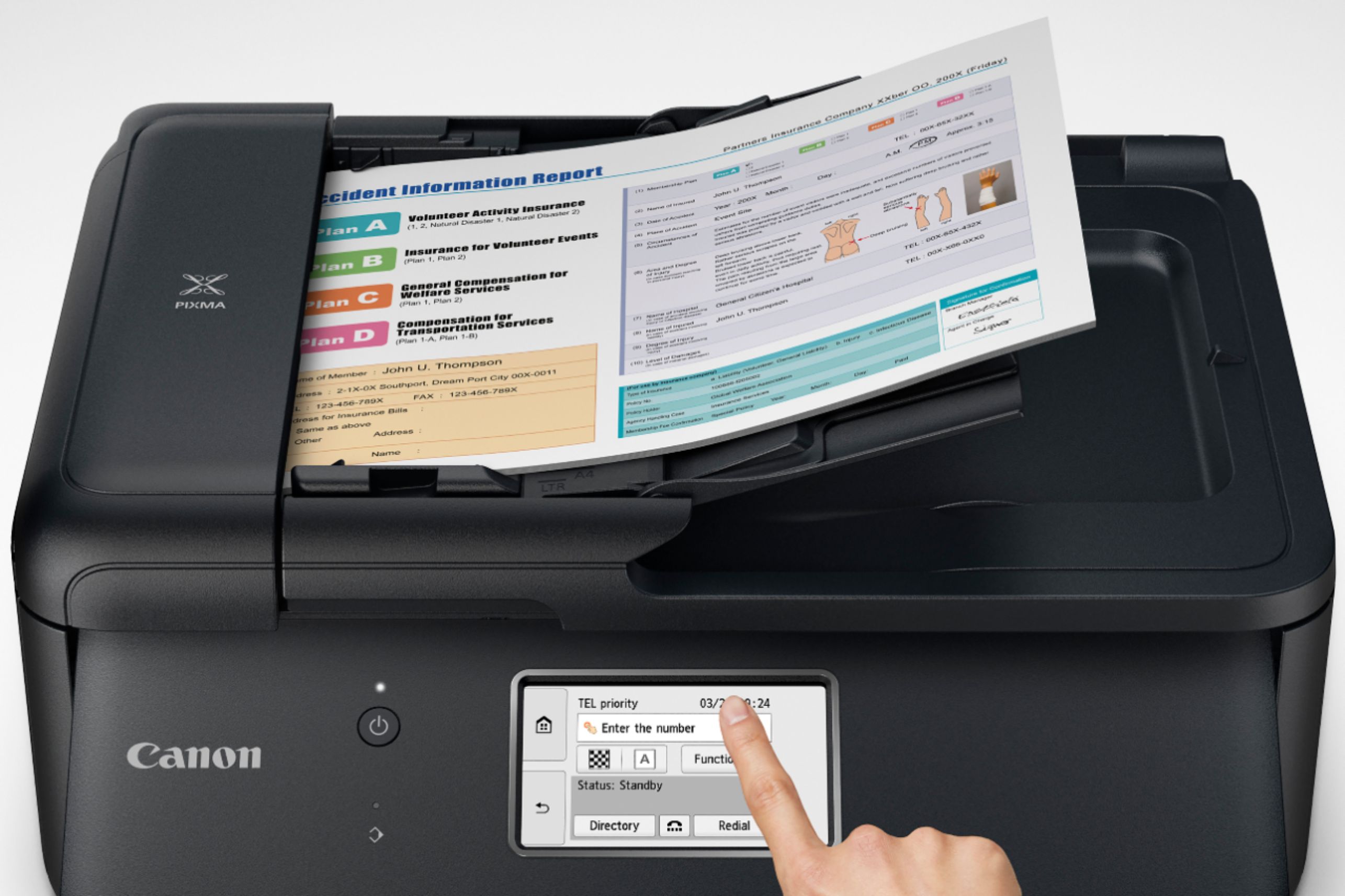
A:AnswerI believe it only had one paper feeder tray and one for paper to come out. On top of printer it also has a feeder. Also there is a feeder on back on the top for feeding the photo paper. I hope this helps!!!!
A:AnswerYes, it can print on cardstock, but I would recommend against if you want to print photos, or really anything. Unless you have a ton of time to trouble shoot a printer, run away, run far away. Save yourself some headaches.
A:AnswerYou do not need to buy a book. The printer comes with a booklet that will guide you with the setup process. It also has a link to the online instruction manual or you can go directly to the Canon support page: https://www.usa.canon.com/internet/portal/us/home/support , select printers, enter the printer series then model (like TR8520) and you are done. The online instruction manual has all the detail you need on how to use the printer.
If for whatever reason you still have questions just call their customer support which is great: I was able to talk to a person with no wait time.
In addition, if you wish, you can search the printer model on youtube to see short video of set up and basic usage.
A:AnswerI print from my iPhone all the time — have never tried to use a different type of phone. But as long as you can get a Canon printer app on your phone you should be able to print with it.
A:Answeryes, you have to change setting. In general, this is a very unfriendly printer for doing anything, except as a fancy looking paper weight. I beg you to not buy this.