A:AnswerTo enlarge a copy, I’d download image to your phone or computer, use ZOOM + to enlarge what you’d like and print a new copy. You could always take a photo on your phone and “pinch” image to zoom in to see…
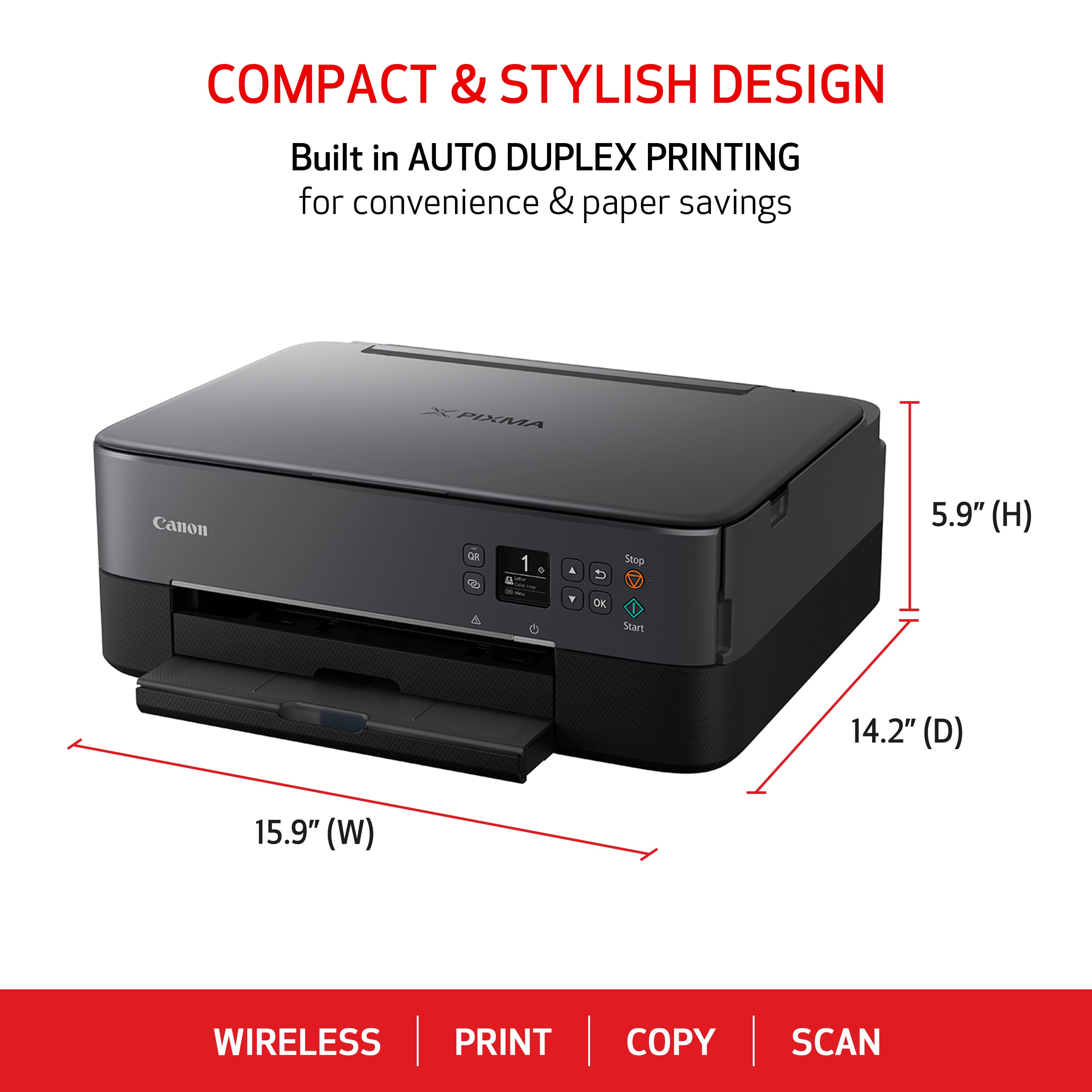
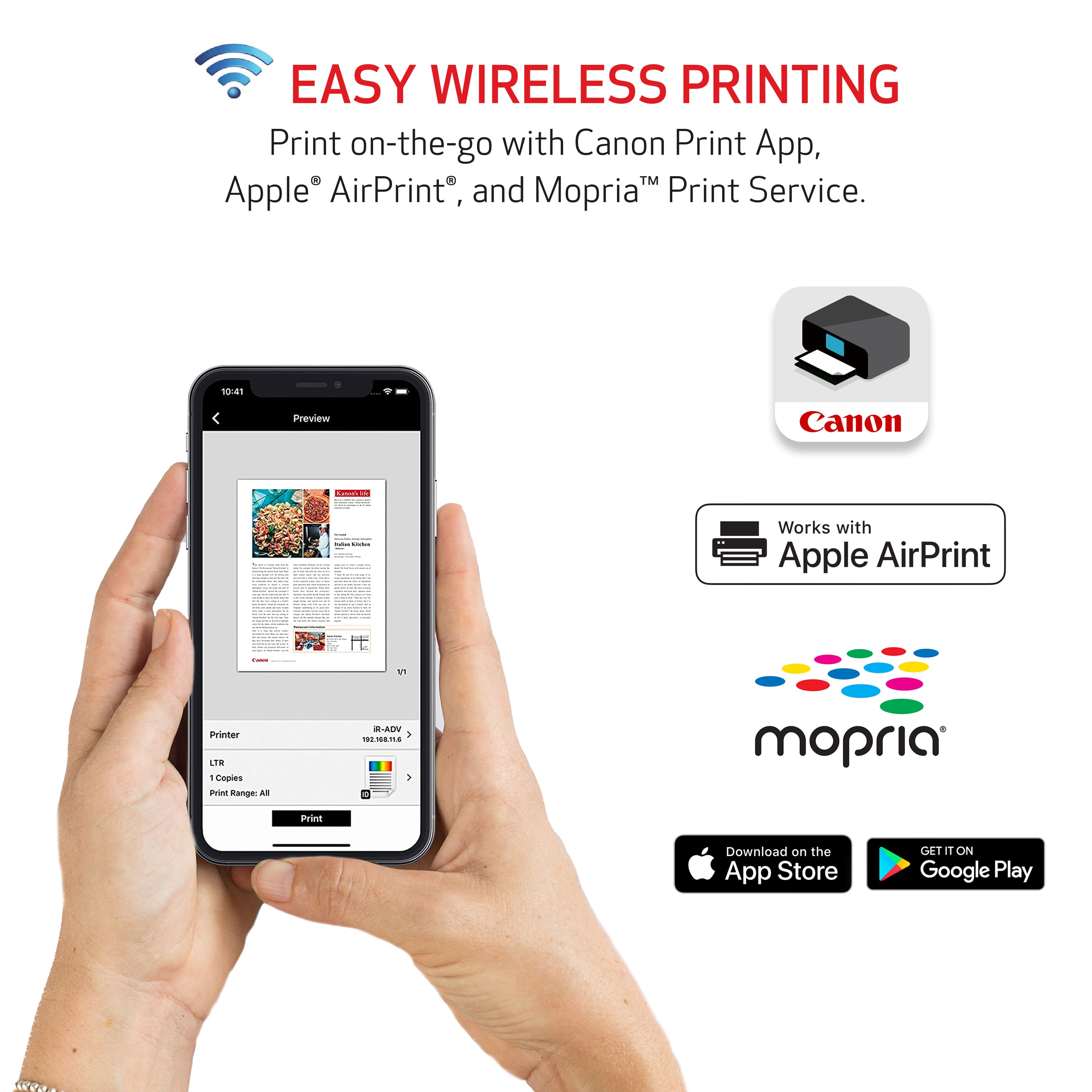
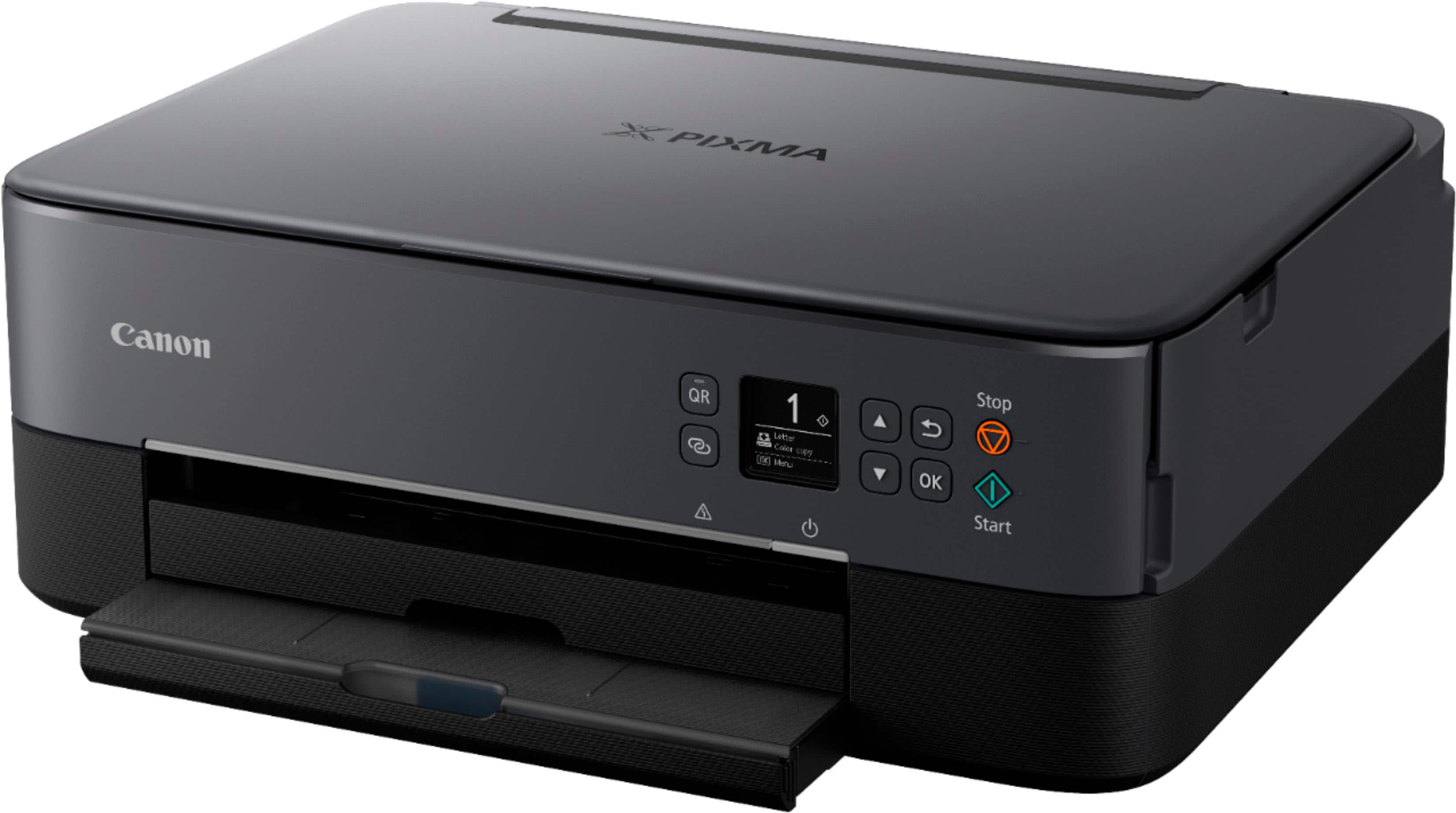
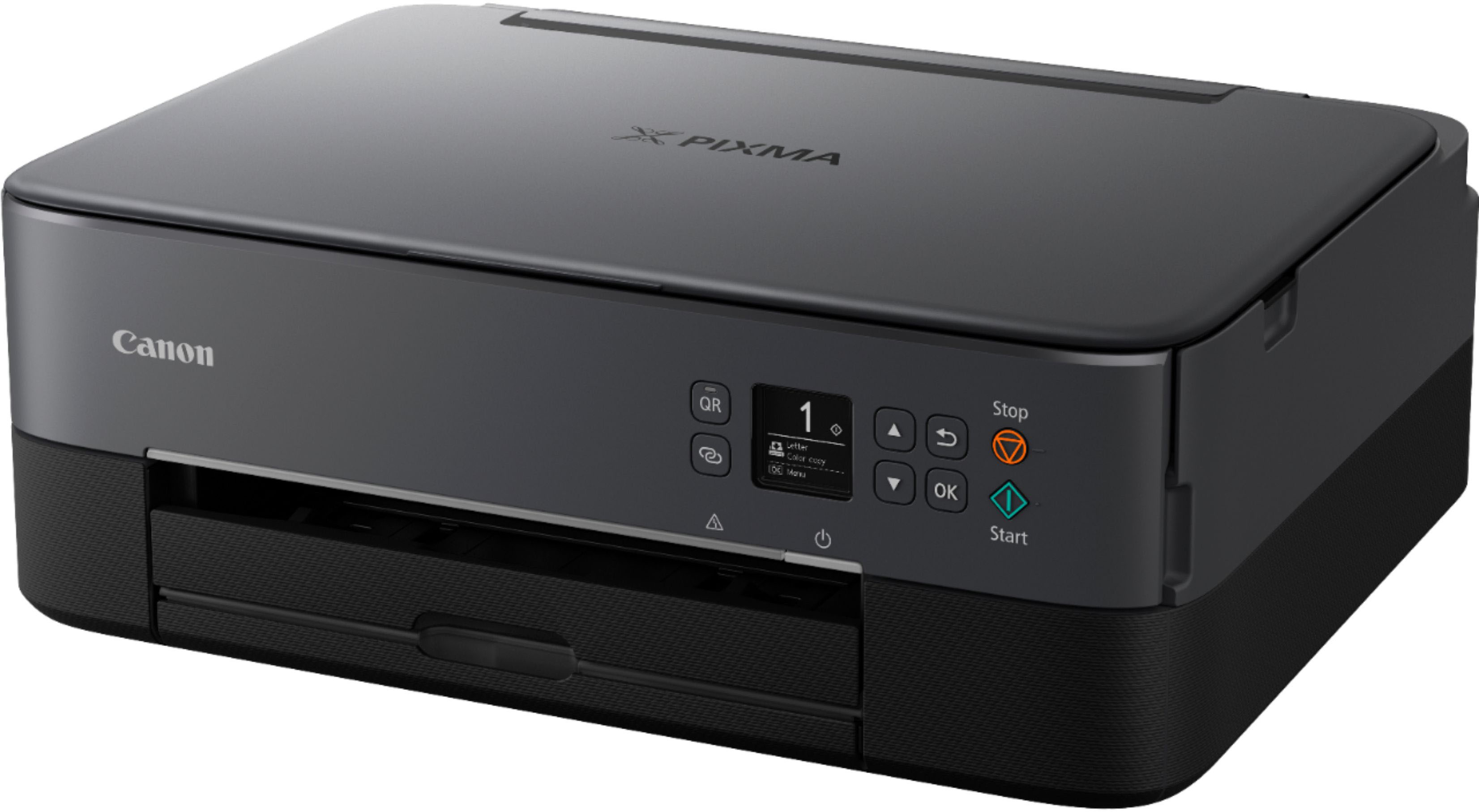
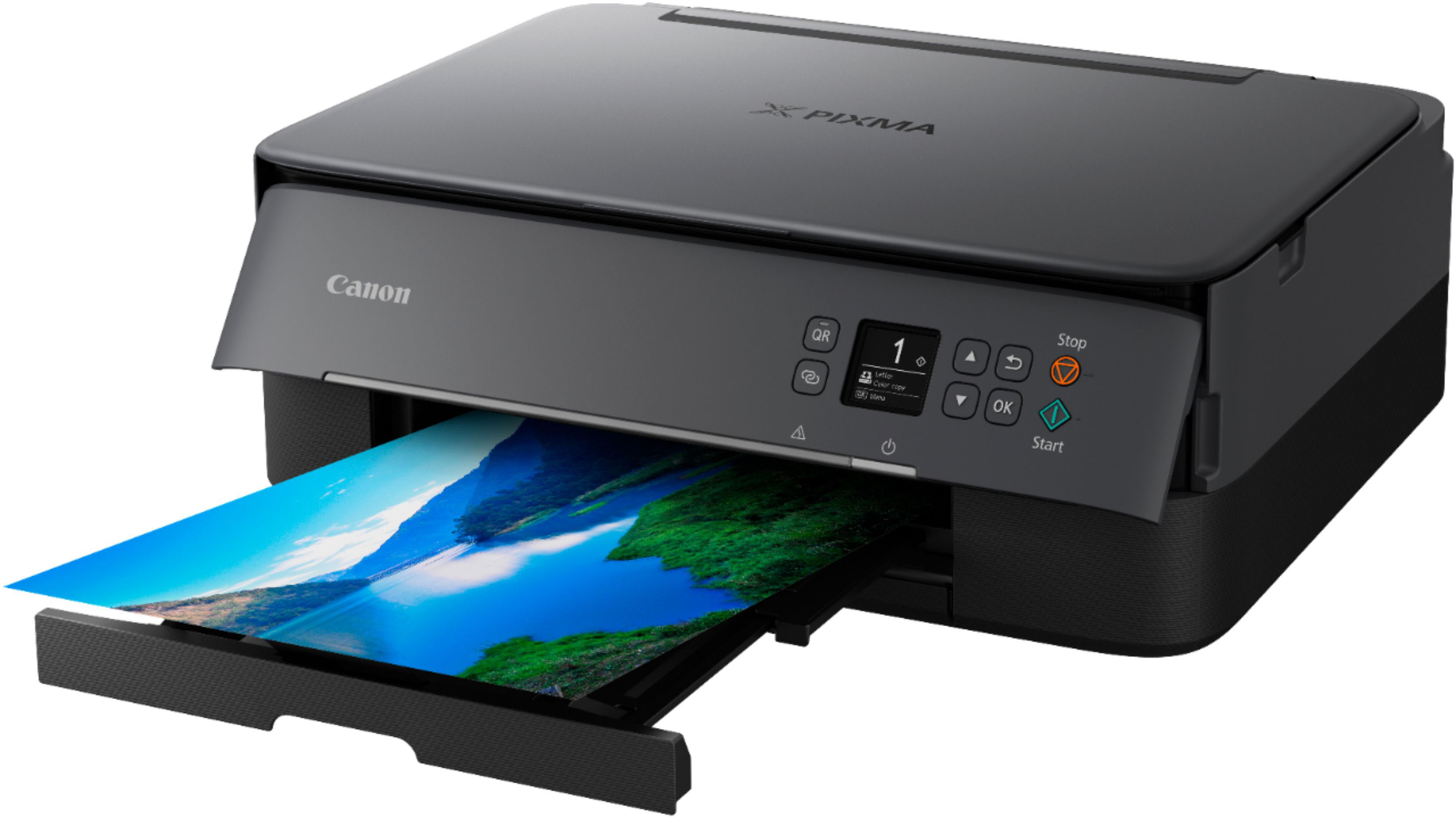
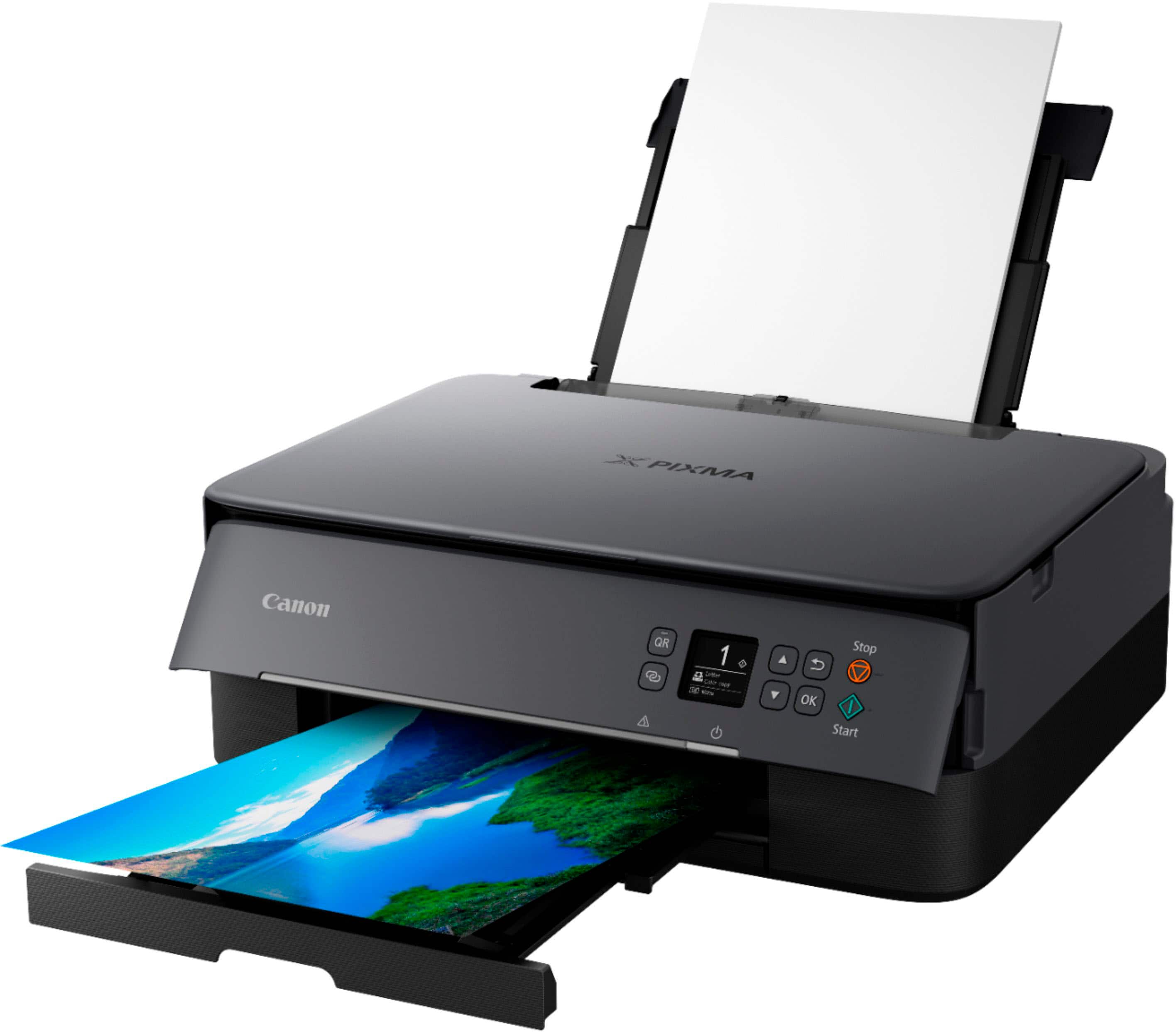
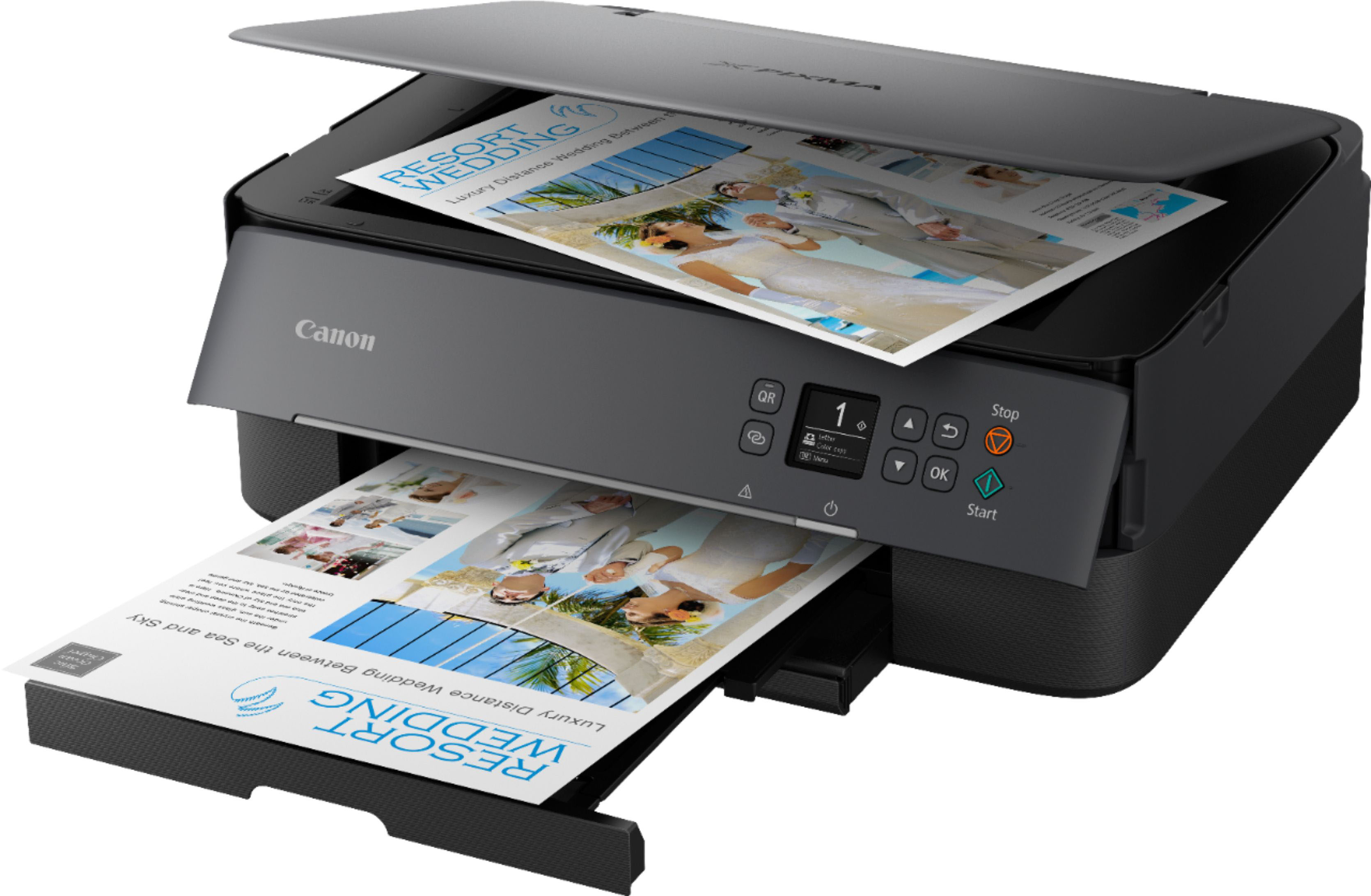
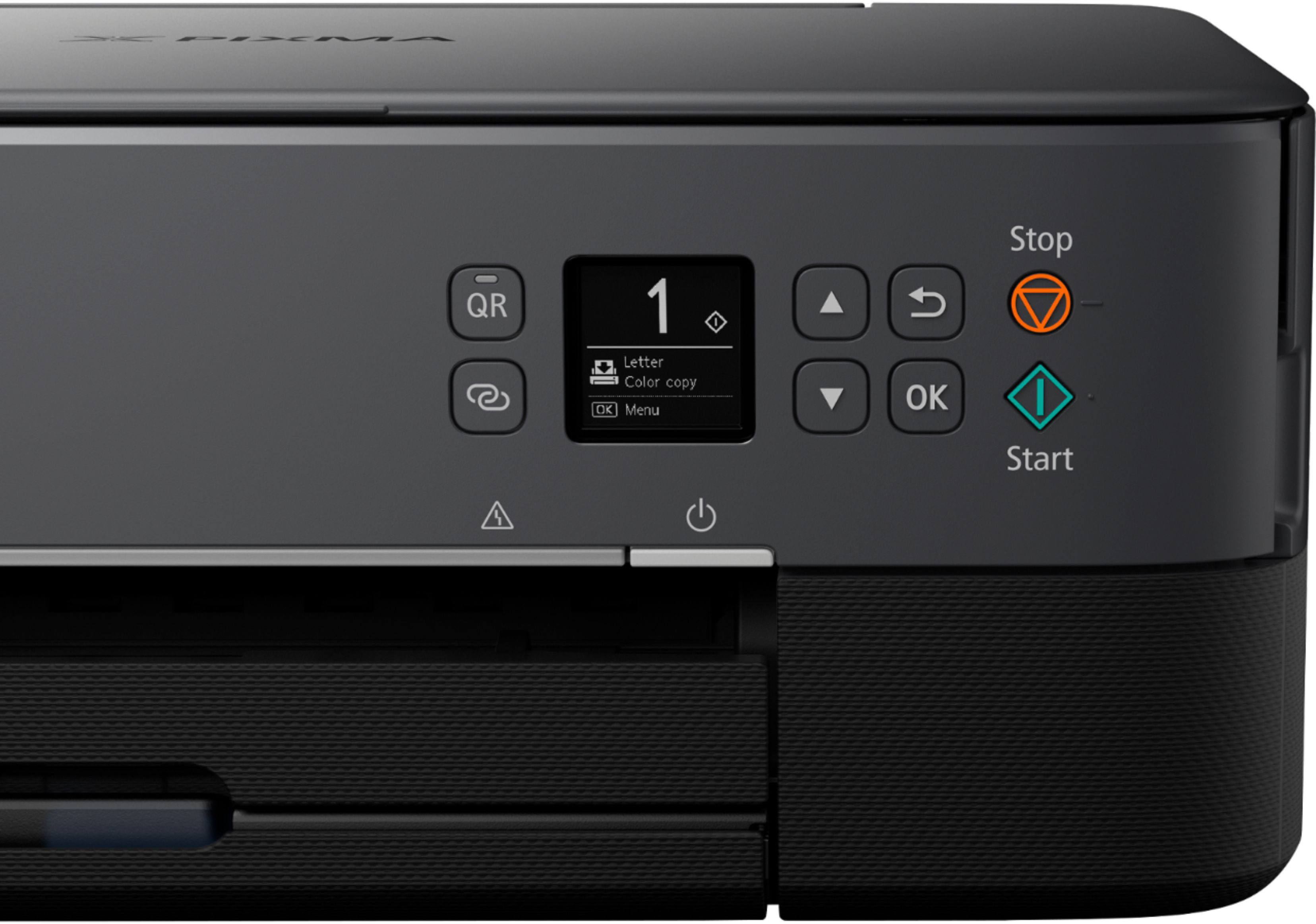
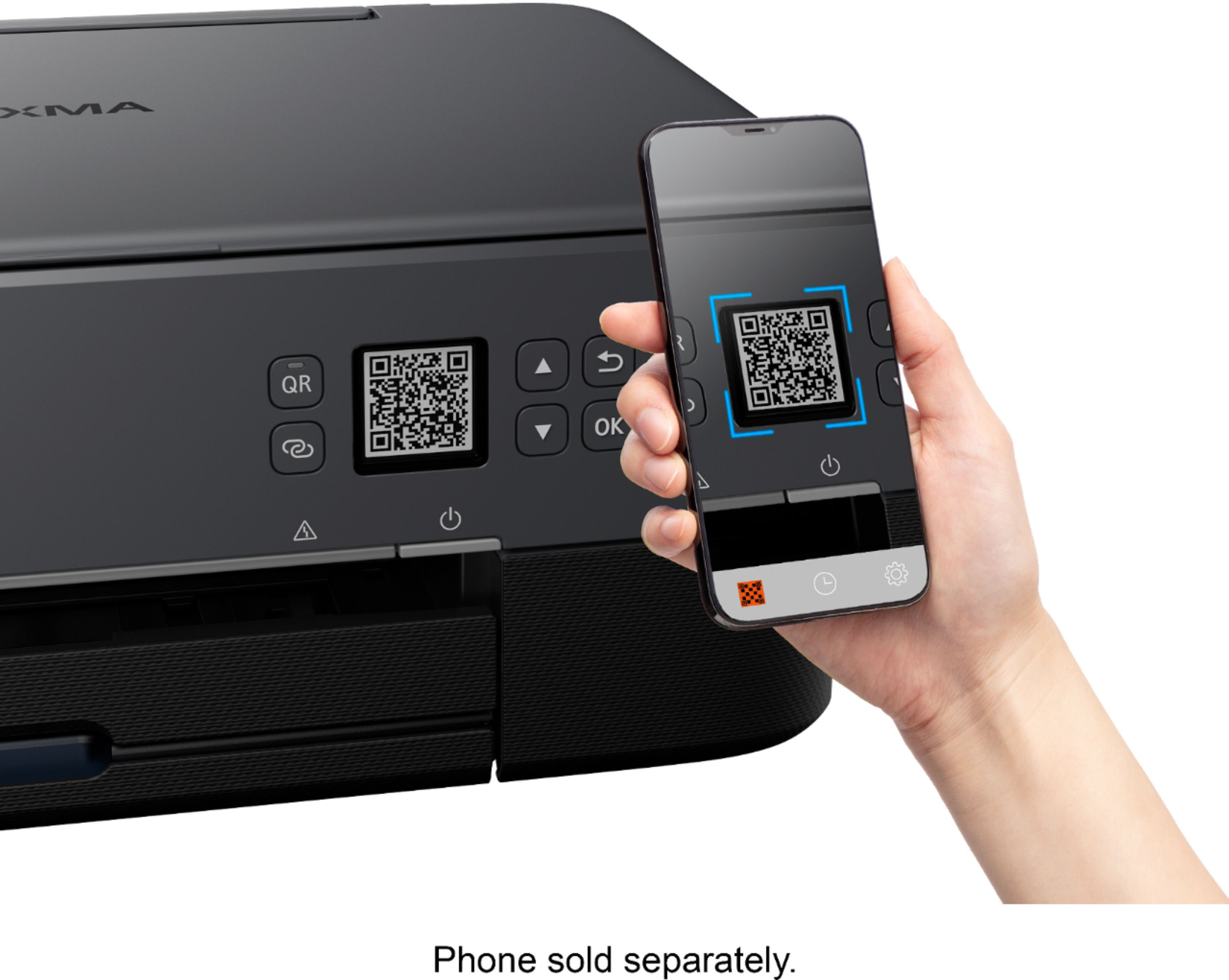
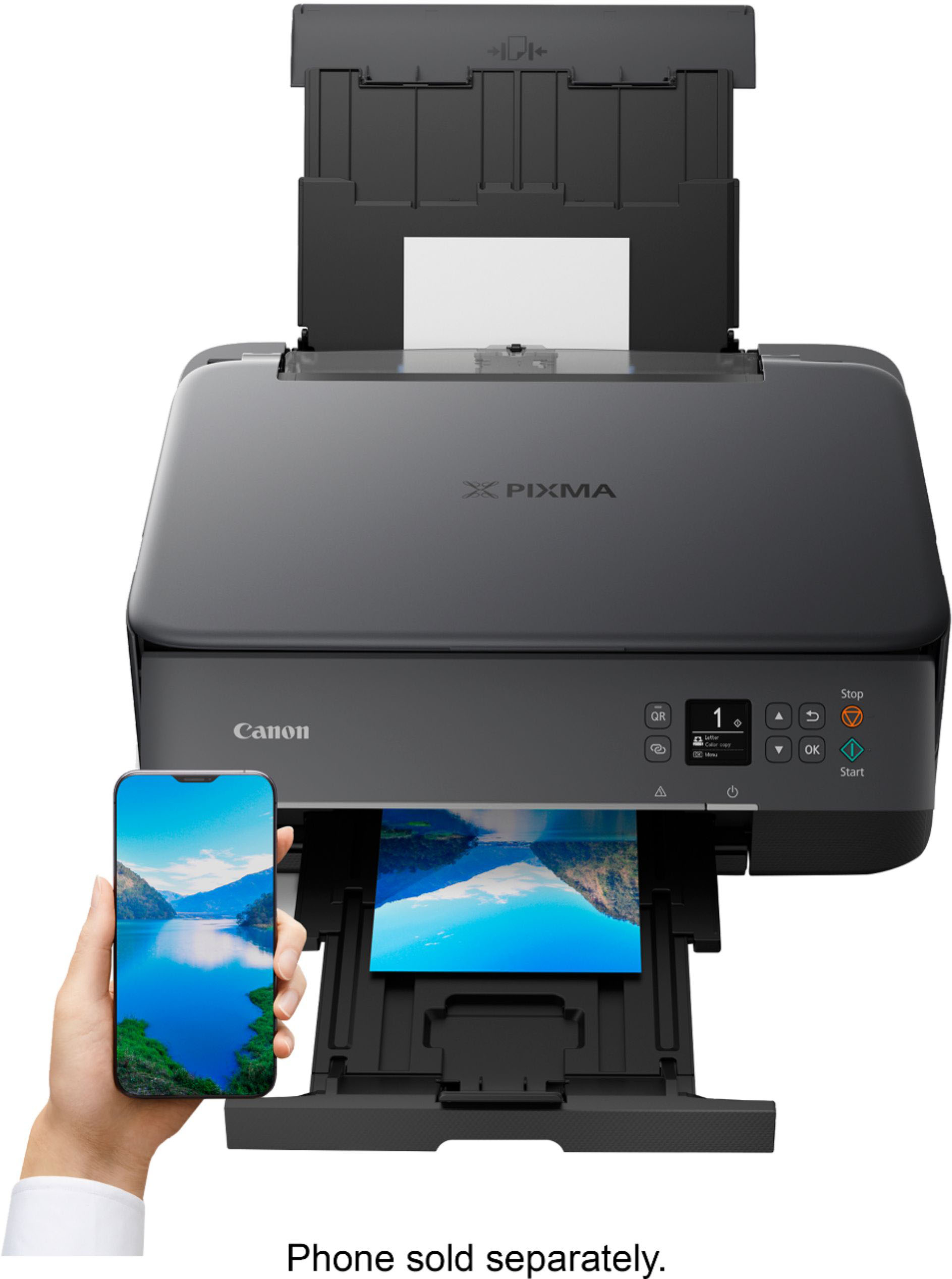
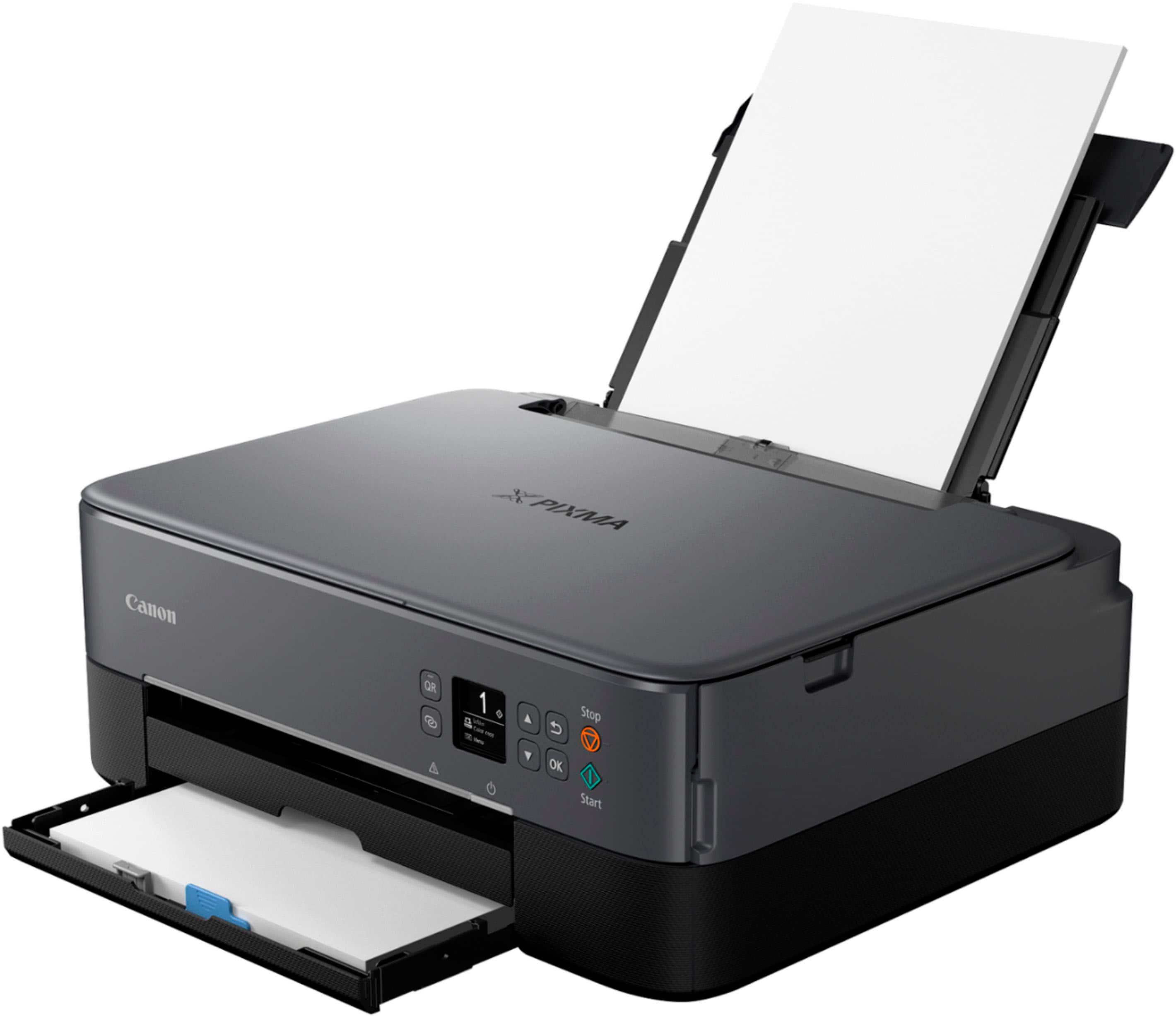
A:AnswerThis is a wireless printer, you should be able to connect to it through your WiFi. You have to set up the printer with your WiFi info. In order for your devices to connect to the printer.