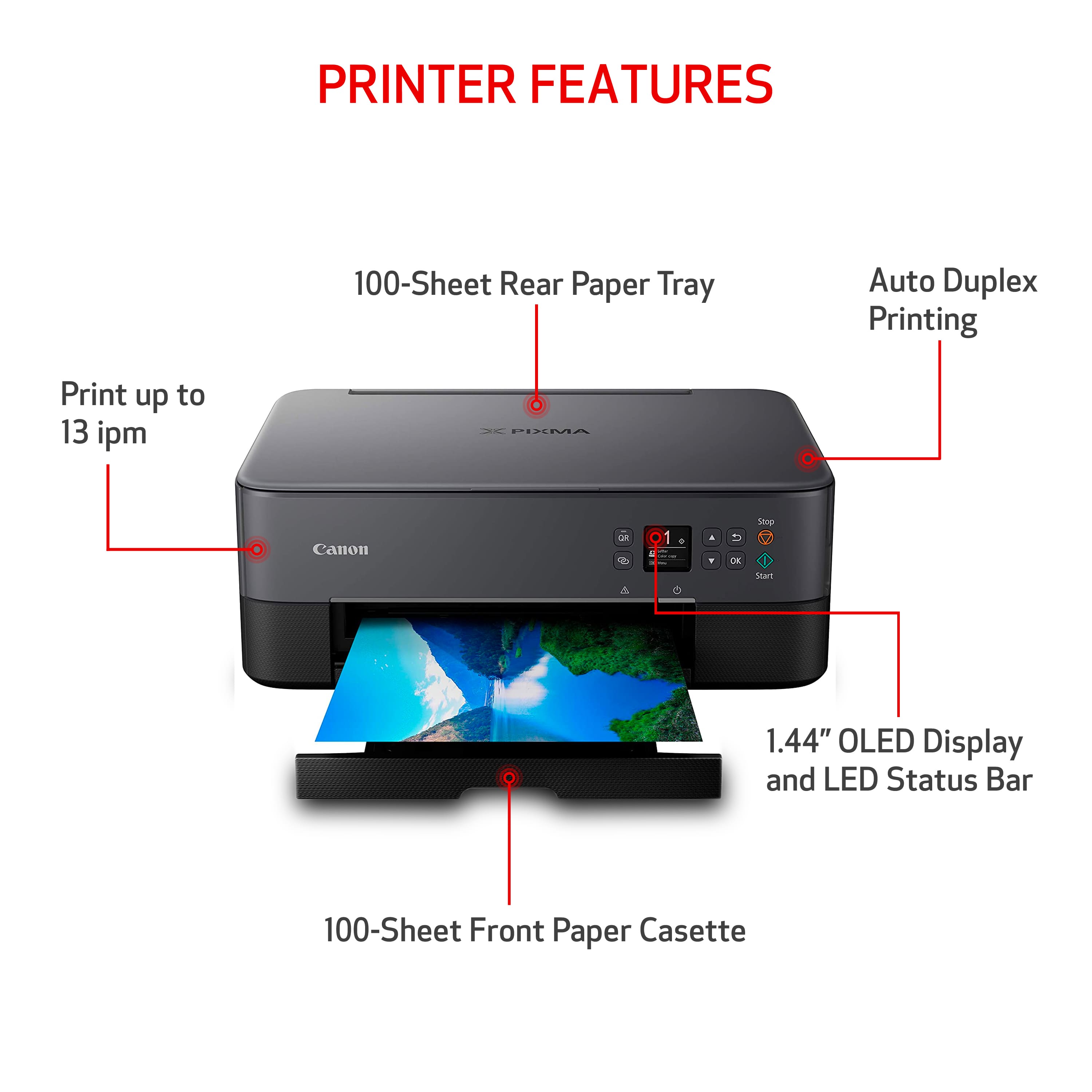
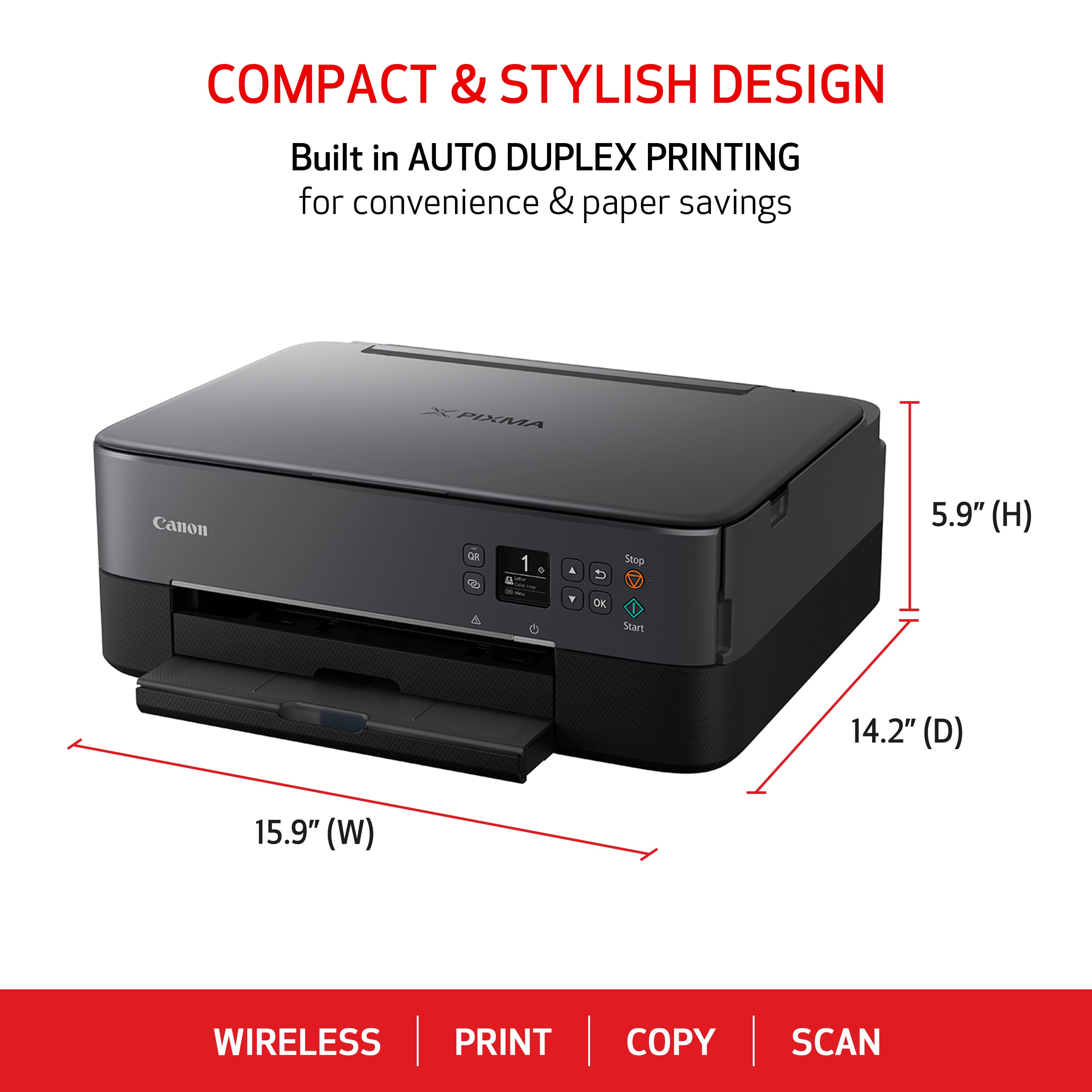
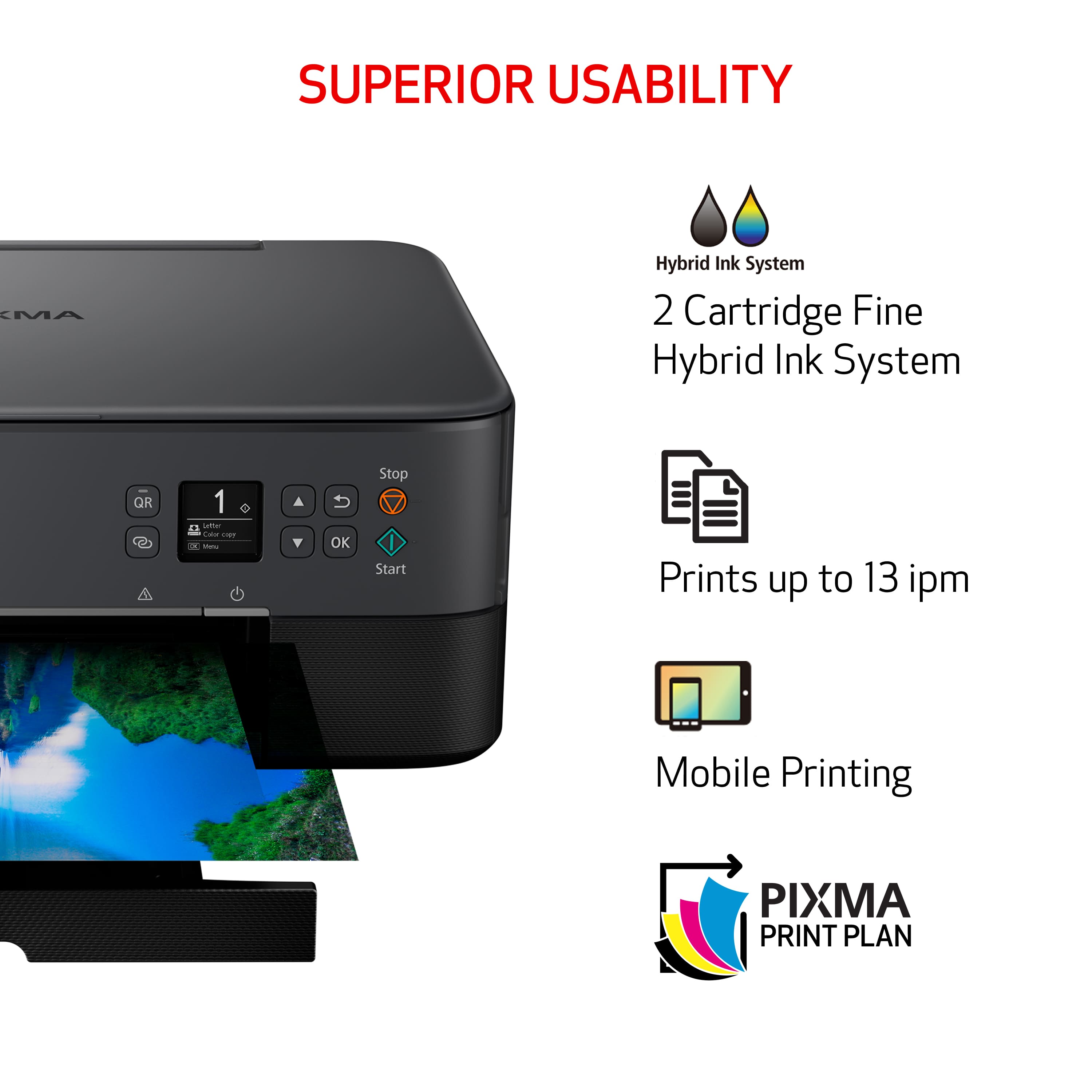
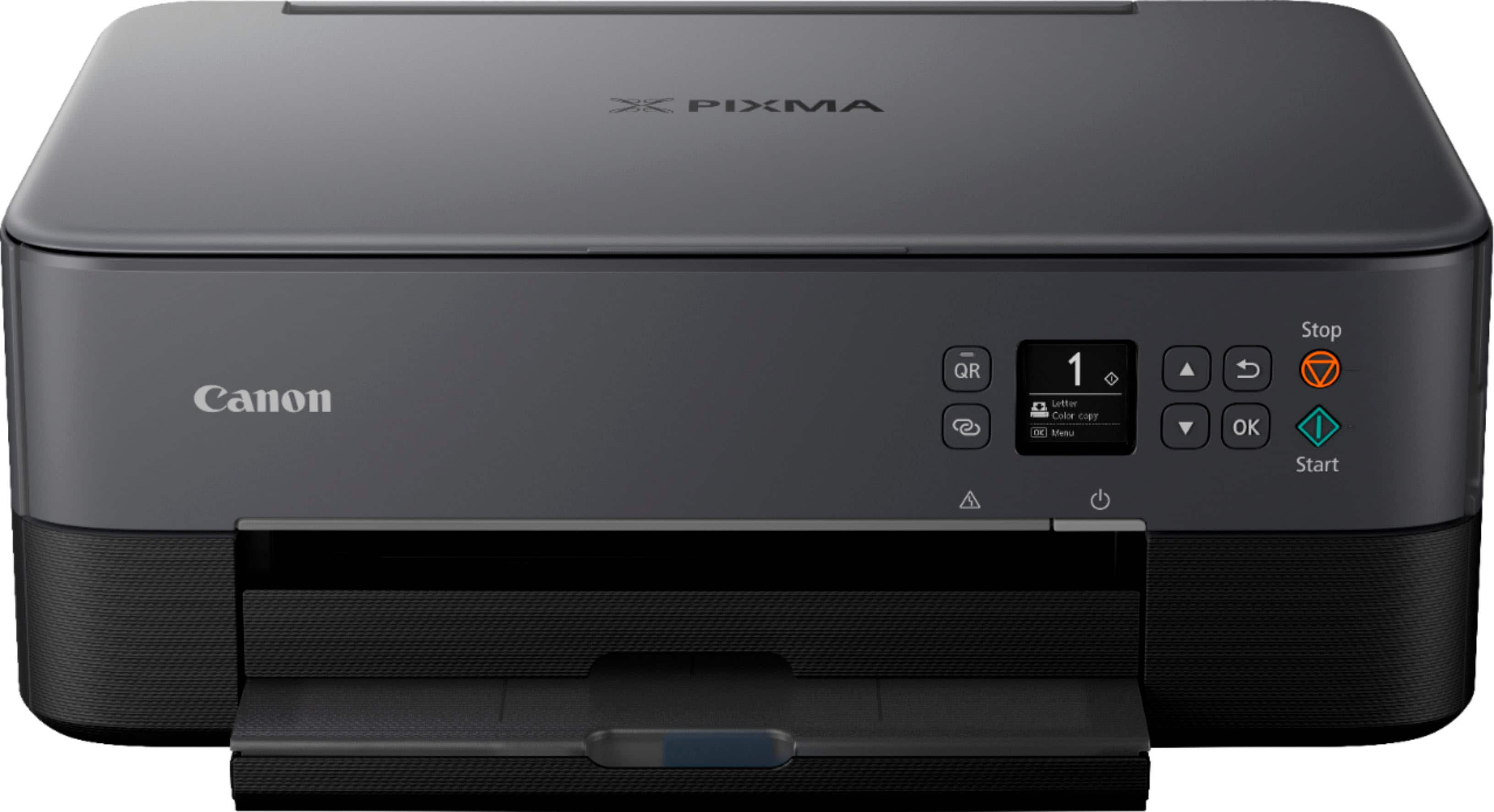
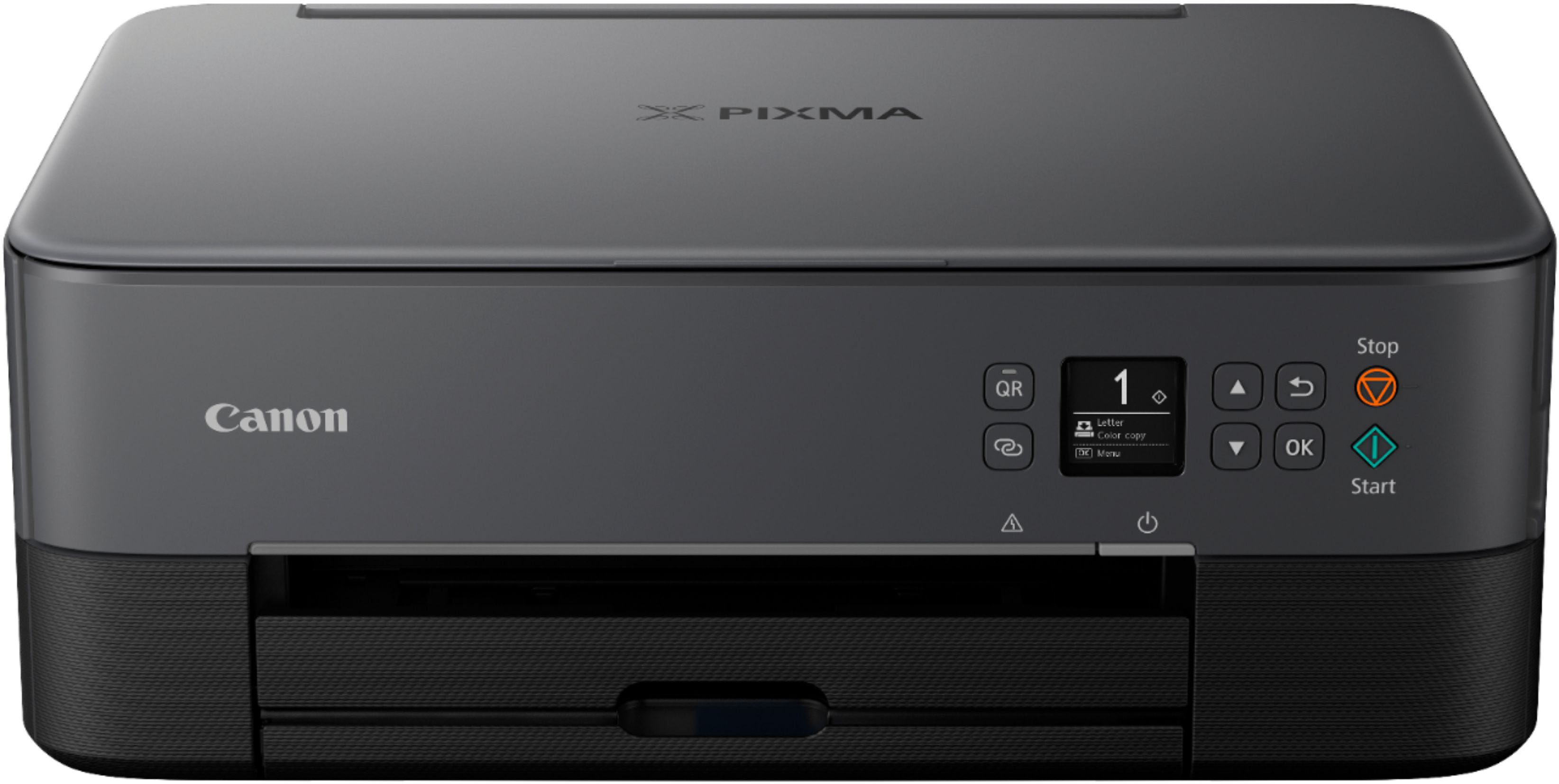
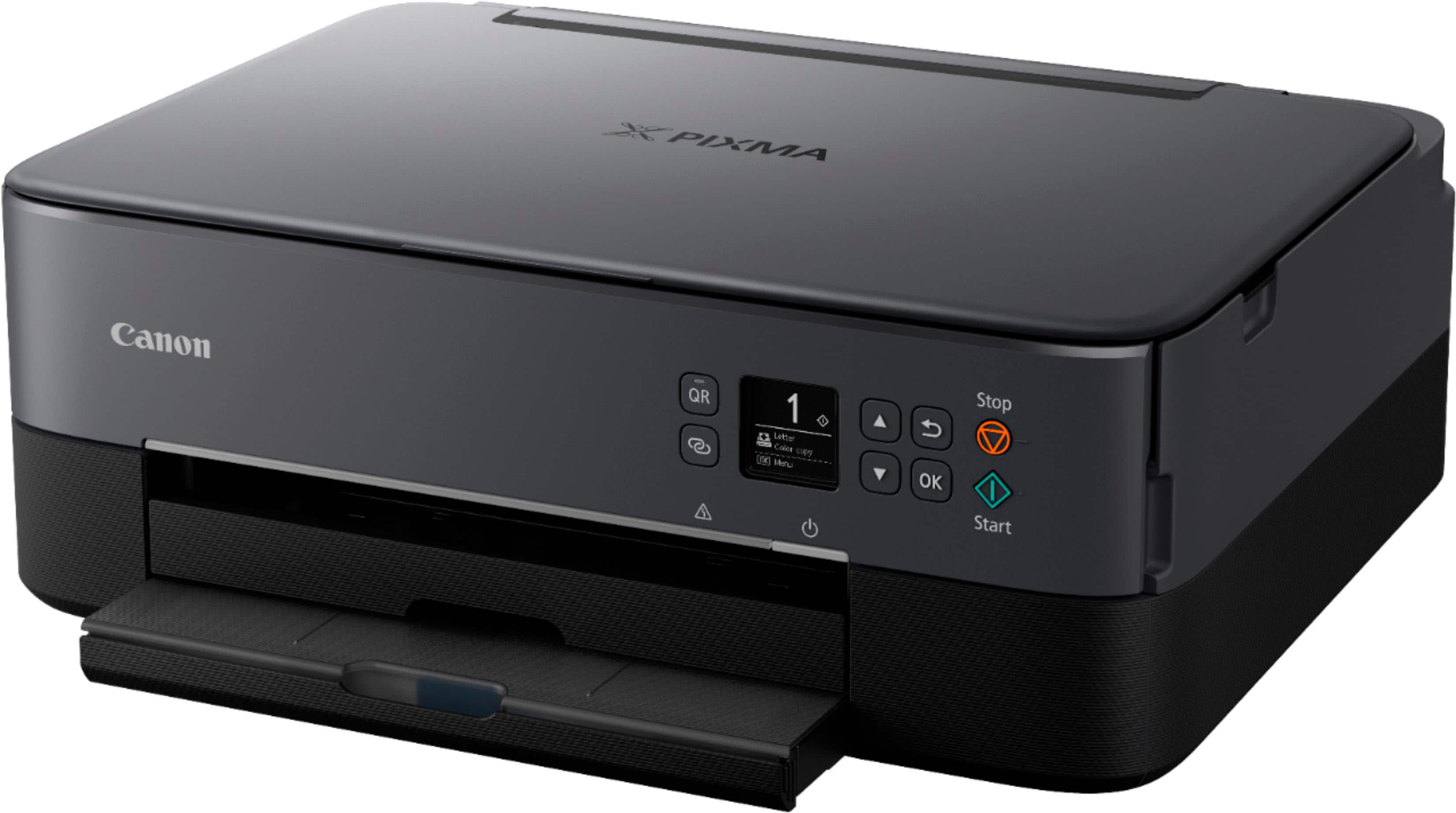
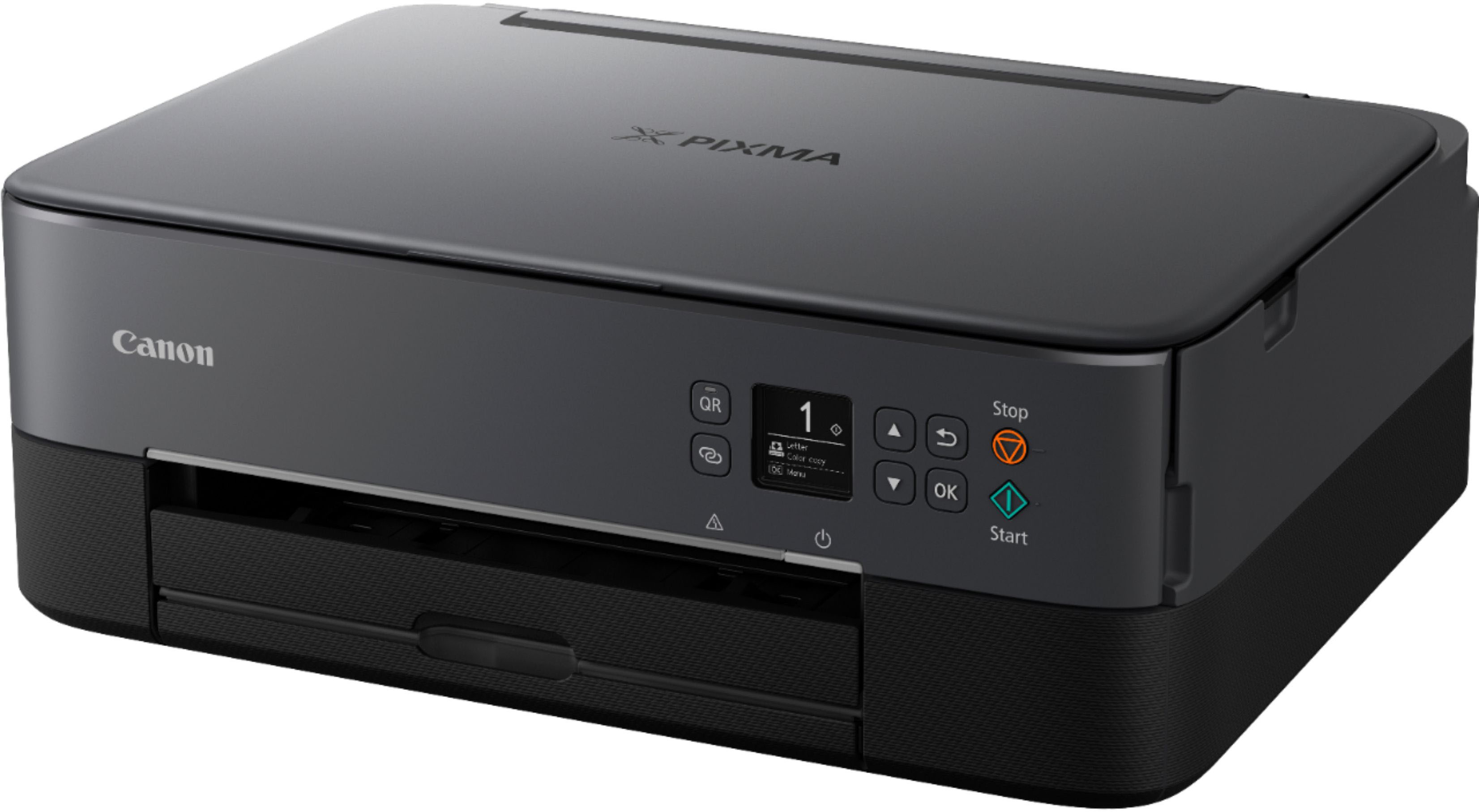
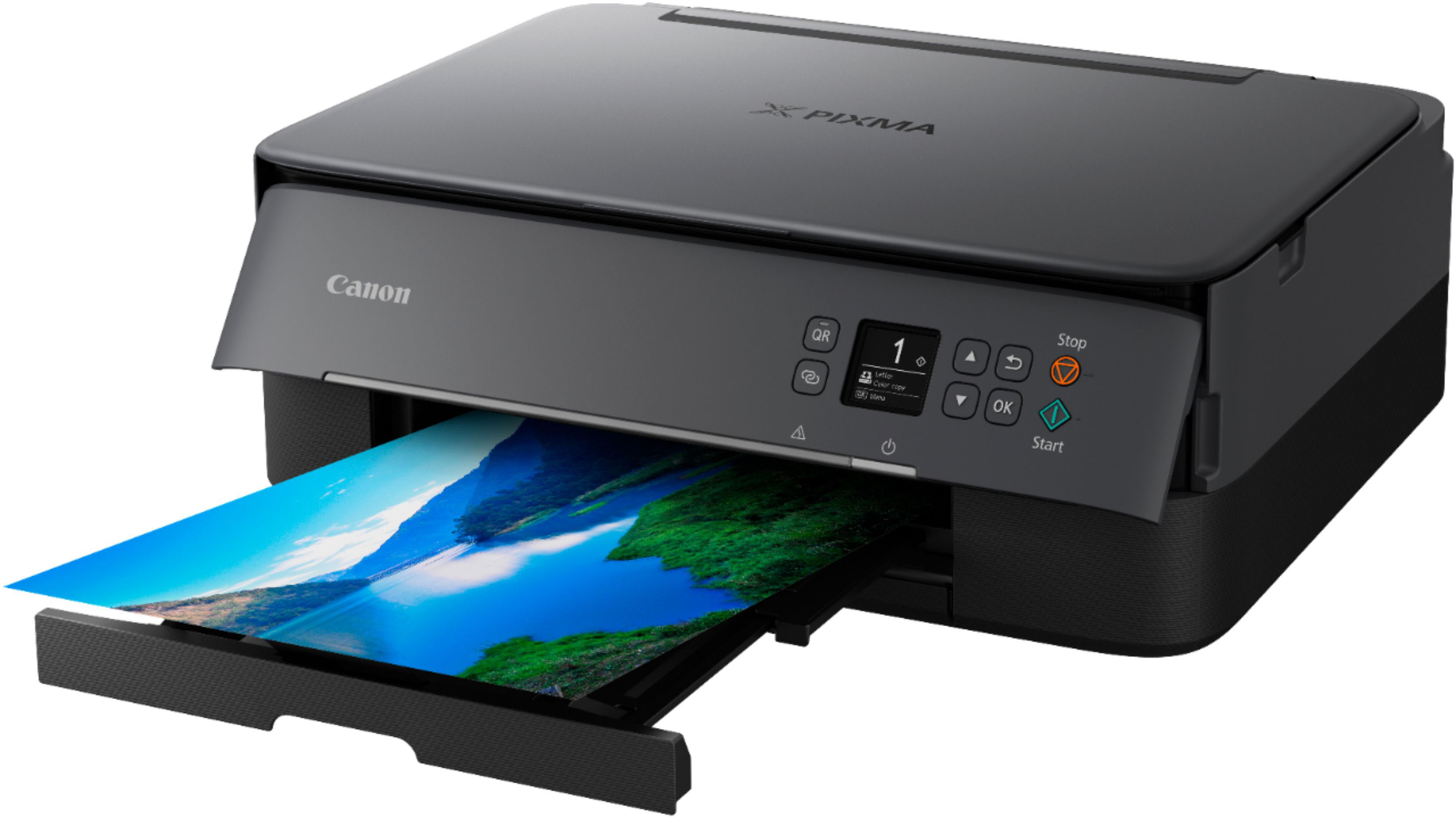
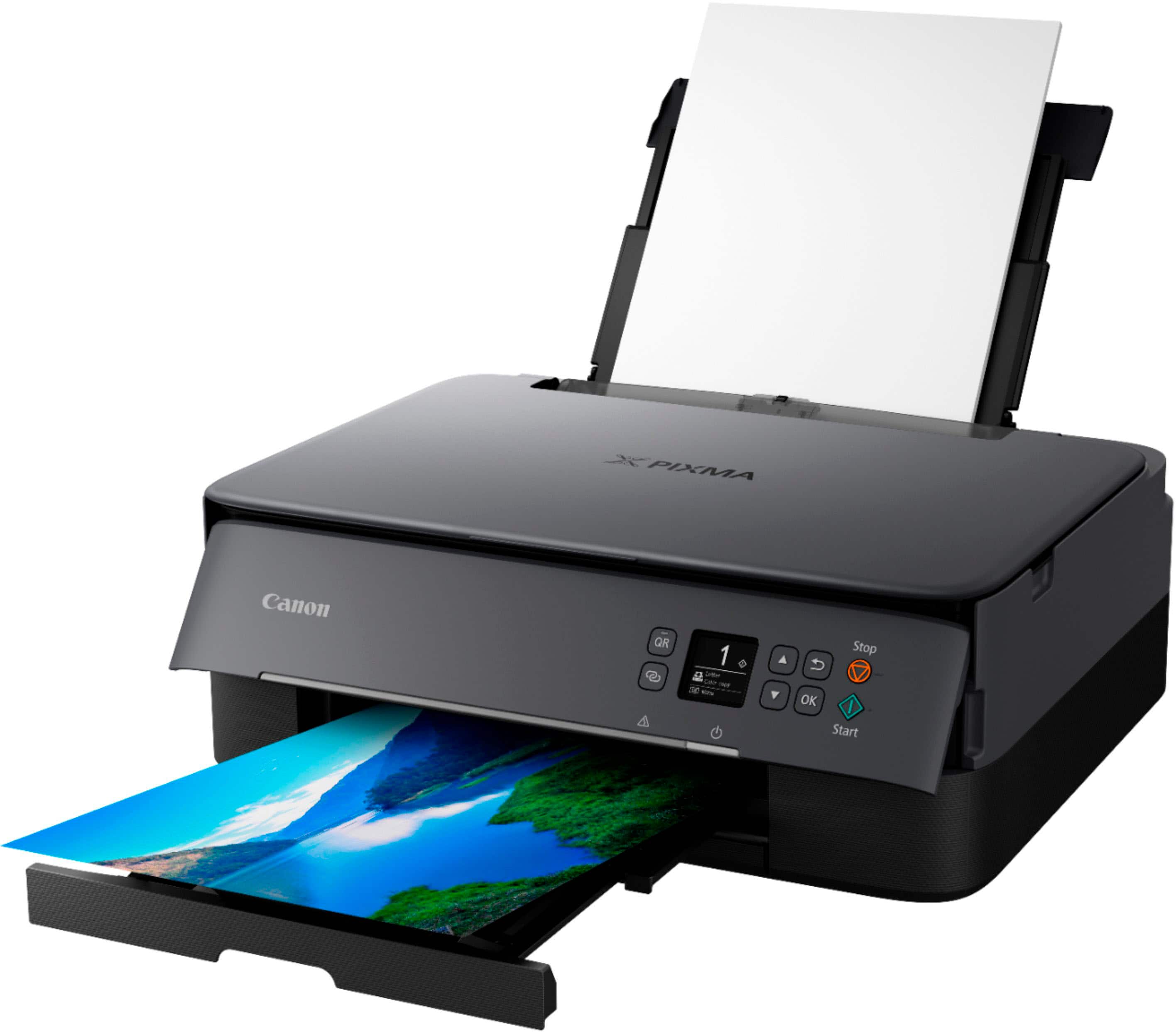
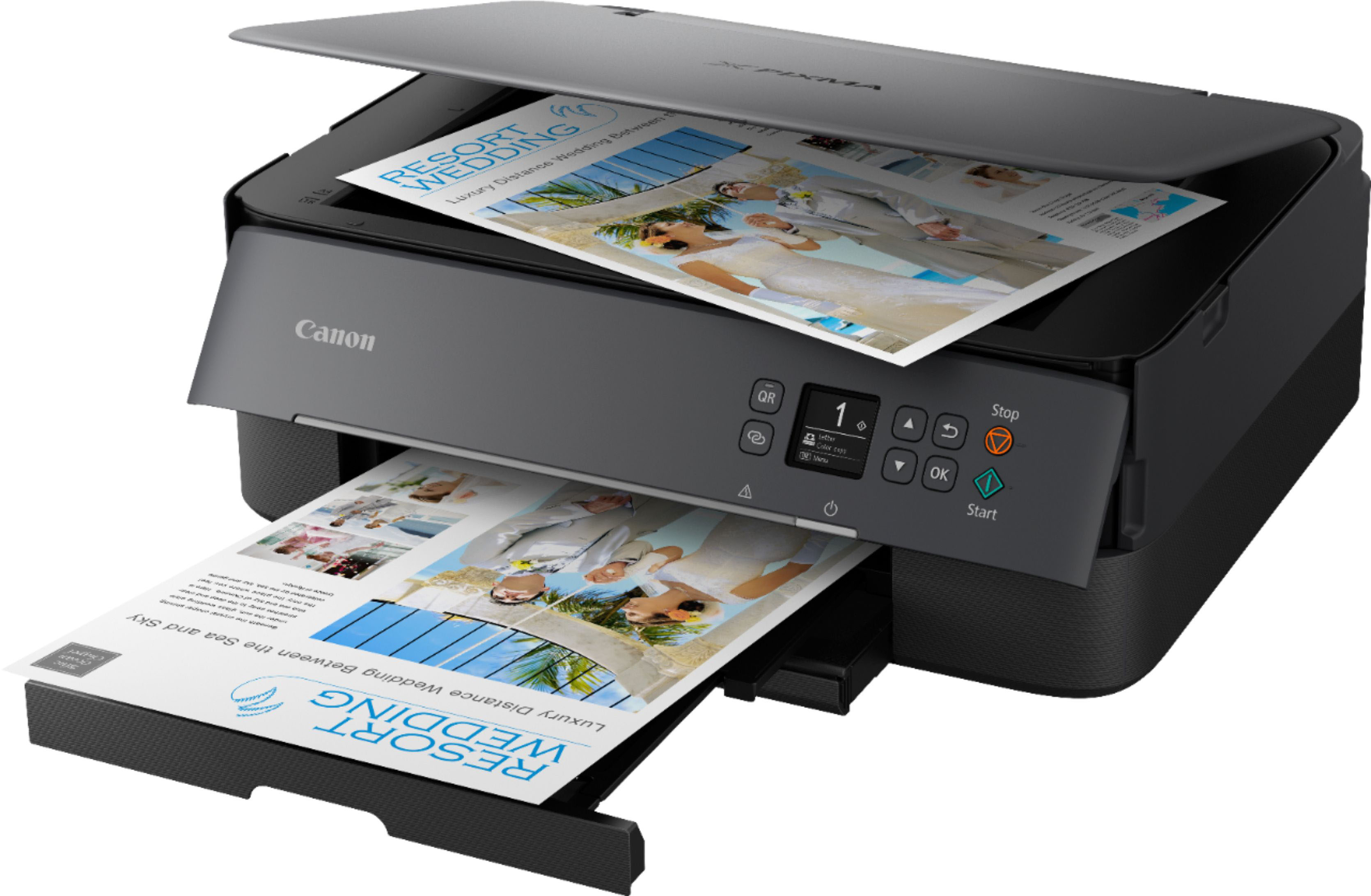
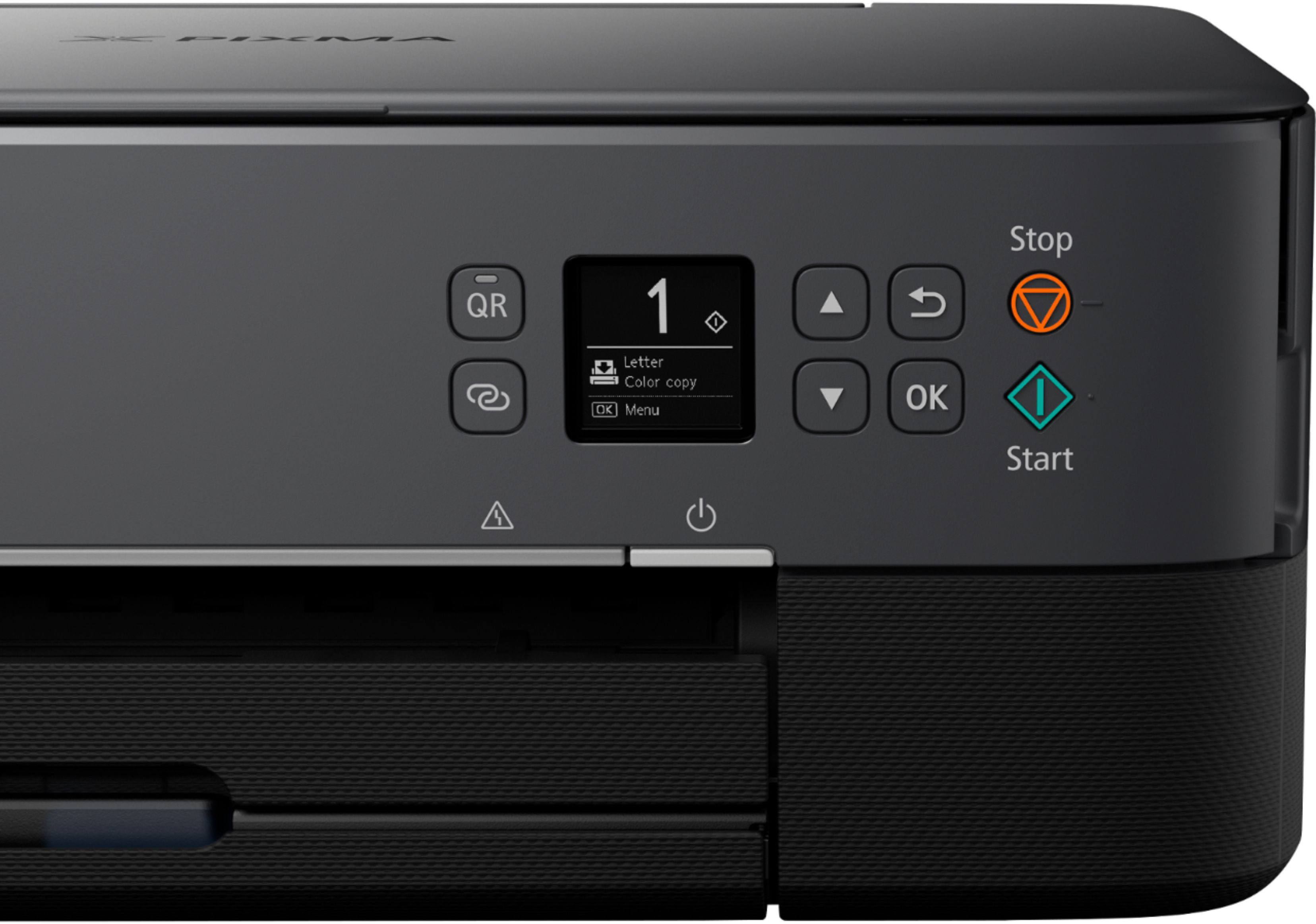
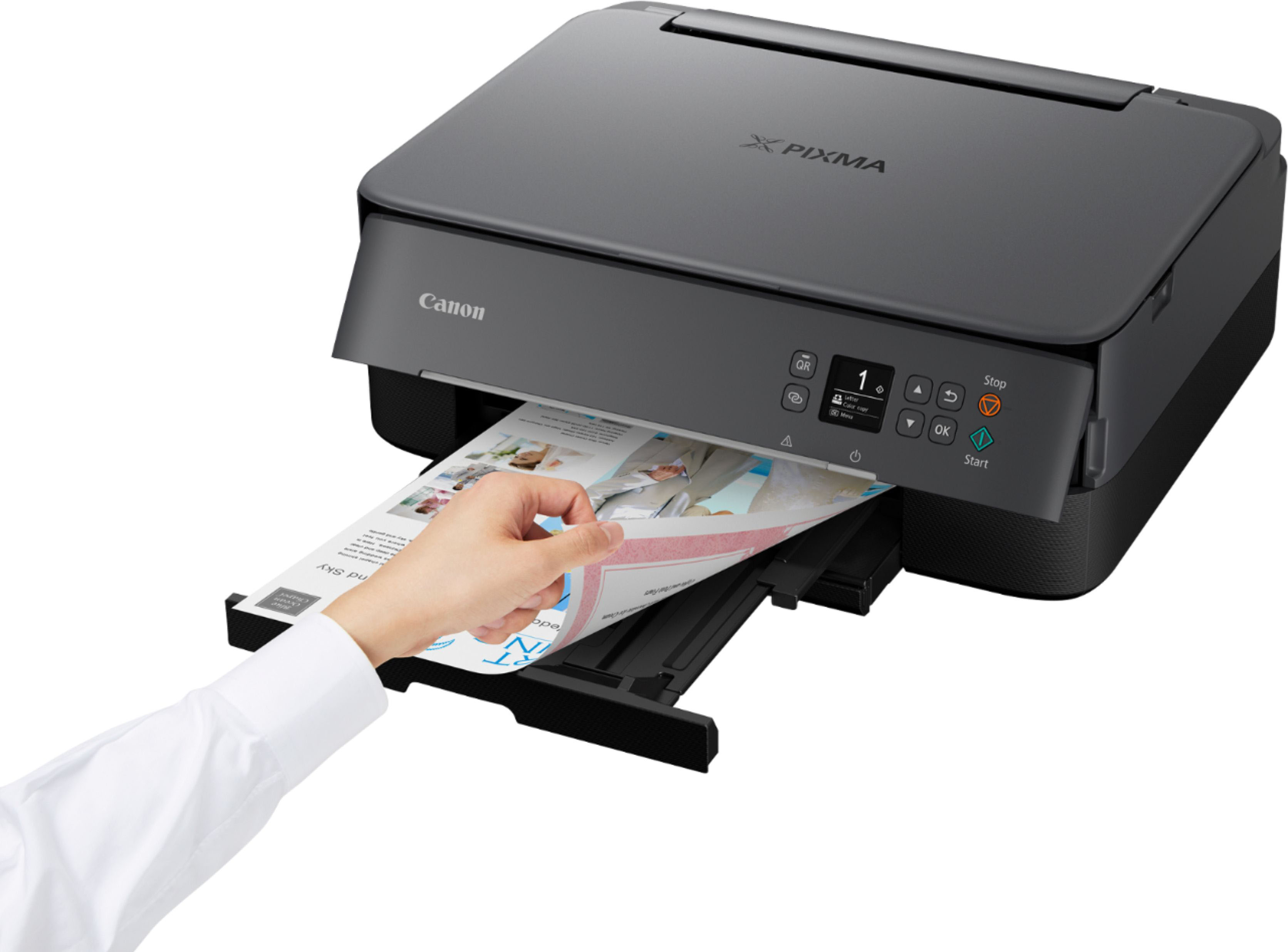
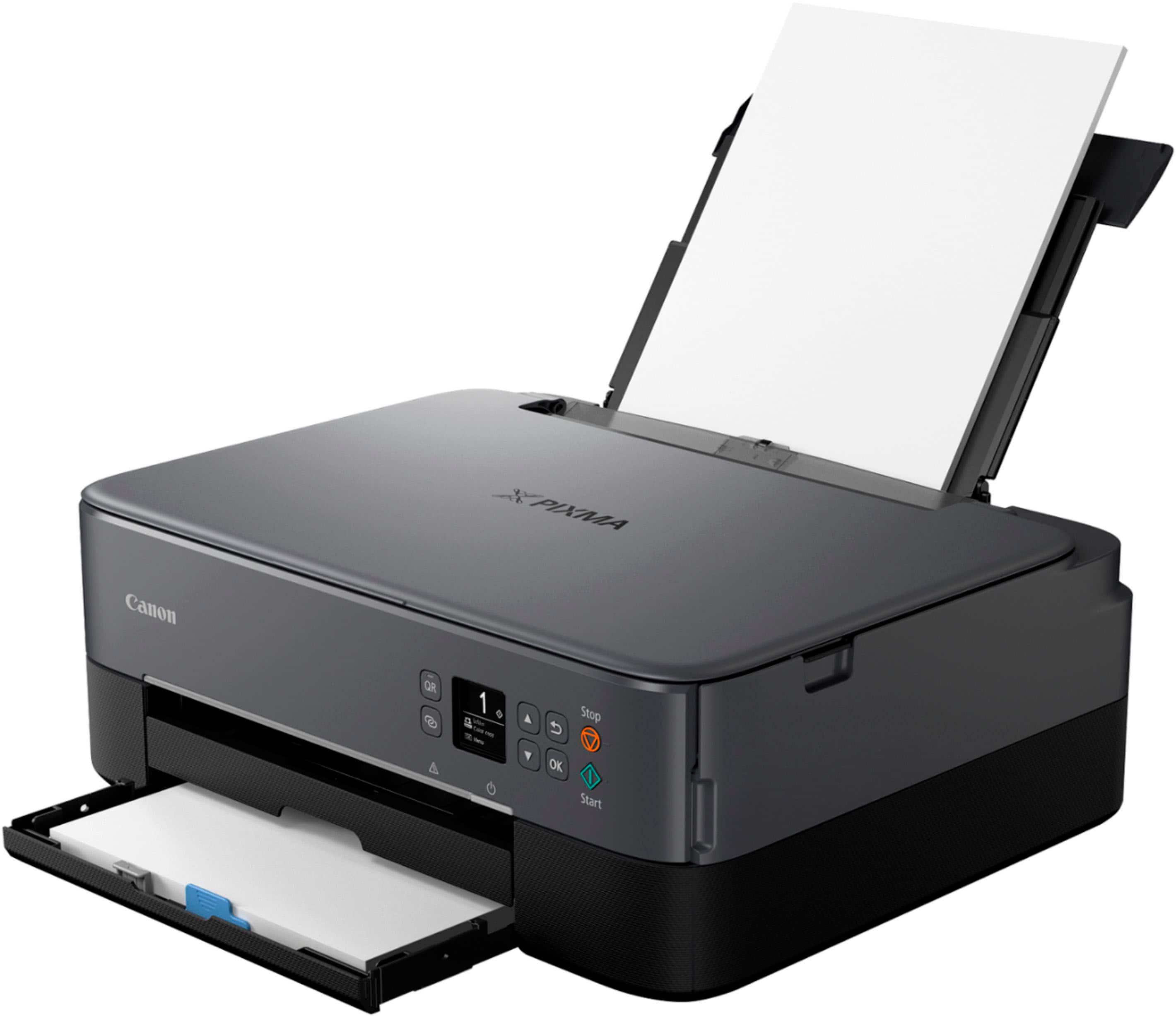
A:AnswerI've been playing around with this printer for hours, literally, and haven't found a scan button. Instead of saying "yes", perhaps the response could have included where it is located. However, I don't think there is a scan button.
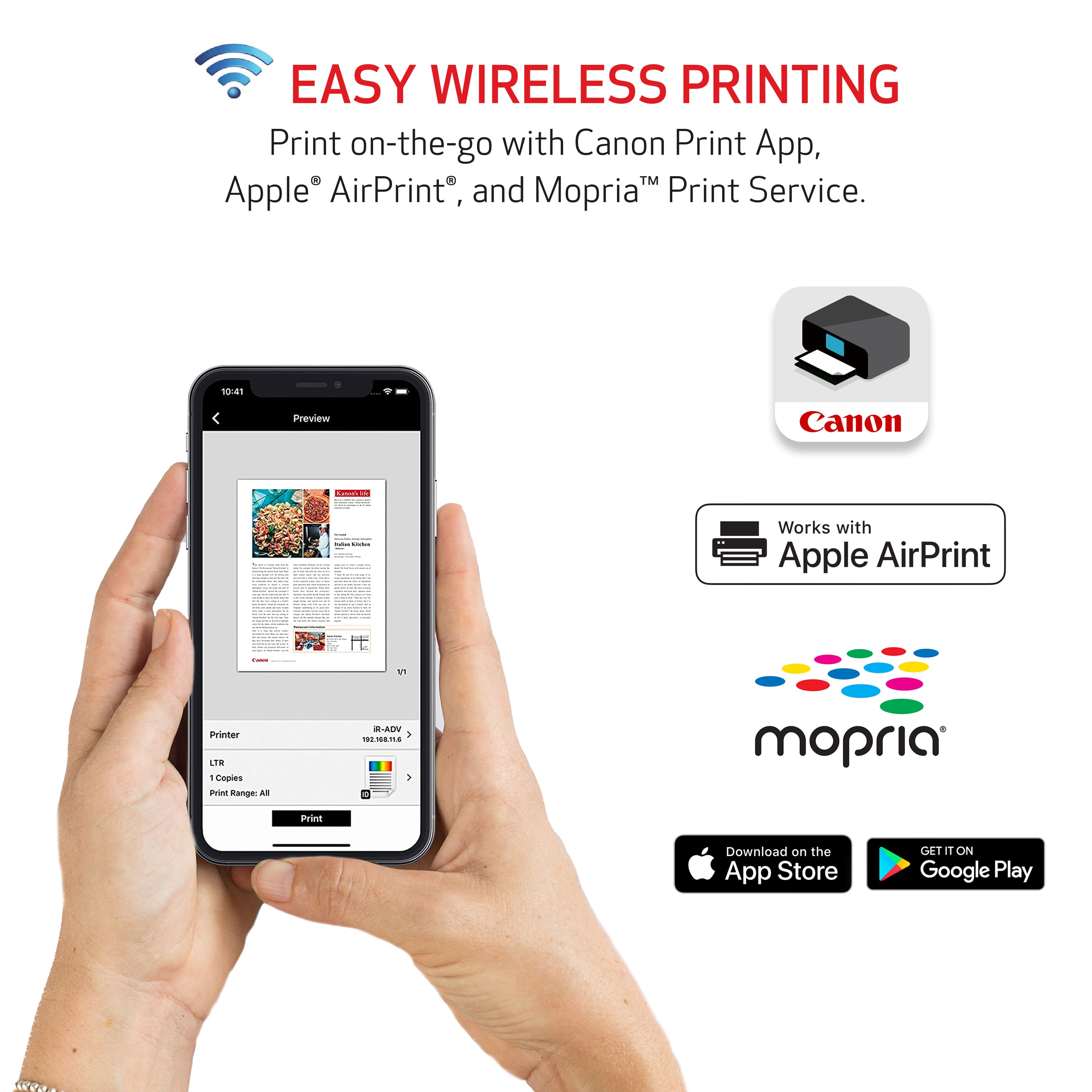
A:Answerit is Bluetooth so you do not need to use a cable. I can request a print from another room. BUT if the printer has not been used for (not sure of the timeline) you need to hit the power button on the printer. If it is not active your device will say the printer is not available.
A:AnswerIt is so difficult to get my computer to recognize that it is there, even though it is plugged into it, that I haven't printed much since I bought it. However, the last printer I bought six months ago used ink much more quickly than my old Canon MX922 printer, so I have been disappointed. I have no idea what the "draft setting" is.
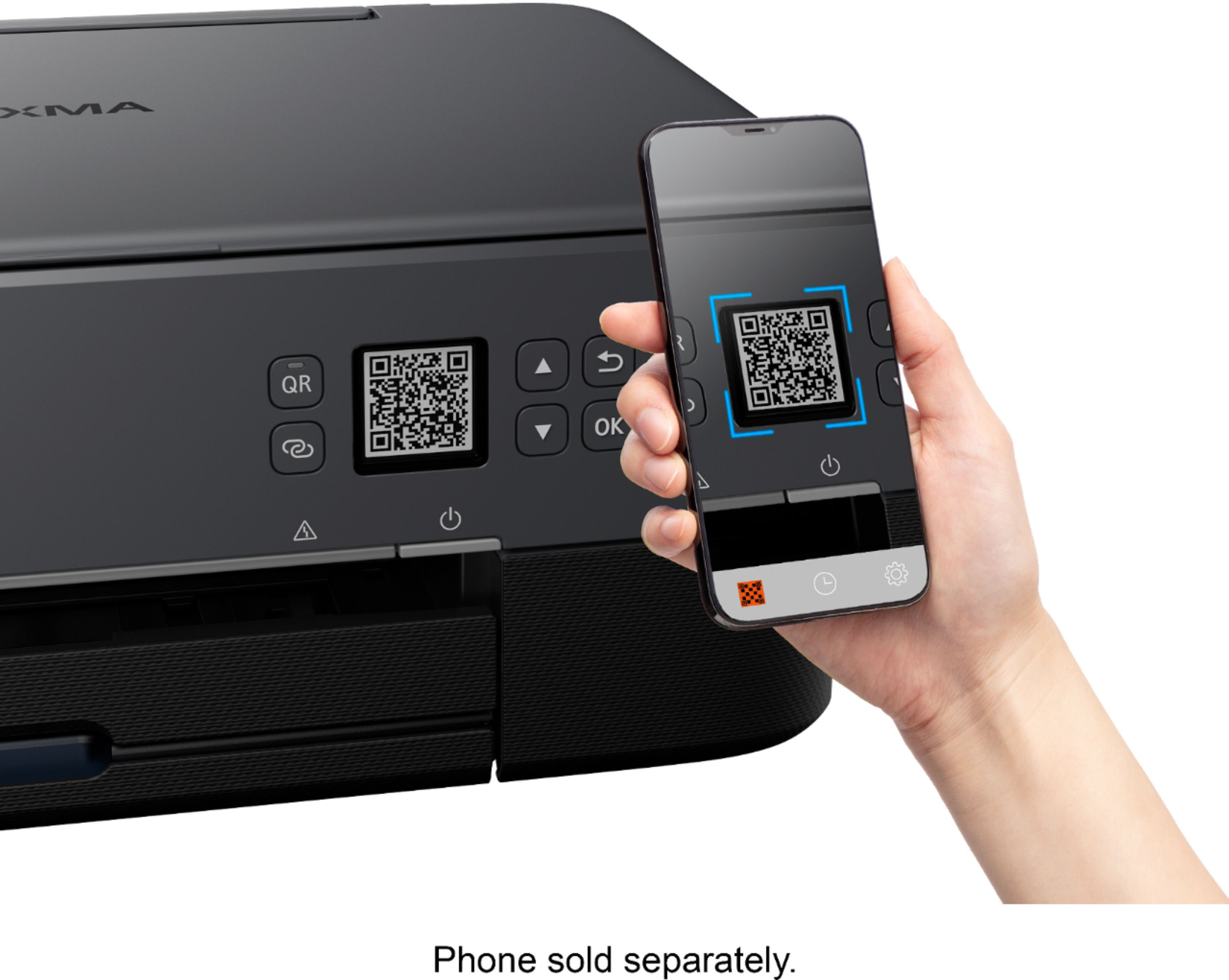
A:AnswerScan the QR code from the Canon box and search for the app, follow instructions menu.one you got you're photo of the document on the phone just scann to printer the document