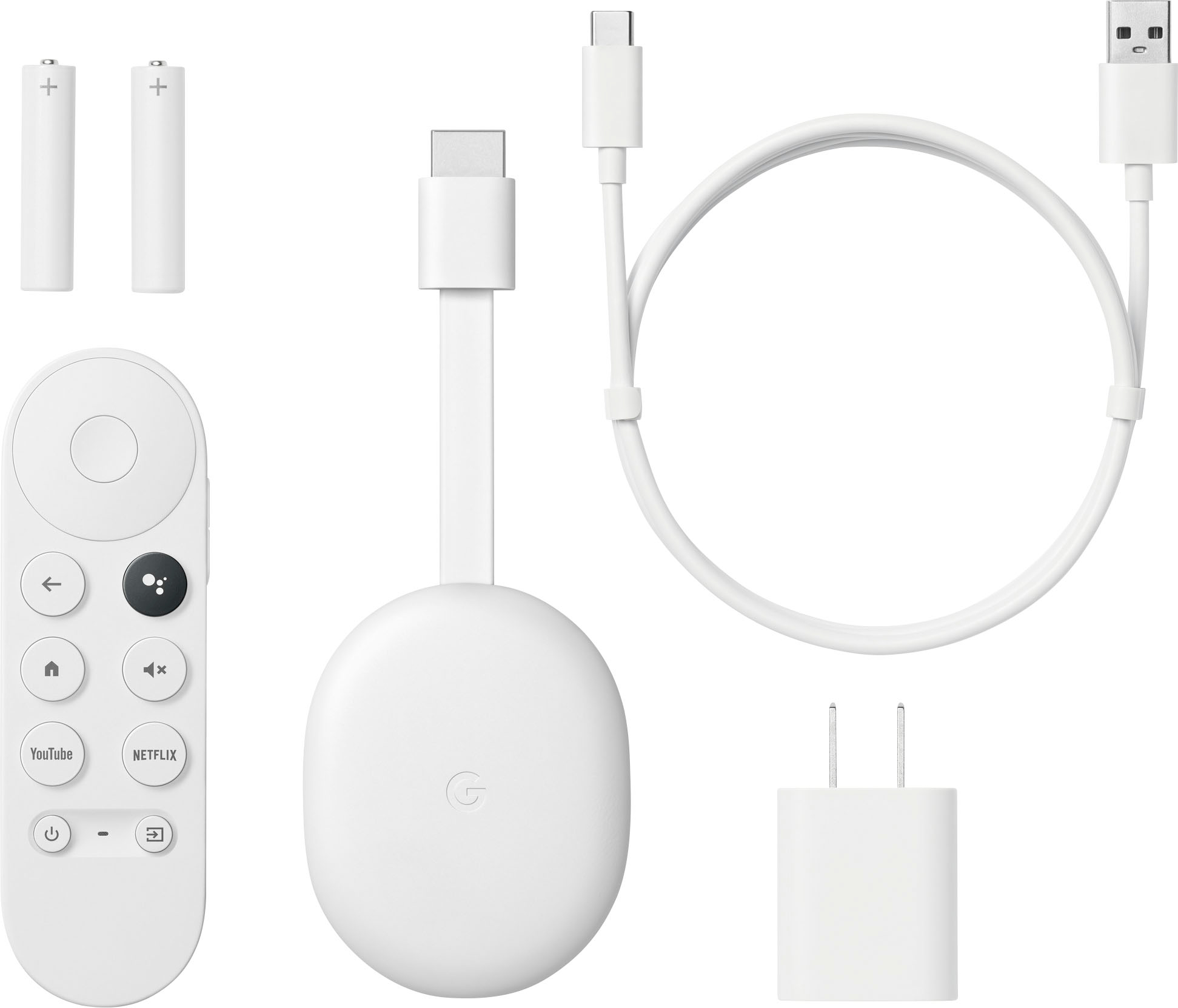
A:AnswerYou can, but you are looking at off brand remotes. While they work the same and feel the same, you also will notice that some of them will click different and may end up not working as well as the original remotes
A:AnswerOne app — Haystack — offers occasional local TV news clips; otherwise, no (unless the station itself is streaming via YouTube or some other app — you can stream thru there).
A:AnswerHi Kevin, thanks for reaching out. While our Chromecast with Google TV (HD) doesn't currently support the Xfinity Stream app, we appreciate your feedback and are always looking for ways to improve compatibility.
A:AnswerNo Chromecast does not require a subscription to use. So as long as you have subscriptions to Netflix and Hulu you should be able to cast them from your phone to your tv
A:AnswerSi puedes descargar varias aplicaciones! 100x100 recomendado !! Y tiene muy buena calidad y señal del wifi !! Tiene machas opciones y es fácil de usar!
A:AnswerNope, and trying to get it installed won't work either. I guess they are competitors, and so google Tv doesn't want you to stream anything from Xfinity
A:AnswerHi there, Fay! Thank you for your inquiry. Yes, with the Chromecast with Google TV (HD) you can download the video streaming app from Google Play. Be advised that most premium streaming apps may require a subscription. If you have additional inquiries, please feel free to contact us on our Google Help page here: https://support.google.com/googlenest/gethelp
A:AnswerI think this one technically came out after the 4k one but both devices run the same Android TV software and will likely be supported for the same amount of time.