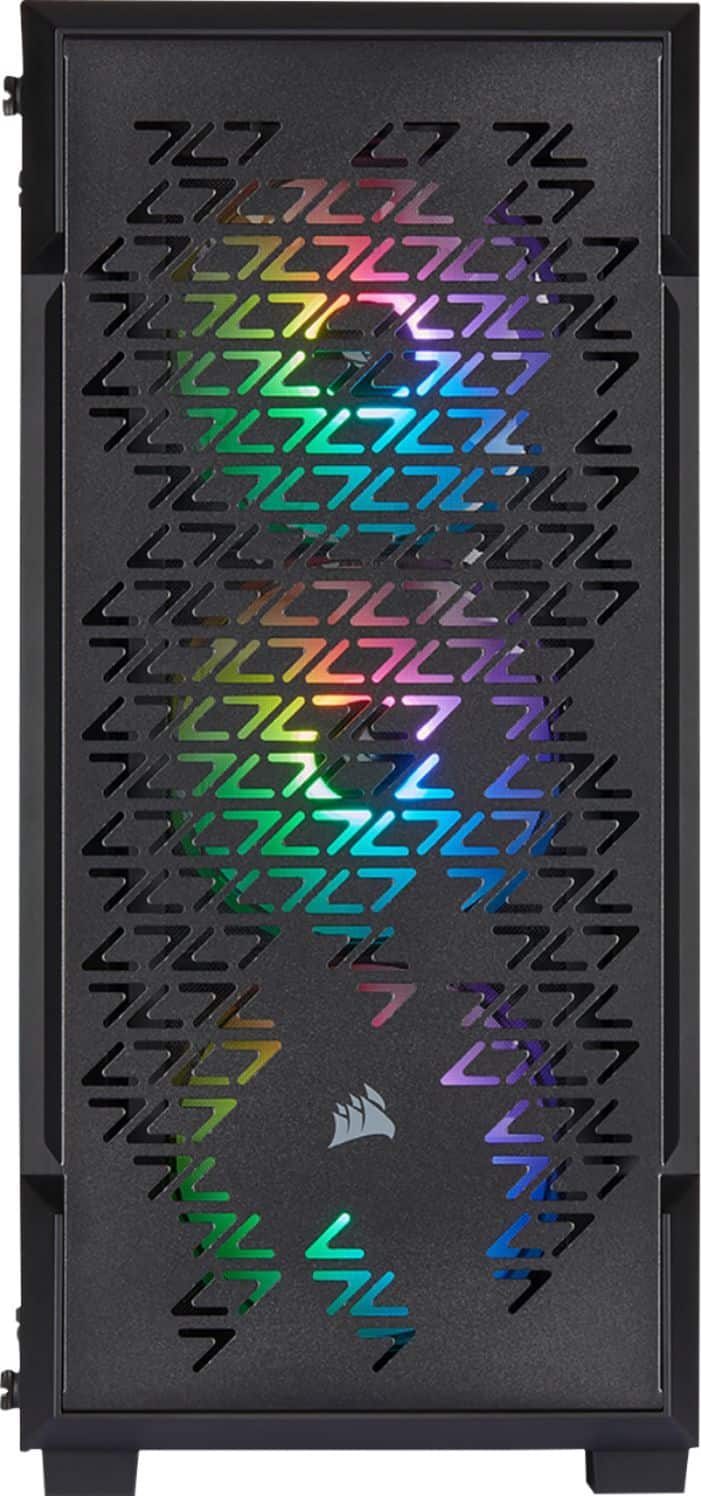
A:AnswerAre you planning on taking the Components out of the "IBUYPOWER" case and putting them in this case?
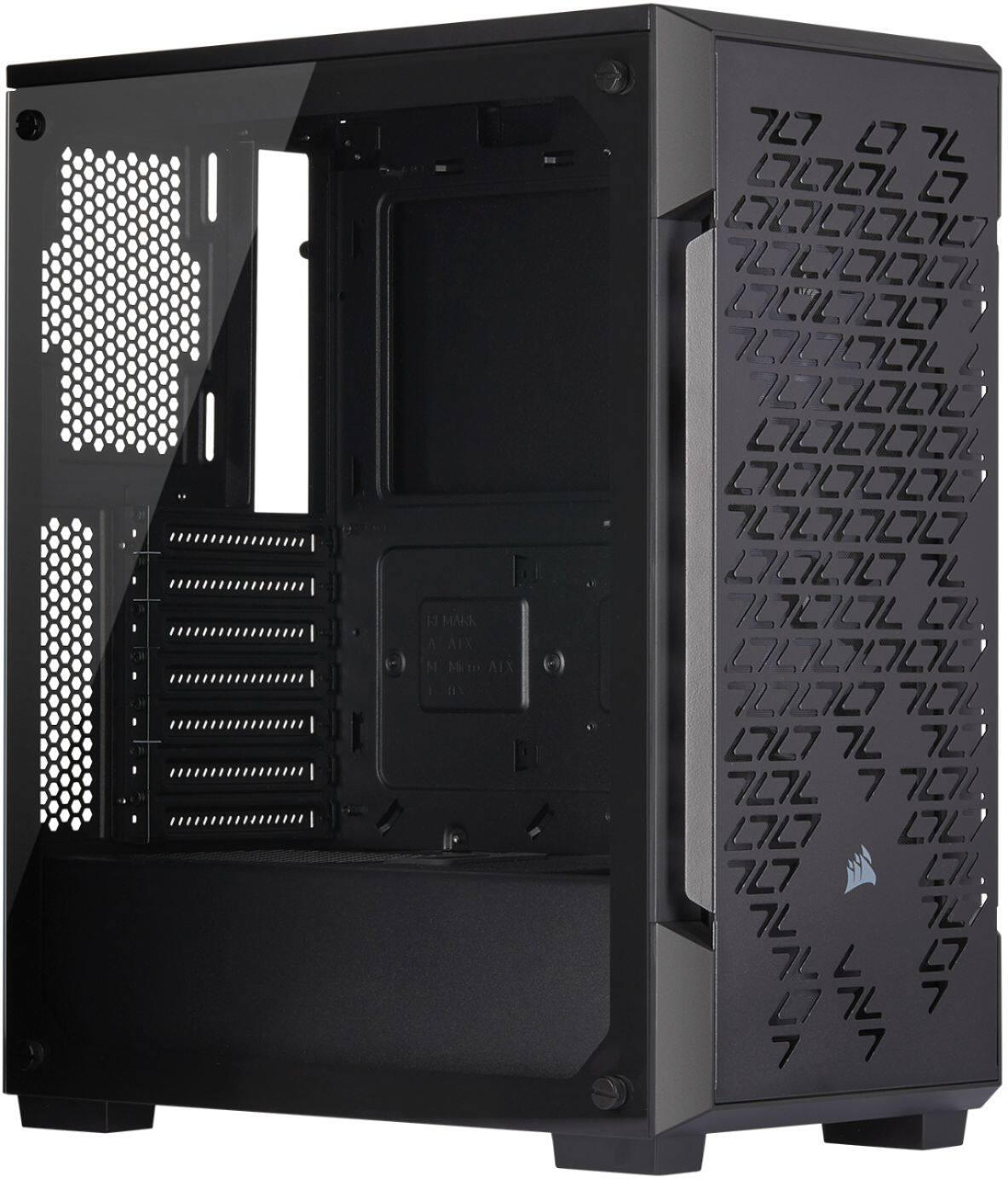
Then most likely yes it would, but you'd want to check GPU and CPU cooler clearance before committing to changing the case
A:AnswerHi,
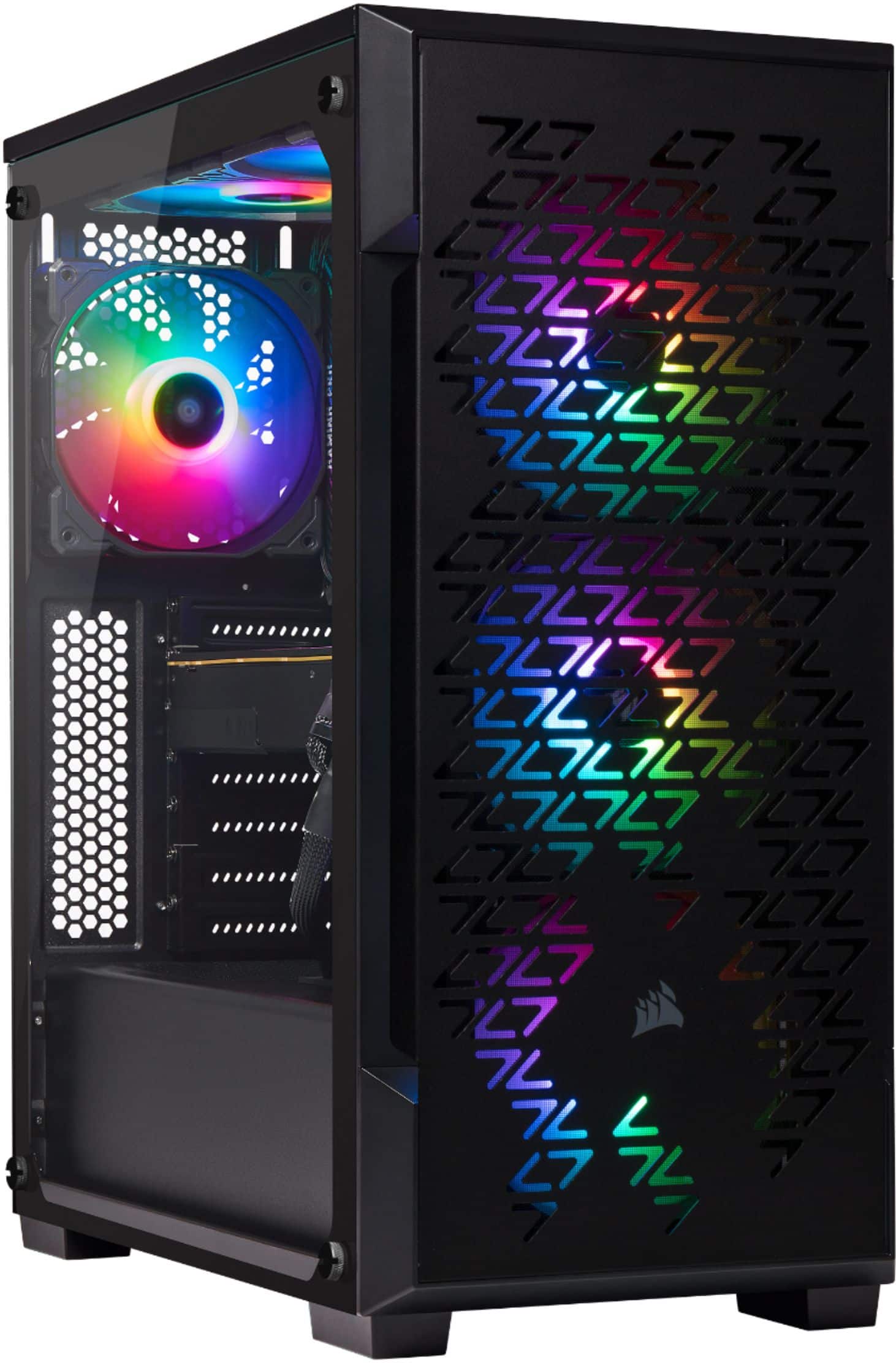
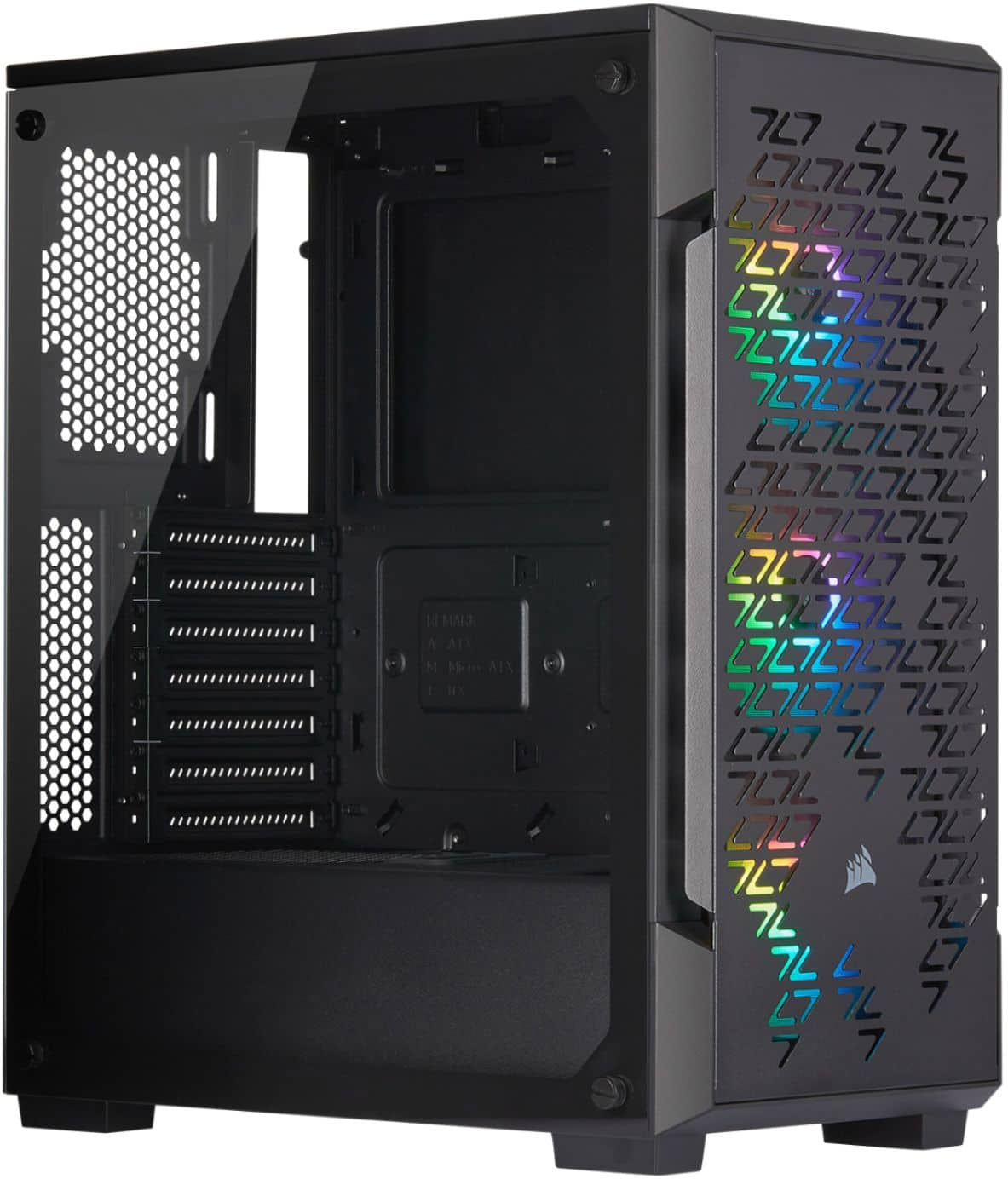
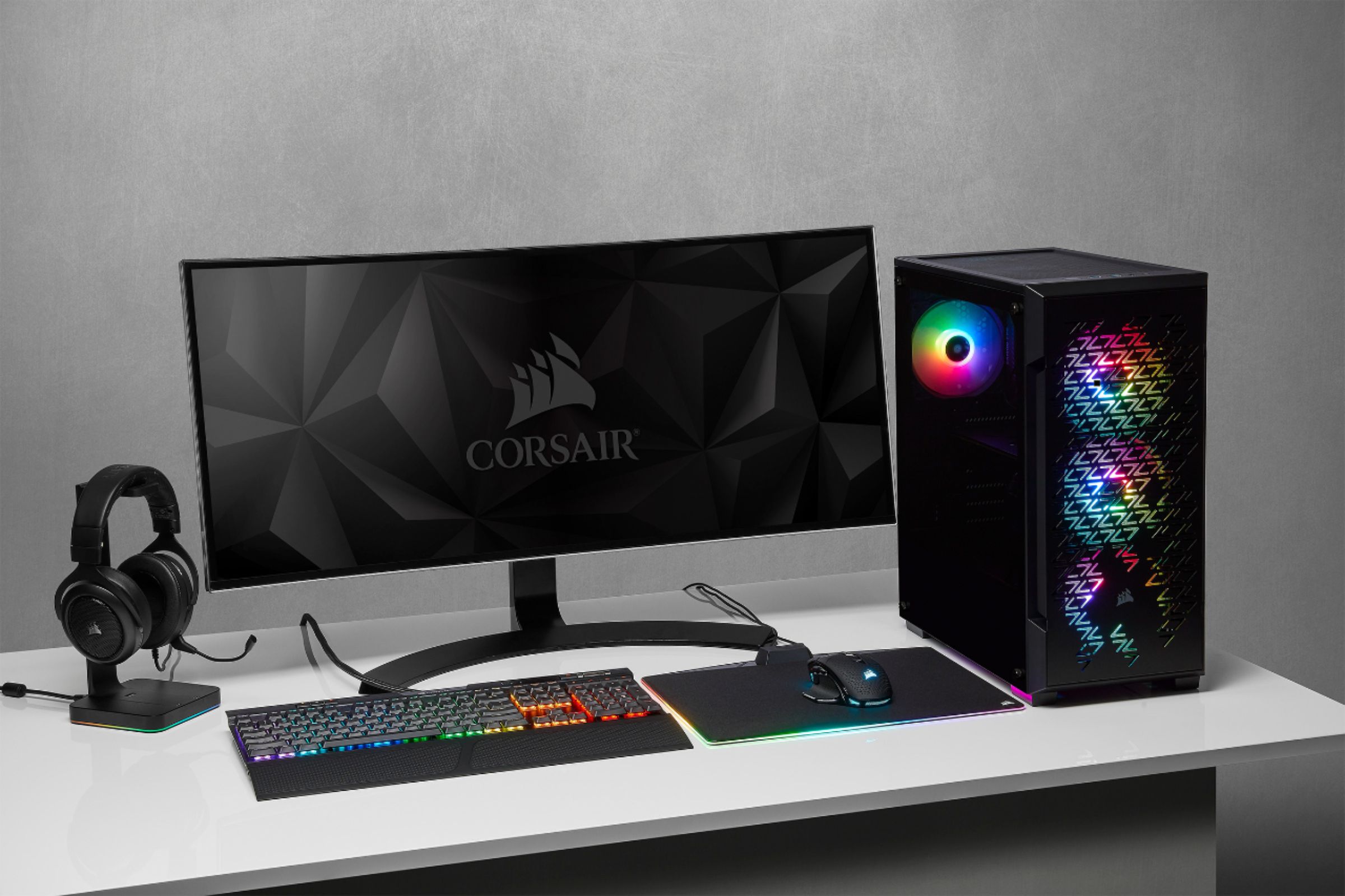
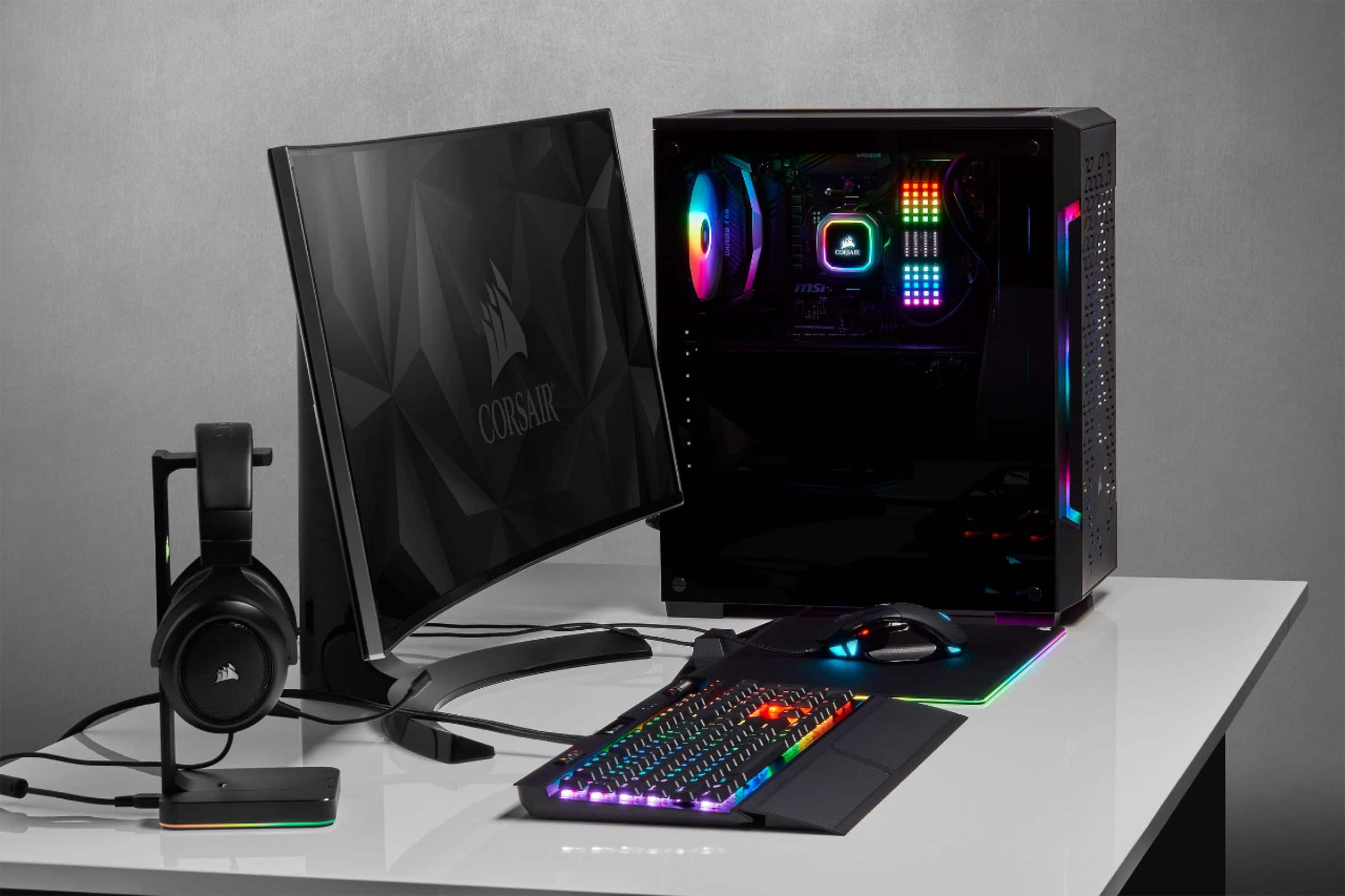
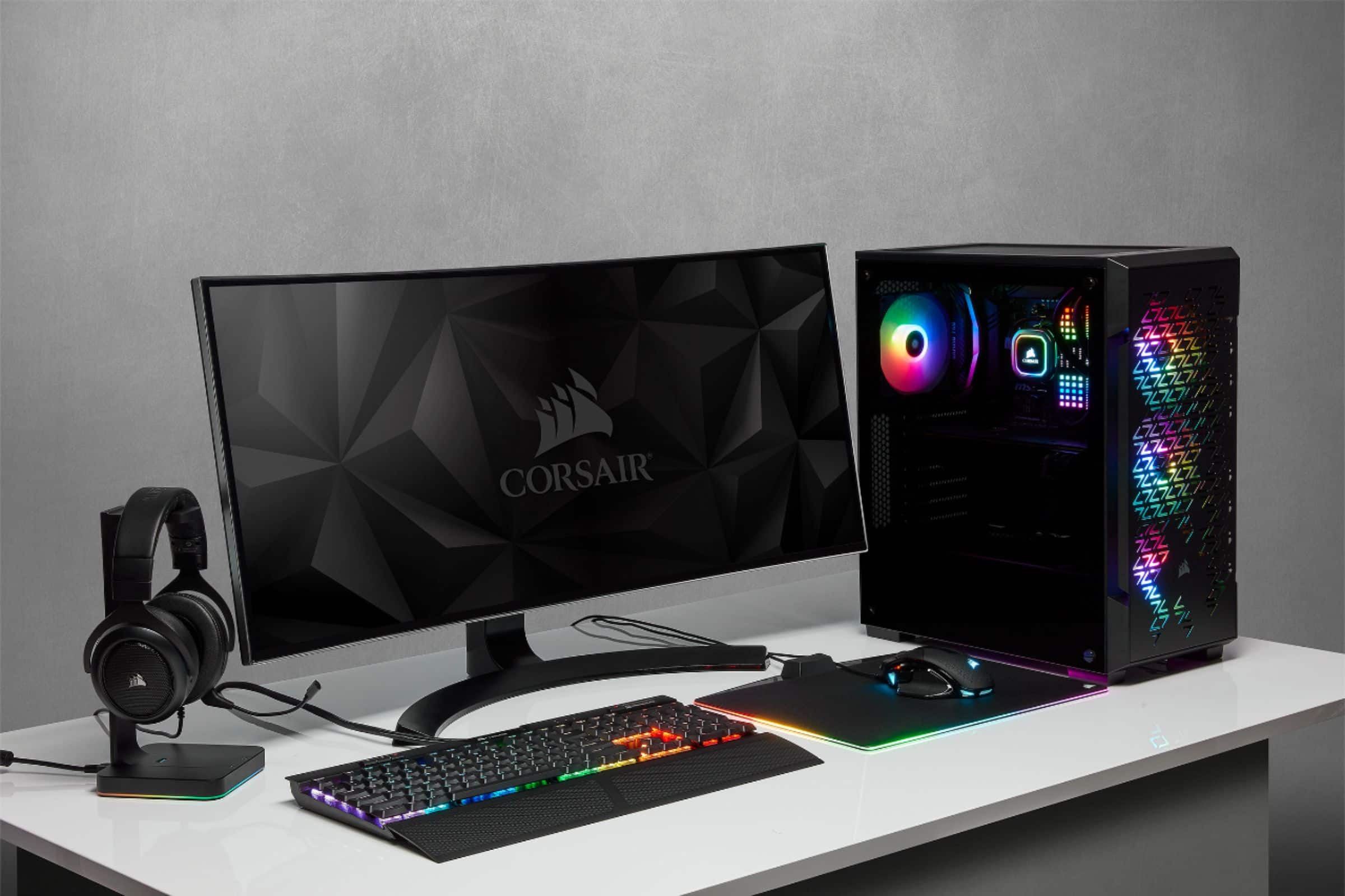
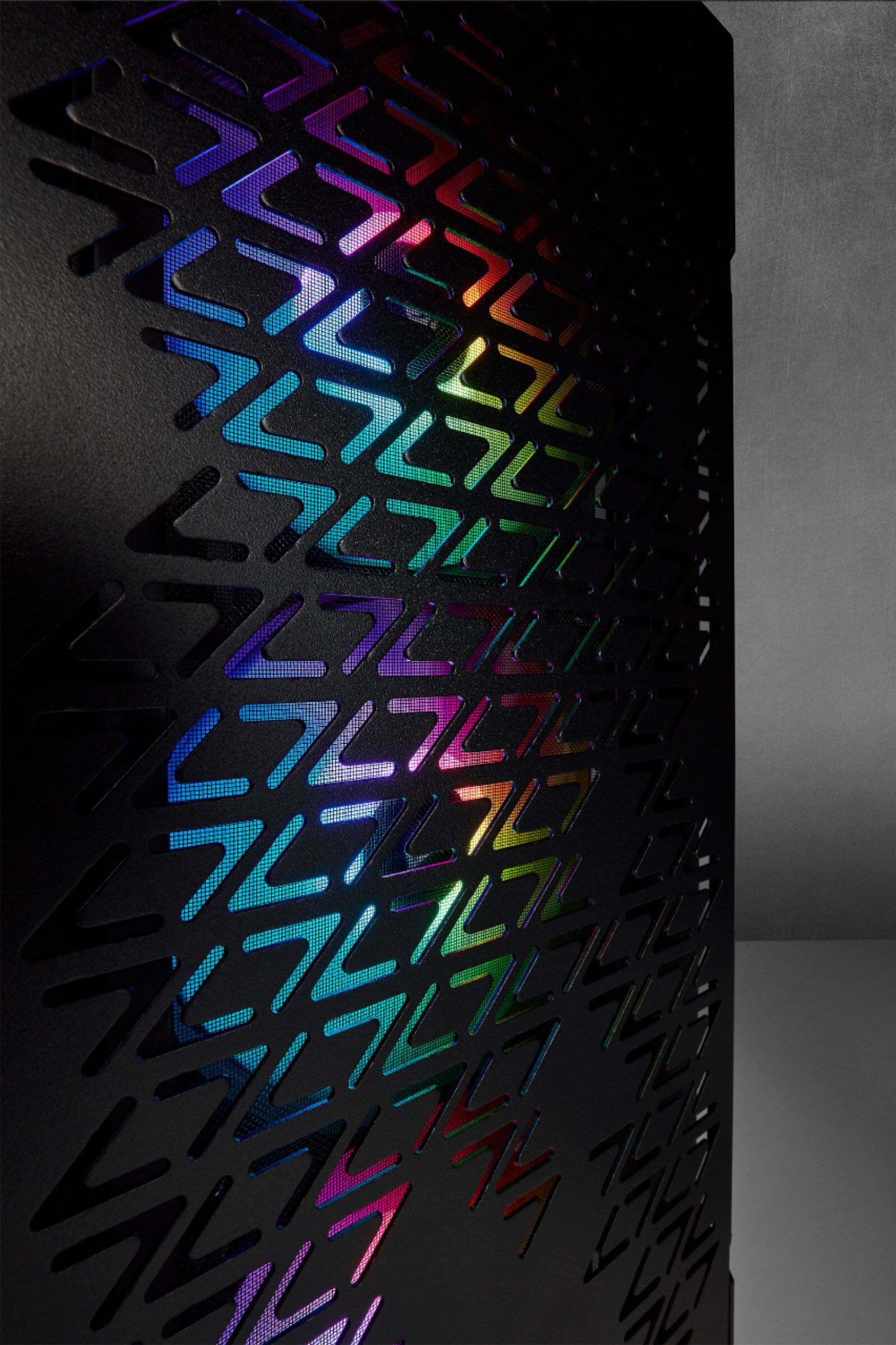
As mentioned, the iCUE 220T RGB is just the case for your PC. It's definitely an ideal case that would suit your PC gaming build. If you have any questions with building your PC, we'd be happy to help: support.corsair.com
-Albert
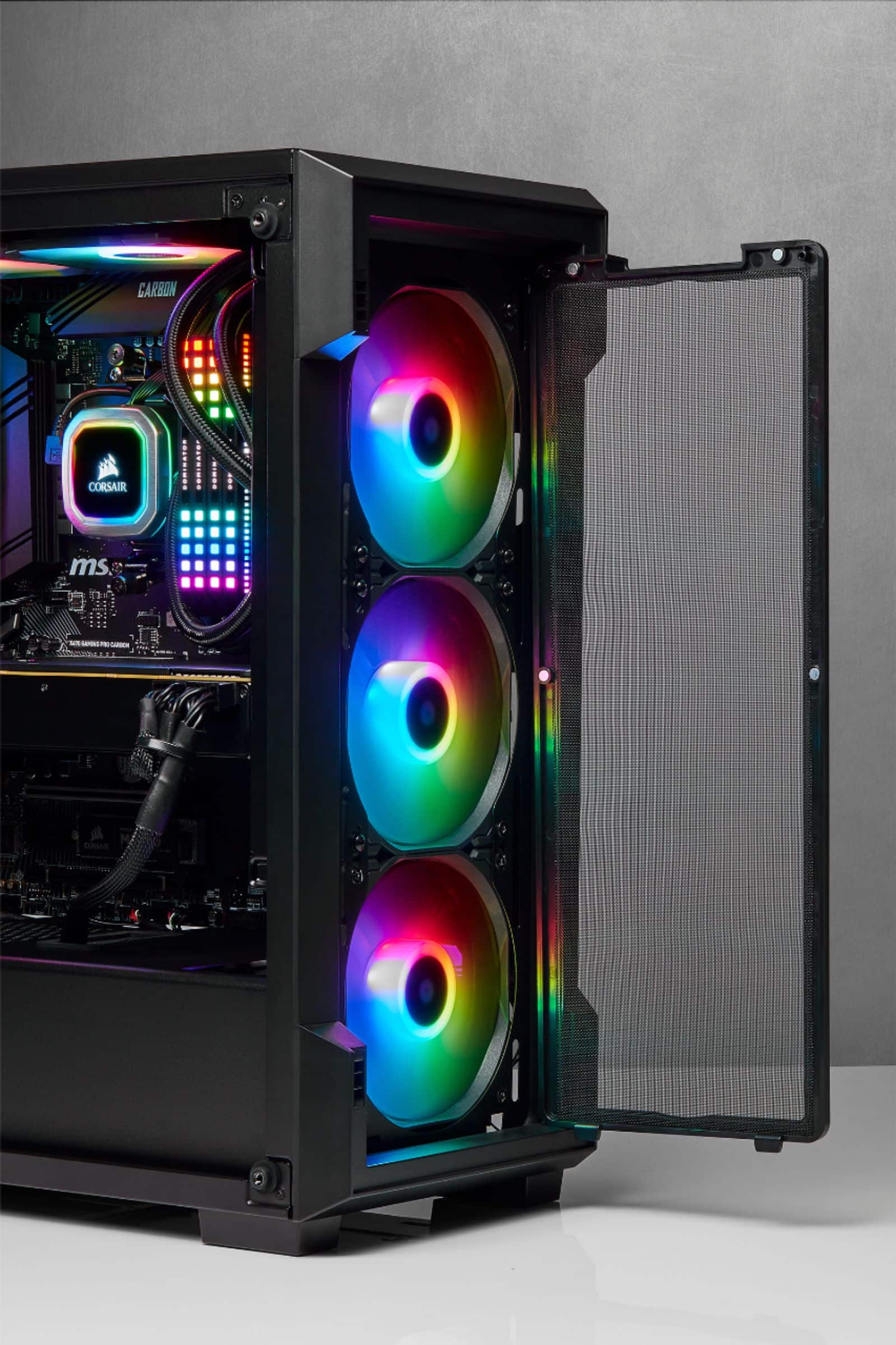
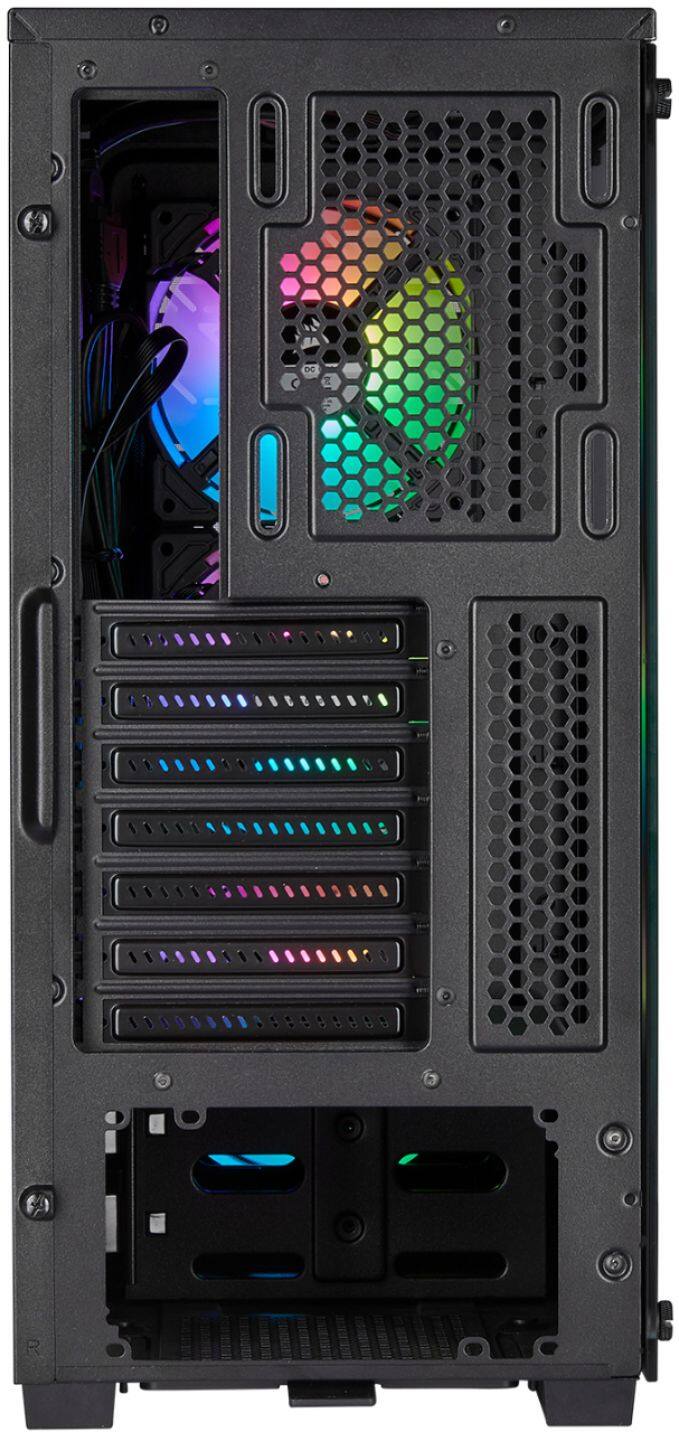
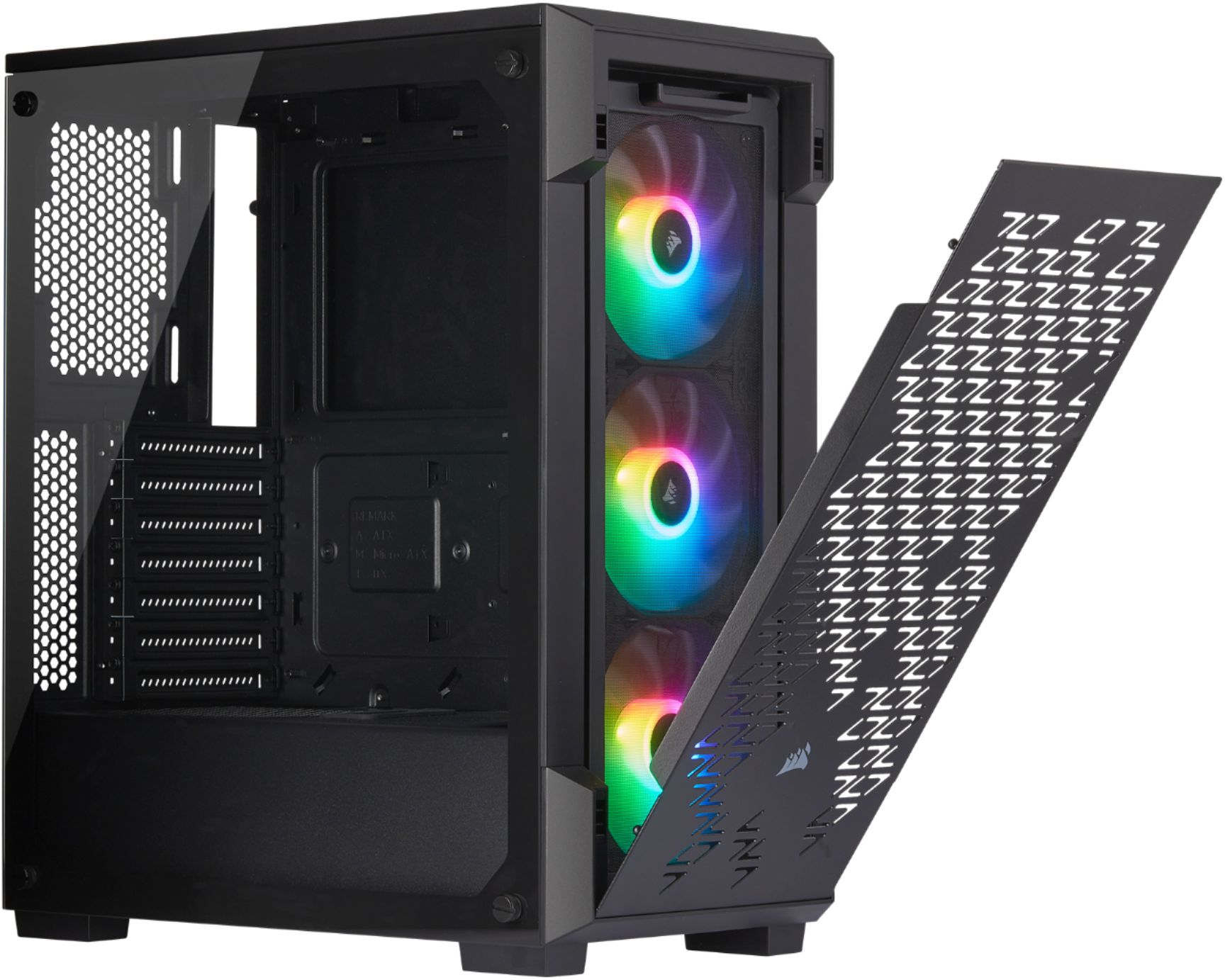
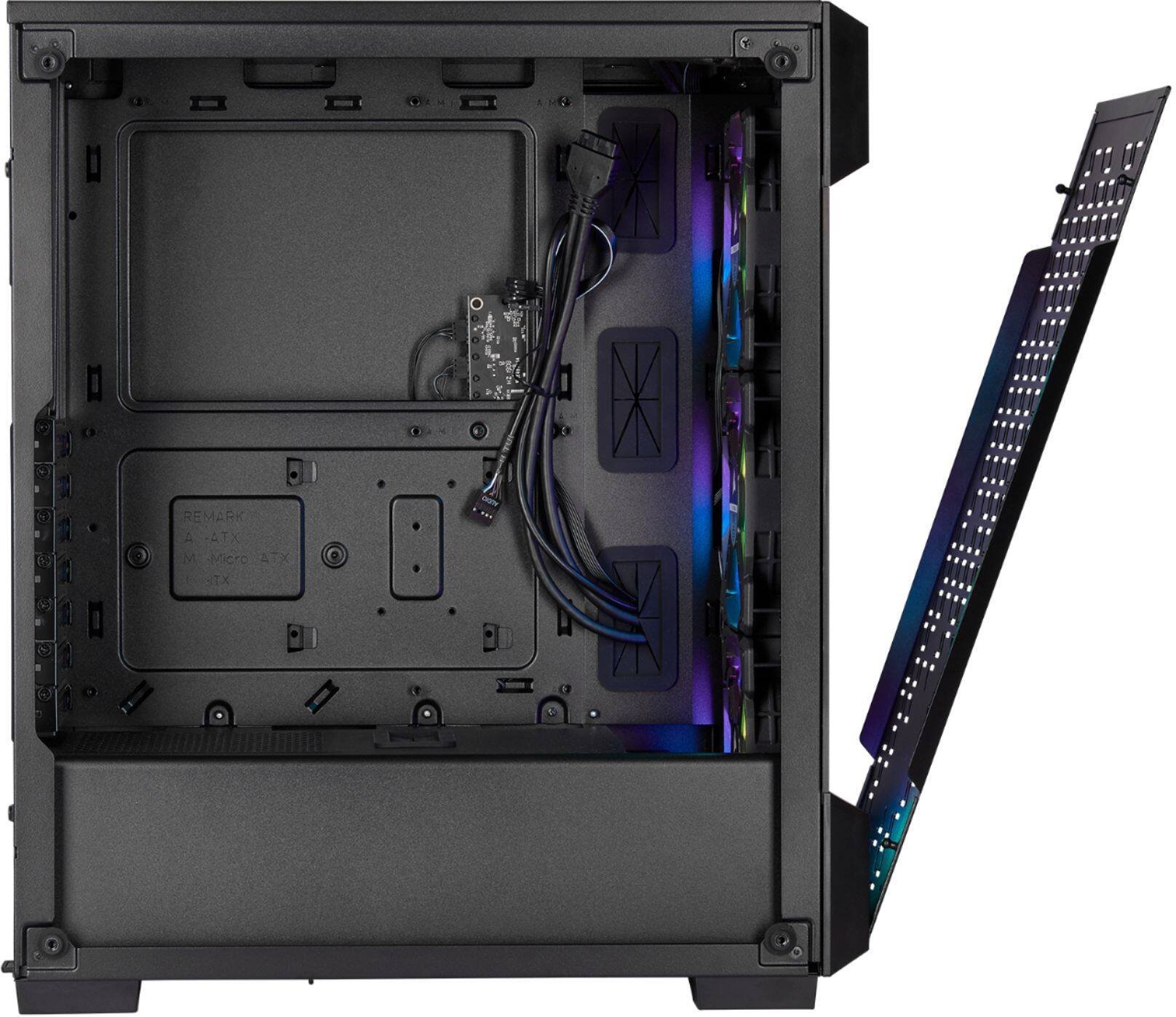
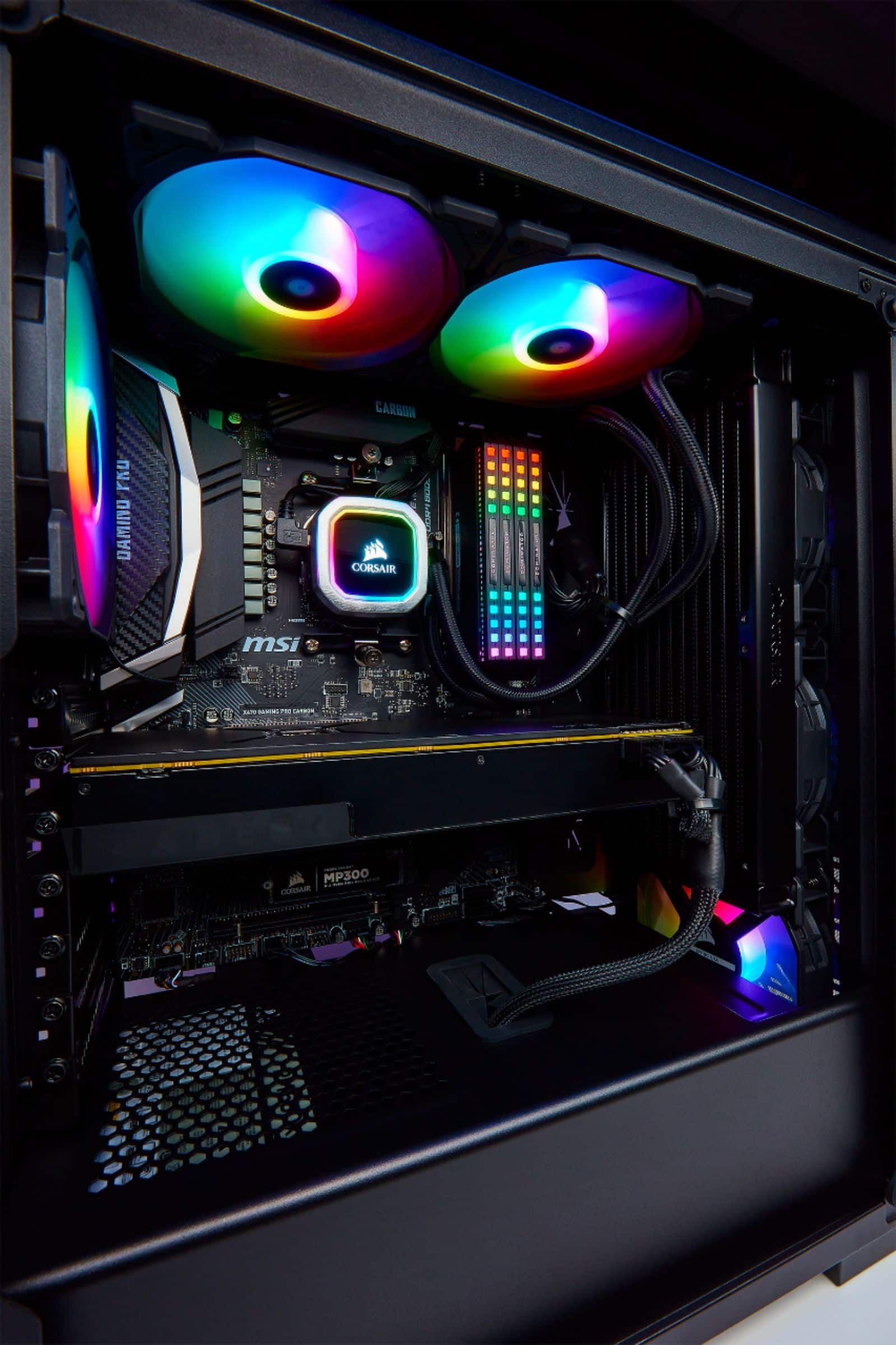
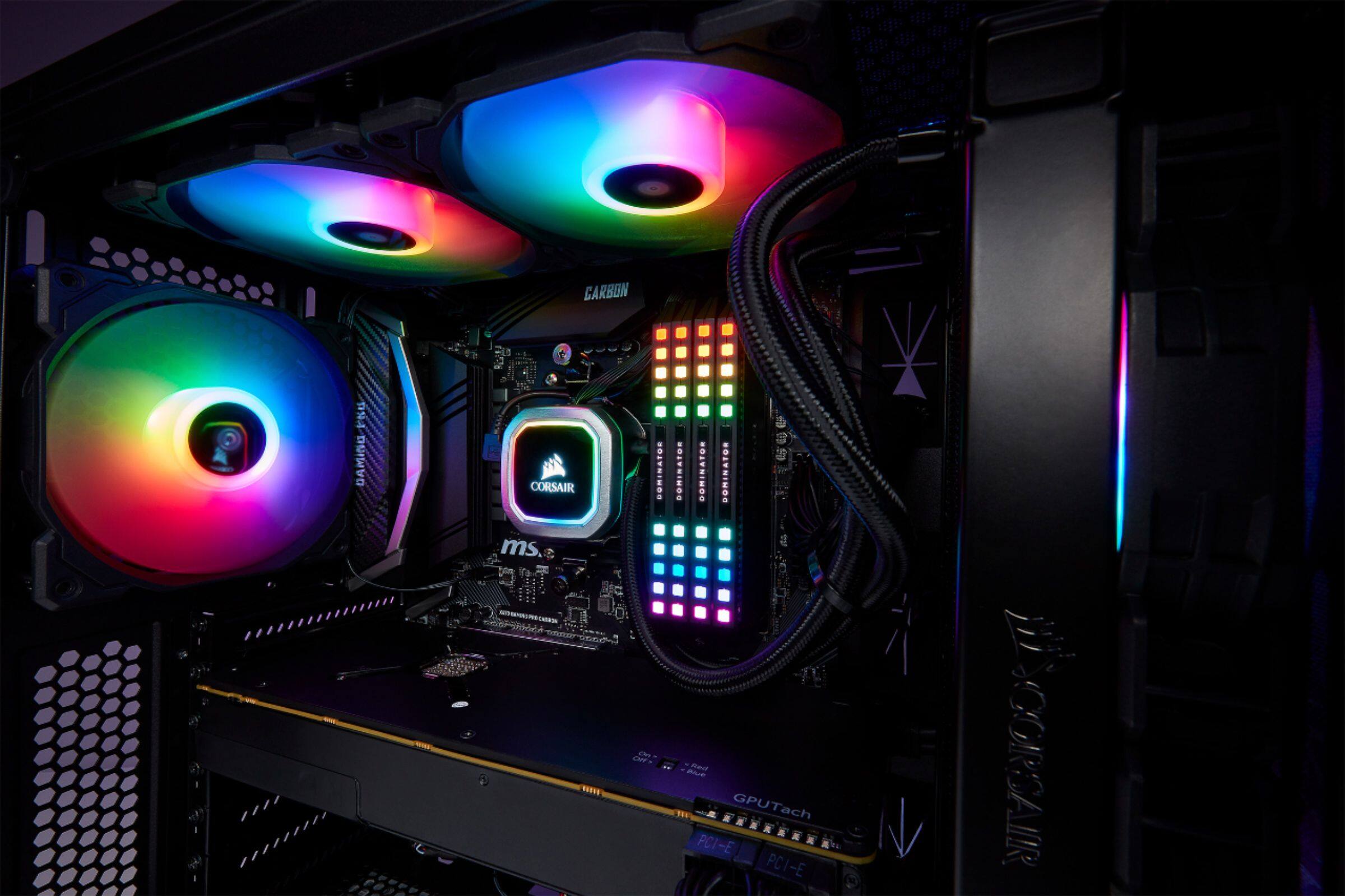
A:AnswerI do not recall where I saw the information, but I believe the 3 front fans in the front provide the best cooling, if you are not adding additional fans. I think it gets a little warmer if one of them were to be moved to the back. It would be better to add an additional fan to the back as exhaust for better cooling. I have the Corsair ML Series 140mm fan as an exhaust, and it is available here on Best Buy as well.
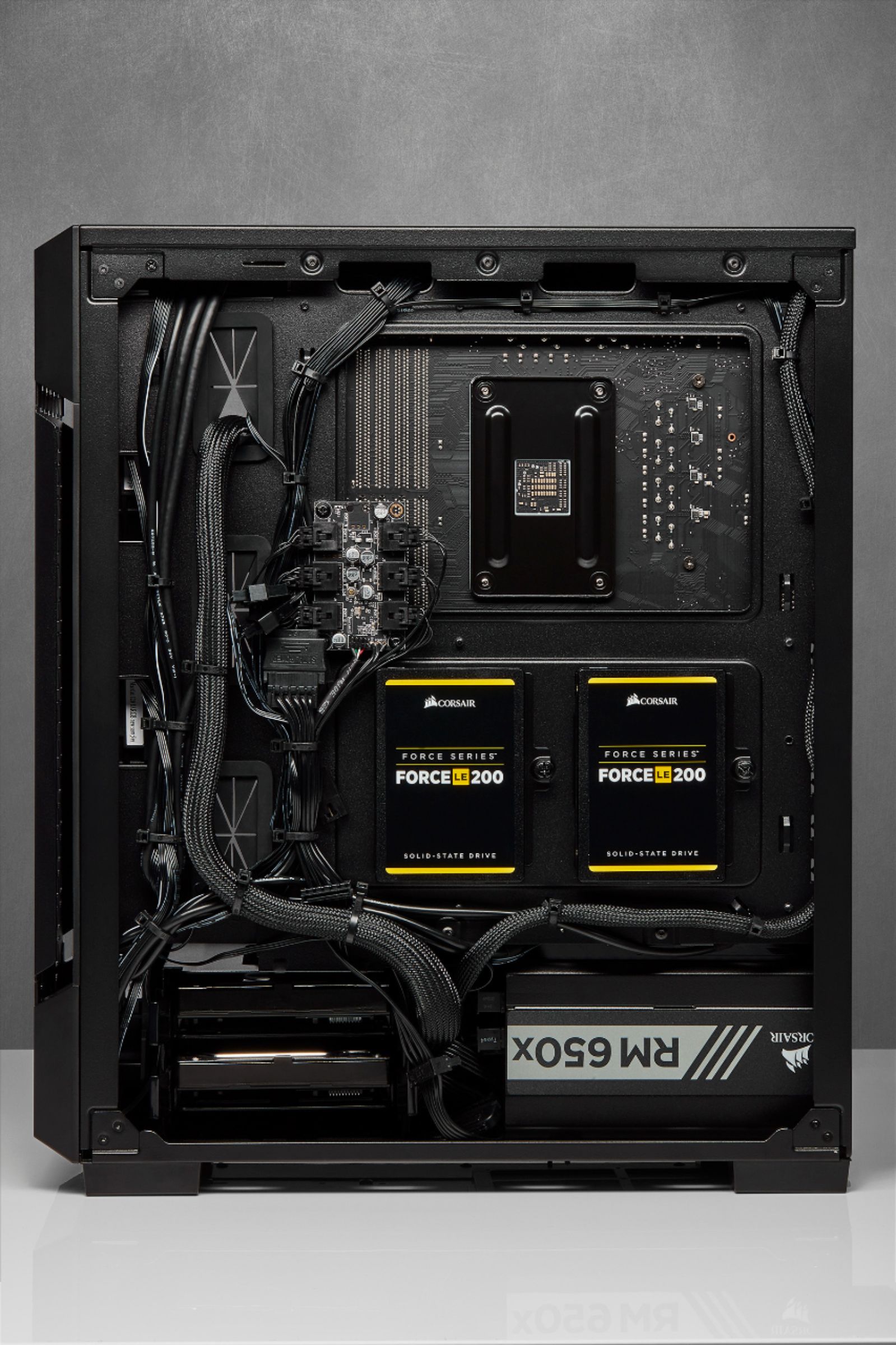
A:AnswerYes, full size ATX motherboards fit. You will find it a bit tight near the top fan and I could not get a 140mm up top due to the clearance issues with the 12V ATX connector on my Z390-E motherboard, but with a 120mm fan up there it would be fine (or no fan).