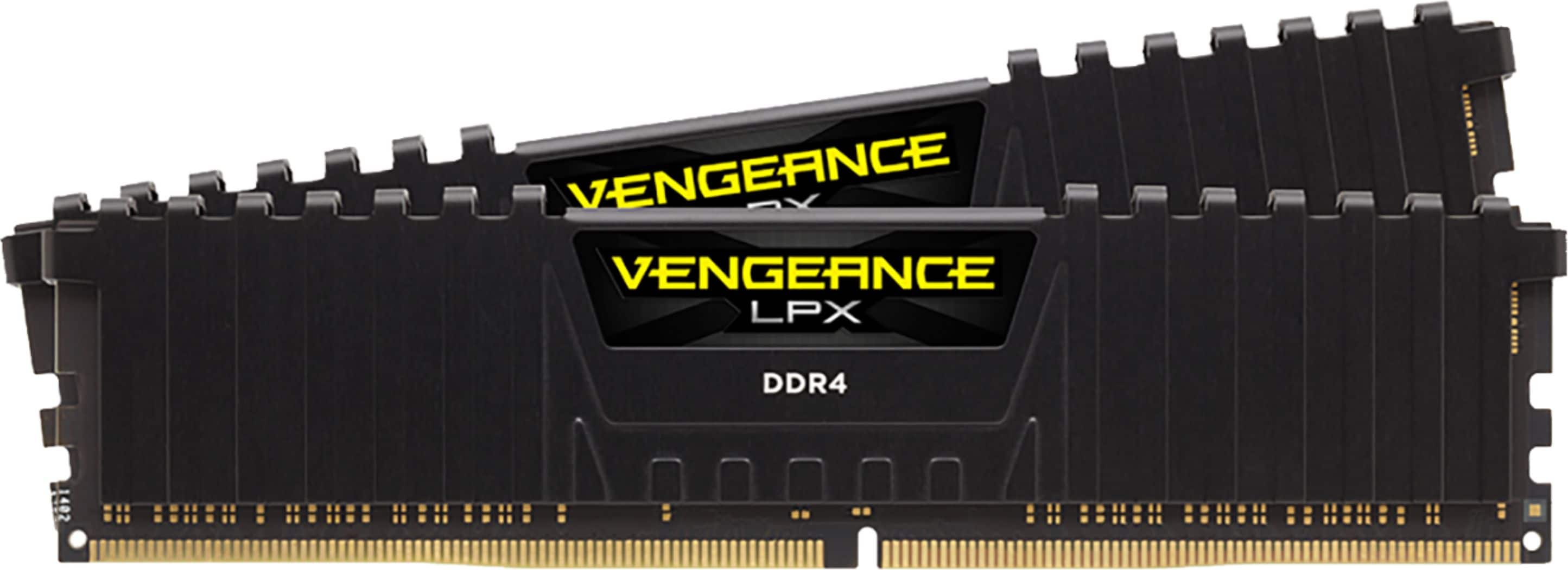
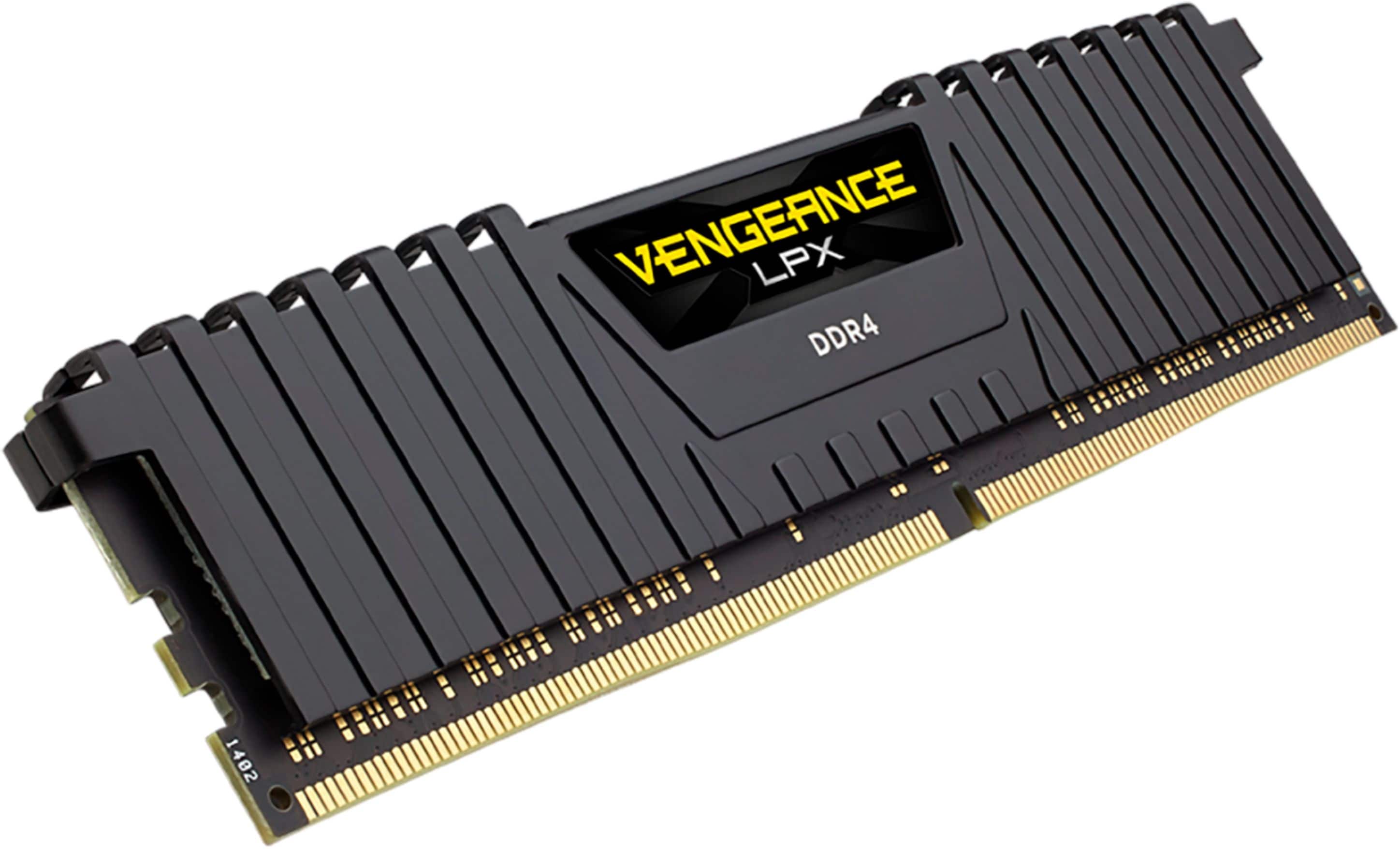
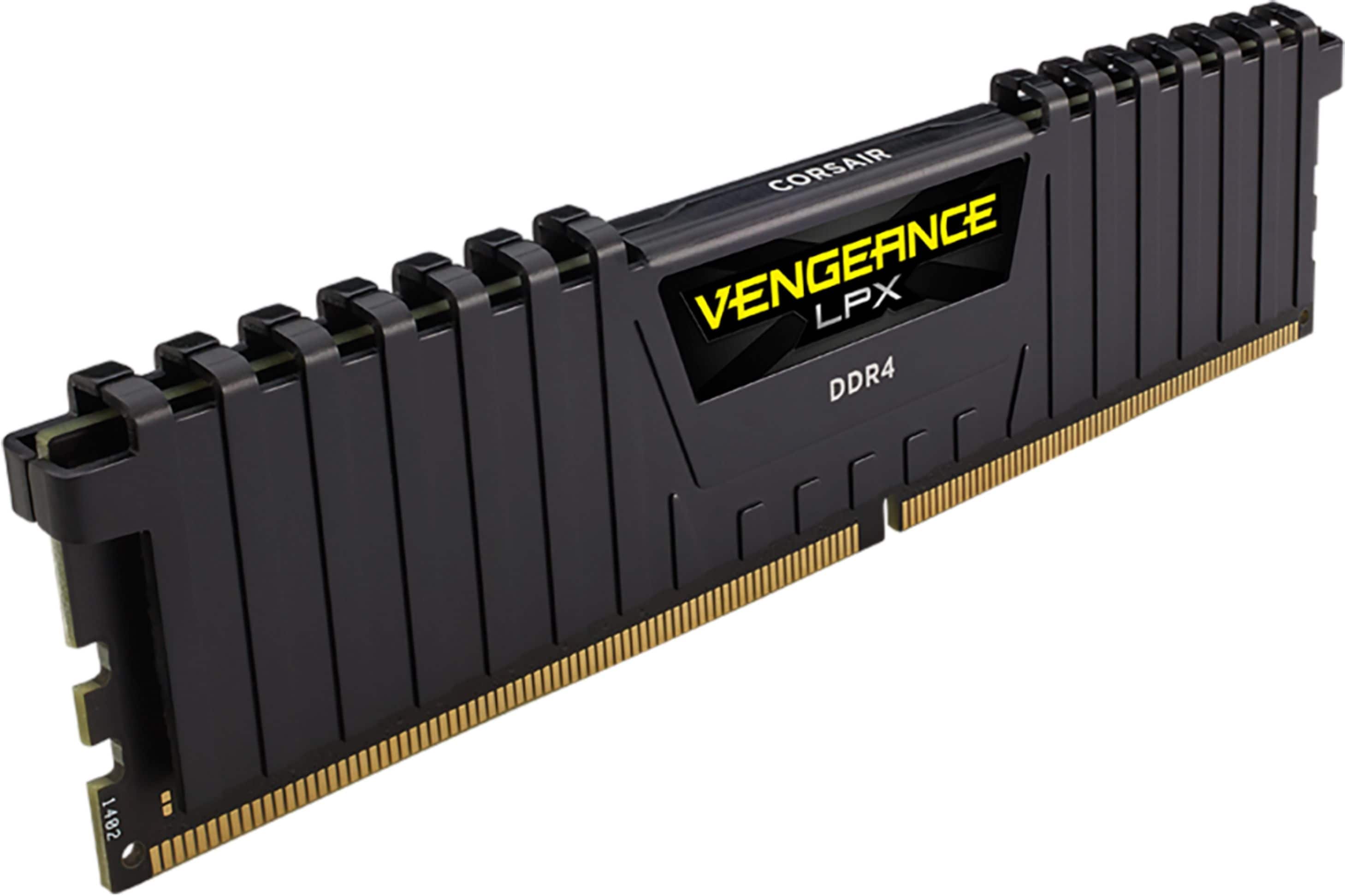
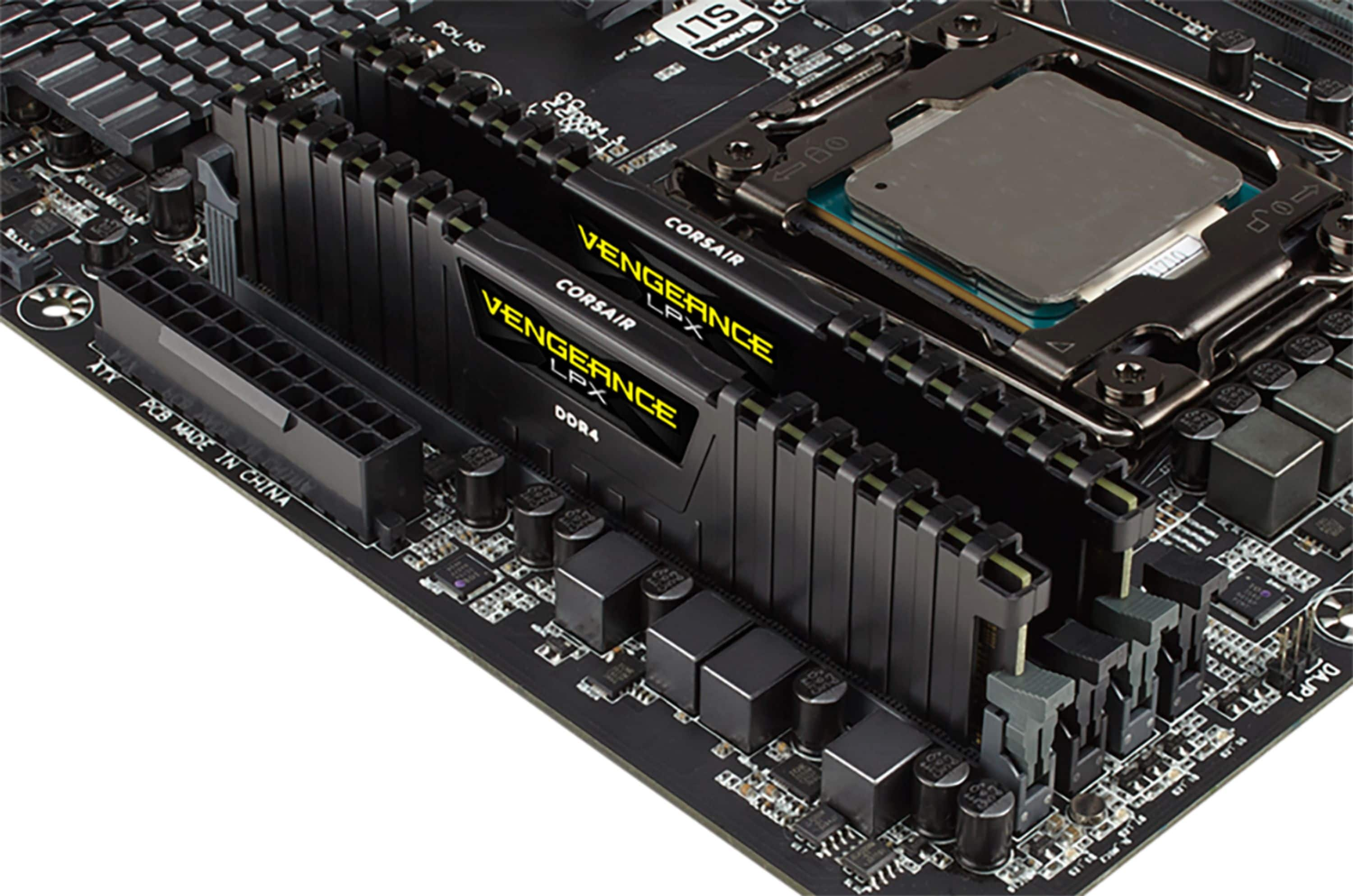
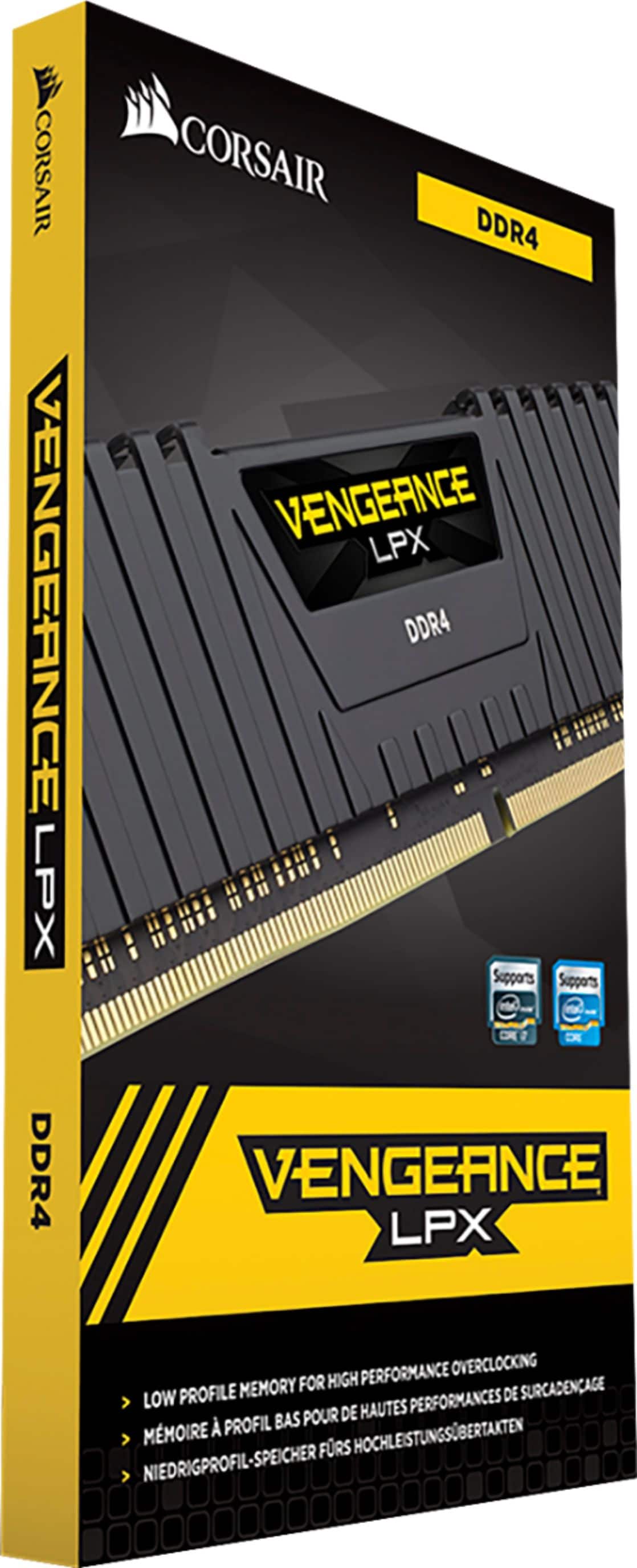
A:AnswerLook up the name of the motherboard and check if it allows DDR4 or DDR5 and then choose how much you want i recommend 16gb of whichever and if required give your motherboard a bios update then go into your bios and change yr DDR4 from the default and set it to the max speed if you are able to
A:Answeri would check your motherboard spec`s before buying the ram and check. cpu has nothing to do with your ram it`s your motherboard that matter`s.
A:AnswerAnything over 3200mhz causes ryzen to change clock ratios in the infinity fabric to cpu to ram clocking ratio (3200mhz and under set to 1:1:1) gamers nexus did a great video on YouTube on the topic of ryzen overclocking and ram overclocking for ryzen.
A:AnswerRam compatibility is more a combination of your motherboard's slot and CPU's ability to take full advantage of it. If you have a Motherboard with DDR4 memory slots this will work great.