A:AnswerHi,
We do not sell DRAM by the ICs that are used. As long as you're on the latest bios, this kit should work.
If you have anything else we can help with, please reach out: support.corsair.com
-Art
A:AnswerHi John,
Just make sure to be on the most up to date Bios, shouldn't be an issue whatsoever.
If you have anything else we can help with, please reach out: support.corsair.com
-Art
A:AnswerHi,
Please return the incompatible kit and purchase only what's listed as tested compatible on your motherboard's manual/product page.
If you have anything else we can help with, please reach out: support.corsair.com
-Art
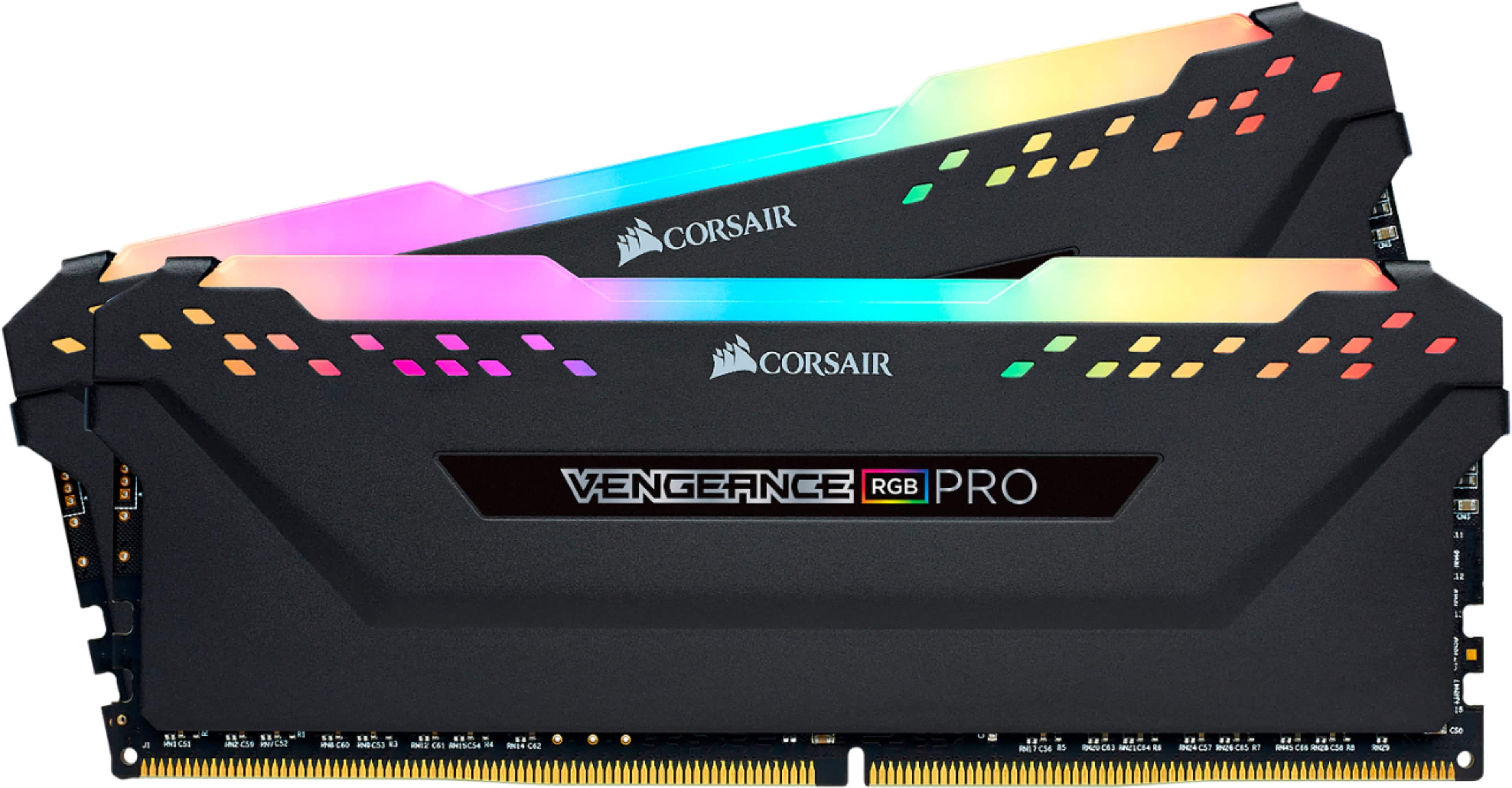
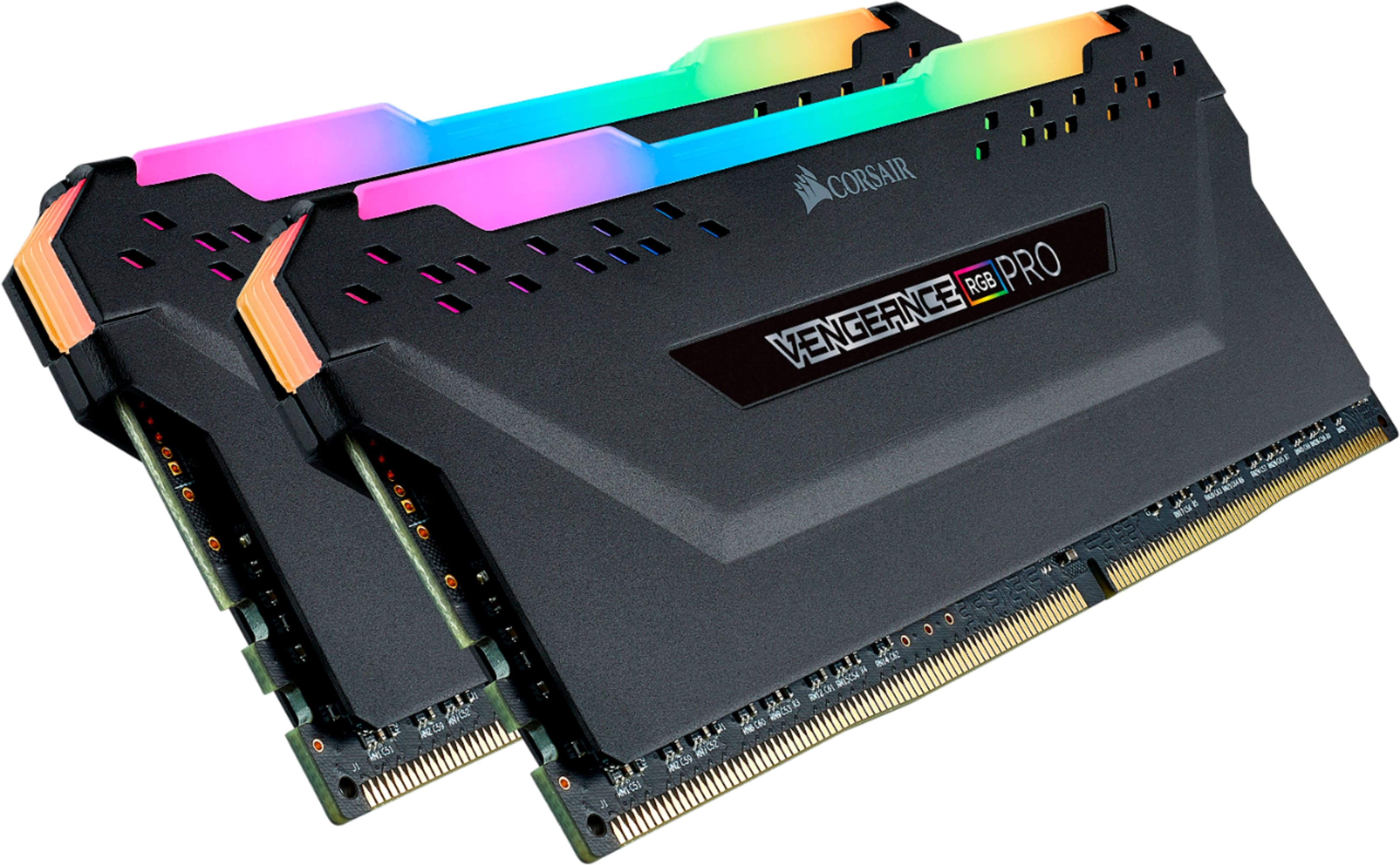
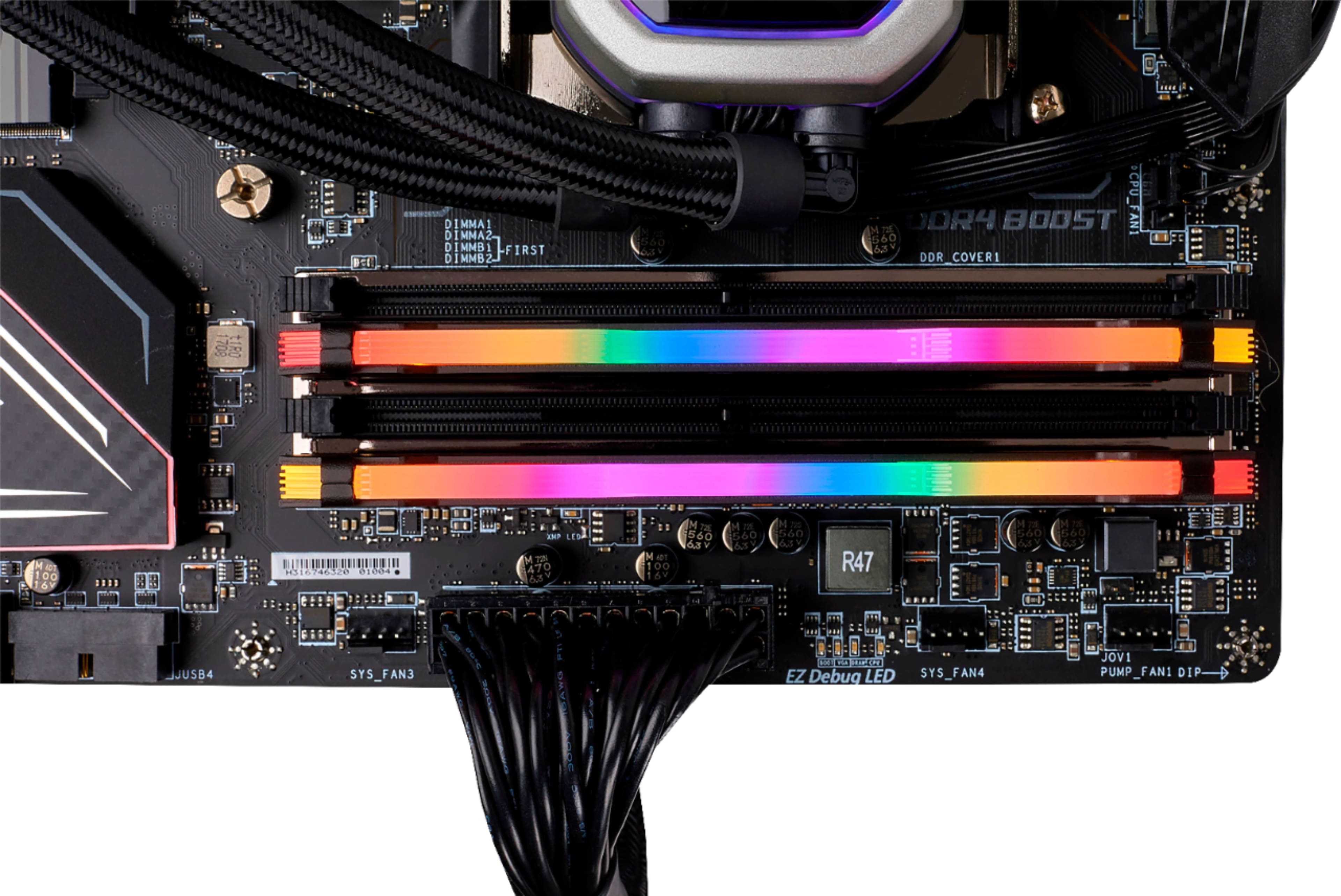
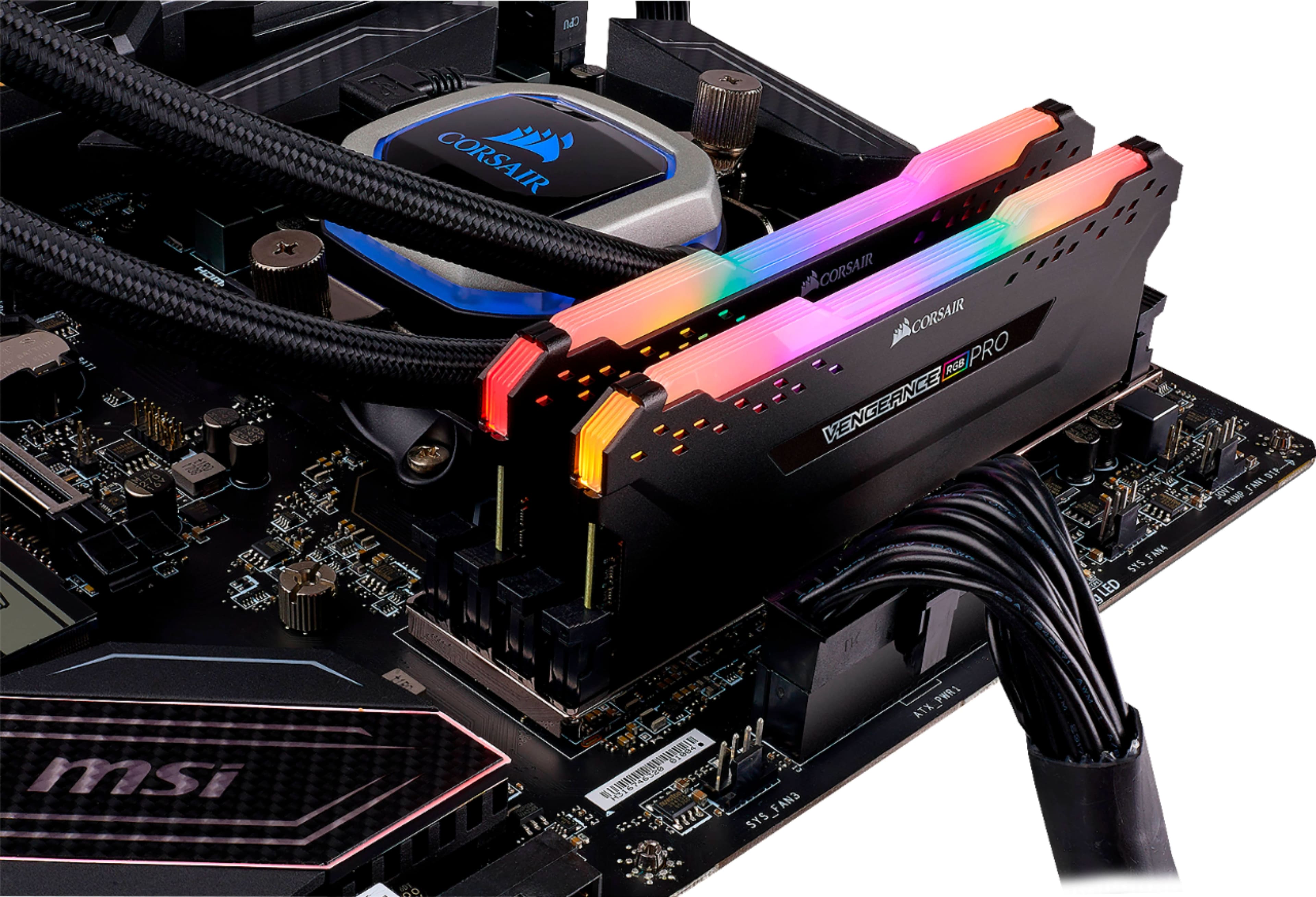
A:AnswerYes you can by using corsair icue. You can set them to solid colors or the rainbow future it shows in the picture. Also, you have the option to change the effects.
A:AnswerHello Jacob,
Upgrade abilities are not guaranteed, but the listed specs would be guaranteed on a compatible motherboard. Please check your motherboard's manual or product page for more information and feel free to reach out with any other questions: support.corsair.com
A:AnswerYes, I believe these Corsair Pros will be compatible with your MOBO. See this link - https://pangoly.com/en/review/gigabyte-ga-a320m-s2h/compatibility/ram
Also you can check the Gigabyte website to see compatible parts for a particular MOBO. Hope this helps.
A:AnswerHello Eric,
That'd depend on the motherboard, please refer to its manual.
If you have anything else we can help with, please reach out: support.corsair.com
-Art
A:AnswerHello Joseph,
Would depend on the CPU, as for lighting I don't see as to why it'd have any issues: https://www.msi.com/Motherboard/A320M-PRO-E/Specification
If you have anything else we can help with, please reach out: support.corsair.com
-Art
A:AnswerHi,
Seems like it'd depend on your APU/CPU: https://www.asrock.com/MB/AMD/A320M/index.asp#Specification
If you have anything else we can help with, please reach out: support.corsair.com
-Art
A:AnswerRam works with any graphics card it mostly depends on your mother board for example your mother board will use ddr4 but it might be limited less then 3.2mhz so you won’t use the full potential of the ram it’s self but it will cap down to the level of the mother board allows it to be at
A:AnswerHi,
It is, please make sure your motherboard's bios is up to date.
If you have anything else we can help with, please reach out: support.corsair.com
-Art
A:AnswerHello Greg,
You'd have to confirm with your specific submodel's manual. Or reach out to us with more information regarding that model and we can help out: support.corsair.com
-Art
A:AnswerHi,
Depends which, please refer to your specific model's manual for more info.
If you have anything else we can help with, please reach out: support.corsair.com
-Art
A:AnswerHello Tony,
1. It is not, you'd need DDR3/DDR3L memory.
2. You'd surely need a video card if that system didn't come with one, please refer to its manual for more information or contact HP directly.
If you have anything else we can help with, please reach out: support.corsair.com
-Art