A:AnswerThanks for reaching out ScottFoxYT. You need to use the ports on your video card. If you are aleady using the HDMI port on the video card, you with either need an adapter or cable from HDMI to DVI-D/I or a HDMI to DisplayPort. If you have any further questions or concerns then please do not hesitate to give our tech support agents a call for any assistance; we're always happy to help.
Tech support:
(888)937-5582
-CyberpowerPC Support
A:AnswerThanks for reaching out Me. You should be able to use as many monitors as the available ports on the back of the video card. If you have any further questions or concerns then please do not hesitate to give our tech support agents a call for any assistance; we're always happy to help.
Tech support:
(888)937-5582
-CyberpowerPC Support
A:AnswerThanks for reaching out Hi. This PC should be able to handle streaming. However, your settings and connection may affect performance as well as the game you will be streaming. Please make sure to check the requirements for streaming. If you have any further questions or concerns then please do not hesitate to give our tech support agents a call for any assistance; we're always happy to help.
Tech support:
(888)937-5582
-CyberpowerPC Support
A:AnswerThanks for reaching out Me. You should be able to use as many monitors as the available ports on the back of the video card. If you have any further questions or concerns then please do not hesitate to give our tech support agents a call for any assistance; we're always happy to help.
Tech support:
(888)937-5582
-CyberpowerPC Support
A:AnswerNvm got this working, all you have to do is plug your mixed reality headset into the computer, No need to download the portal it will auto launch!
A:AnswerThank you for reaching out to us. This PC comes with the Windows Defender antivirus software installed. If you have any further questions or concerns then please do not hesitate to give our tech support agents a call for any assistance; we're always happy to help.
Tech support:
(888)937-5582
- CyberpowerPC Support
A:AnswerThank you for reaching out to us. Yes, this PC is VR ready. If you have any further questions or concerns then please do not hesitate to give our tech support agents a call for any assistance; we're always happy to help.
Tech support:
(888)937-5582
- CyberpowerPC Support
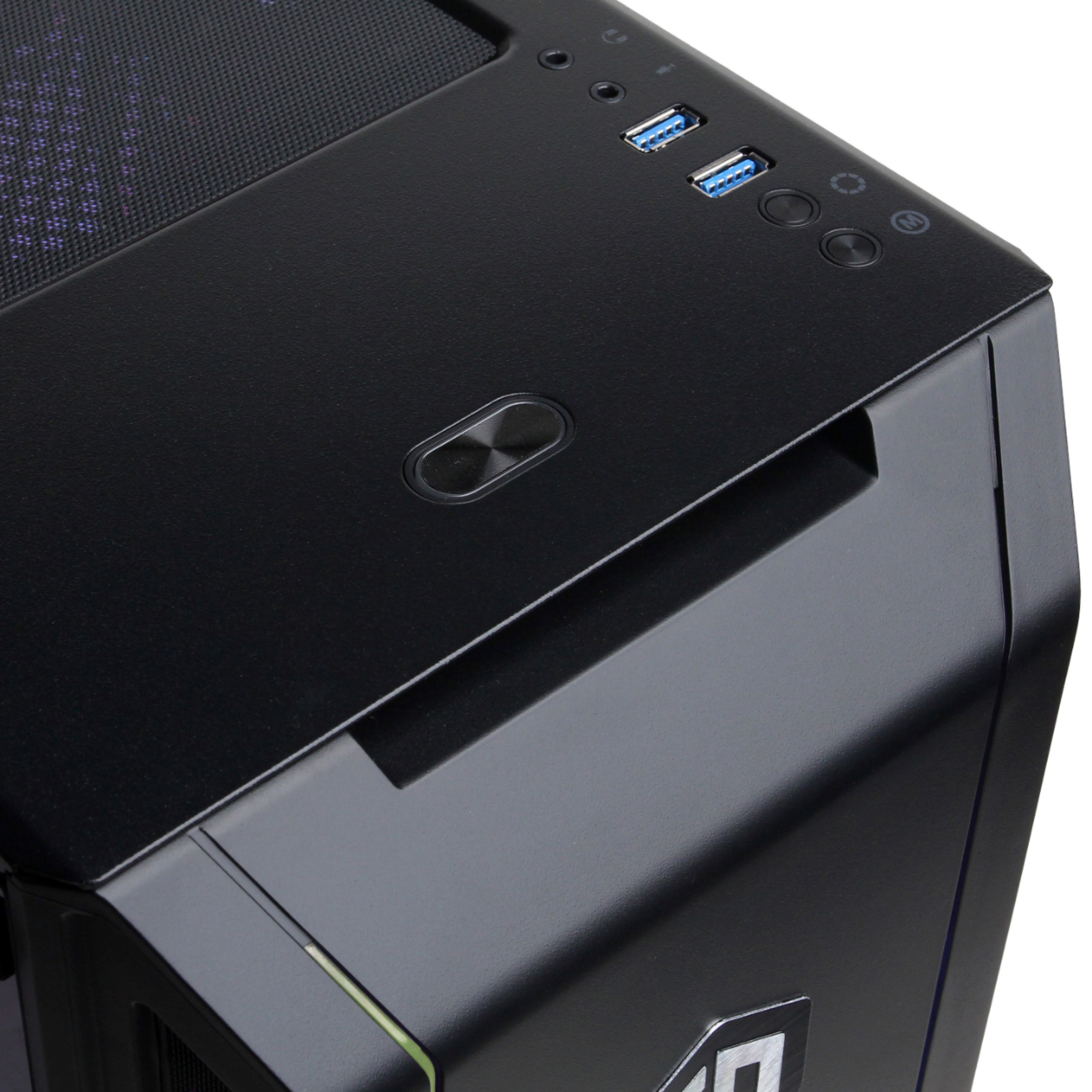
A:AnswerThanks for reaching out Dev. There should be two sets of 3.5mm jacks for headphones and mic on the front and back of the PC. If you have any further questions or concerns then please do not hesitate to give our tech support agents a call for any assistance; we're always happy to help.
Tech support:
(888)937-5582
-CyberpowerPC Support
A:AnswerAbsolutely! You can easily hook up 4 monitors right away! Note that it only has ONE HDMI port. So make sure the second monitor has a DP port(Display)
A:AnswerThank you for reaching out to us. Unfortunately, we have not tested this system with the Ballistix ram. However, if you already have the system, try to install the ram modules to see if it is compatible with the system. If you have any further questions or concerns then please do not hesitate to give our tech support agents a call for any assistance; we're always happy to help.
Tech support:
(888)937-5582
- CyberpowerPC Support
A:AnswerThanks for reaching out. The power supply unit should be a 450 watt power supply unit, however, the brand may vary with each system. If you have any further questions or concerns then please do not hesitate to give our tech support agents a call for any assistance; we're always happy to help.
Tech support:
(888)937-5582
-CyberpowerPC Support
A:AnswerThanks for reaching out Dev. This PC should be able to handle gaming and streaming, however, your settings and connection may affect performance as well as the game will affect the ability to stream. If you have any further questions or concerns then please do not hesitate to give our tech support agents a call for any assistance; we're always happy to help.
Tech support:
(888)937-5582
-CyberpowerPC Support
A:AnswerThanks for reaching out. Unfortunately, this PC may not come with a sound card. You will need external speakers or headphones for sound. If you have any further questions or concerns then please do not hesitate to give our tech support agents a call for any assistance; we're always happy to help.
Tech support:
(888)937-5582
-CyberpowerPC Support
A:AnswerThank you for reaching out to us. You will need to connect the USB adapter that comes with the headsets to the PC's USB port. If you have any further questions or concerns then please do not hesitate to give our tech support agents a call for any assistance; we're always happy to help.
Tech support:
(888)937-5582
- CyberpowerPC Support
A:AnswerThanks for reaching out AJDrewbers. Unfortunately, you will need a dual jack or USB headphones or external speakers in order to get sound. If you have any further questions or concerns then please do not hesitate to give our tech support agents a call for any assistance; we're always happy to help.
Tech support:
(888)937-5582
-CyberpowerPC Support
A:AnswerThanks for reaching out Bobby. The RAM should be a 8GB DDR4 2400MHz RAM, however, the brand may vary on each system. If you have any further questions or concerns then please do not hesitate to give our tech support agents a call for any assistance; we're always happy to help.
Tech support:
(888)937-5582
-CyberpowerPC Support