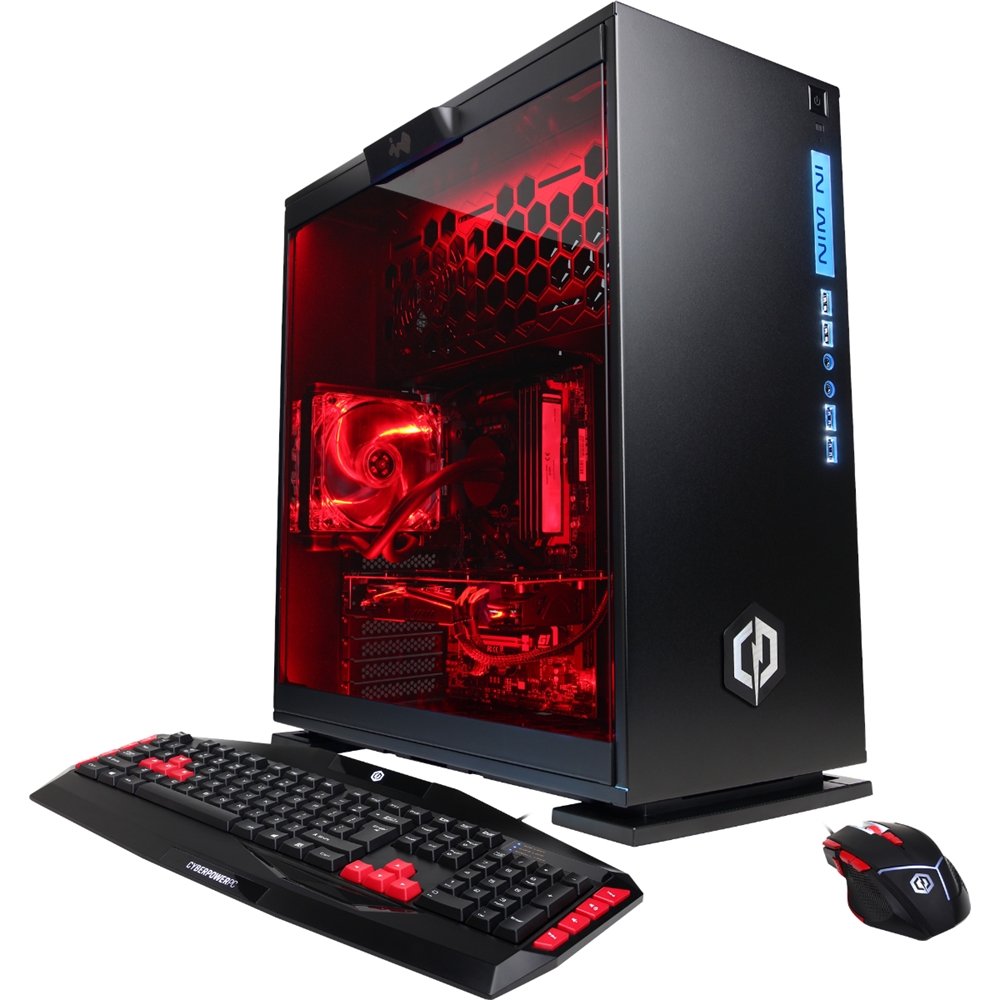
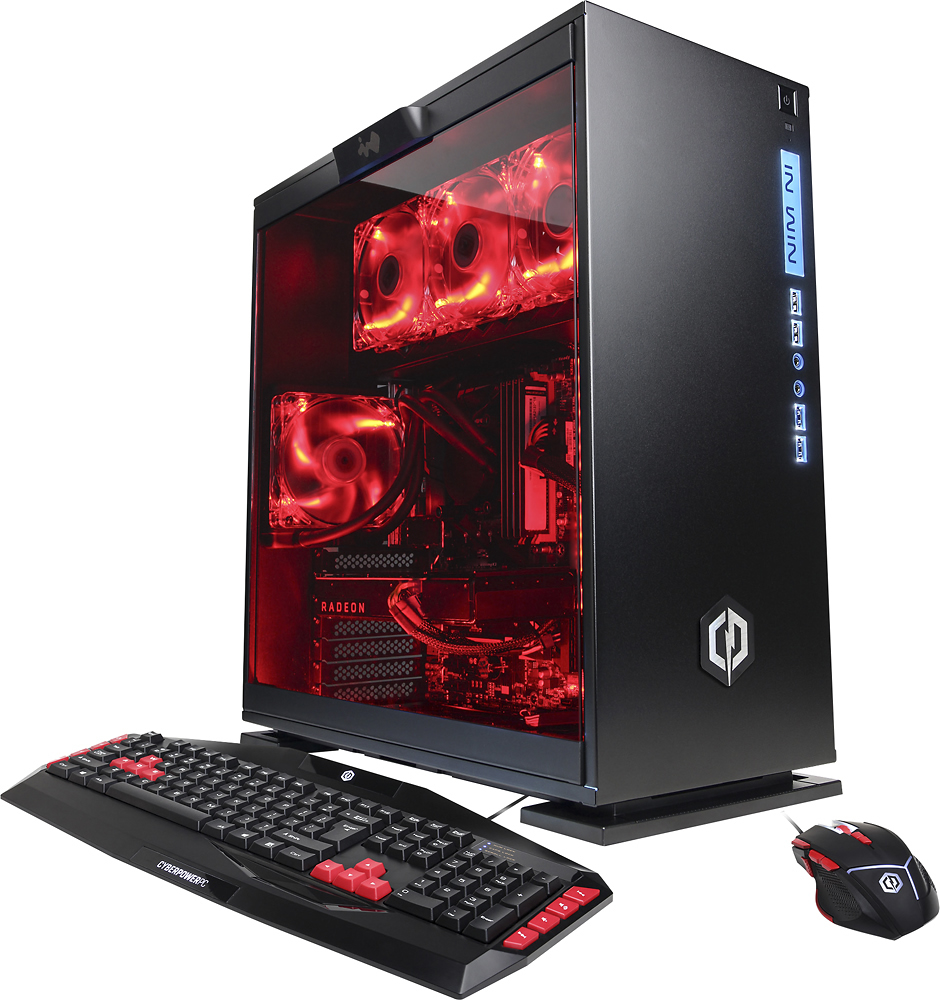
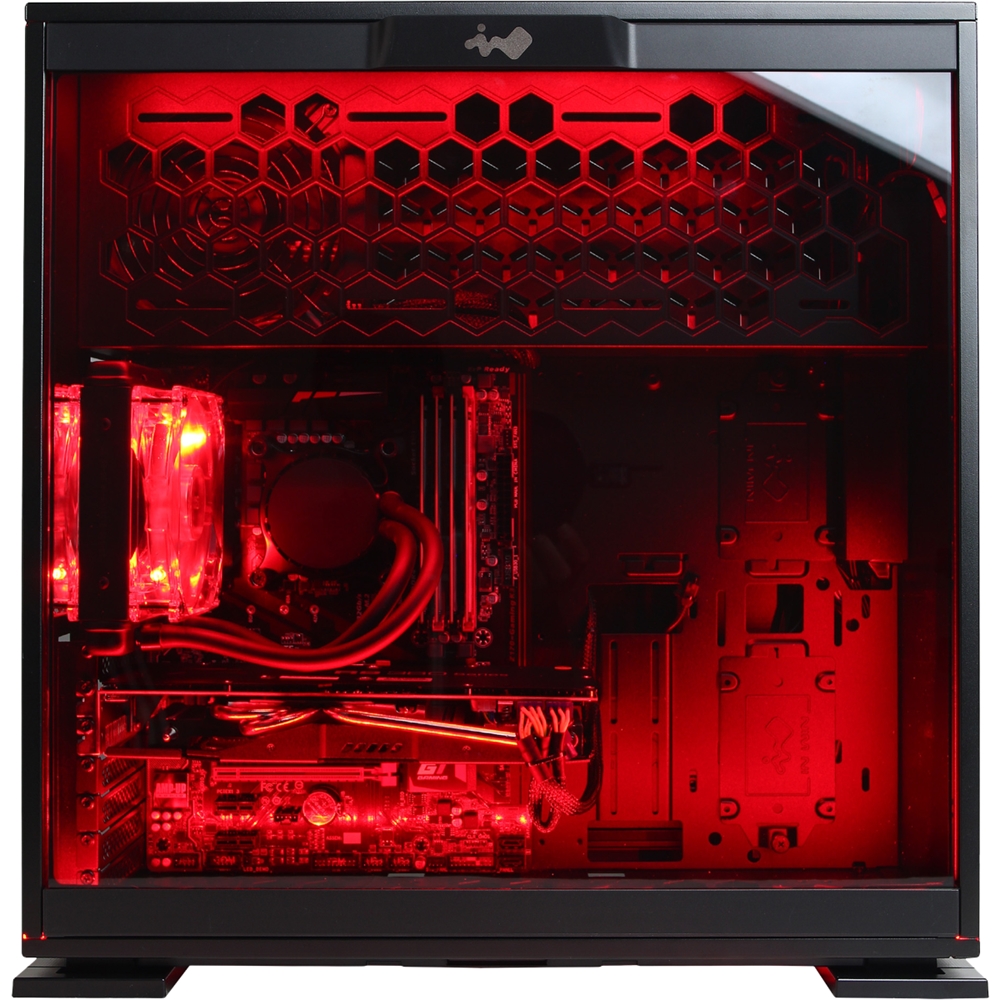
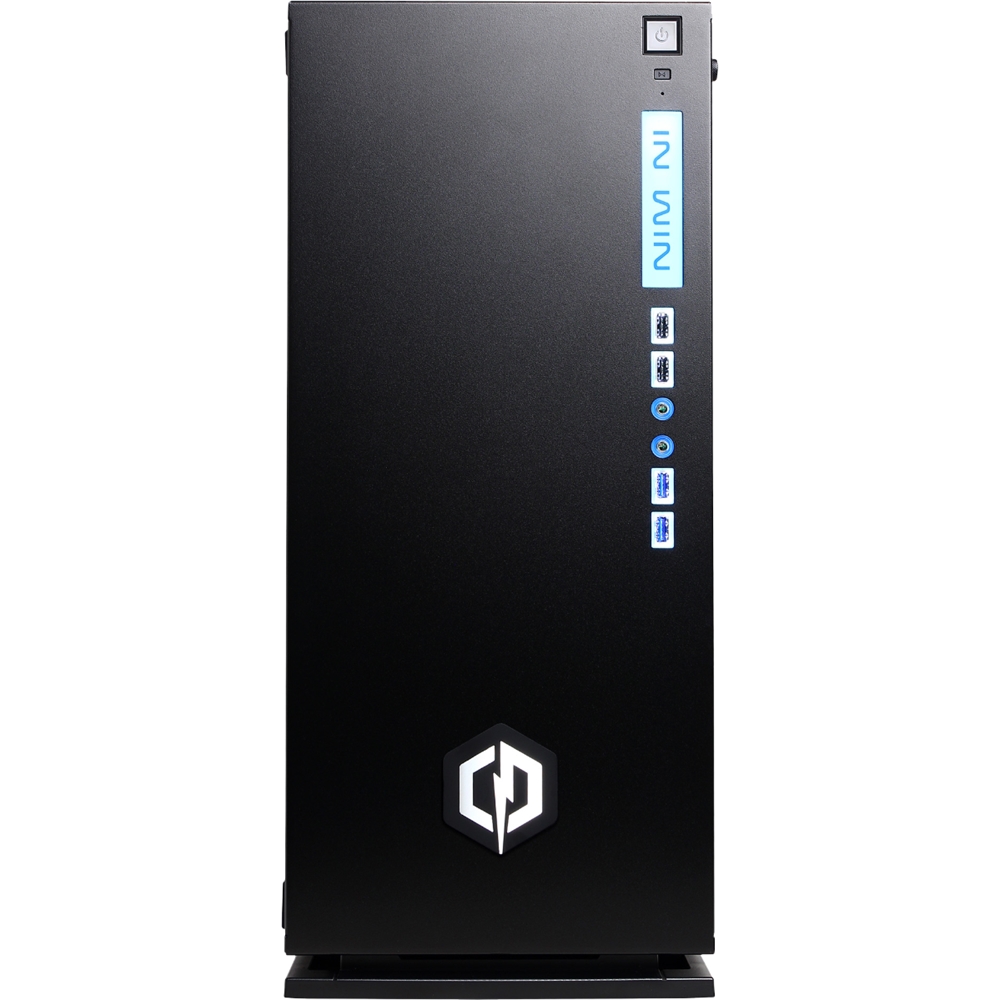
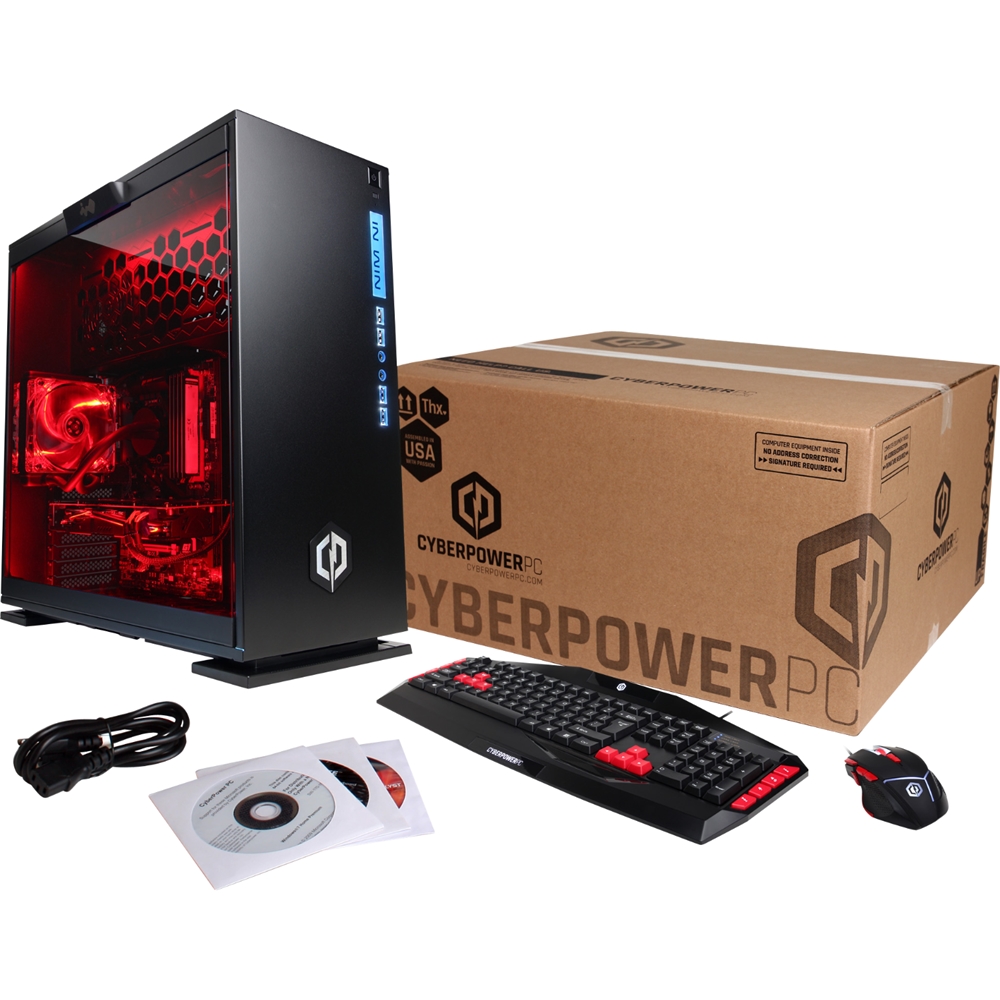
A:Answer The case configuration makes it difficult at best to add anything though there is plenty of room.
Drives are mounted on a mounting plate prior to installation, then it's a single thumbscrew mount to attach the plate.
There are 2 large plates on one side of the machine and 2 smaller ones on the other side.
From the factory both large plates are occupied. One by the HDD, the other by the SSD.
To add a full size drive you would need to remove the SSD (small footprint) from the large plate and move it to a small plate on the other side of the machine.
To further complicate expansion the factory utilizes and 90 degree SATA cable for the HDD and the only way to make it fit is to allow it to occupy one slot and cover another.
You'll need to buy a standard, straight cable and get rid of the 90 to utilize all 4 SATA ports on the MB,
I picked up my brand new Cyberpower machine at 10 am this morning and returned the brick for a full refund by noon.
Not a fun day.