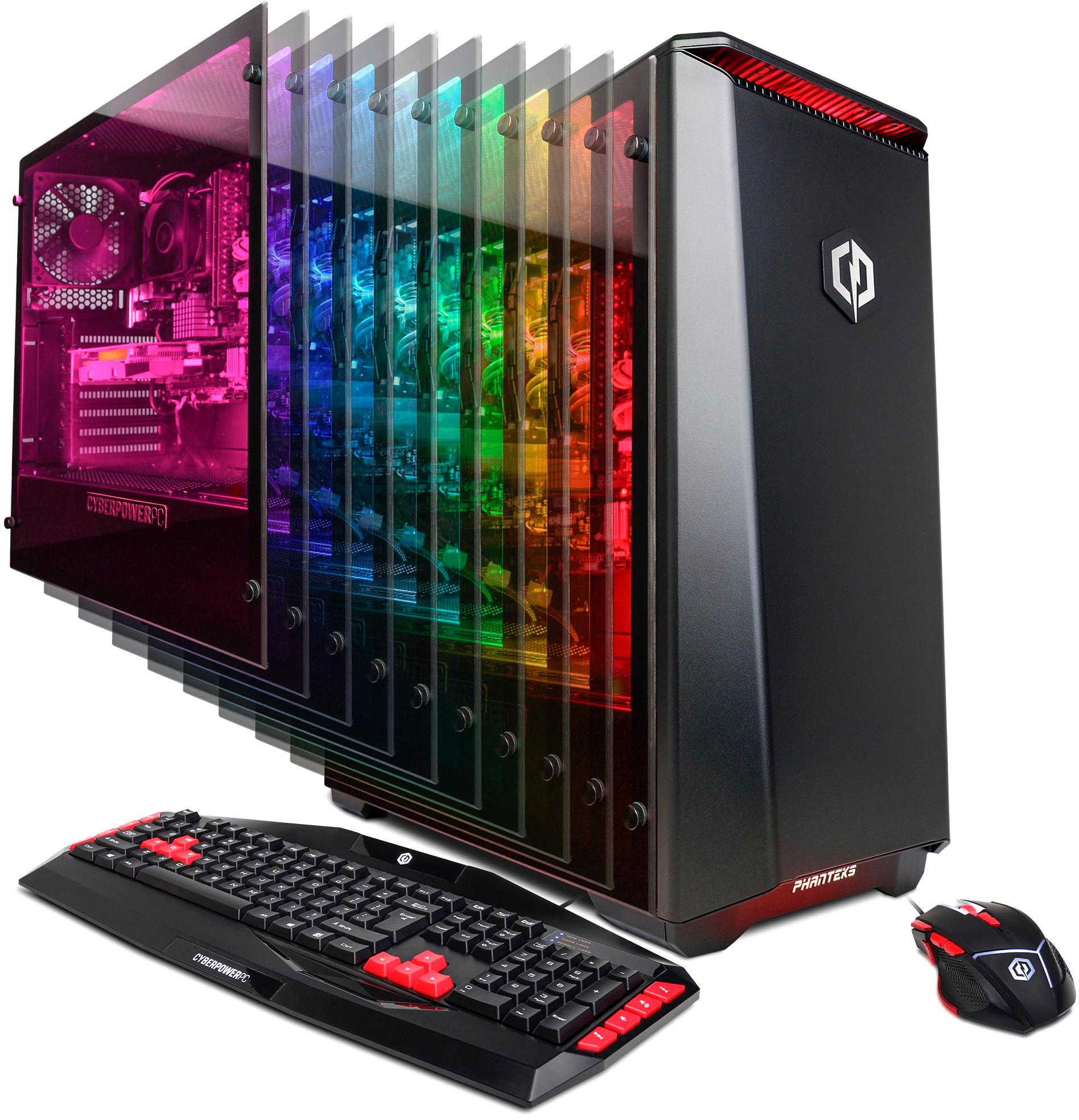
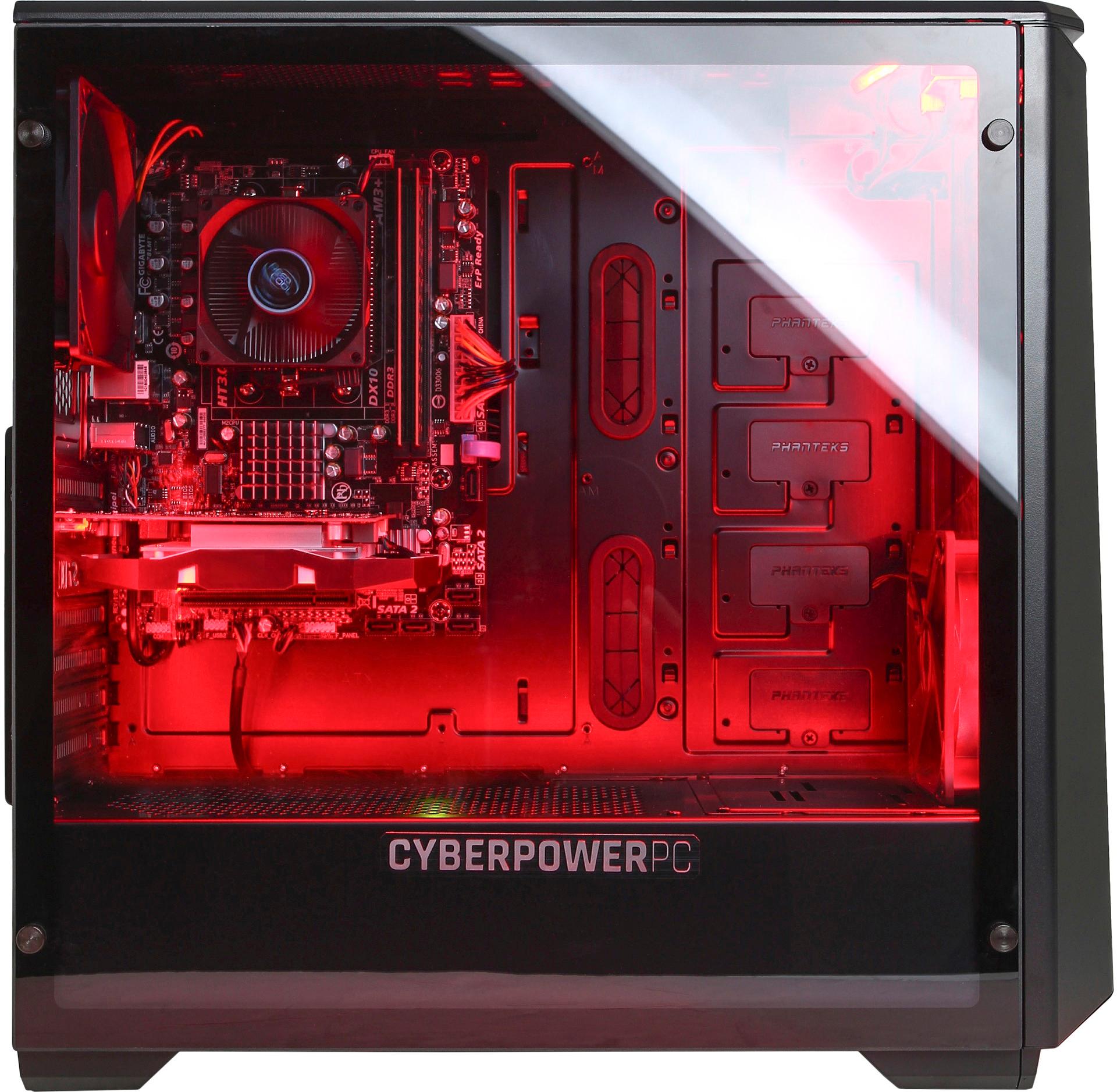
A:AnswerThey recommend checking the inside to make sure none of the connections came loose, but the tempered glass side is pretty easy to take off. Nothing was loose on ours.
There are two different monitor input areas... make sure to use the one indicated in the picture instructions that come in the box. It’s a DVI or HDMI connection.
A:AnswerThis model meets/exceeds the minimum system requirements for that game. Please feel free to call us if you have any other questions at 800.707.0393.
A:AnswerThe brand will vary depending on what in stock at time of production. How much you can boost the clock speeds is dependent on the graphics card and will vary. Please feel free to call us if you have any other questions at 800.707.0393.
A:AnswerNew computers should have a reliable psu, but if you don't feel uncomfortable PSUs are around $50, not to expensive, but ONLY INSTALL A NEW PSU IF YOU HAVE EXPERIENCE DOING SO, if not seek help from an expert.
A:AnswerYes, the power supply is safe. If you any issues, please contact our technical support department at 888.937.5582 Monday through Friday from 8am to 7pm PST and Saturdays 9:30am to 3pm PST and they will further assist you.
A:AnswerThe PC doesn't come included with bluetooth, but you can get a USB bluetooth adapter to plug in via USB. Please feel free to call us if you have any other questions at 800.707.0393.
A:AnswerWe can help provided that. Simply get in touch with our tech support agents for a Spec Sheet. As for the over clocking, it is much more complicated than that. It takes a lot of tweeking to ensure you get a stable over clock. There are to many factors that play a roll that make one set up not work on another. Feel free to give our support team a call for the spec sheet and any other questions you may have.
Tech support:
(888)937-5582
- CyberPowerPC Support
A:AnswerThe PC has either an AMD 760G chipset or AMD 970 chipset. The brand may vary depending on what in stock at the time of production. The power supply is 450 watt. Please feel free to call us if you have any other questions at 1.800.707.0393.
A:AnswerI added another stick of ram for the max capacity of 16GB. and i also added a SSD. Not much else to upgrade. Its a entry level computer. I mean you could upgrade the graphics card but in reality if you wanted to do that you should have gone with the $749 version which has a better graphics card, CPU, You can add up to 64Gb of ram on that one...
A:AnswerMax is 16GB of DDR3 ram. IT will not accept 32GB... If you want more ram then go with the next size up computer which is the $749 one that can accept up to 64 GB
A:AnswerIf you can afford a GTX 1080 then why did you cheap out and get this computer? At least go with a better model even the 749 dollar one is much bettr than this one.
A:AnswerIF you want to change out the CPU and GPU. THen build your own computer. THis is a very very budget motherboard that has little features. Same price you can build a nice computer. Search on linustechtips they built a nice computer for 3 people recently
A:AnswerThank you for your interest in our system. Please check with Best Buy for any promotional pricing. Please feel free to call us if you have any other questions at 1.800.707.0393.
A:AnswerThis Pc is capable of playing modern games like Rainbow 6: Siege. You can always compare system requirements to this models Specs to get a better idea how well it will run any game you are interested in. If you have any further questions or concerns please do not hesitate to get in touch with our support agents; we're always happy to help.
Tech support:
(888)937-5582
- CyberPowerPC Support