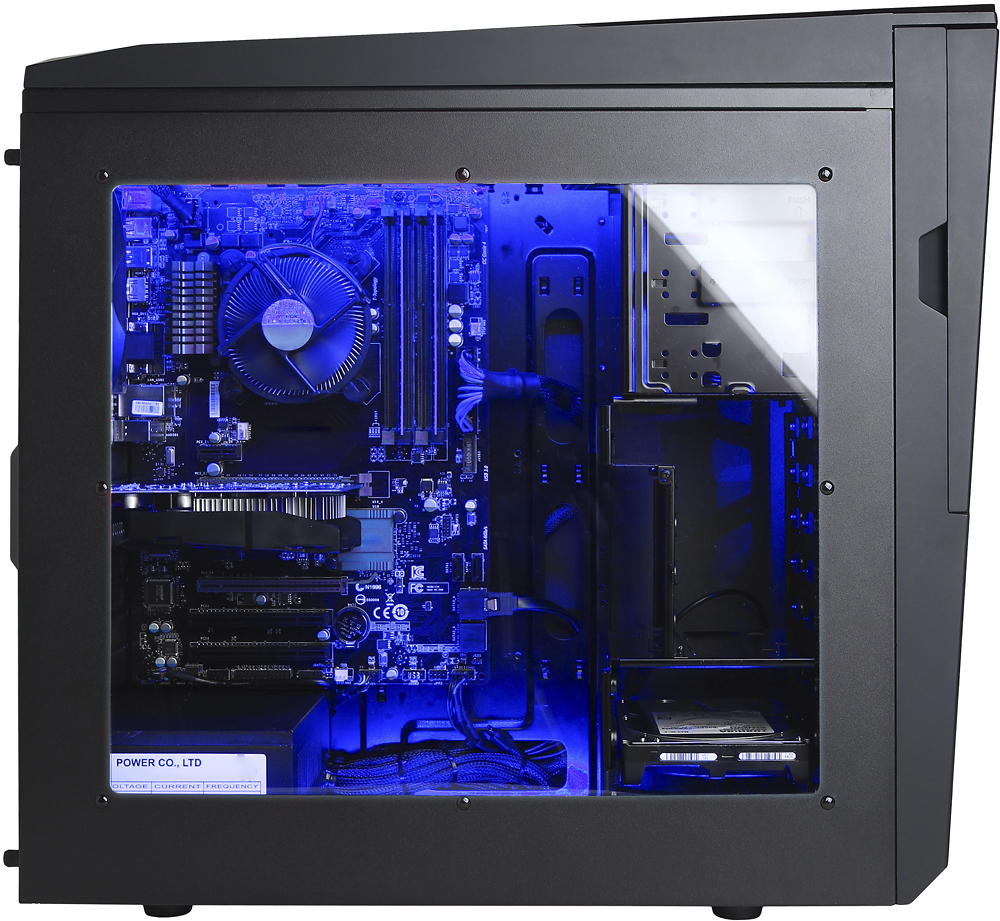
A:AnswerIf you want to step up its game you could put in a better graphics card. A GTX 1050ti would be a great upgrade for this prebuilt PC. If I purchase this, I will be upgrading to a GTX 1050ti. ;)
A:AnswerThe Frames you will bet between each of those games will vary tremendously as each game varies on how easy it is to run. A few of the games mentioned will have lower frame rates if set to higher resolutions. We recommend comparing a computers' system specifications to a games' system requirements to get an idea if the game will run. If you need assistance doing so please feel free to get in touch with our tech support team; we're happy to help. Tech support: (888)937-5582 - Cyber_Tech2
A:AnswerWe can't really provide any personal recommendations as that really is more on personal preference. You can visit your local Best Buy store as some select Best Buy stores have our product so that you can check it out yourself. Please feel free to call us if you have any other questions at 1.888.937.5582 Monday through Friday from 7am to 7pm PST.
A:AnswerThis PC does not meet the requirements for the Oculus Rift. The GPU needs to be a minimum of RX 480 or GTX 1060. The CPU must be an Core i5 series or higher.
A:AnswerYou will need to upgrade the PSU if you need a 6-Pin PCI express power connection from the power supply. Please feel free to call us if you have any other questions at 1.888.937.5582 Monday through Friday from 7am to 7pm PST. Please note that we are closed on Holidays.
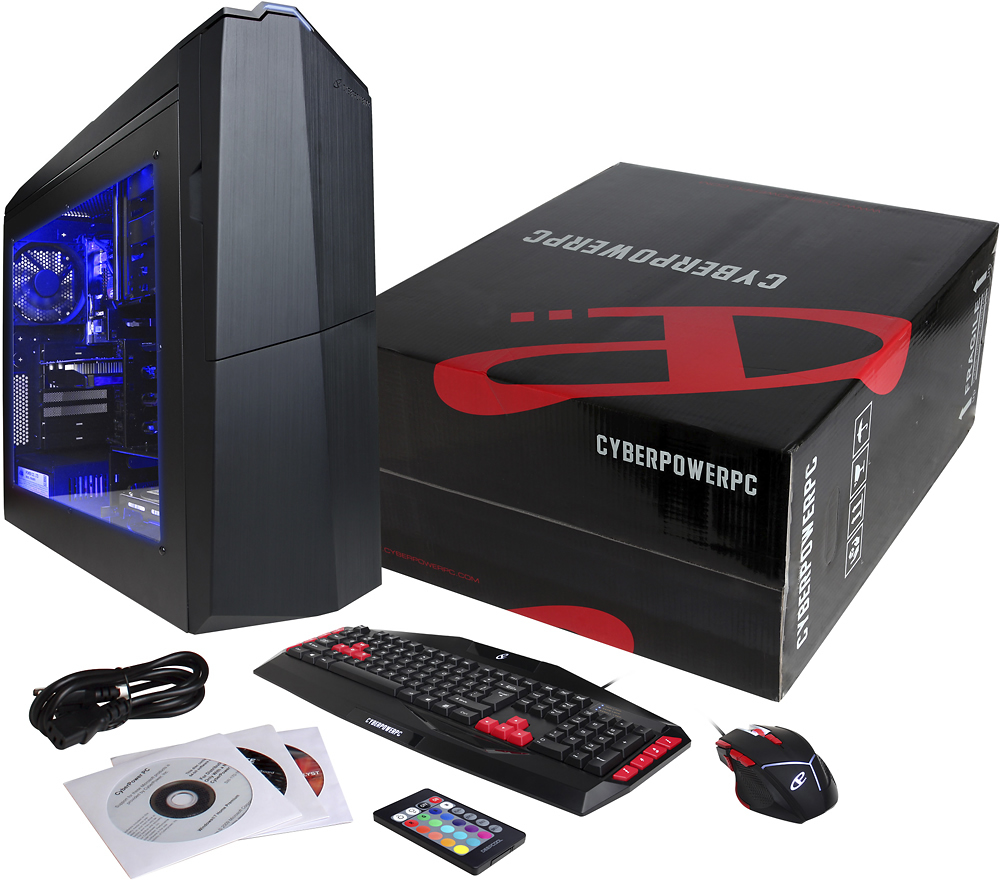
A:Answer400 dpi (dots per inch) is the standard for "mice" that allow no adjustment. Most adjustments to speed (up or down) are made in the operating system for a "fixed" mouse. For mice that are adjustable on the fly (run?), it usually goes in steps such as 400 dpi, 800 dpi, 1200dpi, 1600 dpi, 2000 dpi. Some mice intended for gaming increase in multiples of 400 dpi. For example: 2X, 4X, 8X or 400, 800, 1600, 3200 dpi. The higher the dot per inch setting, the faster the mouse will move across the screen, or , in a game, the faster the mouse will move your shooter. Some gamers don't use a mouse. They use the left, right, up and down arrows on the right side of the keyboard. Keyboards have #1 priority and respond instantly to inputs with no latency. Gamers who master the arrows are very, very hard to beat. They develop finger coordination skills like an athetic musician without thinking about it and will beat multiple opponents in rapid succession, surprising even themselves with their "eye of the tiger". Such players are often accused of cheating but they have no need of it and react with incredibly short reflex time (1/10th of a second is possible). Very tough and instructive. When you play against one, you will know it. :)
A:AnswerThe motherboard supports AMD AM3+ FX and AM3 Phenom socket types. The CPU cant demand more than 95W for power. both socket types have high end CPUs so you'd simply have to choose one you like the most. If you happen to have any further questions please feel free to get in touch with our support team; we're happy to help.
Tech support:
(888)937-5582
- Cyber_Tech2
A:AnswerThat will depend on the availability of the item. Please check with your local Best Buy store for details. Please feel free to call us if you have any questions regarding the PC at 1.888.937.5582 Monday through Friday from 7am to 7pm PST otherwise please contact your local Best Buy store.