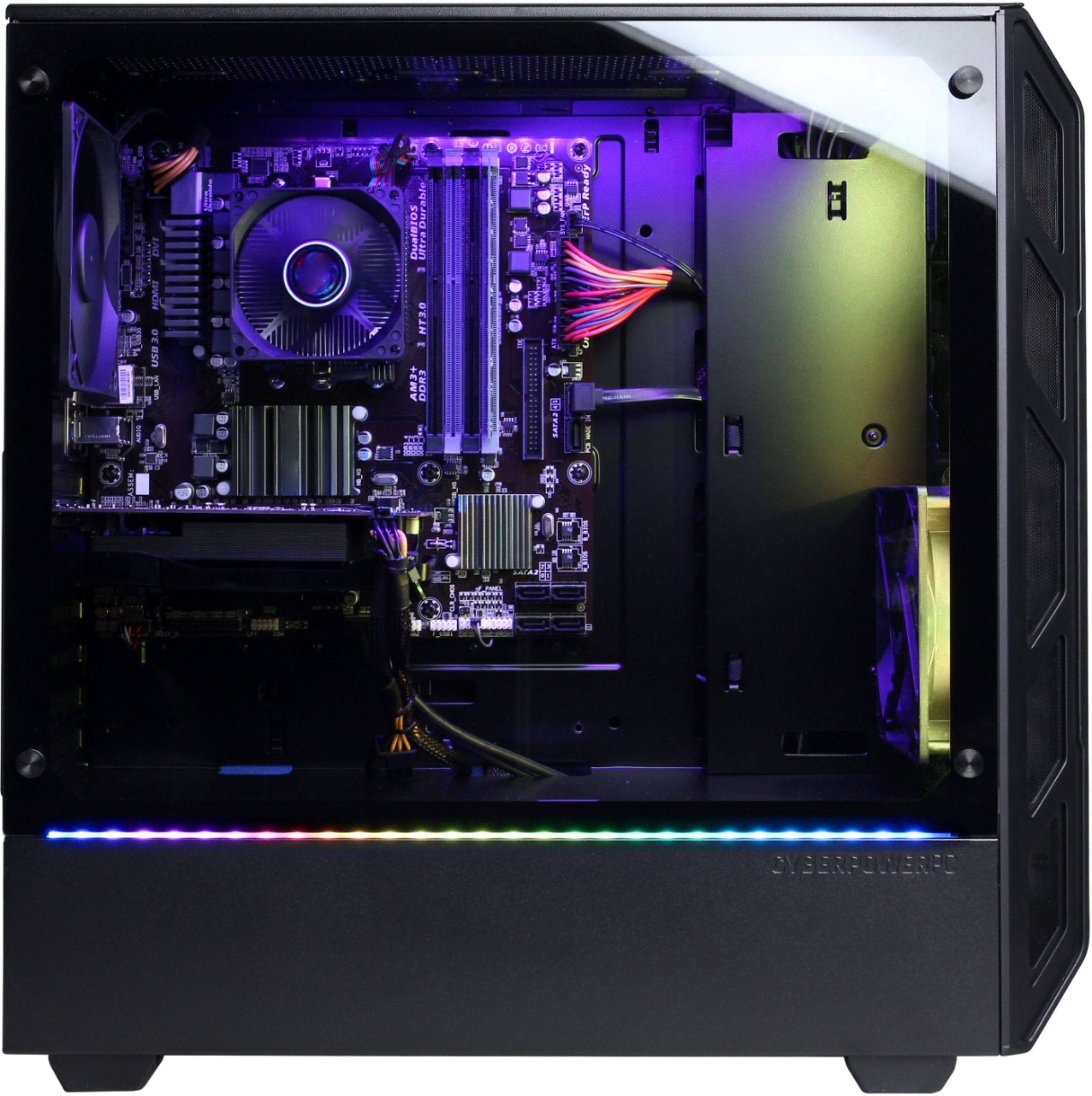
A:AnswerThank you for reaching out Logan37877. Please make sure that the cable (HDMI, Display Port, or DVI) is connected to the same port where the video card is located under the audio jacks behind the computer, and not into the motherboard. If you have any further questions or concerns then please do not hesitate to give our tech support agents a call for any assistance; we're always happy to help.
Tech support:
(888)937-5582
- CyberpowerPC Support
A:AnswerThank you for reaching out judethedude202. This model should be able to run FL Studio no problem. Please beware that if you are making music, be sure to keep a check on your storage as the more tracks you make, the more storage is used. If you have any further questions or concerns then please do not hesitate to give our tech support agents a call for any assistance; we're always happy to help.
Tech support:
(888)937-5582
- CyberpowerPC Support
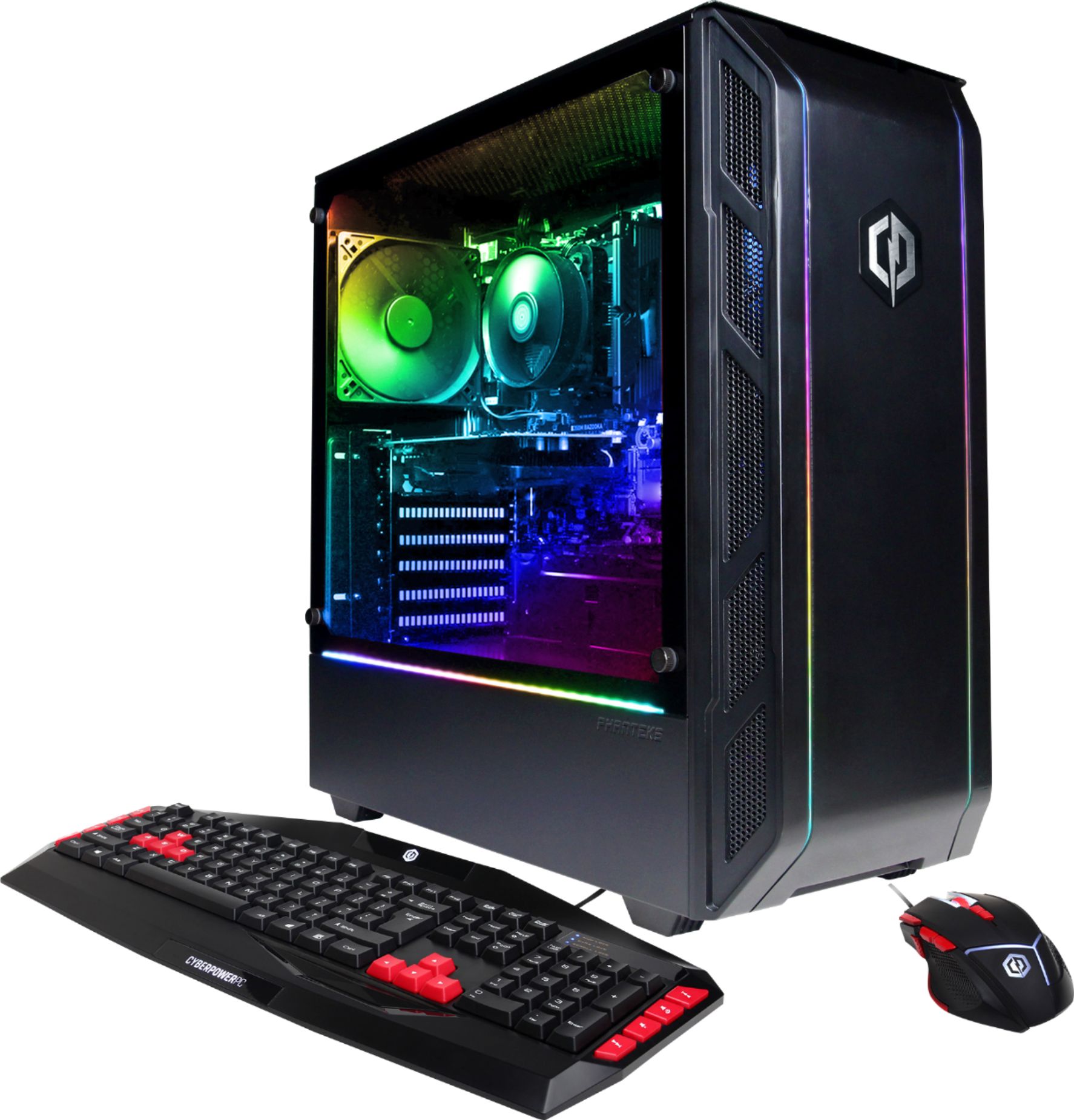
A:AnswerThank you for reaching out. With the monitors, all you need is 1 cable to connect to the port underneath the audio jacks into the video card. Please use the HDMI cable because that video card does not support VGA. If you have any further questions or concerns then please do not hesitate to give our tech support agents a call for any assistance; we're always happy to help. Tech support: (888)937-5582 - CyberpowerPC Support
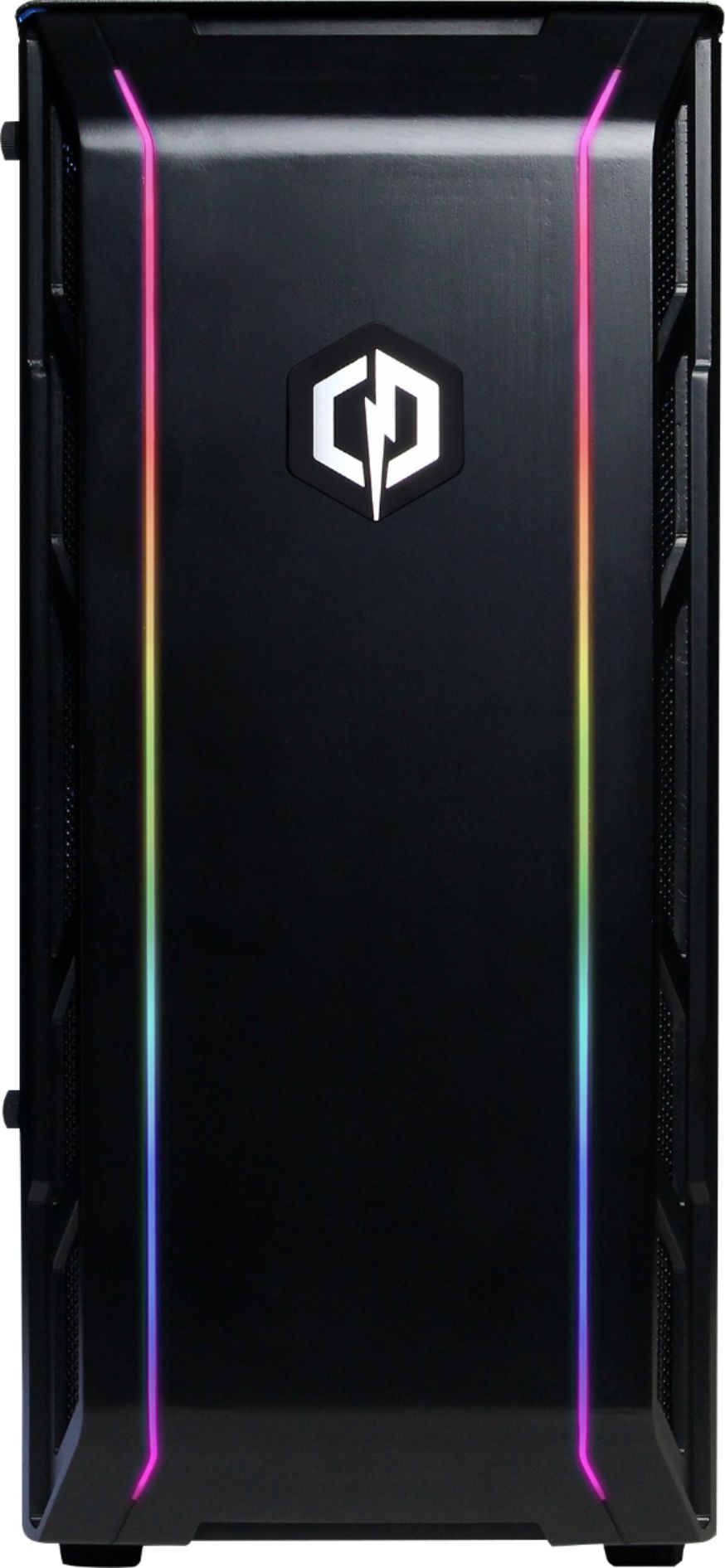
A:AnswerThank you for reaching out. The PC should be able to handle programming and coding. Whether you need extra GB storage is based on how much programming and coding you do. If you have any further questions or concerns then please do not hesitate to give our tech support agents a call for any assistance; we're always happy to help.
Tech support:
(888)937-5582
- CyberpowerPC Support
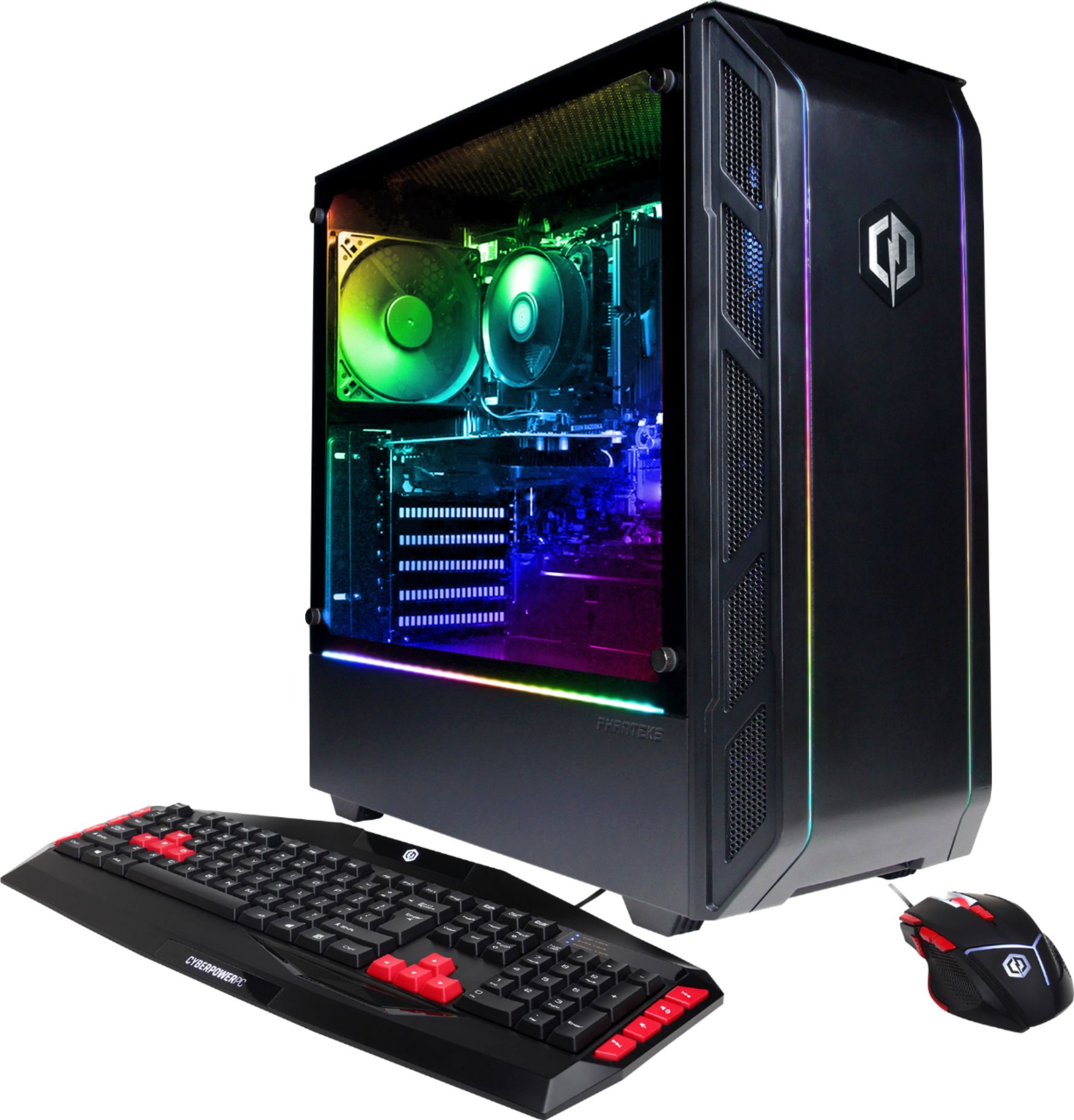
A:AnswerPlease contact your local BestBuy for any further information regarding current or future sales. However, there will be sales in the near future so please be on the lookout, but it is not guaranteed this model will be on sale. Thank you for understanding. - CyberpowerPC Support
A:AnswerLearn how to build them. It's super easy if you watch YouTube videos. It's just a little scary at first but you'll learn that it's mostly just plugging things into the right spot.
Start by learning what parts you want to use. There are websites dedicated for pc part picking. Just search for pc part picking and you'll be good.
Learning to do it yourself can shave off at least 300 dollars
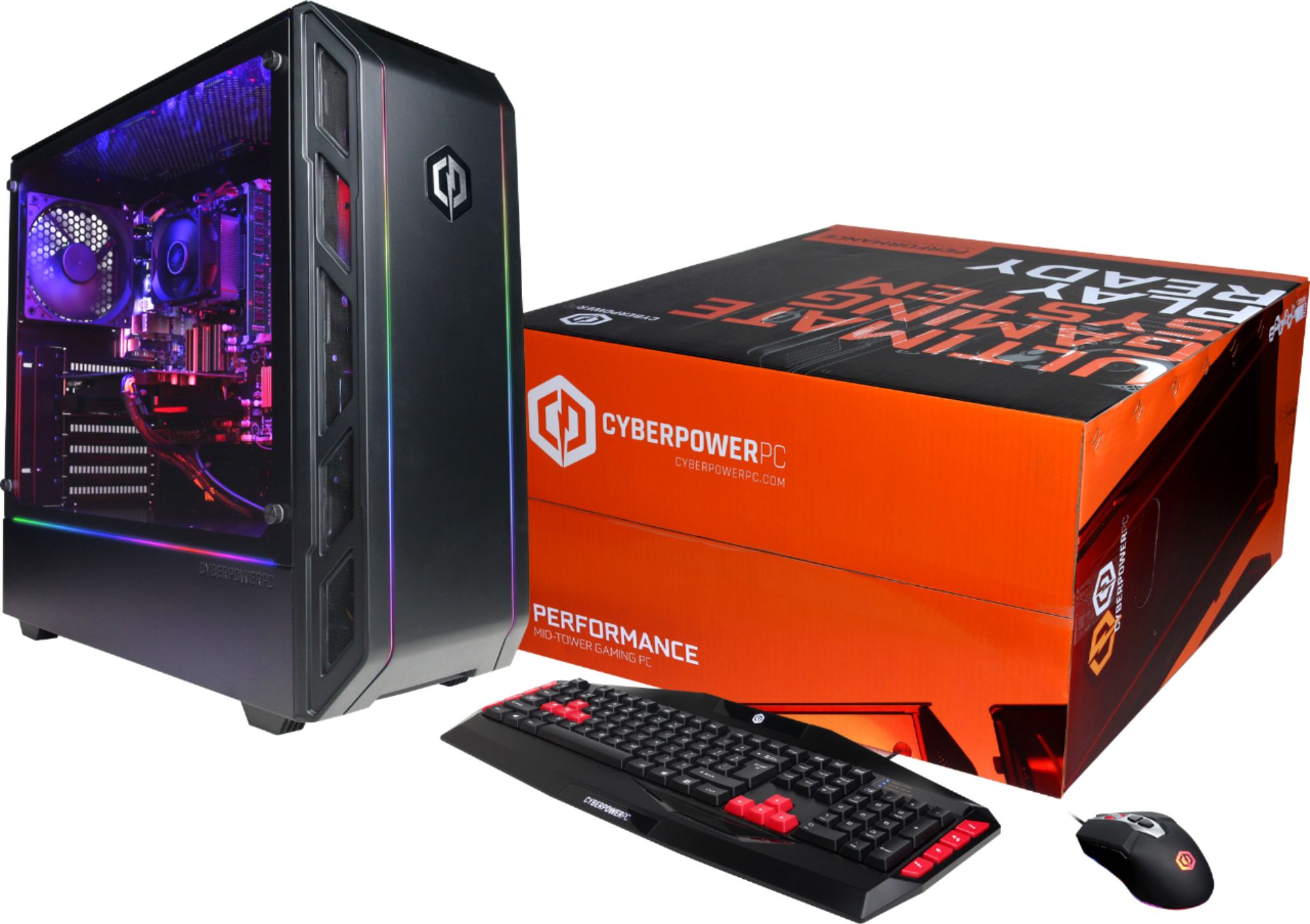
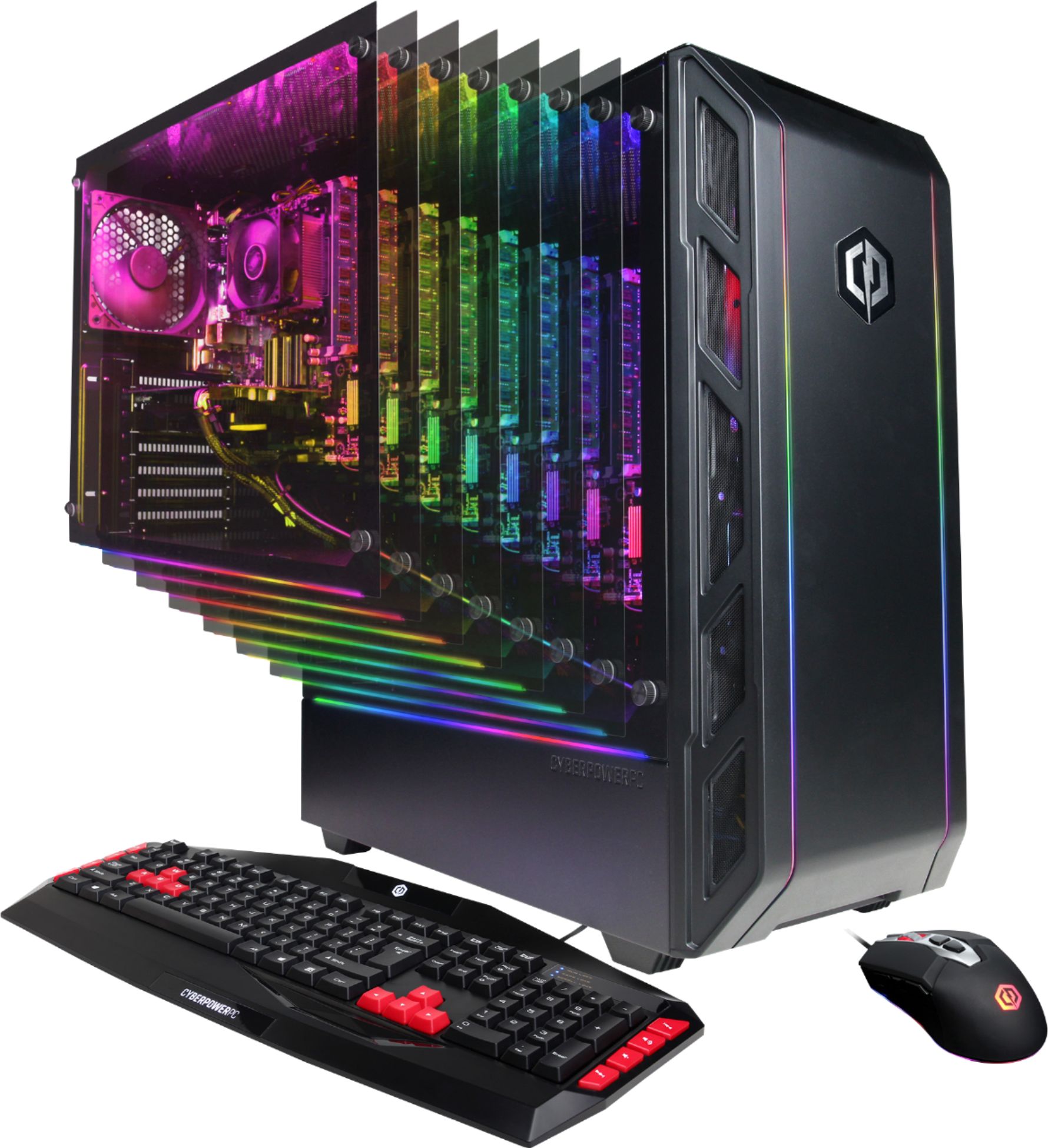
A:AnswerThank you for reaching out. For the mouse, it is called CYBERPOWERPC ELITE M1 131 7 COLOR GAMING MOUSE and its DPI settings are as follows: 800(Red) 1600(Green) Default mode 2400(Blue) 3200(Purple) 6400(Metalic Blue) 8200(Orange). If you have any further questions or concerns then please do not hesitate to give our tech support agents a call for any assistance; we're always happy to help.
Tech support:
(888)937-5582
- CyberpowerPC Support
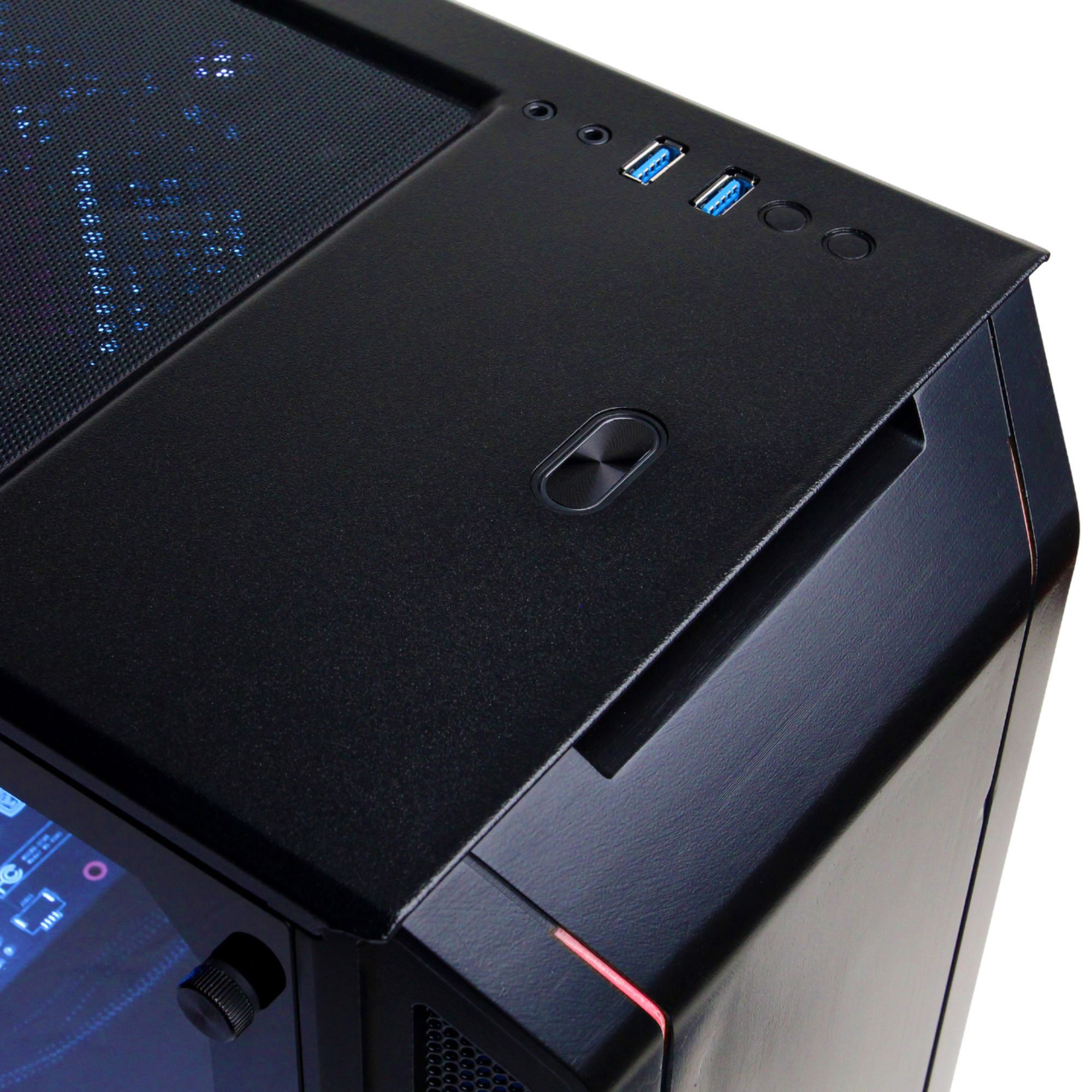
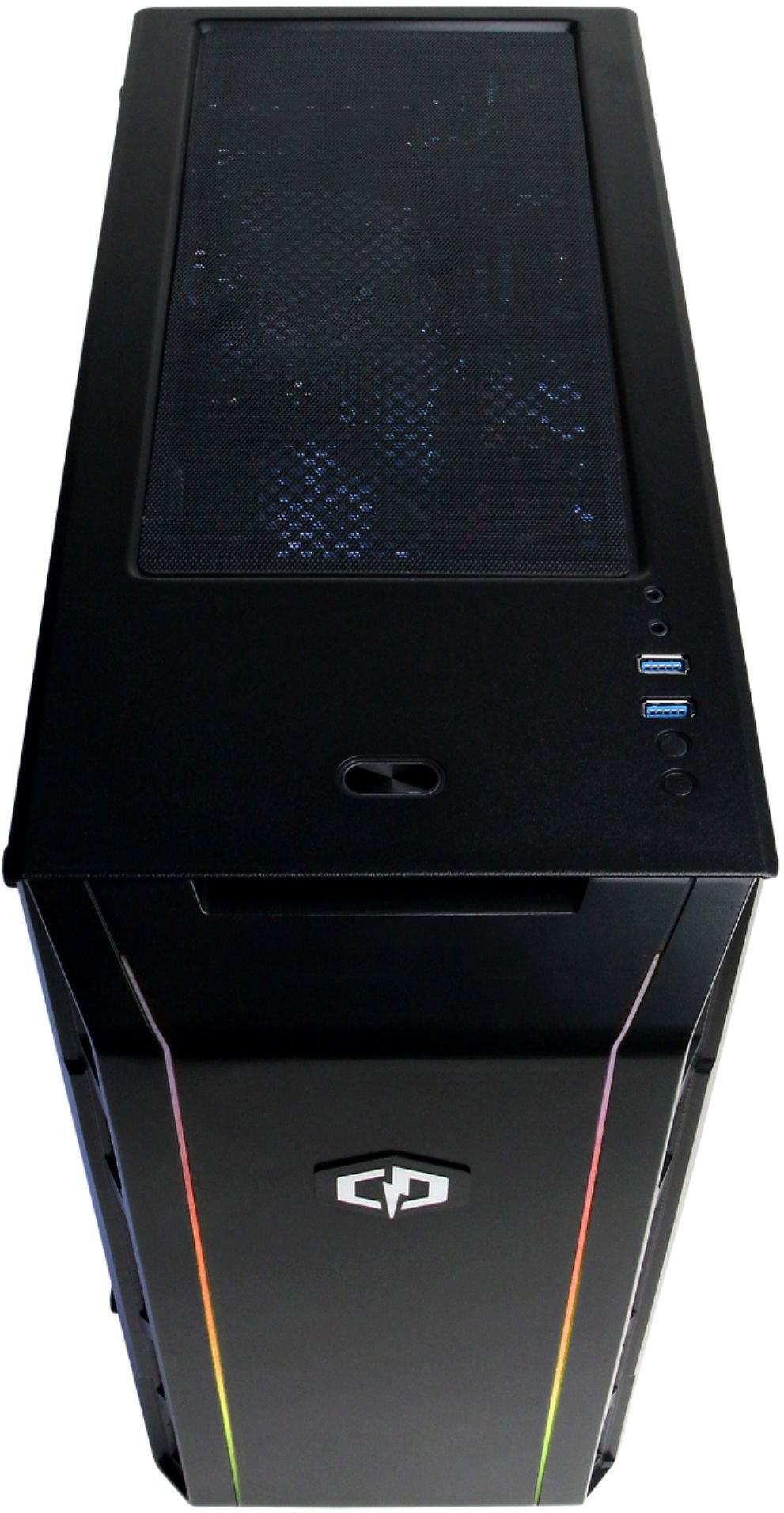
A:AnswerThank you for reaching out Brandi. Yes this computer does come pre-built and you should be able to change the colors using the buttons on top of the computer below the USB ports. If you have any further questions or concerns then please do not hesitate to give our tech support agents a call for any assistance; we're always happy to help.
Tech support:
(888)937-5582
- CyberpowerPC Support