A:AnswerThank you for reaching out to us vdubchicky. We recommend getting in contact with Best Buy directly for further assistance on this matter as they handle the promotional game codes.
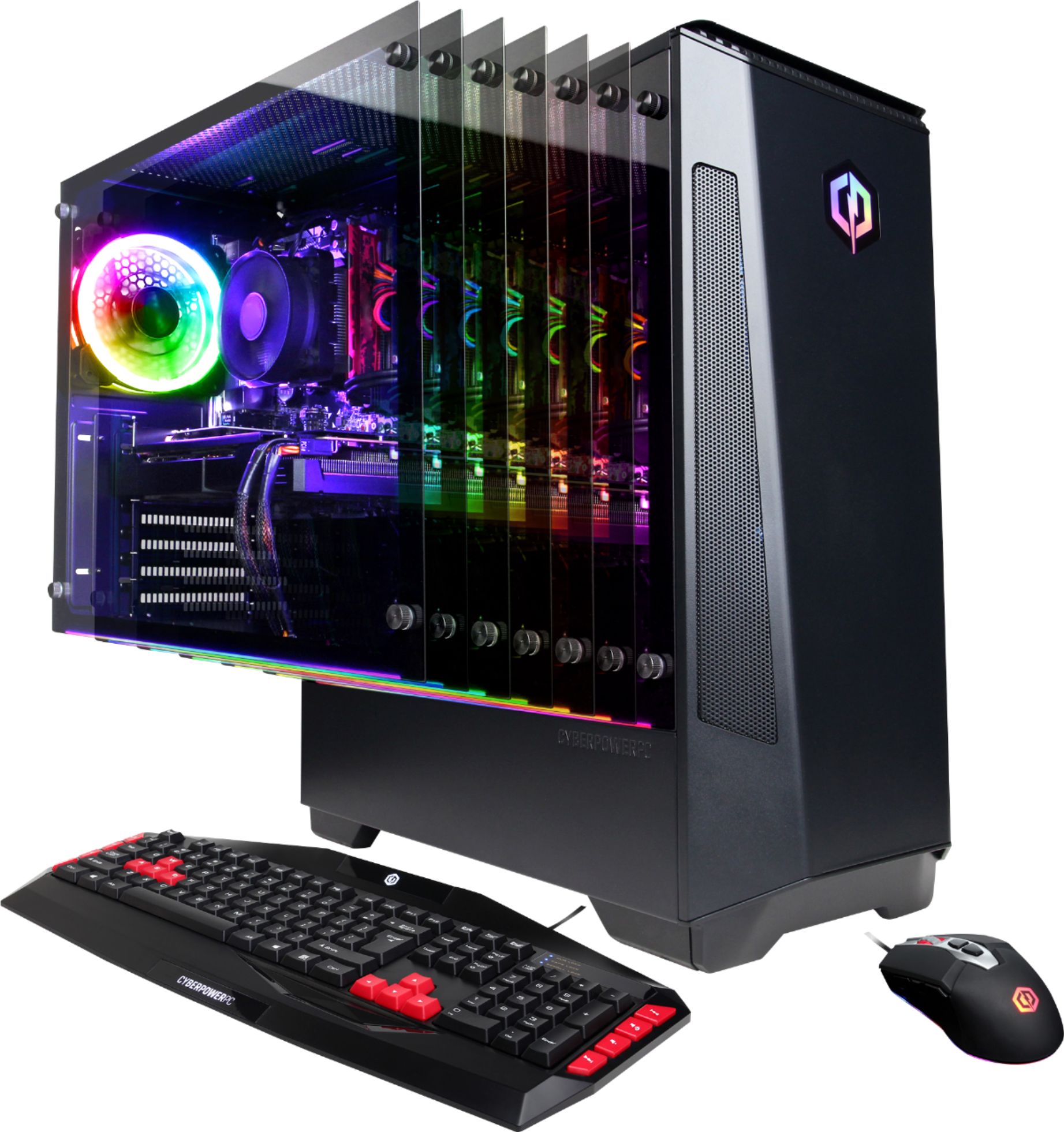
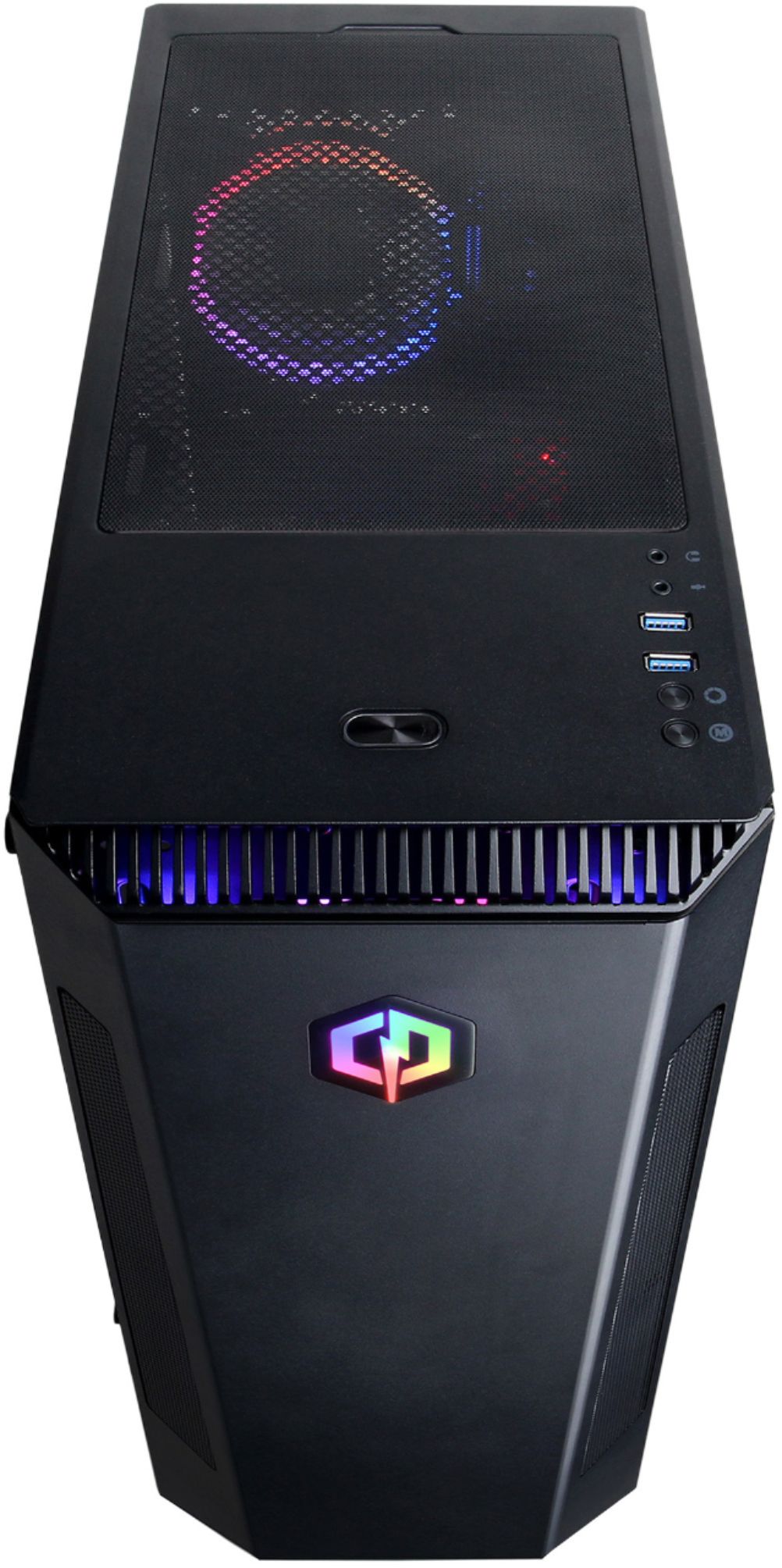
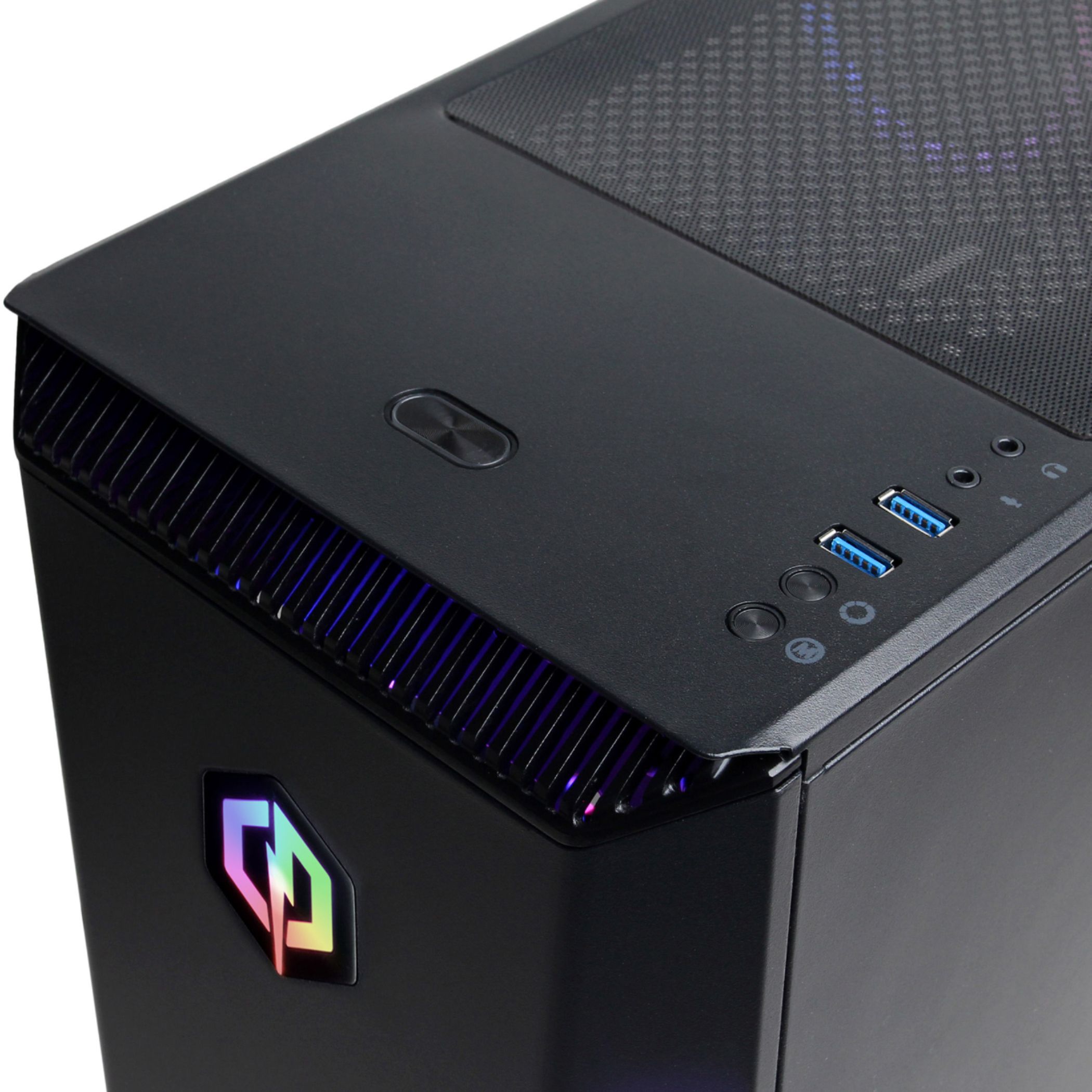
A:AnswerThere are two buttons on top below the USB ports that co from the lights. If they aren't working, a wire probably came loose in shipping. You'll have either open it up and look, take it to the store for help, or live without the lights.
I would recommend taking it in, unless you know what you are doing inside a computer case. You could fry something actually important if you aren't careful and use static safety equipment.
A:AnswerThank you for reaching out to us Sethdep. Unfortunately the manufacturer and form factor of the components included with this system may vary depending on what was currently available at the time the PC was built. If you have any further questions or concerns then please do not hesitate to give our tech support agents a call for any assistance; we're always happy to help.
Tech support:
(888)937-5582
-CyberpowerPC Support
A:AnswerThank you for reaching out to us Tyler. This PC should be able to run Fortnite as it does meet the minimum system requirements. However, the amount of FPS you receive in-game will vary depending on the resolution and refresh rate of your display, in-game graphics settings, as well as your network connection. It is always recommended that you check the system requirements of the game you would like to play before making your purchase. If you have any further questions or concerns then please do not hesitate to give our tech support agents a call for any assistance; we're always happy to help.
Tech support:
(888)937-5582
-CyberpowerPC Support
A:AnswerIts wire may have come loose in shipping. If you aren't confident inside a computer case, take it in to the geek squad counter at the store. I think they'll help you for free since you bought the computer there.
A:AnswerThank you for reaching out to us Spritle. Please feel free to contact our tech support team at your earliest convenience for further assistance on this matter, we're always happy to help.
Tech Support:
(888)937-5582
TechTeam@CyberpowerPC.com
Hours of Operation:
Monday - Friday: 8:30AM - 6:00PM PST
Saturday: 9:30AM - 3:00PM PST
-CyberPowerPC Support
A:AnswerThank you for reaching out to us Evan. This PC should be able to run ARMA 3 as it does meet the minimum system requirements. However, the amount of FPS you receive in-game will vary depending on the resolution and refresh rate of your display, in-game graphics settings, as well as your network connection. It is always recommended that you check the system requirements of the game you would like to play before making your purchase. If you have any further questions or concerns then please do not hesitate to give our tech support agents a call for any assistance; we're always happy to help.
Tech support:
(888)937-5582
-CyberpowerPC Support
A:AnswerThank you for reaching out to us. Unfortunately this system does not include an internal disc drive, however, you may purchase an external disc drive that uses a USB connection separately. If you have any further questions or concerns then please do not hesitate to give our tech support agents a call for any assistance; we're always happy to help.
Tech support:
(888)937-5582
-CyberpowerPC Support
A:AnswerThank you for reaching out to us George. Please make sure all display cables are plugged directly into the graphics card located below the pink, green, and blue audio ports. If you have any further questions or concerns then please do not hesitate to give our tech support agents a call for any assistance; we're always happy to help.
Tech support:
(888)937-5582
-CyberpowerPC Support
A:AnswerThank you for reaching out to us. You should be able to just screw the antennas to the back of the computer. If you have any further questions or concerns then please do not hesitate to give our tech support agents a call for any assistance; we're always happy to help.
Tech support:
(888)937-5582
-CyberpowerPC Support
A:AnswerThank you for reaching out to us ChrisJr. Unfortunately most computers are no longer compatible with a VGA cable, if your monitor does not support any of the connections on the back of the PC, you may need to purchase a new monitor. If you have any further questions or concerns then please do not hesitate to give our tech support agents a call for any assistance; we're always happy to help.
Tech support:
(888)937-5582
-CyberpowerPC Support
A:AnswerThank you for reaching out to us Idaho. We included the discs because it came with the components, everything should already be preloaded onto your system. If you have any further questions or concerns then please do not hesitate to give our tech support agents a call for any assistance; we're always happy to help.
Tech support:
(888)937-5582
-CyberpowerPC Support
A:AnswerThank you for reaching out to us Gregnco160. Please feel free to contact our tech support team at your earliest convenience for further assistance on this matter, we're always happy to help.
Tech Support:
(888)937-5582
TechTeam@CyberpowerPC.com
Hours of Operation:
Monday - Friday: 8:30AM - 6:00PM PST
Saturday: 9:30AM - 3:00PM PST
-CyberPowerPC Support
A:AnswerI'm going to assume you're trying to use wifi...
First off, did you install the antennae that came with it? They are in the box the mouse was in. Two little black stick looking things with threads in one end. There are two posts on the back above the video card that they screw on to.
Then you'll have to connect to your wifi network using the little globe icon in the bottom right corner of the screen in Windows.
If you don't have wifi, you'll need an ethernet cable to connect to your router.
A:AnswerWebroot or Sophos Home are my top 2 choices.
There is also the built in Windows Defender Antivirus if you don't want to pay for something. It is automatically on if you don't have anything else installed and is as good as any other free antivirus you'll find.
A:AnswerThank you for reaching out to us Jared. You should be able to connect a 144hz monitor to this system. However, the amount of FPS you receive in-game will vary depending on the resolution and refresh rate of your display, in-game graphics settings, as well as your network connection. It is always recommended that you check the system requirements of the game you would like to play before making your purchase. If you have any further questions or concerns then please do not hesitate to give our tech support agents a call for any assistance; we're always happy to help.
Tech support:
(888)937-5582
-CyberpowerPC Support
A:AnswerThank you for reaching out to us John5566. You should be able to connect your Bluetooth devices to this system. If you have any further questions or concerns then please do not hesitate to give our tech support agents a call for any assistance; we're always happy to help.
Tech support:
(888)937-5582
-CyberpowerPC Support
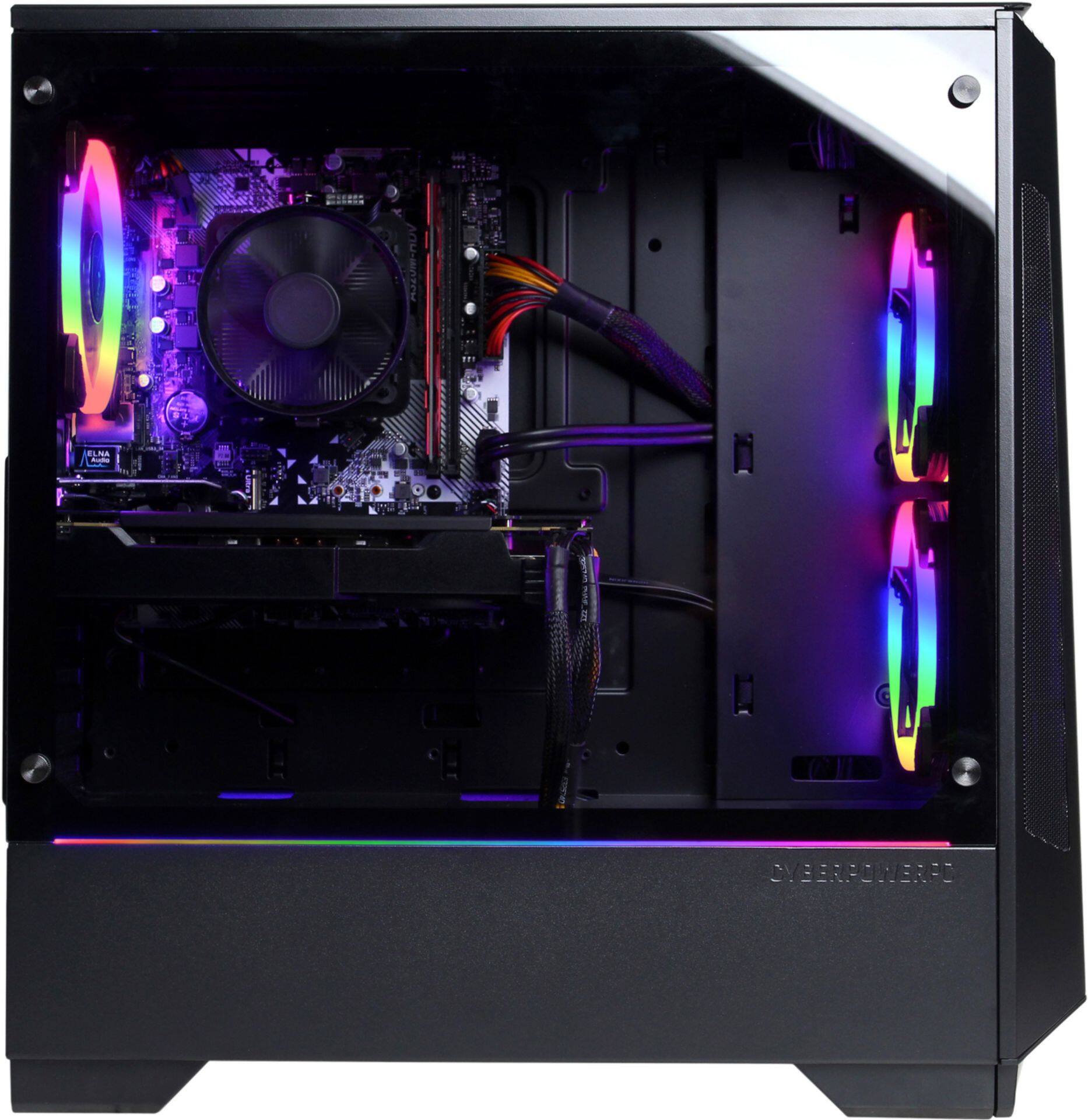
A:AnswerThank you for reaching out to us. This system should include an A320M chipset motherboard, unfortunately it may not support a 3rd generation Ryzen 5 processor. If you have any further questions or concerns then please do not hesitate to give our tech support agents a call for any assistance; we're always happy to help.
Tech support:
(888)937-5582
-CyberpowerPC Support