A:AnswerThe following Dell Docking stations are compatible. Dell Pro Dock WD25 (USB‑C, supports multiple displays, up to 100W PD),
Dell WD19S / WD19 (USB‑C) — compatible with most Dell USB‑C laptops,
Dell UD22 Universal Dock (USB‑C Multi‑Monitor).
A:AnswerThe following Dell Docking stations are compatible. Dell Pro Dock WD25 (USB‑C, supports multiple displays, up to 100W PD), Dell WD19S / WD19 (USB‑C) — compatible with most Dell USB‑C laptops, Dell UD22 Universal Dock (USB‑C Multi‑Monitor).
A:AnswerMS's response to Chrome OS, limiting software you can use to that which is available in the MS Store (and sometimes not even that). Besides providing this enhanced security (apps are prescreened) It also tends to extend battery life and speed up your computer response time a bit.
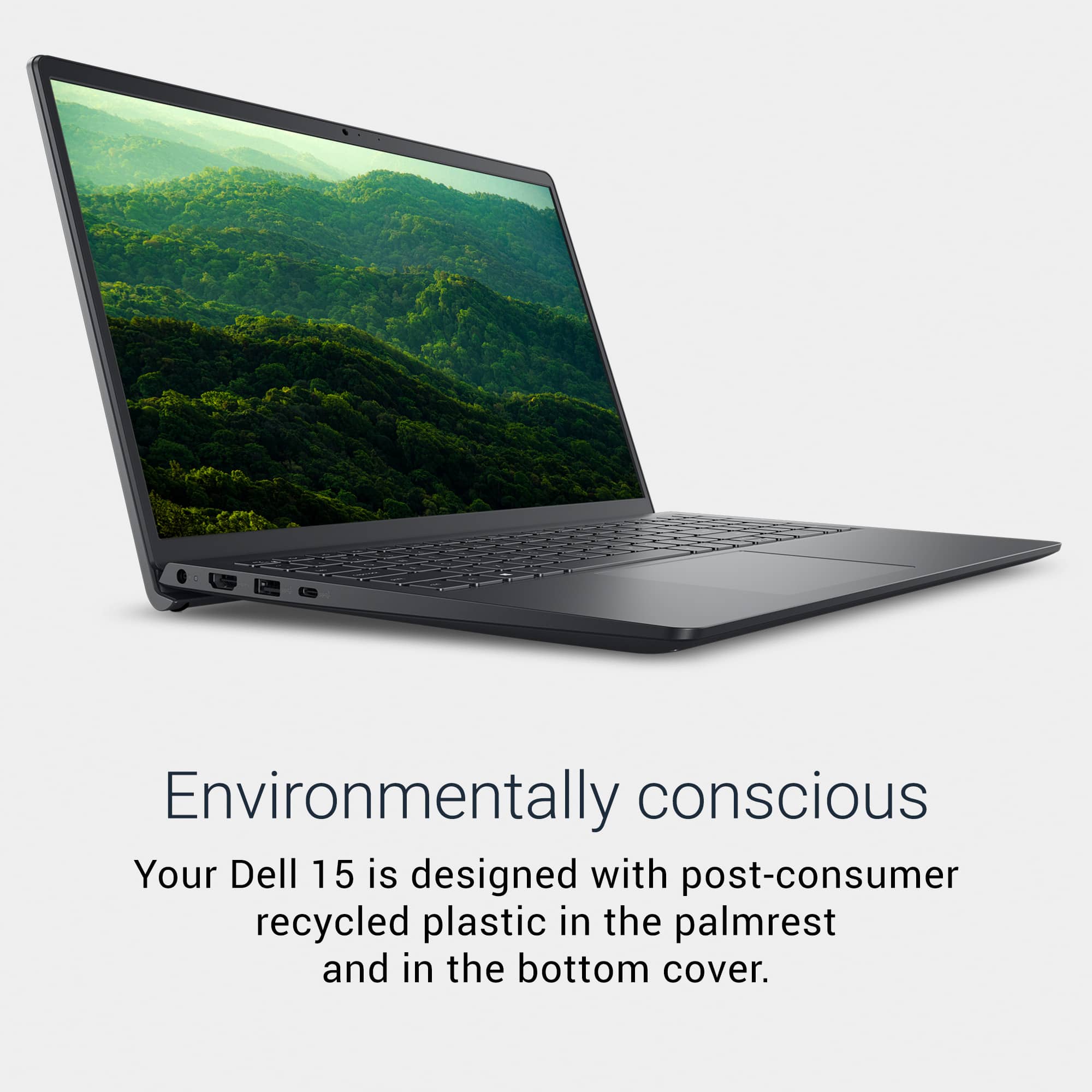
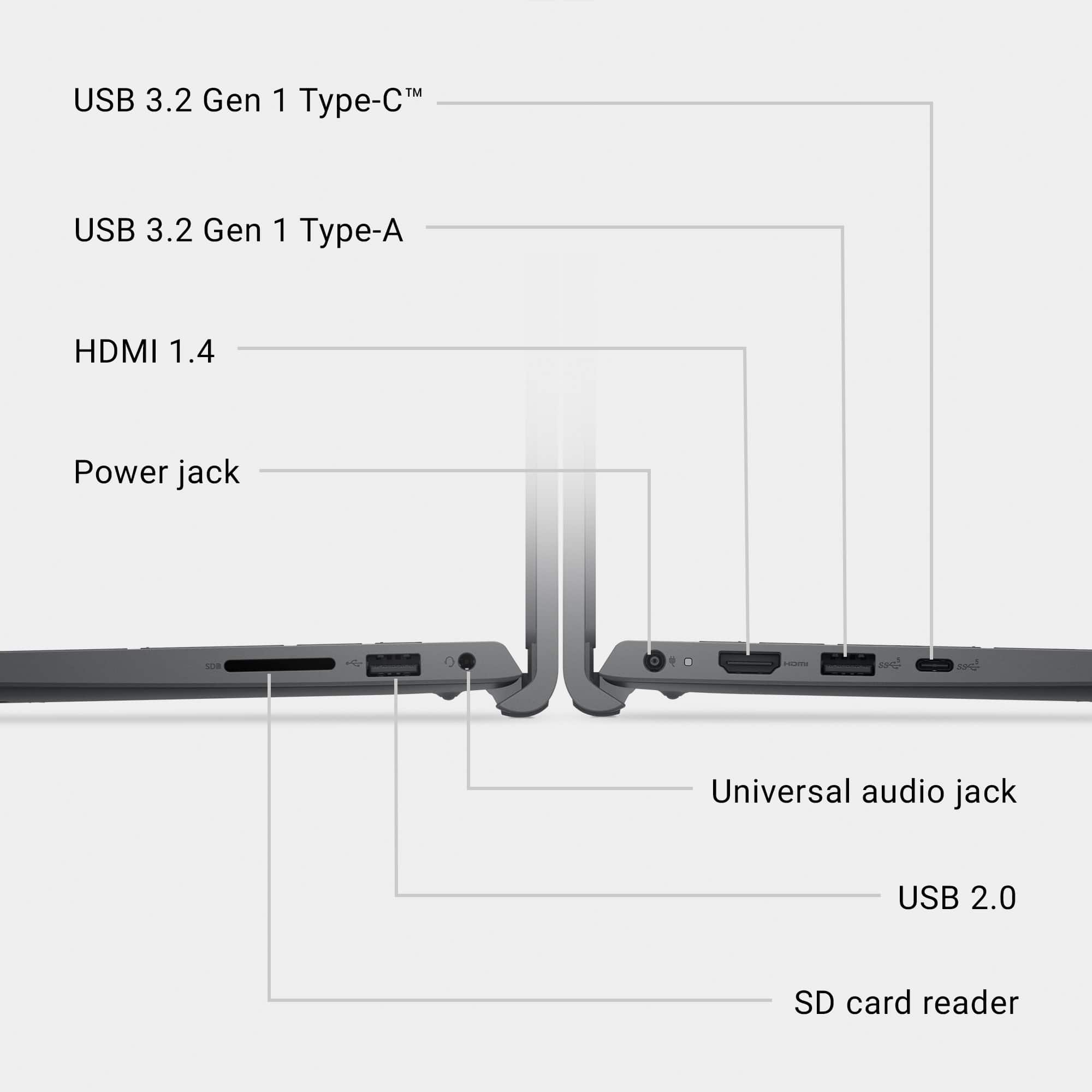
A:AnswerOne of the wonderful aspects of the new USB-C ports is that they can carry power, video, sound, and data. Emphasis on the CAN. Unfortunately, not all USB-C ports (or cables, for that matter) actually transmit all four types of signals, and this is especially true for lower priced computers, such as this one. That said, you are limited to whatever charger/adapter the manufacturer has chosen. This is one of the reasons I ALWAYS buy an extra charger within weeks of buying a new laptop (another is to have one at home and office, or for portability). You didn't do this, but it is not too late. Just Google the phrase "replacement charger for Dell LDC15250-5315BLK-PUS" and you will find plenty of replacements. You can also try a universal charger (BB sells those, but not the specialized ones), but they generally cost more and you are taking the chance that their output is incompatible with your laptop (this includes not only the barrel size, but its polarity!).
A:AnswerIf you can find ANY printer made within the past 10 years that is incompatible with any computer made now, I will personally give you a check for $10,000.