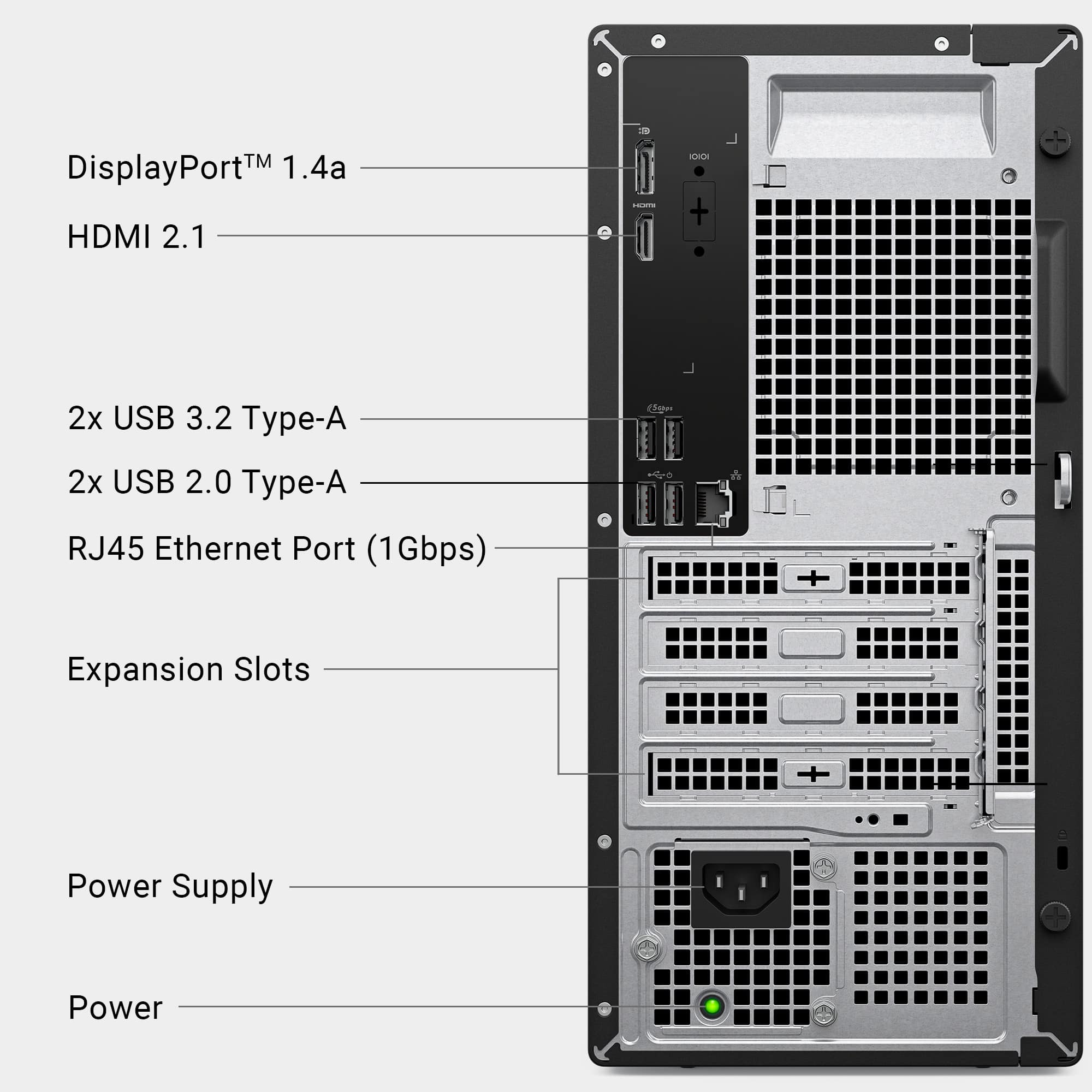
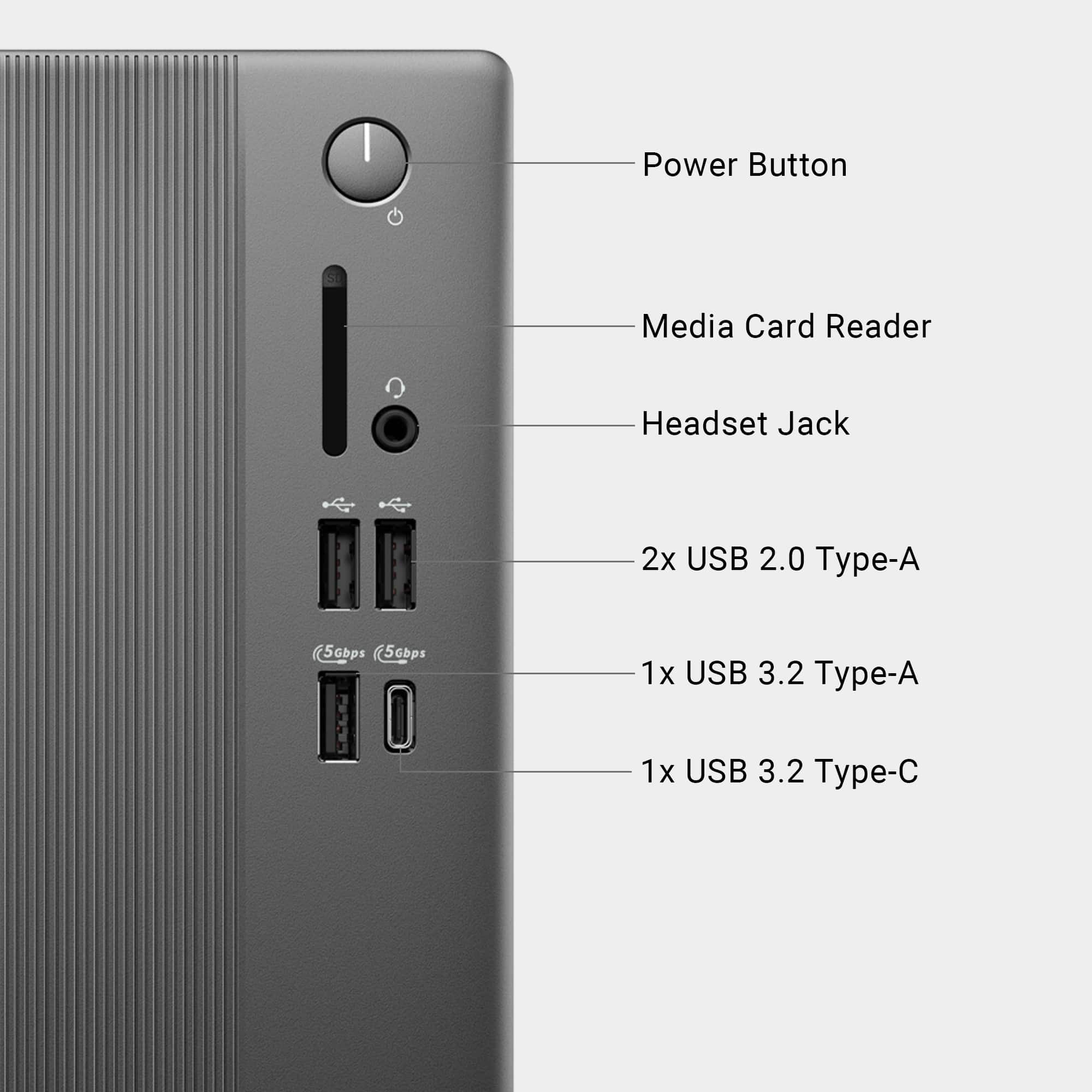
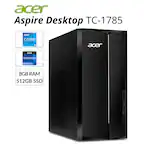
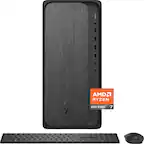
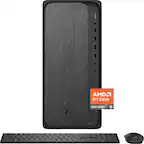
A:AnswerYes, but it needs to have a USB interface. This computer does NOT have a dedicated 1/8 inch microphone jack, only a headphone jack (which can also be used for speakers). Standalone or headset microphone will work fine, as long as it connects via USB.
A:AnswerThe answer depends a bit on the meaning of your question. If you're using a device like AT&T Beam (AC340U) connected to a USB port on your computer, no, they discontinued support a few years ago and it isnt supported on newer versions of windows.
If, on the other hand, you have a device that is making a wifi network to connect to, this computer CAN connect wirelessly to it for internet, just like phones and tablets can.
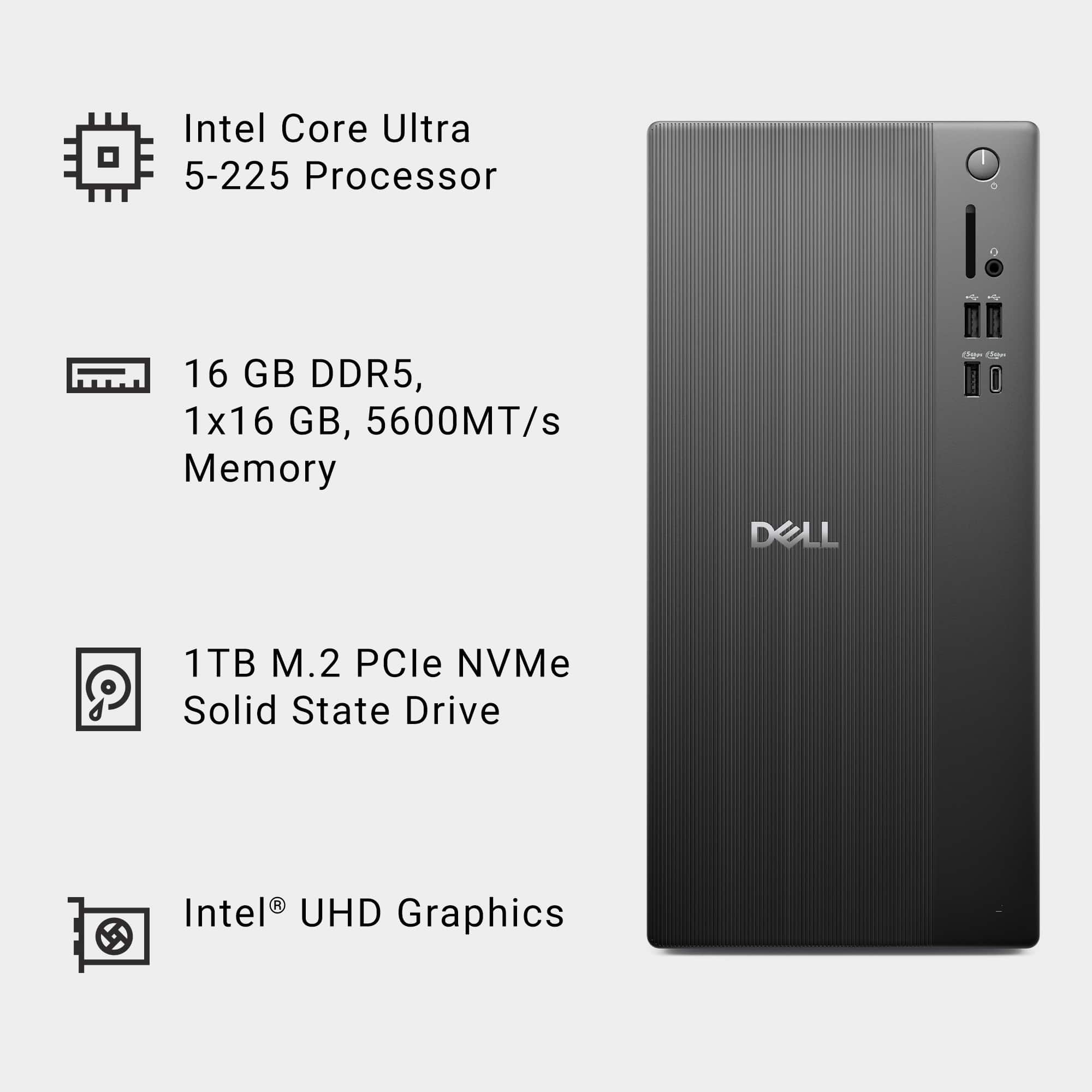
A:AnswerThe Wireless card in this Desktop is Wi-Fi 6 (802.11ax) which is fully backward compatible with:
Wi-Fi 5 (802.11ac) and Wi-Fi 4 (802.11n) Even older standards like 802.11g/b/a. Hence even if your router does not have Wifi-6 the internet should work fine.
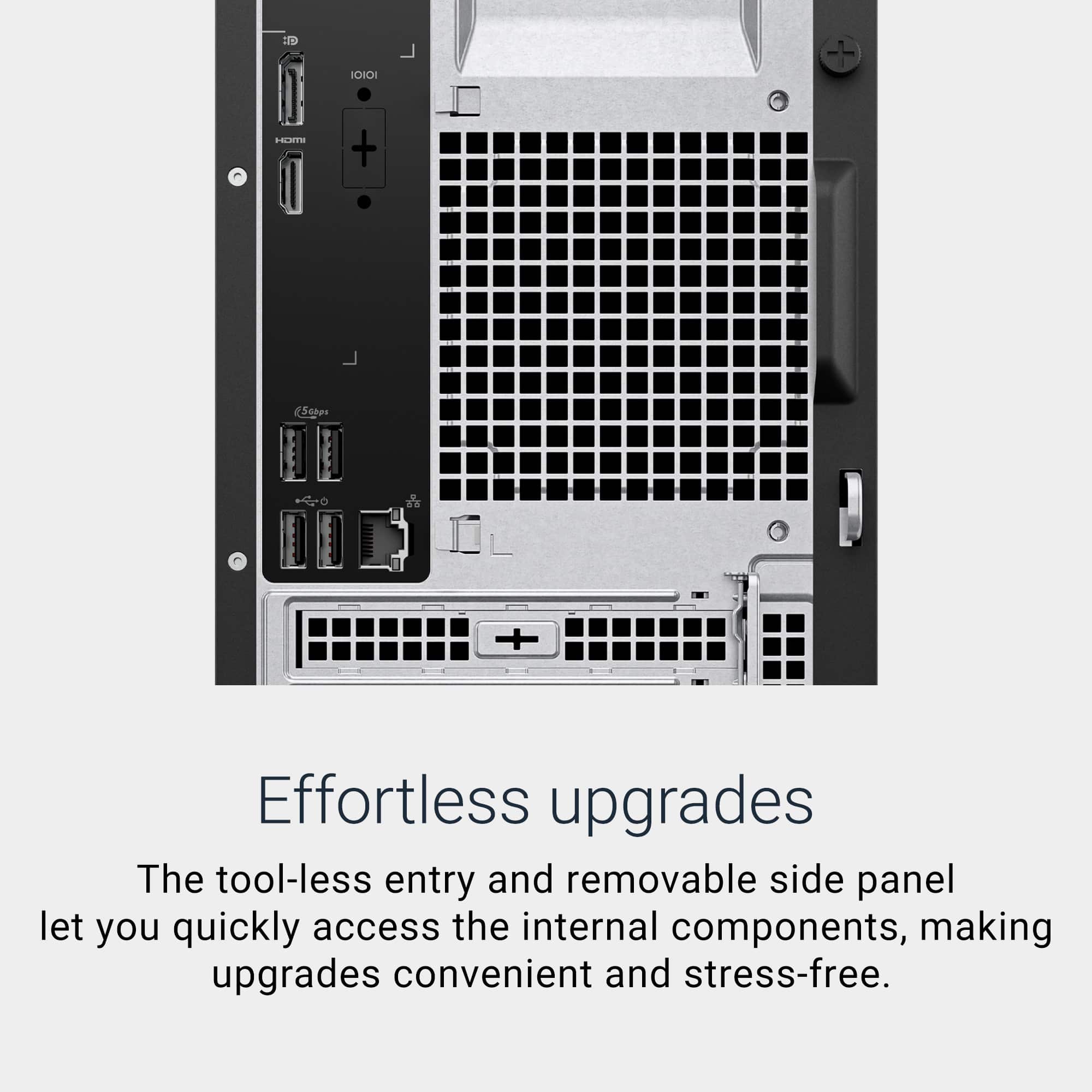
A:AnswerYour terminology is incorrect (monitor cables are not parallel cables, those were mostly used for printers), but assuming you mean a standard 15 pin Dsub VGA cable (3 rows of 5 pins, usually blue) you CAN get an adapter to allow you to use one. It will not connect out of the box without additional hardware, but the adapters are fairly cheap. This has HDMI and DisplayPort, so you could get an HDMI to VGA adapter, or DisplayPort to VGA, or even USB-C to VGA. The direction is important- most devices are the direction you would need, but the source end has to be the HDMI or DisplayPort and the output end the VGA.
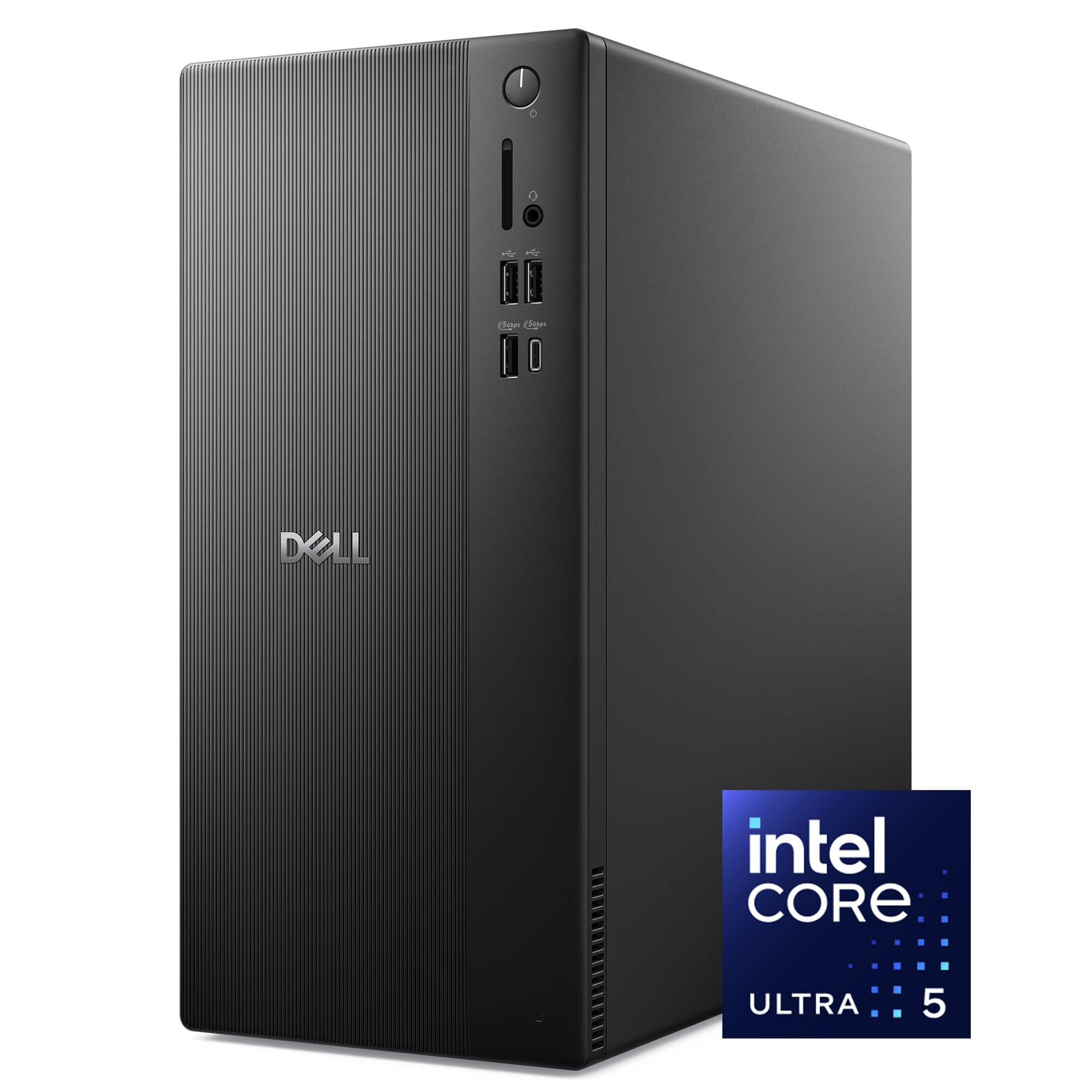
A:AnswerThe system I found a pic of has one internal SATA port. It also appears to have a connector on the MB for a SATA power cord, probably need to get from Dell.
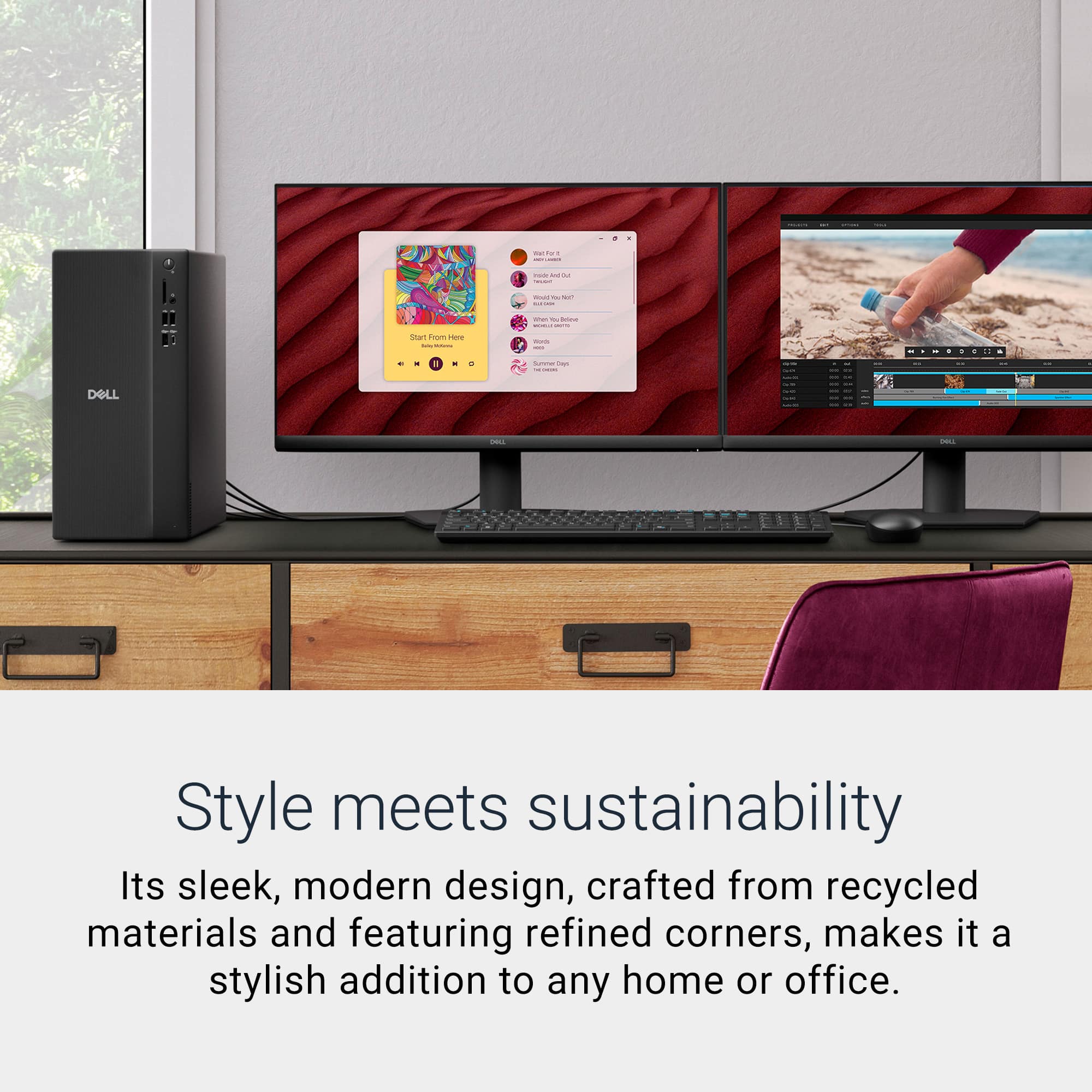
A:AnswerYou can connect two external Monitors for extended Display setting. DisplayPort Multi-Stream Technology is a feature that allows you to connect up to four displays to a single DisplayPort port on your device using a daisy chain.