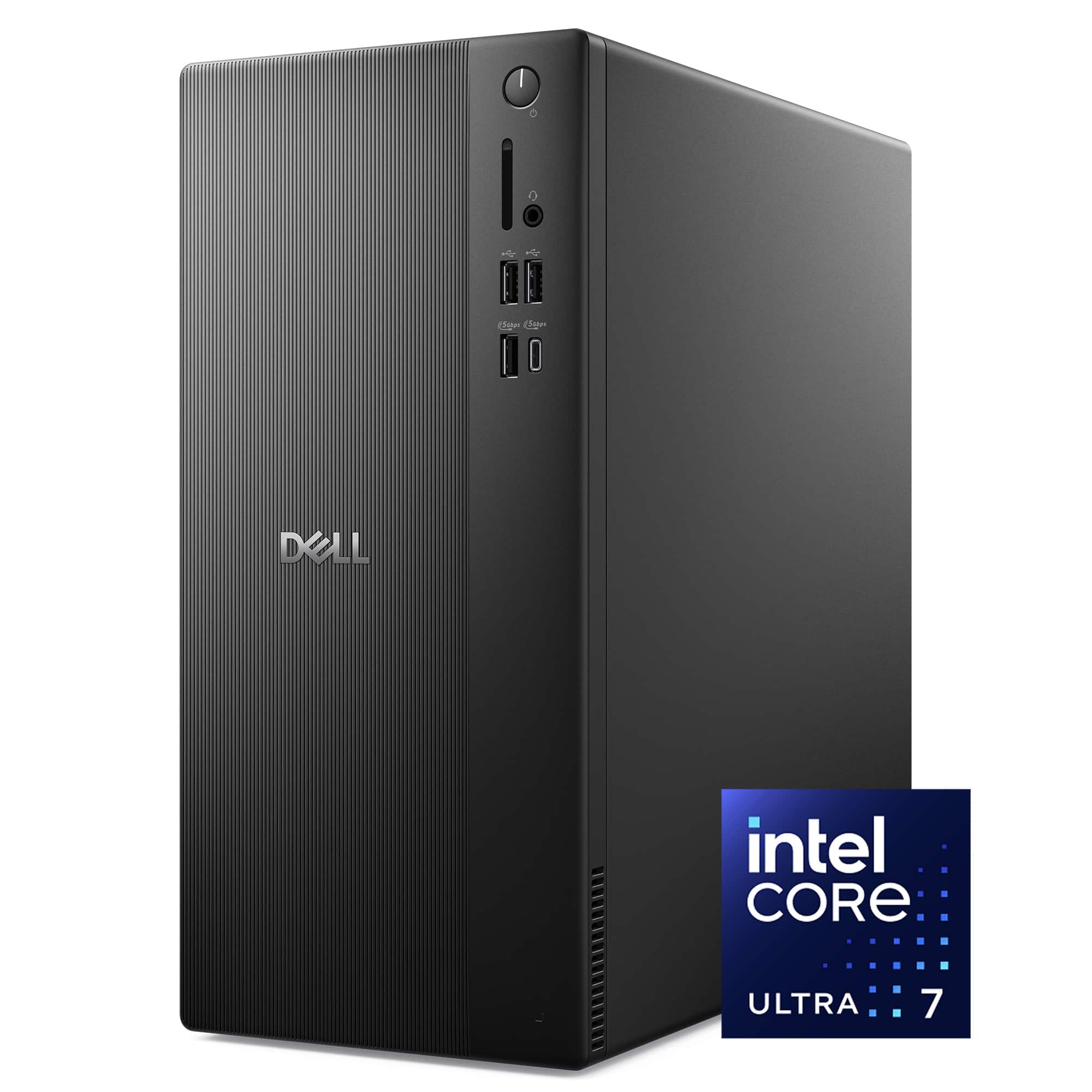
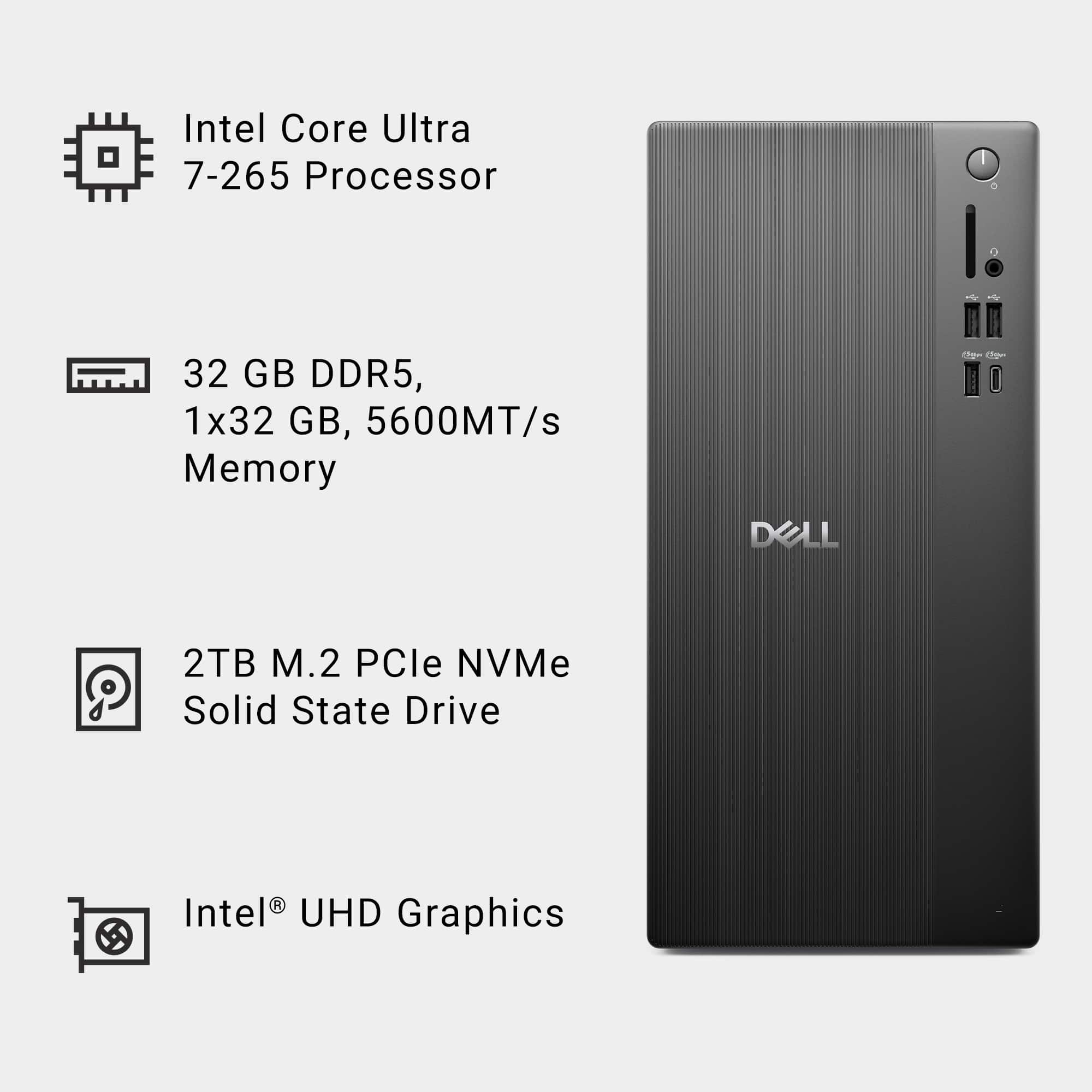
A:AnswerThe CPU meets the spec requirement, with Intel UHD Graphics only, that Dell desktop won’t be able to run X‑Plane 12 reliably (and in most cases won’t launch at all).
The official X‑Plane 12 requirements specify a Vulkan 1.3–capable, dedicated GPU from NVIDIA or AMD, or an Intel Arc GPU (Arc only). Integrated Intel graphics like UHD/Iris Xe are not supported.
A:AnswerWe recommend using an external DVD Optical Drive. Yes, the tower supports external Speakers. This configuration has been sold out and no longer available.
A:AnswerNo, Please find the storage options below.
3.5-inch hard drive-
SATA AHCI, up to 6 Gbps-
Up to 2 TB-.
M.2 2230 QLC solid-state drive, Class 25-
PCIe Gen3x4 NVMe, up to 32 GT/s
or PCIe Gen4x4 NVMe, up to 64 GT/s -
Up to 2 TB
M.2 2230 TLC solid-state drive, Class 35-
PCIe Gen3x4 NVMe, up to 32 GT/s or
PCIe Gen4x4 NVMe, up to 64 GT/s-
Up to 256 GB.
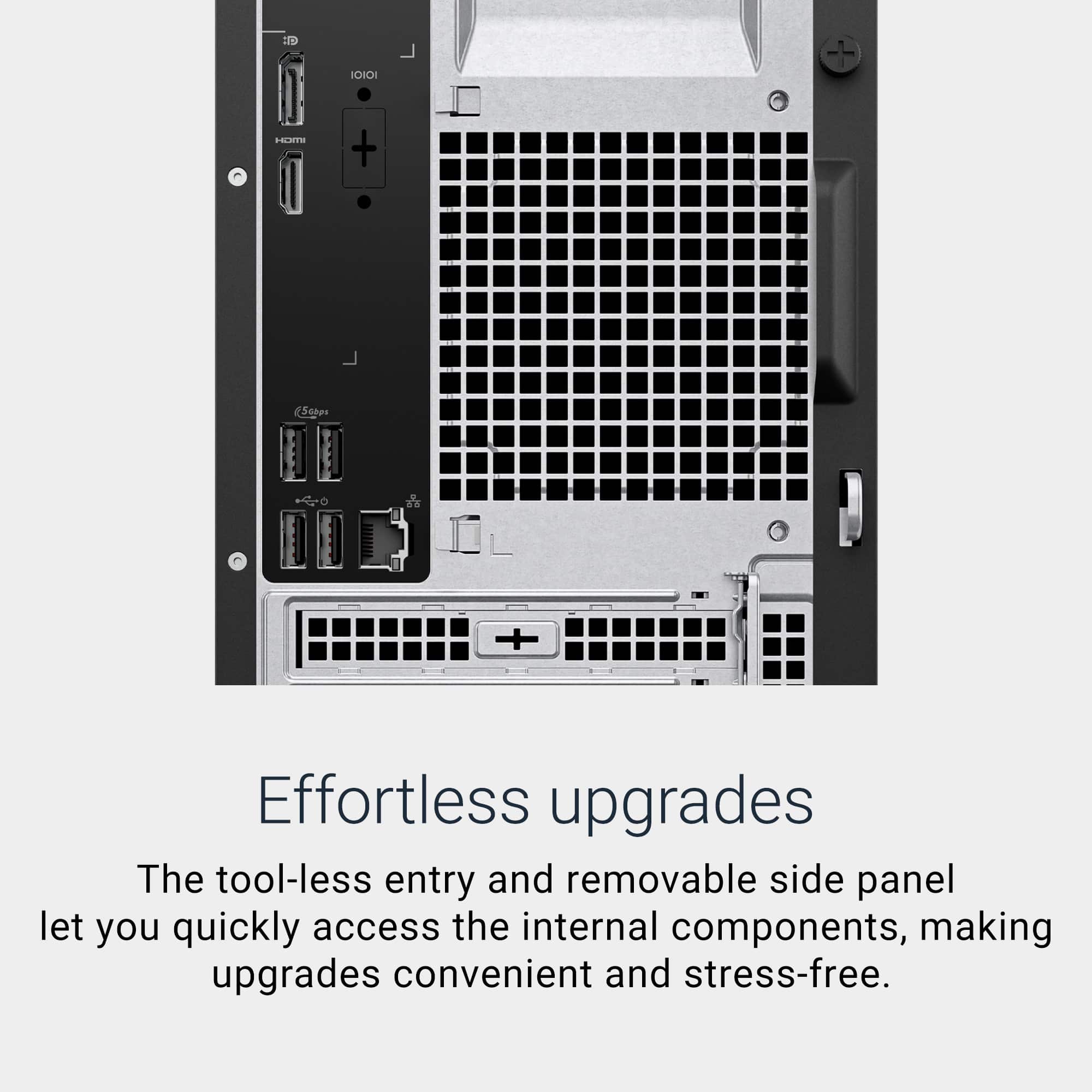
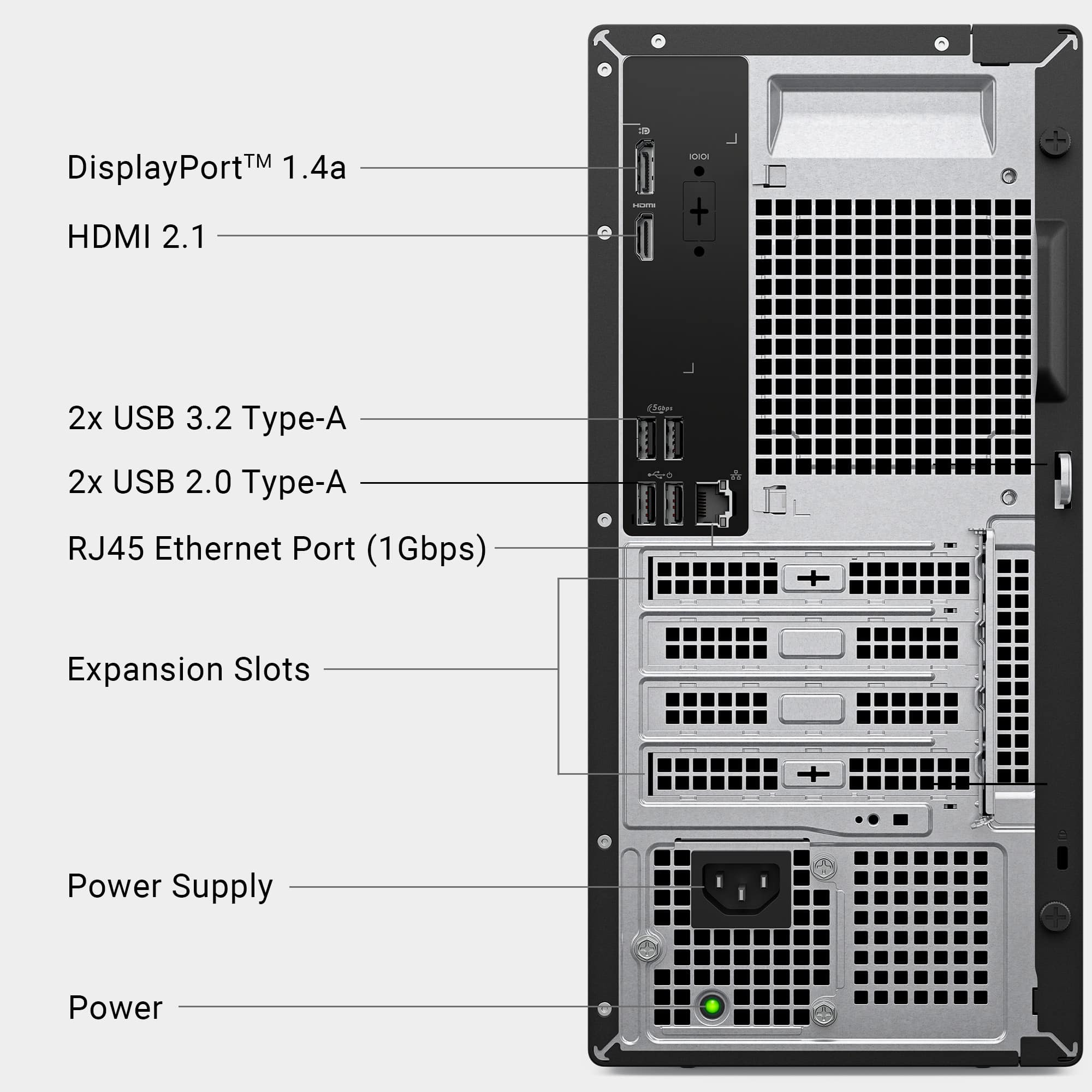
A:AnswerYes, you can add a dedicated GPU to the Dell desktop. Expansion Slots: It includes a PCIe 4.0 x16 slot, which is standard for modern dedicated GPUs.
Tool-less Design: The case has a removable side panel for easy access, making upgrades straightforward.
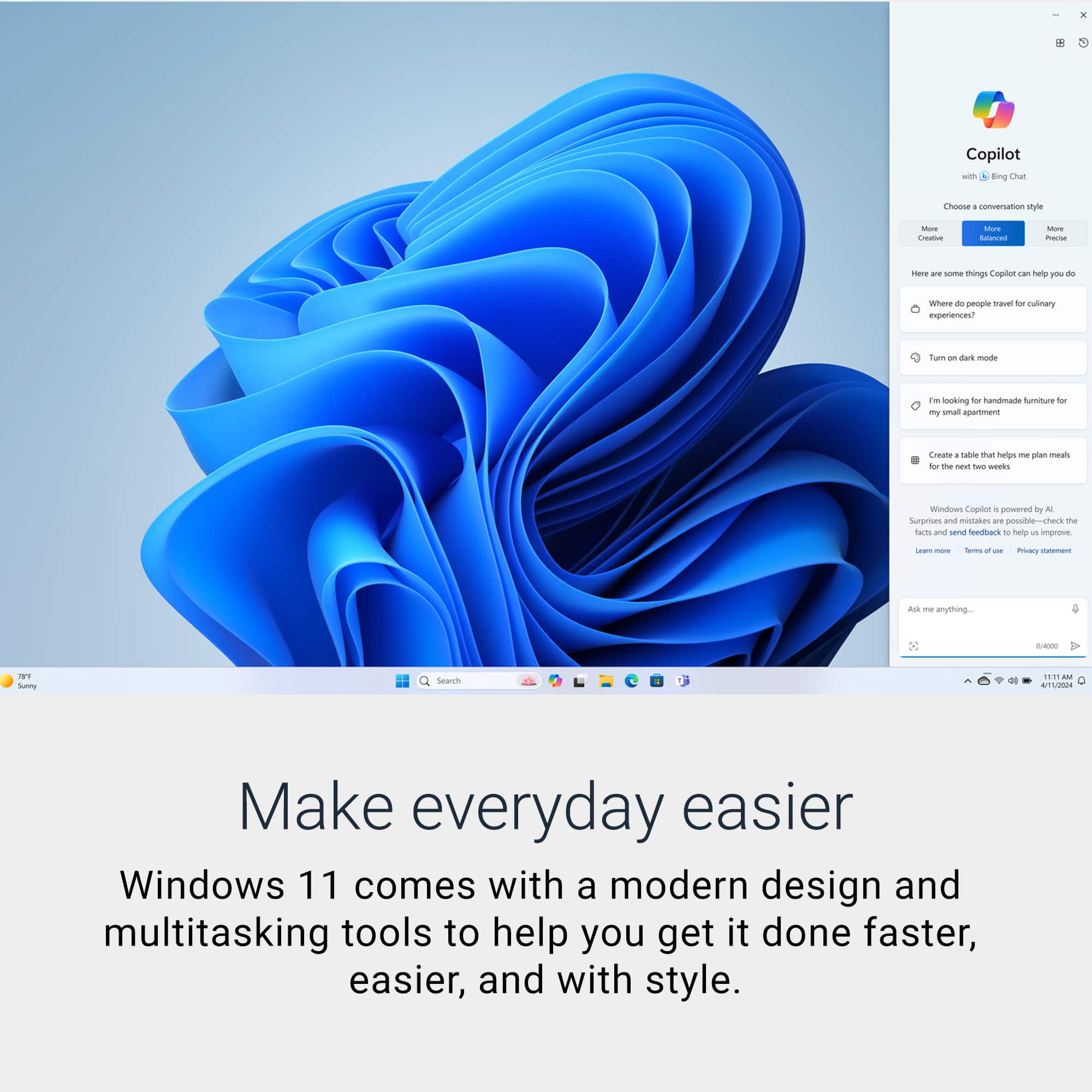
A:AnswerYes, you can absolutely install and dual boot Windows 11 Pro and Ubuntu or Fedora on the Dell Desktop. In fact, this setup is well-suited for web development and server testing.
A:AnswerYes, you can absolutely install and dual boot Windows 11 Pro and Ubuntu or Fedora on the Dell Desktop In fact, this setup is well-suited for web development and server testing.