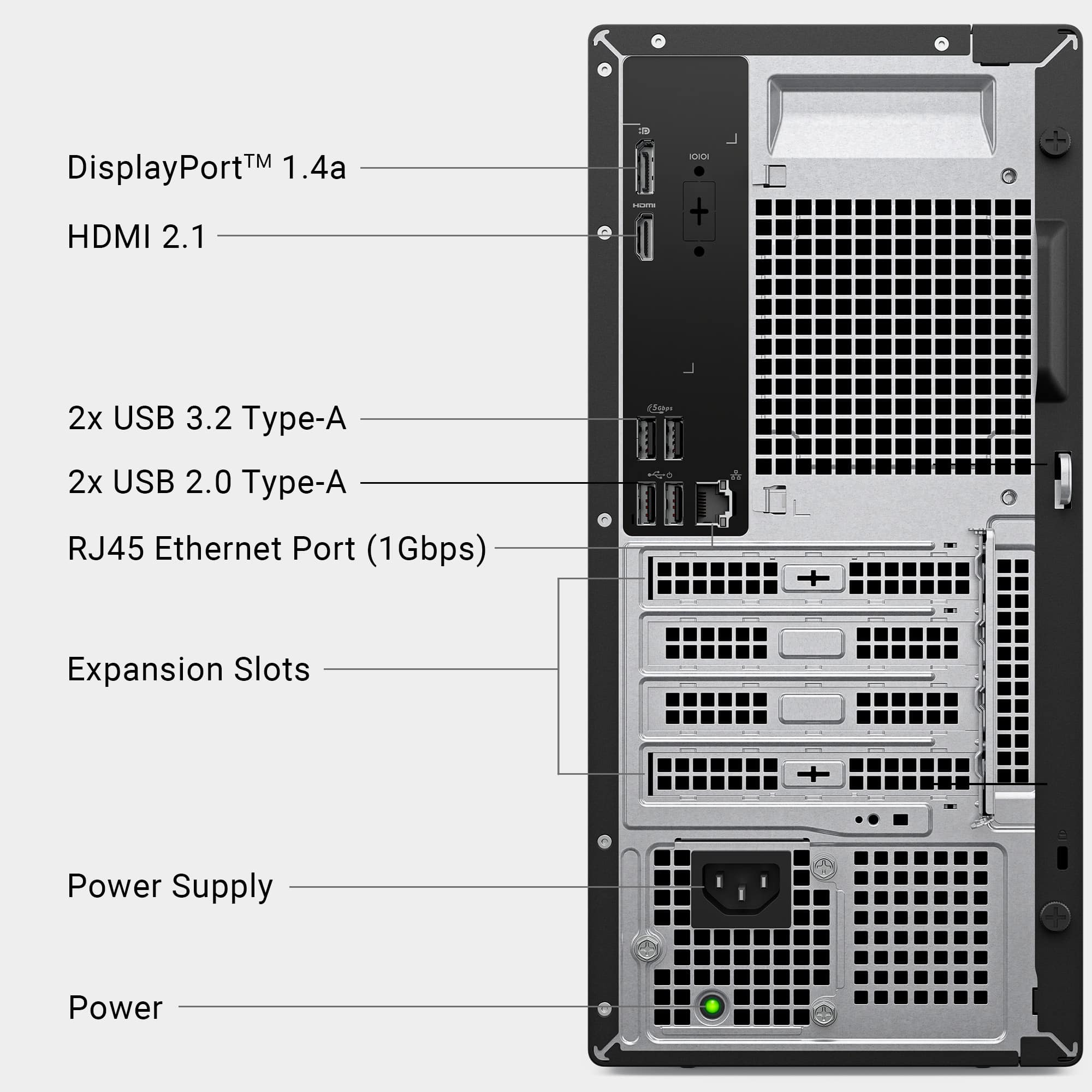
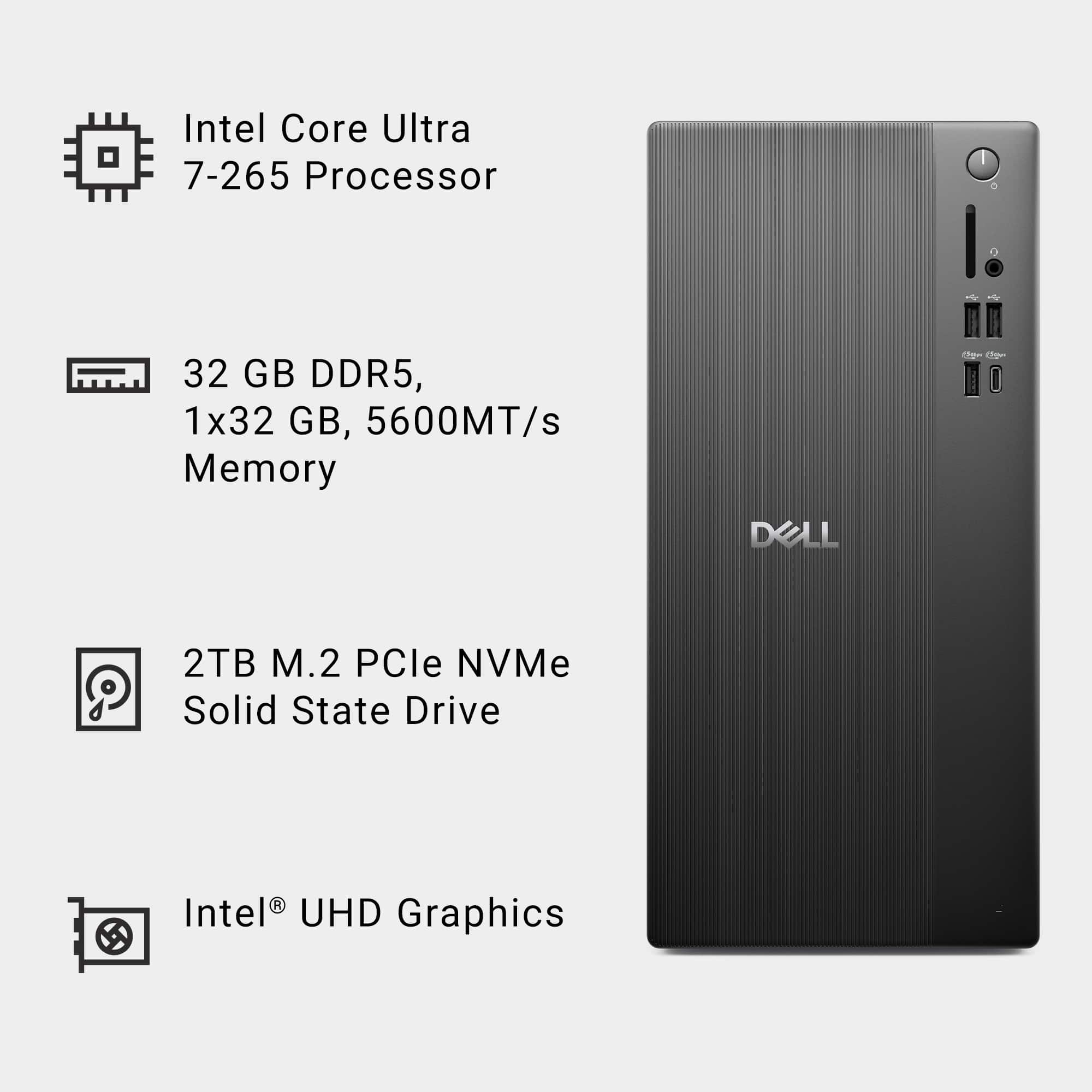
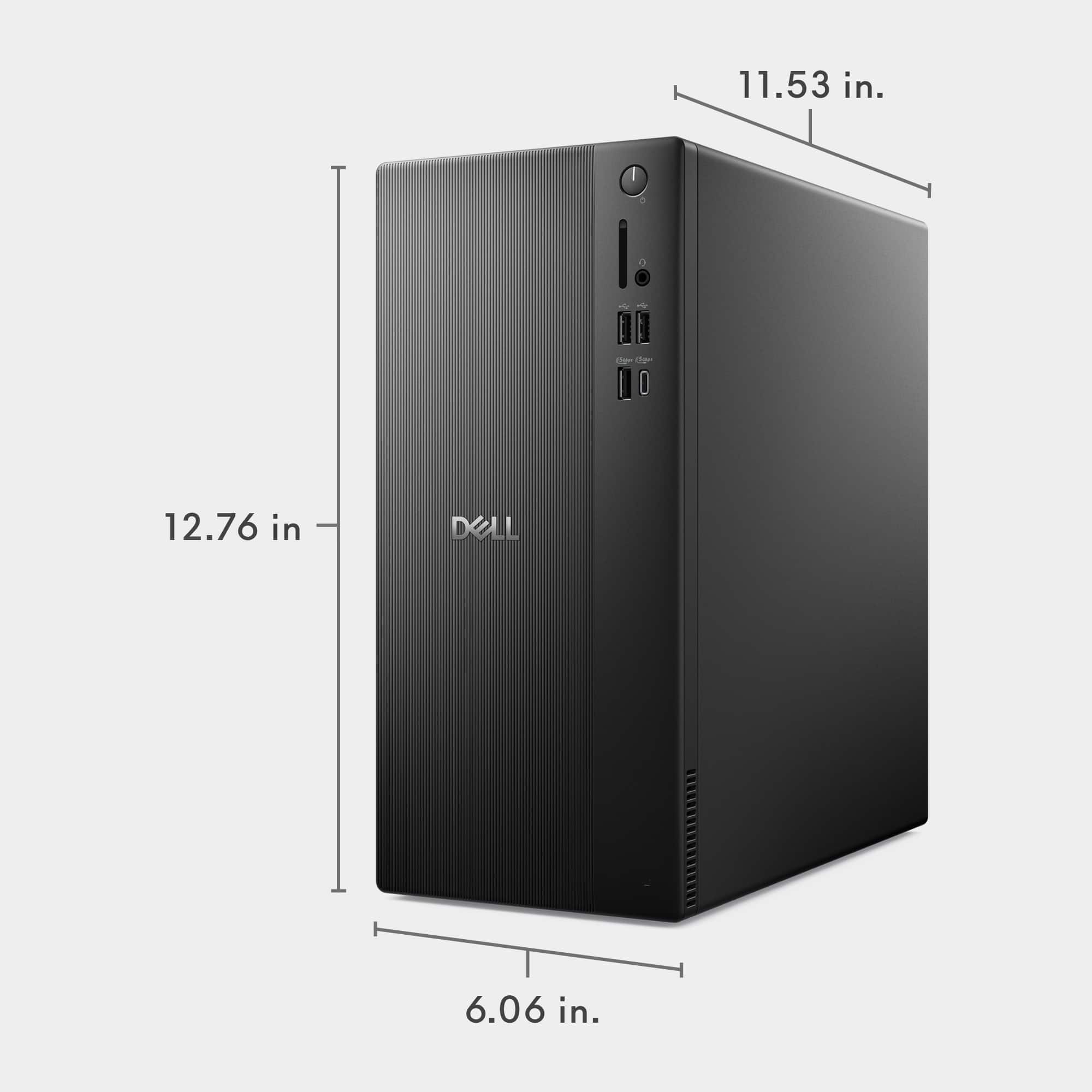
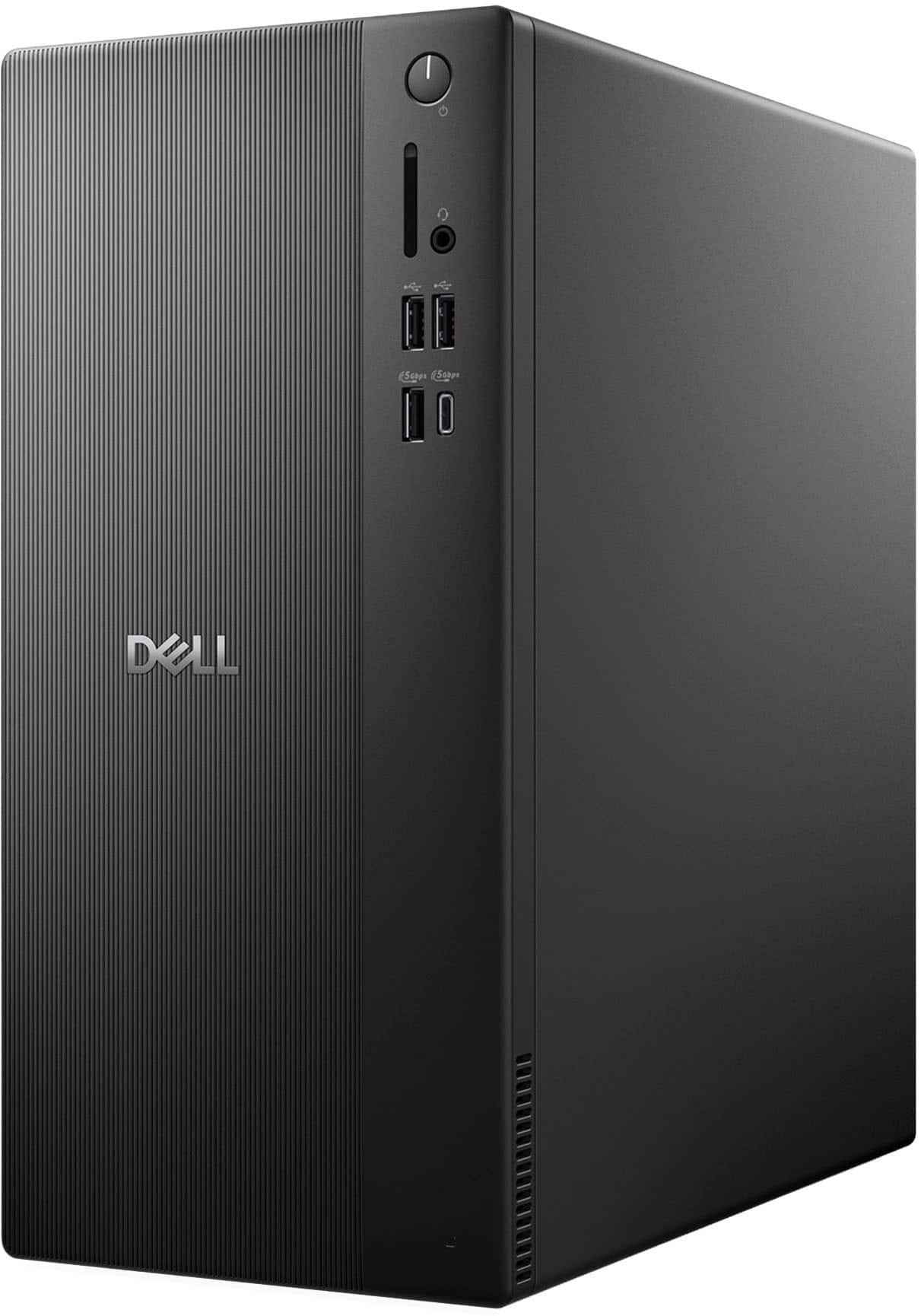
A:AnswerNo although will certainly handle storage and CPU is fast enough for basic gaming. Sound output is basic. Video is processed on CPU chip. I would not recommend buying this unit for installing video cards as the power supplies are not intended for running a power intensive video card.
A:AnswerYes, you can add an internal HDD to the Dell Tower ECT1250. 1. Additional internal storage drives
3.5" SATA HDD (traditional hard drive),
2.5" SATA SSD (optional),
M.2 NVMe SSD (already used by your 2TB drive).
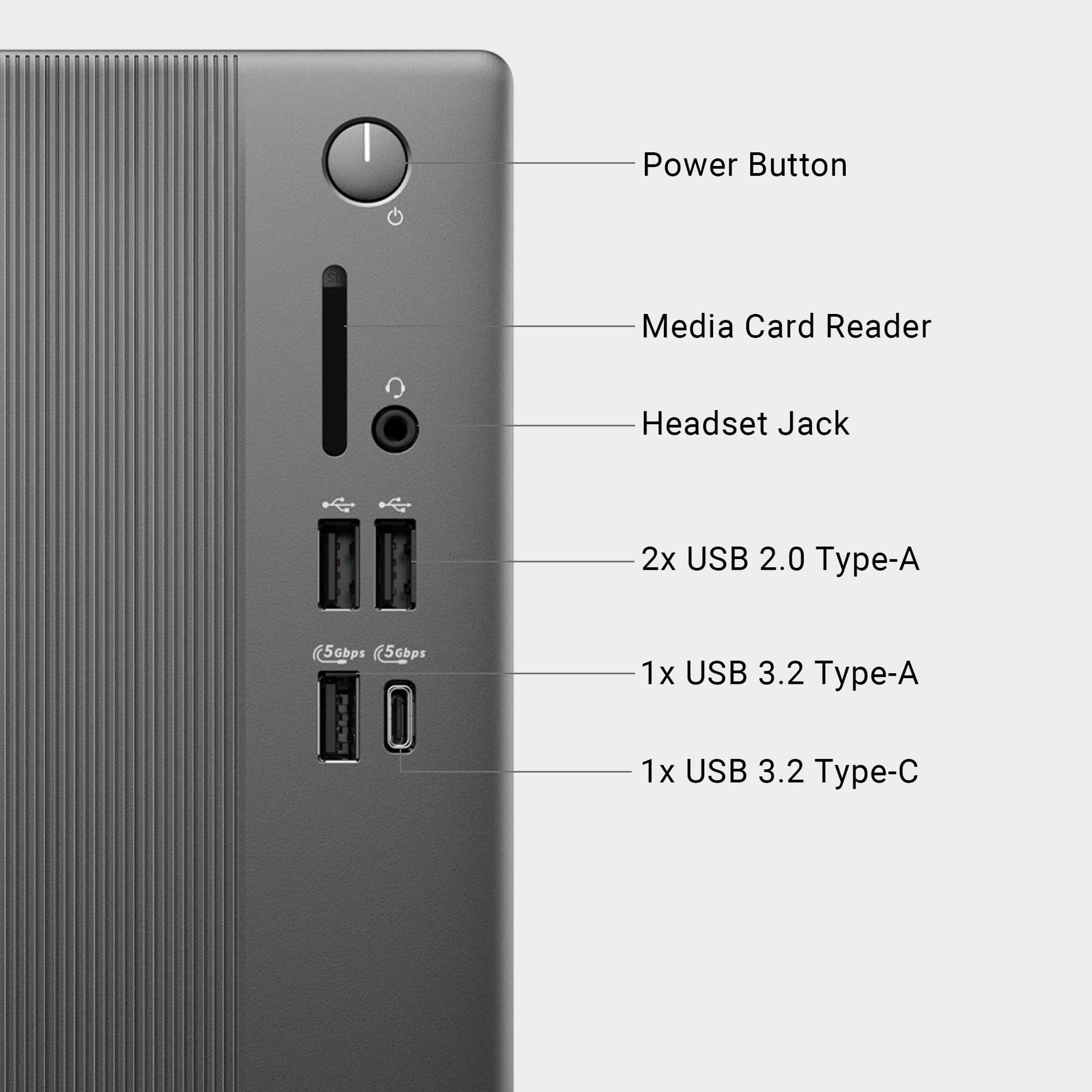
A:AnswerThe desktop uses a standard 3.5 mm audio jack or USB audio. Following are the compatible speakers are Dell Stereo Speakers – AC511 / AC511M, Dell Stereo Speakers – SP3022, Dell Speakerphone – SP3022 / SP3022 Pro.
A:AnswerYes — this Dell desktop includes a standard SATA power connector inside the case. It also has an open 2.5" drive bay, so you can add an additional SSD or hard drive. Just keep in mind the power supply is a compact Dell OEM unit, so space is a little tight, but the SATA power lead is there and usable
A:AnswerNo, it does not include any migration program by default. However the Dell SupportAssist application includes a feature (Dell Data Migrate) which can be purchased as an add-on to help move data from old pc to New PC.
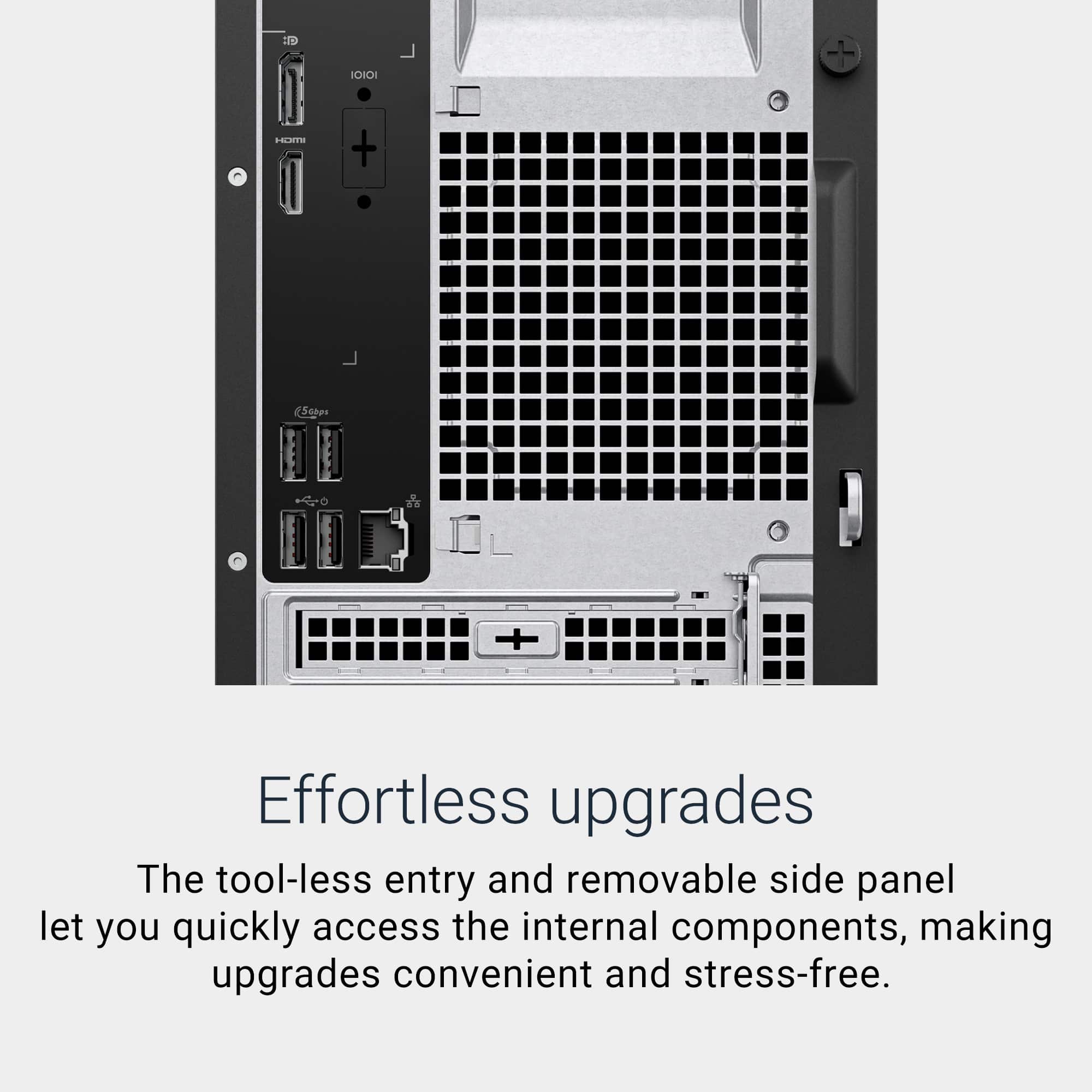
A:AnswerYes, the Dell Tower ECT1250 (your Core Ultra 7‑265 model) does have a video card expansion slot. You can add a dedicated GPU (NVIDIA / AMD) and it supports typical PCIe graphics cards.