A:AnswerThis kind of discrepancy occurs all the time. I think what happens is that the company designs with a certain goal in mind, and then exceeds this goal by happenstance, but won't quote the higher limit because then they would be legally liable for every computer with that model number to meet those specs.
A:AnswerOne advantage of a laptop over a desktop is that the power supply is separate, so as long as yours accepts the local power supply and has a compatible output (including polarity), you will be fine.
A:AnswerAll the BB plans I've ever seen have the same payment spread over the period allowed. As I view the listing now (mid-March 2025), there is a sale price of $400, and a list price of$730, with a payment period of one year. So divide by 12 for your monthly price.
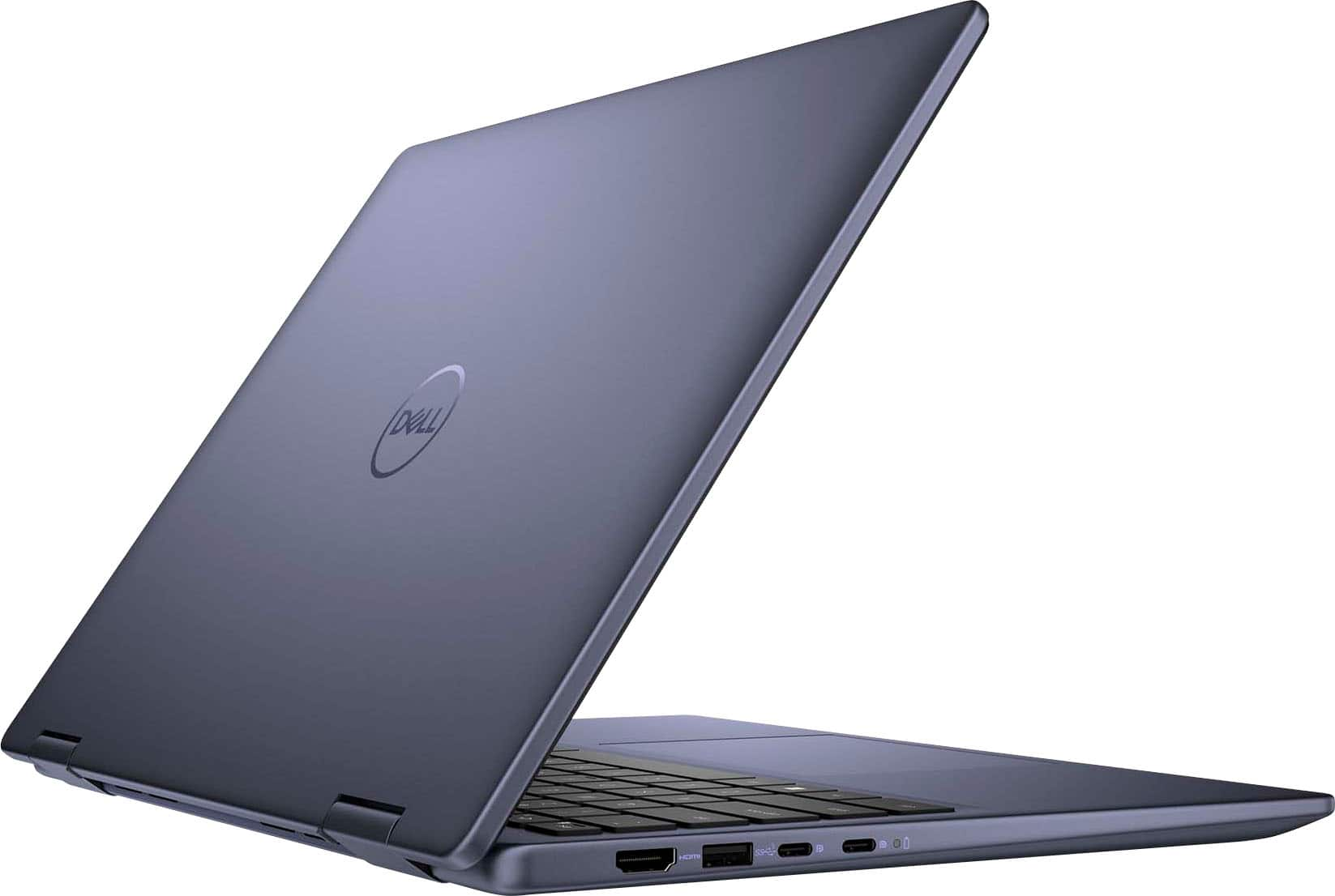
A:AnswerThis model is generally a mix of both materials. Your Inspiron laptop is built with a variety of sustainable materials, including post-consumer recycled plastics (PCR) and post-consumer recycled aluminium, with an etched logo design to reduce manufacturing waste. Thoughtful material and design considerations help reduce waste and lower environmental impact.
Based on internal analysis, December 2023. Percentage is based on system plastic weight and may vary by model. Made with at least 25% post-consumer recycled plastic.
Based on internal analysis, November 2023. Percentages are based on component material weight. 50% recycled aluminum in the laptop lid and thermal plate.
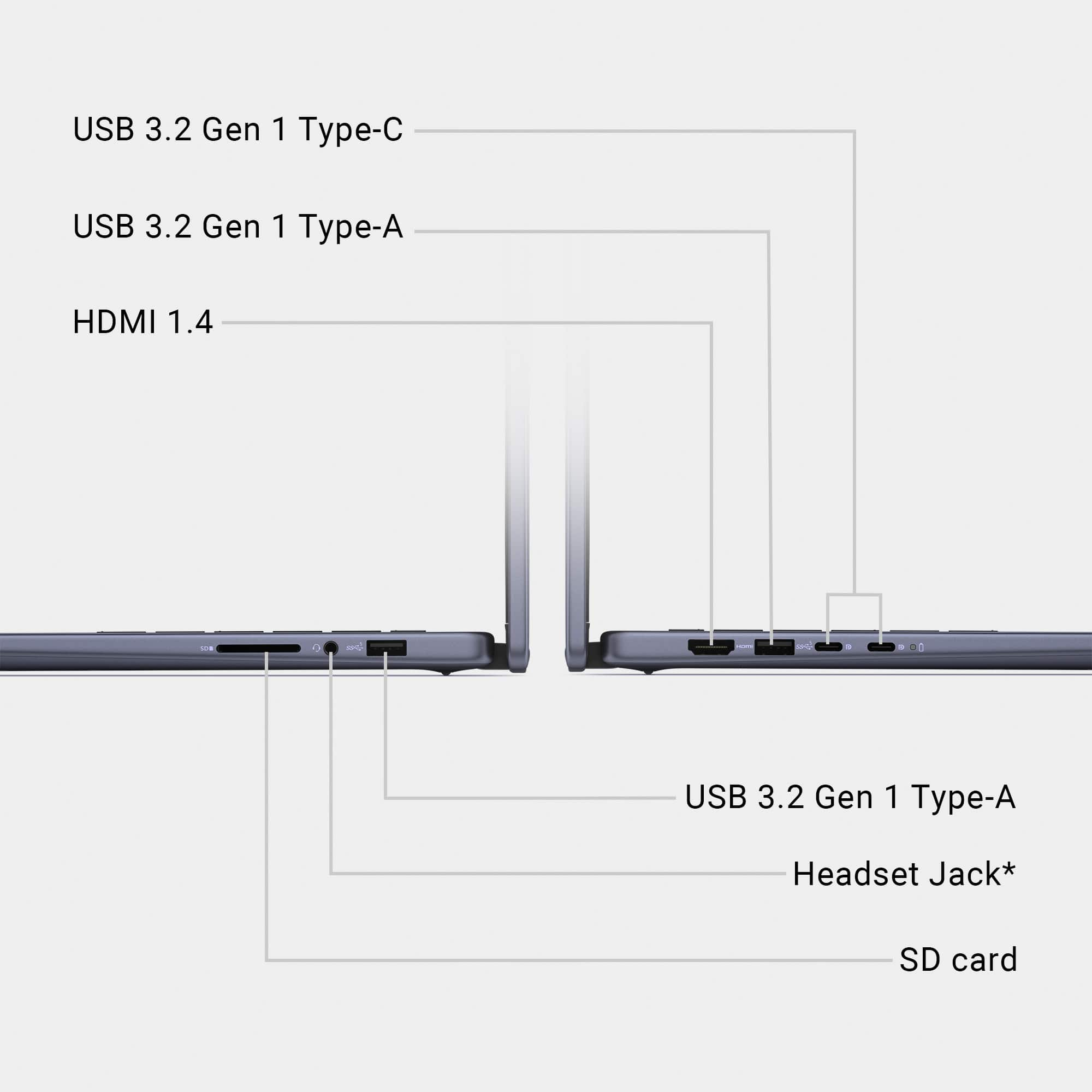
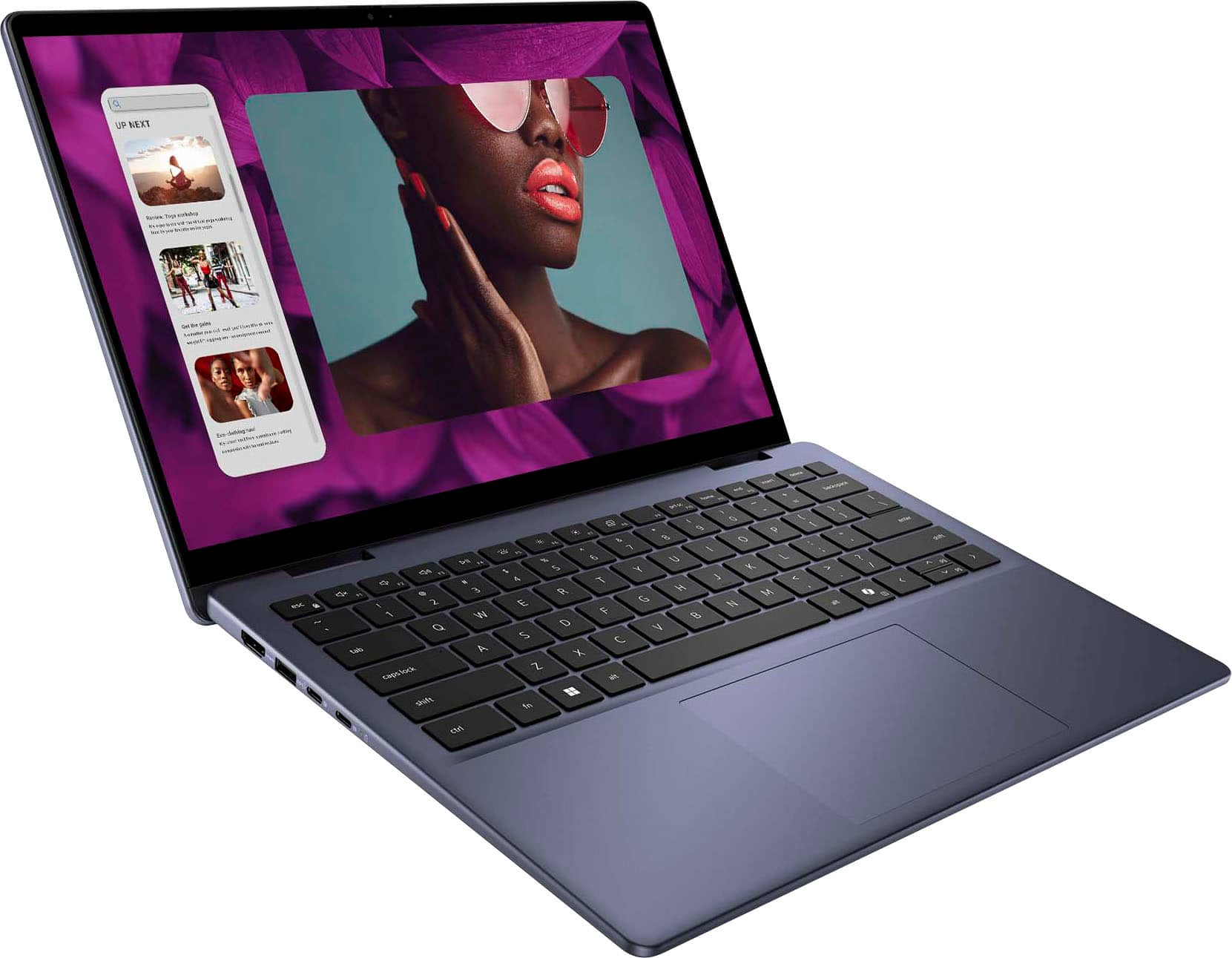
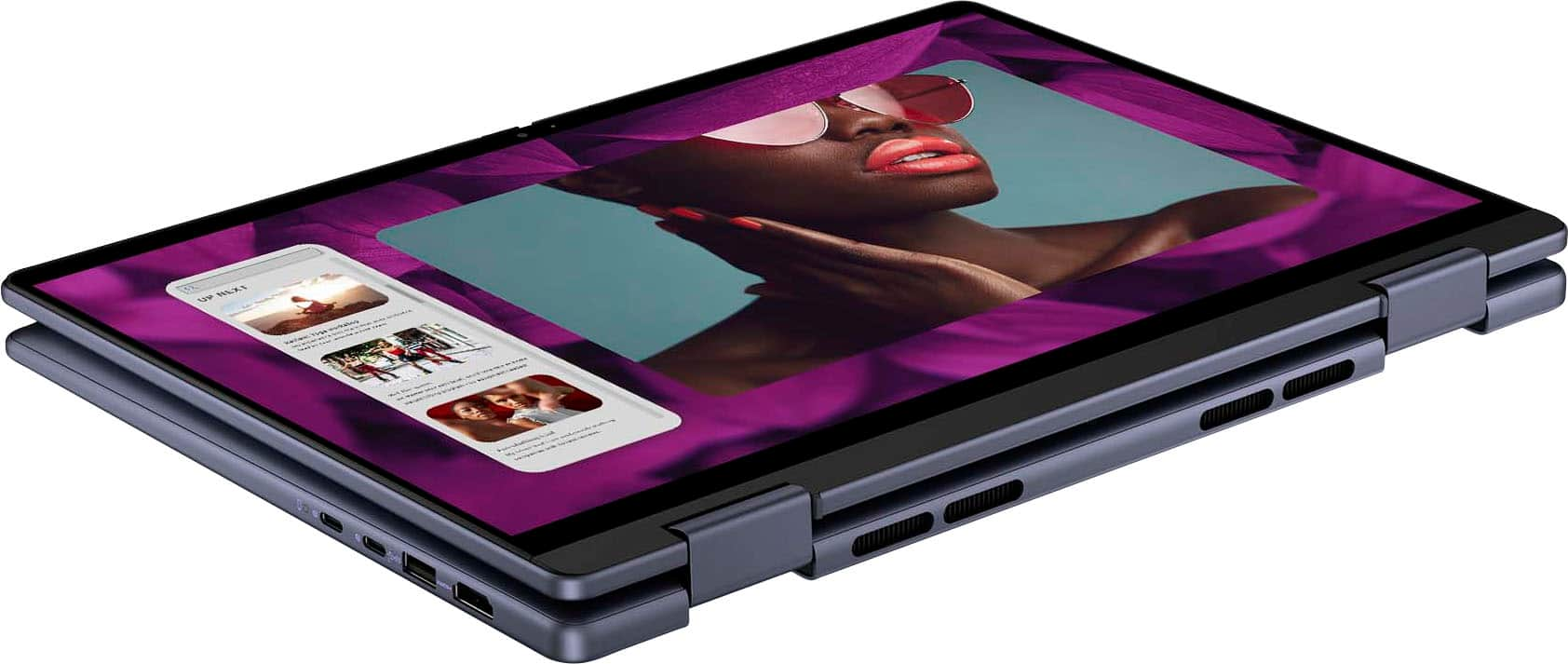
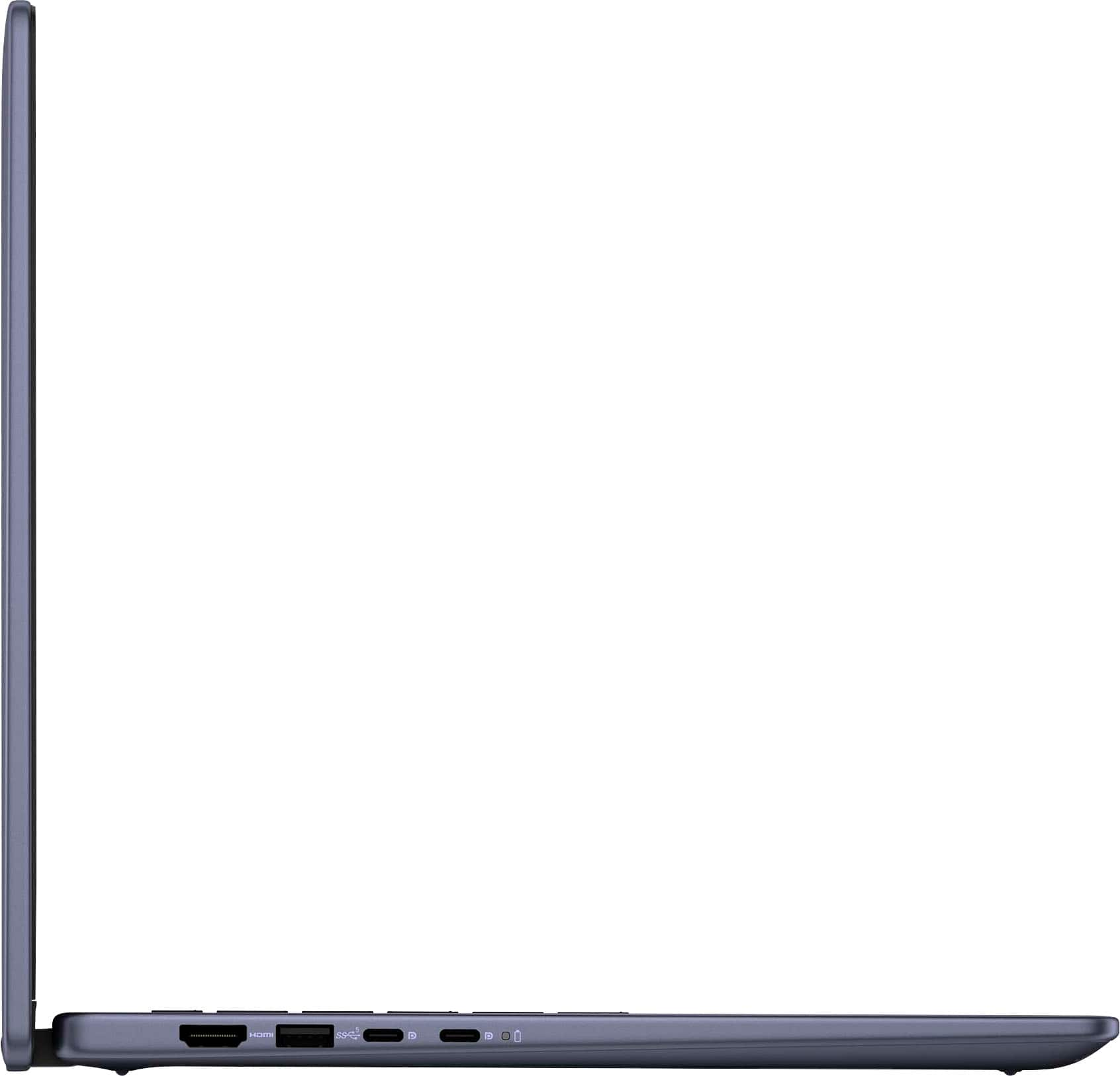
A:AnswerNo. You will need a USB-to-Ethernet port adapter. Laptop manufacturers are trending to omit the Ethernet port, especially on lower priced models. This allows them to save some space and weight, as well as to lower prices. The exception is usually laptops aimed at business or gaming.
A:AnswerI agree, you should contact Dell support, but it might just be that the computer is processing an update: sometimes, when this is a large update, or a number of smaller ones, it will take longer to complete.
A:AnswerYes, but most computers have this feature blocked as a security measure. You will have to go into the BIOS to disable it, probably every time you want to boot externally. The procedure is a bit involved, so I won't quote it here, but suggest you perform an internet search,
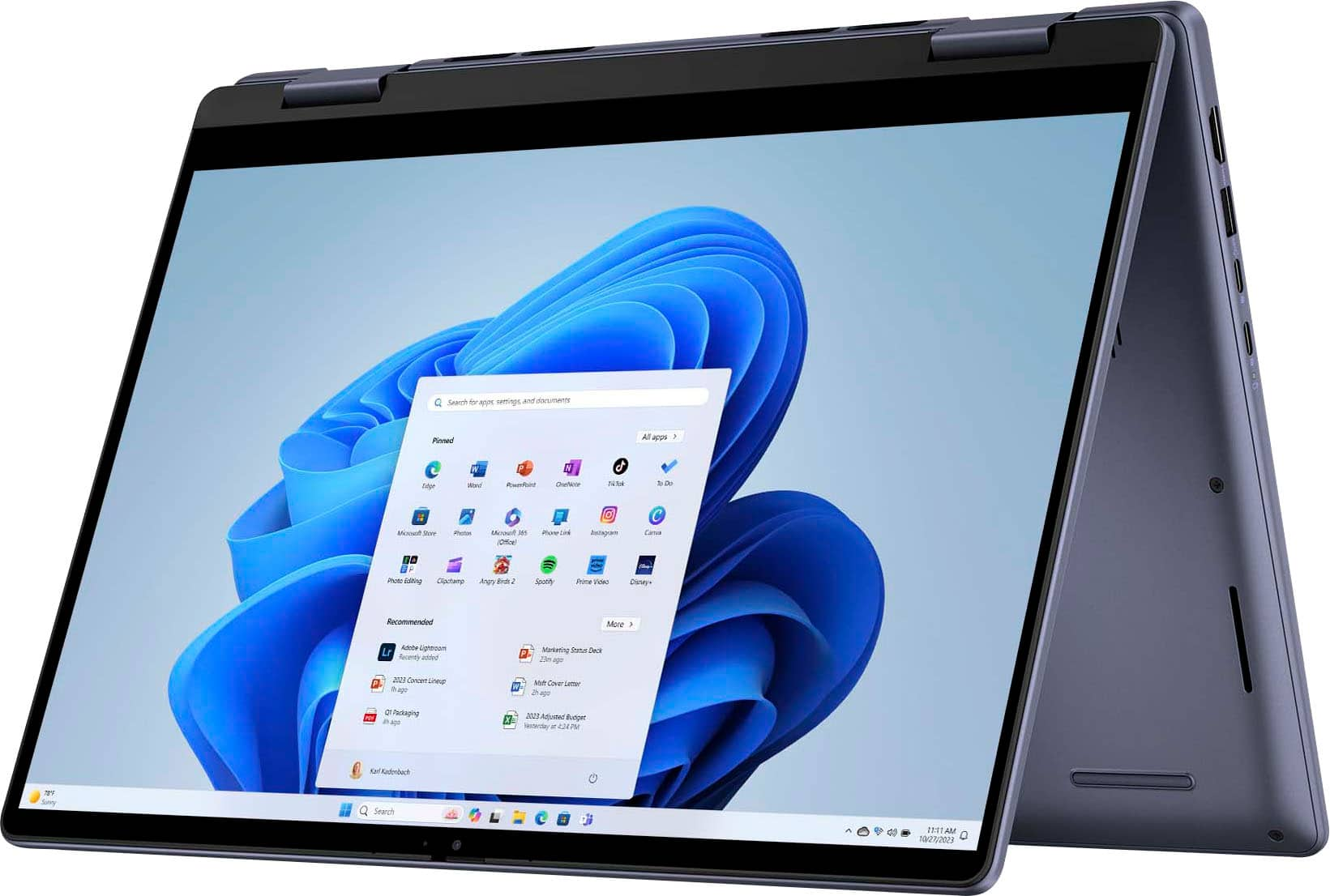
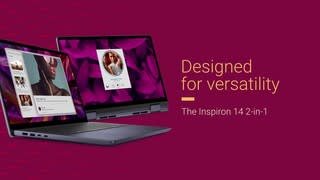
A:AnswerThe Dell Inspiron 14 2-in-1 Touch Laptop typically comes with Wi-Fi capabilities (often Wi-Fi 6 or 6E depending on the model) for wireless connectivity, but Microsoft Access Point (also known as Internet Connection Sharing or a "hotspot" feature) is not a built-in application. However, Windows 11 includes a feature called Mobile Hotspot, which allows you to share your laptop's internet connection with other devices.
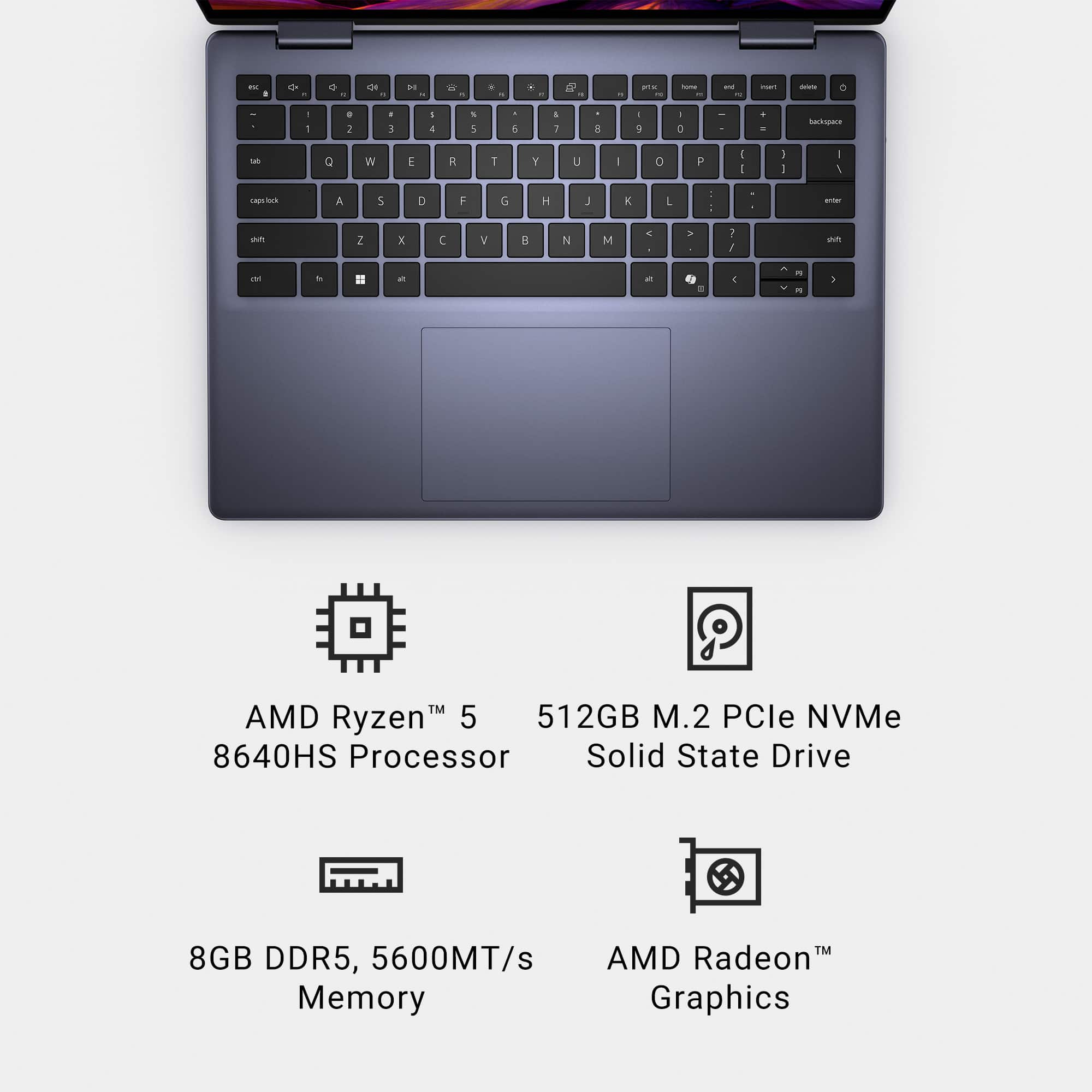
A:AnswerThe refresh rate on this laptop is 60hz not 600hz. Thank you for bringing this to our attention & we will get this information corrected as soon as possible.
A:AnswerNo. There are a number of reasons why internal optical drives are largely unavailable, though they can occasionally still be found, mostly (but not exclusively) in "hardened" laptops that look (and weigh) like bricks and are used in construction, emergency situations, and the military. Or through the refurbished/ used/secondhand market. The reasons include:
1. Modern laptops (and desktops) are pushing to be smaller and weigh less, with many companies advertising their computers as “ultra thin” or “easily portable.” Optical drives significantly add weight (about half a pound) and bulk (12 cm. diameter).
2. Even Blu-ray discs top out at 128 GB, far below HDDs, SSDs, or pen/flash drives on a per-centimeter basis.
3. With the advent of fast network connectivity, cloud storage, software distributed via the Internet, and growing use of USB 3 and even USB 4 (with raw link speed of up to 80 Gbps), integrated optical drives have largely become obsolete.
Should you need an optical drive, they are still available, at a modest cost, as external, portable units. If you need a laptop with an integrated optical drive, look elsewhere, as noted.
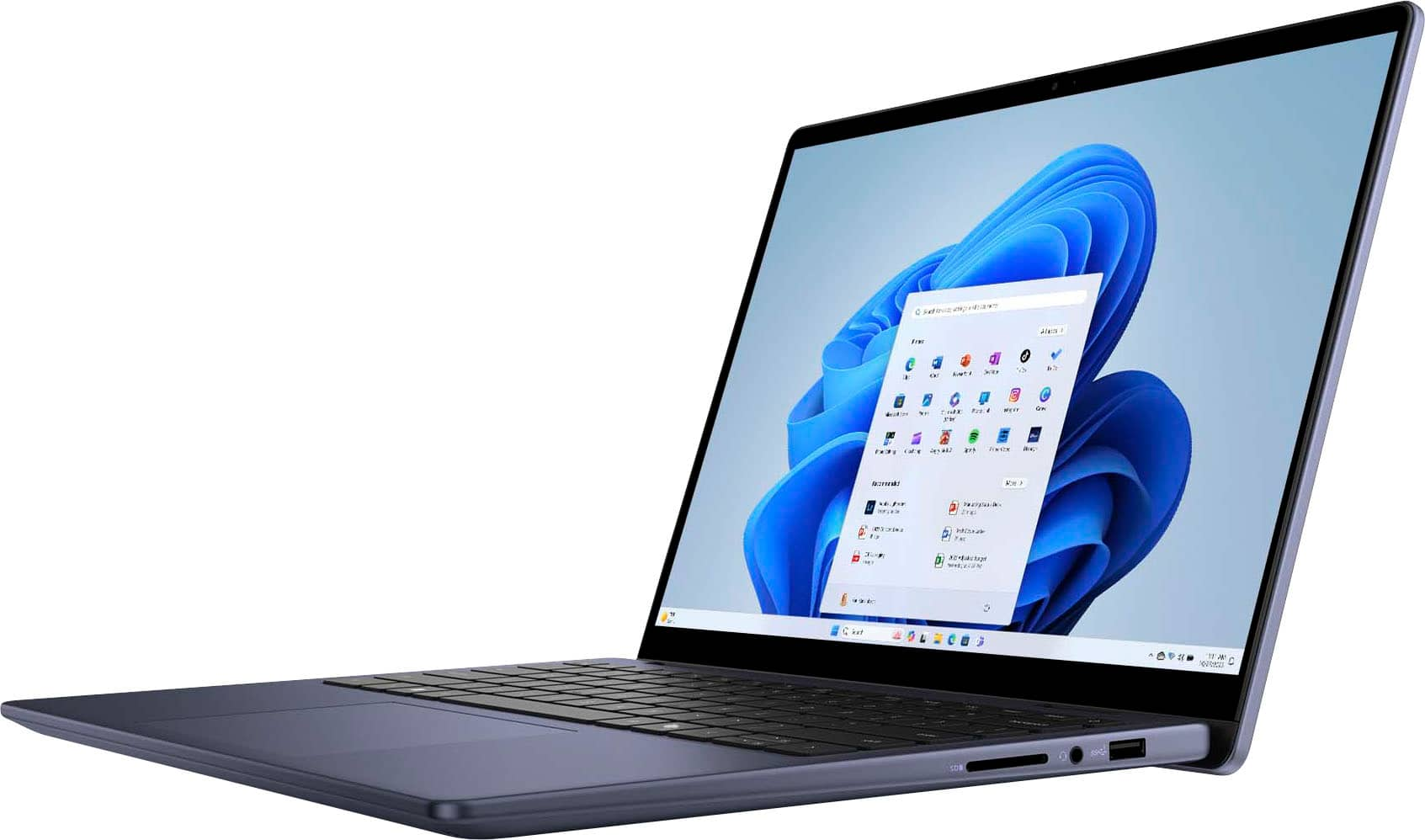
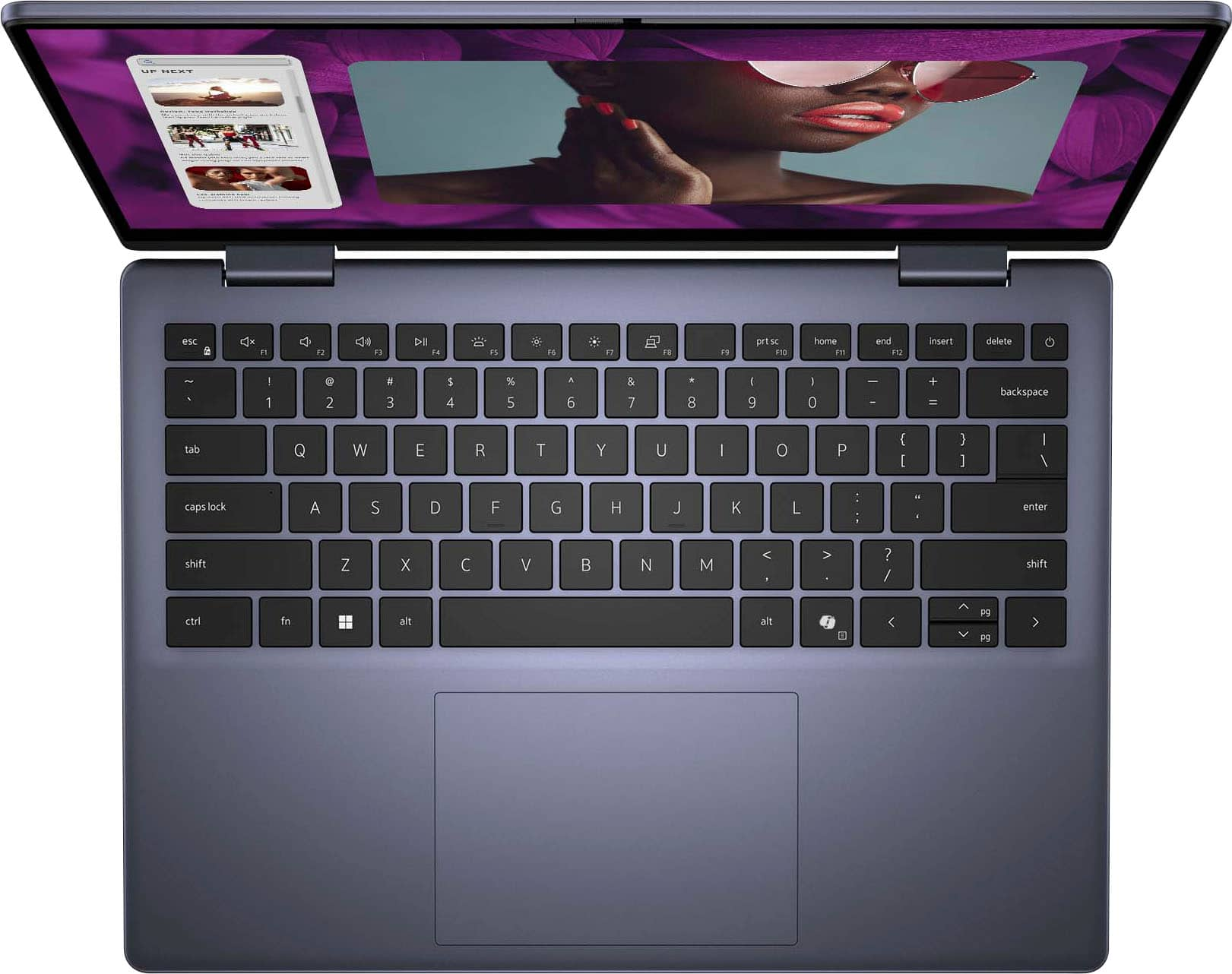
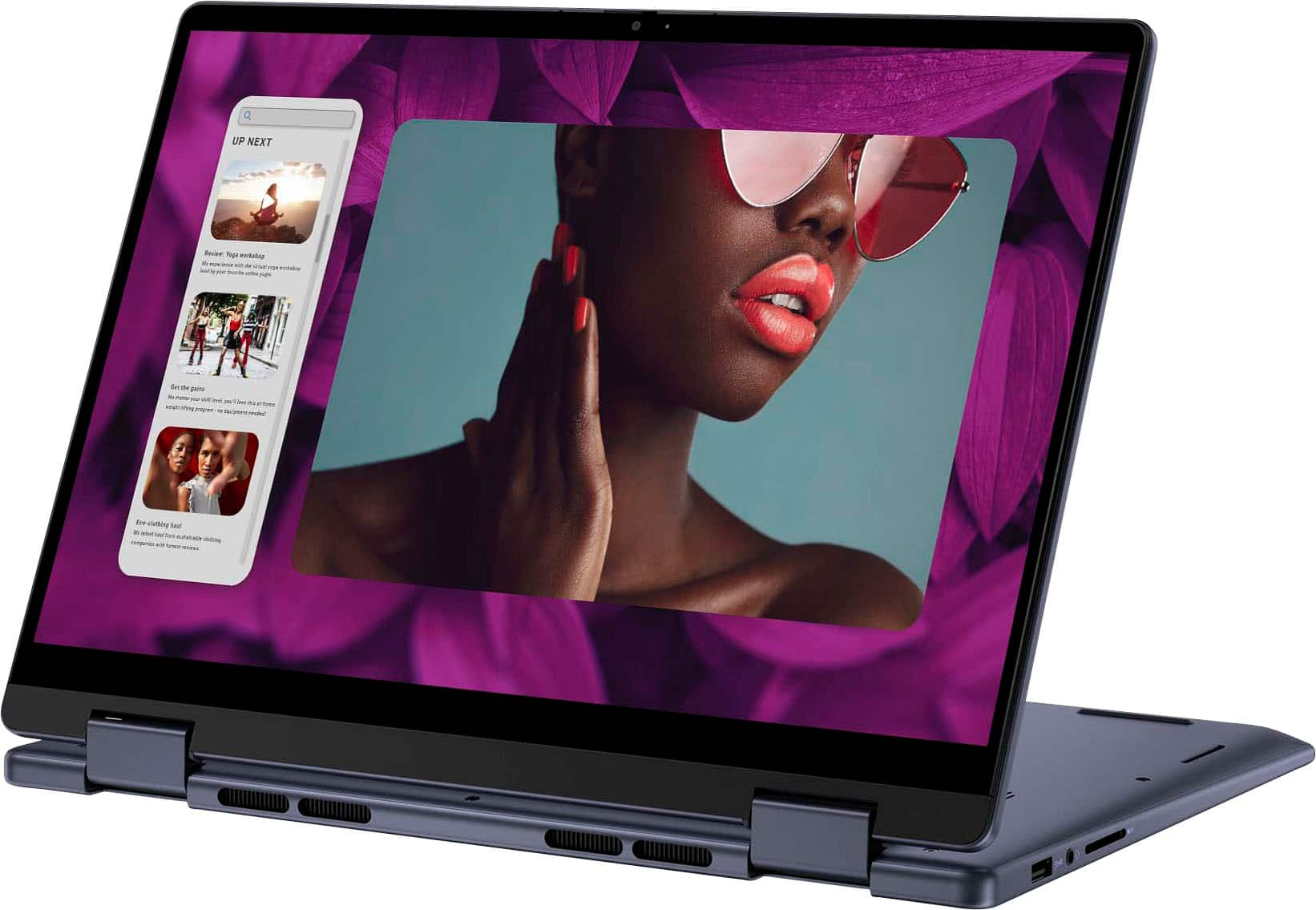
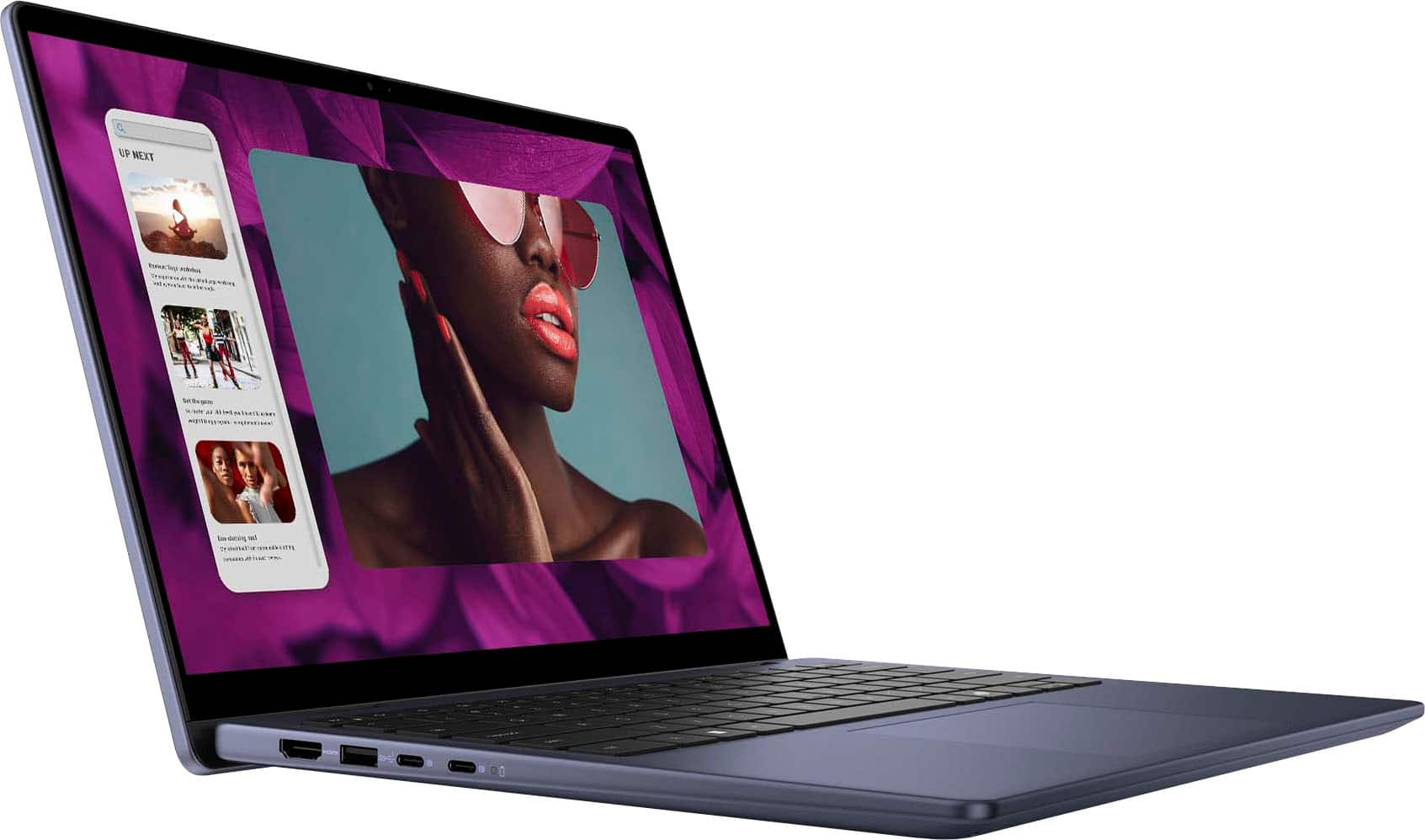
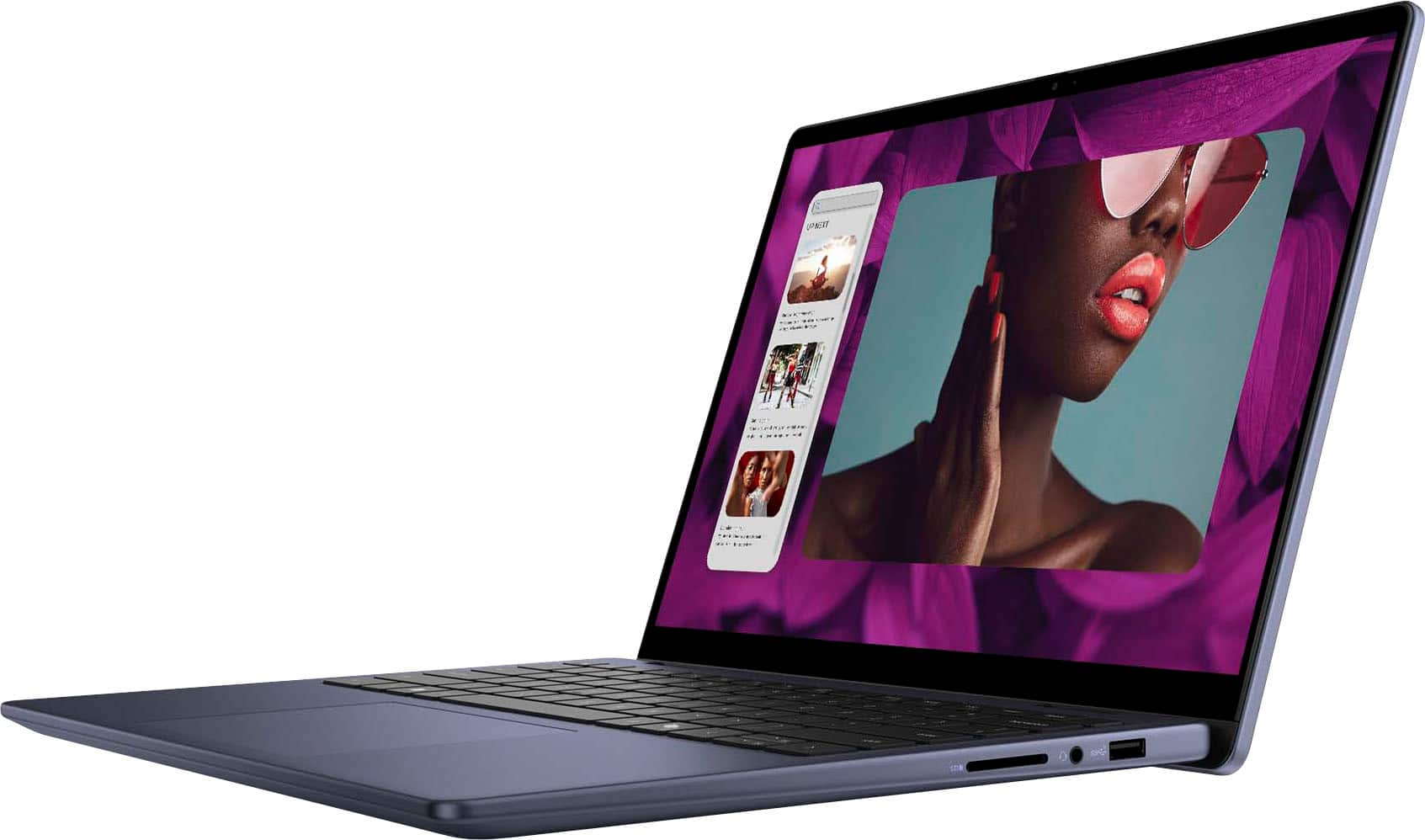
A:AnswerIf you mean CAMERA, yes, it has a built-in camera, at the top, center. I couldn't find any specs on the camera in the BB listing, so I assume it's 720p.
A:AnswerMany companies are preloading a free, 30-day trial of Excel as part of Microsoft 365 (formerly MS Office). When not preinstalled, or at the end of the 30-days, you can either opt for one of the subscriptions available, or buy a version of your choice. Also, MS allows for free, limited use of Word, Excel, and PowerPoint, one at a time, operating in a browser. Furthermore, in case you are unaware, non-MS office programs are available from other manufacturers, for free. Some people even prefer these, as they can have better integration between the different programs in the Suite. Kingsoft is one.
A:AnswerYes, you can transfer your Chromebook information to the Dell Inspiron 14 laptop, though the process will depend on the type of data and where it's stored.
Google Account: If most of your Chromebook info (e.g., settings, bookmarks, apps) is tied to your Google account, signing into the same Google account on your Dell laptop will sync your Google services.
Files: You can transfer files from the Chromebook’s local storage using methods like:
Google Drive: Upload files from the Chromebook to Google Drive and then download them on your new Dell laptop.
External Storage: Use a USB drive or external hard drive to copy files from the Chromebook and then transfer them to the Dell laptop.