A:Answerto keep your battery healthy you want to unplug it when completely charged and not plug it back in until it is nearly drained if you can't let it drain completely. If you HAVE to keep it plugged in all of the time, you should consider replacing the battery if they are, in fact, replaceable
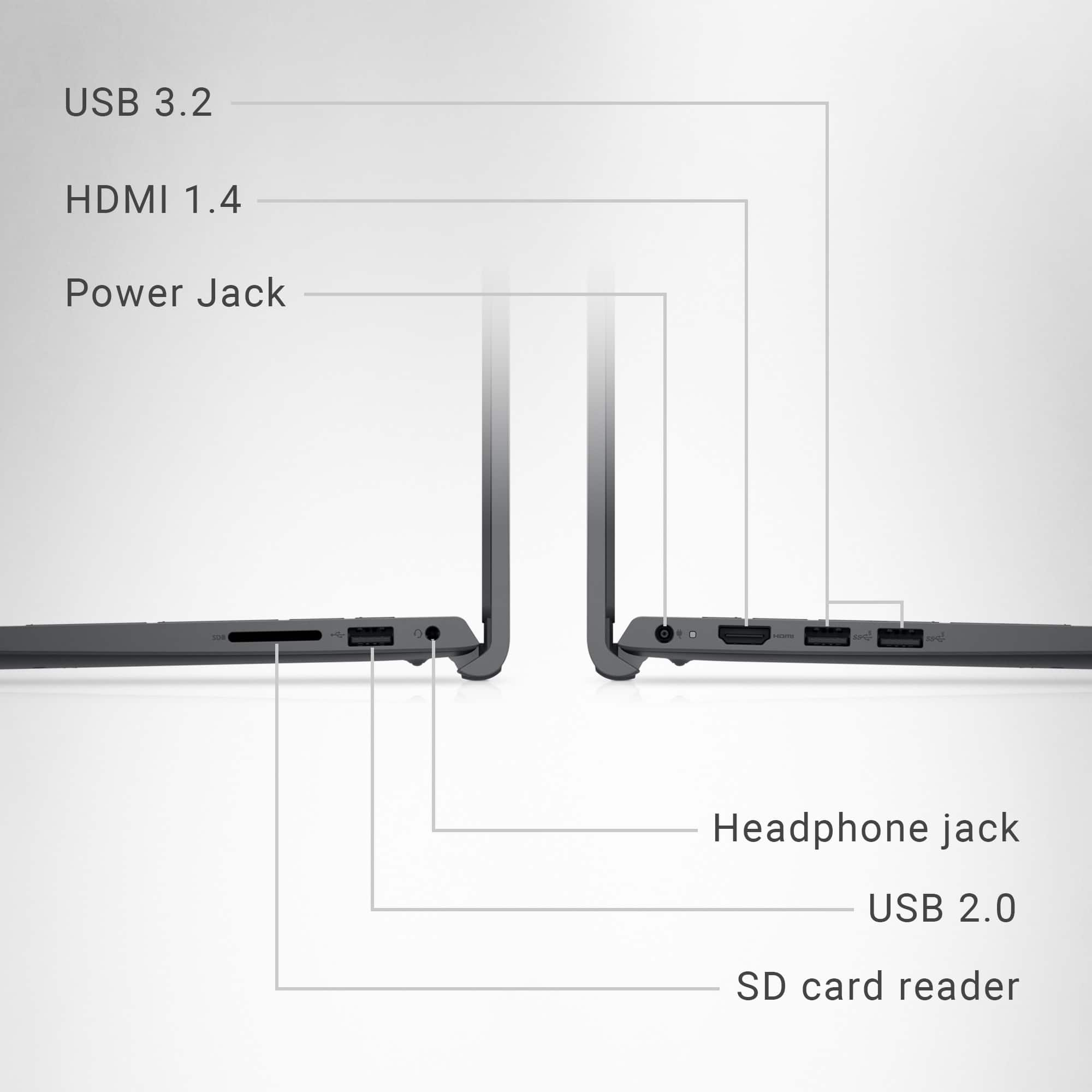
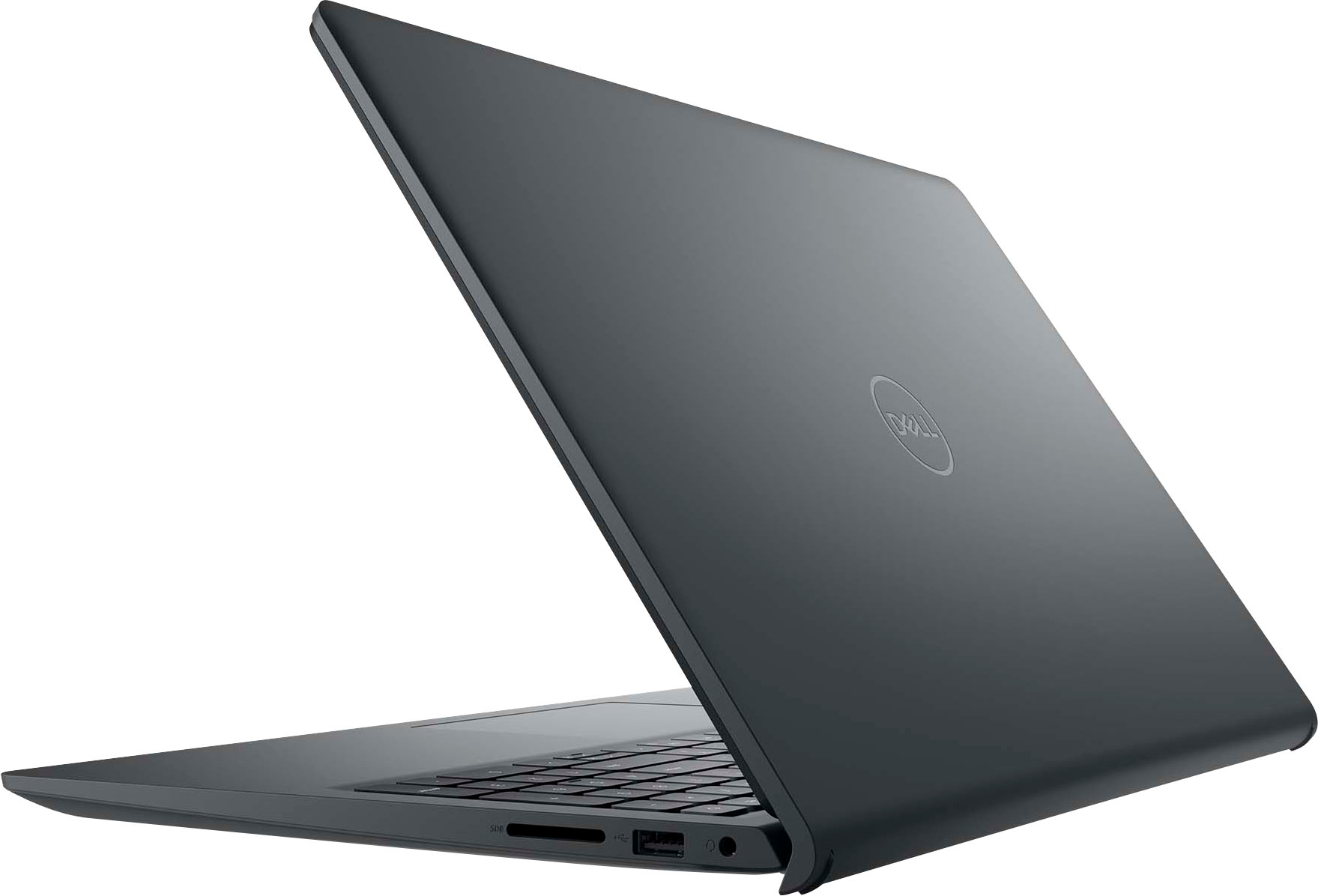
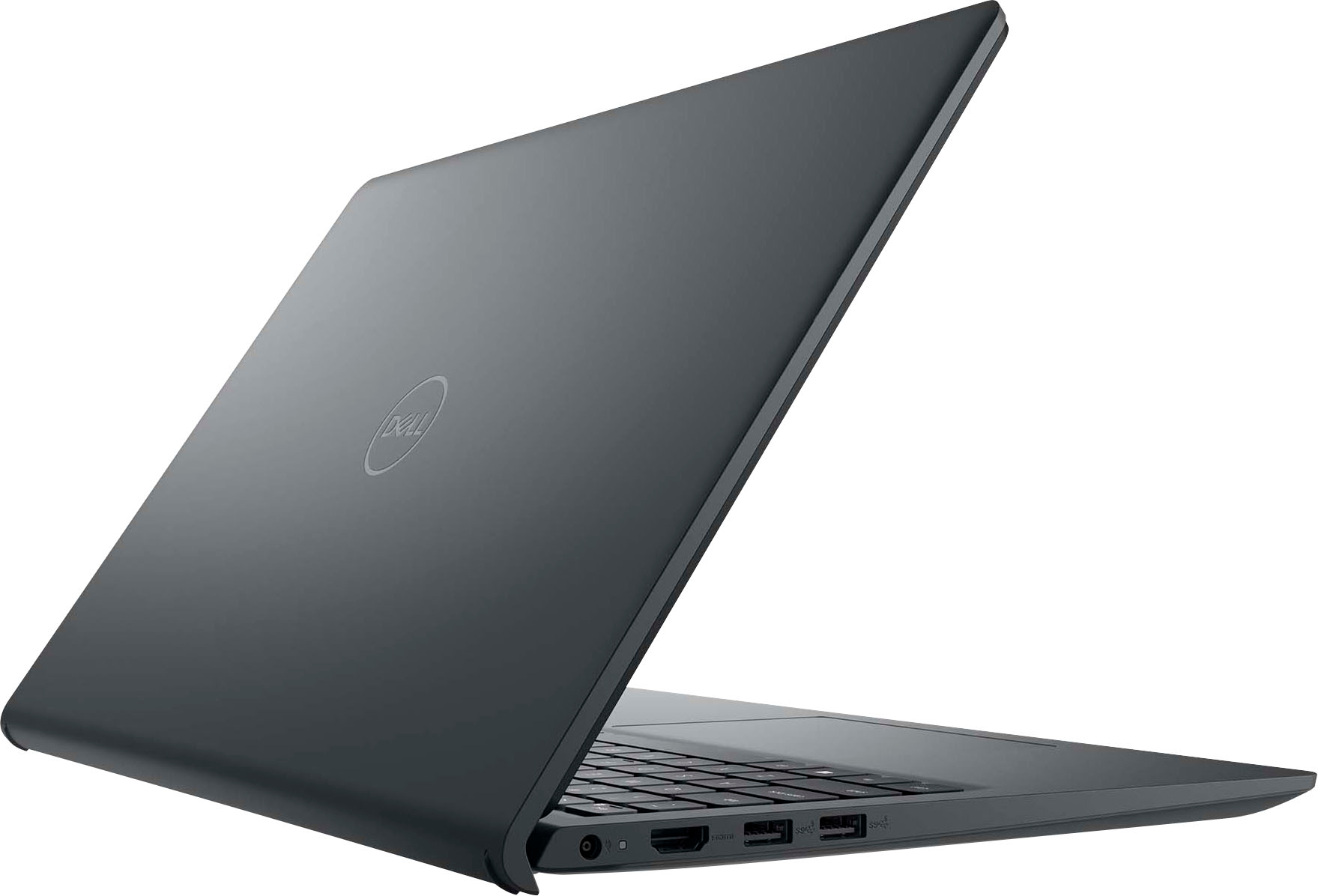
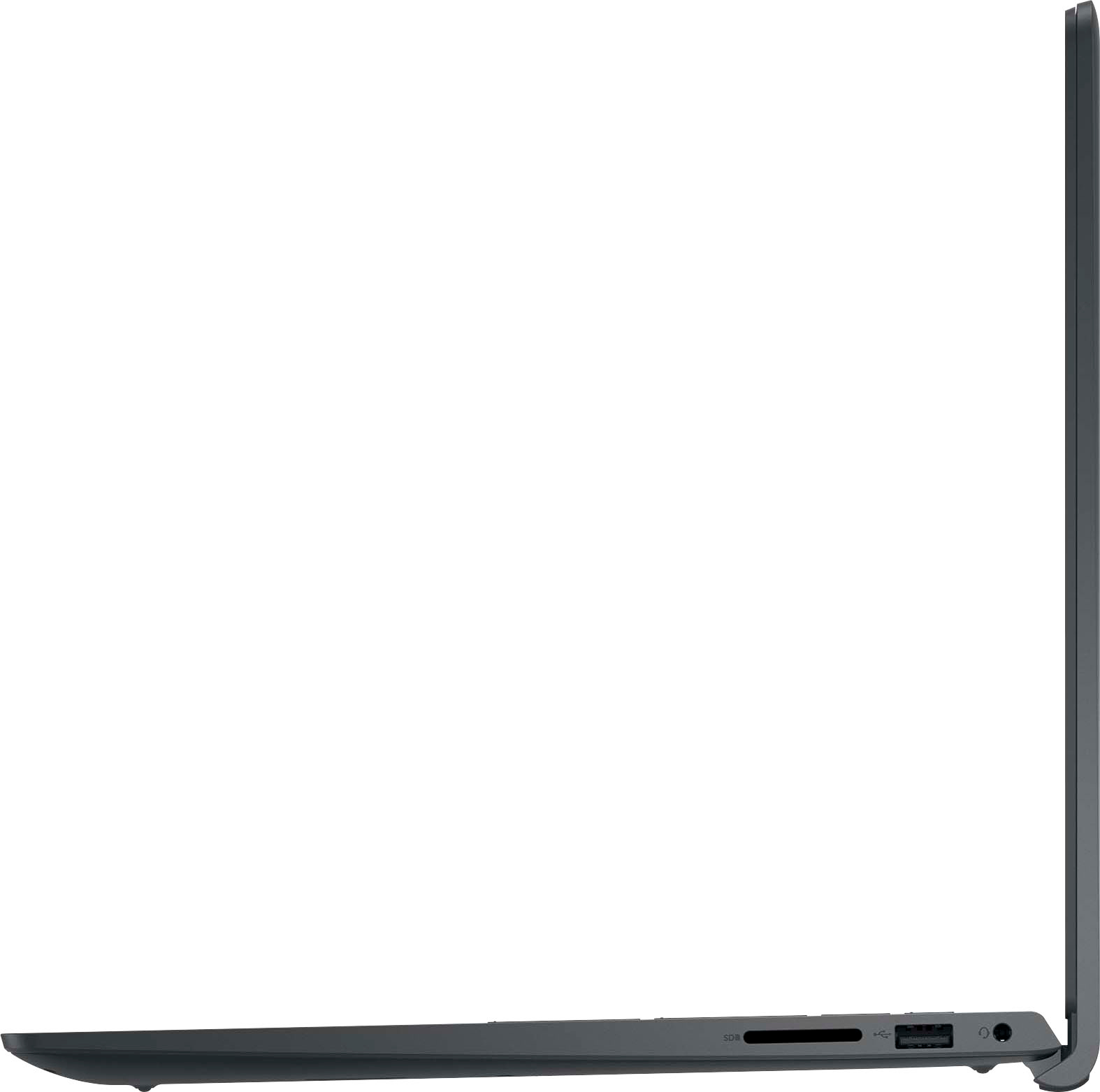
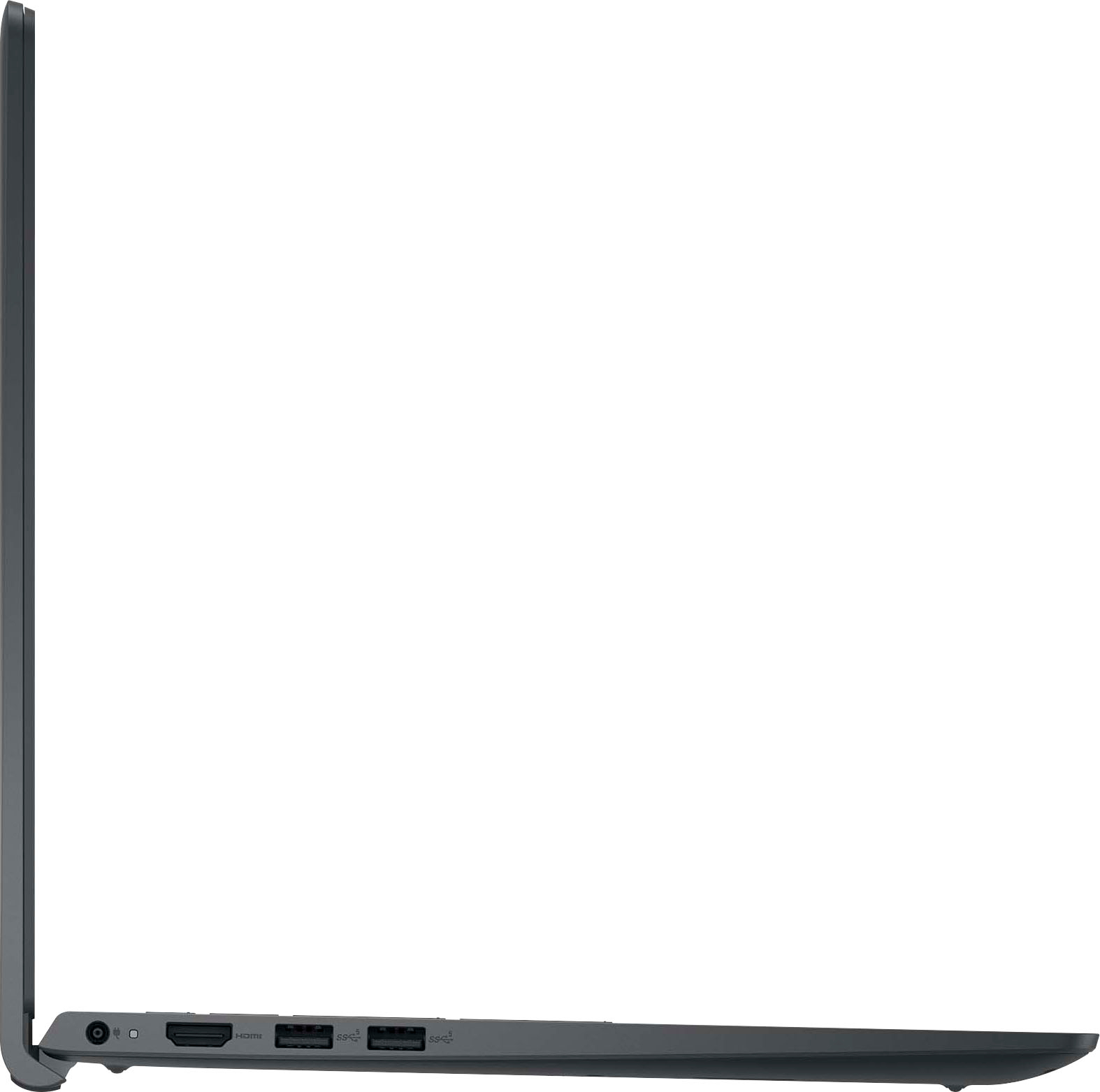
A:AnswerNo, and yes. If you need a WIRED internet connection (which is what Ethernet is), you will need to buy a separate adapter for one of your ports. They are inexpensive. Otherwise, you will need to add a router to your ISP modem and use the wireless connectivity that is already part of the computer's features.
A:AnswerNo. There are a number of reasons why internal optical drives are largely unavailable, though they can still be found, mostly (but not exclusively) in "hardened" laptops that look (and weigh) like bricks and are used in construction, emergency situations, and the military. There are a number of reasons for this:
1. Modern laptops (and desktops) are pushing to be smaller and weigh less, with many companies advertising their computers as “ultra thin” or “easily portable.” Optical drives significantly add weight (about half a pound) and bulk (12 cm diameter)
2. Even Blu-ray discs top out at 128 GB, far below either HDDs or SSDs on a per-centimeter basis.
3. With the advent of cheap flash storage, fast network connectivity, cloud storage, software distributed via the Internet, and USB 3.0 (and now USB 3.1, doubling the raw link speed to 20 Gbps), integrated optical drives have largely become obsolete.
As mentioned in the other reply, should you need an optical drive, they are still available, at a modest cost, as external, portable units
A:AnswerBoth questions have been answered elsewhere in the Question section. Please use the Search function with keywords (e.d., "touch," "warranty") to locate your information. This will avoid duplication and allow everyone to find the correct answers to their inquiries with minimum time.
A:AnswerGenerally speaking, MS Office suite, Adobe Reader and Quicken Books can be run on just about any Windows computer. However, to find out whether a specific computer build enables use of a specific application, always go to the manufacturer's website, where you will find a full list of system requirements, both minimum and recommended.