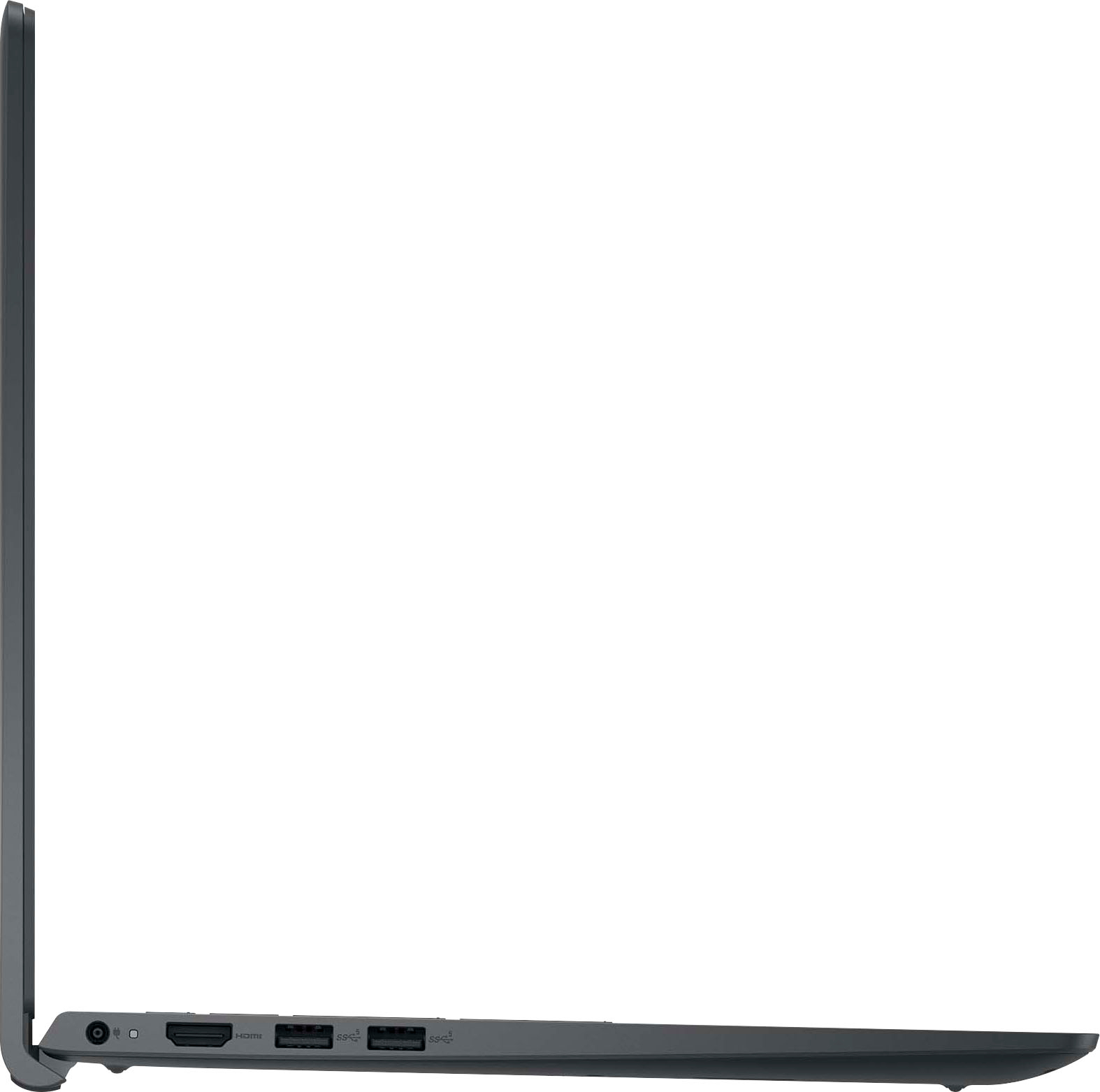
A:AnswerSince all laptops connect to current via an adapter, all you need is an adapter that meets both the input and output requirements. Search the language that is printed on the adapter and add the words "220V" to your parameters. Make sure that the output polarity matches.
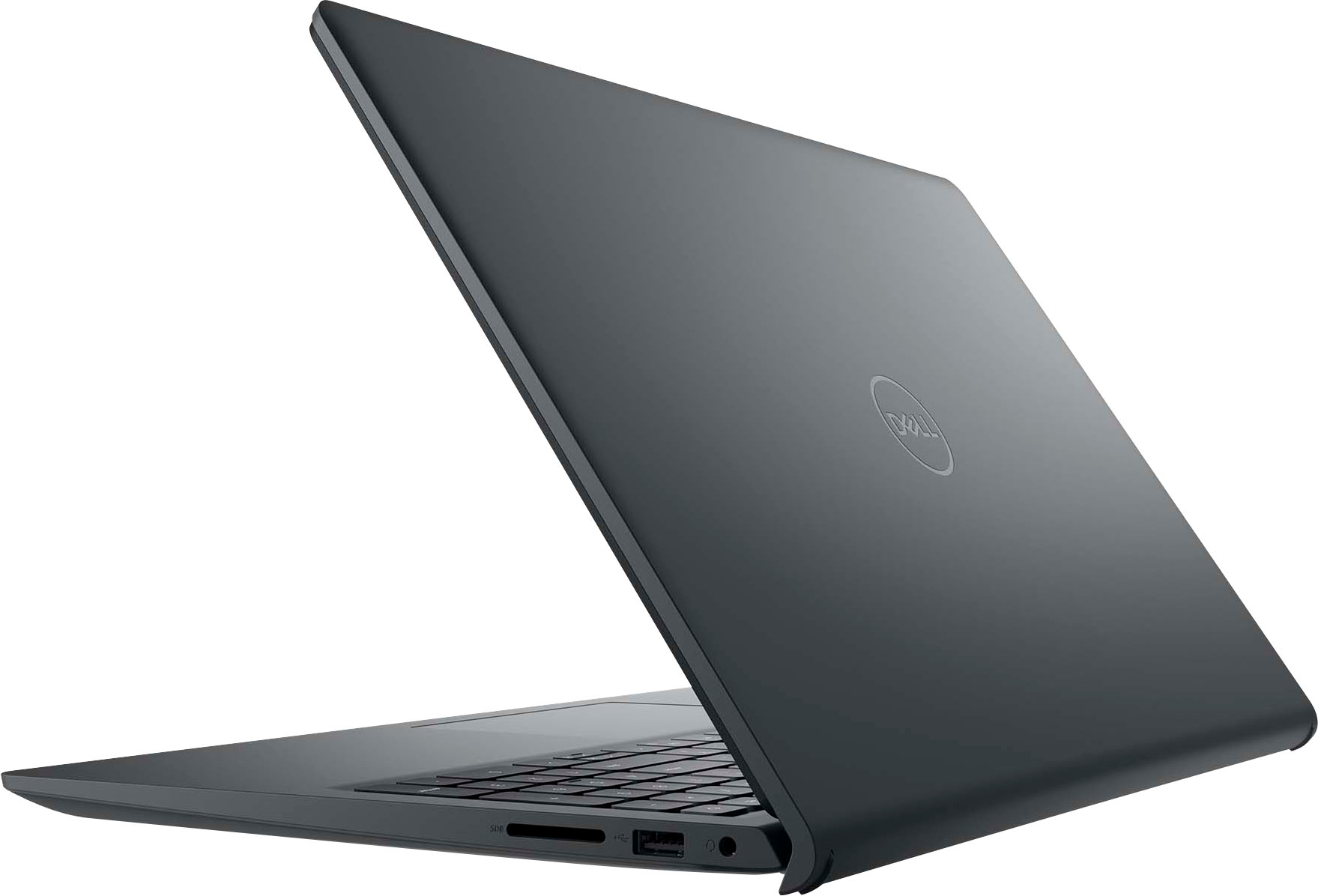
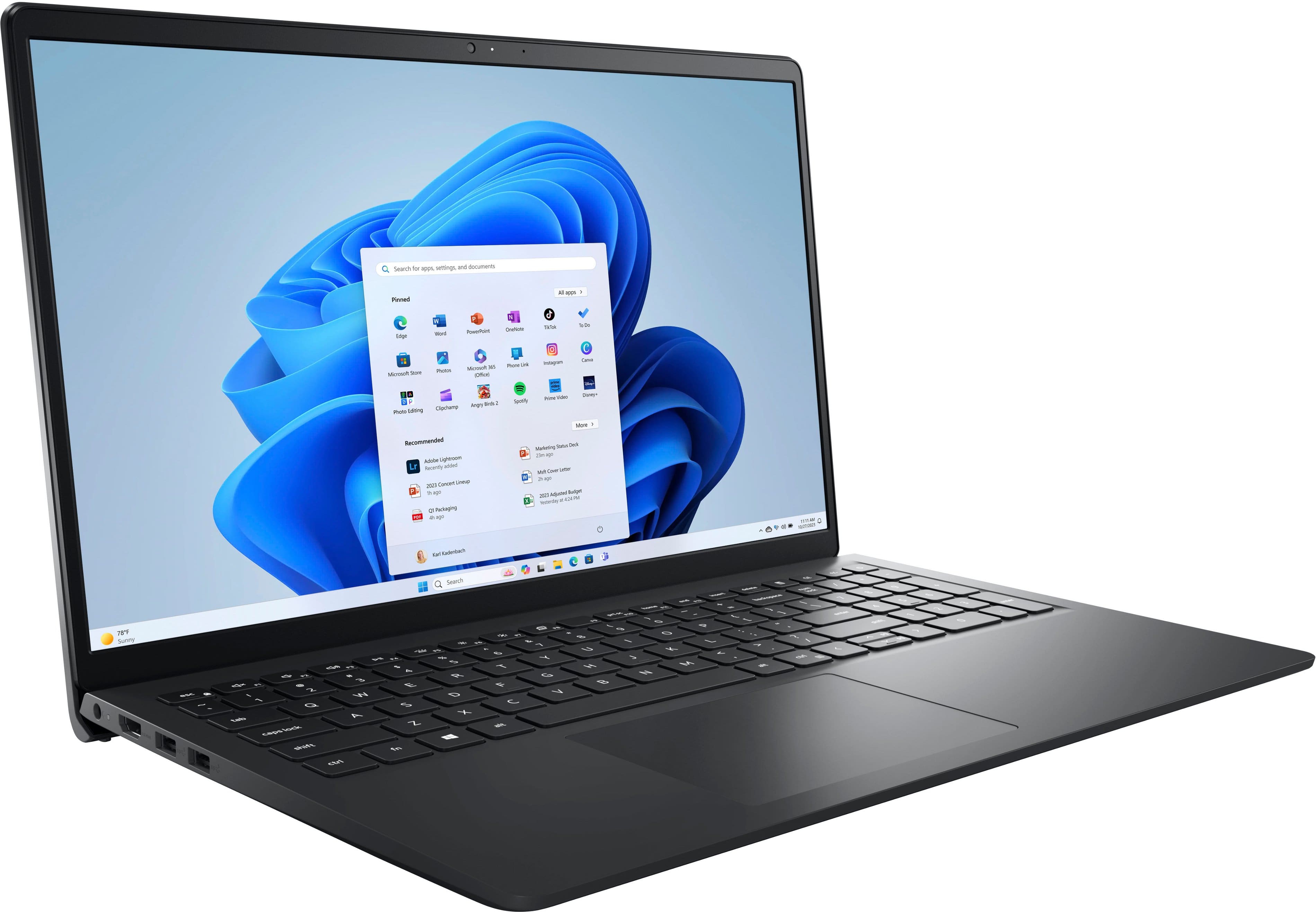
A:AnswerIt folds to close, like any laptop. It is NOT a two-in-one, where you could fold the screen in the reverse direction in order to use it as a tablet.
A:AnswerThis question has been asked and answered elsewhere on the Questions section. Please use the "Search" function to find your answers, and avoid duplication of information.
A:AnswerImpossible to answer, since no one here would know what coupon you are referring to. Suggest you get a magnifying glass and actually READ the coupon to determine the answer to this question.
A:AnswerTrade-in offers vary. There is one now (mid-February 2025), but there may not be one when it is not on sale, or the next time it is on sale. Also, I never find trade-ins worthwhile; computers just depreciate too fast. Unless you absolutely need every single dollar you can get, you might be better off giving your old equipment to your child, relative, or friend.
A:AnswerUnfortunately, there is no standard method of measuring battery life, the way there is, for example, CPU performance. This means it is impossible to compare one company’s computer’s battery use vs. another. Some manufacturers do provide details on how they measured it, but this is a rarity. The best way to find this information is to search out reviews by trusted tech publications, where they give detailed explanations of their procedures, as well as comparisons to comparable models.