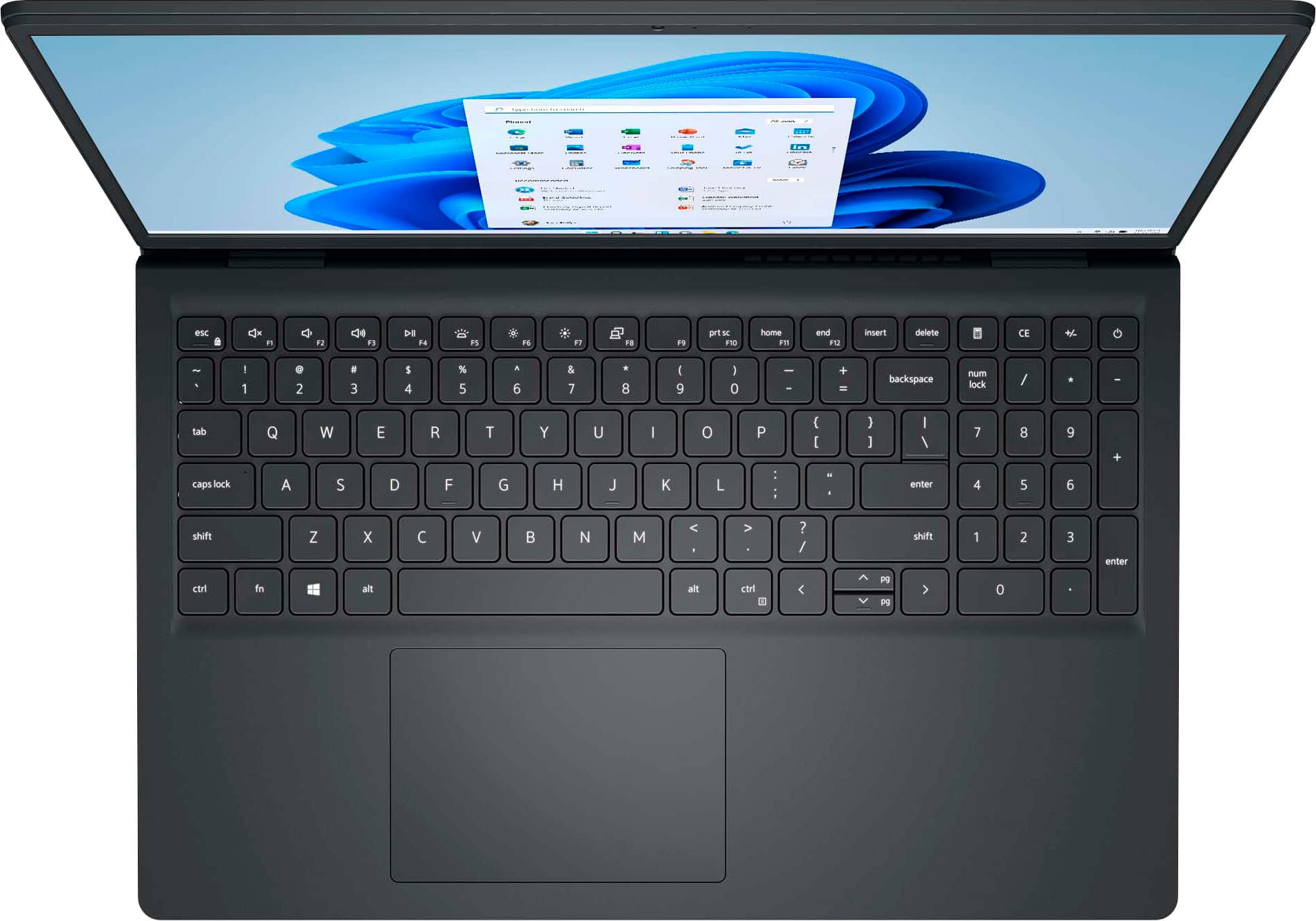
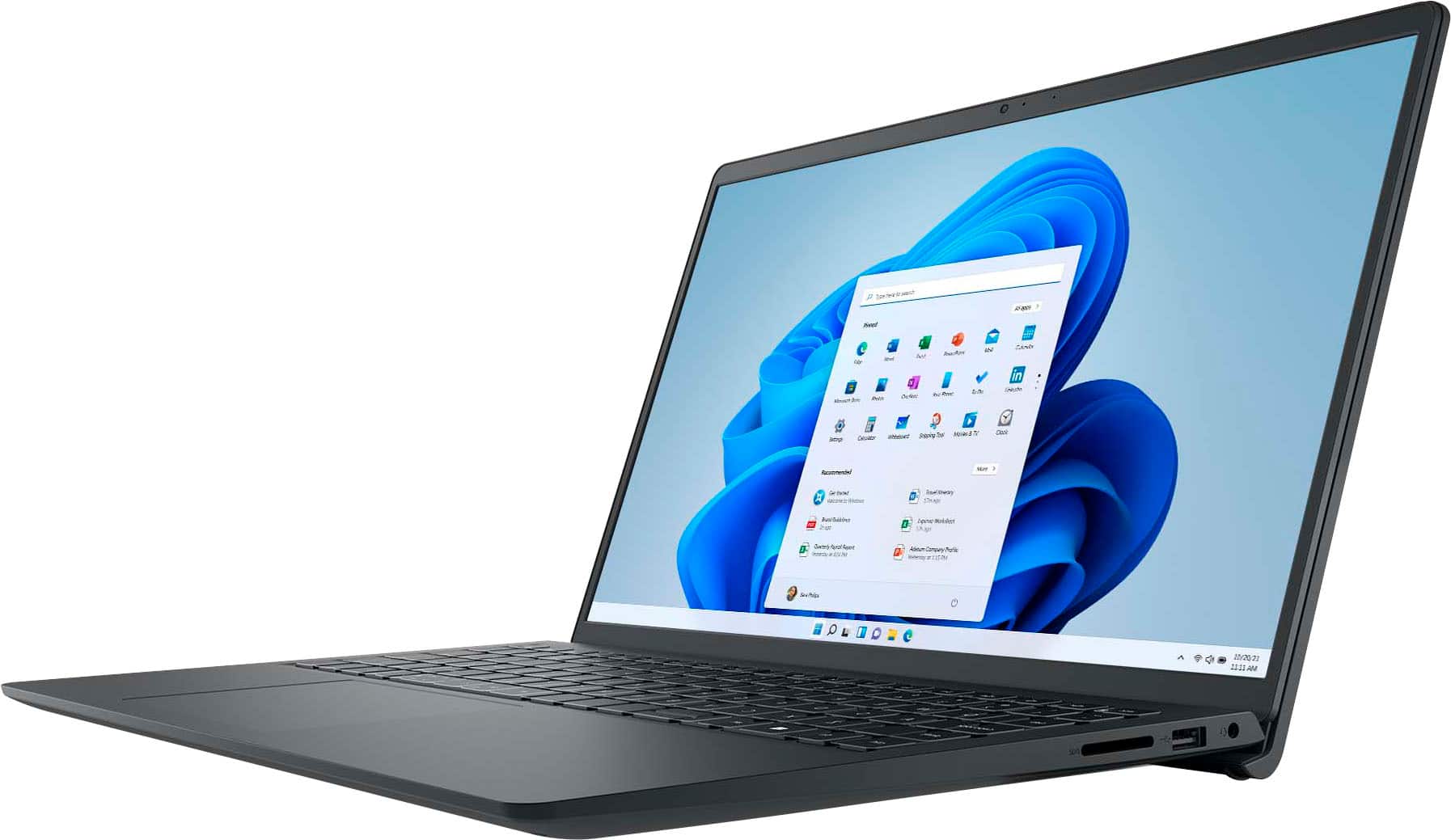
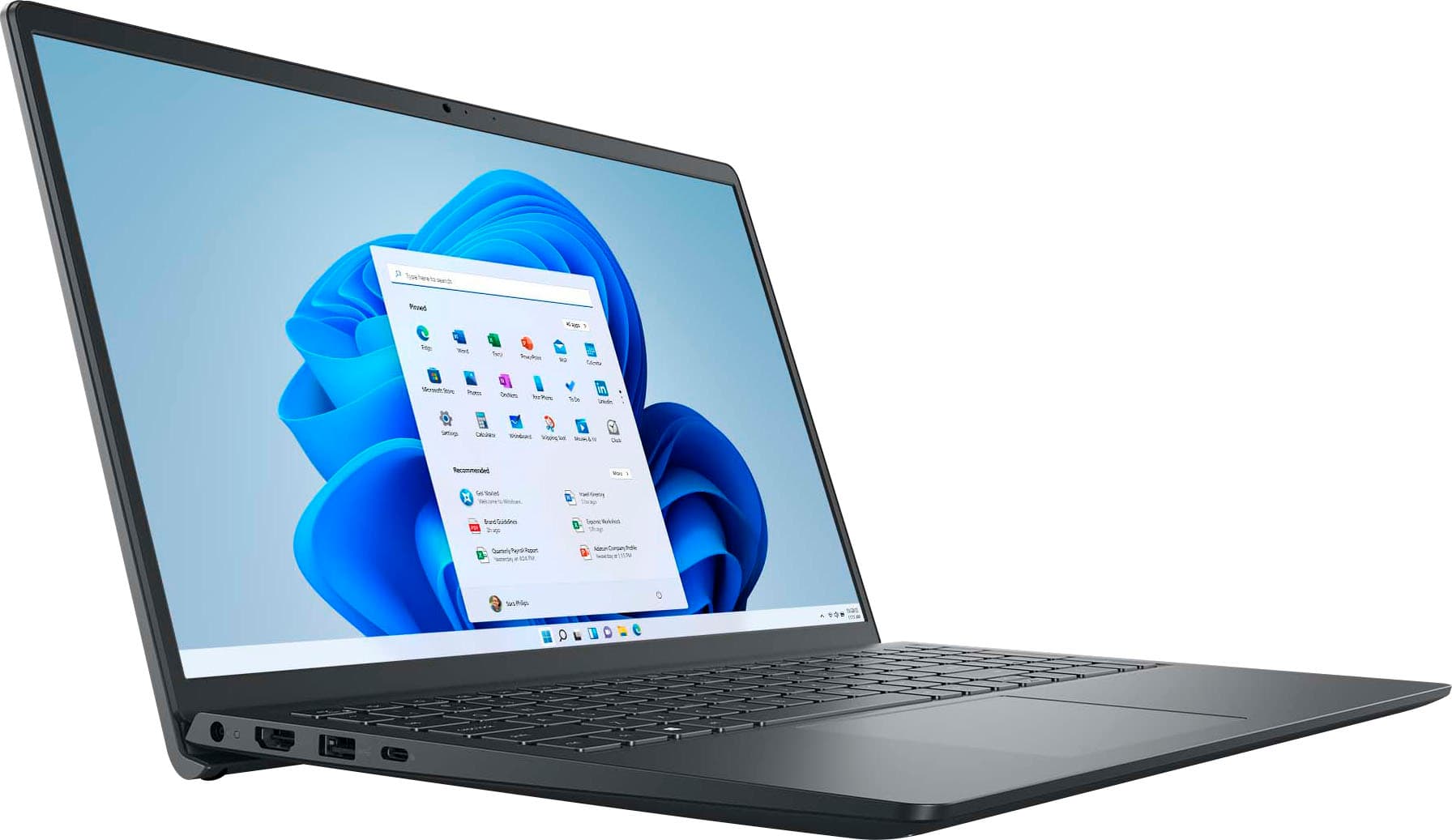
A:AnswerWhile the screen is touch-enabled, it’s not an active digitizer display. That means it’s not compatible with advanced styluses like the Dell Active Pen or Microsoft Surface Pen. You can use basic capacitive styluses, but they won’t support pressure sensitivity or palm rejection.
A:AnswerIf it's just data you want to transfer, there are a number of simple ways to transfer them that applies to any computers. Just Google it. Settings and programs are a different issue, and I recommend a program like Laplink PCmover or EaseUS Todo PCTrans, or pay BB's Geek Squad to do it for you.
MS365 is a special case--it's very nature makes it easy to use the same files and documents on multiple computers, as if they were all one computer, as long as you subscribe to a version that has that facility (i.e., multiple PCs).