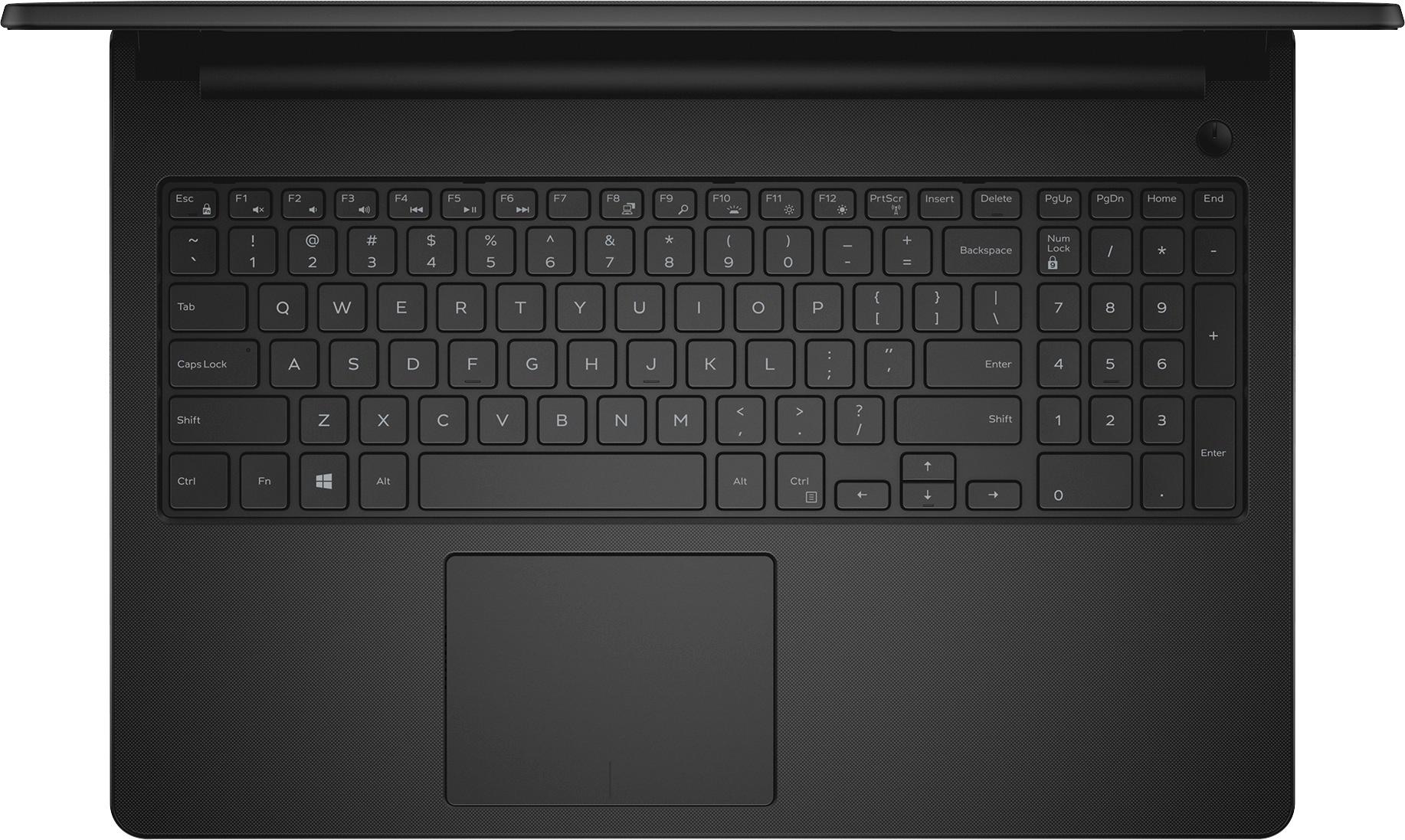
A:AnswerBy default settings, this assigns FN key to provide F# keys. So you get the F# key response/code with FN key. Otherwise, the F# keys by themselves are used for system control keys.
That said, the system control key assignments -
F8 = Display switching controls - [PC/local screen only, duplicate (dual screen mirrored), extend (stretch display over 2 screens), 2nd/external screen only],
F10 = Nothing. Seems assigned to nothing, no response. No label other than F10.
A:AnswerF8 on your keypad is used to access Safe Mode on your PC. Once in safe mode, you can remove just about anything but you must use caution. Remember, some programs have many parts or files. If you miss one, the file will remain on you PC. Must be an expert to use safe mode, remember this.
F10 on your keypad is to totally put your PC back to when you first bought it. You will lose everything that you installed. This is only done if your back up system fails you. It allows you to recover register files and others that were lost due to a power outage or surge. To prevent losing valuable PC files, buy a Battery back up surge protector.
A:AnswerYes you can change the keyboard input and viewing to Spanish. Go to control panel, click on clock/ language and region,under language , click on change input methods, you'll see options to the right. Under input method, click add an input method. I only see Latin America as a choice for keyboard layout, choose that. I also chose the option to change the language, it looks the same as keyboard input but I think it changes the viewing from English to Spanish, you can do that too, if you want to view the screen in Spanish. Under region, you can change the date and time format. When you click on region, you will see format at the top left, under that it will say Match Windows Display language, click on the drop down menu and go down to Spanish, it gives you multiple countries to choose from, click the country you want. Change the date and time formats you want and don't forget to click on APPLY. You should be set to type and view the PC in Spanish. I hope this helps.
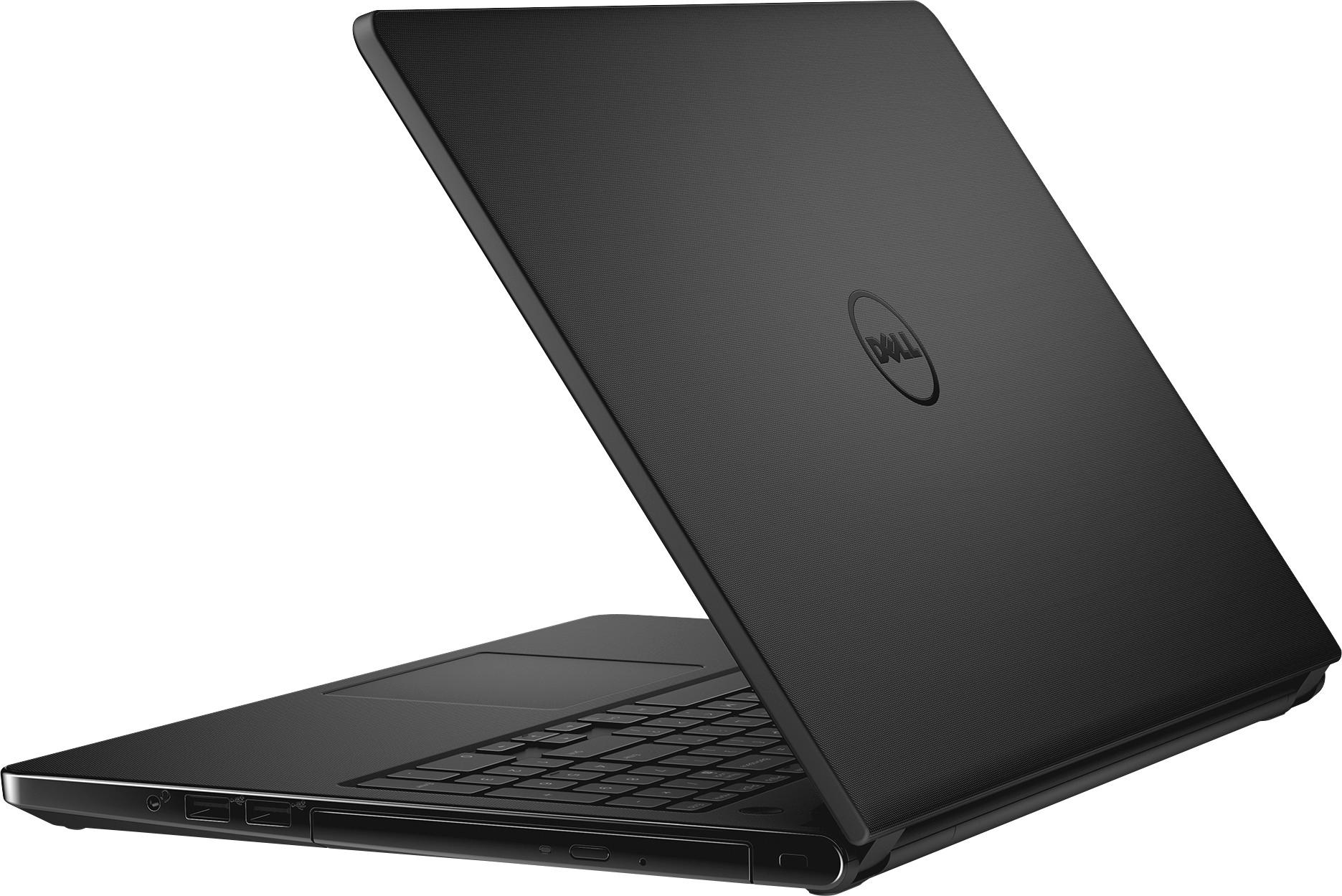
A:AnswerIf your external DVD drive you bought with this laptop does, then yes. There is no DVD drive bult into this laptop due to the GPU taking that slot.
A:AnswerIf you mean the Wi-Fi, then no.
The included WiFi supports 802.11n b/g/n 2.4GHz single band only. (Not ac or a; not 5GHz band.) (I guess 1 antenna, don't know & haven't found specs for that.)
(The included WiFi & Bluetooth is on a removable card in m.2 slot, so could be upgraded/replaced, with matching card form factor / size.)