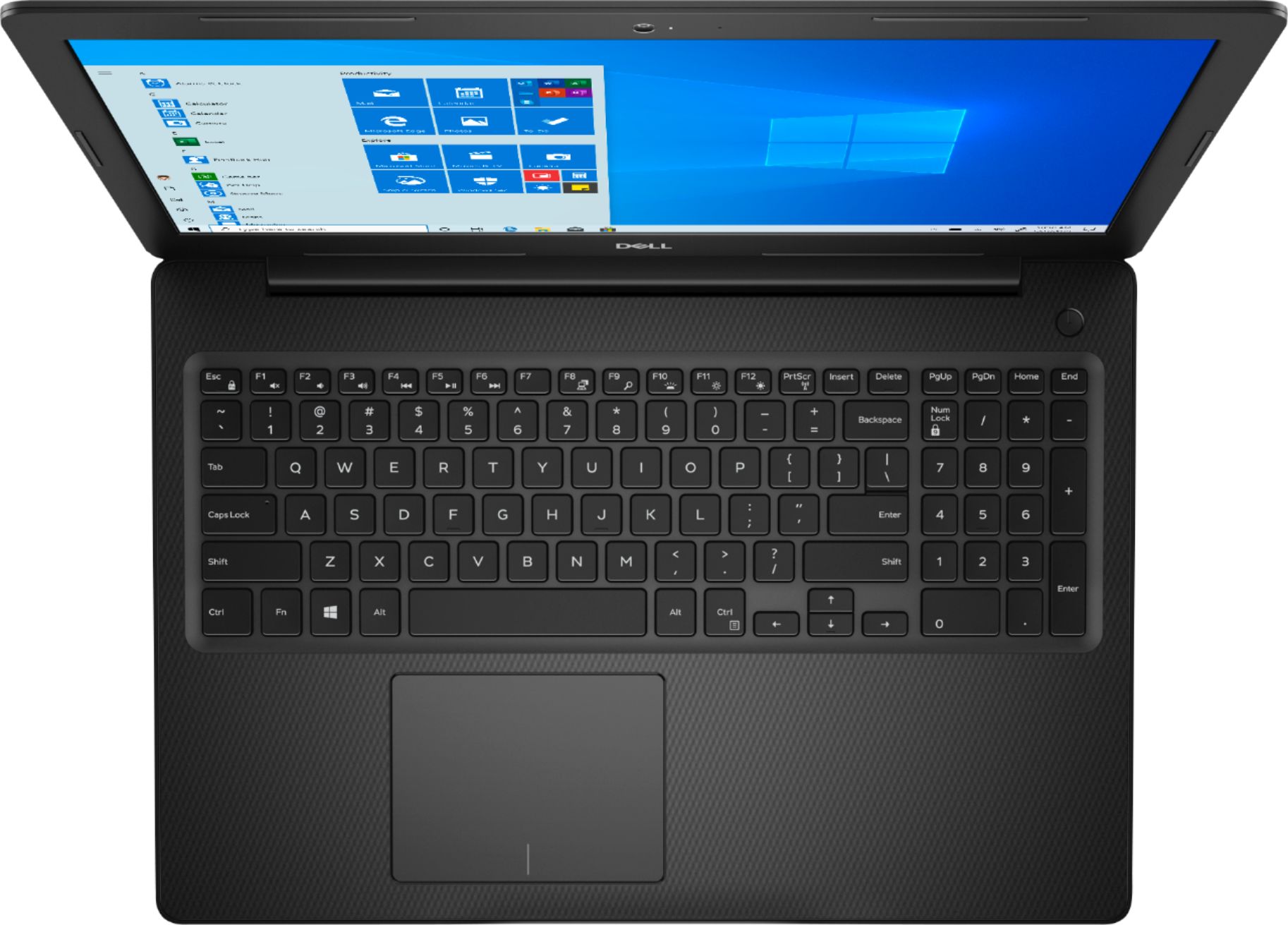
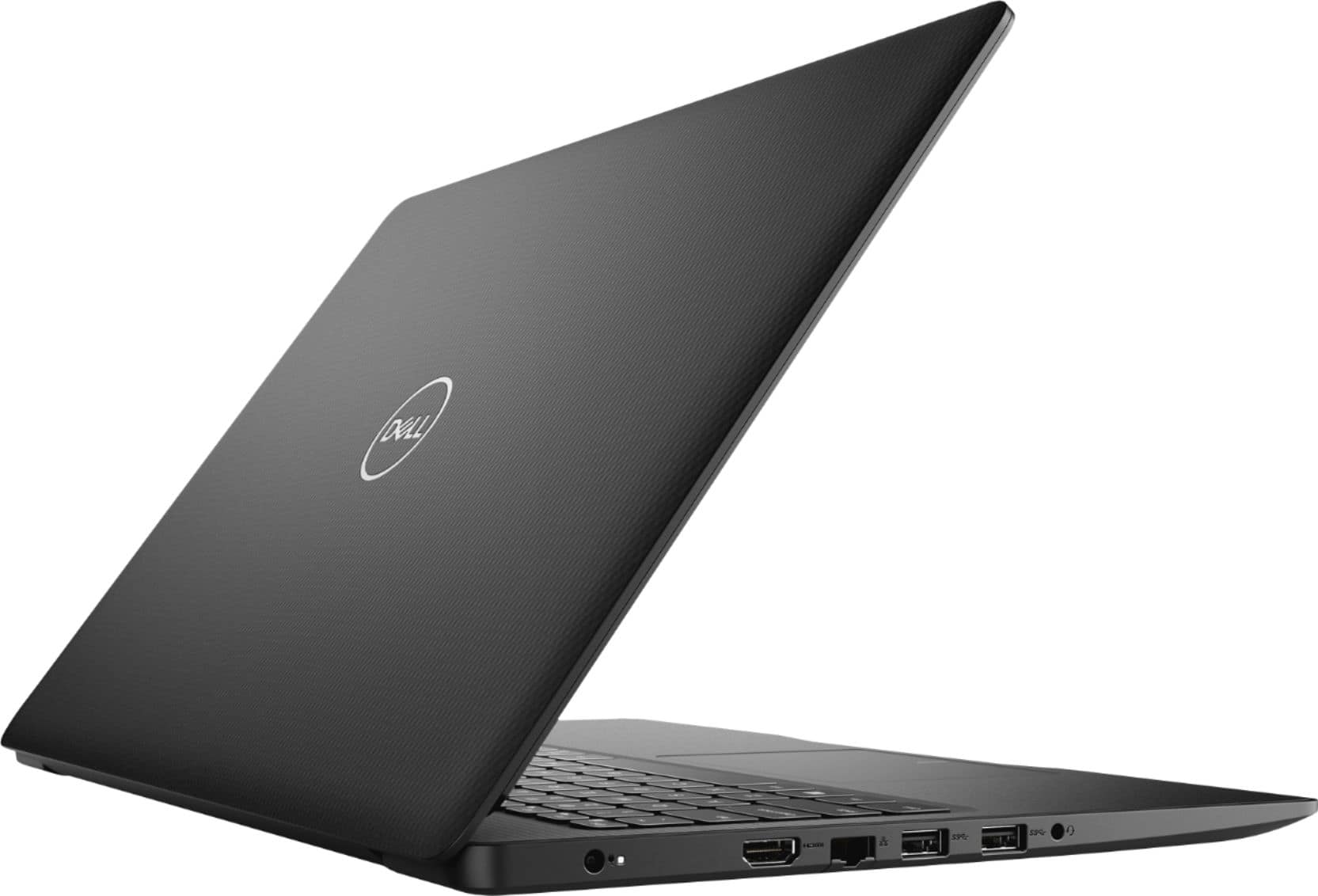
A:AnswerSeriously, if you really want those upgrades to a computer, you will be much better off by buying a laptop with those features built in at the factory, so that when you open the box, you're ready to roll. You'll likely pay more to have those parts installed by a service tech than you would for the price of the pre-upgraded computer, itself. Plus you will lose the use of the machine, for likely several days, if not a week, or more, while the technician gets around to your laptop. Plus, you will have to spend time shopping around for the parts needed for the upgrade. There are likely hundreds, if not thousands of computer makes and models out on the market, with many being offer on sale during the holiday season, from Best Buy, and other retailers. that may meet your needs, at a price that fits your budget. Also, too, remember that many, if not all manufacturers will likely void your factory warranty if you open the computer and add or replace factory installed parts.
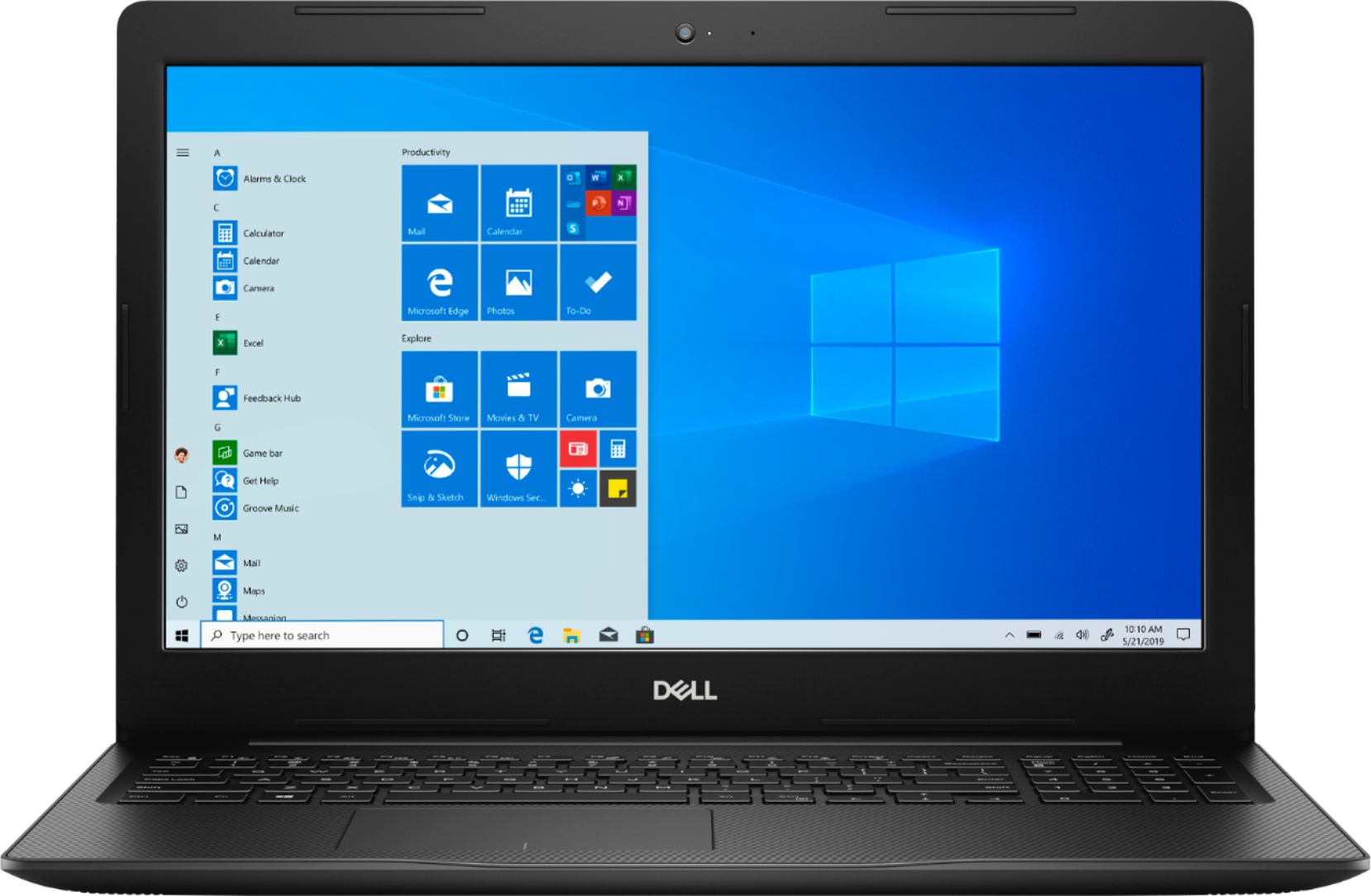
A:AnswerGenerally most manufacturers of most products offer a warranty good only in the country it was intended to be sold in. So products sold in countries other than the USA, may not be covered by the USA distributor, even if that distributor is wholly owned and operated by the manufacturer. - i.e. a Sony product sold in Canada and warranted by Sony Electronics Canada, most likely would not be covered for service by Sony Electronics USA, due to various laws from country to country, even though both companies are owned by Sony Corporation. If you are planning to take nd use the product outside the USA, you will likely be liable for any service costs that you may incur, if service should be needed.
A:AnswerYes, it has an empty slot for that. The 16 GB upgrade was relatively cheap and easy. Here's a screen capture thumbnail you can click on to read the relevant system info after the upgrade:
A:AnswerWindows 10 comes with the Windows Defender anti-virus app as part of the Windows software. Many computer and software writers and journalists have said that it is a acceptable and useful app, although not necessarily the best A-V software available. It is way better than no anti-virus software at all. However there are several other aftermarket anti-virus software apps available, beside McAfee, including the Norton 360 Software suite from Symantec, and others. Best Buy will likely have those on its shelves, in the computer sales area. You may want to check with your internet service provider to see if it offers one of the major anti-virus companies program as part of the internet service. For example, Comcast/Xfinity offers the Norton 360 Security Suite free, for up to four computers or tablets, for all home subscribers to its service. In any event, the name brand anti-virus software included with most computers is only a 90 to 120 day trial version that will cease to operate after the trial time, if the full version software is not purchased at the end of the trial period.
A:AnswerLike gas mileage, a lot depends on how you use it, and you can adjust battery settings to affect how quickly your battery is drained. Using this computer in "Battery Saving" mode (lower screen brightness, background processes limited, and so on), I got 7+ hours of use time. Using it in "Better Performance" mode (which is my preference) I'm getting 5-6 hours doing e-mail, web surfing, word processing and spreadsheets.
A:AnswerThe touchpads on most computers have always been tricky to operate. I believe it is much easier to plug in a corded mouse into one of the USB ports, or better yet, get a cordless mouse that utilizes a small dongle that plugs into the USB port, and is easier and more responsive than the touchpad.
A:AnswerProbably, since most, if not all videos on YouTube are recorded on smartphones, and not professional recording equipment, and are not UHD 4K productions. To make your computer run somewhat faster, you should probably install another stick of memory.
A:AnswerThat's impossible to tell unless you line up several and compare apples-to-apples.
However, here's my apples-to-oranges experience, which might be helpful: Compared to my Dell P2717H) desktop monitor (relatively high-end), black on the 3583 appears "grayish black" rather than deep black, and color saturation (the intensity of colors) is lower. Compared to my Dell Latitude 7280 laptop, black and color saturation seem similar; in fact, the Dell Latitude 7280 seems a bit worse in this respect. Compared to my Dell Inspiron 11-3180 (another in the Inspiron 3000 line of the same (2018) generation, but smaller), black and color saturation on both seem identical.
My guess is that what you are experiencing is typical. But the only way to find out would be to take the computer to a Best Buy store, and see if you can talk the Geek Squad folks (or Customer Service) to line your computer up with an identical model and take a look.
A:AnswerYes, but for Autocad, you should seriously consider spending a bit more to get a machine with a dedicated GPU and a higher Def screen. It will be a much better experience.