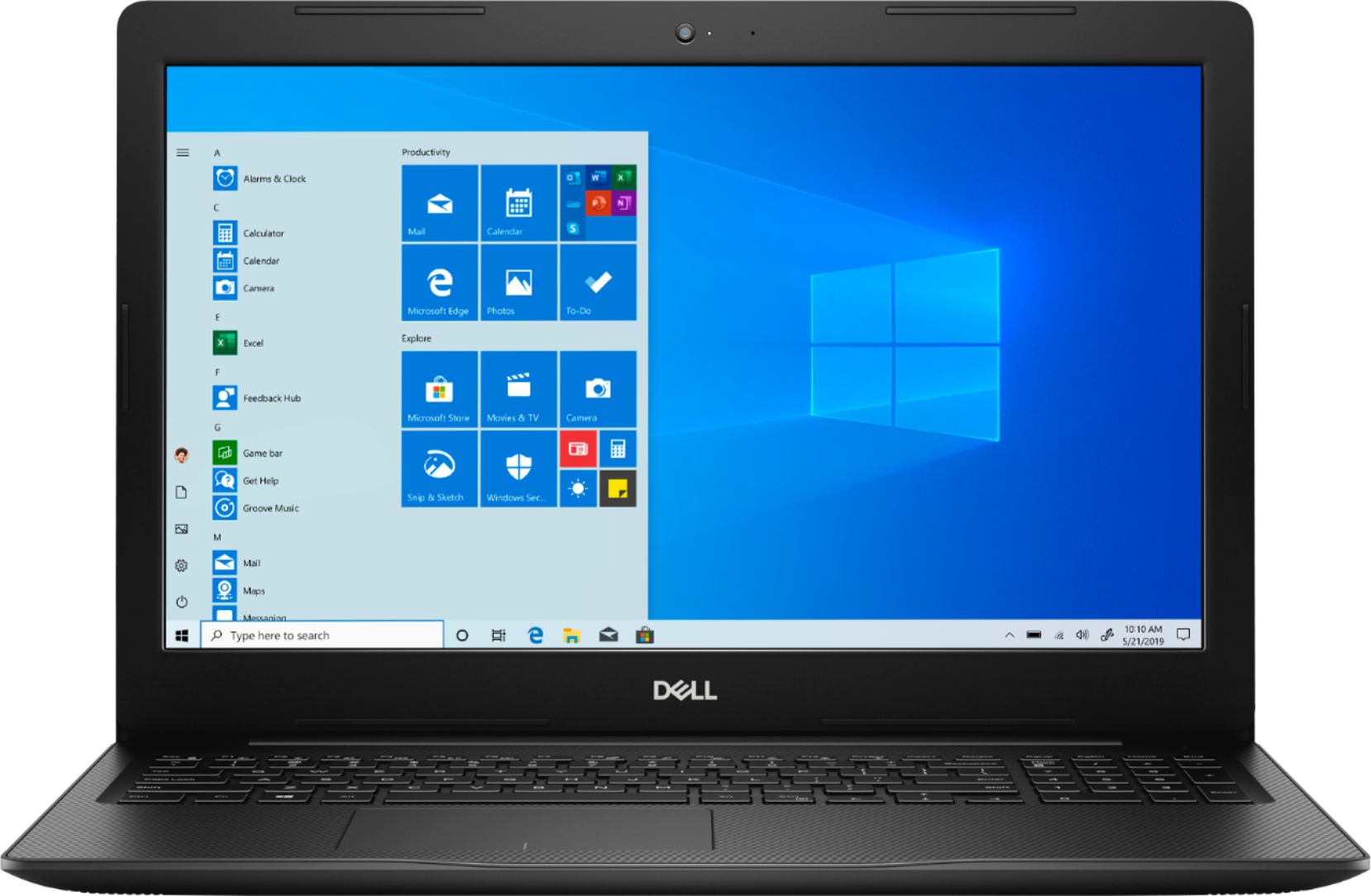
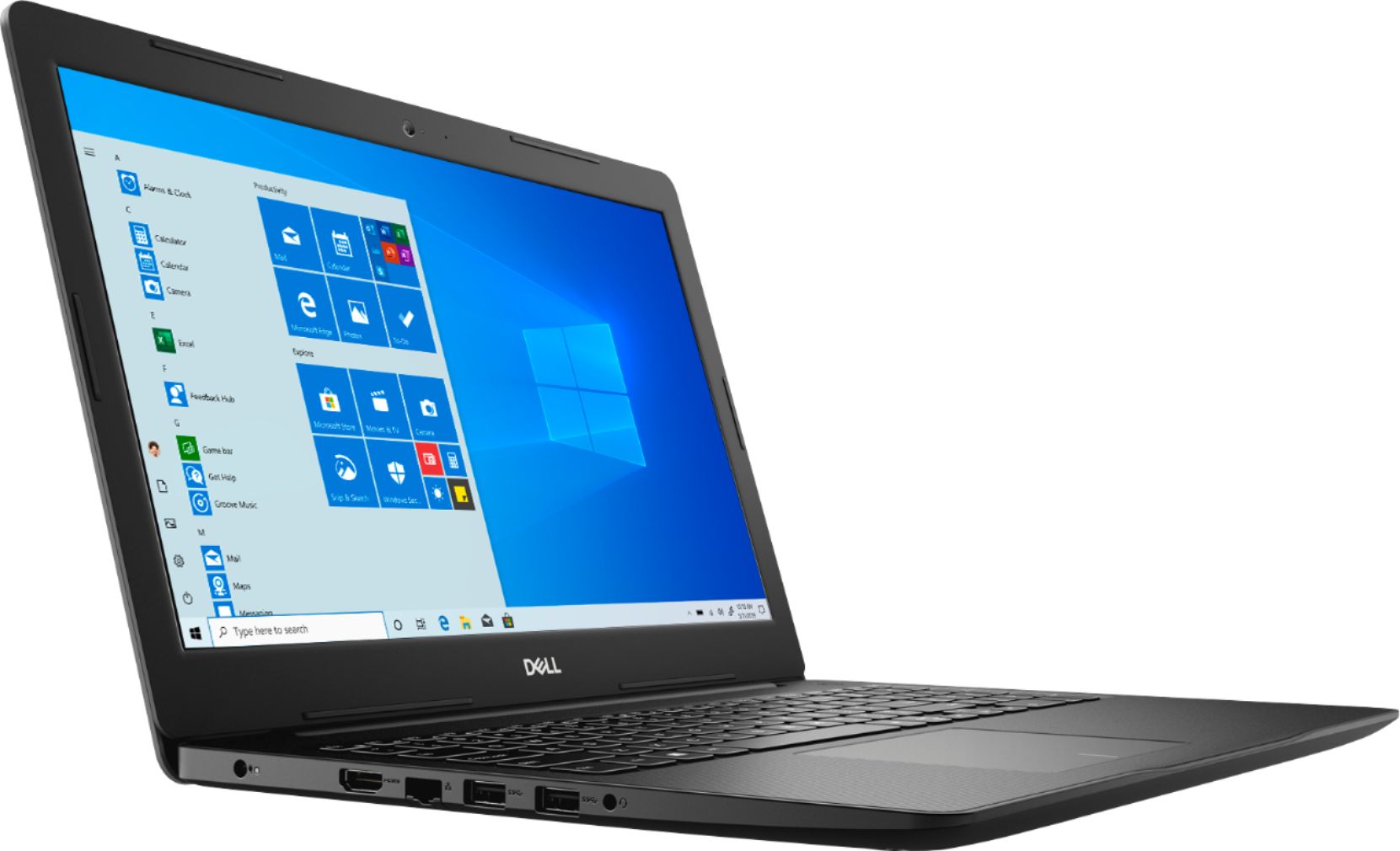
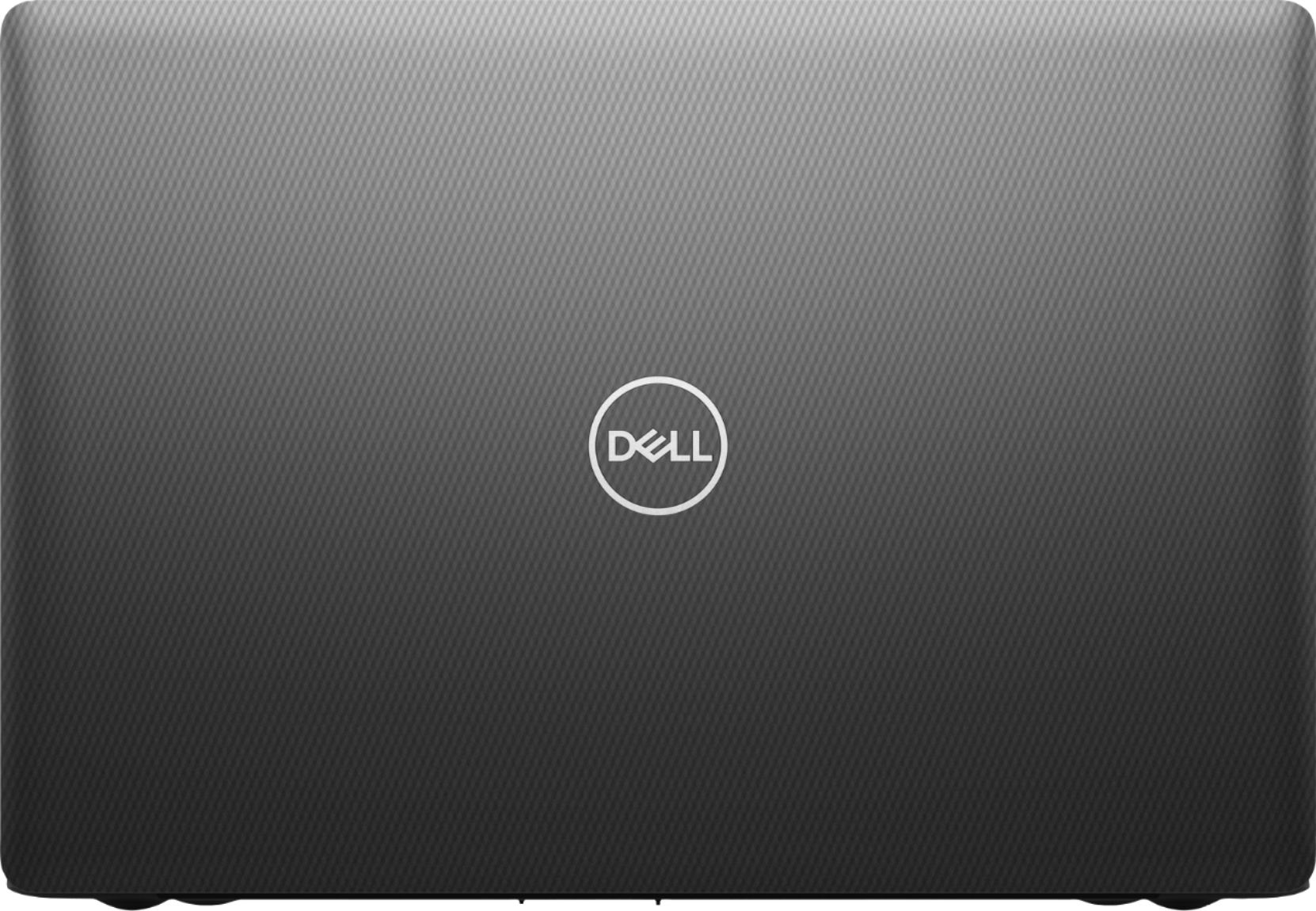
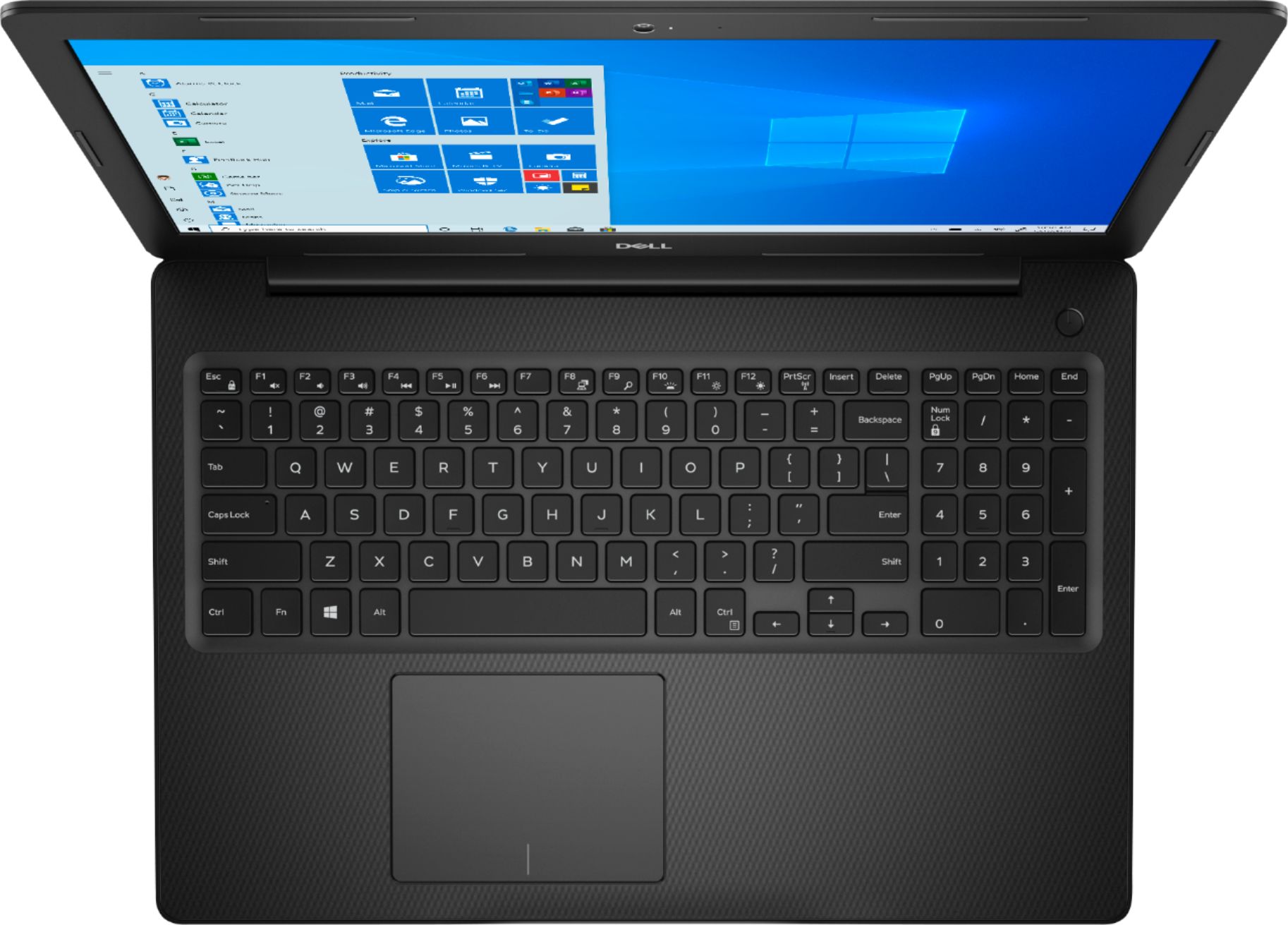
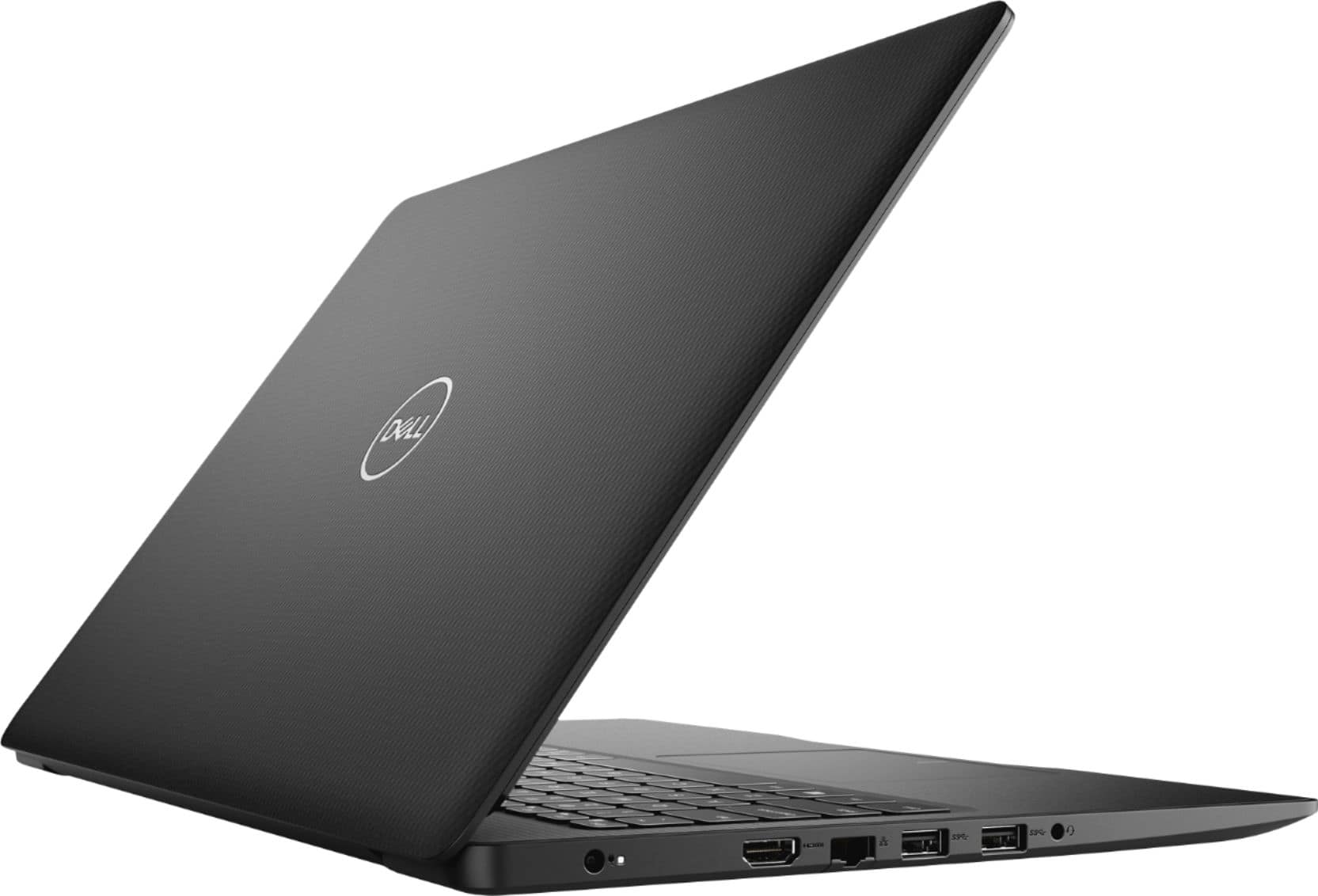
A:AnswerThe computer comes with 8gb of RAM installed in one of the two memory slots, but has an second, unused, memory slot. RAM can be expanded to 16GB by installing a second memory module to the second slot.
A:AnswerIf your question is whether the installed keyboard can be replaced with a backlit keyboard, Dell offers a backlit keyboard for this computer as an optional feature (at additional cost, of course), and that suggests that the motherboard will support a backlit keyboard if you want to spend the money to replace the existing keyboard with a Dell backlit keyboard. But why go through that when you can buy a different laptop with a backlit keyboard already installed?
If your question is whether the computer will support an attached desktop backlit keyboard, I did a quick test by plugging a Plugable USB-MECH878W 10-Keyless backlit desktop keyboard into one of the USB3 ports on the left, and it seemed to work okay.
A:AnswerTechnically, for the right amount of money, sure. But generally speaking, no. If you want that feature, buy a different machine. Dell does offer a back-lit keaboard for this model laptop as an optional feature. It's just not on this specific device.
A:AnswerYes, an external optical drive that connects through a USB port is available from Dell and other manufacturers. External optical drives typically cost about $50.
A:AnswerYes, it does come with a manufacturer's warranty, for about a year of remote diagnosis and mail-in repair. It can be extended or upgraded online if that's what you want to do. I've attached a screen capture showing some options.
A:AnswerIt could run Digital Audio Workstation software, but depending on what you're doing, you'd want to get many add ons that add up, such as:
- a multichannel USB audio interface,
- a decent pair of studio monitors for mixing,
- a large high-res monitor,
- a higher capacity SDD and/or HDD,
- a mouse,
- headphones for tracking,
- mics,
- cables,
- bass traps and room treatments,
and the list goes on.
There's a website called "gearslutz" that I thnk you'd find helpful. I suggest you check it out.
A:AnswerI've been getting 5-6 hours of run time doing routine, non-demanding tasks (e-mail, internet, spreadsheets) operating at "Better Performance" battery settings.
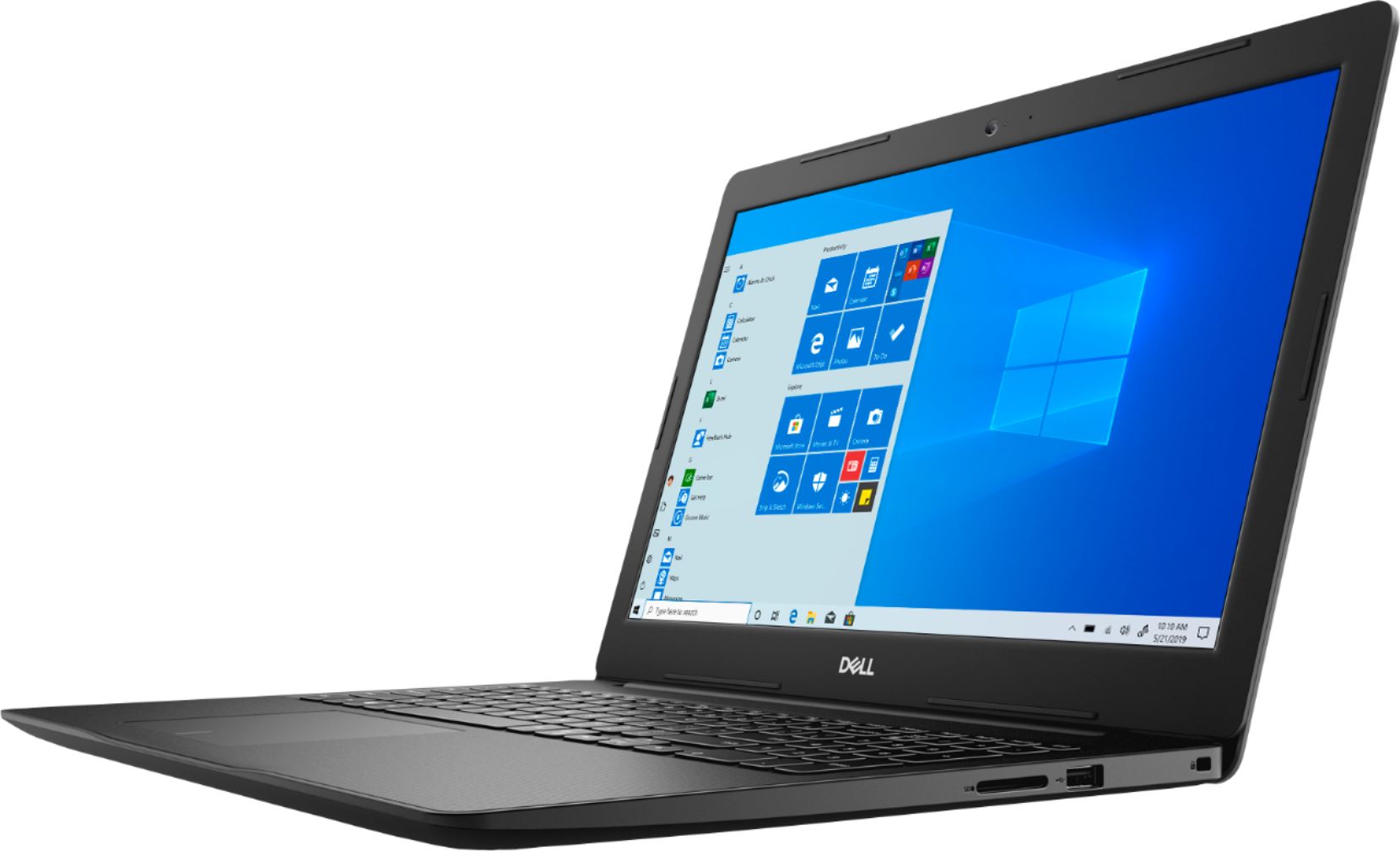
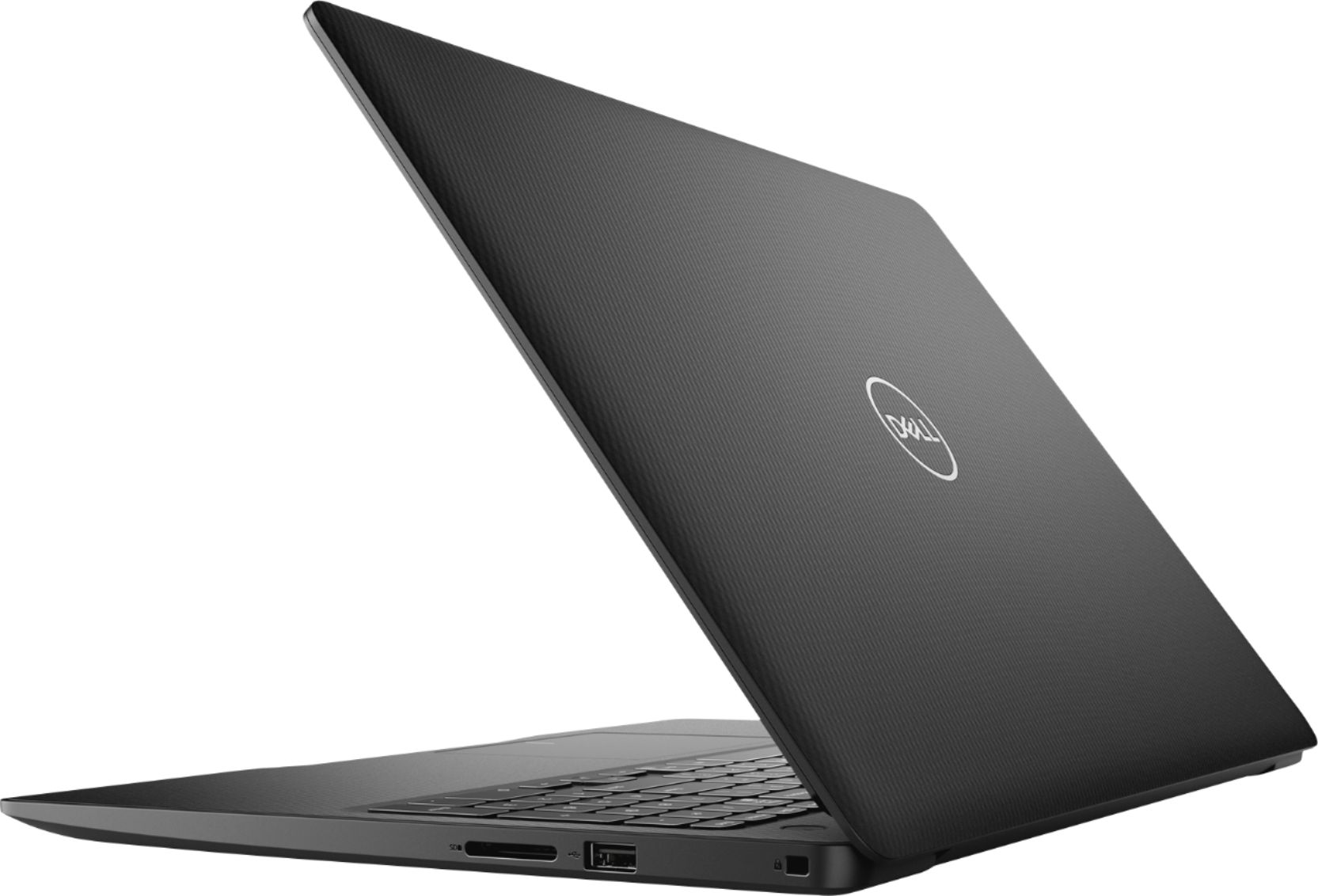
A:AnswerThe computer does not have a built-in CD?DVD player. That's typical for laptops these days. You can play a CD/DVD using an external CD/DVD player that plugs into a USB port. External CD/DVD players typically cost $20-50.
A:AnswerYou are looking at sometihing in the neighborhood of 5 pounds.
Here's a more-detailed breakdown according to my kitchen scale:
1. My Dell Inspiron 15 3583 laptop weighes 4 pounds, 4.70 ounces without the power adapter. It has both an extra 8GB RAM card and an upgraded M.2 SSD.
2. The power adapter adds 8.45 ounces, for a grand total of 4 pounds, 13.15 ounces.
3. If you want to toss in something extra like a Logitech wired mouse (not included), figure another 3.55 oz.
A:AnswerThis model is a 2019 model. Best I can find out is it was released late 2019. Still a good laptop. As we all know just as soon as a computer is placed in the stores it's the bigger better one is already on the way.