A:AnswerHello,
Yes, this system comes equipped with a drive that can record to both CDs and DVDs. It has a multiformat DVD±RW/CD-RW drive with double-layer support. Records up to 8.5GB of data or 4 hours of video using compatible DVD+R DL and DVD-R DL media.
Hope this helps!
JonathanNforDell
A:AnswerHello,
The system comes with 1 Year Limited Hardware/ 1 Year Labor warranty from Dell. Here is Dell's Warranty and Policy page:
http://dell.to/qDv6c1
Hope this helps!
JonathanNforDell
A:AnswerHello,
Dell does not have any offers for an upgrade to Windows 8 at this time. When the release date for Windows 8 is officially announced, check back with Dell to see what upgrades will be offered at that time.
Hope this helps!
JonathanNforDell
A:AnswerHello,
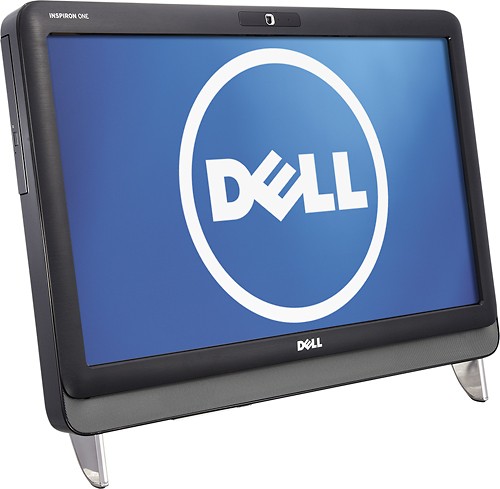
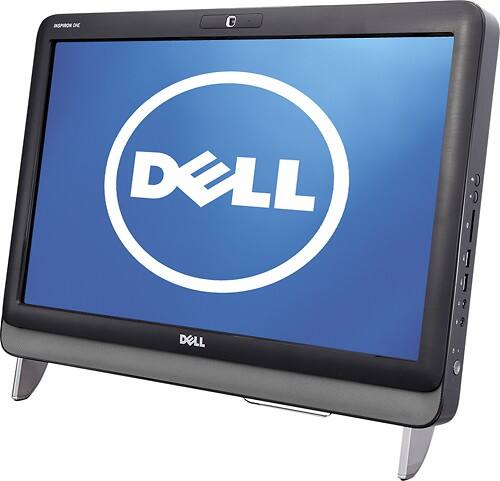
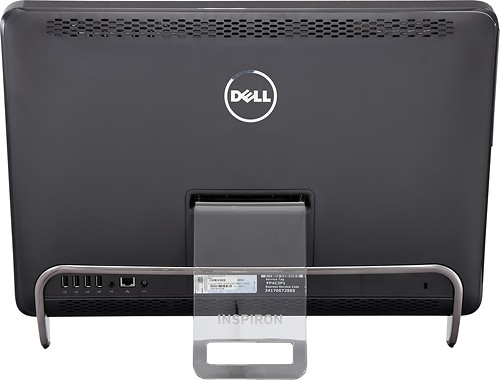
There are not many options to upgrade this Inspiron 2205 system with. The max processor this can take is the AMD Athlon II x2 250E, 3.0GHz. The memory is already maxed out at 4GB. The HD can be increased. Here is the service manual that shows you the procedures for upgrading:
http://support.dell.com/support/edocs/systems/InsOne2205/en/sm/index.htm
Hope this helps!
JonathanNforDell
A:AnswerHello,
This all comes down to if the touch-screen ability is important to you or not. Since they are all similar pricing, I would go with either the Inspiron 2305 or 2320 (current version). They have bigger screens and faster processors. The 2320 (SKU: 3164034) does not have a touch-screen though. It does have the fastest processor, VESA mountable, VGA Out and other nice features that the 2205 and 2305 do not have. If touchscreen is a necessity, then go with the Inspiron 2305 (SKU: 1244363)
Hope this helps!
JonathanNforDell
A:AnswerHello,
The only problem I see with this printer is not with the computer, but with Windows 7. This printer was sold in 2003 and Dell has only written drivers for Windows 2000, XP and Vista. There is no Windows 7 driver for this model. That said, people have gotten it to work with their Windows 7 system by installing the Vista 64-bit drivers while in compatibility mode. Here is a useful link:
http://en.community.dell.com/support-forums/peripherals/f/3528/t/19306983.aspx
Hope this helps!
JonathanNforDell