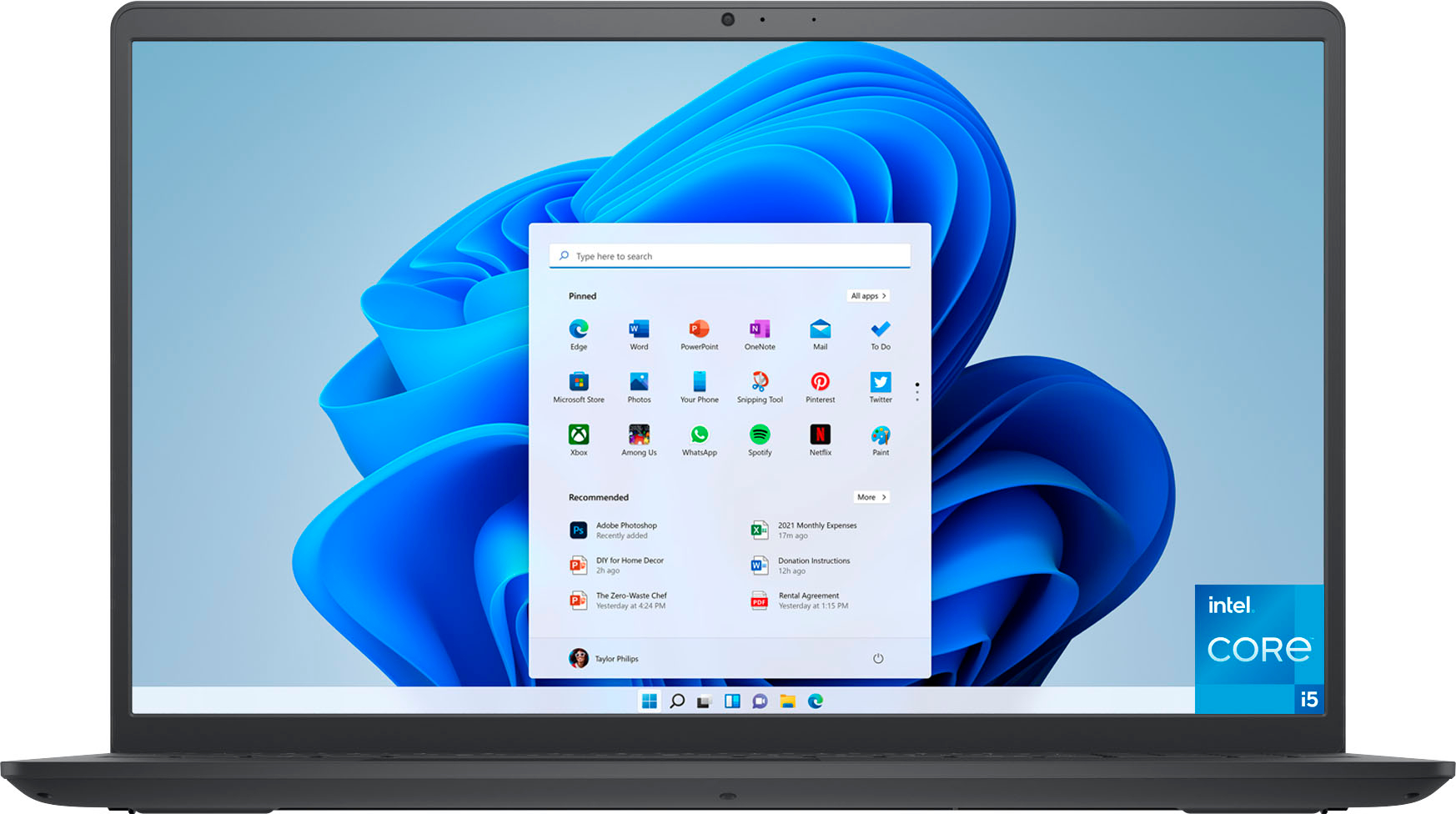
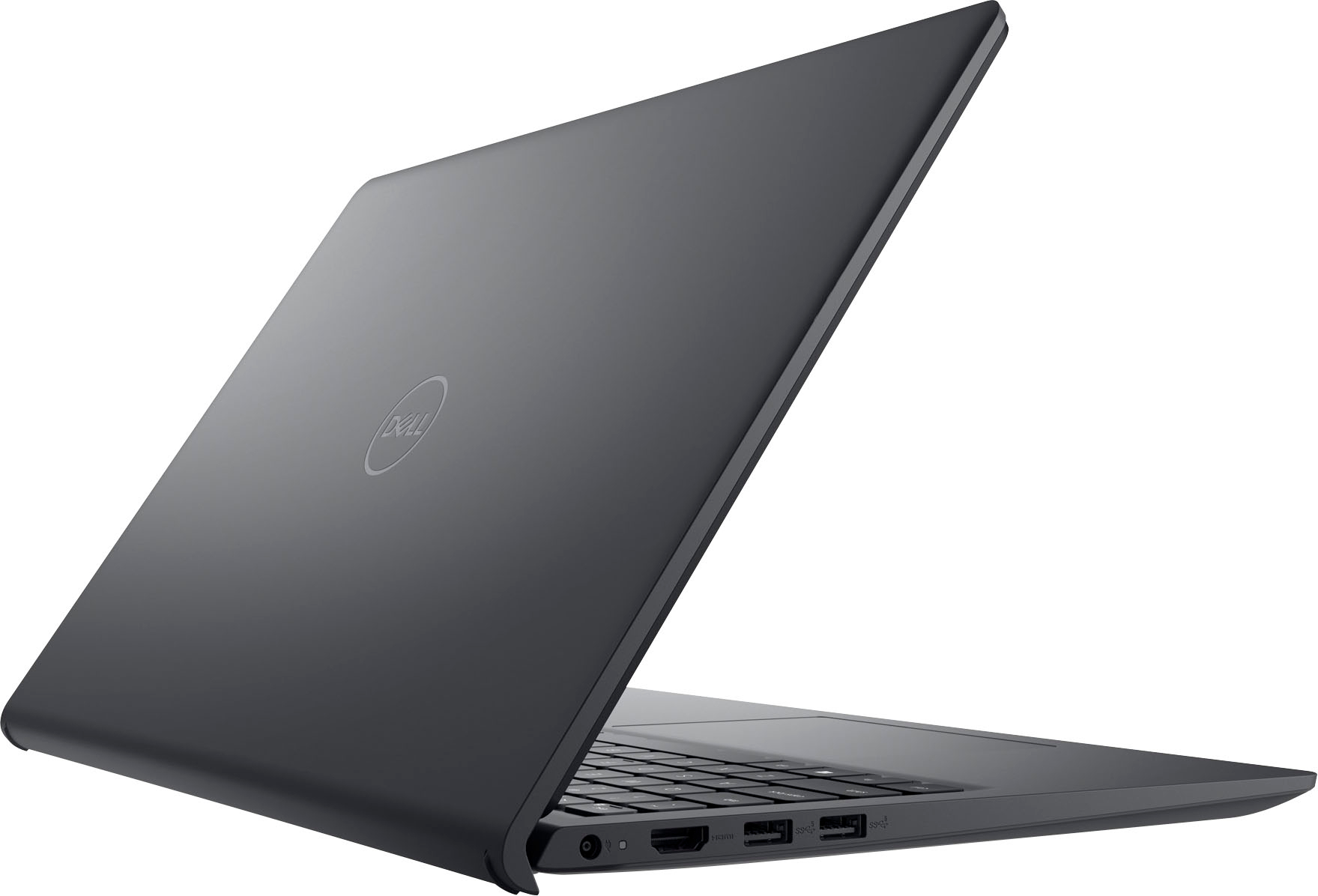
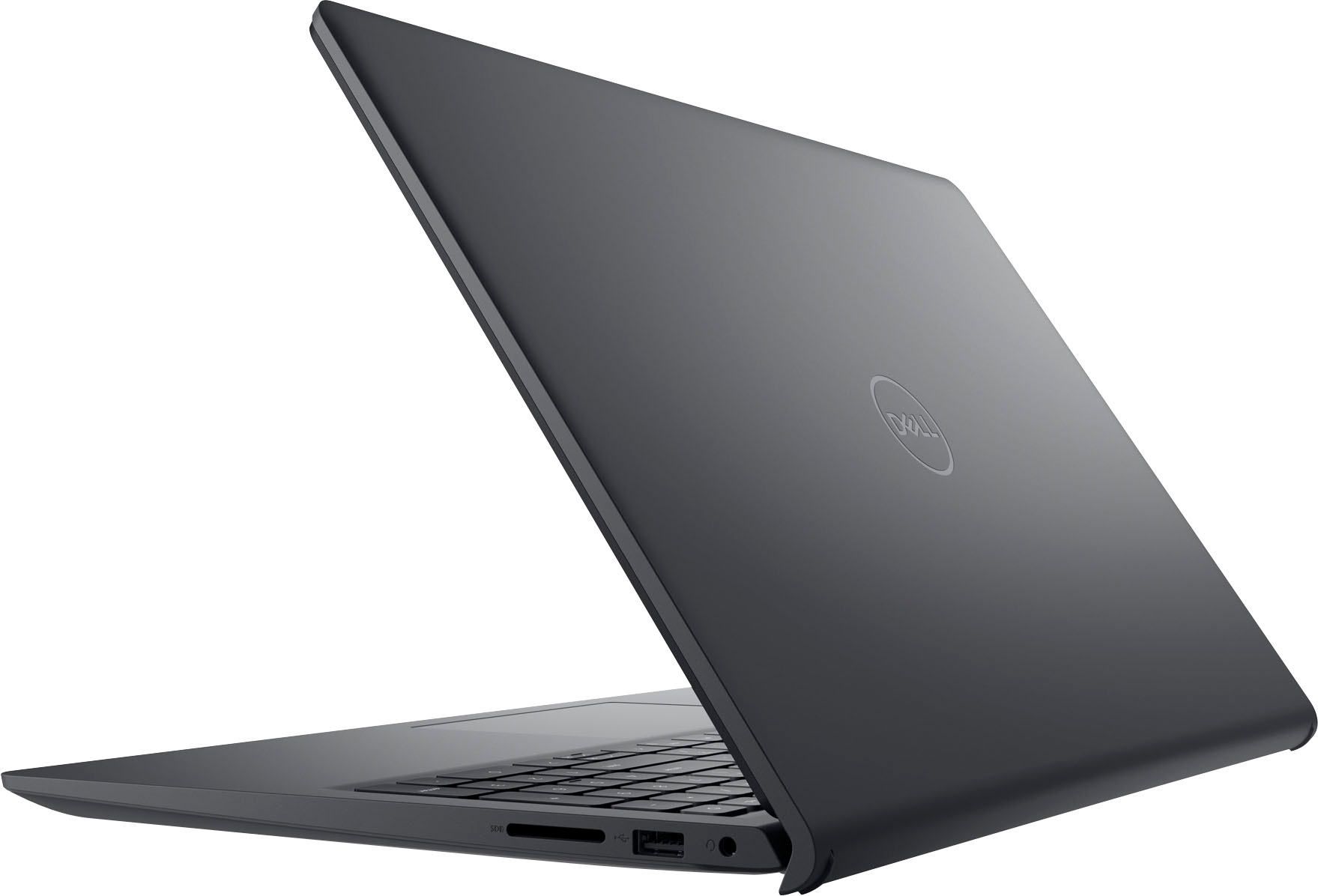
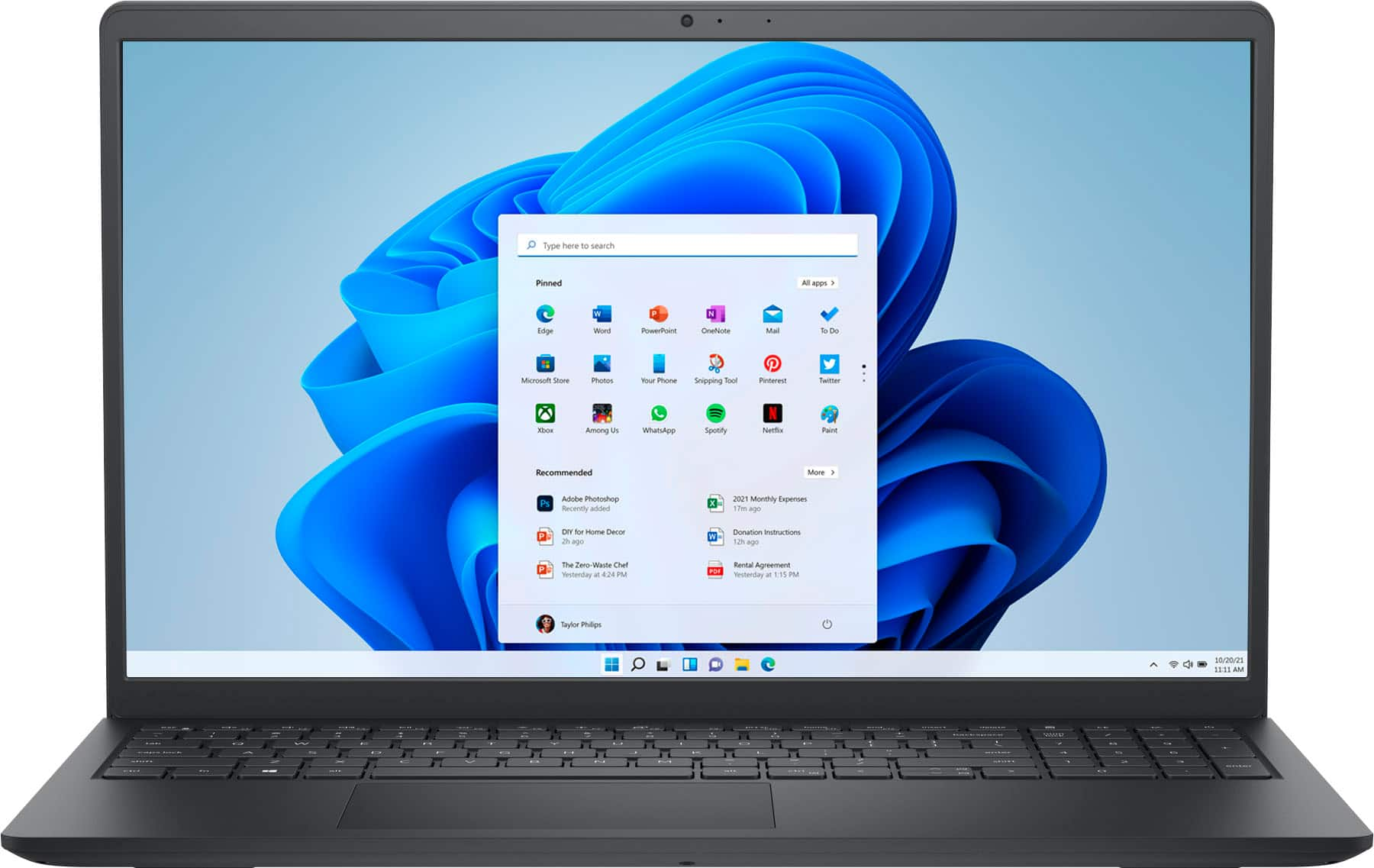
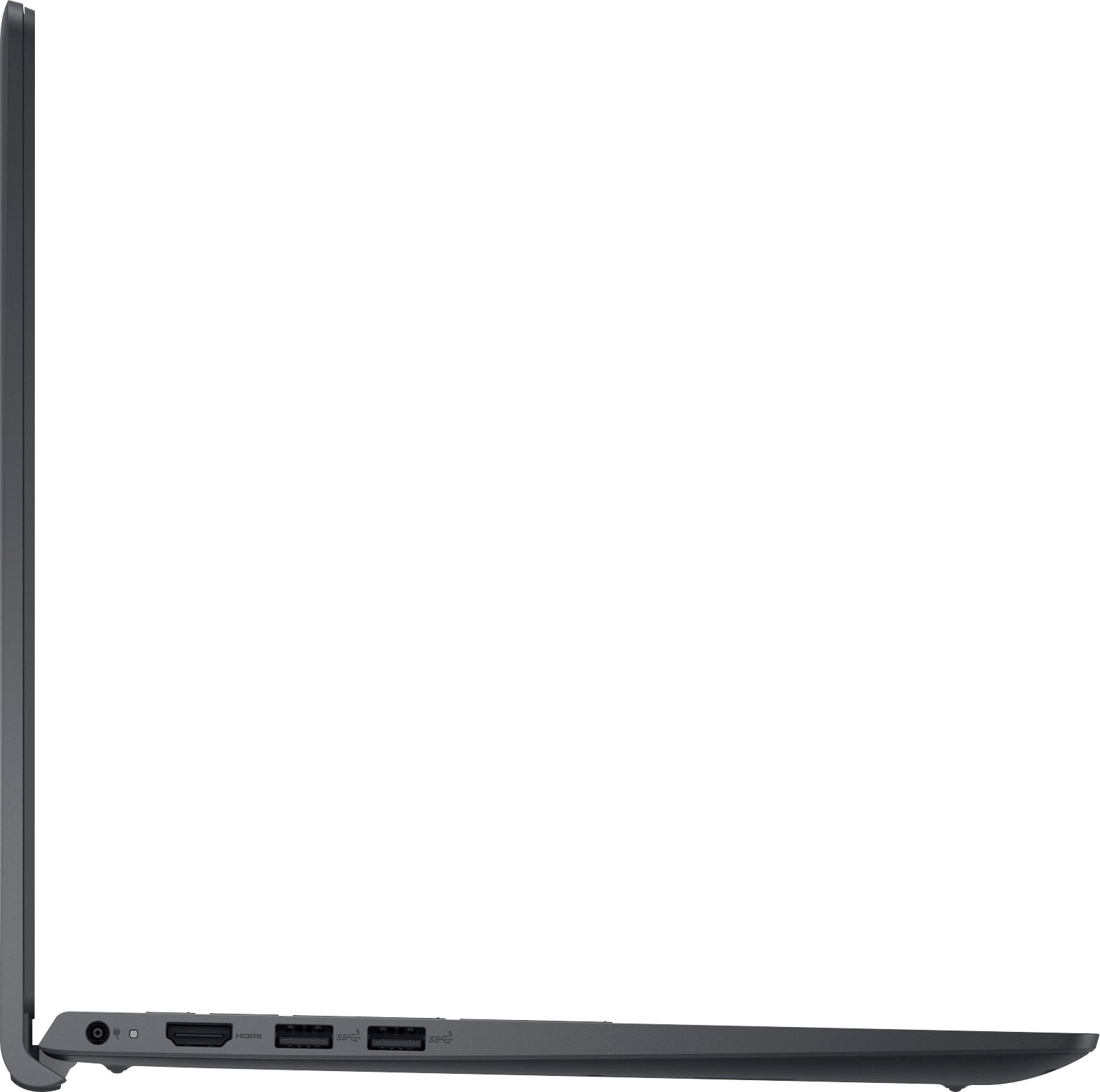
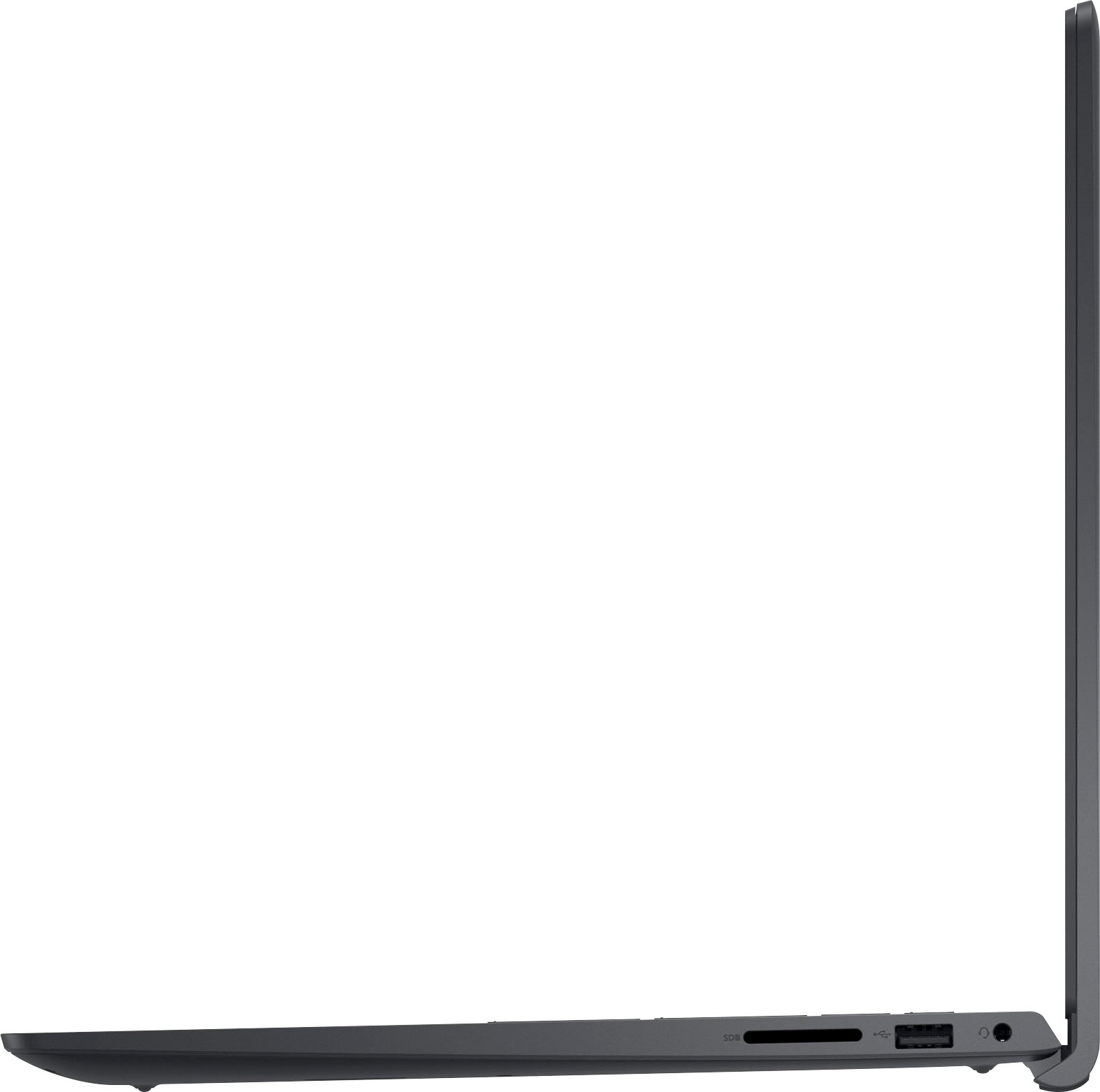
A:AnswerYes, there is a usb port you can use to connect a mouse. It does have a good size touchpad, however I've ended up using the touchscreen more than i thought i would
A:AnswerWe understand your call out. To increase security and performance, Windows 11 in S mode only runs apps from the Microsoft Store. If you want to install an app that isn't available in the Microsoft Store, or if you have Windows 10 Pro, Enterprise, or Education and want to upgrade to Windows 11, you'll need to permanently switch out of S mode.
A:AnswerWe are sorry for your experience. Is the Windows in S mode is the cause of the issue, then, the you'll need to permanently switch out of S mode. Should you need any assistance, please write to the Dell technical support team. They're available 24/7 on Facebook and Twitter(@Dellcares).
A:AnswerThis laptop model does support 11th Generation i5 or i7 processor. Please reach out to the Dell technical support team for the possibilities of the processor upgrade. They are available 24/7 on Facebook and Twitter(@Dellcares).
A:AnswerIt depends on the computer specs. A recommendation for being able to play games that are medium graphics intensive is to upgrade your RAM. Doing this will increase your video memory, giving you a little more power to game. I upgraded my laptop to 12GB of RAM and it works decently on some games. I'd generally recommend upgrading your laptop to 16GB of RAM. This will help your games run much better.