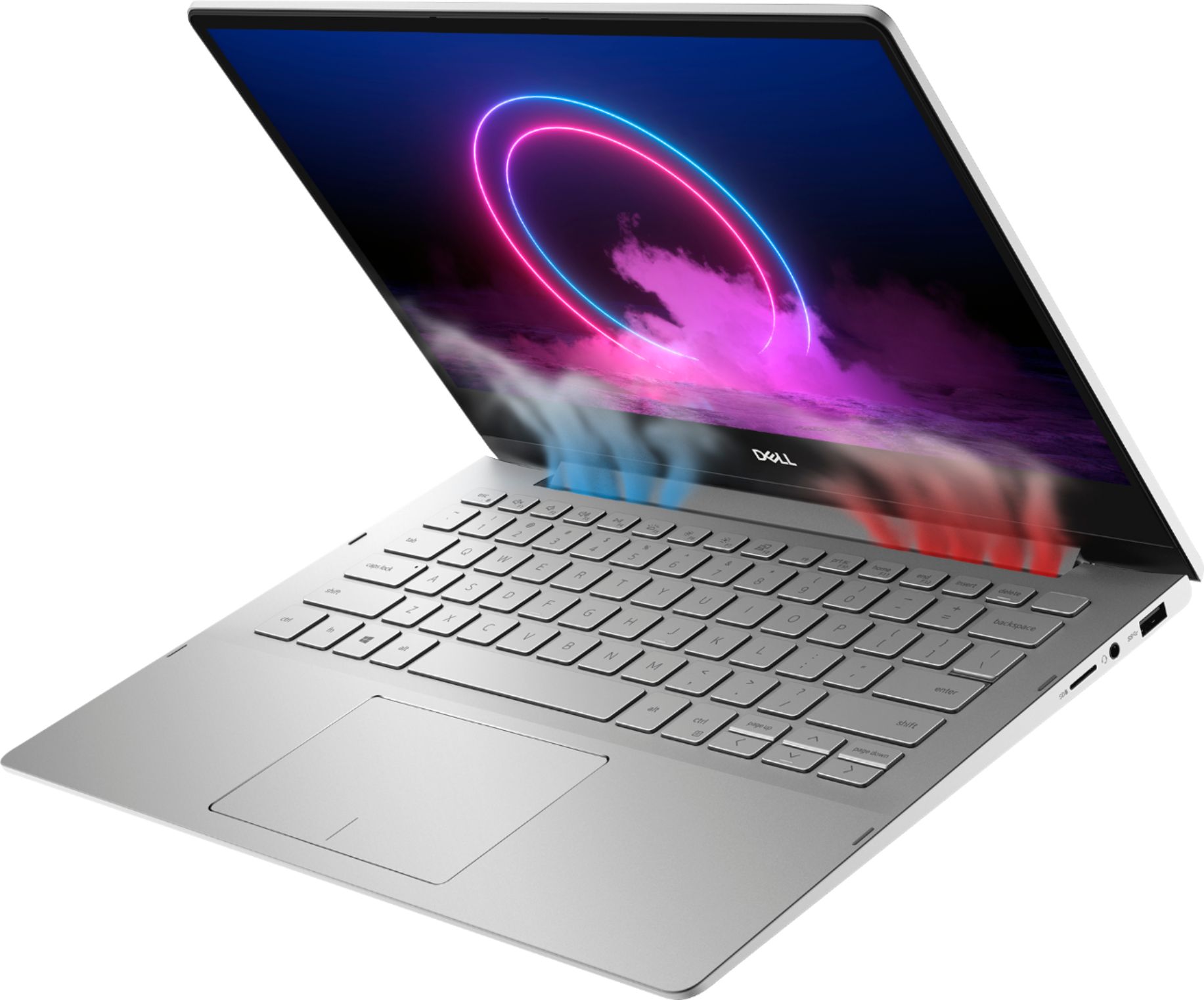
A:AnswerNO. It is not good for gaming. Your fan will go out, the computer will overheat and fry. Then you will call dell and they will not ship you a replacement even though you are still under warranty.
A:AnswerNo, you would be unable to upgrade the processor as the processor is on the motherboard, you would need to upgrade it at the time of purchase. You can contact the Best Buy customer care team and they will assist you with this.
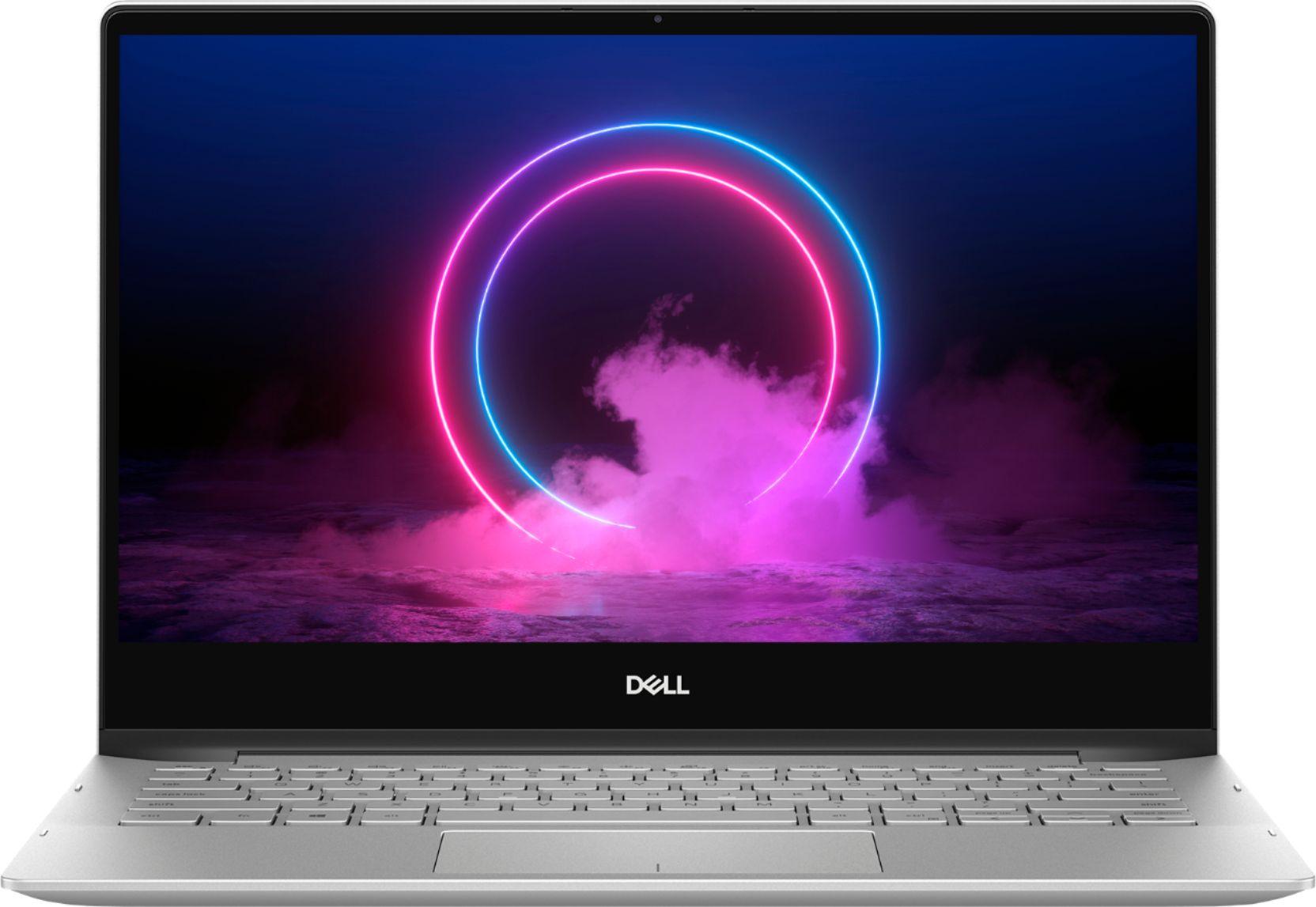
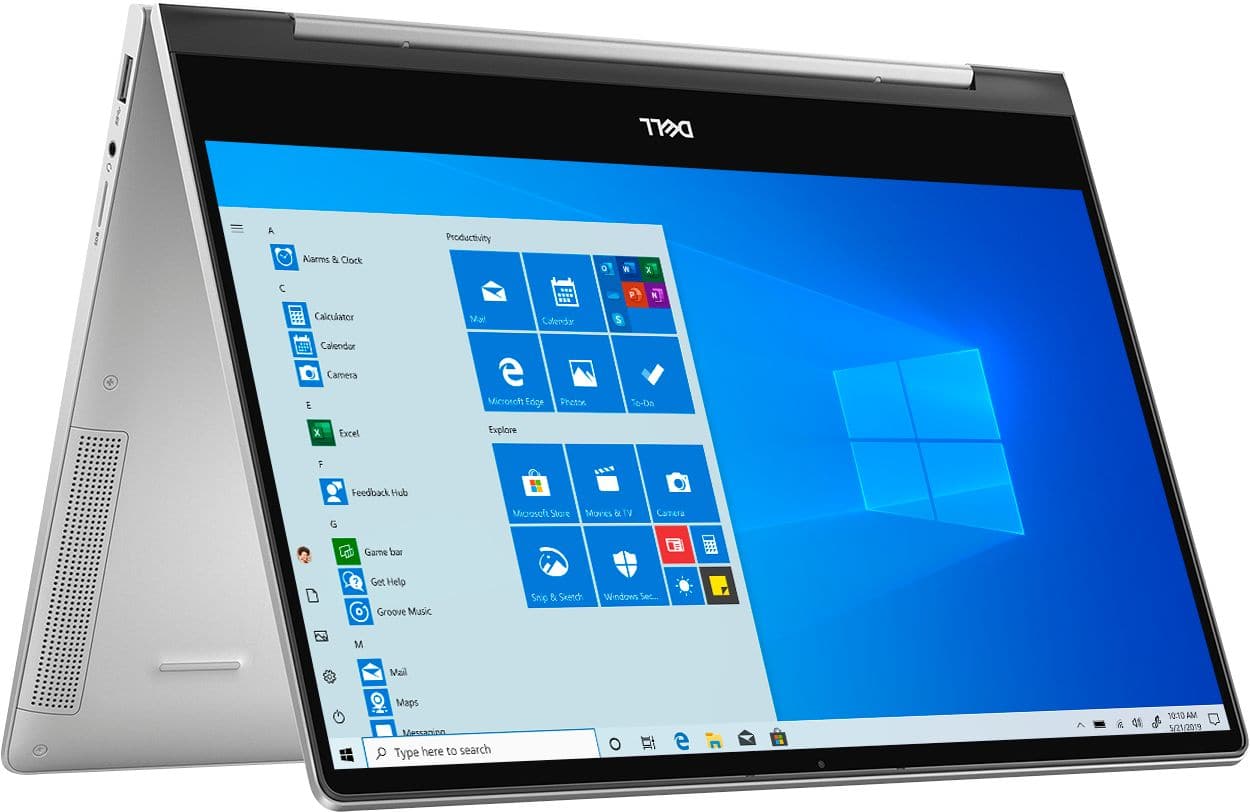
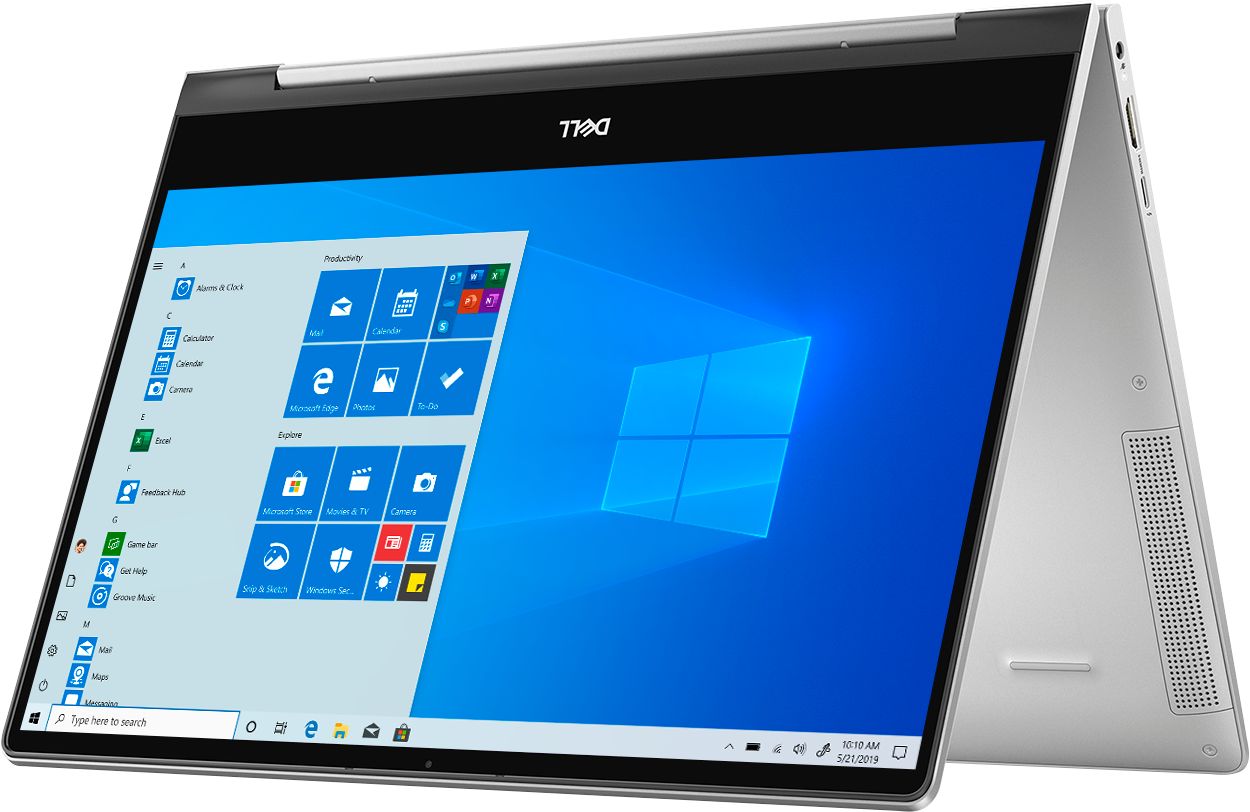
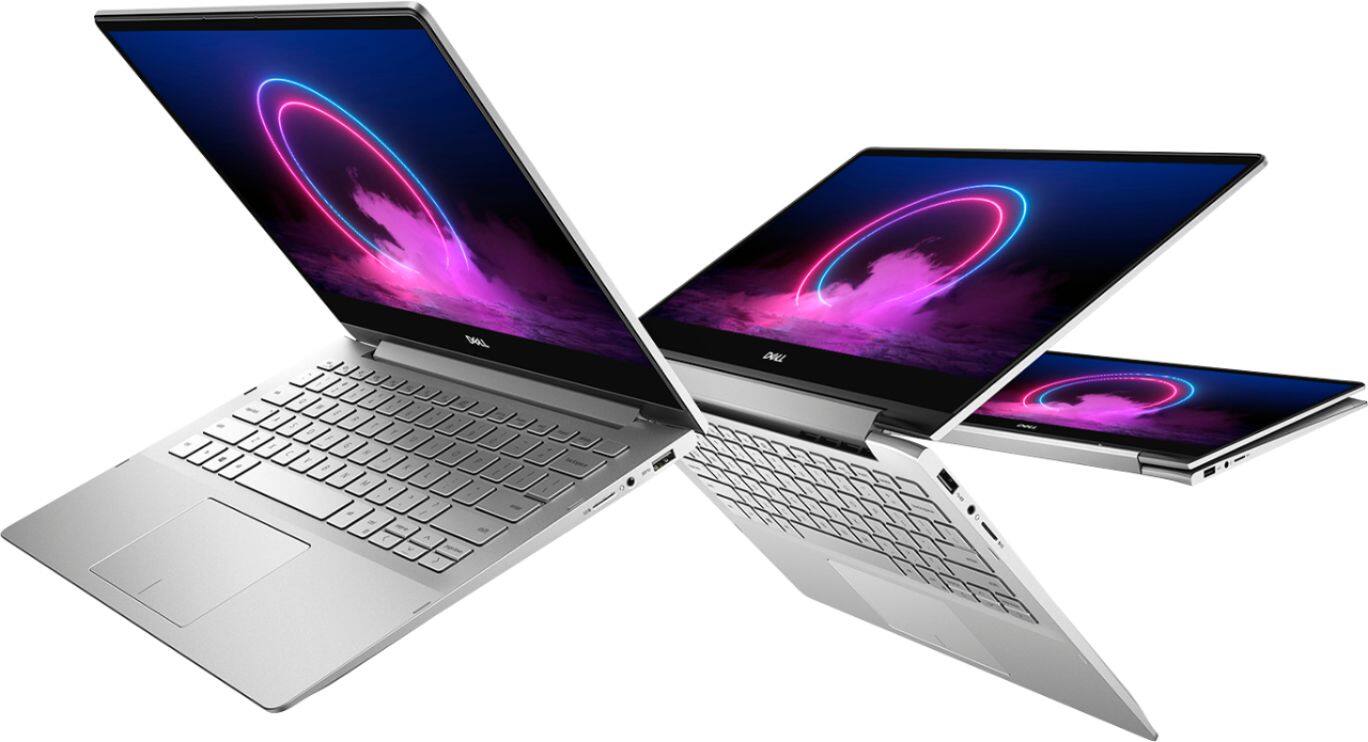
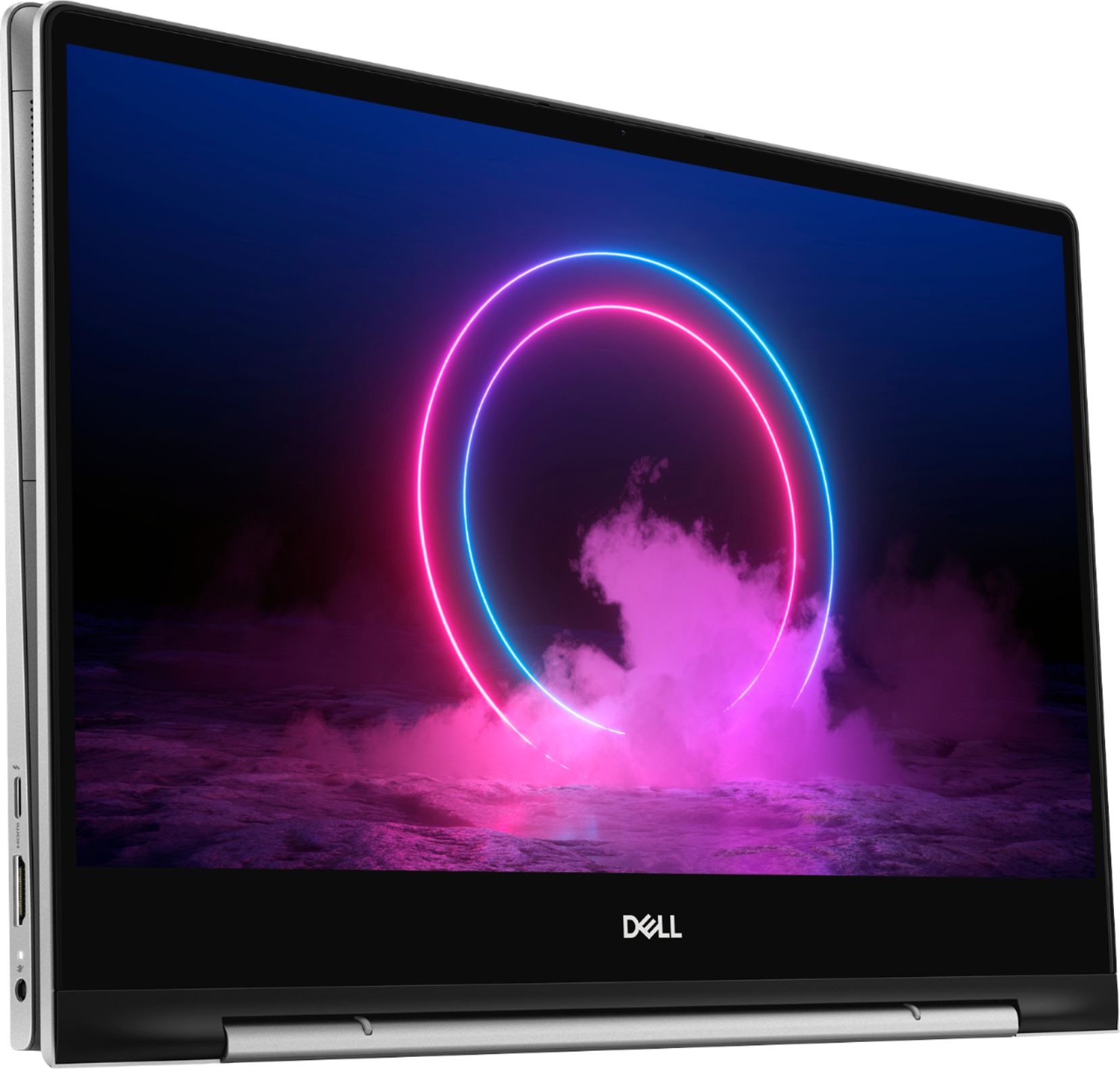
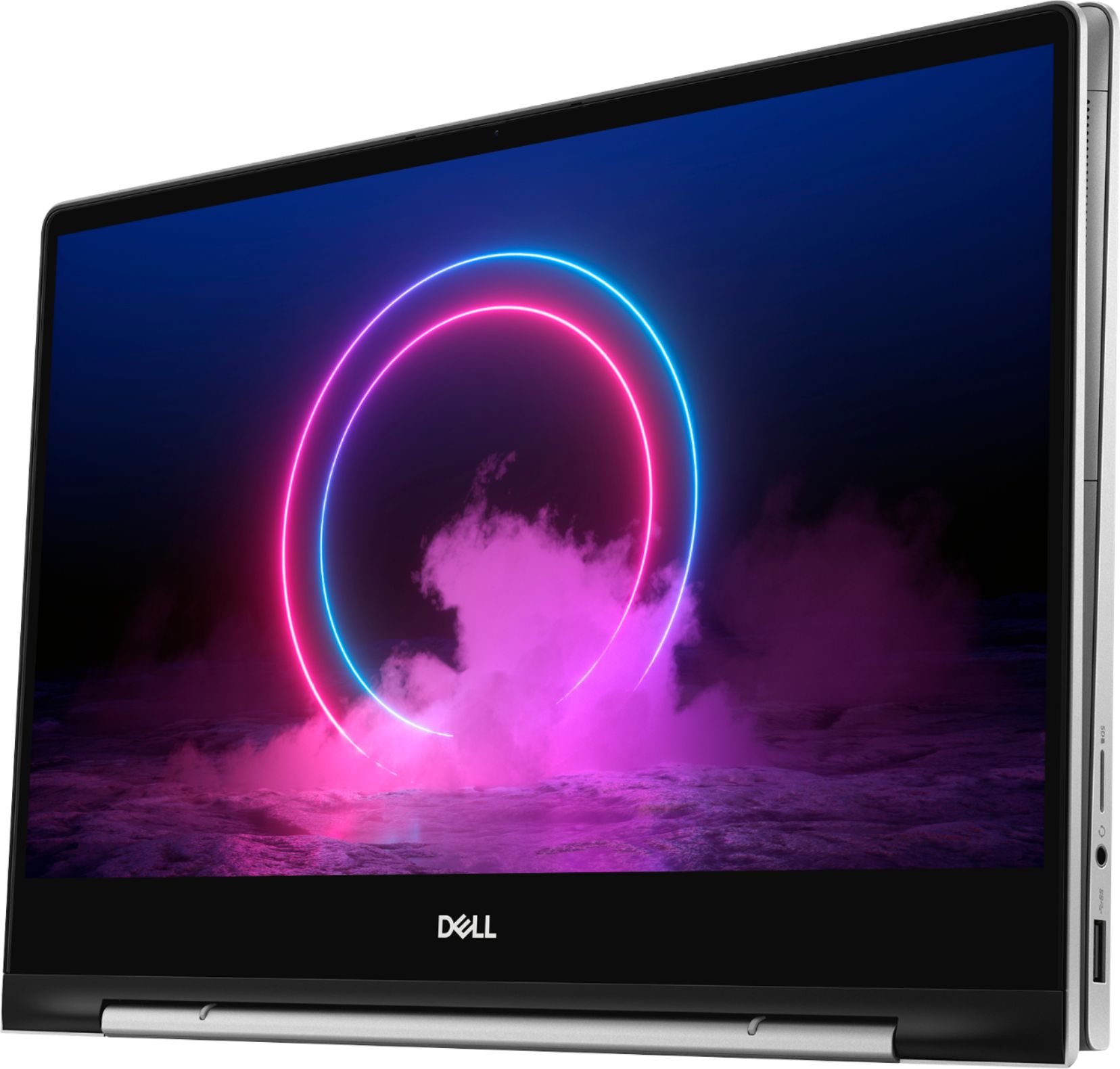
A:AnswerYes, you can use this laptop to take notes and use for drawing and you can use the Dell Active Pen - PN350M which is recommended for this laptop model.
A:AnswerThis laptop model was released on August 2019. The memory on this system is integrated on the system board from the factory and it cannot be upgraded later after purchase.
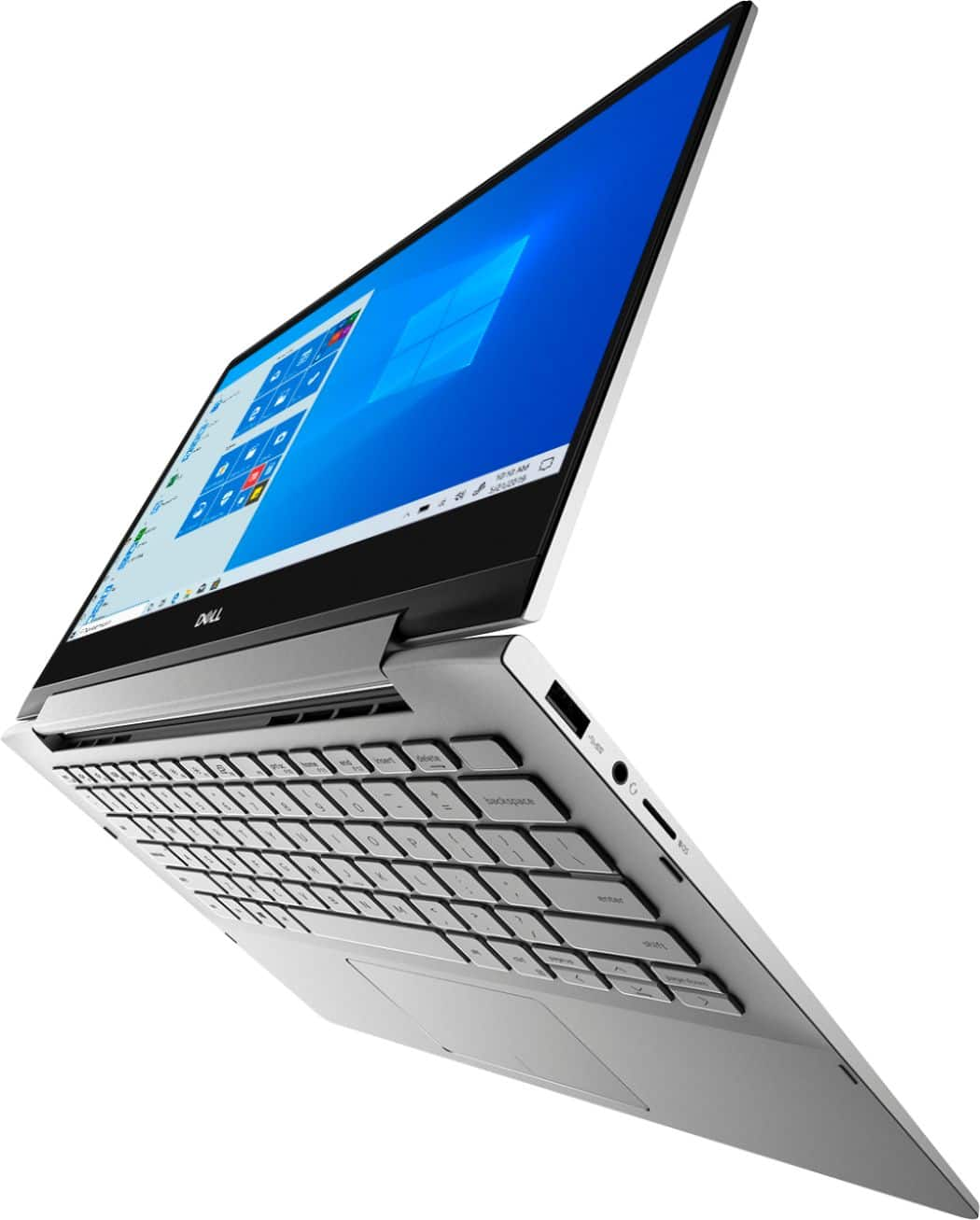
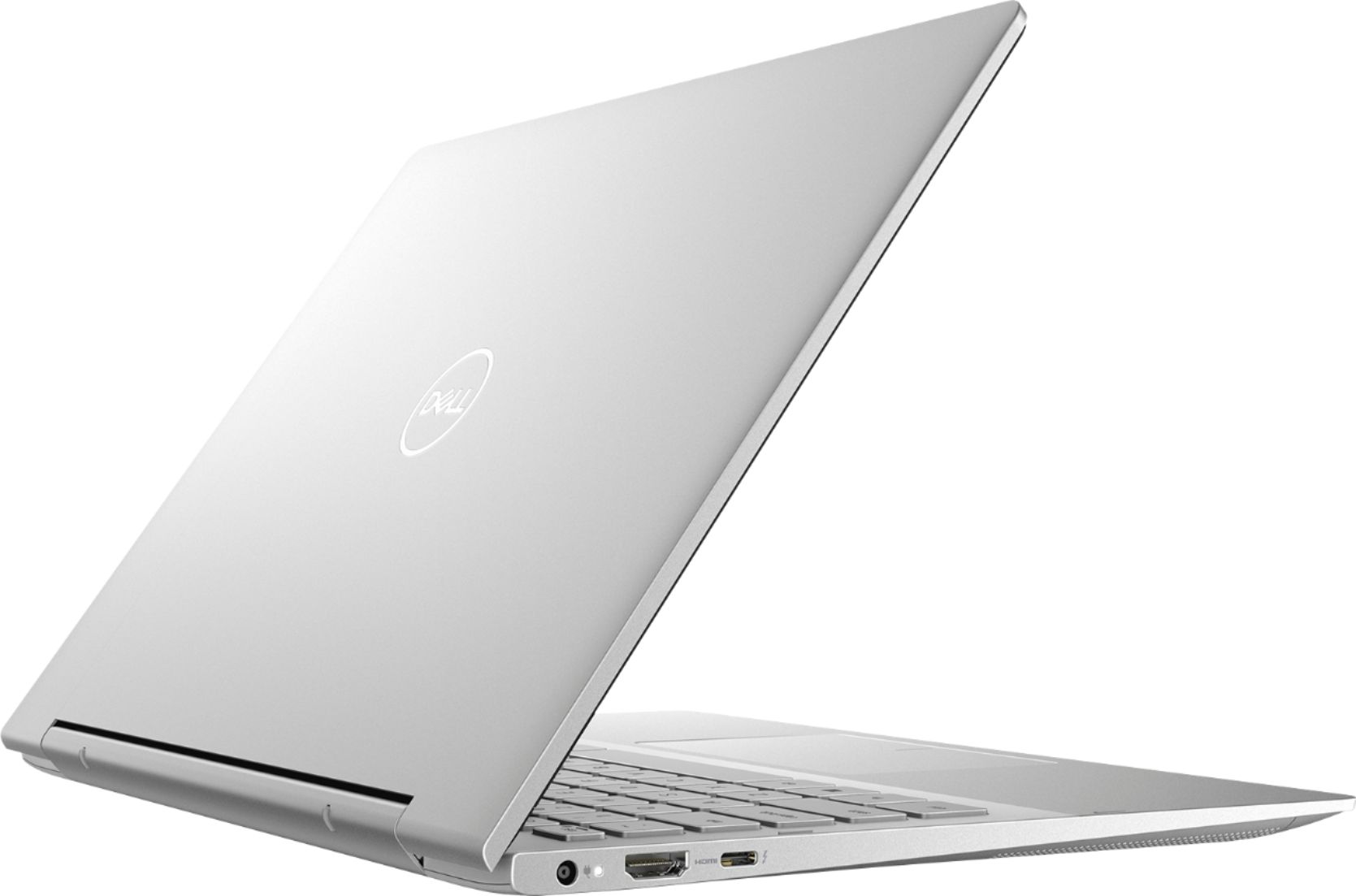
A:AnswerThe thunderbolt 3 port on the system supports USB 3.1 Gen 2, DisplayPort 1.4, Thunderbolt 3 and also enables you to connect to an external display using a display adapter. The port also provides data transfer rates up to 10 Gbps for USB 3.1 Gen 2 and up to 40 Gbps for Thunderbolt 3. Also, supports Power Delivery that enables two-way power supply between devices and provides up to 5 V power output that enables faster charging.
However, I think there may be functionality issues while you connect the external GPU with this system.
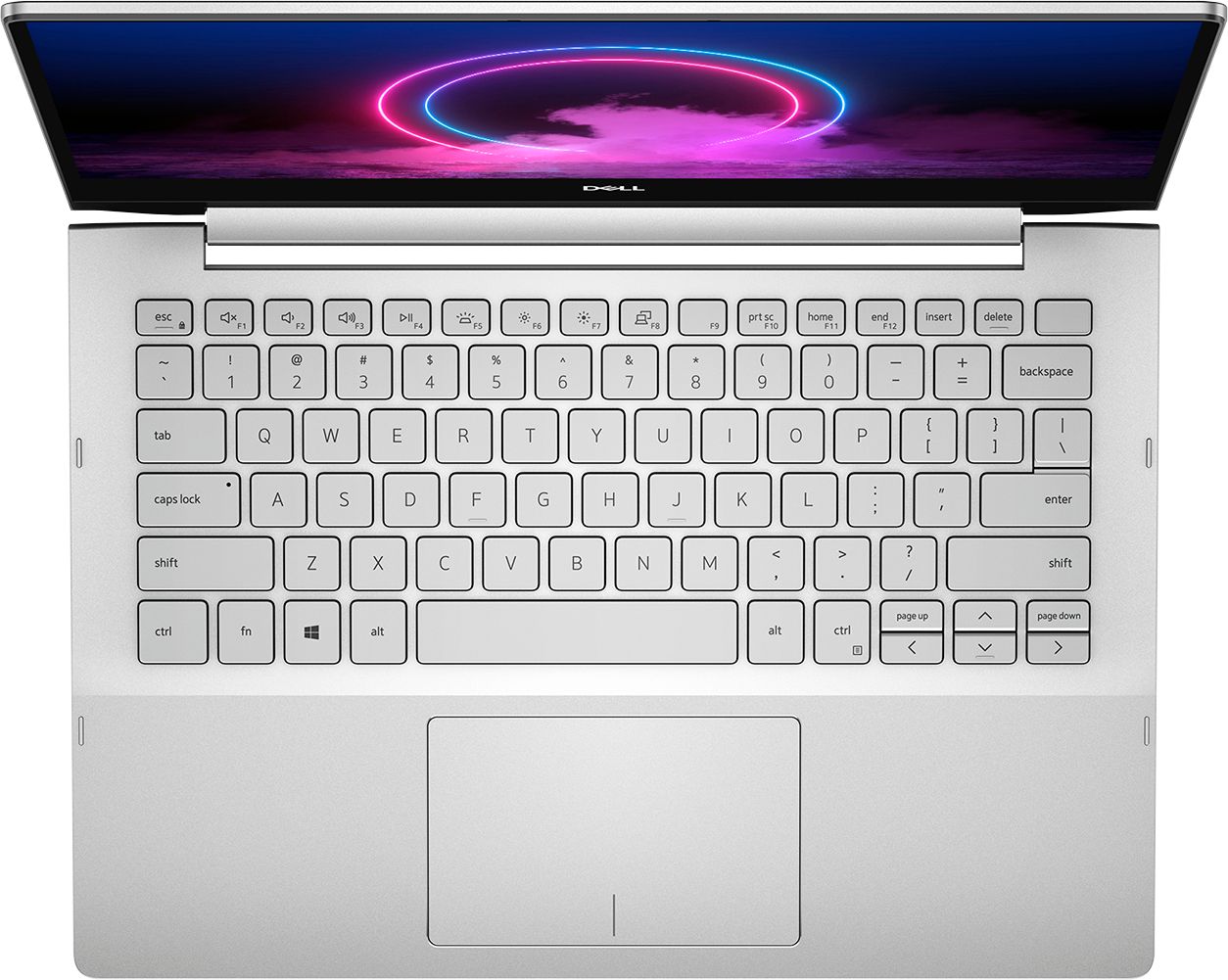
A:AnswerMy daughter has the computer away at college so I can't 100% confirm this, but I believe the backlit keyboard is toggled on and off by pressing the "Fn"+"F5" keys at the same time.
A:AnswerIn Windows 10, click Settings, then System, then About, then Upgrade your edition of Windows. You will have to pay extra for the upgrade to Windows 10 Pro, but upgrading is easy-peasy. Hope this helps!