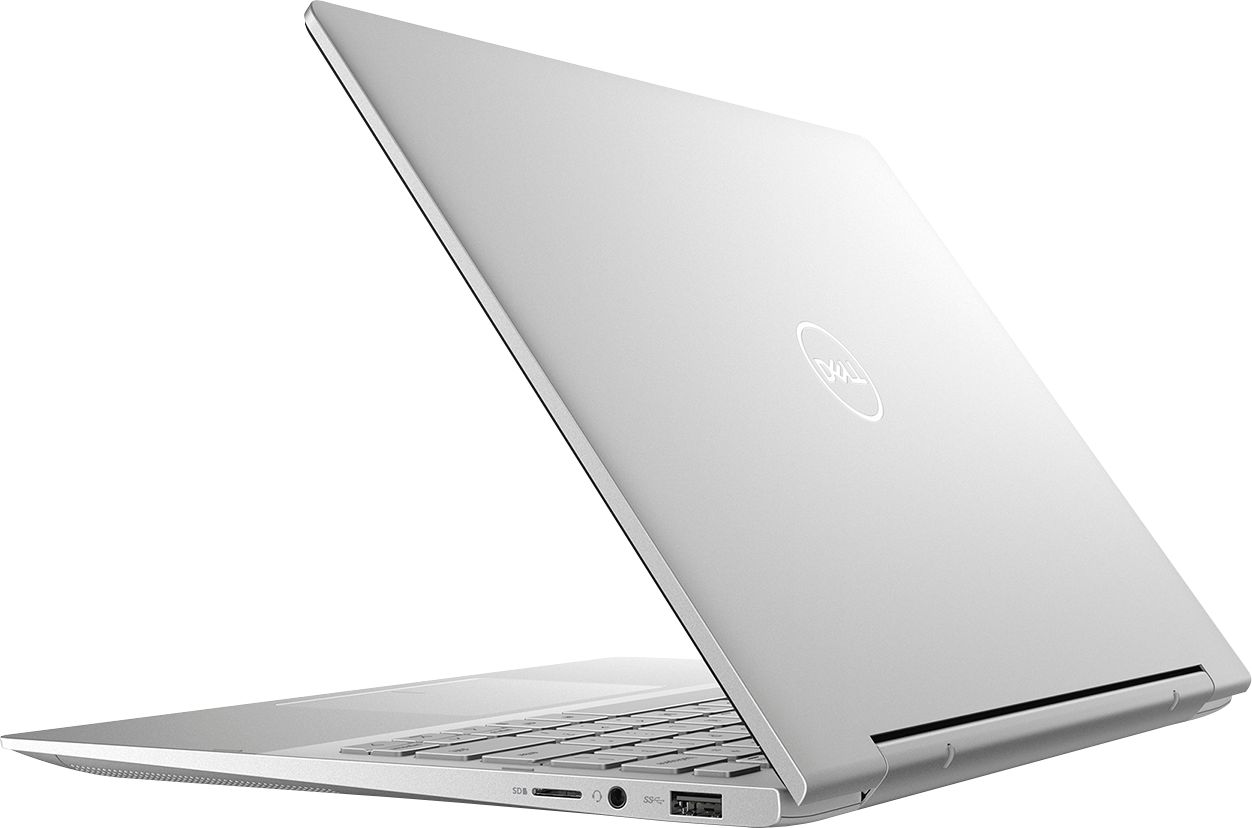
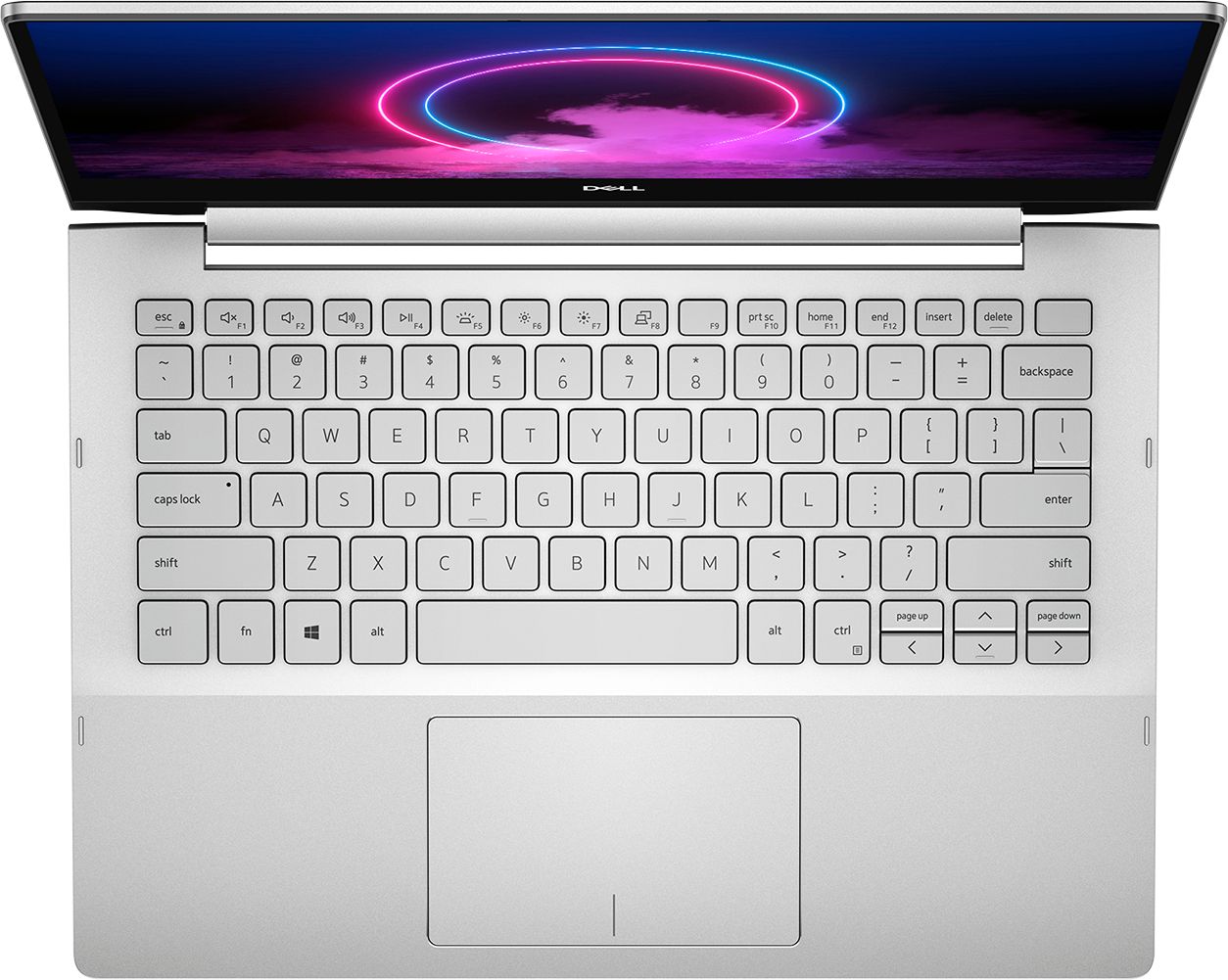
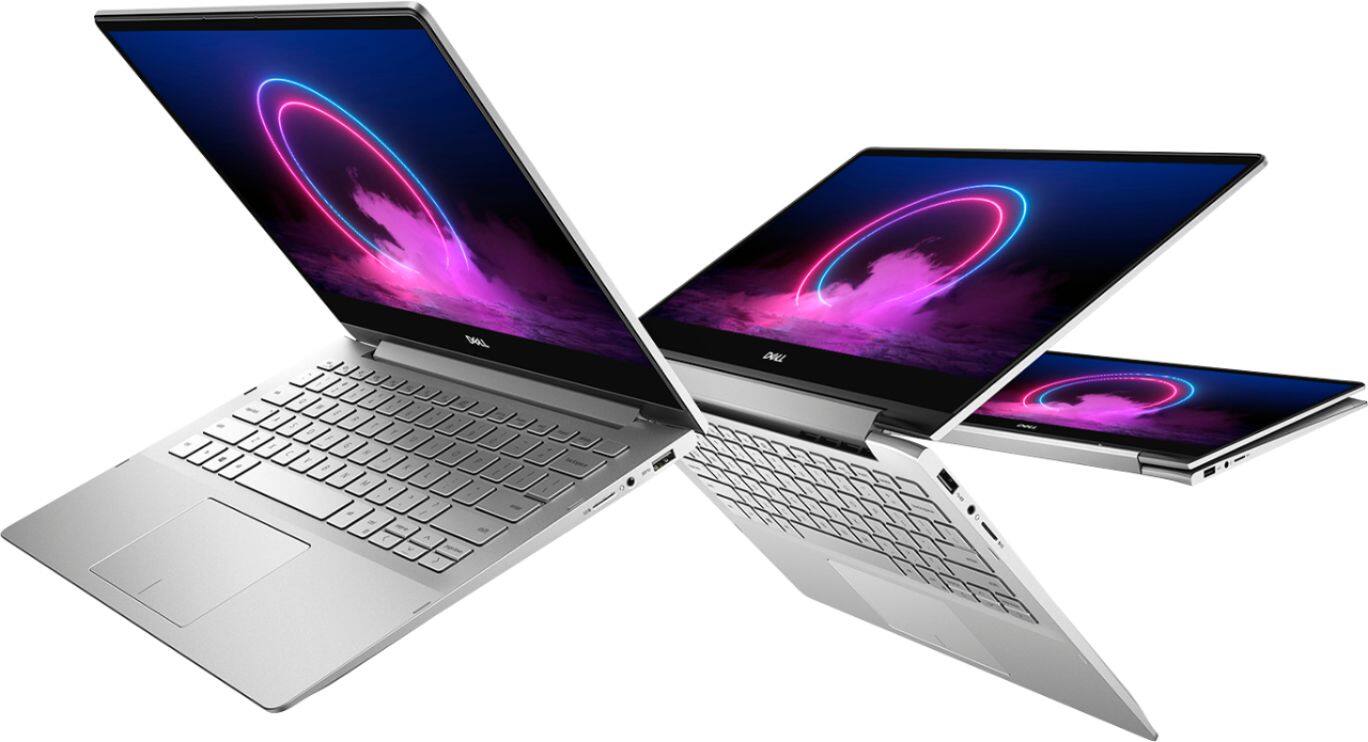
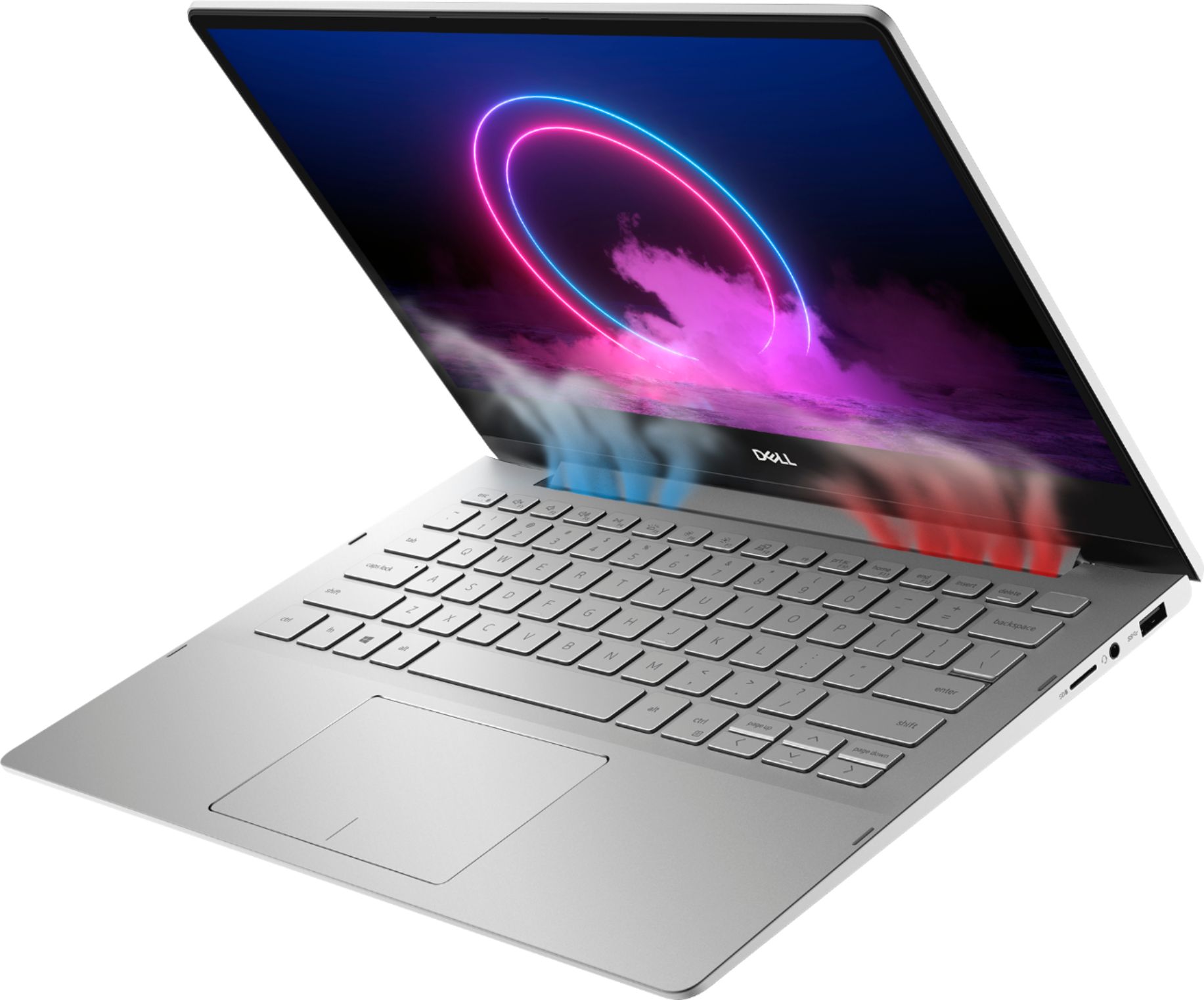
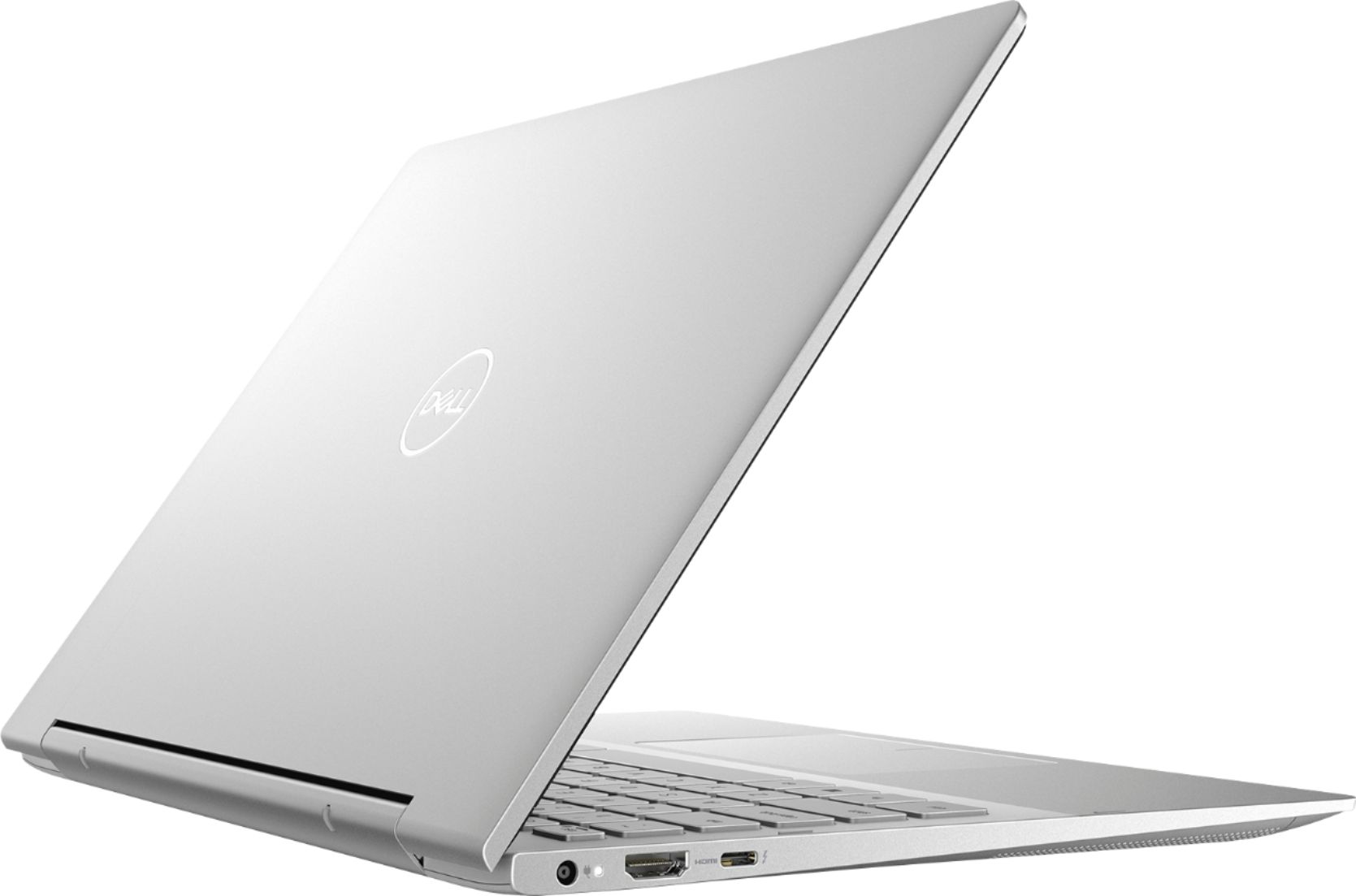
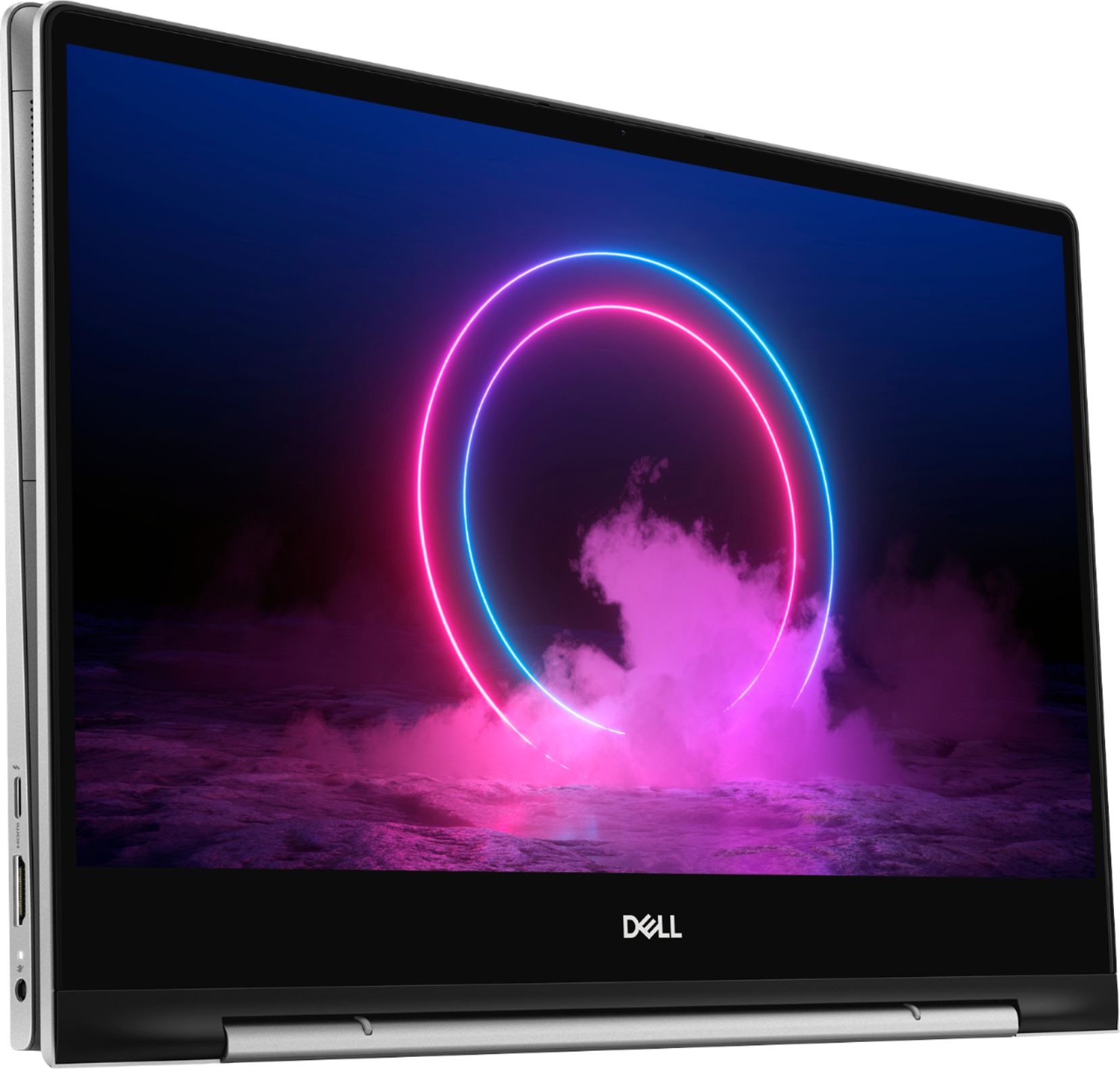
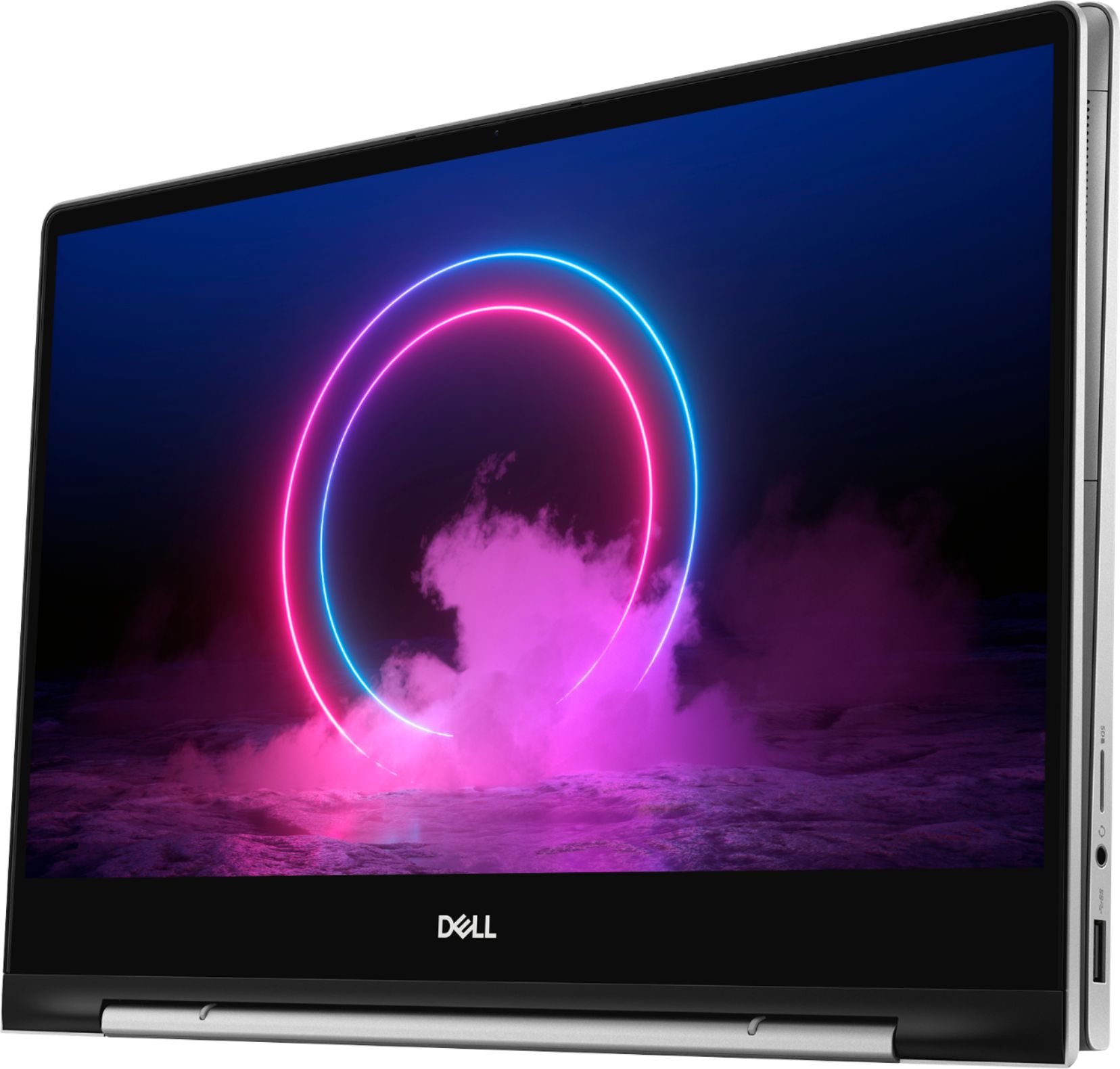
A:AnswerThe system will be shipped in a box and it does not have a international support warranty. For information regarding the product availability please get in touch with the best buy customer care team.
A:AnswerPlease follow these instructions:
Open the Start Menu.
Click on Settings.
Click on Devices.
In the left pane of the window, click on Touchpad.
In the right pane of the window, locate a toggle right under Touchpad, and turn this toggle Off.
Close the Settings window.