A:AnswerYes, the Dell Pro 27" IPS LED FHD 100Hz Monitor (model E2725HM or P2725H) features a matte screen finish. The monitor uses an anti-glare matte coating, which helps reduce reflections and glare from ambient lighting.
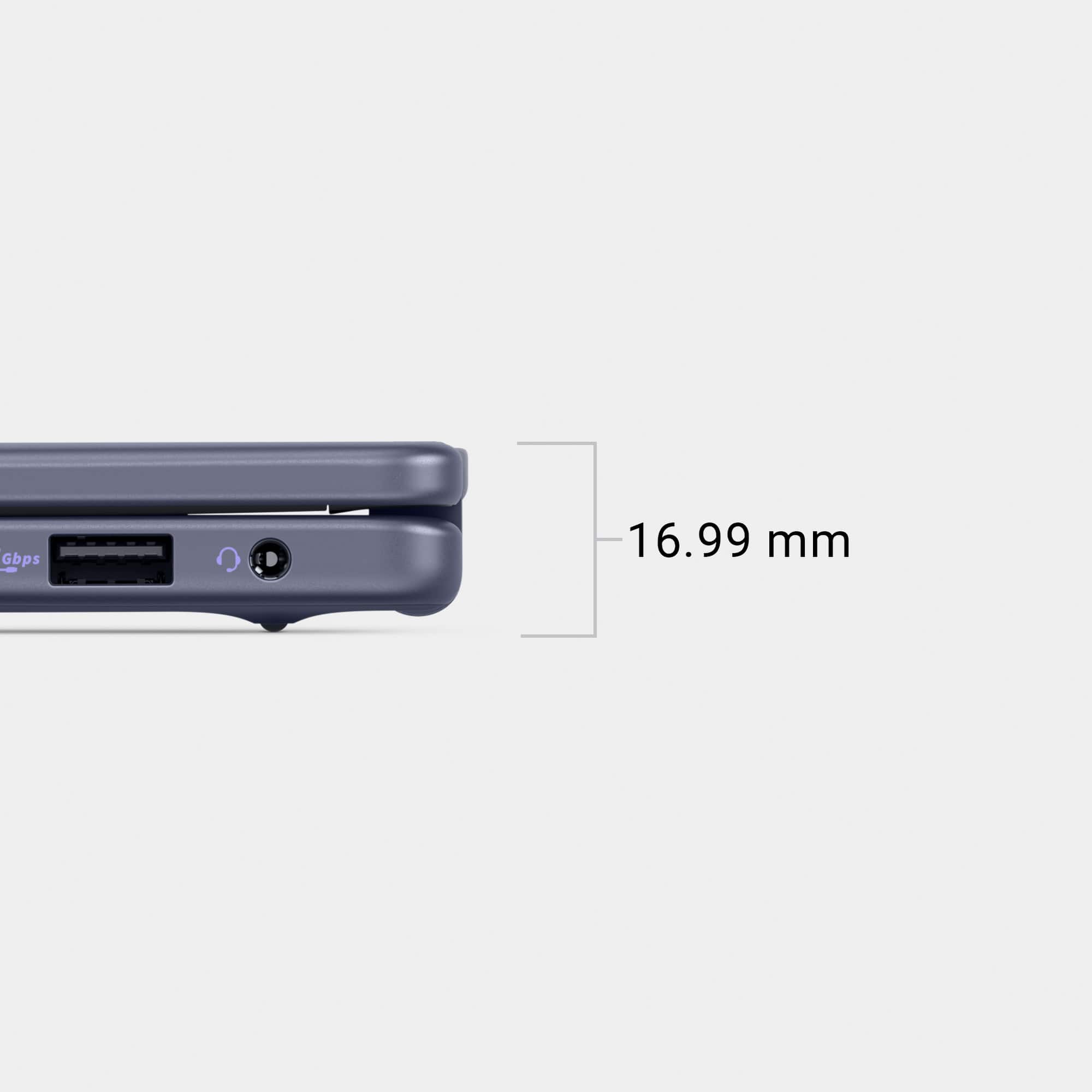
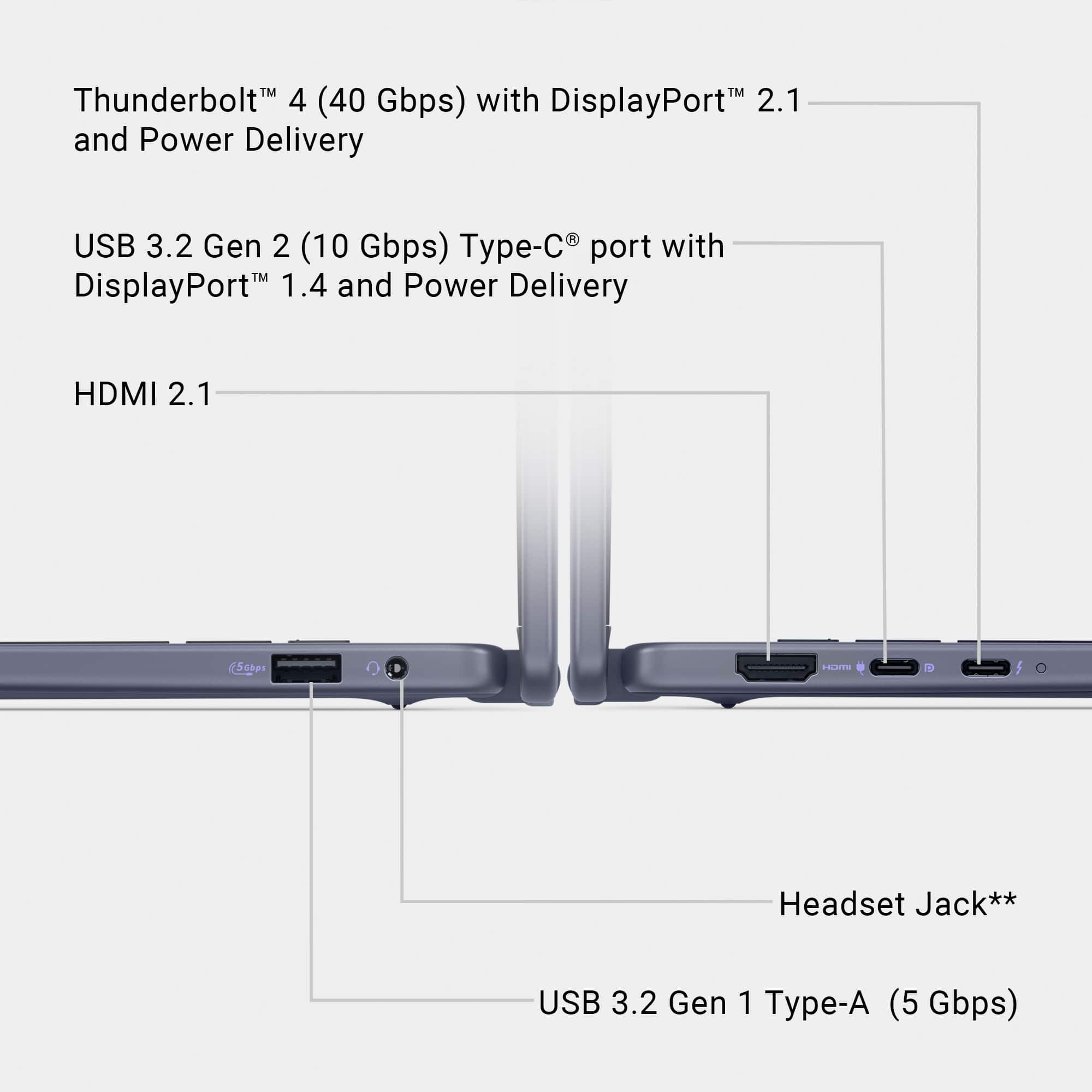
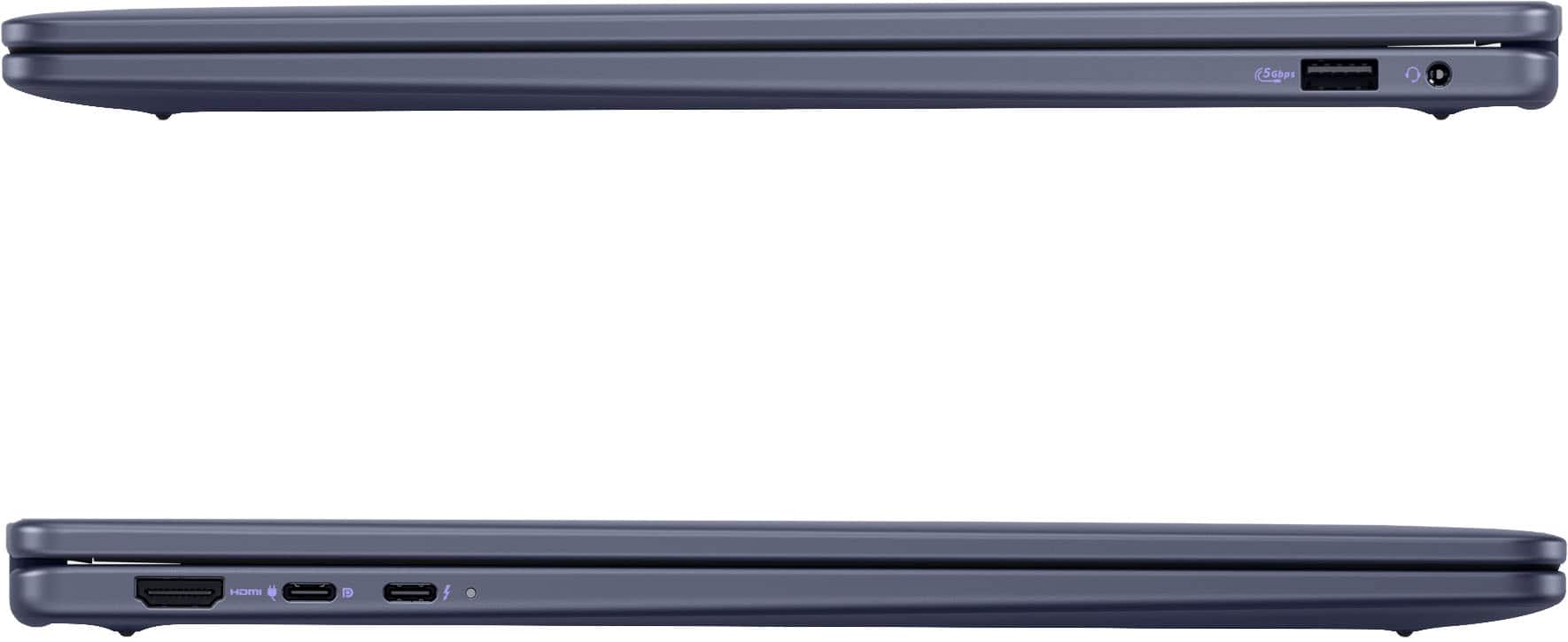
A:AnswerYou can connect a monitor via following ports available on the left side, HDMI 2.1 port, USB 3.2 Gen 2 (10 Gbps) Type-C port with DisplayPort 1.4 and Power Delivery and Thunderbolt 4.0 with Power Delivery and DisplayPort port. If you are using a wireless / Bluetooth Keyboard and Mouse, you can connect the receiver via USB type A port on the right side.
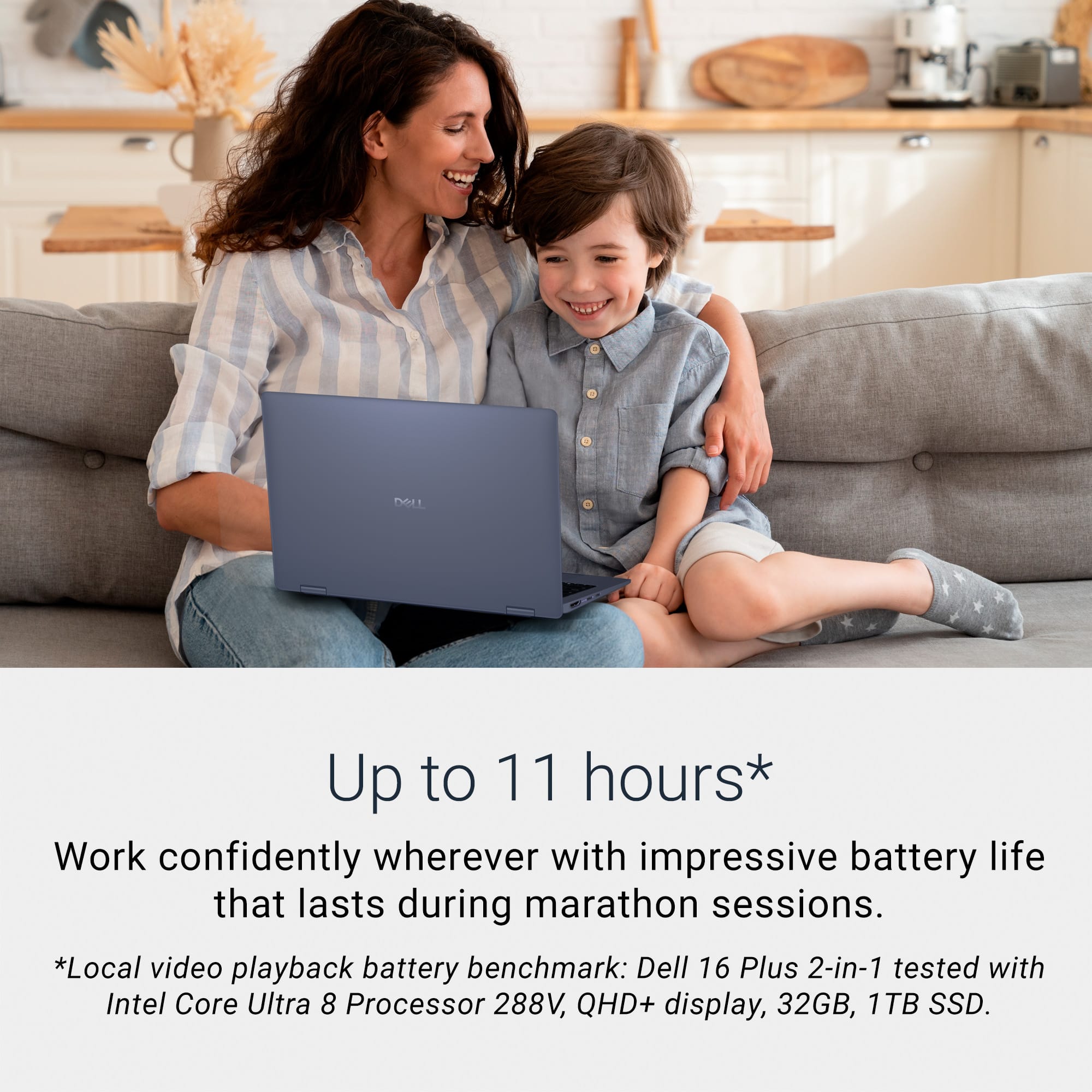
A:AnswerWe apologize if the battery backup duration is not meeting your expectation. Please be informed the battery backup time depends upon the usage and the applications running. We recommend you going through following steps. Perform a Hard Reset on Your Laptop.
Verify AC adapter functionality, test with another good adapter and battery cable.
Charge the battery in BIOS mode or with the laptop turned off.
Run the Dell hardware diagnostic test. You can explore powerbanks if you like to keep a powerbackup handy.
Check the battery health status.
Update the BIOS and Dell Quickset.
Run Windows Troubleshooter for battery issues.
Uninstall and reinstall Microsoft ACPI Battery driver.
Verify if the battery is under the recall program.
Replacement battery is not recognized.